A little story: The beauty of planet-wide collaborative work in LibreOffice
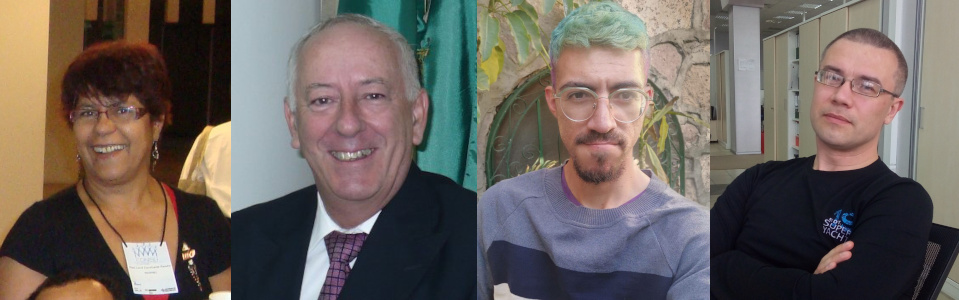
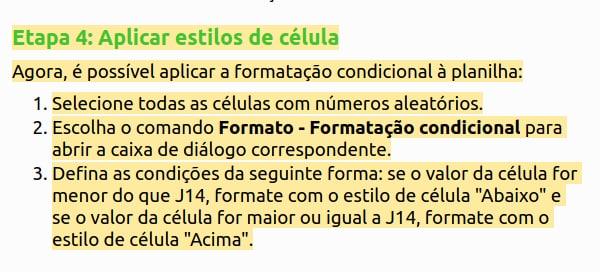
Mrs. Vera Cavalcante (@veracape), from Brazil, a long-time contributor for the Portuguese documentation on LibreOffice, was reviewing the translation of the Calc Guide and double-checking the translated text, with respect to the current user interface and the Help pages. Vera noticed that the Help pages on conditional formatting were not correct any more, and reported in the Brazilian team Telegram group (Bugzilla is still very hard for non-native English speakers).
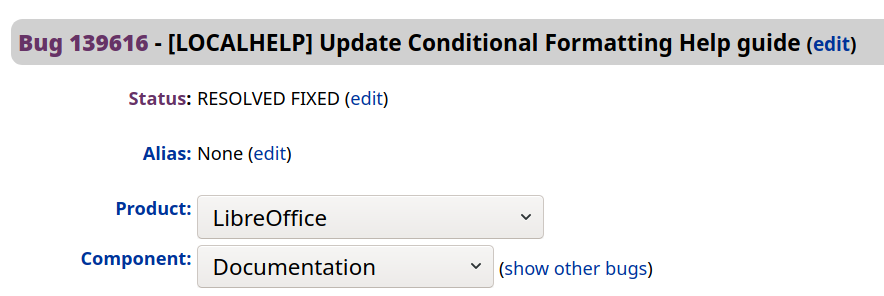
The message hit Olivier Hallot (@ohallot) from the LibreOffice documentation coordination team (and Brazilian community member), who reported the bug in LibreOffice’s Bugzilla, for later fixing. LibreOffice’s outstanding quality depends on good quality and numerous errors reports to be submitted properly, for improvements and fixing defects. There is no point leaving a bug unreported.
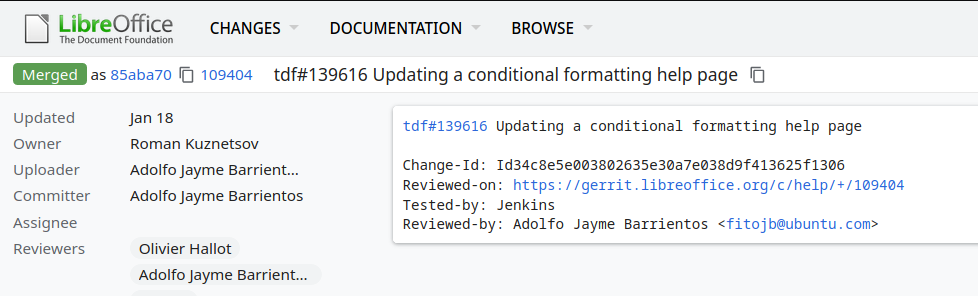
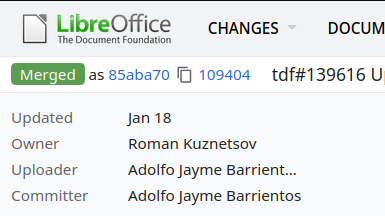
The topic was of special interest of Roman Kuznetsov (@kompilainenn) from Russia, who already wrote documentation about conditional formatting. Roman wrote the fix, and submitted a patch in Gerrit (the service that controls the code corrections in LibreOffice)…
…and Adolfo Jayme Barrientos (@fitojb) from Mexico reviewed and approved the patch for merging in the main Help code.
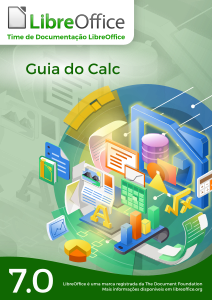
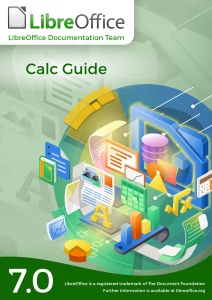
The LibreOffice Documentation Team is happy to announce the availability of the LibreOffice Calc Guide 7.0, the most comprehensive guide for the Calc module, updated to the latest version of LibreOffice.
The Guide is available in PDF format and contains 545 pages, covering all basic and advanced features of the spreadsheet module of LibreOffice, and is a must-read book for exploiting the maximum of LibreOffice Calc.
The Math Guide 7.0 is the first book published based on LibreOffice 7.0
The Documentation Team is happy to announce the publication of the Math Guide 7.0, the latest update of the guide based on the recently released LibreOffice 7.0, the best open source office suite ever.
The effort was mostly carried by Rafael Lima and reviewed by Jean H. Weber. The new guide covers were designed by Rizal Muttaqin and Drew Jensen. The final publication was carried by Olivier Hallot.
“I work as a university professor in Brazil and I often write papers and prepare presentations that involve mathematical models and notation, and for that I’ve been using LibreOffice Math for over a year. When I read about the Documentation Team on a TDF blog post and learned that the Math Guide needed a volunteer, I felt it was my chance to contribute back to the LibreOffice project” said Rafael Lima, leader of the project. “The experience was seamless and it has been a pleasure working with the Documentation Team. Now I am looking forward to continuing contributing to the project, not only with the Math Guide, but also in other publications developed and maintained by the team.” he added.
In recent times, the very small LibreOffice Documentation Team has been making real progress in revising and updating the user guides:
Release 6.4
Release 7.0
Calc Guide
Published
Work in progress
Base Guide
Published
Work in progress
Draw Guide
Published
Work in progress
Impress Guide
Skipped
Work in progress
Math Guide
Published
Awaiting volunteer contributors
Writer Guide
Published
Awaiting volunteer contributors
Getting Started Guide
Published
Awaiting volunteer contributors
While this progress in shortened documentation development time is fairly good, it can be substantially improved by having more contributors on the team.
It would be terrific if all contributors were a skilled technical writers, but in reality anyone with a reasonable command of the English language and an eye for detail can make a valuable contribution. No contributor is expected to rewrite entire guide books, although some of our most experienced, long term contributors do exactly that. In fact nothing is expected or demanded of any contributor, other than to let other members of the team know what they what they have chosen to work on.
In some cases, that might be to update a chapter of an existing guide, or reviewing the work of another team member. Reviewing can take the form of proof reading, or researching the accuracy of the guide information in relation to the software’s actual operation. By identifying yourself as a Docs Team contributor does not mean you are making any permanent or long term commitment – many contributors come and go over long periods according to the demands of their “real” life.
It can be seen in the documentation status above there are at least three guides where the input of new contributors would be very welcome. If you are interested in contributing these guides you can see the team guidelines here:
The LibreOffice Documentation Team announces the release of the LibreOffice Calc Guide 6.4, the complete handbook for the spreadsheet tool of LibreOffice. The guide was updated from the existing release 6.2 and include all the improvements developed since then.
LibreOffice Calc is the spreadsheet module of LibreOffice, capable of creating and edit complex spreadsheets, from simple calculations to ‘What if…’ manner by changing some of the data and observing the results without having to retype the entire spreadsheet or sheet. Other features provided by Calc include
Functions, which can be used to create formulas to perform complex calculations on data.
Database functions to arrange, store, and filter data.
Dynamic charts, including a wide range of 2D and 3D charts.
Macros for recording and executing repetitive tasks; scripting languages supported include LibreOffice Basic, Python, BeanShell, and JavaScript.
Ability to open, edit, and save Microsoft Excel spreadsheets.
Import and export of spreadsheets in multiple formats, including HTML, CSV, PDF, and PostScript.
The release of the Guide is an effort of the documentation team of the LibreOffice Community, a group of skilled individuals that contributes to create the best reference guides for all LibreOffice modules, including word processor, spreadsheet, presentation, drawing, database and math equations.
“This guide achieves a very important milestone for the whole LibreOffice community since Calc documentation is the most demanded by the end user. I’m sure this great work will be very much appreciated.” said Daniel Rodriguez, Member of The Document Foundation Board of Directors.
“Building on the great work that went on during 2019 to complete the major update necessary to align the Calc Guide with LibreOffice 6.2, the update to 6.4 was a more modest task. However, I am delighted that the Team has completed this task because it gives an excellent platform for the subsequent update to 7.0 . From a personal perspective it was an enjoyable challenge and I was delighted to have a chance to make a useful contribution during our period of lockdown in the UK. Many thanks to all those who contributed to this update, especially Leo Moons, Kees Kriek, Gordon Bates, Drew Jensen and Randolph Gamo” said Steve Fanning, Calc Guide Coordinator.
And indeed, the documentation community appreciates help in all languages – plus, contributing is a good way to build up skills for a possible career in technical writing. See here to get started!