Using LibreOffice for writing screenplays

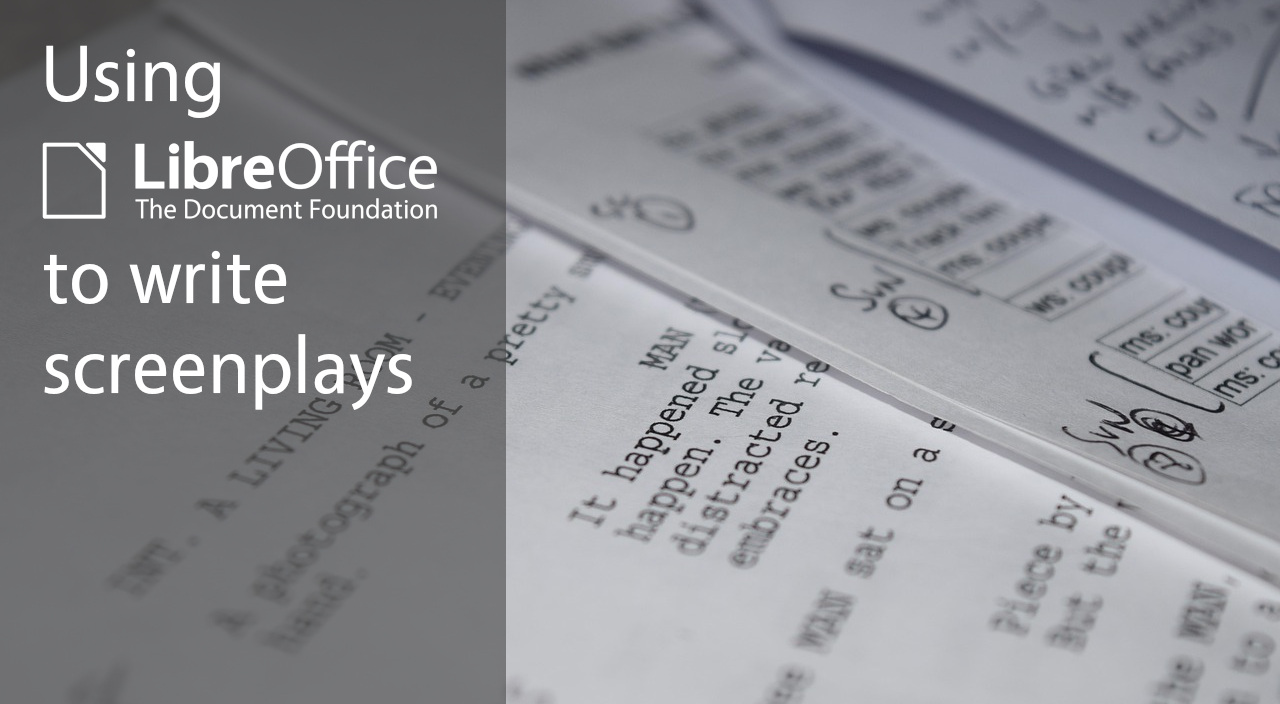
Photo of screenplay document

LibreOffice Writer is the suite’s word processor, and can be used for virtually any task involving… well, processing words, of course. But how about screenwriting (aka writing screenplays)?

We saw a discussion on Ask LibreOffice where user Peter J. talked about his experiences in this field. Initially he described LibreOffice’s limitations in screenwriting, but then robleyd pointed out to the new Markdown support added in LibreOffice 26.2. Peter explored this new feature and concluded:

“So, basically, if I was to write a screenplay now, I would use LibreOffice Writer”

What changed in the software, to change Peter’s mind? He explained:

The problem with LibreOffice Writer was exporting. Its HTML output is HTML 4… with font tags. Very bad. It can be cleaned up relatively easily, but it takes some tinkering skill, therefore it is no good route.

BUT the sizzling new export to Markdown functionality changes everything! Now you can easily share what you have cooked up. You have a professional PDF export… PLUS an export to Markdown.

He went on to explain how LibreOffice Writer is now a good tool for writing movie scripts, because:

It has pagination. You can set up A4 and other formats easily and precisely.

It has styles. You can create as many paragraph styles as you want. Nevertheless, you only need a few, like 5…

You can precisely set up these styles. You can easily apply these styles, using short keys, too. You can easily modify these styles, before, during, after.

AND… you can export it to Markdown. From Markdown you can get to Final Draft easily.
See the full discussion here

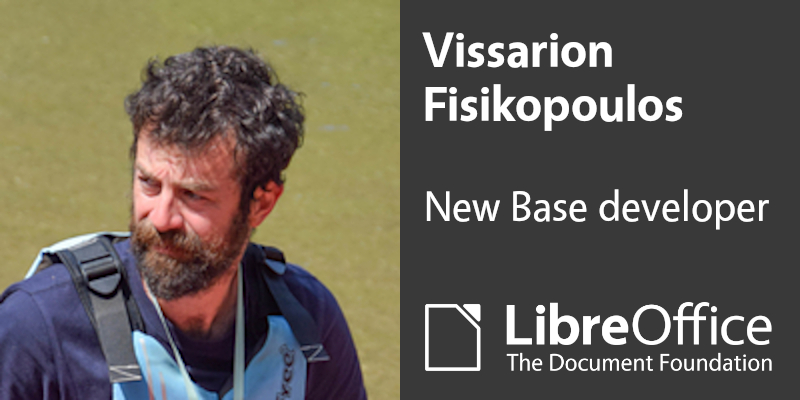
Welcome Vissarion Fisikopoulos, new LibreOffice developer focusing on Base

Photo of Vissarion

LibreOffice Base is the database component of the suite, and hasn’t seen a lot of development activity in recent years. So The Document Foundation – the non-profit behind the software – wants to change that! Following Neil Roberts, we now have a second new developer, Vissarion Fisikopoulos, so let’s hear from him…

Tell us a bit about yourself!

Hi everyone, I’m Vissarion, a software engineer and researcher based in Athens, Greece, and I’m very happy to have joined The Document Foundation to work on LibreOffice Base. My background combines scientific computing, databases, and open-source development, and I’ve been a long term contributor to several open source projects like MySQL, Boost C++ libraries and GeomScale. I am active in open source communities, and I speak regularly about open source development at conferences such as FOSDEM.

What’s your new role at TDF, and what will you be working on?

My new role at TDF is to work on LibreOffice Base and databases more broadly, with a focus on Base itself and the ways database functionality connects with the rest of LibreOffice.
In practice, that means working mostly in C++, fixing bugs, improving code quality, and helping implement features across Base’s frontend and backend.

How can all users of LibreOffice help you in this work?

Users can help a lot in this work!

Clear bug reports, reproducible test cases, feedback on real-world Base workflows, and testing development versions are all extremely valuable, because they help turn vague problems into issues that can actually be fixed.

And beyond that, contributions through QA, documentation, translations, and newcomer-friendly developer tasks all help strengthen the project as a whole.

So if you use LibreOffice Base, or if you care about databases and open source office software in general, your feedback and participation can genuinely help to shape the work ahead.

Thanks Vissarion – we’re looking forward to your work!

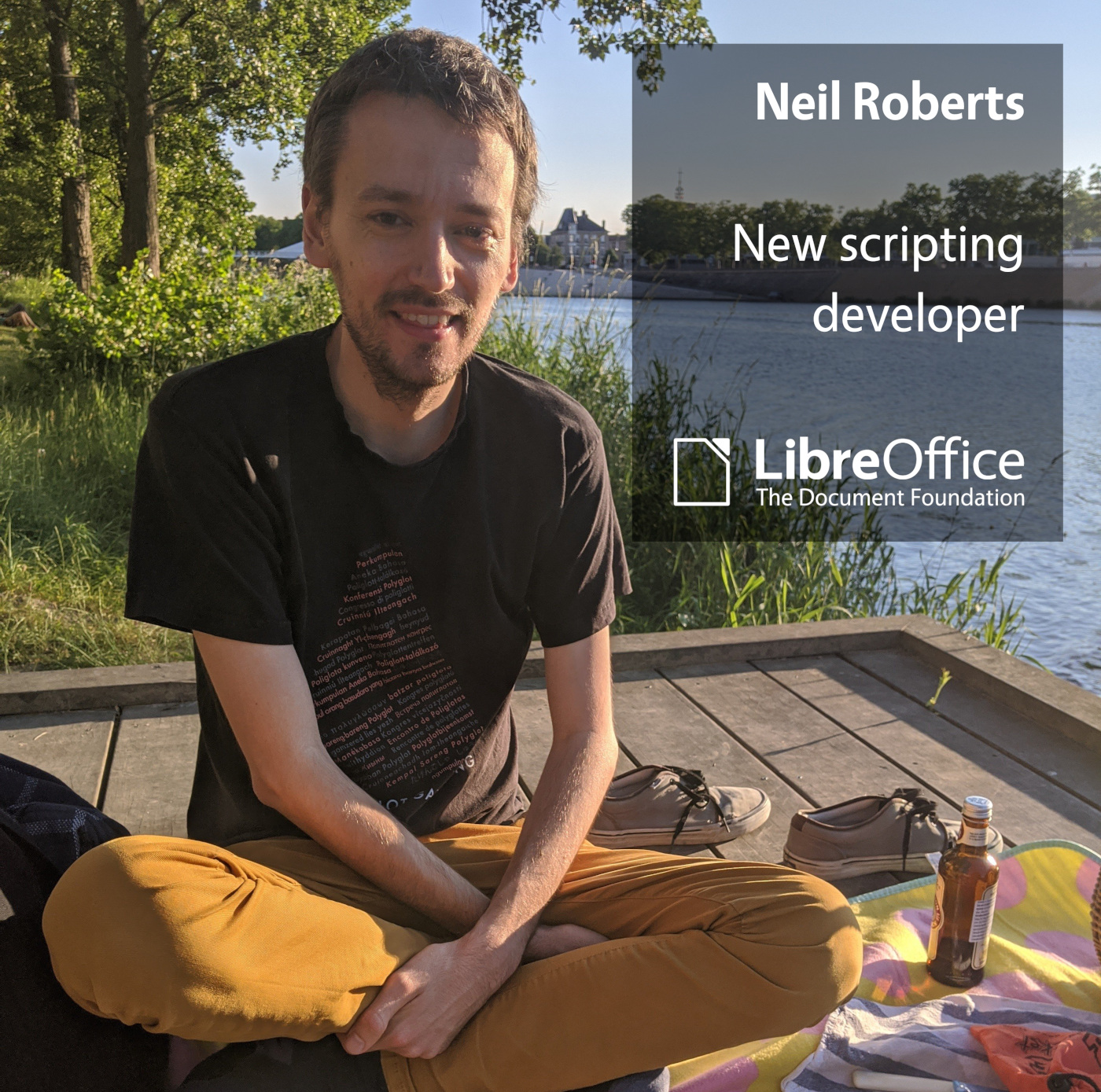
Say hello to Neil Roberts, new LibreOffice developer focusing on scripting support

Photo of Neil Roberts

The Document Foundation, the non-profit entity behind LibreOffice, has a new developer in its team. Neil Roberts started work this month and will initially focus on LibreOffice’s scripting support. Let’s hear from him…

Tell us a bit about yourself!

I’m from the UK but I escaped to France after the Brexit vote and I’ve been living here in Lyon ever since. I got into programming when I was little, mostly by programming in BASIC on an Amstrad CPC. At the time I thought it was cool that you could sometimes see the source code in BASIC of software that you bought on cassette tape. Later my older brother got me into Linux and I loved that you could see the source code of absolutely everything. I’ve been a big fan ever since, and I always have some programming side project on the go.

I started my career at a small open source consultancy working on Clutter – which at the time was a project meant to bring revolutionary animated user interfaces inspired by the iPhone into the GNOME space. It is still used inside GNOME Shell today. Eventually that small consultancy got acquired by Intel where I moved onto working on the graphics drivers in Mesa.

I got into LibreOffice development last year after I was trying to help proof-read my wife’s master’s thesis and I ran into a small user interface bug. I made a patch to fix it and it gave me the opportunity to interact with the amazing LibreOffice community. I was very pleasantly surprised with the warm welcome and the encouragement to continue making more contributions. I have been hooked on it ever since.

Aside from tech, I like to ride my bike around the city and complain about cars. I usually have a knitting project with me at all times for when I want to relax. I’m also quite active in the Esperanto community.

What’s your new role at TDF, and what will you be working on?

I am in the scripting role, which means I will be helping to make life easier for people writing macros and extensions using the UNO API with any of the supported languages such as Python, JavaScript, Basic, C++ etc. Aside from BASIC, which has a very nice built-in editor and debugger, I think it’s still quite awkward to develop macros in the other languages – so I think one of the main tasks would be to improve the UI and user experience when writing in Python.

How can all users of LibreOffice help you in this work?

I think that filing bugs in Bugzilla to report issues that people are having with macro and extension development would be really helpful, including wish-list ideas of things that would be nice to have. I am very happy to discuss ideas on Bugzilla, the mailing list or in the Telegram group.

Otherwise, code contributions are very welcome of course. I hope to be able to give back the same warm welcome with code review and mentorship that I received when I made my first contribution.

Thanks Neil, and welcome on board!

LibreOffice Online: a fresh start

LibreOffice logo and words A Fresh Start

LibreOffice is a desktop application, but we get many requests for a web-based version of the suite that users can deploy on their own infrastructure. Several years ago, project members started to develop LibreOffice Online, but in 2022 the Board of Directors at The Document Foundation voted to freeze the project and put it in the “attic”, for reasons that have now been superseded.

Earlier this month, the current Board of Directors decided to revoke those votes to give new life to the project, as Eliane Domingos, chairperson, put it:

To start the process of freeing LibreOffice Online, and to start the journey that will lead to having an online version by the community and for the community.

Now the work begins. We plan to reopen the repository for LibreOffice Online at The Document Foundation for contributions, but provide warnings about the state of the repository until TDF’s team agrees that it’s safe and usable – while at the same time encourage the community to join in with code, technologies and other contributions that can be used to move forward. We will actively work with the community to identify how to foster LibreOffice Online, including its technological basis, QA and marketing.

Note that this doesn’t mean that TDF will host or provide enterprise support for LibreOffice Online – that’s beyond the scope of the foundation. For these things, users are strongly recommended to consult the commercial ecosystem around LibreOffice. But TDF wants to offer the technology for those who want to use, modify and share it.

We will post more soon about our plans, and ways to get involved. We look forward to a new future for LibreOffice Online!

ODF Toolkit Project Announces Release 0.13.0: Last Release Supporting JDK 11

ODF logo

BERLIN, Germany — The ODF Toolkit community is proud to announce the official release of version 0.13.0. This release marks a significant transition point in the project’s history, representing the last release to support JDK 11, with the project pivoting toward modern Java long-term support (LTS) releases.

Release Highlights: Stability and Modernisation

The 0.13.0 release provides a stable, high-performance foundation for programmatic manipulation of ODF 1.2 documents.

  • Final JDK 11 Support: This is the definitive release for users operating on Java 11 environments.
  • Broad Compatibility: Validated across the Java ecosystem on Windows 10, macOS (Apple Silicon M3), and Ubuntu 24.04 LTS.
  • Automated Deployment: GitHub release artefacts are now built automatically with Temurin JDK, ensuring a transparent, reproducible supply chain.

FOSDEM 2026: Setting the Stage for 1.0.0

Following the release, the project’s core developers met in person at FOSDEM in Brussels, using the opportunity to align on the project’s next major milestone. During the event, the team finalised the roadmap for the upcoming 1.0.0 Release Candidate. Discussions focused on resolving the remaining blocking issues in the toolkit’s code-generation engine, paving the way for a more robust and extensible architecture.

Immediate Future: JDK 17 and Apache Jena 5

The project has already moved its development baseline to JDK 17 for the upcoming version, 0.14.0.

  • Apache Jena 5.6.0: The shift to JDK 17 enables integration with the latest Apache Jena library, significantly enhancing the toolkit’s ability to handle document metadata and RDF.
  • Early Access: A 0.14.0-SNAPSHOT release is now available for developers who want to test these new features.

Expanding the Core Team

The project continues to grow its community of maintainers. Following discussions between Michael Stahl, Oliver Rau, and Svante Schubert, Axel Howitz has been granted commit rights, strengthening the project’s long-term sustainability and development capacity. Axel’s contributions since joining last year have been instrumental in maintaining the project’s momentum toward its 1.0.0 goals.

Availability

The ODF Toolkit 0.13.0 is available via the official project page.

About the ODF Toolkit

The ODF Toolkit is a community-driven, open-source Java library for creating, scanning, and manipulating OpenDocument Format (ODF) files. By providing a lightweight API that operates independently of any office suite, it remains a preferred choice for server-side document automation.

LibreOffice Podcast, Episode #6 – Language support

LibreOffice is available in over 120 languages – but we want to do more! Jonathan Clark recently joined the TDF team to improve LibreOffice’s support for RTL (right-to-left) and CTL (complex text layout) scripts. In this episode, he talks to Mike Saunders about his work, and how users can help out. (This episode is also available on PeerTube.)

Please confirm that you want to play a YouTube video. By accepting, you will be accessing content from YouTube, a service provided by an external third party.

YouTube privacy policy

If you accept this notice, your choice will be saved and the page will refresh.