Impress Guide is updated to match LibreOffice Community 7.3

The Impress Guide 7.3 has just arrived with the latest LibreOffice Impress 7.3 developments.

Download Impress Guide 7.3

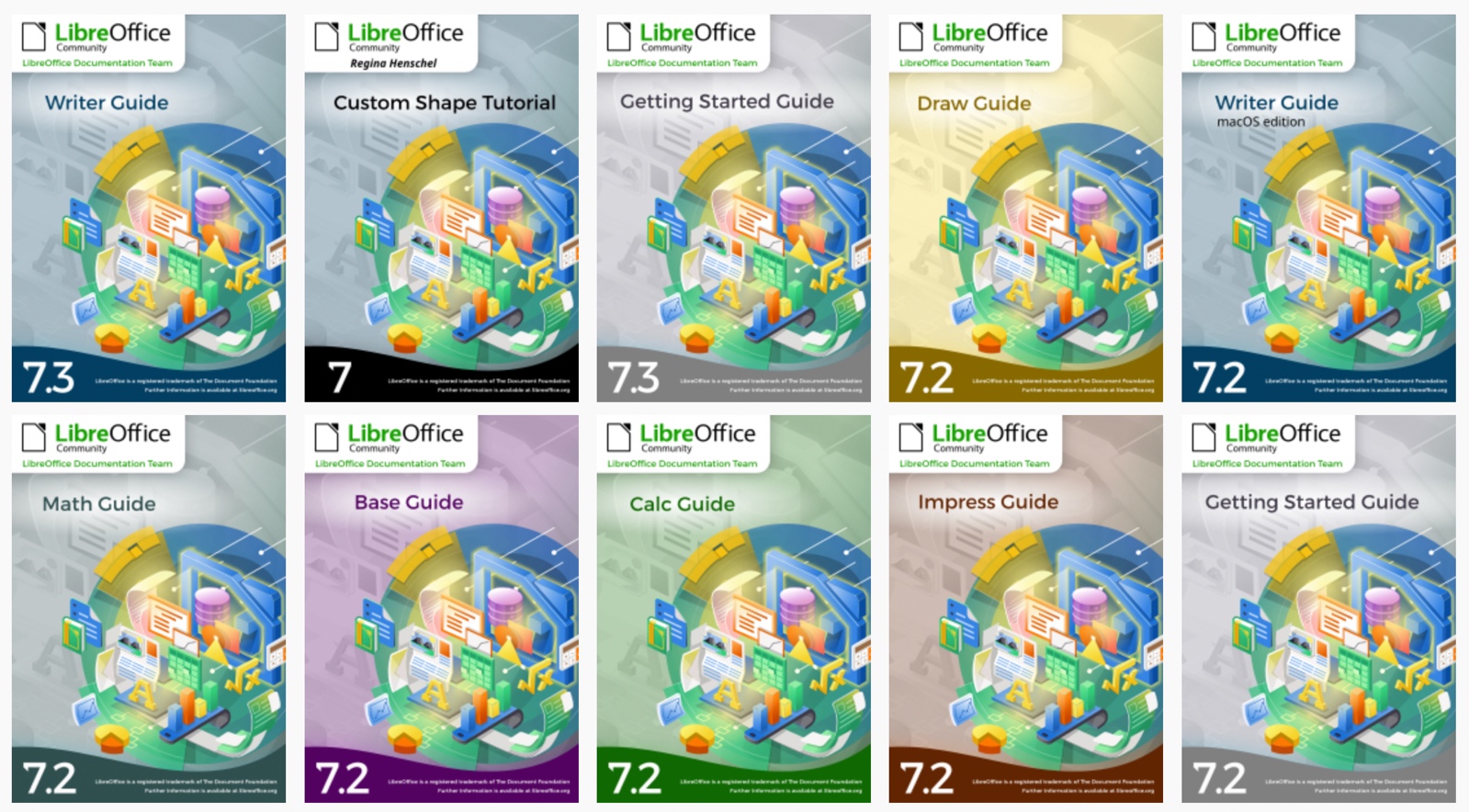
This 374 pages book covers the main features of Impress, the presentations (slide show) component of LibreOffice. You can create slides that contain text, bulleted and numbered lists, tables, charts, clip art, and other objects. Impress comes with prepackaged text styles, slide backgrounds, and Help. It can open and save to Microsoft PowerPoint formats and can export to PDF, HTML, and numerous graphic formats.

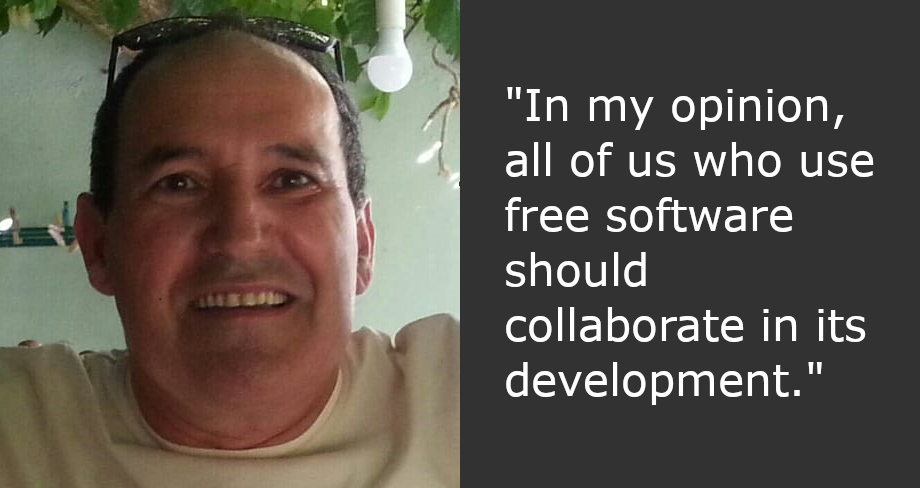
The Guide update was an effort of Peter Schofield and Kees Kriek.

Peter Schofield
Peter Schofield
Kees Kriek

Thank you guys for the wonderful Impress Guide!

The full set of published LibreOffice guides is available in the LibreOffice Documentation Website and in the LibreOffice Bookshelf Project.

Join the Documentation Team

Czech translation of LibreOffice Getting Started Guide 7.3

Zdeněk Crhonek (aka “raal”) from the Czech LibreOffice community writes:

The Czech team has finished its translation of the LibreOffice Getting Started Guide 7.3. As usual it was team work, namely: translations by Petr Kuběj, Zdeněk Crhonek and Ludmila Chládková; localized pictures by Roman Toman; and technical support from Miloš Šrámek. Thanks to all the team for their work! The Czech translation of the guide 7.3 is available for download on this page.

Indeed, many thanks to everyone in the Czech community for their work! Learn more about LibreOffice’s documentation project here.

Annual Report: LibreOffice Documentation Project in 2021

The LibreOffice Conference is the annual gathering of the community, our end-users, developers, and everyone interested in free office software. This year, it took place online once again.

(This is part of The Document Foundation’s Annual Report for 2021 – we’ll post the full version here soon.)

New and translated guides

Throughout the year, the documentation project closed the gap between LibreOffice major releases, and the updates of the corresponding user guides. By the year end, all of the version 7 guides updated to match the release of LibreOffice 7.2, and ready to continue for the forthcoming release – 7.3 – which arrived in February 2022. The goal of tracking the software release closely was achieved, and the documentation team is now in a steady state of small updates between releases.

The updates and enhancements of the guides was an effort of all the team, coordinated by Jean Weber (Writer and Getting Started Guide), Steve Fanning (Calc and Base guides), Peter Schofield (Impress and Draw guides), Rafael Lima (Math guide). A number of volunteers also worked in each guide by writing and reviewing contents and suggesting improvements. Special thanks to Jean Weber for making the guides available for sale in printed format via Lulu Inc.

In the last quarter of 2021, thanks to The Document Foundation’s budget, some master documents bugs were fixed under contract by Michael Stahl of allotropia, and now the documentation team can safely assemble it guides with master documents, and produce PDFs with hidden sections and correct navigation indexes in PDF readers.

ScriptForge Library and Wiki Pages

The documentation community also had a nice contribution from Jean Pierre Ledure, Alain Romedenne and Rafael Lima, for the development of the ScriptForge macro library, in synchronization with the much-needed Help pages on the subject, a practice rarely followed by junior developers of LibreOffice. As we know, undocumented software is software that’s lacking; features that are unknown to the user can be a cause of costly calls to a help desk in corporate deployments. ScriptForge developments came together with its documentation, demonstrating the ScriptForge team’s professional maturity.

Special thanks to Steve Fanning for his leadership of the Calc Functions wiki pages maintenance. The wiki pages were initially developed by Ronnie Gandhi in 2020 under the Google Season of Docs programme, and are now run by Steve, providing richer content about the functions, with better descriptions, new examples, and other reference information. The in-depth review of the Calc Function wiki pages gave very good feedback for the Help pages, which also lead to help content improvements. The Calc functions wiki pages are available for translation, thanks to the dedication of Ilmari Lauhakangas at TDF.

Very important as well: the documentation community also had a team of Help page bug fixes, closing Help documentation bugs, bridging gaps, fixing typos and improving quality, a must-have update to keep LibreOffice in-shape for its user base. The Help pages, which are part of the LibreOffice code, were also refactored continuously for better maintenance and code readability. The L10N team of volunteers (localization and translators) were quick in flagging typos and English mistakes – while translating the help content and the user interface.

LibreOffice Bookshelf

In 2021, the documentation community also launched the LibreOffice Bookshelf, another download page for LibreOffice guides that is different from the current documentation.libreoffice.org server page. The Bookshelf can be cloned and installed in organizations, libraries, colleges and schools, for immediate availability in controlled environments, as well as online reading of the guides. The OpenDocument Format chapters were transformed into static HTML pages, and are ready to display on computers, tablets and cell phones, bringing LibreOffice user guides closer to its public, anywhere, anytime. The conversion process is extensive and was described at the LibreOffice 2021 Conference. It was also extended to the Portuguese translation of the guides, and can easily extended for other languages. Many thanks to Tulio Macedo for his work on it.

Like what we do? Support the LibreOffice project and The Document Foundation – get involved and help our volunteers, or consider making a donation. Thank you!

Writer Guide 7.3

Writer Guide 7.3 comes with the latest updates for LibreOffice Community 7.3

The Documentation team is happy to announce the immediate availability of the Writer Guide 7.3.

This user guide has been updated from Writer Guide 7.2. It covers changes that are visible in the LibreOffice Writer user interface and additional information from earlier releases, including:

  • Enhancements to Track Changes (Chapter 3). More details are in the Release Notes.
  • Added details about the Print dialog in macOS (Chapter 7).
  • Updated details about Templates dialog (Chapter 10).
  • Updated list terminology in Chapter 11 and anywhere else lists are mentioned.
  • Minor rewording and replacement figures in several chapters.

LibreOffice 7.3 Community includes many changes not visible in the user interface. These changes include further improvements in interoperability with Microsoft’s proprietary file formats, including new features targeted at users migrating from Microsoft Office to LibreOffice, or exchanging documents between the two office suites. These improvements include:

  • New handling of change tracking in tables and when text is moved.
  • Performance improvements when opening large DOCX and XLSX/XLSM files, improved rendering speed of some complex documents, and new rendering speed improvements when using the Skia back-end introduced with LibreOffice 7.1.
  • Improvements to import/export filters.
  • ScriptForge libraries, which make it easier to develop macros, have been extended with various features.

LibreOffice Community 7.3 release notes are here: https://wiki.documentfoundation.org/ReleaseNotes/7.3.

This update was possible with the volunteer work of Jean H. Weber and Kees Kriek from the LibreOffice Documentation Team.  A big thank you to Jean and Kees for their wonderful work.

Jean Weber
Kees Kriek


Donwload the LibreOffice Writer Guide 7.3 from the Documentation website and the LibreOffice Bookshelf.

The LibreOffice Documentation Team is devoted to produce the best documentation for LibreOffice and is open to everyone interested in contributing to our collective effort.

Czech translation of LibreOffice Base Guide 6.4

Zdeněk Crhonek (aka “raal”) from the Czech LibreOffice community writes:

The Czech LibreOffice docs team has finished its translation of the Base Guide 6.4. As usual it was a team effort, namely: translations by Petr Kuběj and Zdeněk Crhonek; revisions by Marcela Tomešová, Martin Kasper, Zdeněk Crhonek and Jan Martinovský; localised pictures by Roman Toman; and technical support from Miloš Šrámek. Thanks to all the team for their work and especially thanks to Petr, who translated almost whole book!

The Czech translation of the Base Guide 6.4 is available for download on this page.

The whole set of official guides are now translated to Czech languages, see the old announcements: Writer Guide, Draw Guide, Impress Guide, Calc Guide, and Getting Started Guide.

The team continues with translations of the Getting Started Guide 7.3. We always looking for new translators and correctors – Join us!

Indeed, many thanks to everyone in the Czech community for their work! Learn more about LibreOffice’s documentation project here.

Custom Shape Tutorial

Have you ever tried to draw special and complex shapes beyond the basic offerings of LibreOffice? A custom shape of the Fibonacci spiral defined by its equation and properties with handles to reshape size? Thanks to Regina Henschel, now you have a tutorial for drawing custom shapes of your own and use them in LibreOffice.

Currently, LibreOffice provides a lot of predefined custom shapes. They are grouped to the sets ‘Basic Shapes’, ‘Block Arrows’, ‘Symbol Shapes’, ‘Stars and Banners’, ‘Callouts’, and ‘Flowchart’. And all shapes from the ‘Fontwork Gallery’ are custom shapes too. But you can do more, much more.

Custom Shapes Tutorial

(more…)