Female volunteering, interoperability, professional training, migration, Python based macro development and much more were highlighted themes at the event held at the Catholic University of Brasilia in the capital of Brazil.
Daniel A. Rodriguez writes:
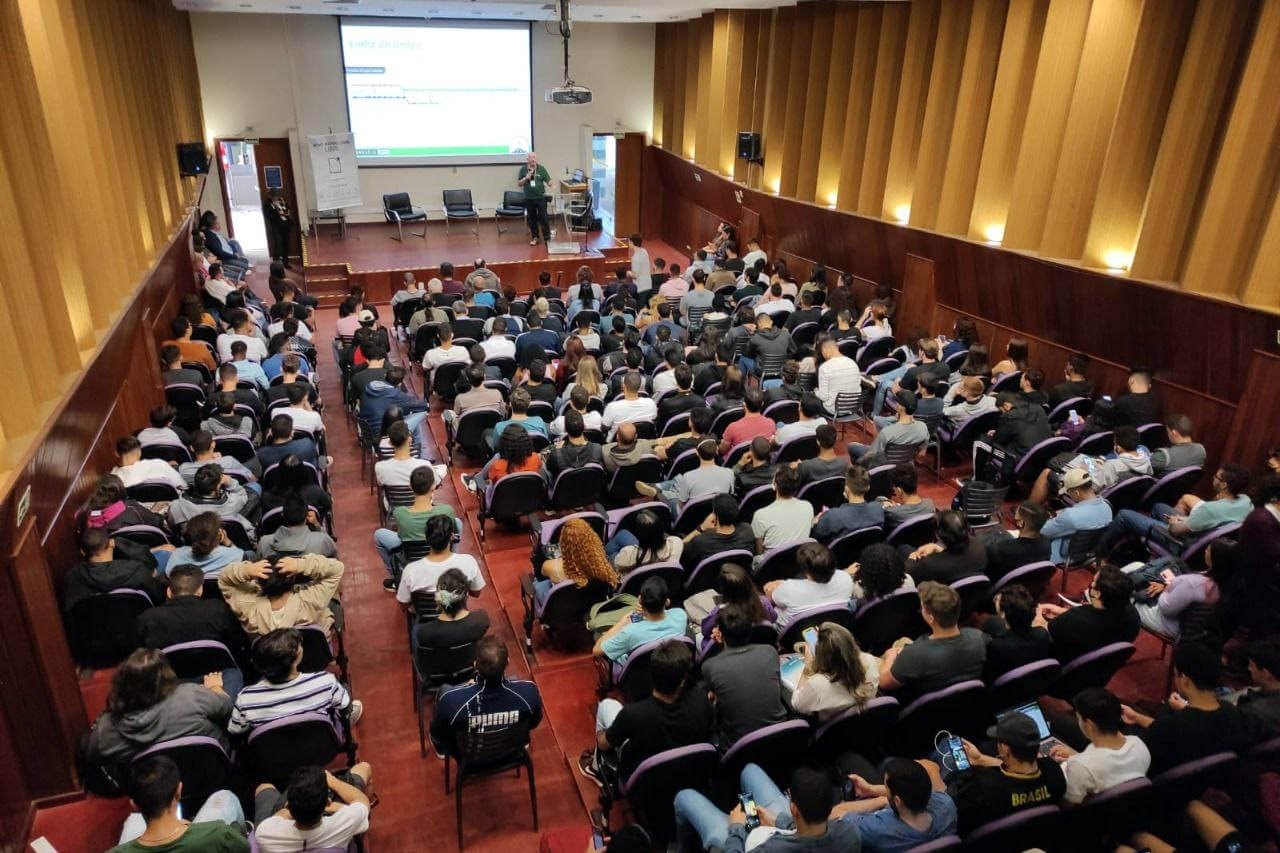
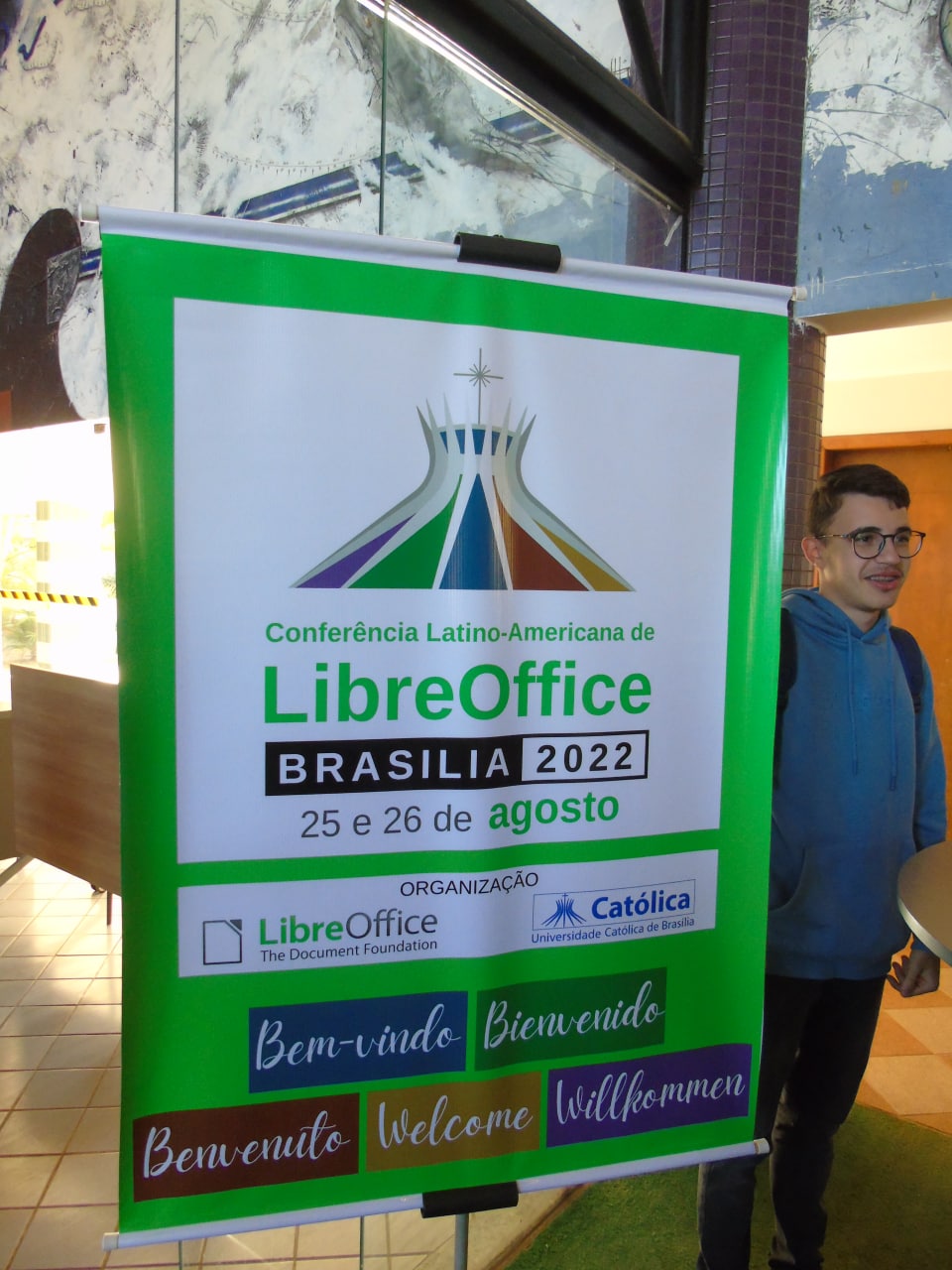
The Latin American LibreOffice Conference gathered around 400 people, among them students and IT professionals, and was opened to the public on Thursday August 25th in a ceremony presided by Prof. Wesley Sepulvida, representing UCB, Lothar Becker (formerly on the Board of Directors of The Document Foundation) and Olivier Hallot representing the LibreOffice community.
The conference was organized entirely by volunteers, and followed up on the first event held in the city of Asunción in Paraguay in 2019. Brasilia was chosen to host the conference in 2022 because of its importance in the Latin American context and its excellent infrastructure. The lectures and workshops were given by members of the LibreOffice community from Italy, Spain, Mexico, Brazil and Argentina, on August 25 and 26 at the Catholic University of Brasília, on the Taguatinga campus.
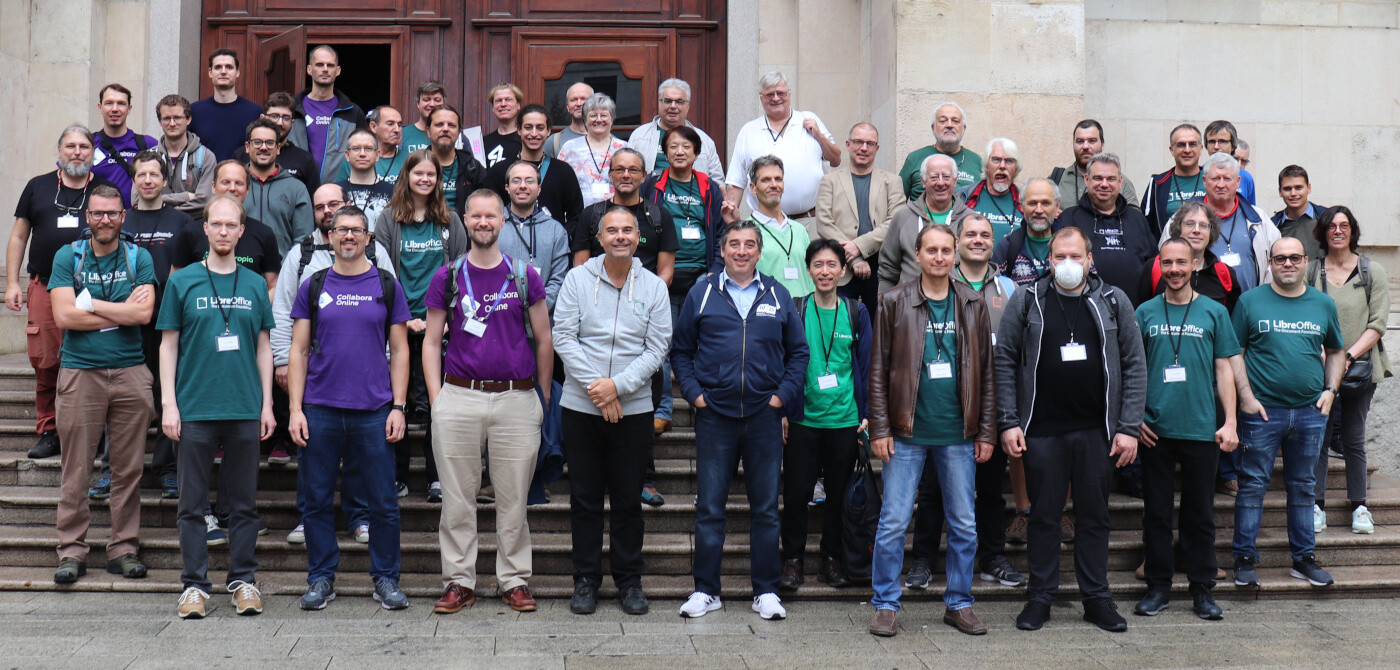
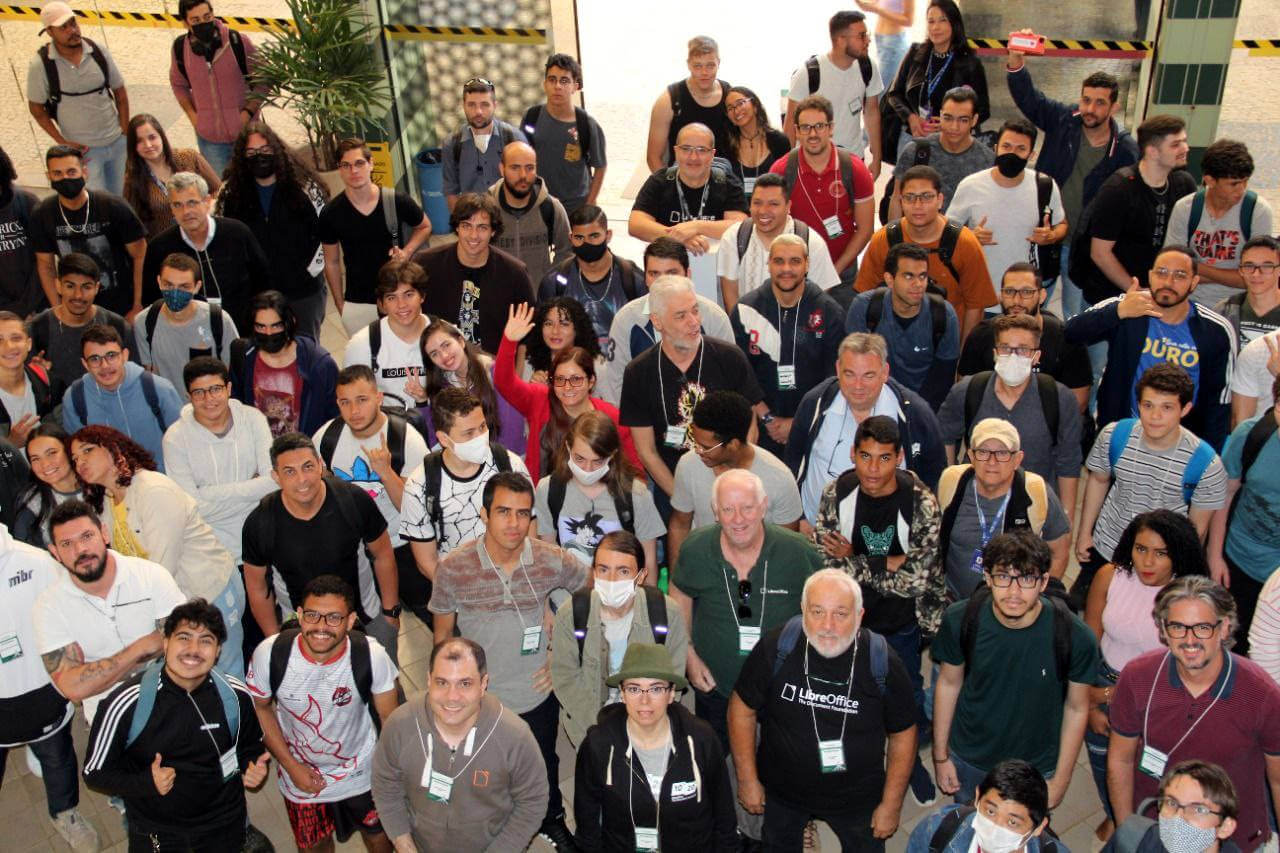
Italo Vignoli (Italy – TDF) and Olivier Hallot (Brazil – TDF), founding members of The Document Foundation, opened the lectures, presenting the sustainability of free software projects and the history of LibreOffice in Brazil, respectively. At the end of the morning, the participants took the official photo of the event.
In the early afternoon, Daniel Rodriguez (Argentina – TDF / UNAU) spoke about the implementation of a version of LibreOffice Online at the Alto Uruguay National University in Argentina, and Rafael Silveira (Brazil) presented the migration project to LibreOffice at Nuclebrás Equipamentos Pesados (NUCLEP). Simultaneously, in the computer lab Henderson Matsuura Sanches (Brazil – TDF) gave a workshop with practical tips about how to do an End of Course Paper in LibreOffice.
Xisco Fauli (Spain – TDF) presented the testing procedure of LibreOffice, followed by Lothar Becker (Germany – TDF) who talked about entrepreneurship with free software. Roberto Salomon (Brazil – Chief architect for Latin America at SUSE) spoke about the future that opens up with the technological innovations that are arriving in Brazil. In the closing of the first day, Prof. Andre Lima (UCB) spoke about open source solutions for LGPD compliance. In the workshops, Rafael Lima (Brazil – TDF) led the work on python scripting with a full room.
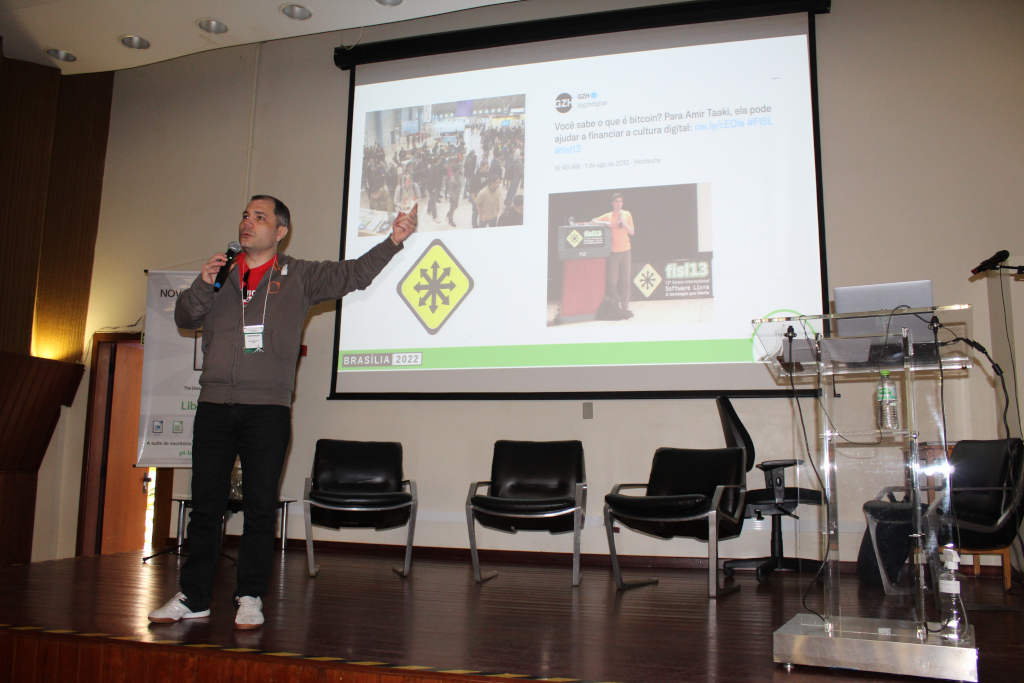
On the second day, Gustavo Pacheco (Brazil – TDF) shared with the audience details about the importance of being careful when investing in cryptocurrencies and how LibreOffice can help in decision making. He was followed by Olivier Hallot who presented the different ways of documenting software projects. Tulio Macedo (Brazil – TDF) presented the challenges of more accessible documentation. Simultaneously, Xisco Fauli led the session on software bug identification and confirmation. At the same time, Felipe Marra, Rafael Osiro and Giovanni Favorim from UCB led a workshop on software versioning control with the git tool. Prof. Remis Balaniuk (UCB) gave an introductory workshop on python.
In the afternoon, Italo Vignoli spoke about digital sovereignty. Followed by Olivier Hallot who presented migration strategies between office suites. Eliane Domingos (Brazil – TDF) talked about female volunteering in the LibreOffice project. At the same time, Mauricio Baeza (Mexico – TDF) gave a workshop about creating extensions for LibreOffice. In parallel, Prof. Cleto Spotto (UCB) analyzed snippets of LibreOffice code in a C++ workshop.
Henderson Matsuura showed how to install and use Mendeley in Writer, followed by Olivier Hallot who covered first steps in developing code for LibreOffice. Jackson Junior (Brazil – TDF) presented his experiences in standardizing documents at the Secretariat of Environment and Urban Planning (SEMAPU) of Olinda, Pernambuco, and Prof. Cleto Spotto (UCB) conducted an introductory workshop on LibreOffice Math. Finally, Prof. Hially Vaguetti (UCB) showed how to make academic presentations in LibreOffice Impress.
The conference was closed by Prof. Wesley Sepulvida, who thanked The Document Foundation and the LibreOffice community for their presence. In return, Olivier Hallot thanked the Catholic University of Brasilia for its hospitality and the volunteers and speakers for their participation in this first face-to-face event after the pandemic.
Now we look forward to meeting more people at the LibreOffice Conference 2022 in Milan, at the end of this month!