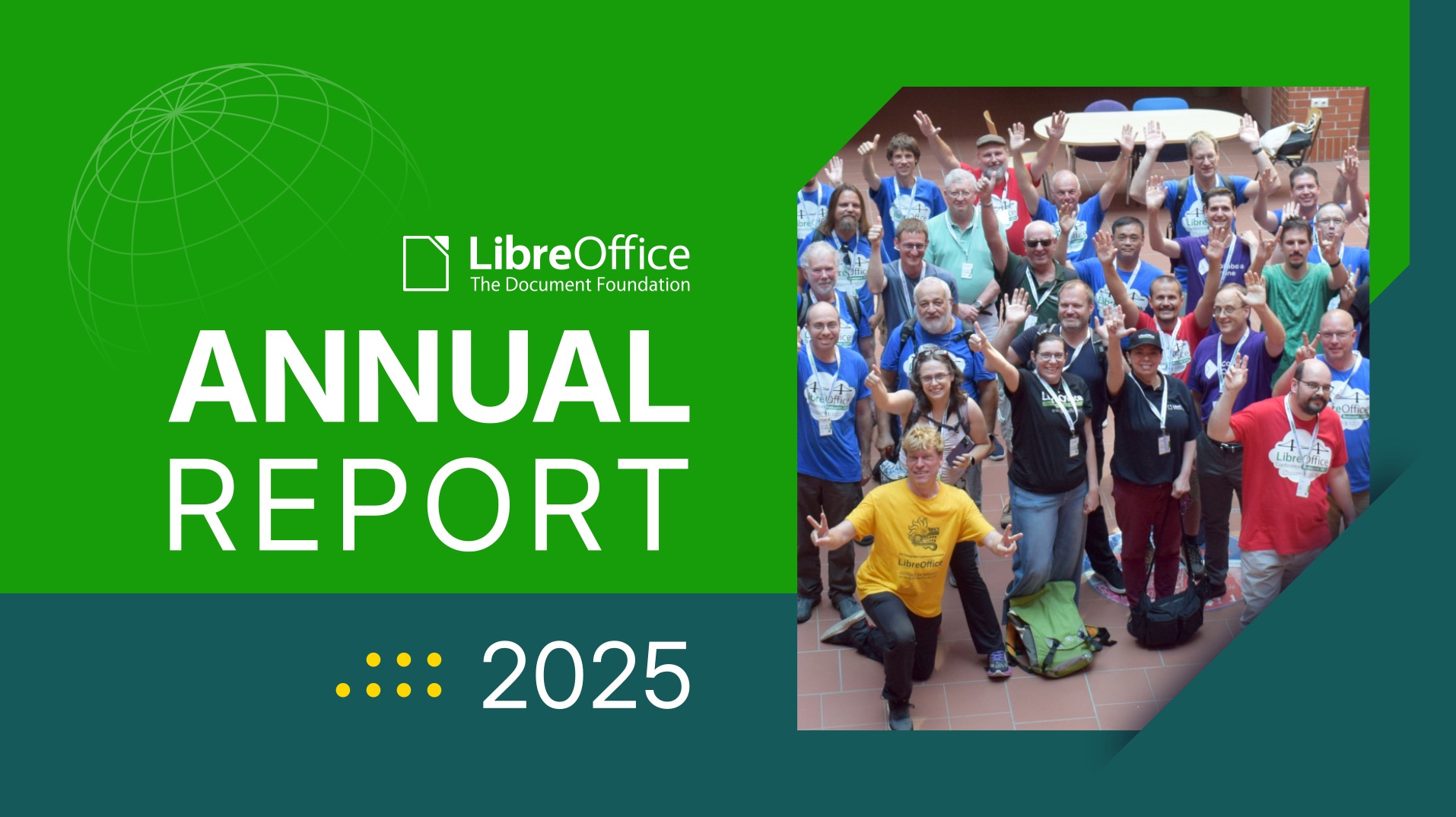
This is part of the Annual Report 2025 from The Document Foundation, the non-profit that coordinates the LibreOffice project and community.
In 2025, The Document Foundation and the global LibreOffice community pursued a marketing and advocacy programme that combined the established work of community building and software promotion with a sharpened public argument about digital sovereignty and open document standards. The year was framed by two anchoring milestones — LibreOffice’s fifteenth anniversary and the passing of 400 million cumulative downloads — and by an increasingly explicit defence of the Open Document Format as the only open standard for office documents. What follows is a thematic overview of the major activities carried out in support of TDF and LibreOffice over the course of the year, grouped by area rather than reported month by month.
Anniversary and Adoption Milestones
Two milestones gave the year its public narrative.
In January, TDF announced that LibreOffice had surpassed 400 million cumulative downloads since 2011, with an average of 28.6 million downloads per year and an upward trend reaching over 35 million annual downloads. The announcement reaffirmed the project’s standing against the long-running narrative that the desktop office suite was destined to disappear into the cloud.
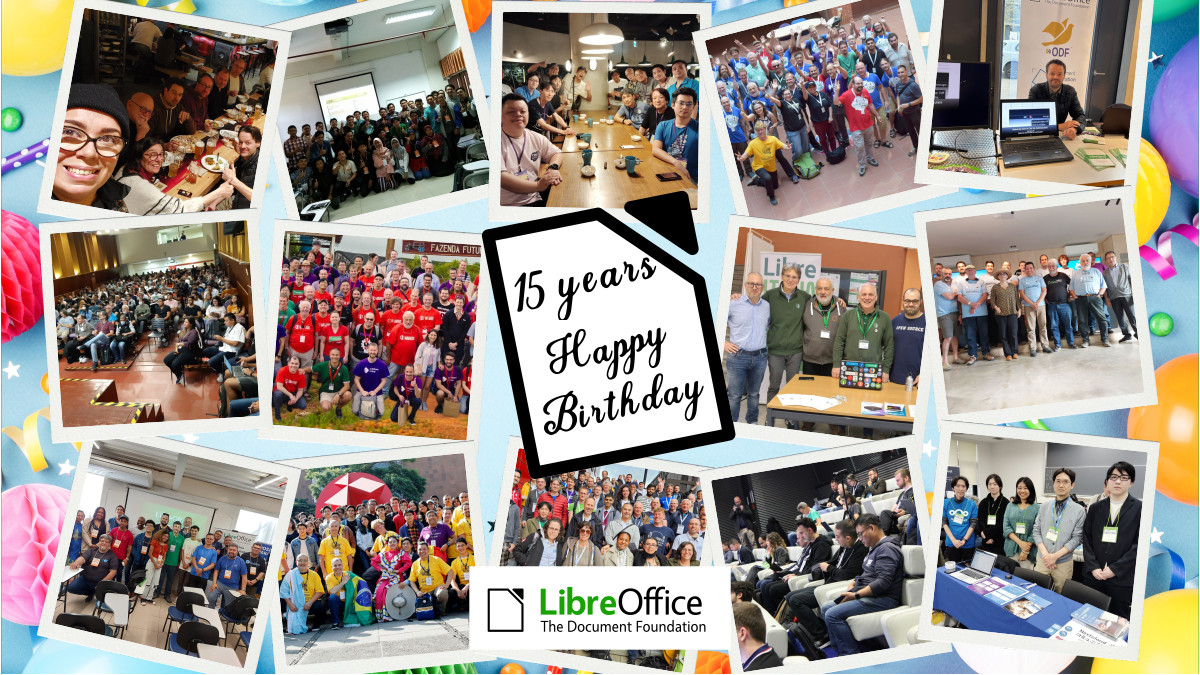
In September, the project celebrated the fifteenth anniversary of LibreOffice, launched on 28 September 2010 as a fork of OpenOffice. The anniversary was treated not merely as a software birthday but as a statement about the movement LibreOffice represents: a community of thousands of contributors and dozens of companies, localisation into more than 120 languages reaching billions of potential users, and a sustained argument for digital autonomy in an era of cloud lock-in and disappearing ownership. The communication tied the milestone directly to ODF as the guarantee of perpetual, transparent control over one’s own documents.
Advocacy: Digital Sovereignty and Open Standards
The most distinctive development of 2025 was the consolidation of marketing into a coherent advocacy campaign around digital sovereignty and open document standards.
The end of Windows 10 support, scheduled for 14 October 2025, provided the central advocacy occasion. TDF backed the international @endof10 campaign and argued that the moment was a crossroads rather than a routine product transition, positioning Linux and LibreOffice as a privacy-respecting, future-proof alternative to a forced upgrade path toward Windows 11 and Microsoft 365, with their attendant subscription costs, cloud dependency, and hardware obsolescence.
Alongside this, the foundation built a body of technical and policy-oriented material making the case for ODF as the only open standard for office documents and exposing the structural problems of OOXML. This advocacy strand reframed the project’s communication from product promotion toward a public argument about format ownership, lock-in, and institutional control of documents — an argument that resonated strongly with public-sector and policy audiences.
Conferences and Major Events
International and regional conferences remained central to the foundation’s visibility.
The annual LibreOffice Conference 2025 was the flagship gathering of contributors — developers, designers, documentation writers, translators, and marketers — and was promoted across the project’s channels in the now-established pattern of agenda, speaker, and live-update coverage. Two major regional conferences extended the programme across the world’s communities: the LibreOffice Asia Conference 2025, hosted in Japan, and the VI Latin American LibreOffice Congress, held in Havana. Both brought together contributors and users from their respective regions, generated substantial follow-up content, and reinforced the project’s presence in two of its most active geographies.
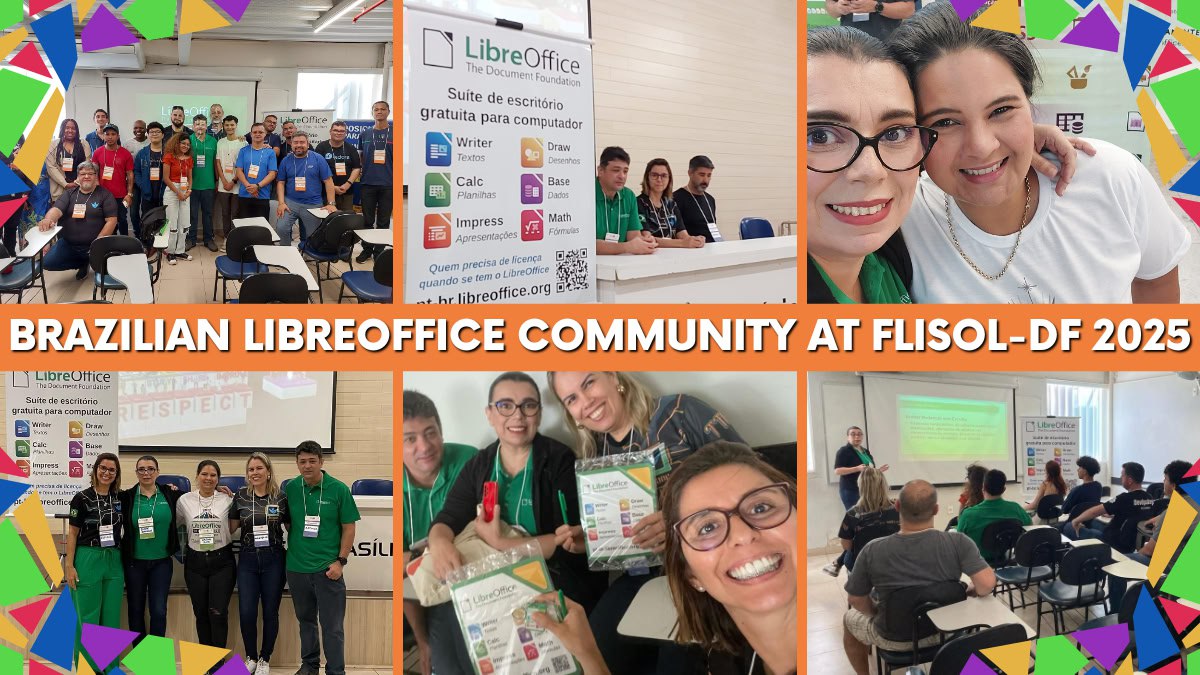
The community calendar was also rich with smaller regional events that the marketing team supported and amplified, including the LibreItalia Conference 2025, LinuxDays 2025 in Prague, the OSS Conf 2025 in Luxembourg, an event in Nepal tied to Software Freedom Day, the Augsburger Linux-Infoday, the Prague Installfest, the Univention Summit, the Linux Arena in Pordenone (Italy), and FLISoL Brasília. The project also maintained a presence at FOSDEM 2025 in Brussels at the start of the year.
Community Building and Recognition
The recurring Month of LibreOffice campaigns ran again in May and November, recognising and rewarding contributors across development, documentation, QA, localisation, and marketing through digital badges, public acknowledgement, and sticker packs and merchandise shipped to participants. The campaign continued to serve both as a celebration of existing contributors and as an on-ramp for new ones.
A significant structural development was the launch of the LibreOffice US community in November. Recognising that the United States, despite a large user base, had never developed an organised local community, TDF created dedicated communication channels (Discord, bridged to Matrix, and a Mastodon account) with the goal of supporting US-specific merchandise, marketing and advocacy materials, and meetups.
Documentation, Publications and Merchandise
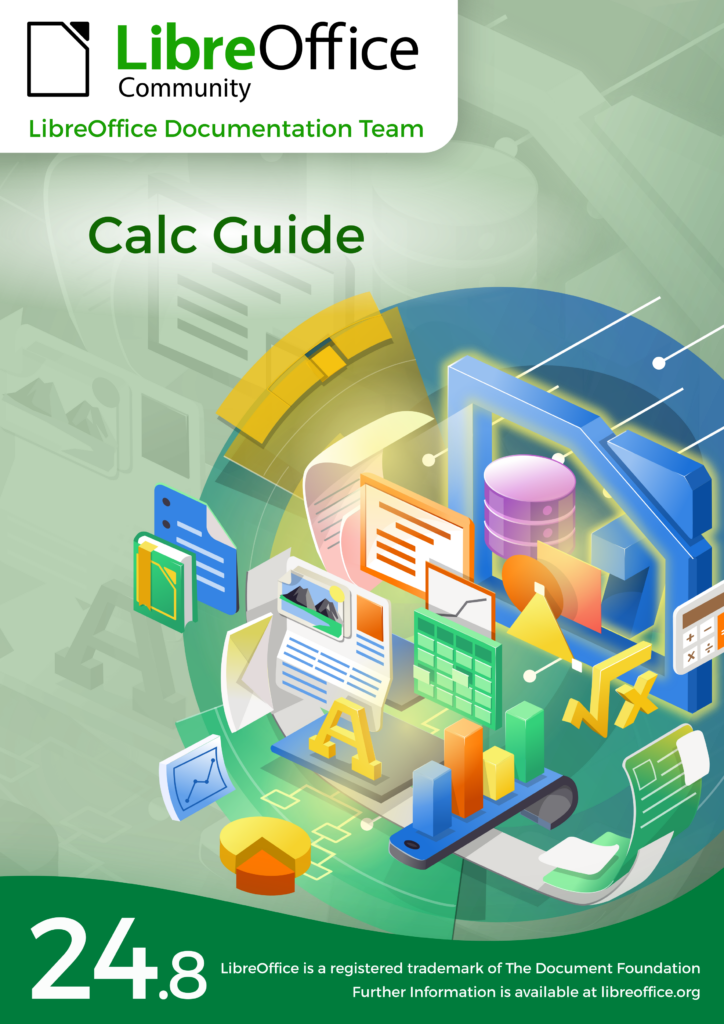
The community continued to expand its published resources as a marketing and onboarding asset. New user guides were released for the 25.2 line, alongside the Calc Guide 24.8 and Czech translations of the Getting Started Guide 24.8 and the Calc Guide 25.2, reflecting the contribution of native-language communities. New LibreOffice Expert magazines for 2025–2026 were made available for schools and local communities, and a new line of LibreOffice merchandise was introduced to support events, giveaways, and fundraising.
Media, Press Relations and Social Media
TDF sustained its media relations work throughout the year, issuing press releases tied to releases, milestones, events, and public-sector adoption, and reinforcing LibreOffice’s position as a cost-effective, secure, and privacy-respecting alternative to proprietary office suites. The social media strategy continued across Mastodon, LinkedIn, and the project’s other channels, with particular emphasis on reaching decision-makers in public administration through case studies and adoption stories, and on carrying the digital-sovereignty argument to professional and policy audiences. Monthly project-and-community recaps provided a steady, aggregated record of activity across the year.
Public-Sector Adoption
Public-sector migration continued to be one of the most persuasive elements of the project’s external messaging, demonstrating LibreOffice’s viability at institutional scale and lending concrete weight to the digital-sovereignty argument that ran through the year’s advocacy. These migrations were amplified through press and social channels as evidence that open standards and open-source office software are a realistic foundation for public administration.
Conclusion
In 2025, TDF’s marketing and advocacy work matured from software promotion into a coherent public case for digital sovereignty built on open document standards. Anchored by the fifteenth anniversary and the 400-million-download milestone, sharpened by the end of Windows 10 and the defence of ODF, and sustained by conferences, community campaigns, publications, and steady media work, the year’s activities both amplified LibreOffice’s visibility and strengthened the wider argument that documents — and the institutions that depend on them — are better served by open standards and community-driven software.