LibreOffice Calc Guide 7.4 is released

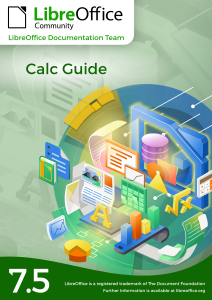
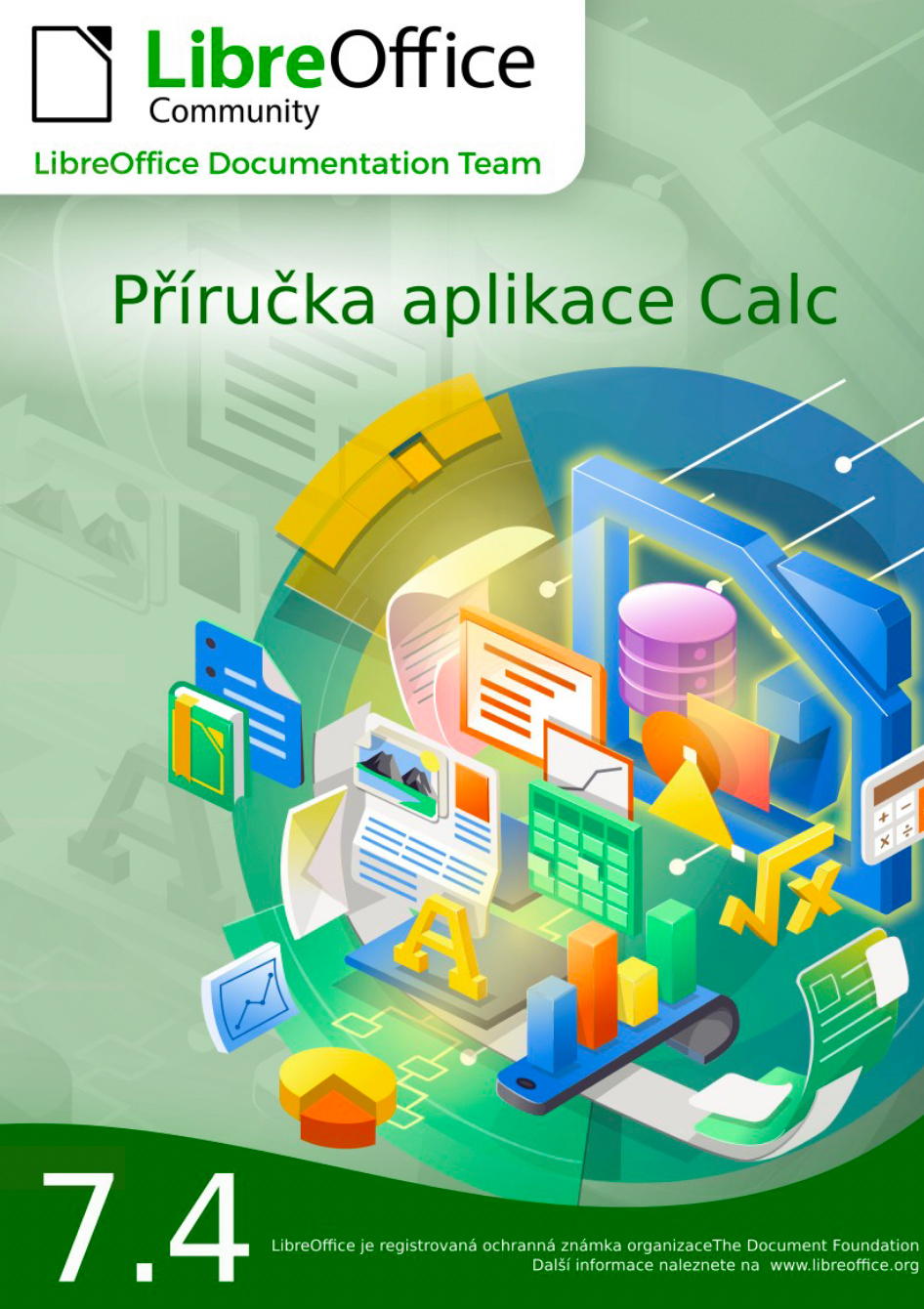
The new Calc Guide 7.4 bring updated information for users on the latest LibreOffice 7.4 release.

Skip Masonsmith and Kees Kriek of the LibreOffice Documentation Team are happy to announce the immediate availability of the LibreOffice Calc Guide 7.4.

The guide is for beginner to advanced users of Calc, the spreadsheet component of LibreOffice. The book introduces the features and functions of LibreOffice Calc. It is not a tutorial on using spreadsheets. Some chapters assume familiarity with basic spreadsheet usage when describing how to use Calc.

“It has been fantastic to join the LibreOffice documentation community of technical writing experts. As I worked on the Calc Guide 7.4 updates, I was well supported by the team to ensure the best outcome for everyone. It was a great experience and I look forward to working on more guides with the team.” said Skip Masonsmith, Calc Guide 7.4 coordinator.

Skip Masonsmith
Kees Kriek

The teamwork effort of Skip and Kees allowed to release the Calc Guide 7.4 in record time. The team decided to skip the Calc Guide 7.3 and merged it into the latest release 7.4.

The guide is available to download at the Documentation website and at the LibreOffice Bookshelf website. Both PDF and the source files are available. Our team used LibreOffice master documents to assemble the book and updated the style template for improved reading and text layout.

The community is invited to comment and give us feedback on the LibreOffice Calc 7.4  guide by joining our Documentation FORUM. Come along and let’s turn our Guides in the best LibreOffice user documentation reference.


Community Member Monday: Juan C. Sanz

Today we’re chatting with Juan C. Sanz, who helps out in many LibreOffice projects: documentation, translations, user help and more…

Tell us a bit about yourself!

I live in the city of Logroño, in the autonomous community of La Rioja (famous for its wines), in the north of Spain. Although I like reading a lot, my main passion is computers in general.

Almost all the time I have been working as a helicopter engineer, but due to my passion, while I was working, I studied to get a degree in Computer Science (Programming) and I was working as a programmer for a while without leaving my main job with helicopters.

When did you join the LibreOffice community, and how was the experience?

I like to say that I have been collaborating with LibreOffice since before LibreOffice existed and it is really true, how is that possible?

Well, my history with LibreOffice started, like many of us, in OpenOffice.

When I discovered the existence of OpenOffice I loved both the program and the possibility of getting it for free (then I didn’t know about FLOSS – I thought only about “gratis”). But at the same time, I realized that there was no documentation available in Spanish. While searching, I came across that phrase, which I don’t remember exactly, but it says something like “if you can’t find what you want, collaborate to make it”, so I joined the OpenOffice documentation team at ODFAuthors and there, together with a mini-team (I don’t think there were more than a couple of active collaborators at that time) I started translating the Getting Started Guide into Spanish.

I don’t know if it was by chance or because there was movement, but soon some more contributors joined and we managed to translate and publish the complete guide.

Shortly after finishing the Getting Started Guide, convulsive times came and ended with the fork that gave birth to LibreOffice.

The few of us who were in the Spanish documentation team at that time, decided that, for the time, we would collaborate with both branches and our first work for LibreOffice was to rebrand the OpenOffice guide to adapt it to LibreOffice, that is, we took advantage of all the previous work in OpenOffice for the first LibreOffice guide in Spanish. That’s why I say that I worked (we worked) on LibreOffice before it existed.

Since those times I haven’t stopped collaborating in the documentation team, but, like almost everyone, I have collaborated in other places, like helping to translate the user interface, the help for users in Ask or Telegram, the wiki, I have even submitted a patch! (Although my skills as a programmer are already quite outdated.)

And here I am, collaborating, hopefully for a long time!

Anything else you plan to do in the future? What does LibreOffice really need?

In all this time that I have been collaborating with LibreOffice, I have missed more collaboration with the project. Although there are many contributors in all fields, I think they are not enough. In my opinion, all of us who use free software should collaborate in its development by contributing our skills (or also economically), but personal collaboration seems to me essential for the improvement and dissemination of the project.

Many thanks to Juan for all his contributions! All LibreOffice users are welcome to get involved, learn new skills – and make LibreOffice even better for millions of users!

Community Member Monday: Peter Schofield

Today we’re talking to Peter Schofield from LibreOffice’s documentation community

Tell us a bit about yourself!

I am Yorkshire bred and born, which was a very long time ago. Left home at 16 to join the Royal Air Force. Served for almost 19 years as an Aircraft Technician, which is where my engineering knowledge started.

Became interested in Technical Writing in the early 80s and became qualified as a Technical Writer in 1985. This has enabled me to work in aviation, defence, mining, plant machinery, construction, electronics, telecommunications, computer peripherals and software. This did involve working in several countries, which has given me a very broad outlook on life.

Now official retired from paid work and have settled down in Poland with my lovely Polish wife.

How did you get involved in LibreOffice?

First came across an early version of LibreOffice in the 90s when I started using Star Office, which then became OpenOffice. I have always been interested in open software being freely available to users to help them save money, not having having to pay the big corporations.

I took to LibreOffice when I retired and realised how good it is, so I decided to help the project. This gave me the chance to create user guides that LibreOffice users could easily understand (I hope). I am now in charge of the Impress and Draw user guides and starting to upgrade both of them to LibreOffice 7.4.

What else are you planning to work on?

My plans for the future is continue being a willing volunteer on the LibreOffice Documentation Team with the hope that I can improve usability of the user guides for the majority of users. I do believe that some parts of the LibreOffice user guides do need improvement because of the poor language used. With this in mind, I am now updating the template to help improve the quality of the user guides. This means that there are hints and ideas in the template on how to improve ones writing.

Eventually I would like to see all the user guides using an easy to understand English. This means it would make the text easier to translate into the languages LibreOffice is available in, and make the English easier to understand for users where English is not their first language. This idea is already in practice with several companies throughout the world. These companies use one of the versions of Simplified English that are available.

Many thanks to Peter for all his help! Everyone is welcome to join the Documentation Team and build up skills for a potential career in technical writing…

Index of Training Videos about LibreOffice

In order to make it easier for users to find training videos about LibreOffice, we have created a comprehensive index updated to the end of April 2022 using the open source Zotero bibliography and reference management software.

The index is published on this blog in the Media Hub section (clicking on the Media Hub menu, you will open a drop down menu with Press Releases and Index of Videos).

At the moment, indexed videos are only in English (although there are also videos in other languages, which have still to be indexed), and have been grouped by topic: LibreOffice, LibreOffice Writer, LibreOffice Calc, LibreOffice Impress, LibreOffice Draw, LibreOffice Base, LibreOffice Math, LibreOffice Interviews and LibreOffice Talks.

The next task is to create an index of documents relevant for The Document Foundation and LibreOffice, covering topics such as open source software, open standards, change management, sustainability, interoperability, digital citizenship, migrations, openness, digital sovereignty and document formats, to mention only the most important. The objective is to provide educational materials to all LibreOffice stakeholders, as a background for training and presentations, or as a simple but comprehensive source of information.

Draw Guide 7.3

Peter Schofield and Kees Kriek are happy to announce the Draw Guide 7.3  with the latest LibreOffice Draw 7.3 developments.

Download Draw Guide 7.3

This 348 pages book covers the main features of Draw, the vector graphics component of LibreOffice. Using Draw, a wide variety of graphical images can be created.

Vector graphics store and display a picture as simple geometric elements such as lines, circles, and polygons rather than as a collection of pixels (points on the screen). This permits simpler storage and supports precise scaling of the picture elements.

Draw is fully integrated into LibreOffice. This simplifies exchanging graphics with Writer, Calc, and Impress. Images can be exported in many formats for use in other programs.

Thank you guys for the wonderful Draw Guide!

Kees Kriek
Peter Schofield
Peter Schofield

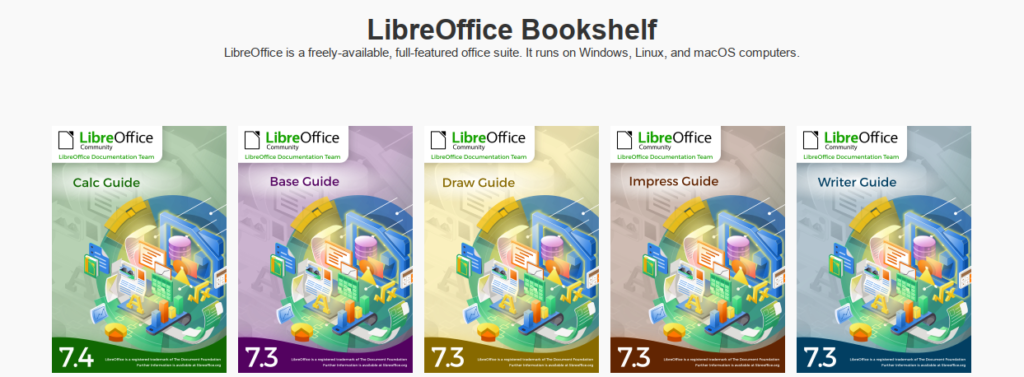
The full set of published LibreOffice guides is available in the LibreOffice Documentation Website and in the LibreOffice Bookshelf Project.

Join the Documentation Team

Impress Guide is updated to match LibreOffice Community 7.3

The Impress Guide 7.3 has just arrived with the latest LibreOffice Impress 7.3 developments.

Download Impress Guide 7.3

This 374 pages book covers the main features of Impress, the presentations (slide show) component of LibreOffice. You can create slides that contain text, bulleted and numbered lists, tables, charts, clip art, and other objects. Impress comes with prepackaged text styles, slide backgrounds, and Help. It can open and save to Microsoft PowerPoint formats and can export to PDF, HTML, and numerous graphic formats.

The Guide update was an effort of Peter Schofield and Kees Kriek.

Peter Schofield
Peter Schofield
Kees Kriek

Thank you guys for the wonderful Impress Guide!

The full set of published LibreOffice guides is available in the LibreOffice Documentation Website and in the LibreOffice Bookshelf Project.

Join the Documentation Team