Community Member Monday: Peter Schofield

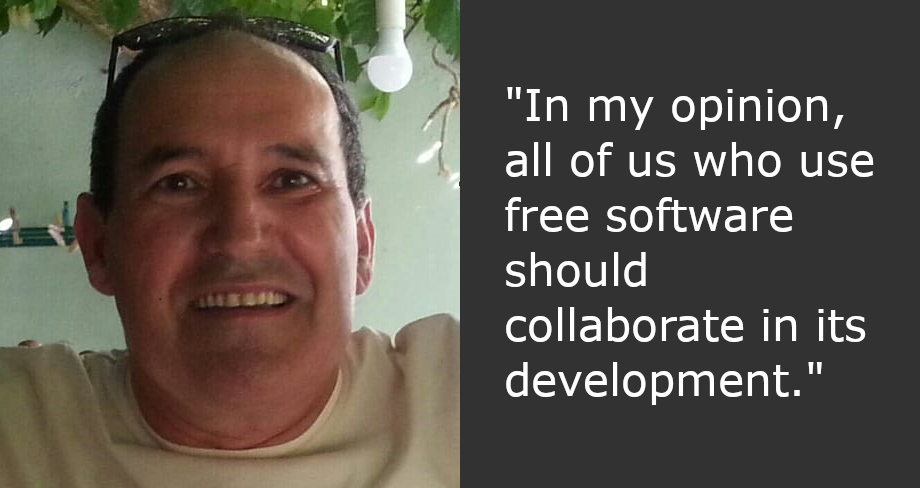
Today we’re talking to Peter Schofield from LibreOffice’s documentation community

Tell us a bit about yourself!

I am Yorkshire bred and born, which was a very long time ago. Left home at 16 to join the Royal Air Force. Served for almost 19 years as an Aircraft Technician, which is where my engineering knowledge started.

Became interested in Technical Writing in the early 80s and became qualified as a Technical Writer in 1985. This has enabled me to work in aviation, defence, mining, plant machinery, construction, electronics, telecommunications, computer peripherals and software. This did involve working in several countries, which has given me a very broad outlook on life.

Now official retired from paid work and have settled down in Poland with my lovely Polish wife.

How did you get involved in LibreOffice?

First came across an early version of LibreOffice in the 90s when I started using Star Office, which then became OpenOffice. I have always been interested in open software being freely available to users to help them save money, not having having to pay the big corporations.

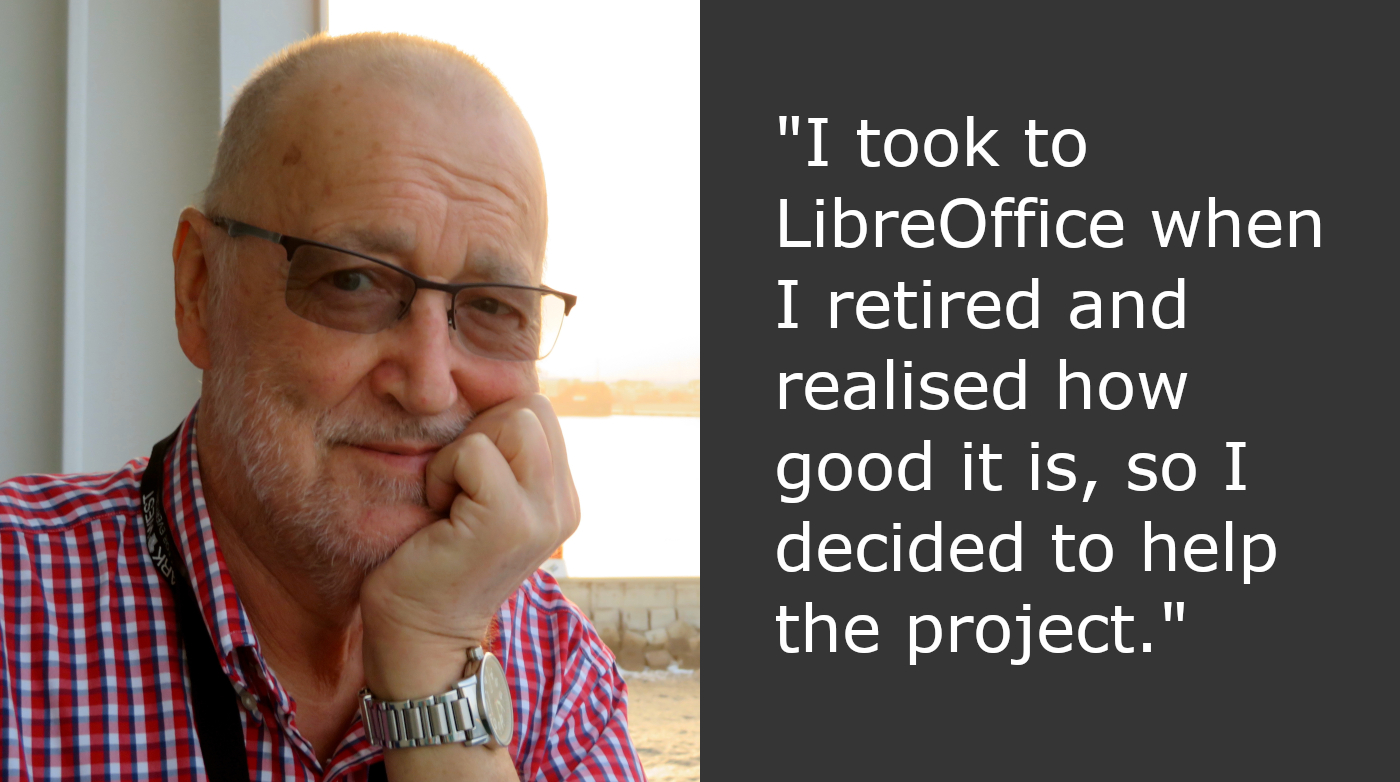
I took to LibreOffice when I retired and realised how good it is, so I decided to help the project. This gave me the chance to create user guides that LibreOffice users could easily understand (I hope). I am now in charge of the Impress and Draw user guides and starting to upgrade both of them to LibreOffice 7.4.

What else are you planning to work on?

My plans for the future is continue being a willing volunteer on the LibreOffice Documentation Team with the hope that I can improve usability of the user guides for the majority of users. I do believe that some parts of the LibreOffice user guides do need improvement because of the poor language used. With this in mind, I am now updating the template to help improve the quality of the user guides. This means that there are hints and ideas in the template on how to improve ones writing.

Eventually I would like to see all the user guides using an easy to understand English. This means it would make the text easier to translate into the languages LibreOffice is available in, and make the English easier to understand for users where English is not their first language. This idea is already in practice with several companies throughout the world. These companies use one of the versions of Simplified English that are available.

Many thanks to Peter for all his help! Everyone is welcome to join the Documentation Team and build up skills for a potential career in technical writing…

Index of Training Videos about LibreOffice

In order to make it easier for users to find training videos about LibreOffice, we have created a comprehensive index updated to the end of April 2022 using the open source Zotero bibliography and reference management software.

The index is published on this blog in the Media Hub section (clicking on the Media Hub menu, you will open a drop down menu with Press Releases and Index of Videos).

At the moment, indexed videos are only in English (although there are also videos in other languages, which have still to be indexed), and have been grouped by topic: LibreOffice, LibreOffice Writer, LibreOffice Calc, LibreOffice Impress, LibreOffice Draw, LibreOffice Base, LibreOffice Math, LibreOffice Interviews and LibreOffice Talks.

The next task is to create an index of documents relevant for The Document Foundation and LibreOffice, covering topics such as open source software, open standards, change management, sustainability, interoperability, digital citizenship, migrations, openness, digital sovereignty and document formats, to mention only the most important. The objective is to provide educational materials to all LibreOffice stakeholders, as a background for training and presentations, or as a simple but comprehensive source of information.

Draw Guide 7.3

Peter Schofield and Kees Kriek are happy to announce the Draw Guide 7.3  with the latest LibreOffice Draw 7.3 developments.

Download Draw Guide 7.3

This 348 pages book covers the main features of Draw, the vector graphics component of LibreOffice. Using Draw, a wide variety of graphical images can be created.

Vector graphics store and display a picture as simple geometric elements such as lines, circles, and polygons rather than as a collection of pixels (points on the screen). This permits simpler storage and supports precise scaling of the picture elements.

Draw is fully integrated into LibreOffice. This simplifies exchanging graphics with Writer, Calc, and Impress. Images can be exported in many formats for use in other programs.

Thank you guys for the wonderful Draw Guide!

Kees Kriek
Peter Schofield
Peter Schofield

The full set of published LibreOffice guides is available in the LibreOffice Documentation Website and in the LibreOffice Bookshelf Project.

Join the Documentation Team

Impress Guide is updated to match LibreOffice Community 7.3

The Impress Guide 7.3 has just arrived with the latest LibreOffice Impress 7.3 developments.

Download Impress Guide 7.3

This 374 pages book covers the main features of Impress, the presentations (slide show) component of LibreOffice. You can create slides that contain text, bulleted and numbered lists, tables, charts, clip art, and other objects. Impress comes with prepackaged text styles, slide backgrounds, and Help. It can open and save to Microsoft PowerPoint formats and can export to PDF, HTML, and numerous graphic formats.

The Guide update was an effort of Peter Schofield and Kees Kriek.

Peter Schofield
Peter Schofield
Kees Kriek

Thank you guys for the wonderful Impress Guide!

The full set of published LibreOffice guides is available in the LibreOffice Documentation Website and in the LibreOffice Bookshelf Project.

Join the Documentation Team

Czech translation of LibreOffice Getting Started Guide 7.3

Zdeněk Crhonek (aka “raal”) from the Czech LibreOffice community writes:

The Czech team has finished its translation of the LibreOffice Getting Started Guide 7.3. As usual it was team work, namely: translations by Petr Kuběj, Zdeněk Crhonek and Ludmila Chládková; localized pictures by Roman Toman; and technical support from Miloš Šrámek. Thanks to all the team for their work! The Czech translation of the guide 7.3 is available for download on this page.

Indeed, many thanks to everyone in the Czech community for their work! Learn more about LibreOffice’s documentation project here.

Annual Report: LibreOffice Documentation Project in 2021

The LibreOffice Conference is the annual gathering of the community, our end-users, developers, and everyone interested in free office software. This year, it took place online once again.

(This is part of The Document Foundation’s Annual Report for 2021 – we’ll post the full version here soon.)

New and translated guides

Throughout the year, the documentation project closed the gap between LibreOffice major releases, and the updates of the corresponding user guides. By the year end, all of the version 7 guides updated to match the release of LibreOffice 7.2, and ready to continue for the forthcoming release – 7.3 – which arrived in February 2022. The goal of tracking the software release closely was achieved, and the documentation team is now in a steady state of small updates between releases.

The updates and enhancements of the guides was an effort of all the team, coordinated by Jean Weber (Writer and Getting Started Guide), Steve Fanning (Calc and Base guides), Peter Schofield (Impress and Draw guides), Rafael Lima (Math guide). A number of volunteers also worked in each guide by writing and reviewing contents and suggesting improvements. Special thanks to Jean Weber for making the guides available for sale in printed format via Lulu Inc.

In the last quarter of 2021, thanks to The Document Foundation’s budget, some master documents bugs were fixed under contract by Michael Stahl of allotropia, and now the documentation team can safely assemble it guides with master documents, and produce PDFs with hidden sections and correct navigation indexes in PDF readers.

ScriptForge Library and Wiki Pages

The documentation community also had a nice contribution from Jean Pierre Ledure, Alain Romedenne and Rafael Lima, for the development of the ScriptForge macro library, in synchronization with the much-needed Help pages on the subject, a practice rarely followed by junior developers of LibreOffice. As we know, undocumented software is software that’s lacking; features that are unknown to the user can be a cause of costly calls to a help desk in corporate deployments. ScriptForge developments came together with its documentation, demonstrating the ScriptForge team’s professional maturity.

Special thanks to Steve Fanning for his leadership of the Calc Functions wiki pages maintenance. The wiki pages were initially developed by Ronnie Gandhi in 2020 under the Google Season of Docs programme, and are now run by Steve, providing richer content about the functions, with better descriptions, new examples, and other reference information. The in-depth review of the Calc Function wiki pages gave very good feedback for the Help pages, which also lead to help content improvements. The Calc functions wiki pages are available for translation, thanks to the dedication of Ilmari Lauhakangas at TDF.

Very important as well: the documentation community also had a team of Help page bug fixes, closing Help documentation bugs, bridging gaps, fixing typos and improving quality, a must-have update to keep LibreOffice in-shape for its user base. The Help pages, which are part of the LibreOffice code, were also refactored continuously for better maintenance and code readability. The L10N team of volunteers (localization and translators) were quick in flagging typos and English mistakes – while translating the help content and the user interface.

LibreOffice Bookshelf

In 2021, the documentation community also launched the LibreOffice Bookshelf, another download page for LibreOffice guides that is different from the current documentation.libreoffice.org server page. The Bookshelf can be cloned and installed in organizations, libraries, colleges and schools, for immediate availability in controlled environments, as well as online reading of the guides. The OpenDocument Format chapters were transformed into static HTML pages, and are ready to display on computers, tablets and cell phones, bringing LibreOffice user guides closer to its public, anywhere, anytime. The conversion process is extensive and was described at the LibreOffice 2021 Conference. It was also extended to the Portuguese translation of the guides, and can easily extended for other languages. Many thanks to Tulio Macedo for his work on it.

Like what we do? Support the LibreOffice project and The Document Foundation – get involved and help our volunteers, or consider making a donation. Thank you!