LibreOffice 24.2 is our new major update, with new features, compatibility improvements, and performance boosts. Check out this video, with subtitles in 28 languages thanks to our awesome localisation community – or if you’d prefer to watch it on PeerTube, here’s a link.
Please confirm that you want to play a YouTube video. By accepting, you will be accessing content from YouTube, a service provided by an external third party.
Two weeks ago, we released LibreOffice 7.6, our new major version of the office suite. And so far we’ve had 1,587,383 downloads from our site! (So that doesn’t include Linux distributions that package it themselves.) We hope all users are enjoying it, and the many new features.
Many thanks to our worldwide community of volunteers, and certified developers, for all their work on this release!
Please confirm that you want to play a YouTube video. By accepting, you will be accessing content from YouTube, a service provided by an external third party.
In 2022, the marketing team continued the deployment of the Strategic Marketing Plan, without overlooking ongoing activities to promote LibreOffice and support the efforts of native language communities
(This is part of The Document Foundation’s Annual Report for 2022 – we’ll post the full version here soon.)
LibreOffice Strategic Marketing Plan
We have invested in the deployment of the Strategic Marketing Plan, with additional activities such as the release of generic presentations about The Document Foundation (History, and Digital Sovereignty), LibreOffice (Technology, also with comments, and Sustainability) and Open Document Format (Generic, ODF and Interoperability, and OOXML Issues), to be used by community members. Videos who help to personalize a slide deck according to the audience are also available.
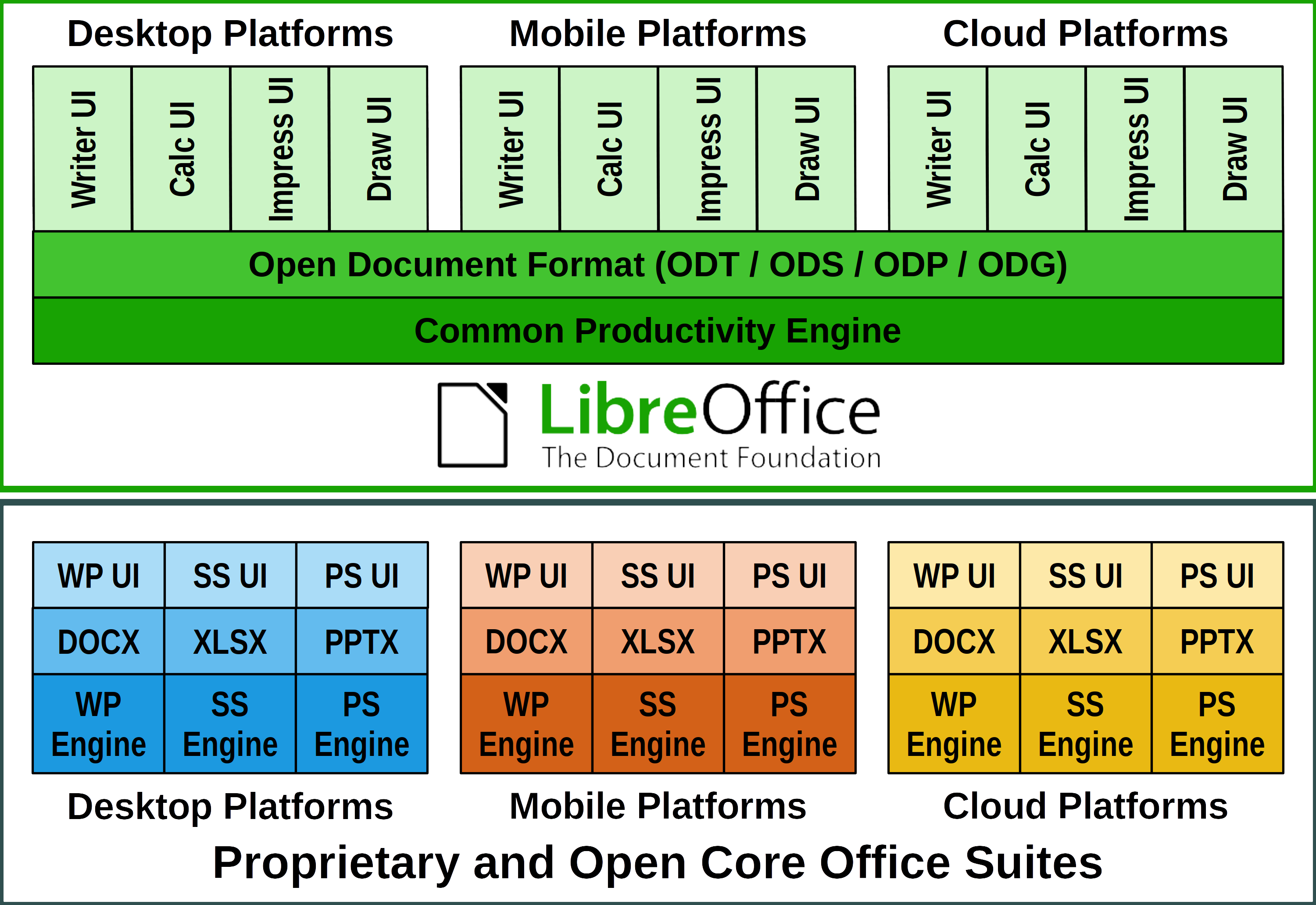
We have also released a White Paper about LibreOffice Technology, to explain the evolution of LibreOffice from a single desktop product to a product based technology for individual or enterprise productivity, which is the foundation for a series of products optimized for different platforms, such as desktop, mobile and the cloud. To underline the importance of the LibreOffice Technology concept, a specific logo has been created, to make visually easier to associate all products based on this technology platform.
A second logo about the LibreOffice Ecosystem was also developed, to make it easier to recognize companies who provide development, support, migration or training services around a product based on the LibreOffice Technology. This logo has not yet been adopted on a large scale, and because of this there will be some specific actions in 2023 to encourage companies which belong to the ecosystem to use it.
The project will also continue to invest in the communication of FOSS sustainability, as enterprises should consider that focusing on the “free as in beer” nature of the software can seriously harm projects that they rely on as strategic assets of their infrastructure. It is a short-sighted decision, as they can save a lot by not paying a single dime, but they may also have to spend quite a lot tomorrow if the original project is not able to self sustain, as they will have to switch back to a proprietary solution.
The Importance of Donations
Donations are vital for current operations and future developments of The Document Foundation, as they allow us to keep the organization alive, to fund specific activities, to support events and other marketing tasks organized by native language projects, and to maintain a small team working on various aspects of LibreOffice.
In addition, funds from donations were used to for several development related tasks.
Ongoing Marketing Activities
Marketing at The Document Foundation and LibreOffice is a large team effort, with contractors paid for their activity – thanks to the money made available by our generous donors – and several volunteers carrying out actions both at global and local levels to increase visibility and brand awareness.
One of the ongoing projects is the Community Member Monday Series, with interviews of one or more community members about their contributions to the project.
The marketing team, supported by many volunteers, created a series of New Features videos for the announcement of LibreOffice 7.4 and LibreOffice 7.5, covering the suite as a whole – and Writer, Calc and Impress in detail. These videos are a great way to demonstrate new features to end users and are often embedded into news websites. They have also been translated into different languages by volunteers of the localization community.
Please confirm that you want to play a YouTube video. By accepting, you will be accessing content from YouTube, a service provided by an external third party.
If you accept this notice, your choice will be saved and the page will refresh.
Activities Month by Month
In early January, we announced LibreOffice 7.2.5 Community, the fifth minor release of the LibreOffice 7.2 family, with 90 bug and regression fixes and many improvements to document compatibility. Also, we announced Klingon and Interslavic support for the upcoming LibreOffice 7.3 release.
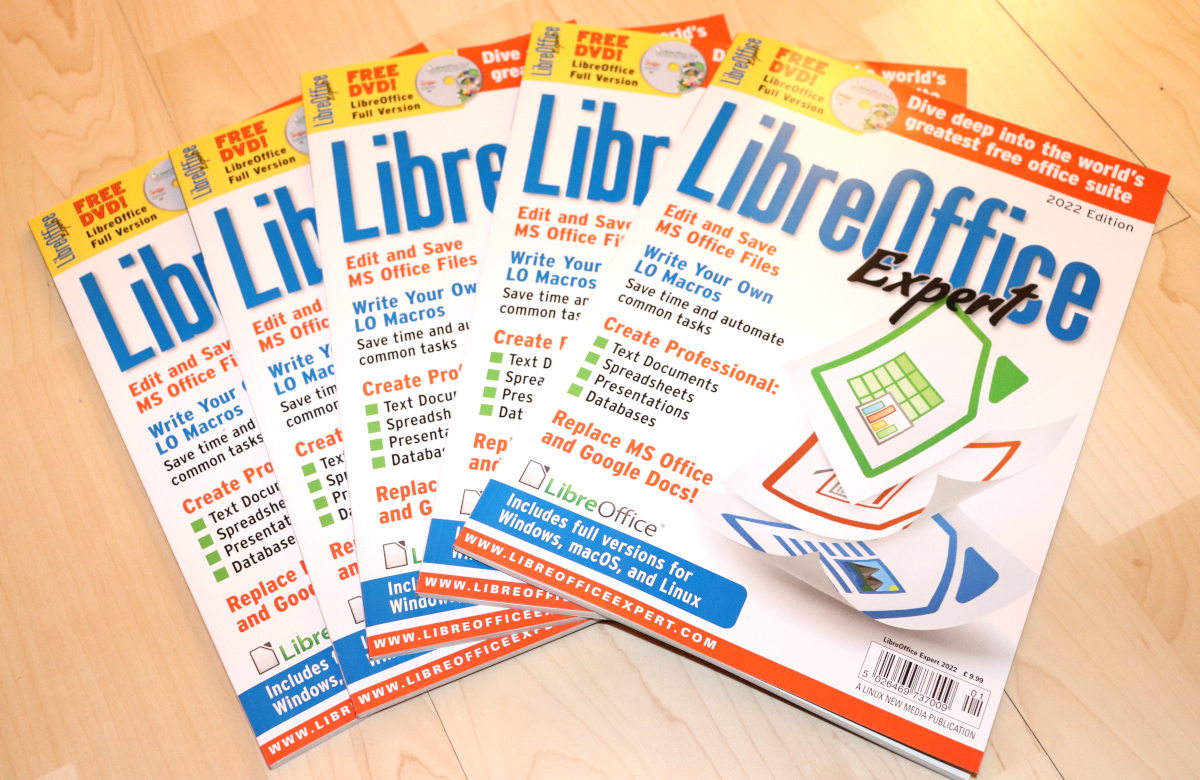
In mid January, Linux New Media released a special edition magazine, full of tutorials, tips and tricks about LibreOffice. Some of the articles were contributed by members of the LibreOffice community. The magazines come with DVDs with LibreOffice for Linux, Windows and macOS, plus extra templates, extensions and guidebooks, and we had some copies to give away to schools and communities.
In late January, the Matrix bridge for the LibreOffice IRC Channels was launched, to allow the use of a modern chat tool to participate more efficiently in LibreOffice-related discussions. At the same time, the European Commission OSPO (Open Source Program Office) announced a bug bounty program to help selected projects – such as LibreOffice – find (and potentially fix) security issues. Rewards were from € 250 up to € 5,000 for security bug disclosures, with 20% added on top if the researcher was also able to provide a fix for the bug.
In early February, the announcement of LibreOffice 7.3 Community represented another giant step in the direction of interoperability with Microsoft Office’s proprietary files, as the release provided a large number of improvements targeted at users migrating from Microsoft Office to LibreOffice, or exchanging documents between the two office suites.
After the announcement, the project was at the virtual FOSDEM with a devroom and a booth. During the two busy days we had the opportunity to meet LibreOffice advocates and answer their questions after presentations or in chat rooms.
On February 17, we celebrated the 10th anniversary of The Document Foundation, and the new Board of Directors started the two year term. Members are: Thorsten Behrens, Paolo Vecchi, Jan ‘Kendy’ Holešovský, Emiliano Vavassori, Caolán McNamara, Cor Nouws and László Németh. Deputies are: Gábor Kelemen, Ayhan Yalçınsoy and Gabriel Masei. After Russia’s aggression in Ukraine, one of the first decision of the newly appointed BoD was to suspend the Russian company RusBITech from the foundation’s Advisory Board.
In late February, we started working on TDF’s Annual Report, creating most of the content and visuals with LibreOffice, and collecting images from community events for the final version. The final booklet is entirely produced with free software (LibreOffice and GIMP for tweaking images, Scribus for creating the layout, and the free Croscore fonts: Carlito and Caladea).
In early March, the project announced LibreOffice 7.3.1 Community, the first minor release of the LibreOffice 7.3 family, providing a solution to LibreOffice 7.3 bugs such as the Auto Calculate regression on Calc, the crashes running Calc when lacking AVX instructions and the crashes related to the Skia graphic engine on macOS. On March 8th, we celebrated the International Women’s Day, which was followed by the release of LibreOffice 7.2.6 Community.
In mid March, we announced the participation of LibreOffice to Google Summer of Code (GSoC) for the 10th straight year. During the month, we also celebrated Document Freedom Day 2022, and announced several communication channels for the LibreOffice community in India: Matrix and Telegram. At the end of the month, the project released LibreOffice 7.3.2 Community.
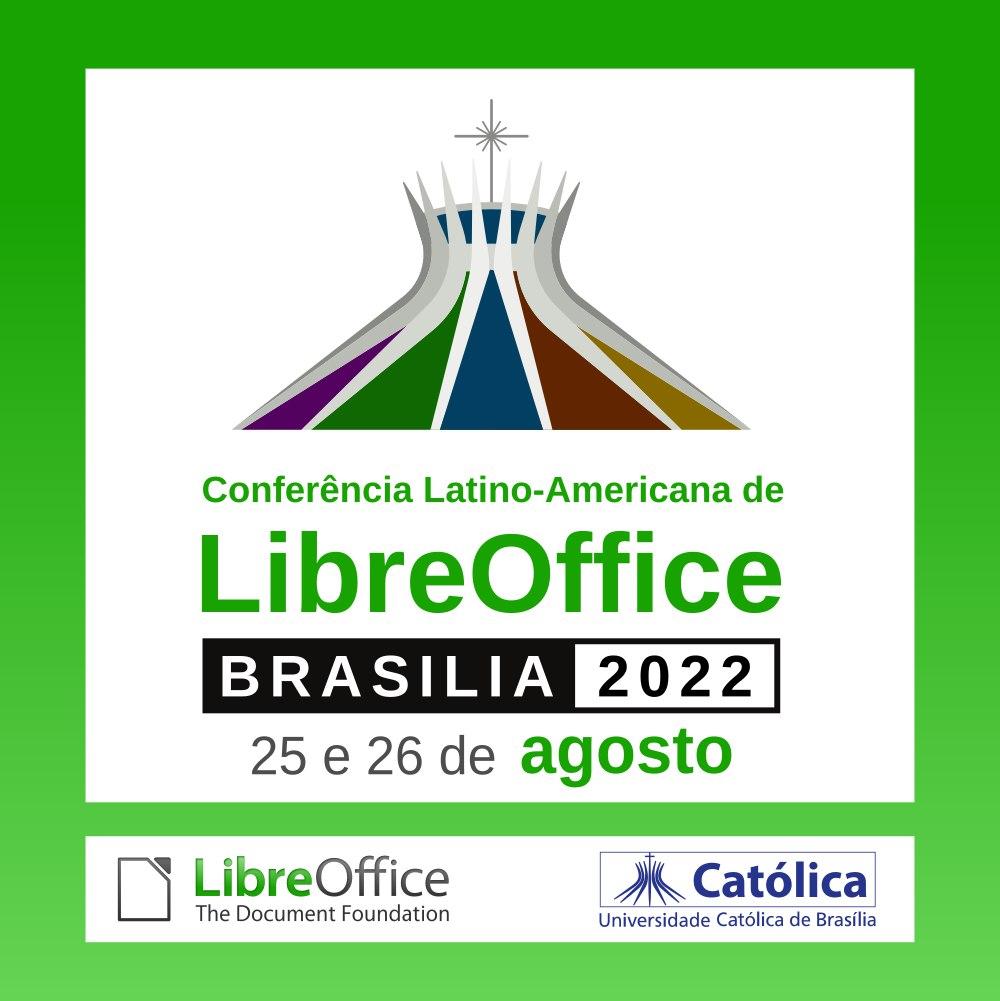
At the same time, the 2022 edition of the Latin-American LibreOffice Conference was announced. The event, organized by the Brazilian community, was scheduled for August 25 and 26 at the Catholic University of Brasília, in the Taquaritinga area of Federal District.
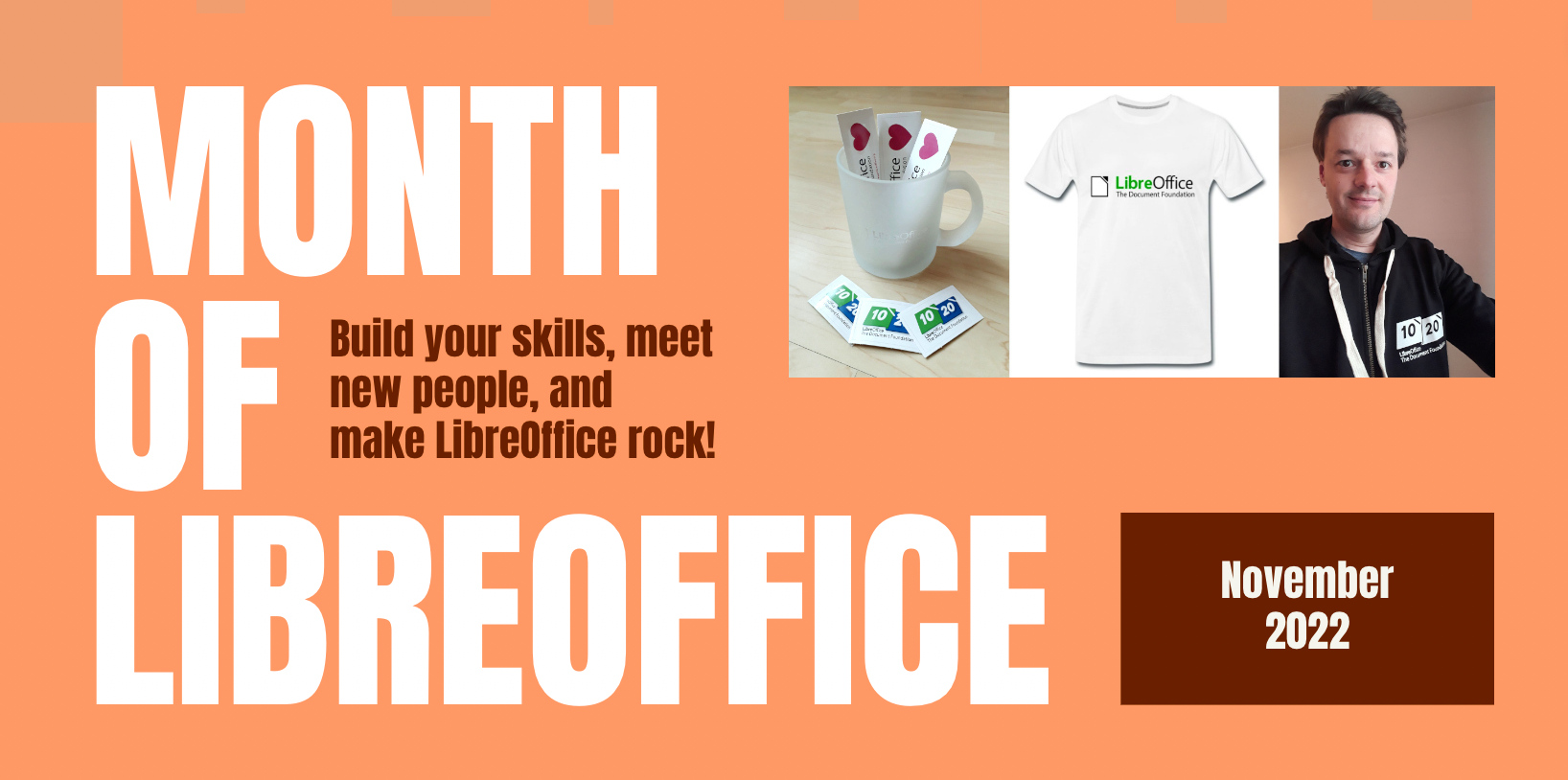
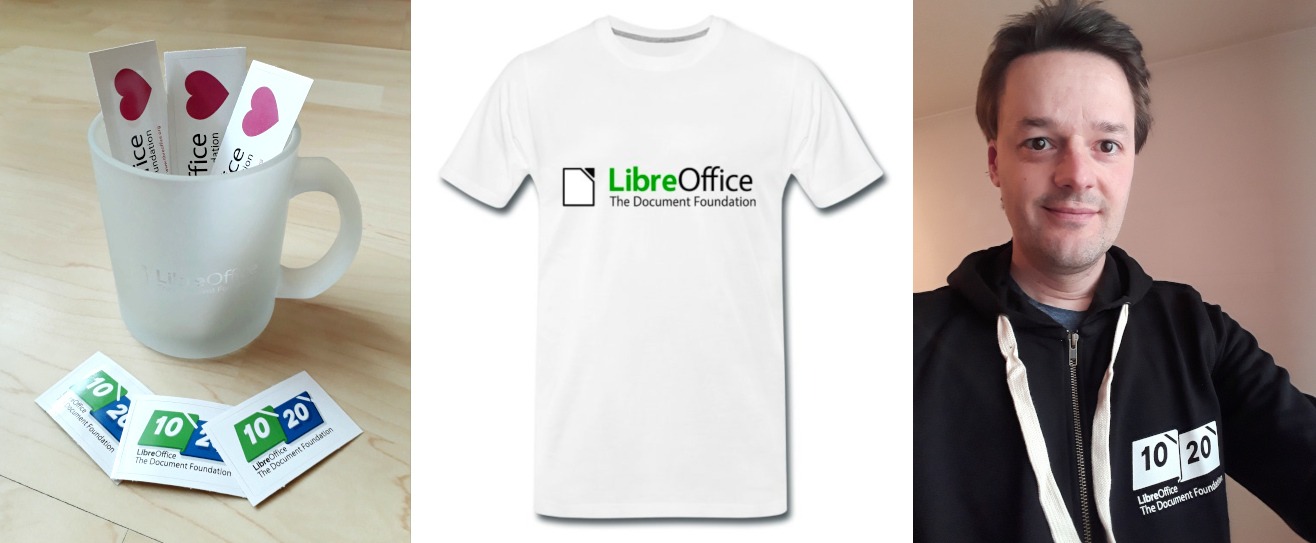
In May, we organized the “Month of LibreOffice” campaign, which gave contributors the opportunity to thank other members of the community for their work by awarding a sticker or a mug, a hoodie, a T-shirt or a rucksack. During the month we also released LibreOffice 7.3.3 Community and LibreOffice 7.2.7 Community.
In mid May we announced the LibreOffice Conference 2023, scheduled for the month of September, from Thursday, September 29th, to Saturday, October 1st, in Milan, Italy. At the same time, we announced the call for papers and the sponsorship packages.
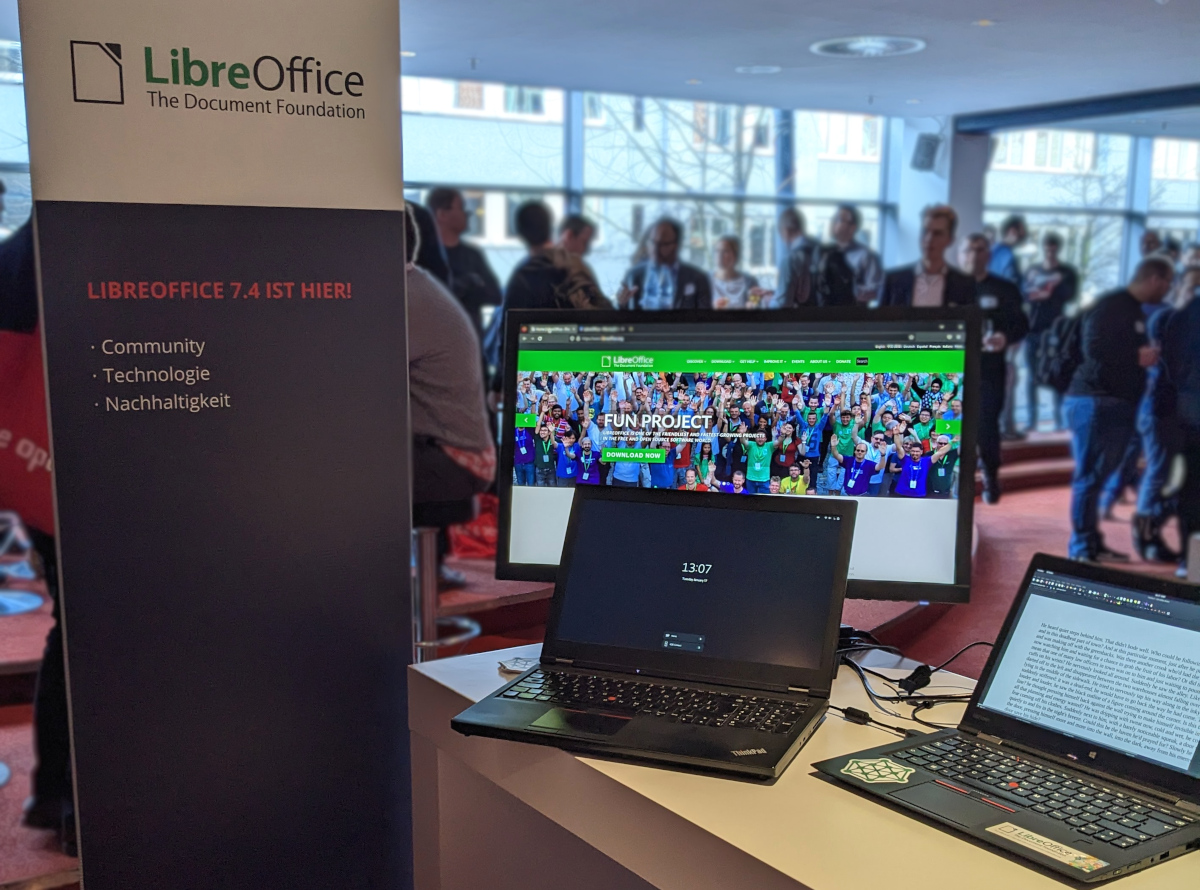
In late May, several representatives from the LibreOffice project and the ecosystem companies allotropia and Collabora attended the Univention Summit 2022 in Bremen, northern Germany. They had a stand with LibreOffice merchandise, talked to visitors and answered questions.
In early June, the marketing team announced the availability of the index of LibreOffice training videos, which is available on this blog in the Media Hub section. The index is for videos in English.
In June, we announced LibreOffice 7.3.4 Community, followed in July by LibreOffice 7.3.5 Community.
In August, we finalized all materials for the announcement of interoperability focused LibreOffice 7.4, with the press release localized in many languages thanks to volunteers from several native language communities. Thanks to this large effort, press releases are reaching journalists in their idiom, and this increases the chances of getting published.
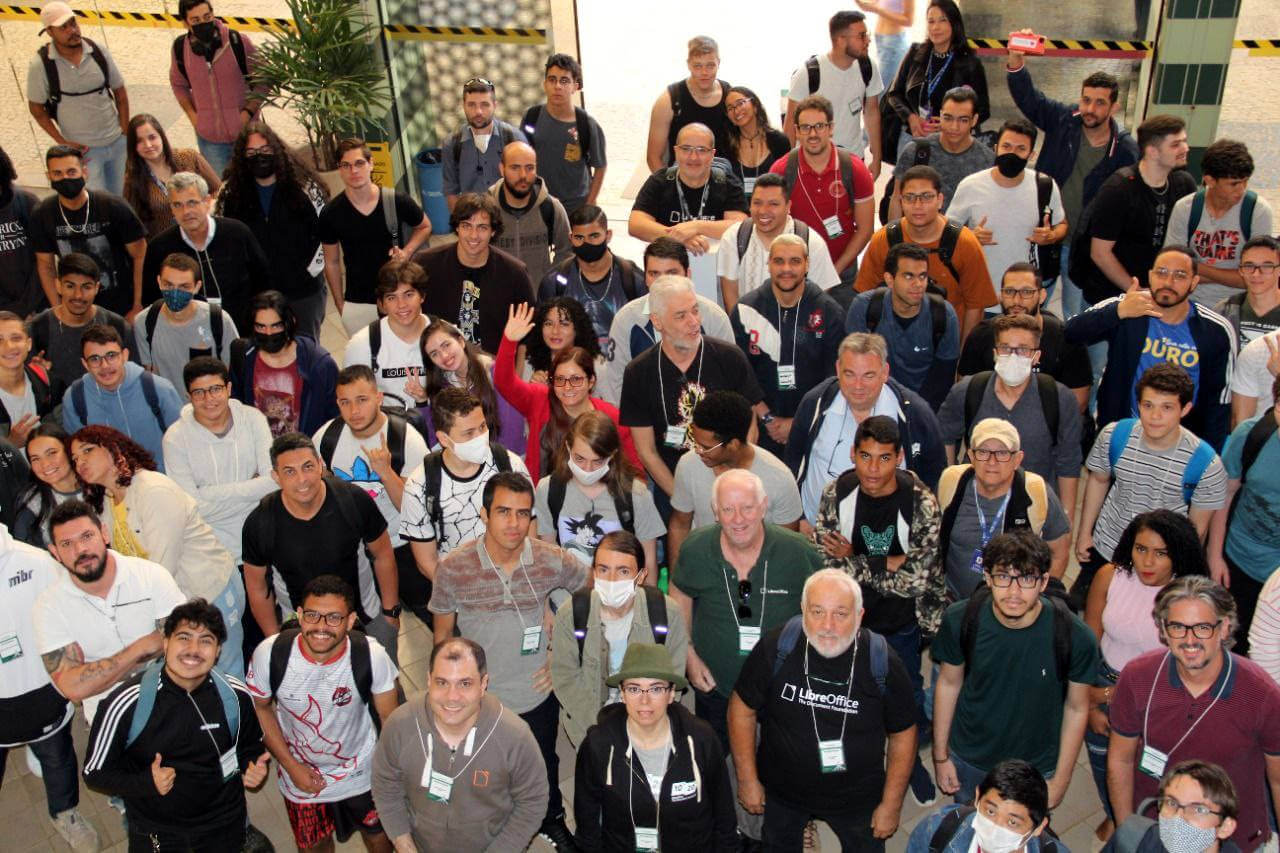
In late August, the LibreOffice LATAM Conference gathered around 400 people, among them students and IT professionals, and was opened to the public on Thursday August 25th in a ceremony chaired by Prof. Wesley Sepulveda, representing UCB, Lothar Becker (formerly on the Board of Directors of The Document Foundation) and Olivier Hallot representing the LibreOffice community.
In September, we announced LibreOffice 7.3.6 Community, and at the same time we celebrated the 10,000th follower on our Mastodon account (Fosstodon server). Later in the month, we announced LibreOffice 7.4.1 Community, and released LibreOffice on Apple’s Mac App Store.
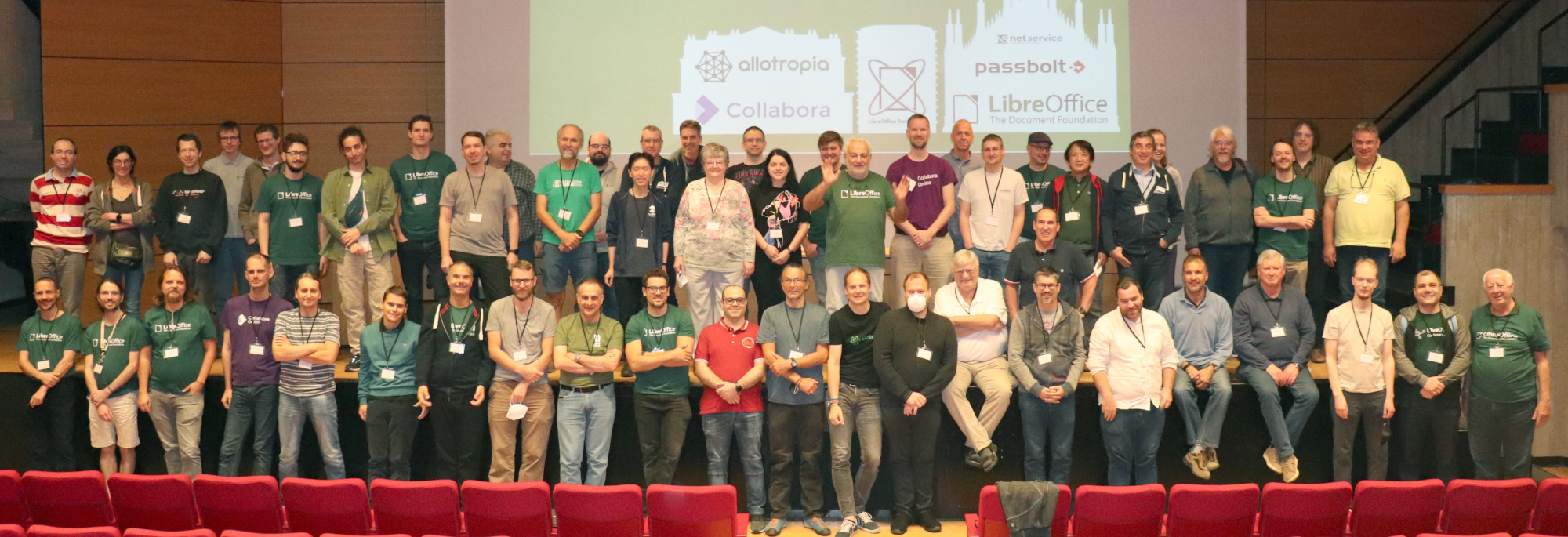
At the end of the month, the LibreOffice community gathered in Milan for the LibreOffice Conference 2022, from September 29 to October 1st. During the event, which started on September 26 with internal meetings of TDF Team, followed by community meetings, we celebrated the project’s 12th anniversary.
In early October, we announced the release of LibreOffice 7.4.2 Community, and the availability of LibreOffice on the Microsoft Store. We also announced the election for the next Board of Directors of The Document Foundation. Following the discussions at the conference, we also announced the Liaison role for Native Language Communities.
In November, which was another “Month of LibreOffice”, with TDF awarding stickers, glass mugs, T-shirts and hoodies, we announced both LibreOffice 7.3.7 Community and LibreOffice 7.4.3 Community. We also launched the Call for Papers for the LibreOffice Technology FOSDEM DevRoom, and welcomed Stéphane Guillou as a member of TDF Team in the role of QA Analyst for LibreOffice.
During the month, LibreOffice’s Indonesian community collaborated with the Organizing Committee of the Indonesia Linux Conference 2022, to hold a short presentation: “Implementation of LibreOffice in the Ecosystem at a University”.
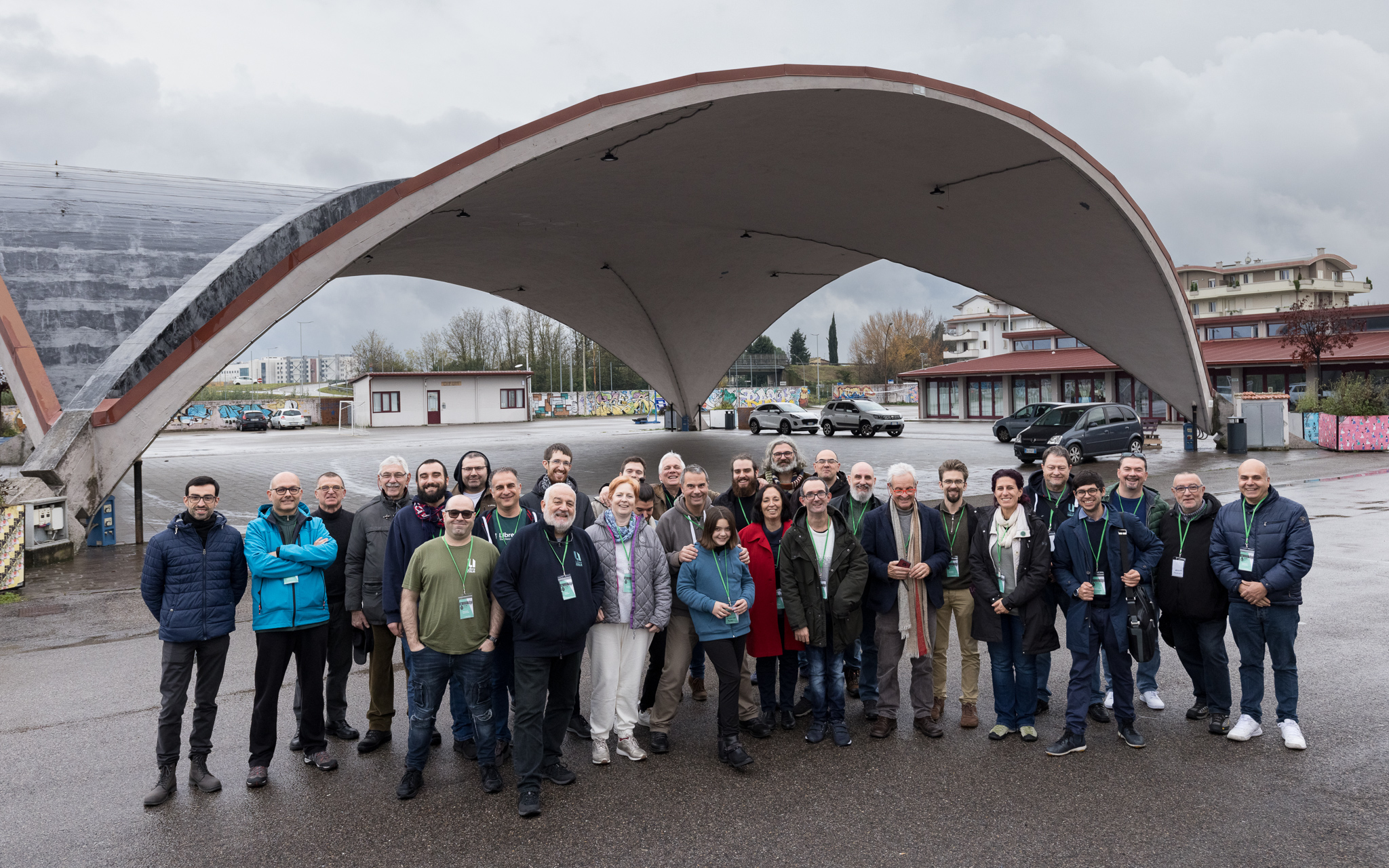
In December, the Italian community gathered in Empoli, Tuscany, for the LibreItalia Conference. The event opened with welcome speeches by President Enio Gemmo and Gruppo Operativo Linux Empoli (GOLEM), followed by those of Flavia Marzano and Professor Andreas Formiconi of the University of Florence on the importance of FOSS for Education.
Bringing new community members on board and helping them get started is an essential part of our work. Here’s what we did in 2022
(This is part of The Document Foundation’s Annual Report for 2022 – we’ll post the full version here soon.)
Onboarding tools and sites
Joining a large and established project like LibreOffice can be daunting for many. The software has a large codebase, and sub-projects use a wide array of tools. In recent years, we’ve made efforts to simplify the onboarding process by linking more services together with SSO (single sign-on), thereby reducing some of the complexity. In addition, we’ve created Easy Hacks and similar “bite size” projects in other areas, so that newcomers can get involved quickly and achieve something without months of work.
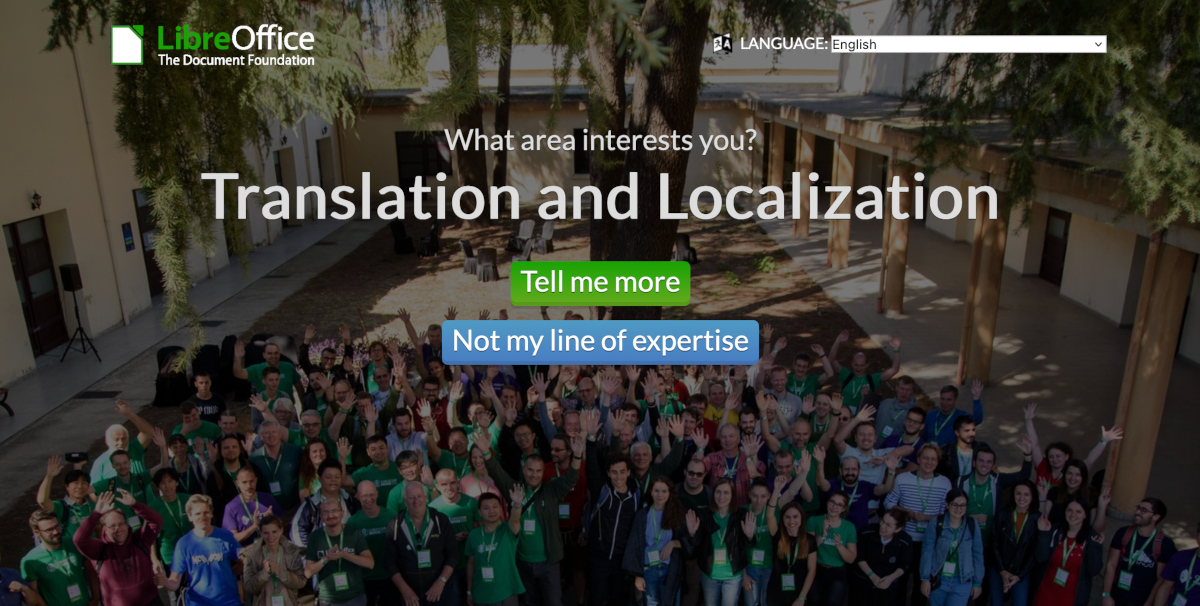
Currently, we have two websites that function as starting points for new contributors: “What can I do for LibreOffice” and the get involved page. The former was set up by LibreOffice’s Albanian community, and lets users click through topics of interest, until they find something they want to do. The latter is a regular page, with a list of sub-projects inside LibreOffice, and quick steps to make initial contact.
Throughout 2022, we posted regular “Community Member Monday” interviews on this blog. In many cases, we emphasised how these contributors started off as regular LibreOffice users, but wanted to “scratch an itch” and start to make changes to the software. We highlighted the ways in which other community members helped newcomers to start working on projects, and used these as “success stories” on our social media accounts, encouraging others to make the step-up from being a user to an active contributor.
In addition, we have accounts and projects listed on various volunteering platforms, including VolunteerMatch and Idealist (English), Vostel (German), Vapaaehtoistyo (Finnish), TuDu (Polish) and HeroClan, Um sem um tam and Zapojim se (Czech).
Mentors at The Document Foundation
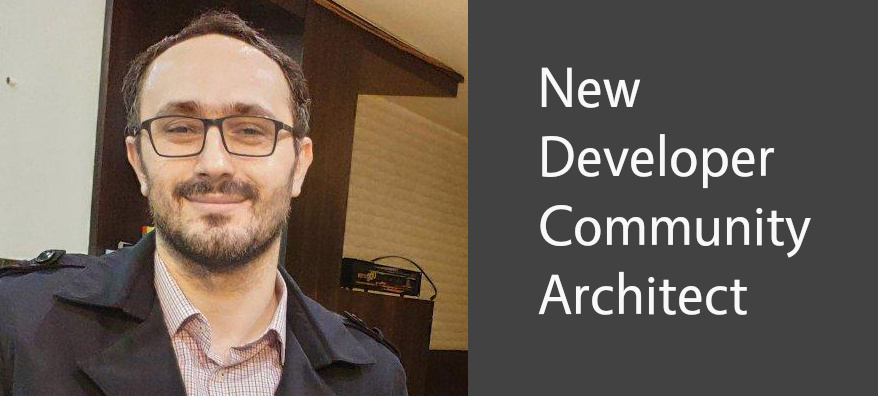
Thanks to donations, TDF has a team of mentors who help newcomers in the project to get started. Throughout 2022, Hossein Nourikhah (Developer Community Architect) and Ilmari Laukahangas (Development Marketing) interviewed and assisted interested newcomers, explaining how our projects and communities work, and showing them areas where they might like to get involved. We at TDF find this more “personal” approach to be more effective than just telling people to sign up to a mailing list, or read a wiki page.
To assist new volunteer programmers, Hossein wrote blog posts and guides for modifying and building LibreOffice’s source code. This is a daunting task for many new developers, especially given the size of LibreOffice’s codebase, but the guides illustrated some basic ways to get started and make changes that can benefit all users of the suite.
Month of LibreOffice
In May and November 2022, we ran “Month of LibreOffice” social media and blog campaigns specifically targeted at new contributors – ie LibreOffice users who found the software useful, but weren’t yet contributing to the project itself. We showed them how to get involved in LibreOffice (in simple steps), highlighted their contributions, and rewarded them with some merchandise, such as stickers and T-shirts.
Yes, our YouTube channel has just gone over the 3 million views mark. Great stuff! We’d like to say a special thanks to community members who’ve contributed great work, such as the Indonesian community for the “New Features” videos (major LibreOffice releases), and Harald B. in the German community for his tutorials. (Note that many of the videos are also available on PeerTube.)
So, what are the top five most-viewed videos? Here they are…
We use our social media channels to raise awareness about our work, share information and encourage new contributors to join us
(This is part of The Document Foundation’s Annual Report for 2022 – we’ll post the full version here soon.)
Social media
In January 2022, our English-language Twitter account @LibreOffice had 45,802 followers; by the end of the year, we had grown this to 52,808. Our most popular tweets were for major releases, but we also tweeted customised images for “Community Member Monday” interviews with short quotes, encouraging more users to get involved with LibreOffice projects.
In addition, we focused not only on our own tweets, but also retweeting announcements from the LibreOffice ecosystem and community members. We liked and retweeted messages of support from end users – many of whom were surprised and thankful that a large project would show them support. To keep the content flowing, we retweeted popular older tweets, and responded to individual messages.
On other social media platforms, we focused on growing our account on Mastodon, a Twitter-like open source, federated and self-hosted microblogging service. In 2019 we set up @libreoffice and started posting content, often more focused on technical users, compared to our tweets and Facebook posts. In 2022 we worked more on expanding our activities here, and from January to December, we grew our follower base from 6,844 to 16,500.
Our Facebook page growth was smaller, from 59,241 page likes to 60,209. We’ve noticed a gradual reduction in activity on Facebook over the last few years, which reflects its changing audience, and the move towards newer mobile applications. Nonetheless, Facebook still provides a good opportunity to interact with end users of LibreOffice, and every day we checked in to answer questions, get feedback, and post announcements/tips about the software.
YouTube channel
Our YouTube channel grew from 15,015 subscribers and 2,420,699 video views in January 2022 to 17,964 subscribers and 2,858,092 video views by the end of the year. The “LibreOffice 7.3: New Features” video (a fantastic production by the Indonesian community) had over 196,000 views – while the video for LibreOffice 7.4 had over 47,000. We also added videos from FOSDEM and the LibreOffice Conference 2022.
Please confirm that you want to play a YouTube video. By accepting, you will be accessing content from YouTube, a service provided by an external third party.
If you accept this notice, your choice will be saved and the page will refresh.
Meanwhile, our community helped out with tutorial videos – in particular Harald Berger of the German community, who continued to produce a series of professional-looking step-by-step guides to installing and using LibreOffice.