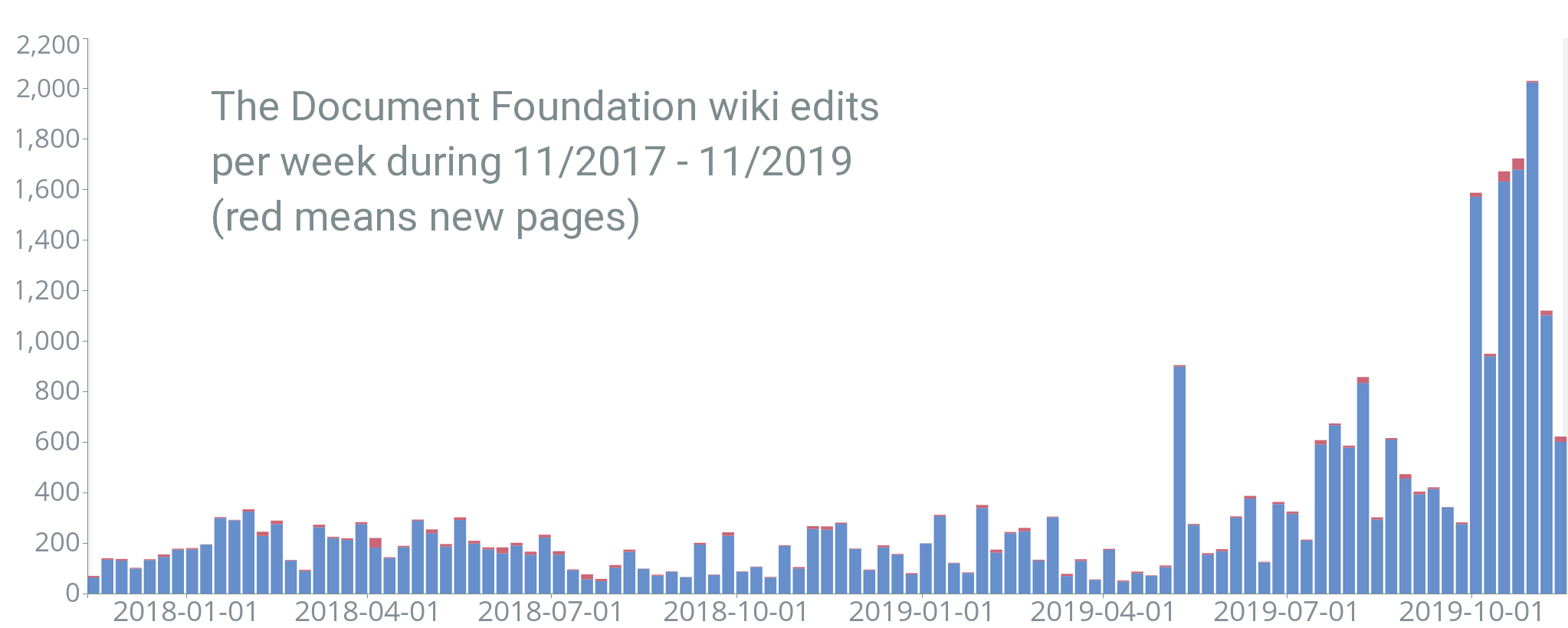
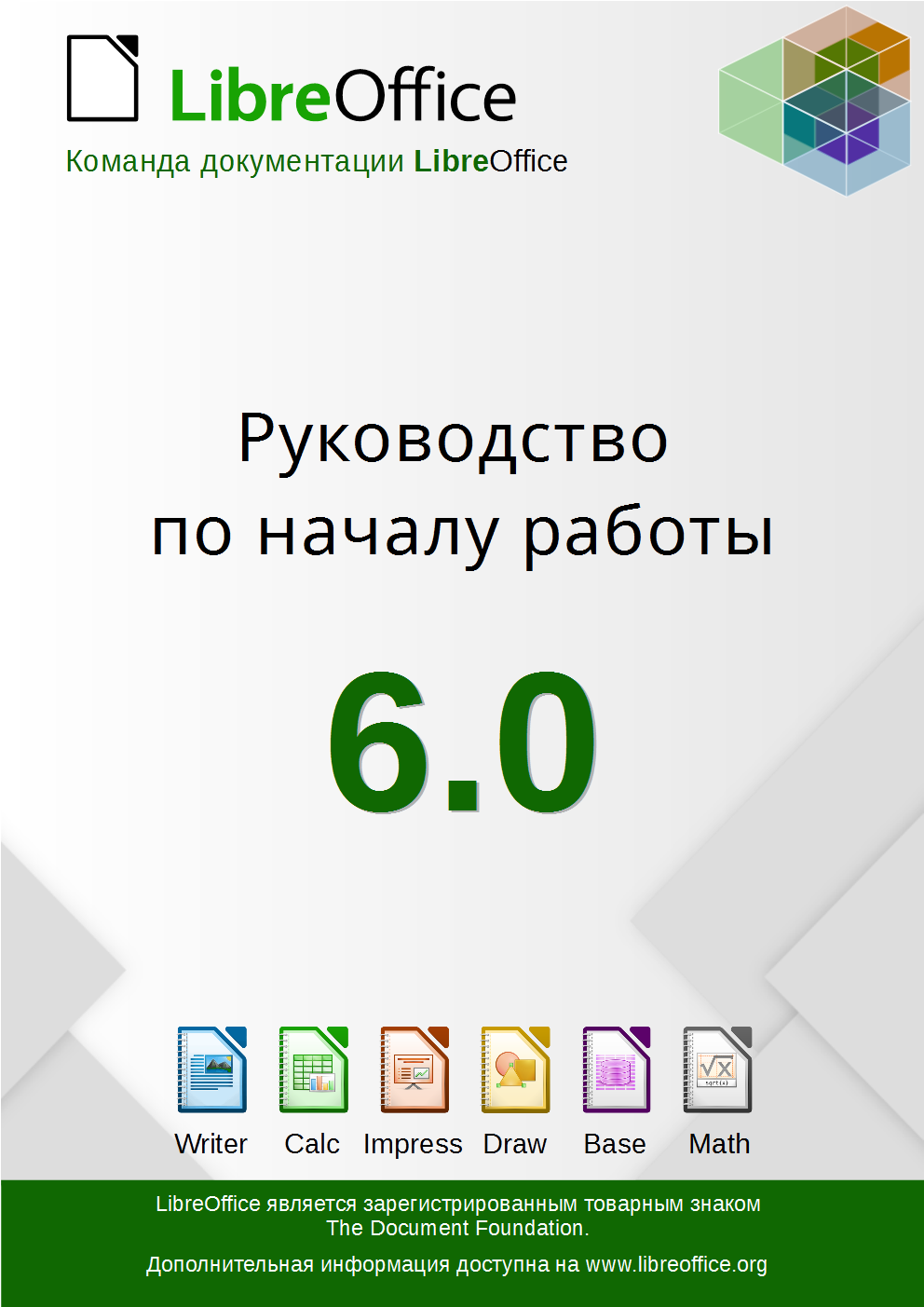
LibreOffice has extensive documentation, thanks to our worldwide community of volunteers. Recently, Lera Goncharuk, Alex Denkin and Roman Kuznetsov worked on a Russian translation of the getting started guide – click the image below to read it. If you want to help with a translation in your own language, see this page to get started – and thanks for your help!
Category: Documentation
TDF is Google Seasons of Doc Mentoring Organization
The Document Foundation has been accepted as organization for the Google Seasons of Docs, a project whose goals are to give technical writers an opportunity to gain experience in contributing to open source projects, and to give open source projects an opportunity to engage the technical writing community.
For technical writers who are new to open source, the program provides an opportunity to gain experience in contributing to open source projects. For technical writers who’re already working in open source, the program provides a potentially new way of working together.
During the program, technical writers will spend a few months working closely with the LibreOffice community, bringing their technical writing expertise to the project’s documentation, and at the same time learn about the open source project and new technologies. At the same time, LibreOffice documentation team members will work with the technical writers to improve the project’s documentation and processes.
LibreOffice is an advanced office suite covering may areas of knowledge, from maths and sciences, engineering, financials, editing, drawing, printing and more. LibreOffice is also that kind of application that is used cross-industry, a very rich opportunity for technical writing.
Olivier Hallot, LibreOffice documentation coordinator, will lead the GSoD project, supported by Sophie Gautier and by members of the LibreOffice documentation team such as Drew Jensen, who has immediately created a banner to visually support this community effort.
All information about the Google Summer of Docs project are on the GSoD website. An outline of the project’s different steps is available on the GSoD timeline. The next deadline in the process for The Document Foundation is May 28th, as we we have to find interested technical writers to discuss our ideas, which are summarized on the following TDF wiki page. The list includes some of our project’s permanent challenges, but should not be limited to these items.
LibreOffice contributors who are interested in becoming a mentor for the GSoD project should get in touch with Olivier Hallot by sending him a message or by subscribing to the documentation mailing list.
New Guide: Conditional Formatting in LibreOffice Calc
Roman Kuznetsov (aka Kompilainenn) from our documentation community has created a Conditional Formatting Guide for LibreOffice Calc. He says:
In this guide I wrote about:
- How to create, change and delete conditional formatting
- Multiple conditions for one cell range, and priority of condition processing
- Creating cell styles for conditional formatting
- All categories and all types of conditional formatting
- Copying of conditional formatting
I want to say a very big thank you to Sophie Gautier for reviewing this guide, and to Mike Kaganski for fixing of some bugs in conditional formatting I found when I wrote it. I hope this guide will be helpful for many users of LibreOffice.
Click here to read/download the guide, and a huge thanks to Roman, Sophie and Mike for their great work! Most of LibreOffice’s documentation is produced by volunteers, so if you’re reading this and want to give them a hand, see here to get started.
Updating documentation in a large open source project is a great way to build up experience for a potential technical writing career, so join us!
Fundraising, December 1st
Consider a donation to support activities such as the LibreItalia Conference and other events organized by native language communities https://www.libreoffice.org/donate
Documentation: Getting Started Guide 6.0 released
LibreOffice’s Documentation Team releases the Getting Started Guide 6.0, the introductory text for all LibreOffice applications and more.
Covering spreadsheets, presentations, texts, drawings, databases and the equations editor, as well as other important concepts in LibreOffice, the guide updates the previous book for LibreOffice 5.2 with the features implemented up to the 6.0 release. As it’s an introductory text, some advanced topics were left out, and are to be addressed in the other specialized modules guides, such as the Writer Guide 6.0. This turns the Getting Started Guide into a light reading on all of LibreOffice’s most important features and concepts.
“We are pleased to announce the release the new Getting Started Guide 6.0, bringing the contents closer to the latest version of the software. With this effort we also want to improve the documentation development process, and deliver the next update in much shorter time frame” said Dave Barton, member of the Documentation team. “We will begin the Getting Started 6.1 Guide project shortly” he added.
“The Guides update has been a very long process and revealed issues especially with revision, which is a very time consuming task and hard to carry out. A delicate balance is necessary between contribution and revision. We would like to try a time-based release of the next guide” said Olivier Hallot, Documentation Team Coordinator. “We will announce new methods and tools to speed up the authoring and release of the Guides”, he added.
The Guide was assembled using the techniques of the LibreOffice master document, a container of linked individual chapters, allowing the update of the chapters to be carried out automatically for the final document. The master document was then the source for exporting the Guide in PDF, EPUB and ODT formats for download.
The Getting Started Guide 6.0 is available for download in the documentation website at https://documentation.libreoffice.org/en/english-documentation/getting-started-guide/ and the individual chapters and master document are in the TDF wiki at https://wiki.documentfoundation.org/Documentation/Publications#Getting_Started_with_LibreOffice .
LibreOffice 6.0’s Getting Started Guide is also available as a printed book from Lulu, by Friends of Open Document Inc., an Australia-based volunteer organization with members around the world, which will be using profits from the sale to benefit the LibreOffice community.
Taming LibreOffice 6.1’s New Help System
or… the Help must help.
LibreOffice 6.1 has been released and carries a refactored and improved new Help system, based on modern browser technologies. Let’s explore what this new help brought to LibreOffice.

The main driver of the new Help is our vision that the Help must help. When we look at the old help system from the perspective of a typical user, we realize quickly that the text and layout of the help pages don’t provide the best experience. So how can we improve the experience and help our users better? The diagnostic was straightforward: the LibreOffice Help system was tied to a very limited technology, so we had to unleash LibreOffice Help.
The approach was to look at the capabilities of modern browser technologies of 2018, and compare them to the aging help system that relied on 2000’s web standards. Until LibreOffice 6.1, the local help consisted of static description text, very few images, no multimedia and almost no easy support for evolution and improvements.