The LibreOffice Documentation community announces the immediate availability of the Calc Guide 7.1, with additions based on the the improvements in LibreOffice Calc 7.1, which was released in February this year.
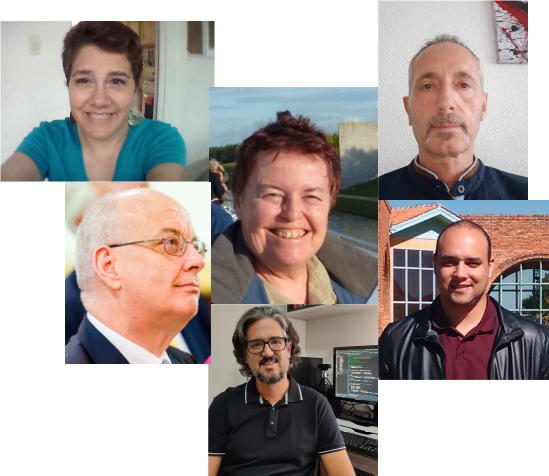
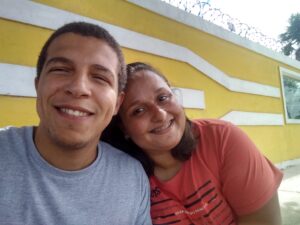
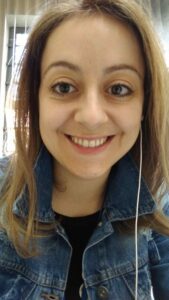
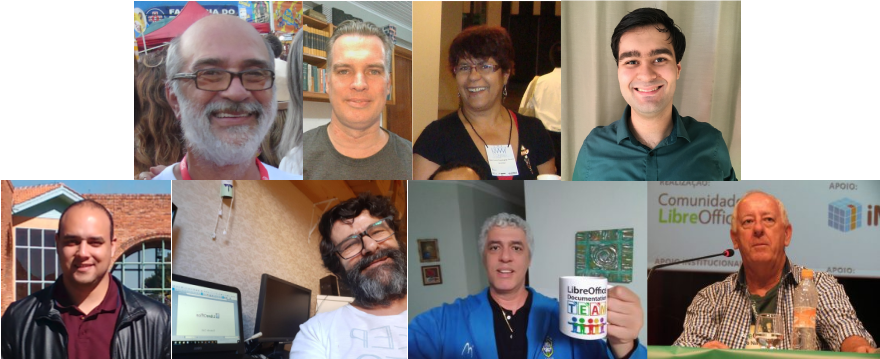
The Guide is the volunteer effort of many members of the documentation community. Revisions and enhancements on the contents are the work of Rafael Lima from Brazilian community, Martin Van Zijl and Kees Kriek from the Dutch community, Celia Palacios from the Hispanic language community. A special mention to Yusuf Keten from the Google Summer of Code program on new extensions and templates dialogs, to Steve Fanning for his editorial review and to Jean Hollis Weber for her improvements and organization of the text. The LibreOffice Calc Guide 7.1 update activities was coordinated by Felipe Viggiano from Brazil.
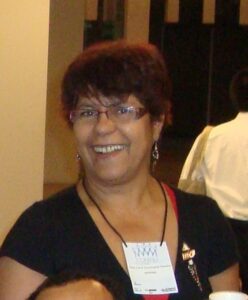
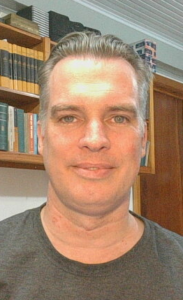
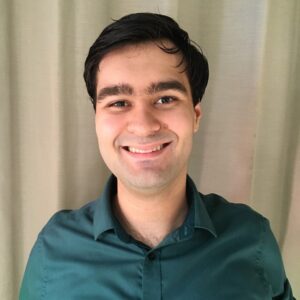
Celia, Jean, Kees, Steve, Rafael, Felipe
The book is available in PDF format and contains 545 pages, covering all basic and advanced features of the spreadsheet module of LibreOffice, and is a must-read book for exploiting the maximum of LibreOffice Calc.
The Brazilian LibreOffice community is pleased to announce the immediate availability of the Portuguese Impress 7.0 Guide, the complete guidebook for creating high quality presentations in any environment, be it family, cultural or professional.
The book is 330 pages, and details the fundamentals of Impress, before covering the concepts of slide masters, styles, presentation templates, graphic objects, transition effects, object animations, export to other formats and much more. It’s rich in illustrations and examples – as well as scripts for the most important operations when editing and running presentations.
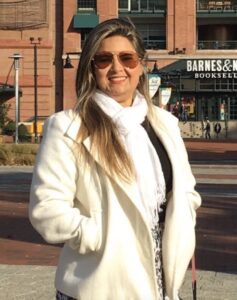
The documentation team in Brazil grew with the arrival of Luciana Mota, Diego Marques Pereira and Márcia Buffon Machado. Here are the newcomers’ messages to all!
Luciana Mota
“I already used LibreOffice professionally when it was still BrOffice.org. I learned about the work of the documentation team in Brazil through social networks, and decided to participate. It was a good surprise to get back in touch with former colleagues and everyone excited about reviewing the texts and answering questions. I’m learning a lot from this team. The Impress Guide was just the beginning, and I am already working on the Writer Guide with this great team!” said Luciana Mota.
Diego Marques Pereira
“I followed the activities of LibreOffice through the Telegram channel, and the activities of the LibreOffice documentation group in Brazil caught my attention. I started with some formatting tasks – and then went on to review one of the chapters of the Impress Guide, and participated in team meetings to answer questions and learn a lot about LibreOffice. I am already reviewing some chapters of the Writer Guide (that I consider one of the most important in the suite). The opportunity left me with a new perspective on text editors and software documentation” added Diego Marques.
Márcia Buffon Machado
“I’ve recently met the skilled Brazilian LibreOffice documentation group and, from my experience in localisation (EN-PT) and enthusiasm for this software, I was welcomed and started collaborating with them. It’s been a rewarding experience! We’re sharing knowledge about the software and technical writing all the time in the virtual group, as well as in the weekly virtual meetings. I’m living in Ireland and, even with different time zones, I enjoy those meetings because learning is a social and collaborative process and the best way for building a better world” said Márcia Buffon Machado.
The Impress 7.0 Guide is the group efforts of Peter Schofield, Felipe Viggiano, Claire Wood, Regina Henschel, Dave Barton, Jean Hollis Weber, Samantha Hamilton and Olivier Hallot.
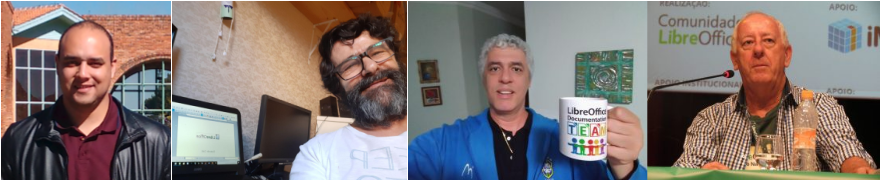
Jackson, Timothy, Vera, Flavio, Felipe, Raul, Tulio and Olivier
The LibreOffice Brazilian Portuguese documentation team is composed by Raul Pacheco da Silva, Vera Cavalcante, Jackson Cavalcanti Jr, Tulio Macedo, Marcia Buffon Machado, Luciana Mota, Felipe Viggiano, Diego Peres Marques, Timothy Brennan Jr and Flavio Schefer, coordinated by Olivier Hallot. The final assembly of the Impress Guide was in charge of Vera Cavalcante.
Thanks to localisation volunteers around the world, LibreOffice’s documentation is available in many languages. Today, we want to say thanks to the French community of translators, who localised the guide for LibreOffice Math 7.0 – great work, everyone!
Each translator gets an Open Badge from The Document Foundation, the non-profit behind LibreOffice. These are special, custom images with embedded metadata, confirming the contributions.
So, if you got a badge, feel free to share it on your blog, social media, Git page and other places! And indeed use it as proof of your abilities, when joining another project or looking for work! You can verify your badge here.
The recipients:
Sango BARKER-GILES
Maëlle GONZALEZ
Ornella NGUENANG LOWE
Célian LIMOUSIN
Baptiste LECUYER
Enjoy, and thanks again! Stay tuned to this blog for more Open Badges in coming months…
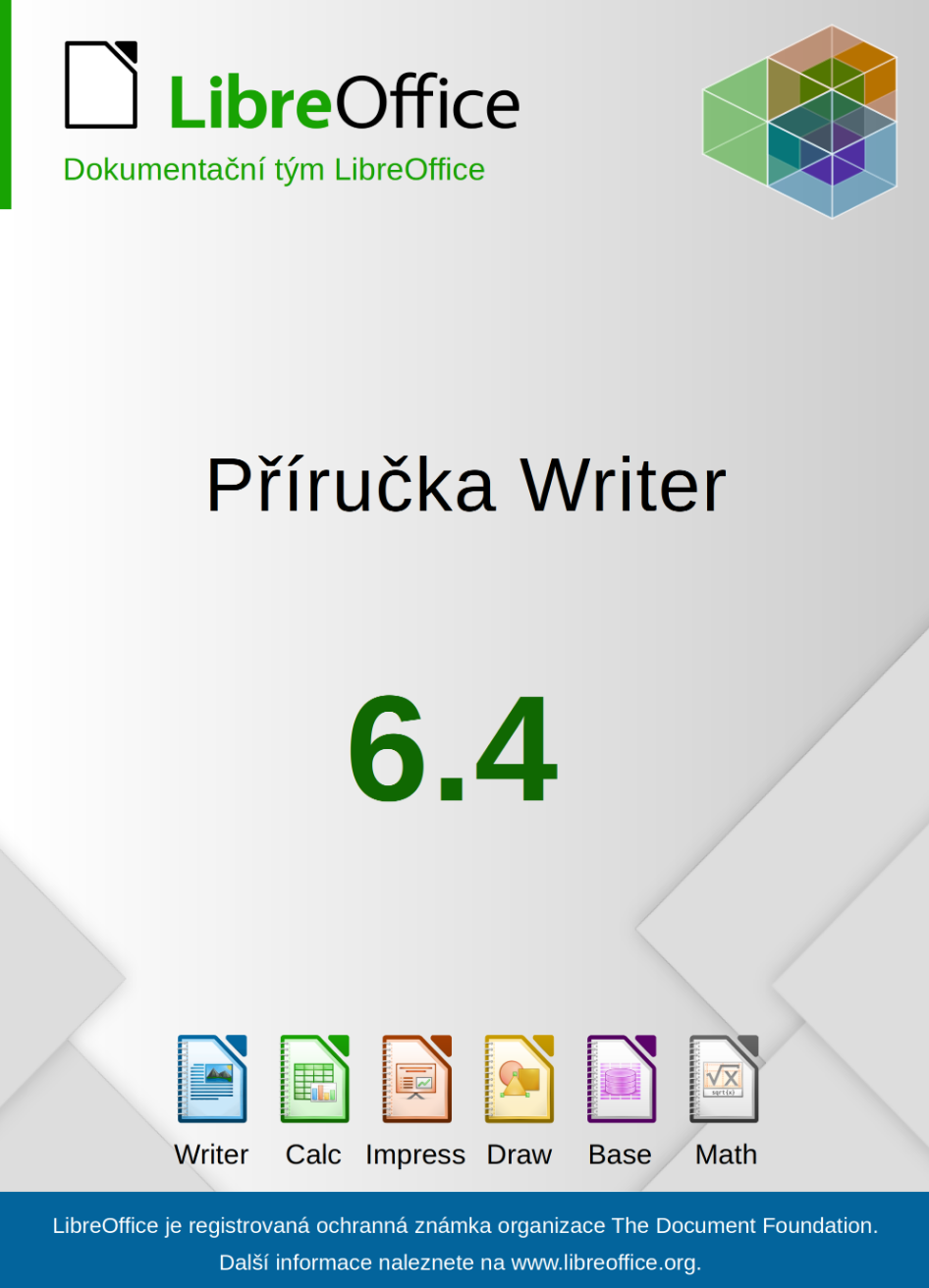
The Czech team has completed its translation of the Writer Guide 6.4. Big thanks to all volunteers, especially to Radomír Strnad, who initiated the translation and translated more then half of the chapters. Translators: Petr Kuběj, Zdeněk Crhonek, Petr Valach, Vendula Crhonková, Radomír Strnad, Ludmila Chládková and Zuzana Pitříková; text corrections Petr Valach, Barbora Aydin, Marcela Tomešová, Ludmila Klatovská, Nicole Borkeszová, Alžběta Motlová and Vendula Crhonková; localized pictures Roman Toman and technical support Miloš Šrámek.
The Czech translation of the Writer guide 6.4 is available for download here. The team also updated Math and Calc guides, both are available in actual version 7.0.
The team now continues with translating the Impress guide, and we always looking for new translators. Join us!
The LibreOffice documentation team is happy to announce the immediate availability of the Writer Guide 7.1
The book is a complete guide for users who want to explore the best resources of LibreOffice Writer, the word processor of the LibreOffice suite. Covering advanced topics such as styles, illustrations, indexes and table of contents, master documents, form design, document automation and more, this guide will bring your word processing skills to a professional level.
The Writer Guide 7.1 is a joint effort of Jean Weber and Kees Kriek, who reviewed and updated The LibreOffice 6.4 Writer Guide with the new features of LibreOffice 7.1, released last February.
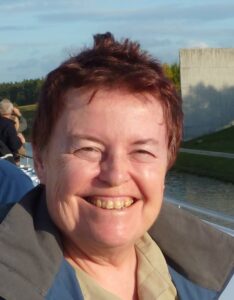
“I enjoy writing user documentation for LibreOffice because it gives me an excuse to learn about new and improved features that I might otherwise not know about. The team members are good to work with, friendly and helpful. I especially want to thank Kees Kriek for reviewing all the chapters of this book.”
The Brazilian LibreOffice community is pleased to announce availability of the LibreOffice 7.0 Getting Started Guide in Brazilian Portuguese.
Guia de Introdução 7.0
The guide is intended for Portuguese speaking users who wants to begin their first contact with LibreOffice and needs a manual that expounds all the software’s features and allows them to immediately start some sophisticated tasks.
The Getting Started Guide describes the important concepts that guided the development of LibreOffice and presents each of its modules: spreadsheets (Calc), presentations (Impress), vector drawings (Draw), texts (Writer), equations (Math), and databases (Base). In addition to these modules, there are several chapters describing important concepts common to all modules such as styles, printing, electronic signature, macros, exporting in various formats, redacting, and document classification.
Making the Getting Started Guide available is the teamwork of Brazilians LibreOffice enthusiasts who have gone to great lengths to produce a comprehensive and accessible guide. The guide is a translation of the guide from English, this time using automatic translation, but with a thorough review of the result by the team, who put in great effort to confirm the concepts presented, but also to improve the Portuguese generated by the automatic translation. The next editions of the Getting Started Guide will be done without translation, but by writing directly in Portuguese the new information introduced in the new versions of LibreOffice.
Vera Cavalcante
“I have dedicated myself intensely in the LibreOffice community, putting effort into the LibreOffice Magazine project of which I was one of the publishers. This edition of the Getting Started Guide was a great opportunity to get back to interacting with LibreOffice and meet new people with the same interest, in a voluntary work context.”, stated Vera Cavalcante, a member of the Brazilian LibreOffice community. “I am very meticulous, and helped correct some translations and (a few) inconsistencies in the software during the process of revising the Guide. In the end, we have better software ”, she added.
Jackson Cavalcanti Jr.
“Joining the translation and proofreading team for the Getting Started Guide was an opportunity to get back to interacting with the LibreOffice community, returning to my participation I had started years ago. The opportunity was very rewarding, not only for self-improvement in the use of the LibreOffice suite but also to learn a lot about document writing.”, said Jackson Cavalcanti Jr. “I used the opportunity to instigate debates about the terms used and the technical vocabulary in Brazilian Portuguese, which allowed me to review some terms used in the software and improve the translation of the LibreOffice suite.” he added.
Timothy Brennan Jr.
“I participated as a novice in the effort of the Getting Started Guide and could see the seriousness of the work and the good spirit of collaboration in the Brazilian team. It has been a teamwork lesson where questions were answered promptly and, at the same time, I learned a lot about elaborating complex documents.”, said Timothy Brennan Jr., a team member. “I have dedicated myself to reviewing some chapters of the Getting Started Guide (Chapters 8, Getting Started with Base and, 10, Print, Export, Send, and Sign). Now I consider myself an expert in LibreOffice as well as any other office suite. It has also been an important professional gain”.
Flávio Schefer
“I am also new to free software projects and revieweing the GettingStarted Guide was an opportunity to team up with the Brazilian team and acquire knowledge,” said Flávio Schefer. “I was in a career transition and the knowledge and practices acquired in the team’s work was important during this period”, he added.
Felipe Viggiano, Raul Pacheco da Silva, Túlio Macedo and Olivier Hallot also participated in the effort.
Felipe Viggiano, Raul Pacheco da Silva, Túlio Macedo e Olivier Hallot