Community Member Monday: Emmanuel Semutenga

Today we’re talking to Emmanuel Semutenga, who helps young people in Uganda to develop key IT skills. Of course, LibreOffice plays a role in this…

To start with, tell us a bit about yourself!

I’m currently a back-end web developer by profession. I’m also a Project Manager for the project entitled “ICT for youth employability” at Kampabits, where my main work is on curriculum development. I live in Kampala, Uganda, Rubaga Division.

My hobbies and interests include blogging, cycling with Ultimate Cycling Uganda, dancing, making new friends, movies and hackathons.

What is Kampabits, and what does it do?

Uganda currently has the highest youth population between 17 to 24 years – that makes 80 percent of the population, and most of these young people lack the practical skills to enable them to get employed. Hence the intervention of Kampabits.

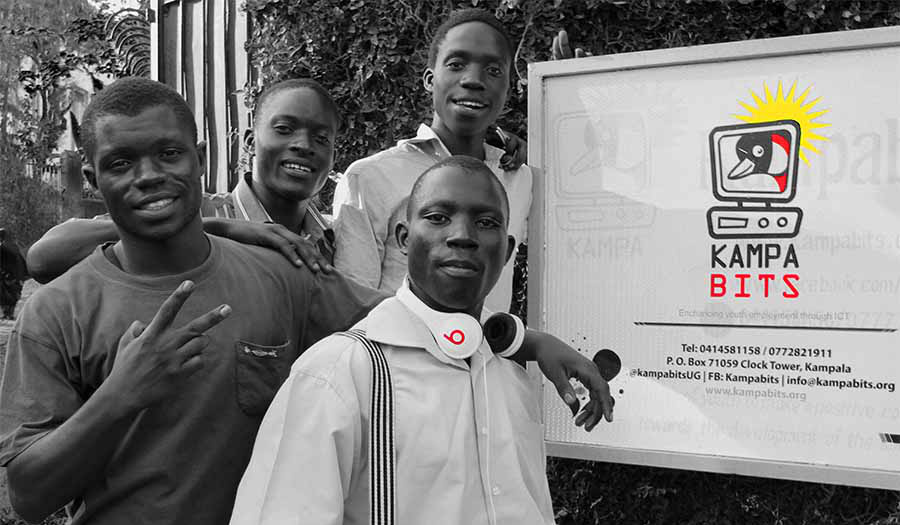
Kampabits is a youth-based organization founded in 2010 that uses ICT multimedia creatively to improve the lives of less privileged youth from the non-formal settlements. We also create safe spaces for persons with disabilities to freely express themselves while learning these in-demand skills.

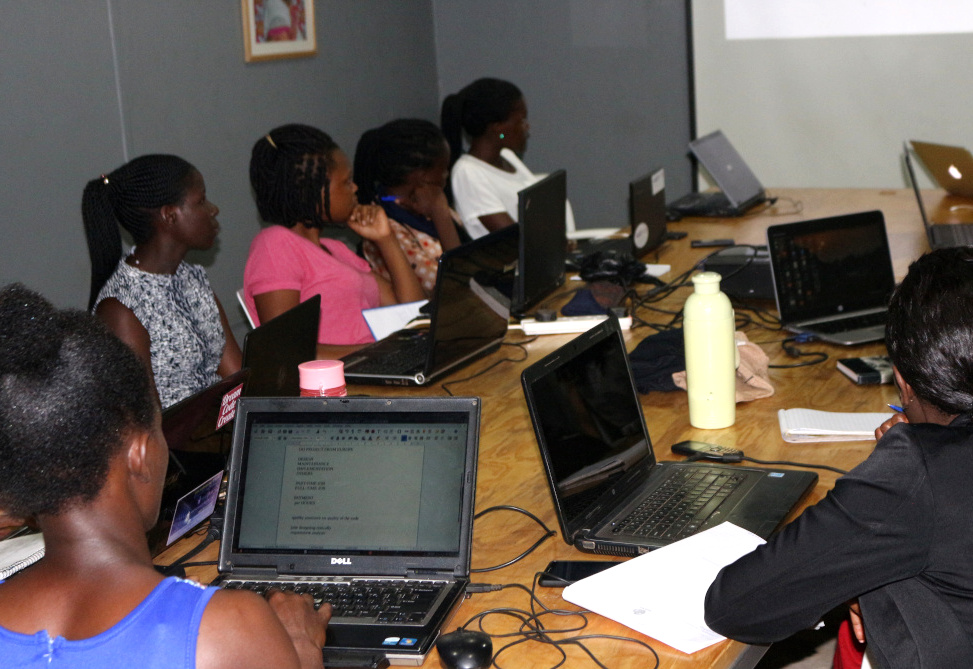
We have helped 350 young people since our inception, with skills in computer literacy, graphic design and coding skills (front-end, back-end and full-stack developers) during our six month trainings. Kampabits later places these young people in a three month internship with their partner companies.

Kampabits also runs a “Women in Tech” project that trains 15 women in advanced coding skills, to make them employable, in a period of six months. This project focuses on women who have prior knowledge of computer basics. They are later placed in outsourcing jobs in companies like Tunga.

How does LibreOffice fit into your work?

During the whole scope of the training, especially our computer literacy sessions, presentations and curriculum development, we use LibreOffice (Writer, Impress and Calc) to train the young people in word processing, presentations and business book keeping.

This is done to remove costs the involved in acquiring proprietary software, and also show the them that free alternatives will deliver the same quality of work as proprietary software. We use Ubuntu, Lubuntu and Linux Mint as our main operating systems – and they always come with LibreOffice preinstalled.

Other free software we use includes: Gimp as an alternative for Photoshop, Inkscape in place of Illustrator, OBS Studio for recording screencasts, Visual Studio Code as our main code text editor, and Scratch to introduce youth to computer programming

We also use both the Raspberry Pi 2 and 3 models to compliment our computer lab.

What advice would you have for other projects with similar goals?

Using free software alternatives can help to divert funds to the more pressing needs of organizations – like acquiring more computers to cater for more beneficiaries. So I would advice other organizations to try them out in phases, until they feel comfortable enough to overhaul the whole structure.

A huge thanks to Emmanuel for his work, and it’s great to see free and open source software making a big change all across the planet. Everyone is welcome to join the LibreOffice project, regardless of their location or language, and help us to spread the word and break down digital divides!

Community Member Monday: Sanjog Sigdel

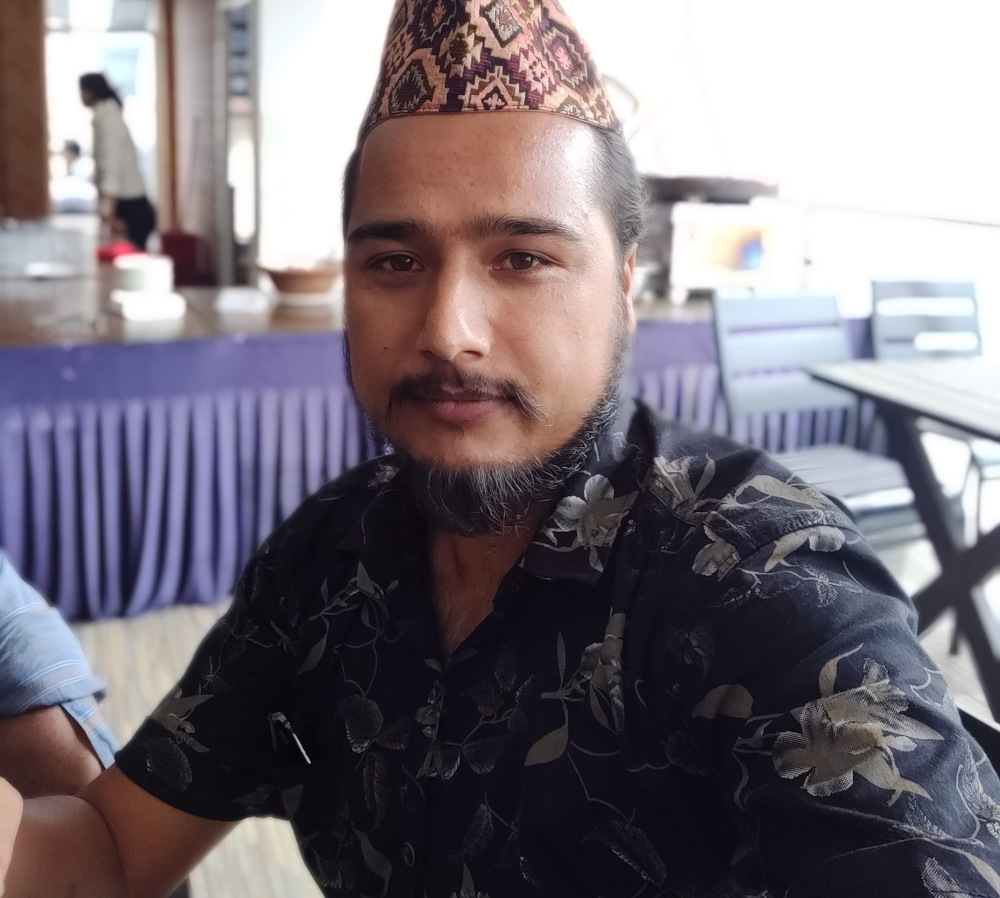
Members of The Document Foundation – more formally known as the “Board of Trustees” – are a crucial part of our community. They are people from across the globe who contribute time, effort and skills to the LibreOffice and Document Liberation projects, whether on a voluntary or paid basis. Today we’re talking to Sanjog Sigdel, a new TDF Member from our Nepalese community…

To start off, tell us a bit about yourself!

I’m currently a Graduate Student pursuing my MTech. in IT degree here in Kathmandu University, Dhulikhel, Nepal. Besides that, I am also a part-time instructor in a private college near the University: NIST College Banepa.

I love knowing how new technologies work and also love exploring new places. Unitil now I have traveled almost 30 districts of Nepal via trekking, project monitoring and tours. I’ve been using Linux-based operating systems (mainly Ubuntu) since 2012. And I am also a FOSS activist/volunteer. I teach my students to use open source software and most of them are using Linux, LibreOffice, and Python programming in the Nano text editor 🙂

Why did you decide to become a member of TDF?

Language translation is something I believe helps a large number of people in using all kinds of software. It breaks the digital divide created by language differences. Since 2017, with the guidance from my mentor, Mr Saroj Dhakal, I I have been contributing to LibreOffice localisation (L10N). I am currently the Project Reviewer for the Nepali language translation in the LibreOffice project.

Since I am already part of The Document Foundation, being a member and presenting myself as a formal representative of TDF in open source communities in Nepal could help other open source volunteers to join the FOSS Movement. Also, I will be working as a resource person for Kathmandu University Computer Club, an undergraduate computer club in the Department of Computer Science and Engineering, in case they want to conduct any FOSS Activities. There I can pitch ideas around translating LibreOffice and hacking on the source code.

Anything else you plan to do in the future?

I am planning to conduct a LibreOffice localization event for the Nepali Langauge on Software Freedom Day, working together with Kathmandu University’s Open Source Community. I will update other TDF members on the mailing list soon.

Cheers to Sanjog for his contributions! And to everyone reading this who’s involved in the LibreOffice community, check out this short video and consider becoming a TDF Member too…

Please confirm that you want to play a YouTube video. By accepting, you will be accessing content from YouTube, a service provided by an external third party.

YouTube privacy policy

If you accept this notice, your choice will be saved and the page will refresh.

Community Member Monday: DaeHyun Sung

Today we’re talking to DaeHyen Sung from our Korean community, about opportunities and challenges for advocating LibreOffice and free software on the Korean peninsular…
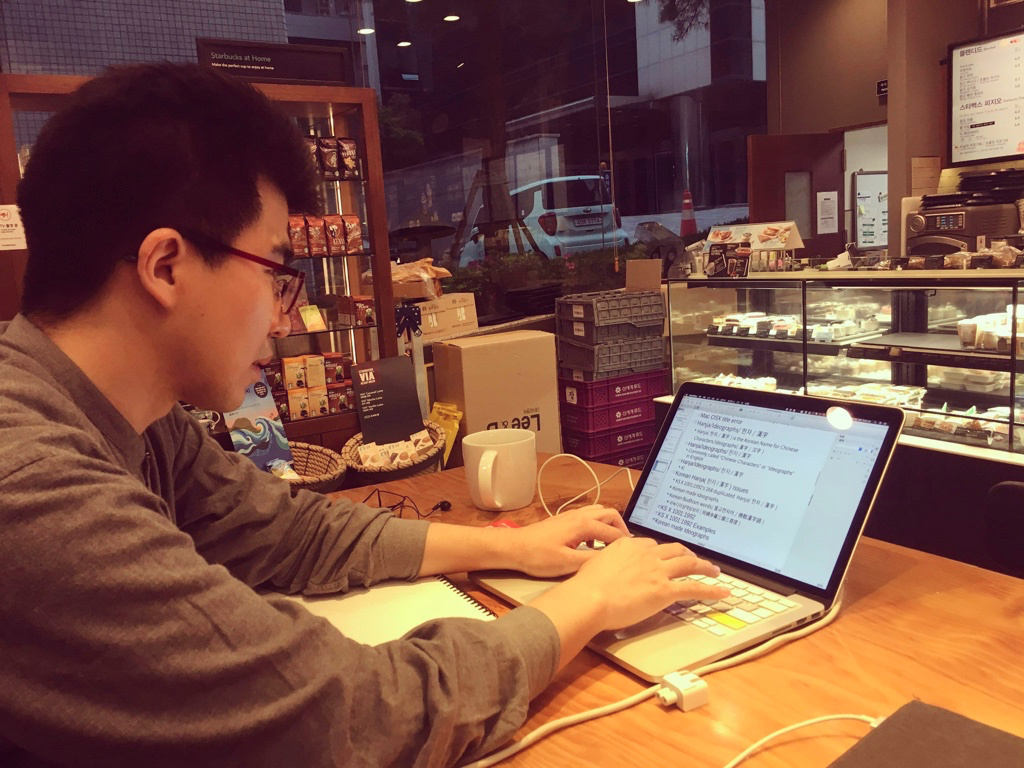
To start with, tell us a bit about yourself!

So, my surname is Sung, first name is DaeHyun (Korean Hangul notation: 성대현, Korean Hanja notation: 成大鉉). I’m from the Korean peninsular’s south-east area, Gyeongsang Province (경상도/慶尙道) region, Korea. Now, I live in the south-east side of Seoul (서울).

I’m Korean. My mother tongue is Gyeongsang dialect of Korean. But I can speaks Both Standard Korean [표준말 or 표준한국어/標準韓國語] and Gyeongsang dialect of Korean [경상도사투리 or 경상방언/慶尙方言].

My Twitter ID is @studioego, and I’m also on Github: https://github.com/studioego

I contribute to improvements to Korean language support in free/libre open source software (FLOSS), mostly in my spare time. Also, I’m learning East Asian Languages (such as Mandarin Chinese, and Japanese).

This is because, three languages (Chinese, Japanese, Korean) use Chinese characters 漢字 (also called “ideographs”) and share a similar culture. I am curious as I study the commonalities and differences in the East Asian languages. I also like to visit some historic sites and take pictures in Korea.

What are you working on in LibreOffice at the moment?

My LibreOffice activities are about improving Korean features, bug reporting (Quality Assurance), translating into Korean, and some other things. Two years ago, I found a bug in LibreOffice’s Korean Hangul/Hanja dictionary. Some Korean Hangul/Hanja dictionary contents are broken on LibreOffice – so I fixed and added content. In addition, I updated the Hangul/Hanja conversion dictionary on LibreOffice.

In Korea, many people have rarely used LibreOffice – so I found many bugs and missing feaatures. So my overall goal is fix and improve Korean languages in LibreOffice.

Is there anything else you’d like to work on in the future?

Along with improving Korean support in LibreOffice, I’d like to do it with other FLOSS projects.

The Korean language (Hangul[한글]: 한국말/한국어 (these words are used in South Korea 🇰🇷), 조선말/조선어 (these words are used in North Korea 🇰🇵), 우리말 (this word is used neutrally in both Koreans and bt Korean expats, it literally means “our language”); Hanja[한자/漢字]: 韓國말/朝鮮말/韓國語/朝鮮語) is an East Asian language spoken by about 80 million people.

It is the official and national language of both Koreas: the Democratic People’s Republic of Korea (North Korea) and the Republic of Korea (South Korea), with different standardized official forms used in each territory. It is also one of the two official languages in the Yanbian Korean Autonomous Prefecture (연변 조선족 자치주/延邊朝鮮族自治州/延边朝鲜族自治州) and Changbai Korean Autonomous County (장백 조선족 자치현/長白朝鮮族自治縣/长白朝鲜族自治县) of the People’s Republic of China [中華人民共和國, Mainland China]. It is also used in Japan, Uzbekistan, Russia [it reads “Корё мар” in Russian], Kazakhstan, Kyrgyzstan, etc.

Also, the Korean language uses Chinese characters (漢字). It means “Sino-Korean vocabulary” or “한자어(漢字語/Hanja-eo)” in Korean. It is similar to Japanese Kanji [漢字かんじ]. So when you’re working on FLOSS, you have to consider both Chinese and Japanese as well as Korean and vice versa.

In future, If I have time, I want to do more research about the differences in Korean languages in South Korea 🇰🇷 and North Korea 🇰🇵.

How did you get involved with LibreOffice – and what was the experience like?

In 2017, I visited Taiwan’s FLOSS Conference, COSCUP (Conference for Open Source Coders, Users and Promoters) as the Korean FLOSS Contributor.

At that time, I had already contributed Linux character maps applications – both GNOME (gucharmap) and KDE (kcharselect). Then I attended COSCUP at National Taiwan University, in Taipei, Taiwan, and in 2017, I met TDF board members Italo Vignoli and Taiwan’s TDF members, Franklin Weng, Cheng-Chia Tseng and Jeff Huang. I also met a Japanese TDF member, Naruoka Ogasawara. When I watched Italo Vignoli’s presentation, it had a strong impression on me.
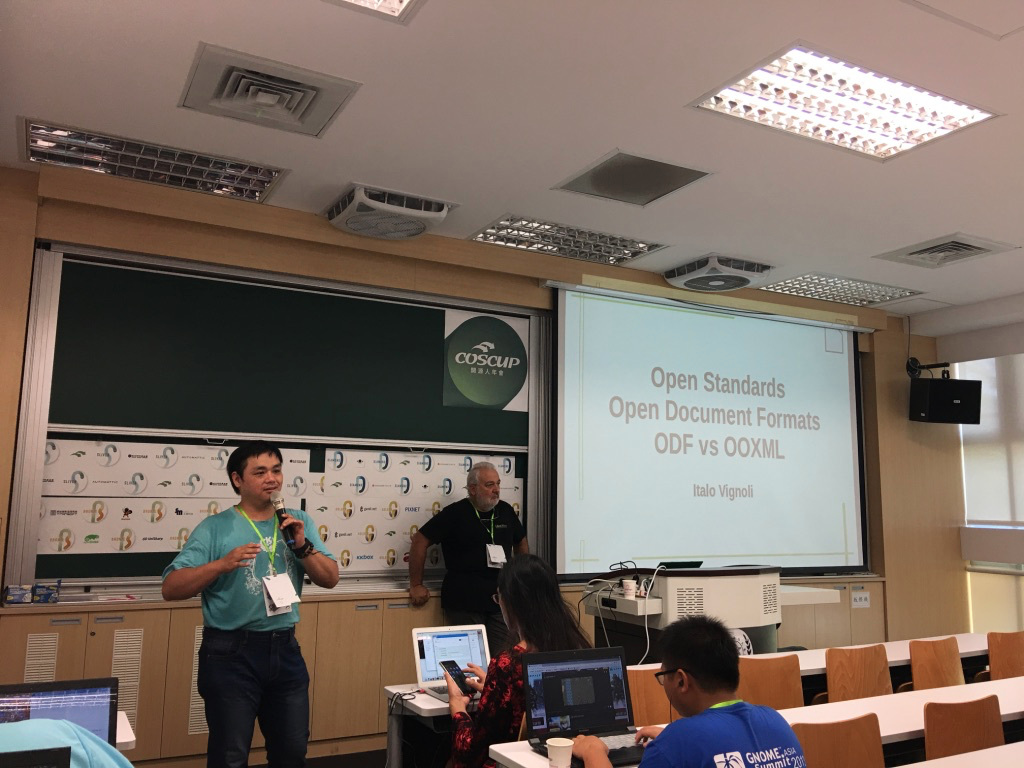
Then, Jeff Huang [Po-Yen Huang] invited me to the LibreOffice CJK Telegram group. So I joined the LibreOffice project in 2017. At that time, I installed and used LibreOffice for the first time. (When I was University student, I was used to OpenOffice. However, its compatibility was very low, so I had stop to using it.)

Last year, I met many of TDF members and Asian LibreOffice users in places such as Taiwan, Japan, Indonesian, Mainland China, etc. In February 2018, I met Japanese TDF member, Jun Nogata with KDE board member “Eike Hein”, KDE Korea members in Seoul. At that time, really I felt Jun Nogata’s passions for FLOSS.

Then, In August 2018, I heard and watched KDE Akademy 2018’s keynote. The keynote’s main topics were North Korea, FOSS in Both Koreas (North and South). In his keynote slide, he talked about Korean Expat challenges in Korea for using FOSS (for example, Korean input, fonts, banking, online transactions [maybe, Microsoft ActiveX technology is popular in Korea], and HWP [Hangul Word processor] files).

I think, In Korea, Microsoft’s product-friendly computing environment and proprietary software is popular (such as HWP), so many Koreans and expats in Korea think ALL FOSS is difficult to use. (Also, I personally feel that it is difficult to use FLOSS in Korea.)

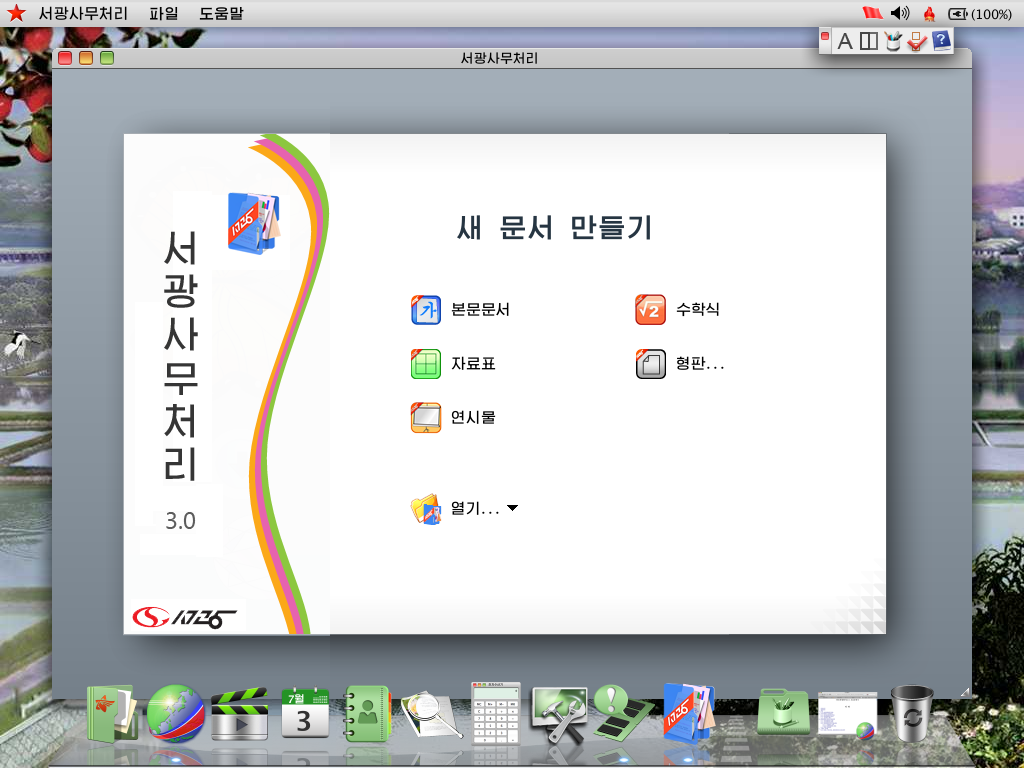
In the presentation, I saw North Korea’s Linux distribution, Red Star OS (it’s based on KDE). Also, when I installed Red Star OS, I checked the office suite and found that it’s based on OpenOffice. In my opinion, Because of North Korea’s economic senctions, North Korean people mainly use FLOSS. I found the bugs in Red Star’s office suite – so I thought, I would have to work hard on the LibreOffice project.
Also, when I attended COSCUP, GNOME.Asia and openSUSE Asia summit 2018 in Taipei, Taiwan, I met other TDF members from Asia (such as LibreOffice Taiwan Team, Japan Team, Indonesia Team, etc). Then I met LibreOffice Indonesia team members at LibreOffice Asia Meetup in A+A Space, Taipei. I was impressed by the enthusiasm of Indonesian open source users and contributors to open source.

Also, In December, 2018, I attended Japanese meetups: OSC 2018 Fukuoka and the 8th Kyushu LibreOffice study meetup [第8回九州LibreOffice勉強会]. I met three contributors from Africa who are currently living in Japan. First time, I’m curious about African Open Source Contributors. Also I felt even more passion for FLOSS.

Finally, what do you see in the future for LibreOffice? What does it need most?

If LibreOffice does not have feature enhancements for Korean users, I think that using the ODF format and document liberation movements in Korea will be impossible. Also the future for LibreOffice is not good regarding the Korean language. In Korea, the HWP format is still widely used HWP – and the share of Microsoft doc formats is still low. HWP format is the de facto standard official document format for the public sector and schools in Korea.
OpenOffice and LibreOffice can only open HWP files only if they were created with Hangul ’97 – newer versions of HWP files cannot be opened with these applications.

Recently, the government of the Republic of Korea Government announced that they will “use ODF insteadd of the HWP format”. But it’s only a slogan – and they only use draft documents officially on web-based document management systems. When I read the article, ”Taiwanese government standardises on true ODF document format”, I really admired the Taiwanese FLOSS activists and contributors.

Thanks DaeHyun Sung! And to everyone reading this: you can also give our community a hand and help to spread the word about free software and open standards. See our “What Can I Do For LibreOffice” site to get started!

What is the Open Document Format (ODF), and how is it developed?

Regina Henschel is a long-time member of the LibreOffice community, and has worked on ODF, the native file format of the suite. At our recent German community meetup, we talked to her about how ODF is developed, and how users can help to improve it…

Tell us a bit about ODF…

Open Document Format is LibreOffice’s native file format. (If you have a file with a .odt, .ods, .odp or .odg extension, then it’s an Open Document Text, Spreadsheet or Presentation file or Graphic respectively.)

ODF is developed by OASIS, then submitted to ISO (the International Organization for Standardization), and then adopted as a standard. There is also a working group at ISO, which by the way also works on OOXML – which can then ask questions about development, and so on.

For ODF we are now working on version 1.3. We had a “feature freeze” last summer. We have come so far that everything we wanted to have in it is available in the “editor version”. Now we’re going to fine-tune it, then we’ll be back in summer – so that was a whole year. Then comes the coordination process at OASIS, so it usually takes two years until a new version of the standard is ready.

How do you decide which new features to add?

The feature has to be well defined, and that depends a little on how good the proposal you get is. There are some suggestions like: “We want to have a feature for Fourier transformations” – but nothing else! And then we say: as long as there is no implementation that actively handles it, we’ll postpone it for later. It’s not worth it, for a standards body to deal with a proposal like this, if there are no applications that are actually interested in it.

ODF exists as a “strict” standard, for features that are fully standardized, and then there is an “extended mode” in which you can try out new features in applications. They then run under their own namespace, and if that works, organizations can make a suggestion for OASIS, eg: “This feature works well for us, so please include this in the strict standard.”

Then others can say: “Yes, we want to do something similar, but it would be better for us if we didn’t call it X, but Y instead”. Or: “We need an additional attribute to make it work for us”, for example. In situations like that, the proposals are discussed.

For example, in LibreOffice, it’s now possible to specify the size of charts, independent of their labels. In the old standard, you could only set the size including the label. This means that when data changed and the label changed, the effect was that the size of the chart changed. So that’s been fixed in ODF 1.3.

There are also bugfixes, where there are things that are simply wrong, or that are not clear enough for implementation. For example, one thing that was really incorrect was to put the units “at” and “atm” on the same level – that was definitely wrong. And one time, a matrix form was wrong as well. So we work on fixes for these.

Can normal end-users help out?

Yes, you can be a “normal person”, so to speak, without being on any committee – you can still send something to the Technical Committee. There is a mailing list, and also a homepage, where you can get informed about the work of the committee. There you can also find a link to the mailing list – but you have to register, because of spam. Messages on this list are then read and answered by the Committee.

The second way to get involved is when the Committee is about to make a new version of ODF. This will then be made available for voting – and then there will be an official time for comments. There the regulations are a bit stricter; this is not voluntary, but the committee has to actually work on these comments. That should then give a qualified answer.

The next step where official participation takes place is at ISO. They have the same disclosure process again, where comments are collected accordingly. Then the Technical Committee gets a long list from ISO: “We have received these comments, please discuss them.”

So this is a process that is very open. That’s one of the reasons why I decided to join the Committee. It’s not that something happens in secret, and then suddenly there’s a standard – but rather, the process is totally comprehensible.

The other thing that interested people can see is the archives of the mailing lists – and there are weekly teleconferences too.

Thanks to Regina for all her help over the years! ODF – and other open standards – are incredibly important, especially for long-term data storage. Indeed, the UK government recommends using ODF, and has guidelines for using the format in organisations and companies. Also check out this presentation from Regina at FOSDEM 2018.

Community Member Monday: Jun Nogata

Today we’re talking to Jun Nogata from our Japanese community!

To start, tell us a bit about yourself!

So, I live in Himeji, Japan where UNESCO World Heritage site Himeji Castle is. I work a part-time lecturer at a local university.

I am a big fan of free and open source software (FOSS). I started to use Linux from Slackware 95, and I’m using Debian Sid at the moment. I am active in the Debian community in Japan and I’m also an OpenStreetMap mapper.

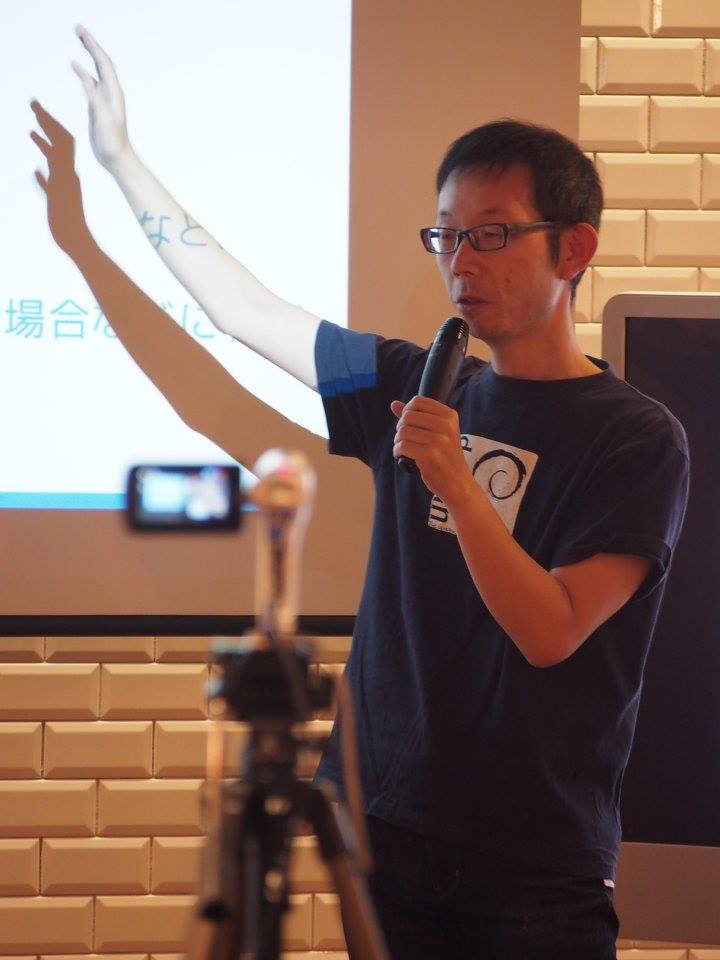
I like listening to indie rock music, playing guitar and DJing sometimes. Also, I’m learning Korean – I want to talk to my friend DaeHyun Sung from the Korean LibreOffice community!

Oh, and I created the LibreOffice Impress templates “Midnight Blue” and “Alizarin” – thank you for using them. On social media, you can find me on Twitter and Facebook.

What are you working on in LibreOffice at the moment?

I am working on the Japanese Ask LibreOffice website as answerer and moderator – and I’m also involved in marketing and public relations for the Japanese team.

Previously, there was no marketing from the Japanese team. December 2018, I started to post information about LibreOffice from the Japanese community Twitter accounts. There were reactions from the users, like: “I was worried that there was no information about LibreOffice, but now it’s getting better.”

I talked to the Japanese team about the necessity of creating a blog, to share and communicate information outside of social networking services. Naruhiko Ogasawara consulted with Italo Vignoli to create the blog for the Japanese team. I am happy to add information about LibreOffice in Japanese to the blog.

Is there anything else you’d like to work on in the future?

I would like to try to improve the Japanese settings. LibreOffice is known as “cost-free, but poor-quality office software” in Japan because LibreOffice’s settings are not appropriate for the language.

In Japanese, for example, you can set characters per line and lines per page to determine the page layout, but the page style text grid is not able to specify characters per line and lines per page due to improper implementation. (If you are interested, please set 37 characters x 30 lines, without changing the font and ruby size.) I will try to fix these settings and change the bad image.

How did you originally get involved with LibreOffice – and what was the experience like?

As a user, I was attending the “Kansai LibreOffice Group” (関西LibreOffice勉強会) hosted by Shinji Enoki. My templates were included in LibreOffice 4.4 – it was a big surprise, and a pleasure for me that I could contribute to LibreOffice without changing the source code. A big thanks to the whole community for LibreOffice!

Finally, what do you see in the future for LibreOffice? What does it need most?

Ideally? users in all languages can use LibreOffice without changing any settings. The paragraph style of Writer is “Align left”, but in Japanese, “Justified” is standard. Japanese users need to change the settings before writing documents. That is very difficult.

However, if set the default setting to “Justified”, Americans and people who speak European languages will be in trouble. So I think that LibreOffice can create a mechanism to resolve conflicting settings in different languages.

Thanks Jun! Japanese LibreOffice users are welcome to join us and get involved in the project – we look forward to meeting you! (Also check out the English page too.)

Community Member Monday: Buzea Bogdan

Today we talk to Buzea Bogdan, who is making useful videos for LibreOffice users – check them out below!

Where do you live, and what do you enjoy in your spare time?

I live in Romania, a country with beautiful landscapes. I like computers and I like to ride my bicycle – or, more recently, my electric scooter.

What are you working on in the project at the moment?

I am reporting bugs, verifying them, and helping with other bug reports. In addition, I created a channel on YouTube with short tutorials about LibreOffice.

With the help of Xisco Fauli (LibreOffice’s QA engineer) and others in the LibreOffice groups on Telegram, I began to bibisect bugs. Also, with the help of others in the same direction, I may learn more about finding bugs and checking for fixes. I feel there are not so many technical videos about this.

How did you get involved with LibreOffice?

I started with LibreOffice almost a year ago, following a post about how everyone can contribute to this project. At that time, I thought it was time to financially support the LibreOffice community with a small donation. But I soon returned to the software’s website, because I had a small problem with displaying menus. Xisco helped me to solve the problem at the time, and then I thought: “If it is so simple to help others like me, could not I use my time to contribute with the little that I know?”

From that point on, I began to contribute by checking bug reports, along with videos and other information to solve some other bugs. I have also been involved in the translation of LibreOffice into Romanian. And recently I started the new YouTube channel that I mentioned, with short and simple explanation about little things that people usually find hard to solve. Here is a playlist – you can switch between videos using the icon in the top-left:

Please confirm that you want to play a YouTube video. By accepting, you will be accessing content from YouTube, a service provided by an external third party.

YouTube privacy policy

If you accept this notice, your choice will be saved and the page will refresh.

Finally, what do you see in the future for LibreOffice?

A few years ago I started using LibreOffice after watching a video on YouTube where OpenOffice and LibreOffice were compared by a well-known blogger. This kind of video could help LibreOffice become more familiar, and help people to discover the features and possibilities they have with open source software.

I feel LibreOffice is more mature now than ever, but the stable version needs to be stable enough – well tested. And this is the way I can help a little bit. I also feel that LibreOffice needs more engineers to work on bugs in order to maintain a smaller numbers of unsolved bugs, relative to all bugs that are reported.

So, huge thanks to Buzea for his help in the QA community, and the videos too! Checking and confirming bug reports is a great way to make LibreOffice even stronger, and doesn’t need a lot of time – if you want to give us a hand, jump into the LibreOffice QA channel and we’ll show you what to do. Cheers!

The Document Foundation All Rights Reserved 2025
Proudly powered by WordPress | Theme: Refined Magazine Pro by Candid Themes.