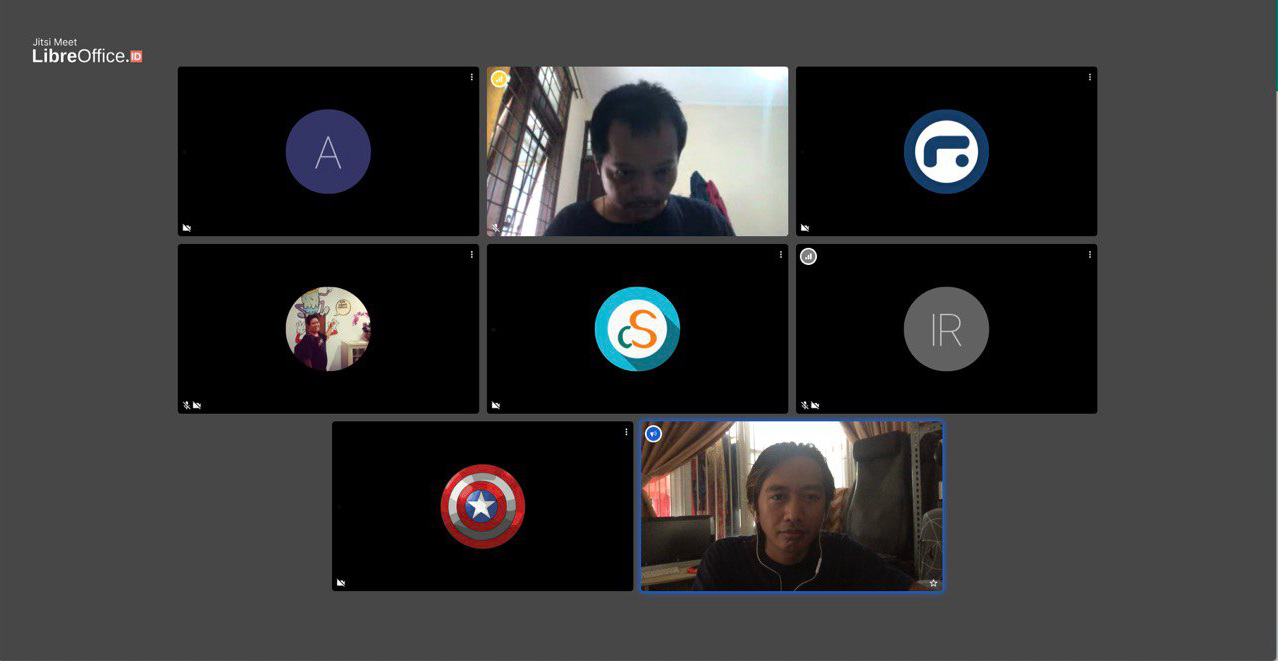
The LibreOffice Conference 2019 begins! Before the main talks start tomorrow, we’re having a community meeting to talk about translating LibreOffice and spreading the word. If you’re near Almeria, Spain, come and join us…


The LibreOffice Conference 2019 begins! Before the main talks start tomorrow, we’re having a community meeting to talk about translating LibreOffice and spreading the word. If you’re near Almeria, Spain, come and join us…


Power users often implement macros in their documents, and LibreOffice’s volunteer contributors are typically power users, so it makes sense to ensure the tools they need are in excellent shape. We are excited to announce the creation of a dedicated team for macro improvements in the LibreOffice contributor community.
The team composition is currently as follows:
To make sure the macro team can work efficiently, the LibreOffice quality assurance team has cleaned up the collection of macro issues. The QA team will offer help to all macro team members to the best of its ability.
Examples of tasks the team members have worked on:
If you are interested in contributing to the macro team (development, testing or documentation), please send an email to ilmari.lauhakangas@libreoffice.org. Thanks!
Good news for all users of high quality presentation software: a dedicated team has been formed within the LibreOffice community with the aim of further improving PPT/PPTX (PowerPoint) file format support. The initial developer members are:
Team members will be able to support each other through code reviews and advice. We will document the progress here on the TDF blog.
LibreOffice’s Quality Assurance team is currently going through the collections of PPT and PPTX issues and carefully re-analysing and prioritising them. The QA team will continue to provide support in the form of patch testing and verification.
Examples of tasks that the team members have worked on:
Everyone is invited to participate, either in development or testing. If you are interested in joining, please send an email to ilmari.lauhakangas@libreoffice.org. Or if you have a PPT(X) file that doesn’t look quite right in LibreOffice, help us to improve compatibility – attach it to a bug report so that our QA team can investigate!
(PPTX icon: ncrow on DeviantArt)

Today we’re talking to Emmanuel Semutenga, who helps young people in Uganda to develop key IT skills. Of course, LibreOffice plays a role in this…
I’m currently a back-end web developer by profession. I’m also a Project Manager for the project entitled “ICT for youth employability” at Kampabits, where my main work is on curriculum development. I live in Kampala, Uganda, Rubaga Division.
My hobbies and interests include blogging, cycling with Ultimate Cycling Uganda, dancing, making new friends, movies and hackathons.
Uganda currently has the highest youth population between 17 to 24 years – that makes 80 percent of the population, and most of these young people lack the practical skills to enable them to get employed. Hence the intervention of Kampabits.
Kampabits is a youth-based organization founded in 2010 that uses ICT multimedia creatively to improve the lives of less privileged youth from the non-formal settlements. We also create safe spaces for persons with disabilities to freely express themselves while learning these in-demand skills.
We have helped 350 young people since our inception, with skills in computer literacy, graphic design and coding skills (front-end, back-end and full-stack developers) during our six month trainings. Kampabits later places these young people in a three month internship with their partner companies.
Kampabits also runs a “Women in Tech” project that trains 15 women in advanced coding skills, to make them employable, in a period of six months. This project focuses on women who have prior knowledge of computer basics. They are later placed in outsourcing jobs in companies like Tunga.

During the whole scope of the training, especially our computer literacy sessions, presentations and curriculum development, we use LibreOffice (Writer, Impress and Calc) to train the young people in word processing, presentations and business book keeping.
This is done to remove costs the involved in acquiring proprietary software, and also show the them that free alternatives will deliver the same quality of work as proprietary software. We use Ubuntu, Lubuntu and Linux Mint as our main operating systems – and they always come with LibreOffice preinstalled.
Other free software we use includes: Gimp as an alternative for Photoshop, Inkscape in place of Illustrator, OBS Studio for recording screencasts, Visual Studio Code as our main code text editor, and Scratch to introduce youth to computer programming
We also use both the Raspberry Pi 2 and 3 models to compliment our computer lab.
Using free software alternatives can help to divert funds to the more pressing needs of organizations – like acquiring more computers to cater for more beneficiaries. So I would advice other organizations to try them out in phases, until they feel comfortable enough to overhaul the whole structure.
A huge thanks to Emmanuel for his work, and it’s great to see free and open source software making a big change all across the planet. Everyone is welcome to join the LibreOffice project, regardless of their location or language, and help us to spread the word and break down digital divides!

Here’s our summary of updates, events and activities in the LibreOffice project in the last four weeks – click the links to learn more!
Please confirm that you want to play a YouTube video. By accepting, you will be accessing content from YouTube, a service provided by an external third party.
If you accept this notice, your choice will be saved and the page will refresh.


The new trend among software vendors is to push towards online subscription models, even when the customer would rather stick to desktop software. Users need to keep paying in order to access the software – and therefore their documents. Their very own documents!
As we’ve seen, this can be disastrous for end users. If you can’t make a payment, or the “authentication server” doesn’t work, you lose access to your data. The Document Foundation, started to fight for digital freedoms, rejects this kind of model. We think powerful office tools should be free to use, share and modify.
LibreOffice, which is free, open source and developed by a worldwide community, doesn’t have subscriptions, or registrations, or yearly license fees, or anything like that. You can use it as you please (subject to the Mozilla Public License 2.0). You install LibreOffice on your own computer, and run it whenever and wherever you want. Even offline.
So if you’re a home or small business user, and your current office suite is trapping you into subscriptions and regular payments to access your documents, try LibreOffice today. (And if you’re interested in deploying LibreOffice in a larger business, check out this page.)