Last week we started the Month of LibreOffice, rewarding contributors in our projects and communities! So, how are we looking after the first seven days?
Well, 146 people have already taken part and can claim their sticker packs at the end of the month. (And possibly some bonus merchandise too!) But if you don’t see your name/username on that page yet, and haven’t taken part, here’s how you can join in:
How to take part
There are many ways you can help out – and as mentioned, you don’t need to be a developer. For instance, you can be a…
Handy Helper, answering questions from users on Ask LibreOffice. We’re keeping an eye on that site so if you give someone useful advice, you can claim your shiny stickers.
First Responder, helping to confirm new bug reports: Go to our Bugzilla page and look for new bugs. If you can recreate one, add a comment like “CONFIRMED on Windows 11 and LibreOffice 7.6.2”.
Drum Beater, spreading the word: Tell everyone about LibreOffice on Mastodon or Twitter! Just say why you love it or what you’re using it for, add the #libreoffice hashtag, and at the end of the month you can claim your stickers.
Globetrotter, translating the user interface: LibreOffice is available in a wide range of languages, but its interface translations need to be kept up-to-date. Or maybe you want to translate the suite to a whole new language? Get involved here.
Code Cruncher, contributing source code: The codebase is big, but there are lots of places to get involved with small jobs. See our Developers page on the website and this page on the wiki to get started.
Docs Doctor, writing documentation: Whether you want to update the online help or add chapters to the handbooks, here’s where to start.
Keep an eye on this blog and our Mastodon and Twitter accounts during November for more updates!
Berlin, November 2, 2023 – LibreOffice 7.5.8 Community, the last minor release of the LibreOffice 7.5 line, the volunteer-supported free office suite for desktop productivity, is available from https://www.libreoffice.org/download for Windows (Intel/AMD and ARM processors), macOS (Apple Silicon and Intel processors), and Linux [1].
With this release, the LibreOffice 7.5 line is reaching the end of its life, so users should plan the update to LibreOffice 7.6 as soon as the next minor update LibreOffice 7.6.3 will be released in mid November. At that time, LibreOffice 7.6 will have been tested and sought after enough to be ready for all production environments.
For enterprise-class deployments, TDF strongly recommends the LibreOffice Enterprise family of applications from ecosystem partners – for desktop, mobile and cloud – with a large number of dedicated value-added features and other benefits such as SLA (Service Level Agreements): https://www.libreoffice.org/download/libreoffice-in-business/
The Document Foundation does not provide technical support for users, although they can be helped by volunteers on user mailing lists and on the Ask LibreOffice website: https://ask.libreoffice.org
LibreOffice users, free software advocates and community members can support The Document Foundation with a donation at https://www.libreoffice.org/donate
Expand your skillset and gain valuable experience with UX, marketing, documentation, QA and translations – join the Month of LibreOffice, November 2023! Over the next four weeks, hundreds of people around the world will collaborate to improve LibreOffice – and you can help them. There are many ways to get involved, as you’ll see in a second.
But best of all: everyone who contributes to LibreOffice in November can claim a cool sticker pack, and has the chance to win extra LibreOffice merchandise such as mugs, hoodies, T-shirts, rucksacks and more (we’ll choose 10 participants at random at the end):
How to take part
There are many ways you can help out – and as mentioned, you don’t need to be a developer. For instance, you can be a…
Handy Helper, answering questions from users on Ask LibreOffice. We’re keeping an eye on that site so if you give someone useful advice, you can claim your shiny stickers.
First Responder, helping to confirm new bug reports: Go to our Bugzilla page and look for new bugs. If you can recreate one, add a comment like “CONFIRMED on Windows 11 and LibreOffice 7.6.2”.
Drum Beater, spreading the word: Tell everyone about LibreOffice on Mastodon or Twitter! Just say why you love it or what you’re using it for, add the #libreoffice hashtag, and at the end of the month you can claim your stickers.
Globetrotter, translating the user interface: LibreOffice is available in a wide range of languages, but its interface translations need to be kept up-to-date. Or maybe you want to translate the suite to a whole new language? Get involved here.
Code Cruncher, contributing source code: The codebase is big, but there are lots of places to get involved with small jobs. See our Developers page on the website and this page on the wiki to get started.
Docs Doctor, writing documentation: Whether you want to update the online help or add chapters to the handbooks, here’s where to start.
We’ll be updating this page every few days with usernames across our various services, as people contribute. So dive in, get involved and help make LibreOffice better for millions of people around the world – and enjoy your sticker pack at the end as thanks from us! And who knows, maybe you’ll be lucky enough to win bonus merch as well…
So let’s get going! We’ll be posting regular updates on this blog and our Mastodon and Twitter accounts over the next four weeks – stay tuned…
Here’s our summary of updates, events and activities in the LibreOffice project in the last four weeks – click the links to learn more…
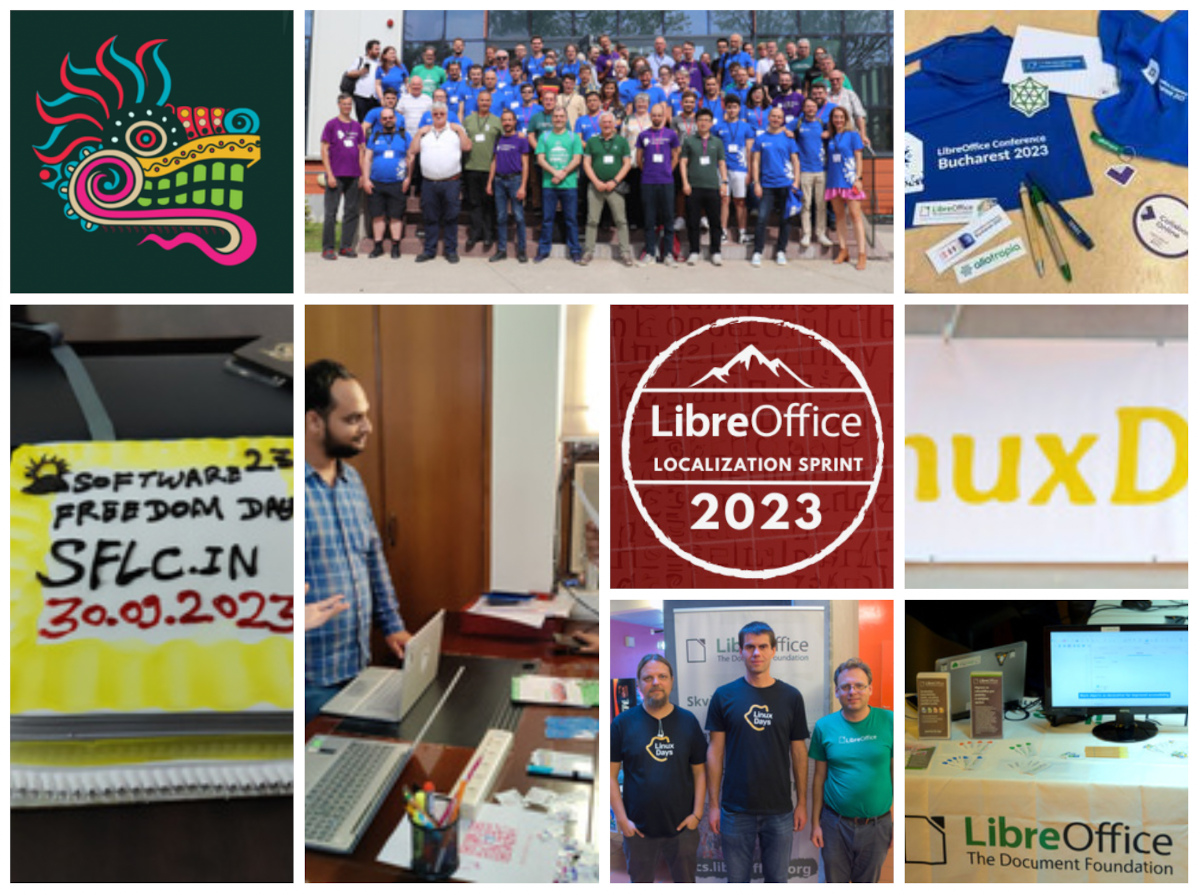
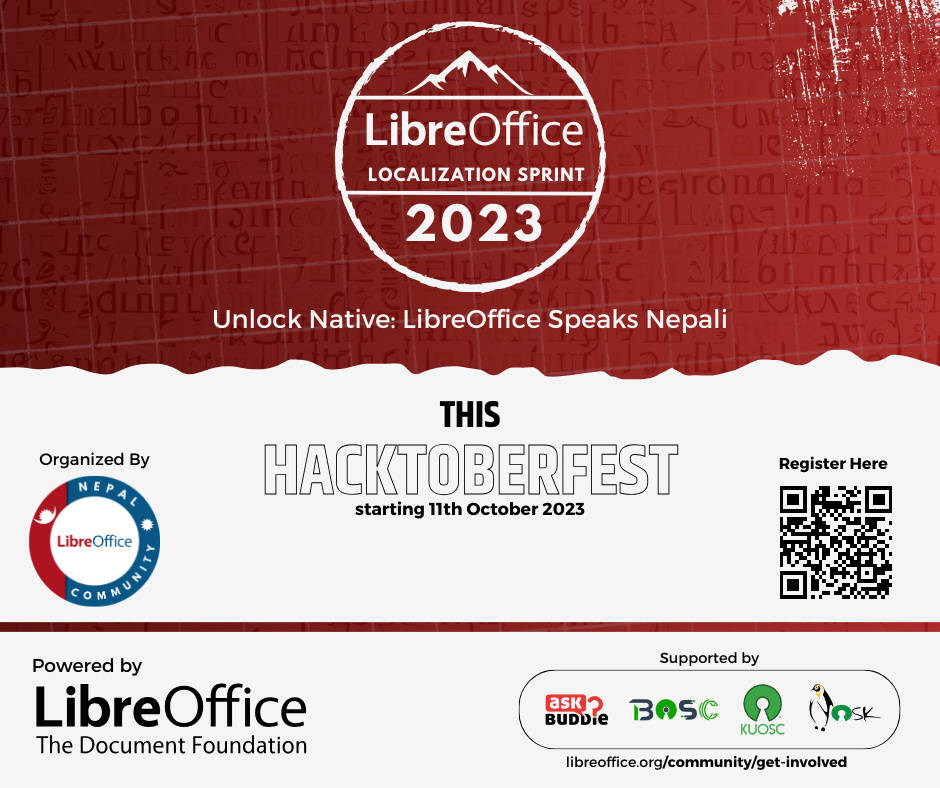
We started by announcing the LibreOffice Nepali localization sprint 2023, which began on 11 October. The goal is to encourage open source communities and university-based student clubs to contribute. We’re looking forward to seeing the results!
Please confirm that you want to play a YouTube video. By accepting, you will be accessing content from YouTube, a service provided by an external third party.
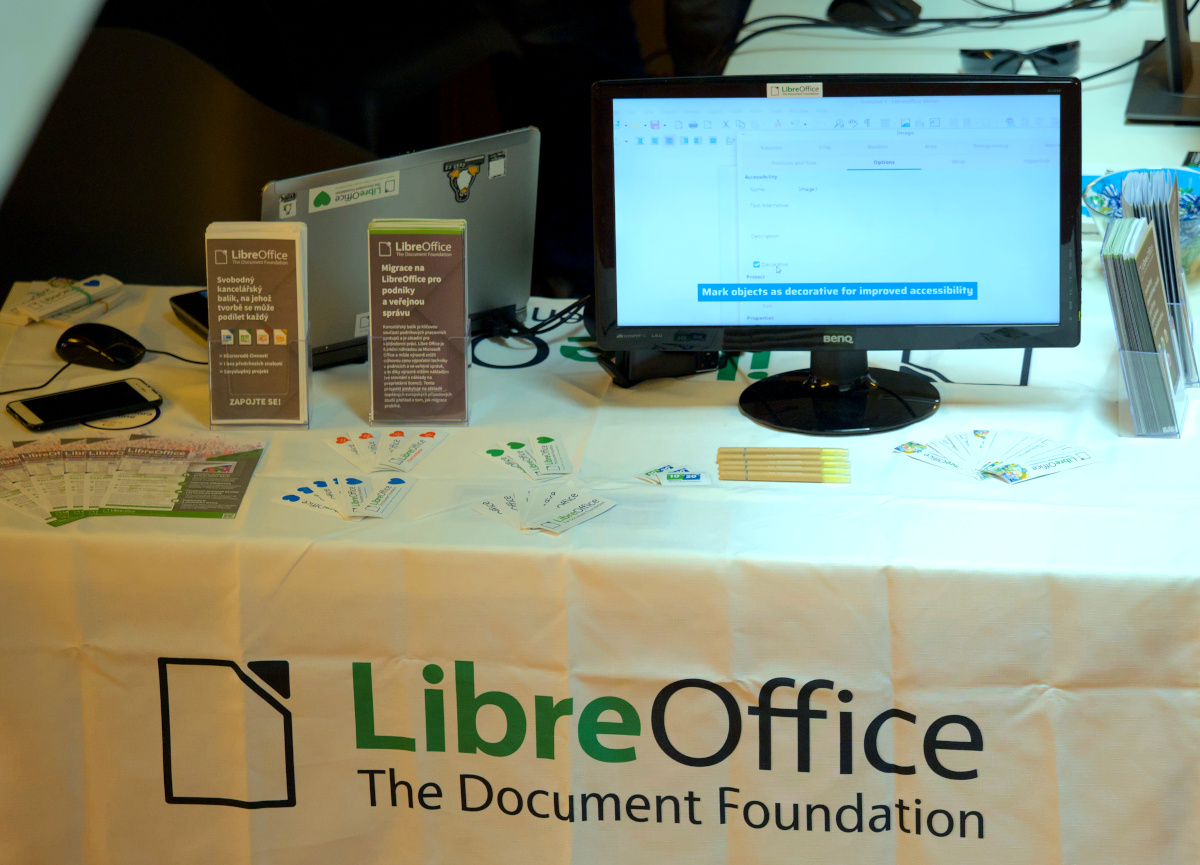
And then another event report: LibreOffice at LinuxDays 2023 in Prague! This year’s conference was even more awaited, as it was organized after four years of a coronavirus break.
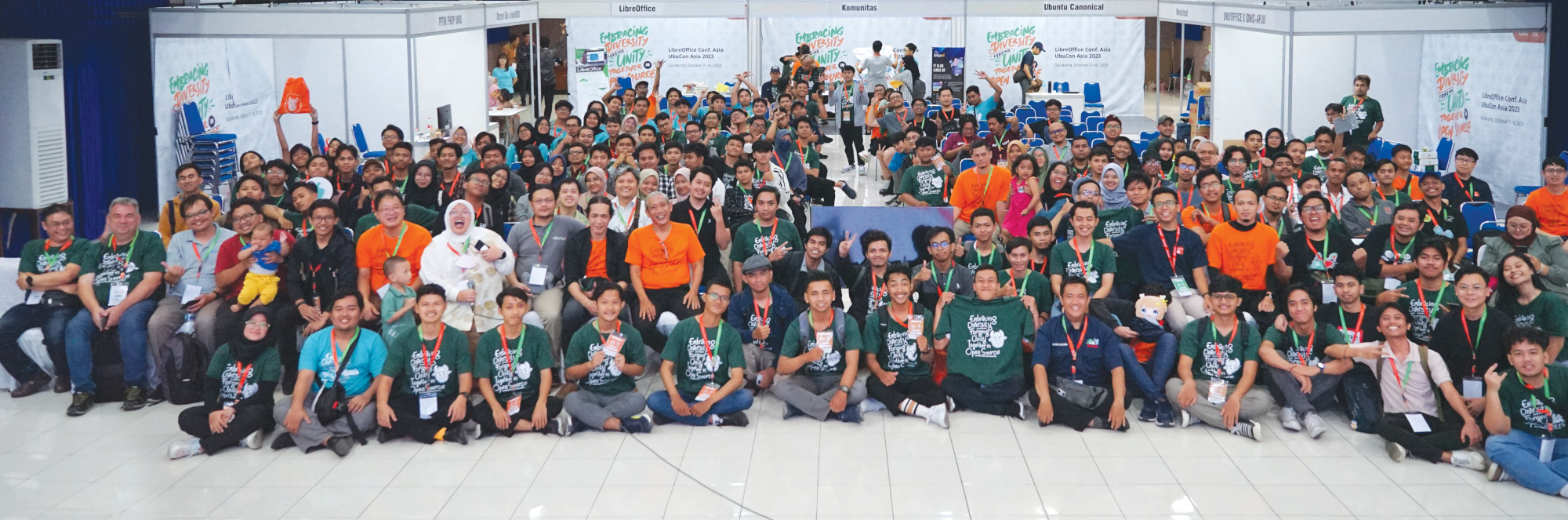
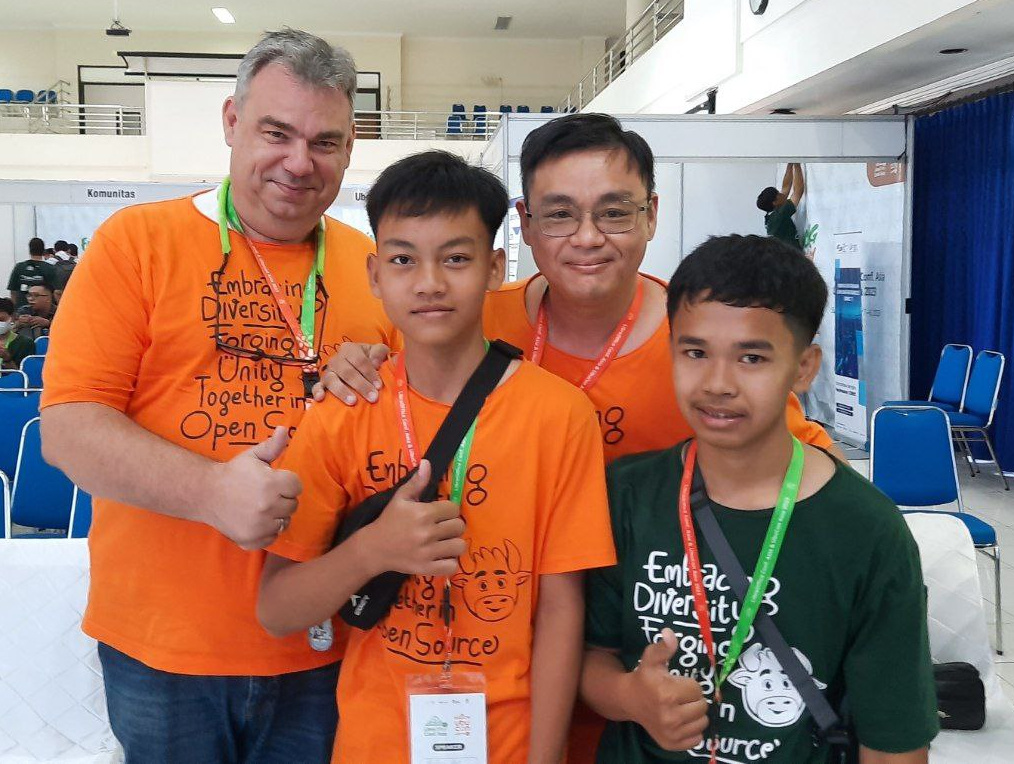
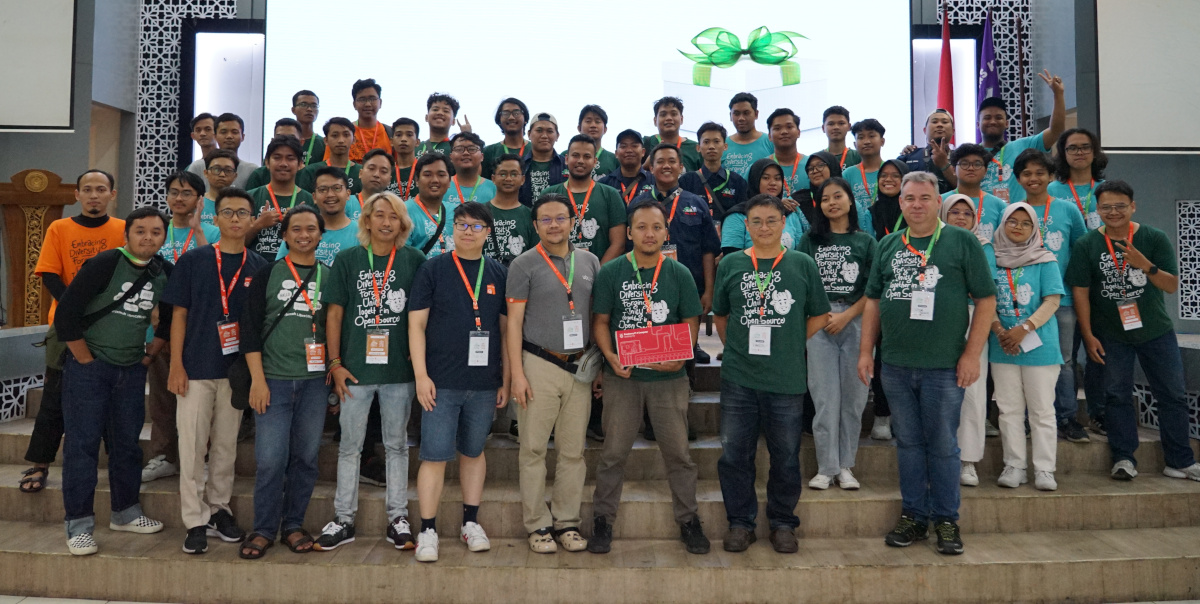
And yet another! The LibreOffice Conf. Asia 2023 was a great success, with speakers and attendees from around the world.
Now we’re looking forward to the Latin America LibreOffice Conference 2023, which will take place at the Universidad Nacional Autonoma de Mexico, Mexico City, from November 9 to 10, 2023. See you there!
Please confirm that you want to play a YouTube video. By accepting, you will be accessing content from YouTube, a service provided by an external third party.
So far, we’ve edited and uploaded 37 videos from the LibreOffice Conference 2023 which took place last month. And we’re still adding more! Here’s the playlist:
Please confirm that you want to play a YouTube video. By accepting, you will be accessing content from YouTube, a service provided by an external third party.
The LibreOffice Conf. Asia 2023 took place on 7 – 8 October 2023 in Surakarta, Indonesia. This event was held simultaneously and collaboratively with UbuCon Asia 2023 at the same place, with the official name “LibreOffice Conf. Asia & UbuCon Asia 2003” (LOUCA23). The following is a report and summary of the activities, which were attended by 500+ participants from many countries in the Asia region.
The main theme of this event was “Embracing Diversity – Forging Unity Together in Open Source”. Collaboratively organizing it together with UbuCon Asia was a concrete form of the theme promoted by the organizers. Similarly, you can also see celebrations of diversity at this event from the various backgrounds of the speakers who attended; there were 22 speakers at the LibreOffice Conf. Asia, from a total of 45 speakers who came from various countries: Indonesia (of course), Taiwan, Japan, Malaysia, Timor Leste, Korea and Germany. The diversity of ages is also interesting, considering that in LOUCA23 the youngest presenter was only 15 years old!
Several LibreOffice colleagues sent a special greeting video to the organizers. This is a great gift and encouragement for the LibreOffice community in the Asia region. Also special thanks to “Uncle” Italo who took the time to make a video presentation about LibreOffice – we really appreciate it!
Please confirm that you want to play a YouTube video. By accepting, you will be accessing content from YouTube, a service provided by an external third party.
If you accept this notice, your choice will be saved and the page will refresh.
Please confirm that you want to play a YouTube video. By accepting, you will be accessing content from YouTube, a service provided by an external third party.
If you accept this notice, your choice will be saved and the page will refresh.
LibreOffice Conf. Asia was held for 2 days on 7 and 8 October 2023. Andik Nur Ahmad was the keynote speaker on the first day, with the topic “Calc – to Explore the Data of a Popular MOBA Game”, followed by Lothar K. Becker and Franklin Weng with the topic “The Document Foundation’s Community and Membership: How Do They Work, and How to Get in” on the second day. Details about the topics that were presented some time ago at the event can be found on this page.
After busy activities from morning to afternoon, in the evening the organizers invited speakers, local committee members and event volunteers to special dinner. This was a relaxed moment to chit-chat, have casual discussions and laugh together. For the volunteers who were very busy during the event, of course this was also a very valuable moment, because on this occasion they could interact with the great speakers more freely and relaxedly.
However, the LibreOffice Conf. Asia 2023 could not have been held successfully without the active contribution of local communities who are members of the volunteer team. Several communities that actively contributed to this event include; Gimpscape ID (FOSS design community), OpenInfra ID, Paguyuban Linux Surakarta (Surakarta Linux Community), Kelompok Linux Arek Surabaya (Surabaya Linux Community, one of the oldest Linux Communities in Indonesia), and Linux Nurul Fikri (Nurul Fikri High School Linux Community).
The total number of volunteers for this activity was 45 people – and special thanks to all of them, who helped to organise and run activities from mornings to evenings. As a form of appreciation, at the end of the event, the LibreOffice Indonesia community gave special prizes to these ‘MVP’ volunteers.
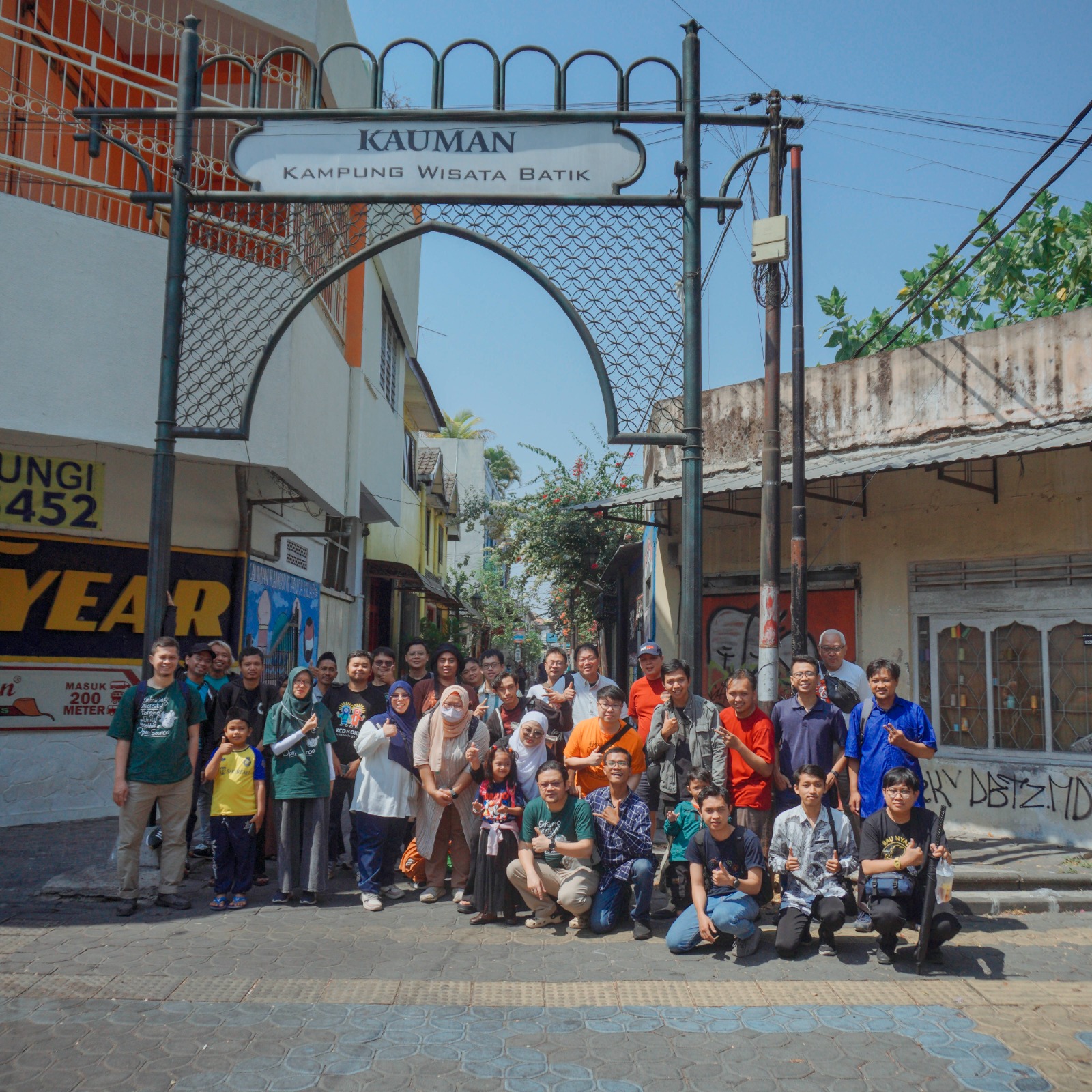
But the excitement of the LibreOffice Conf. Asia didn’t stop after the main activities were finished. On October 9, we invited speakers to enjoy several interesting destinations in Surakarta. Unfortunately, some speakers were unable to take part due to flight schedules and the like. Apart from that, the organizers also provided a special page for all participants to share their stories about LibreOffice Conf. Asia 2023on this page.
The community version of the documentation photos can be accessed via the shared album. In the future, speaker slides and video documentation from each session will be published on the the LibreOffice ID YouTube channel.
Finally, thanks to The Document Foundation which was a platinum sponsor, and thank you to the organizers (special thanks to Rania Amina and Ahmad Haris). See you at the LibreOffice Conf. Asia 2024!