By helping to translate and market LibreOffice around the world, native language projects bring enthusiasm and passion to the global community. Here’s what they did in 2023…
(This is part of The Document Foundation’s Annual Report for 2023 – we’ll post the full version here soon.)
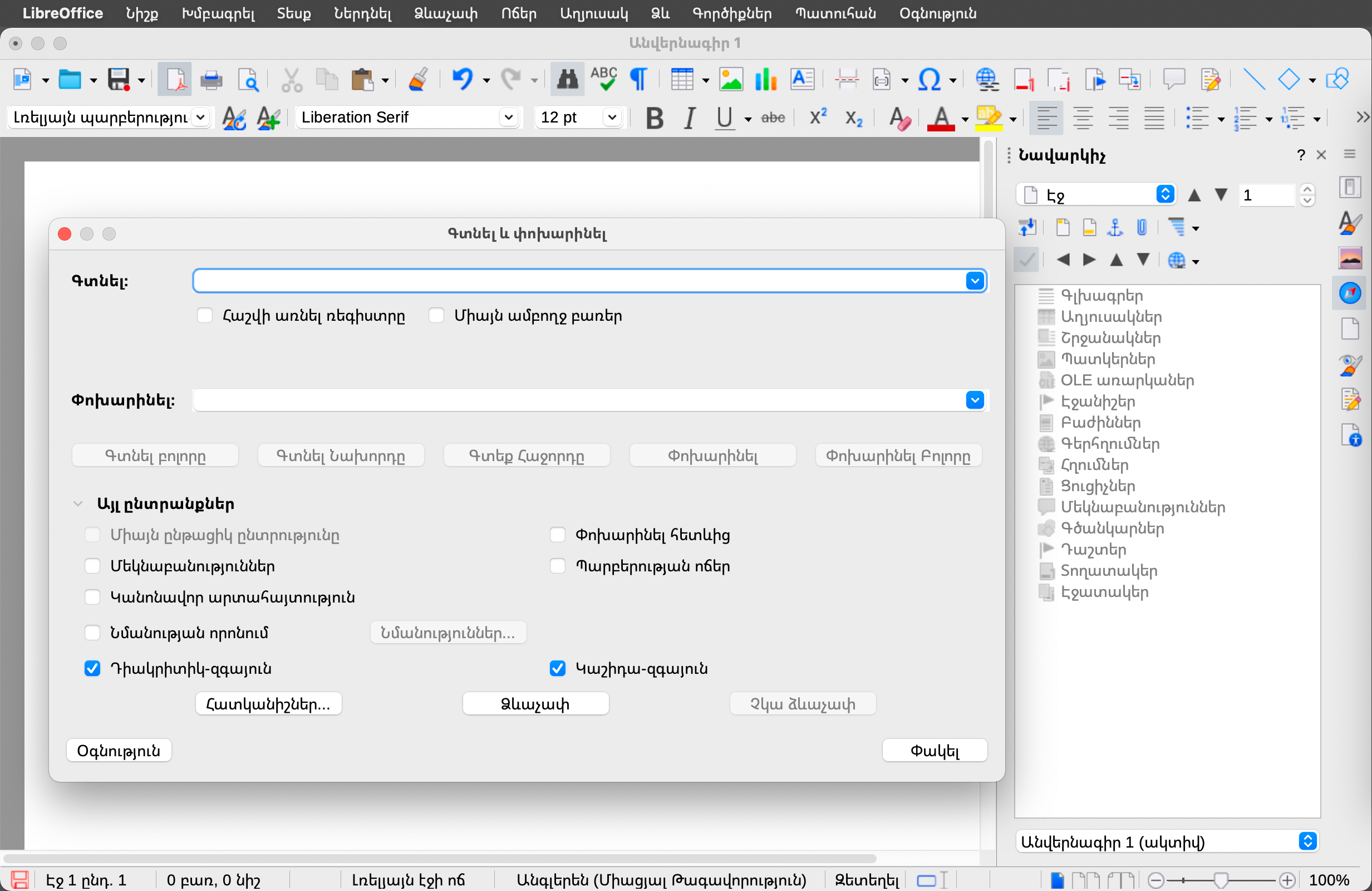
Armenian
During the year, Tigran Zargaryan worked on a translation of LibreOffice into Armenian, and in January 2024 he announced the results of his work:
“With great pleasure, I’m informing that the Armenian localisation of LibreOffice is complete, and this is an especially significant event for Armenian community members worldwide, who are using various office suites in their daily work and – due to lack of Armenian user interface translations – are facing language difficulties.”
He added:
“I hope that the presence of the Armenian language interface translation will be of great support especially in schools, educational institutions and state organisations. In general, many state-based entities are financed by tax payers, and the presence of such a suite will ease their life, as they will legally be able to use office products without copyright infringement, and for them a totally new world of Free/Open Source Software (FOSS) philosophy will be introduced.”
Bangla/Bengali
There were two events in Bangladesh: the Open Tech Talk at UITS in Dhaka, and Software Freedom Day 2023 Bangladesh event in MBSTU, Tangail. Meanwhile, community members assisted users in their native language Telegram groups.
Bulgarian
Bulgarian speakers continued to maintain their translation of LibreOffice’s user interface at 100%, and the Help content at 95%.
Czech
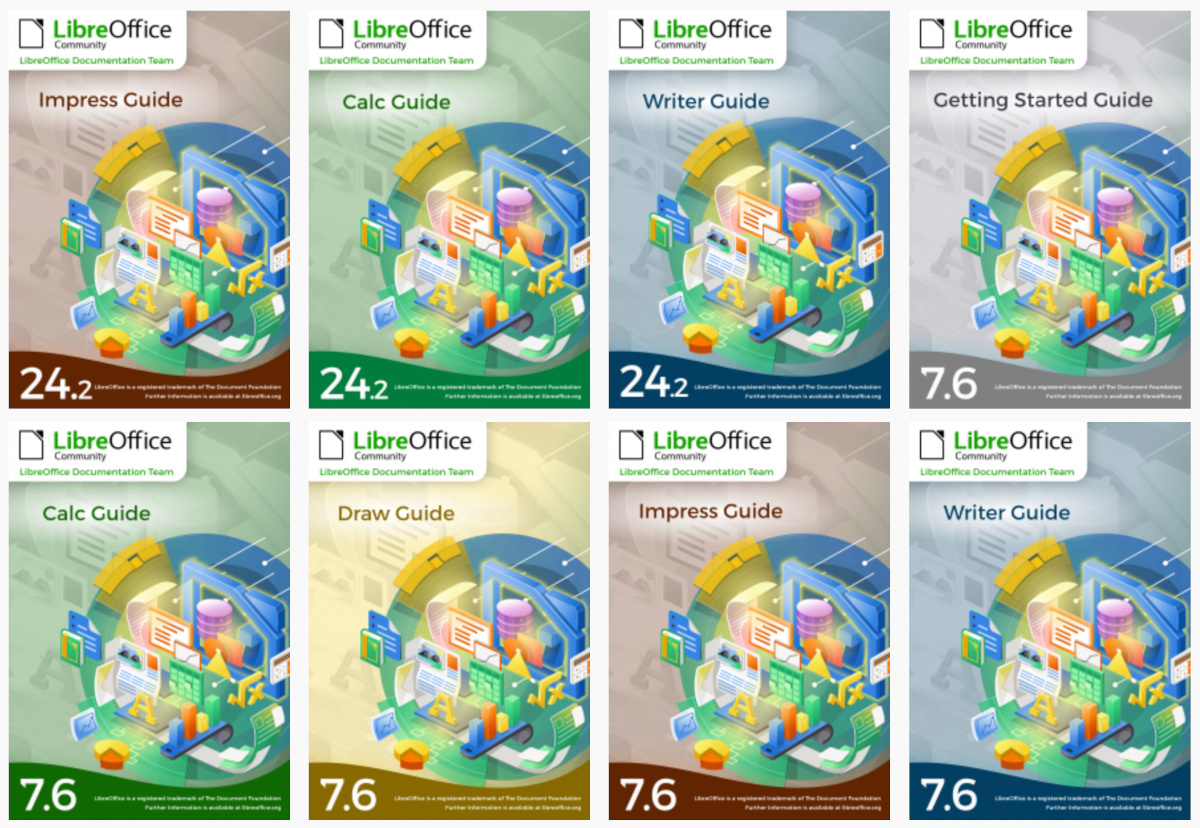
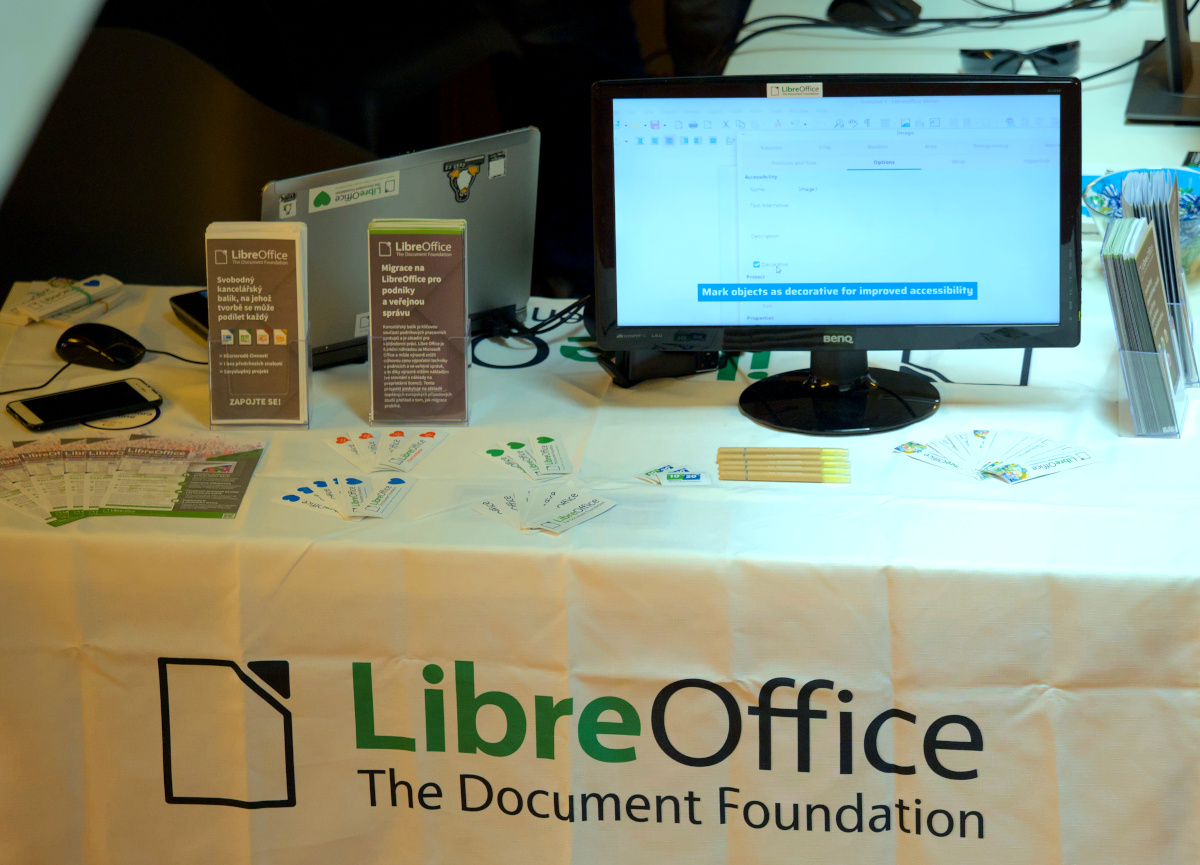
Throughout 2023, the Czech community maintained its translation of LibreOffice’s user interface, keeping it at 100% complete, and the Help content at around 95%. They presented LibreOffice at a booth at the LinuxDays event in Prague in October, and published user guides in the Czech language in the LibreOffice Bookshelf (including their migration to HTML format). These included the Draw Guide 7.4, Base Guide 7.3, Calc Guide 7.4 and Impress Guide 7.5.
In addition, community members added support for Czech decimals to the Numbertext library, supported end users on the Czech “Ask LibreOffice” site, and maintained social media accounts on X (Twitter), Facebook and Instagram.
Dutch
Throughout 2023, the Dutch-speaking community helped to support LibreOffice users by answering questions on the “Ask LibreOffice” website and mailing lists.
They set up a stand at the NLLGG in November – a conference of the Dutch Linux community. There, LibreOffice users could obtain information and ask questions about the software, whether or not in conjunction with a Linux-based operating system.
Community members also worked on maintaining the Dutch LibreOffice website, and translated and published handbooks: the Writer Guide for LibreOffice 7.5 (translated and published in February); the Math Guide for LibreOffice 7.5 (translated and published in June) the Draw Guide for LibreOffice 7.5 (translated and published in August); and he Impress Guide for LibreOffice 7.6 (translated and published in November).
Translators, using TDF’s Weblate instance, managed to keep up with changes in LibreOffice’s user interface, maintaining the 100% translated status. They added:
“Translating the Help content is a lot of work for a small group of volunteers. Although the Help keeps growing, we were able to maintain it at 100% translated.”
Esperanto
By the end of the year, the Esperanto translators had achieved the following levels of completion: user interface 99%, LibreOffice Online 100%, Impress Remote 100%, LibreOffice Help 37%, and the website 100%.
Finnish
The Finnish-speaking community worked primarily on translating LibreOffice’s user interface, and to a lesser extent, the Help content.
French
In 2023, French contributors maintained translations on Weblate at almost 100% for all versions of LibreOffice, and progressed with translations of Calc functions on TDF’s wiki. They took part in two events, Capitole du Libre (Toulouse) and Open Source Experience (Paris), and held several online meetings with other community members. Finally, they made contributions to code, QA, marketing, documentation and Ask LibreOffice.
German
In Weblate, the translation of LibreOffice’s user interface reached 99% completeness, and the Help content 96%. There was user support by answering questions via Ask LibreOffice and mailing lists, while community members worked on translating release notes for new major LibreOffice releases, publishing videos, and working on translations of handbooks.
Indonesian
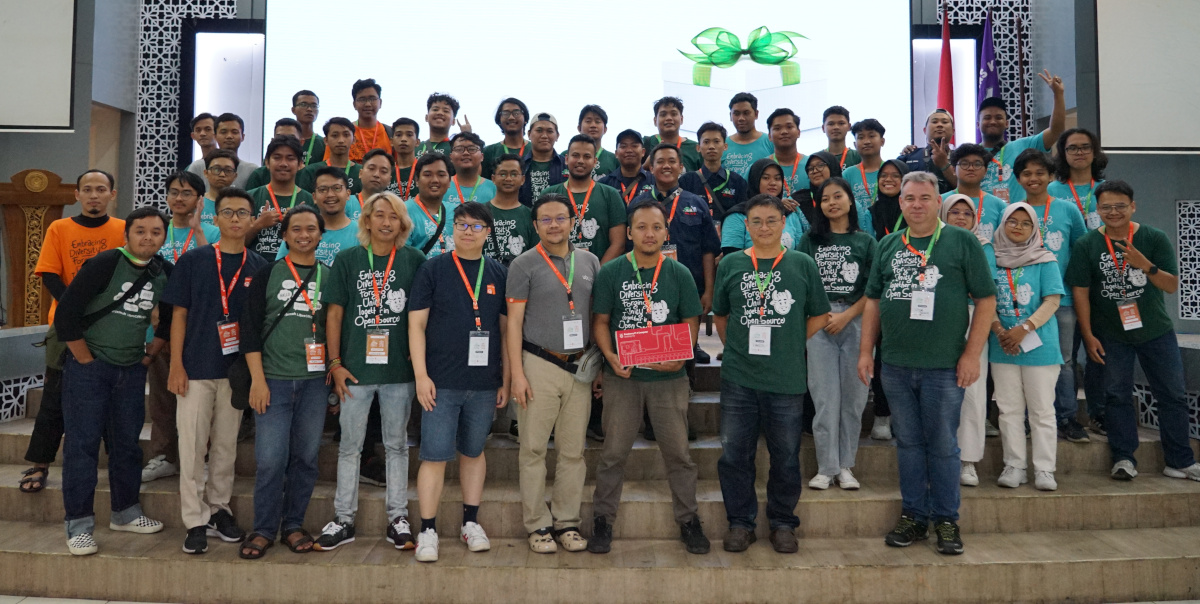
The Indonesian community organised a two-day “LibreOffice Conference Asia 2023” event in Surakarta, and posted a summary on this blog.
Regarding community activities, members worked on engaging and encouraging new contributors to work on videos showcasing the new features in LibreOffice.
Italian
Thanks to the efforts of the Italian community, the translation of LibreOffice’s user interface and online Help content reached 100%. Together with other communities, they started a pilot project to translate the Getting Started Guide via Weblate. In addition, they organised several activities and events during Linux Day 2023.
Japanese
In terms of events, the Japanese community organised its local annual conference, LibreOffice Kaigi 2023 Online. There were three online study parties in which users shared knowledge and interacted with one another, along with 49 online hackfests, where participants worked together to make progress on tasks and transfer skills. There were also 10 “LibreOffice day” events – in-person events in Awaji, Osaka City. They were held jointly with Open Awaji, a group themed around open data and a movement towards open cities.
Japanese community members attended five open source conferences and had booths (in Tokyo, Nagoya, Hiroshima, Fukuoka and again in Tokyo). There was the Kansai Open Forum 2023, an event for open source and IT communities in the Kansai region that has been held annually since 2002. Additionally, Japanese community members participated in the LibreOffice Conference Asia 2023 and COSCUP (a comprehensive open source event in Taiwan).
Apart from events, community members worked on “how-to” videos and uploaded them to YouTube, and worked on translations of LibreOffice’s user interface into Japanese (93% complete) and the Help content (49% complete). They translated complete handbooks (the Writer Guide 7.5 and Calc Guide 7.5) and one community member, Meguro-san, translated using TexTra, a machine translation service provided by NICT, a Japanese government research institute.
There was also work on Ask LibreOffice, with 85 questions or comments added, and on the blog (19 articles posted). In terms of social media activity, the Japanese X (Twitter) account had 2,941 followers, 63 posts, 58,000 impressions and an engagement rate of 5.9%. The Facebook page had 22 posts and 625 followers.
Kazakh
In 2023, work continued on the Kazakh translation of LibreOffice’s user interface.
Korean
Work continued on translation of LibreOffice’s user interface, and the community promoted LibreOffice at the Ubuntu Korea 2023 event.
Morisyen
Locale data was added for Morisyen, the creole language used in the Republic of Mauritius (Islands of Mauritius, Rodrigues, Agalega and Archipelago of Chagos including Diego Garcia). The document language in LibreOffice can therefore be defined as such. There was input by Jean-Yves Dick and Ragini Kistnasamy from Ledikasyon pu Travayer (LPT) association, and Eike Rathke from the LibreOffice community.
Then there was work on an extension: the implementation of a unified spell-checker for use when writing in Morisyen. The extension includes 26,000 words and an AFF file, both works-in-progress.
Nepali
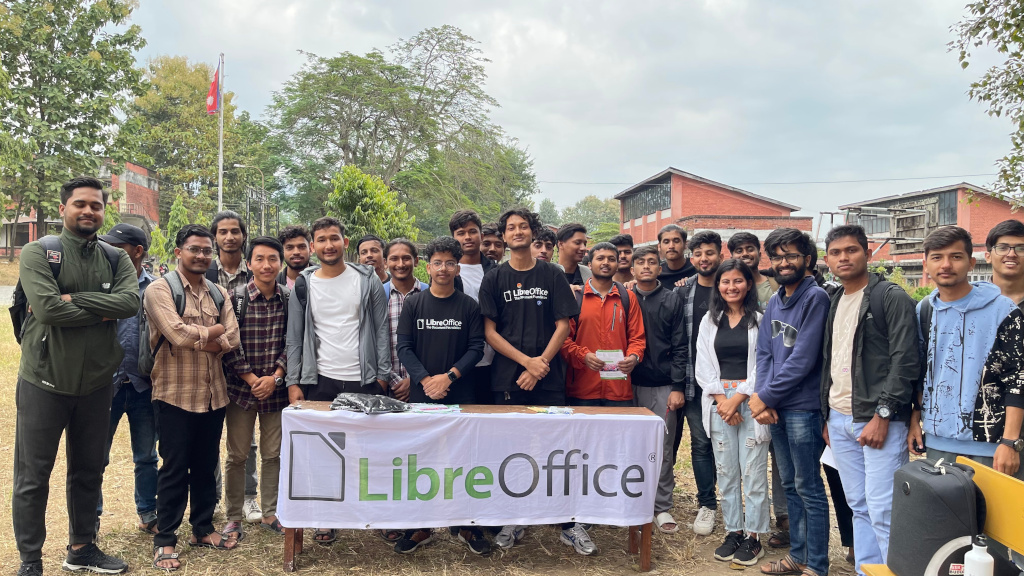
Suraj Bhattarai, LibreOffice’s liaison in the Nepali community, mentored around 60 students from different universities and he connected a few more open-source communities in Nepal. They were able to localize around 10,000 strings in two weeks.
Suraj, along with the Kathmandu University Open Source club, organised a localisation camp during Software Freedom Day, and more than 53 students joined. They also organised an online course on called “localisation 101”, in which 11 students joined for two months, every Sunday from 21:00 – 22:00 Nepal time. Suraj shared with participants the concepts of localisation, internationalisation and the importance of style guides, terminologies, glossary, tools used, computer-aided translation and Weblate.
Persian (Farsi)
Community members reported various issues with RTL/CTL (right-to-left and complex text layout languages) on TDF’s Bugzilla instance, and worked with TDF’s RTL/CTL developer to test and verify fixes. They considered many fixed issues with justified Persian text, and received very good feedback.
Fixing rendering issues remain the most important goal. In terms of localization, most of the work on translating LibreOffice’s user interface was from three contributors. Another worked on an AI assistant extension that works with ChatGPT. Finally, there were various posts on local websites and the Persian Telegram group, along with supports to end users.
Spanish
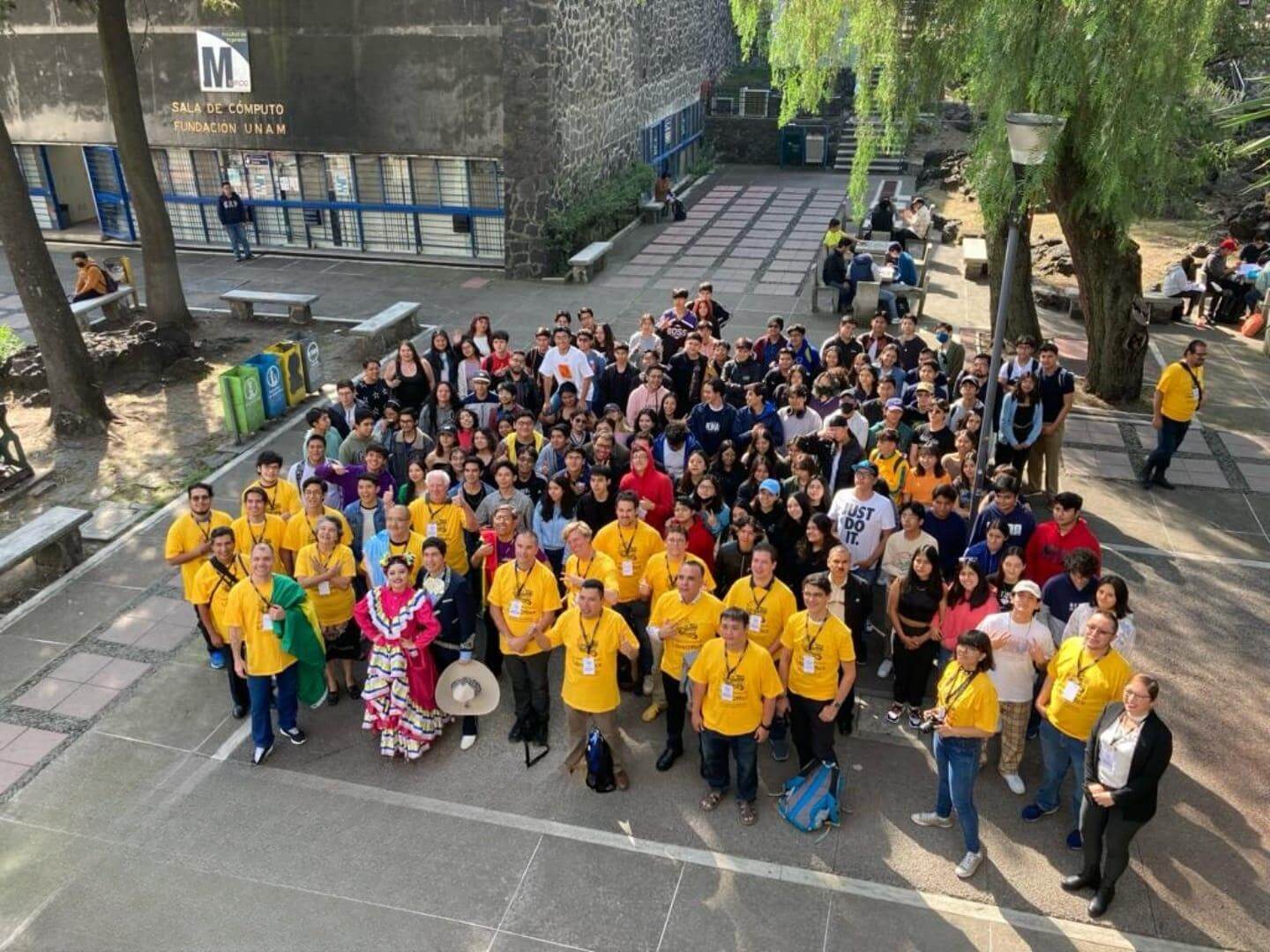
The highlight of 2023 was the Latin America LibreOffice Conference, held in the Ciudad de México, Mexico. Community members also participated in the esLibre 2023 conference (an annual free software and hardware event), with two talks and three workshops.
Work continued on the translation of LibreOffice’s user interface (99%) and Help content (87%), while 20 articles were published on the Spanish blog. Then the Spanish version of Getting Started Guide 7.3 was published in Open Document and PDF formats, while two previous guides were published as HTML.
Community members provided user support in the Telegram channel (bridged with Mastodon), which has over 1,400 subscribers, while support for users writing Python macros continued on Mastodon. There was also a new iteration of the university program “Servicio Social para la Documentación de LibreOffice en español”. Participants published three magazines and collaborated on LibreOffice’s user interface translations.
Taiwanese
Work continued on translation of LibreOffice’s user interface, which was maintained at 99% complete.
Ukrainian
Throughout the year, the Ukrainian team translated over 1,600 strings in LibreOffice’s “UI-Master” project, reaching overall 99% completeness. They also reached 51% completeness in the “Help-Master” project.
Thank you to everyone
We at The Document Foundation would like to say a huge thank you to everyone who in the native language communities. Your work makes LibreOffice accessible to hundreds of millions of people around the world, and your passion is wonderful. Thank you!