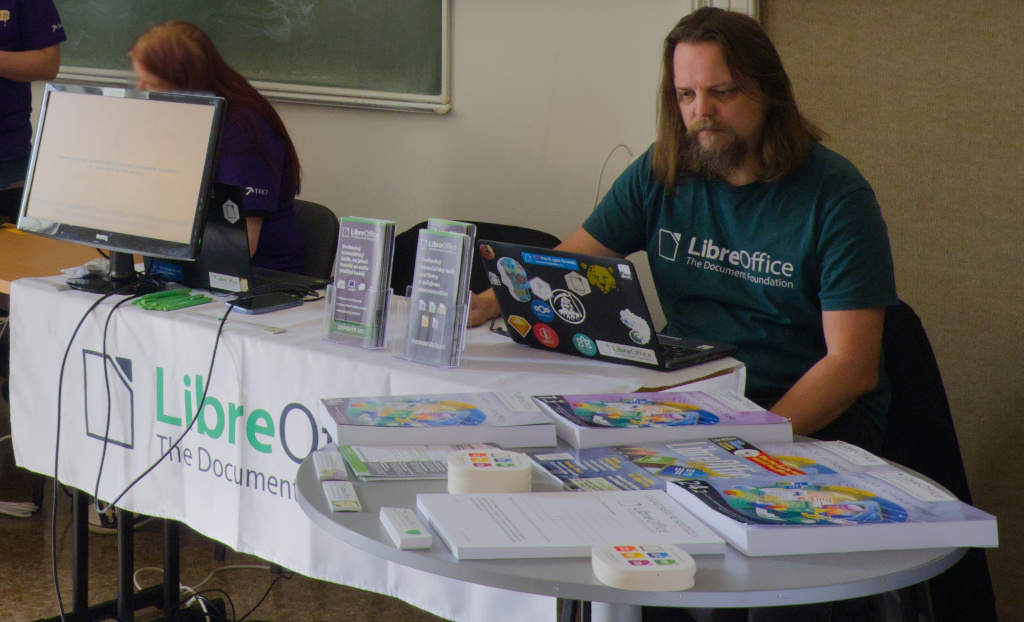
Petr Valach from the Czech LibreOffice community tells us about feedback from the LibreOffice booth at this event…
InstallFest is a well‑established yet relatively small open‑source conference held annually in the Czech Republic, traditionally at the Faculty of Electrical Engineering building at Karlovo náměstí in Prague. Personally, I prefer these more intimate spaces over the larger venues like the Faculty of Information Technology, where the LinuxDays conference takes place. I highly appreciate the somewhat old‑fashioned and historical atmosphere that fills every corner of the faculty building. It reminds me of English universities and other institutions like museums, where the ambiance of past eras is still preserved. Some may find it irritating, but to me, such a place has far more character than modern buildings devoid of history.
Building E of the Faculty of Electrical Engineering (FEL), or perhaps the shared building of the Faculty of Electrical Engineering and the Faculty of Nuclear Sciences and Physical Engineering (FJFI) on Trojanova Street, which I used to visit as a student – and even more so the main building of FJFI on Břehová Street, or the joint workplace of FJFI and the Faculty of Mathematics and Physics (MFF) of Charles University on Karlova Street – all of these buildings naturally have their own history; and with even older buildings, history seems to radiate from them, evoking a sense of mystery and unattainability.
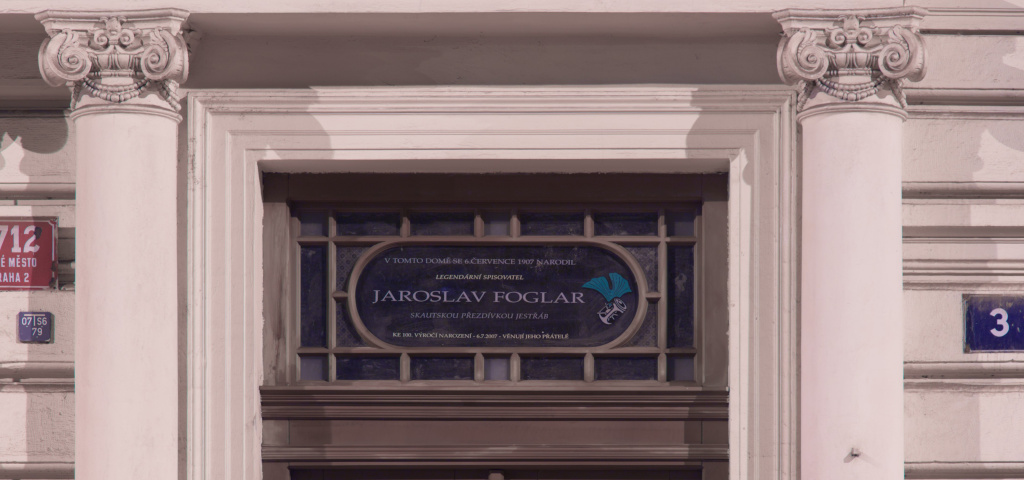
I’ve had this deep respect for historic landmarks since my school years, when I first encountered the epochal Jaroslav Foglar trilogy set in the mysterious world of Stínadla (The Mystery of the Puzzle, Stínadla in Revolt, The Secret of the Great Vont). These books have not lost their charm even after all these years (this year marks the 85th anniversary of The Mystery of the Puzzle), and that’s because you can actually touch the buildings described in them. That’s the true magic of Foglar’s stories – they’re part fiction, part grounded in reality, whether it’s the locations, characters, or structures, and that makes them more believable and realistic.
And even the InstallFest conference has something in common with them. After all, it takes place right in the area where Stínadla is set, and the building itself stands just a few hundred meters from the birthplace of Jaroslav Foglar. In the conference venue, you can even find a poster for a course titled Planning the Movement of 3D Objects in a Complex Environment, featuring the iconic hedgehog in a cage – hiding the epoch-making invention of fourteen-year-old Jan Tleskač: a flying bicycle! Coincidence? I don’t think so. 😊
And now, on to the actual course of the conference.
Changes
Last year, InstallFest was saved by a new team led by Jan Langmaier. Once again, they did an excellent job – everything ran smoothly, without confusion or chaos. They deserve recognition for organizing and executing the conference in such a limited space.
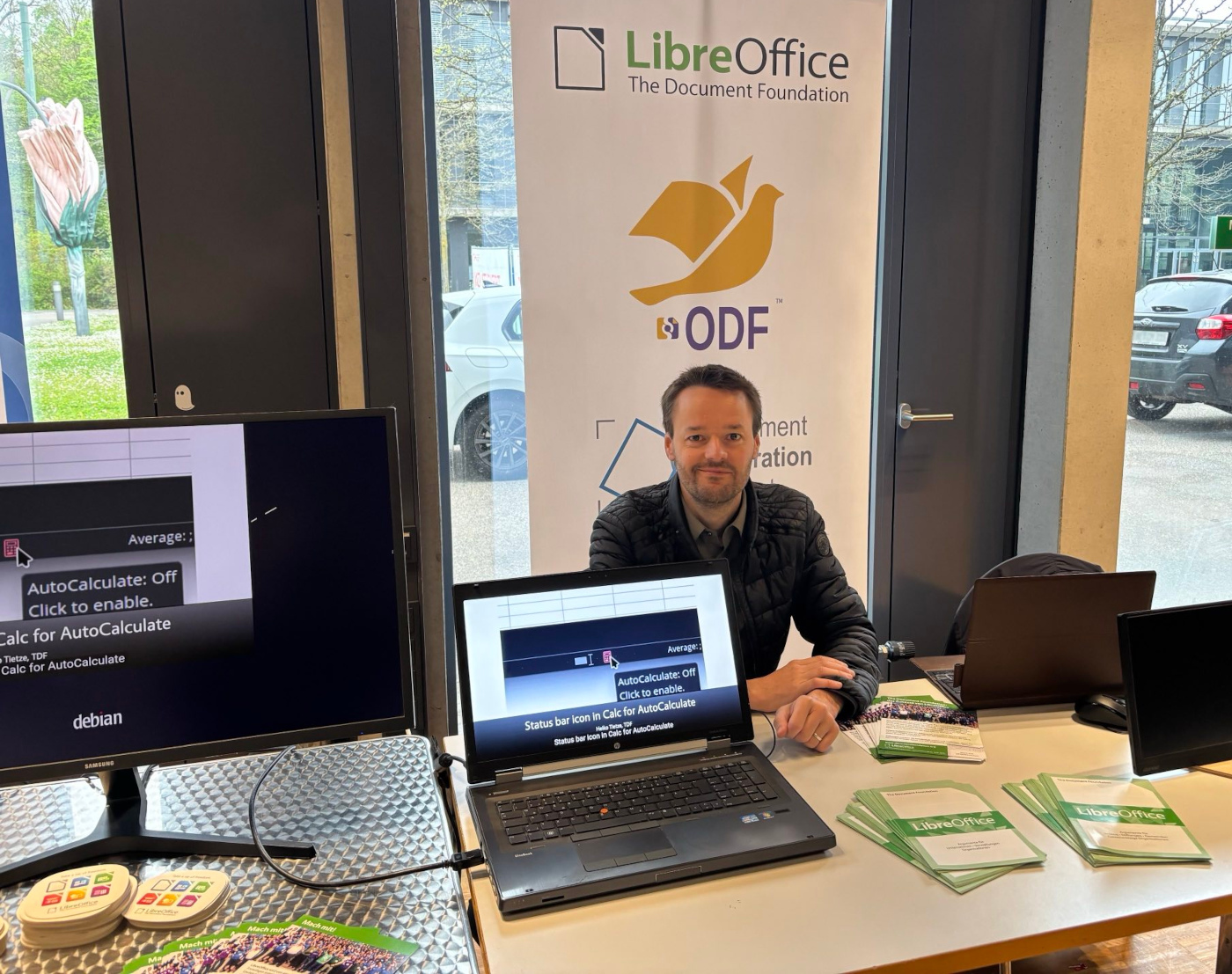
This year saw an increase in the number of booth exhibitors, which naturally raised the question of where to place them all. Unfortunately, the LibreOffice booth drew the short straw and ended up in a separate lecture room designated for booths. As a result, the number of visitors to our booth was significantly lower; throughout the entire conference, we only had a handful of individuals with whom we had actual discussions (not counting those just interested in stickers and the like). Therefore, user feedback this time around was quite limited.
Key Observations
The majority of questions and comments from attendees revolved around four main areas:
- Compatibility of Microsoft formats with LibreOffice
- Funding of the project
- Use of LibreOffice/Collabora Online
- Issues with Impress
Compatibility with OOXML
LibreOffice provides solid support for OOXML formats, as used by Microsoft Office/365. The use of the plural is appropriate – it should be noted that Microsoft does not use the standardized OOXML Strict format as the default in its suite. This leads to a number of issues, which are described in more detail in this article.
Funding LibreOffice
A common question at every conference is how LibreOffice is funded. Although LibreOffice is a community‑driven project, where volunteers do most of the work in documentation, translations, local marketing and other tasks, the majority of code contributions come from ecosystem companies. These companies offer migration services, employee training, and 24/7 support for organizations using LibreOffice. They can also be commissioned to develop new features, which are then made available to everyone.
But volunteers (like us) are crucial for spreading awareness about LibreOffice, translating the software and manuals, and supporting users. In the Czech Republic, significant translation work has been done under the leadership of Zdeněk Crhonek. Without these efforts, the project wouldn’t function properly, as corporations require localized environments and documentation.
Growing Interest in LibreOffice Online
Awareness of the online version of LibreOffice (via Collabora) seems to be increasing. This product deserves more public attention, as it is one of LibreOffice’s strongest assets. It offers a fully autonomous solution that can run on user‑owned cloud infrastructure as well as other platforms.
However, one drawback is that no one offers LibreOffice Online as a fully managed cloud service. Users often complain about the lack of a ready‑to‑use hosted solution, making deployment more challenging. The Document Foundation cannot provide hosting services, but the demand for such a service is significant.
General Feedback
As with every conference, we received feedback about LibreOffice’s user interface. One of the biggest pain points is the icon sets – finding a suitable set for dark mode is nearly impossible. The Elementary icon set is considered the best by many users (including myself), but it is no longer being developed and lacks dark mode support. The Karasa Jaga theme is interesting but also lacks a dark mode version.
Another frequent request is for automatic updates. Windows users now have this feature as of LibreOffice 24.8, but it is still missing for Linux, due to the fragmented nature of the Linux ecosystem.
Impress
The most frequent critical feedback was about Impress, LibreOffice’s presentation tool. Some reports and requests included:
- Videos embedded in Impress do not work in PowerPoint (and vice versa)
- Unlike PowerPoint, Impress does not display a progress bar when playing a video
- There is no way to pause an animation during a presentation (a long‑standing bug that remains unresolved)
- The presenter screen does not support formatted notes
Users are welcome to join the project to help to improve these features, or again, fund developers so that all users can benefit.
Let’s Play a Game!
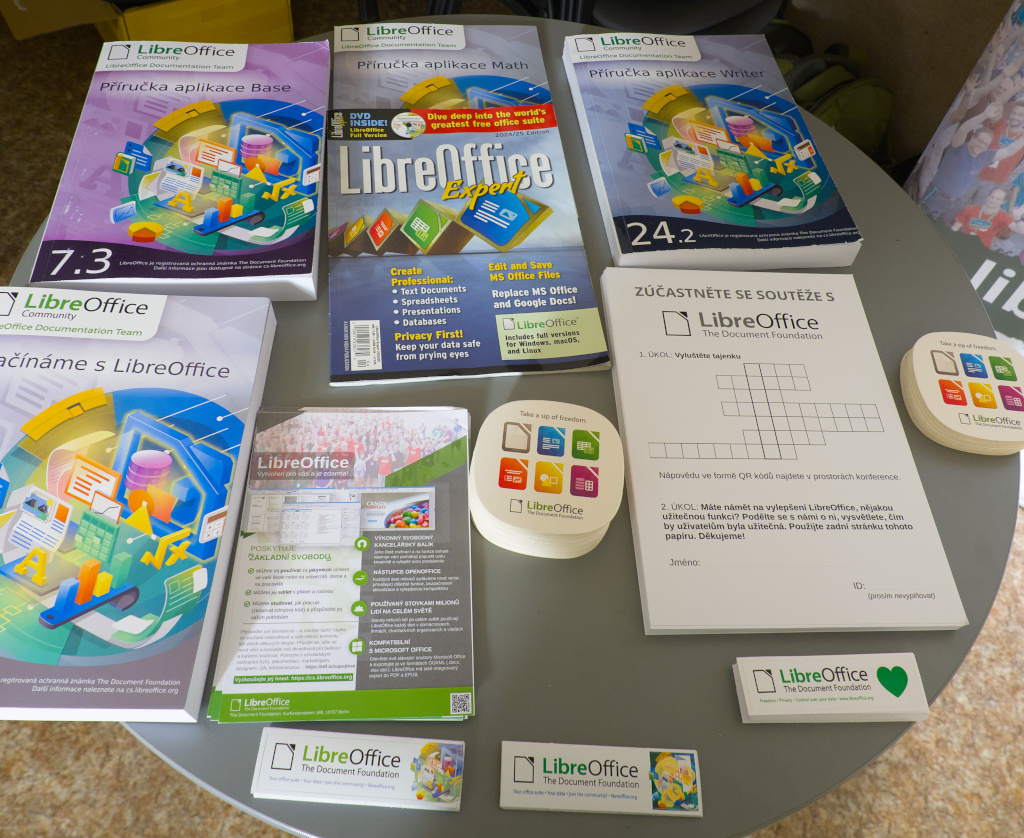
For the first time, we introduced a small game at InstallFest. QR codes with LibreOffice‑related questions were placed around the venue, and visitors had to collect them to solve a puzzle. We prepared 200 answer sheets, but only about 30 were used.
Thanks to The Document Foundation (specifically Mike Saunders), we had plenty of giveaways, including T‑shirts, hoodies, and backpacks. Five lucky winners received prizes:
- Milka (T‑shirt)
- Jaroslav K. (T‑shirt)
- Jan H. (T‑shirt)
- Šimon H. (backpack)
- Vojtěch K. (hoodie)
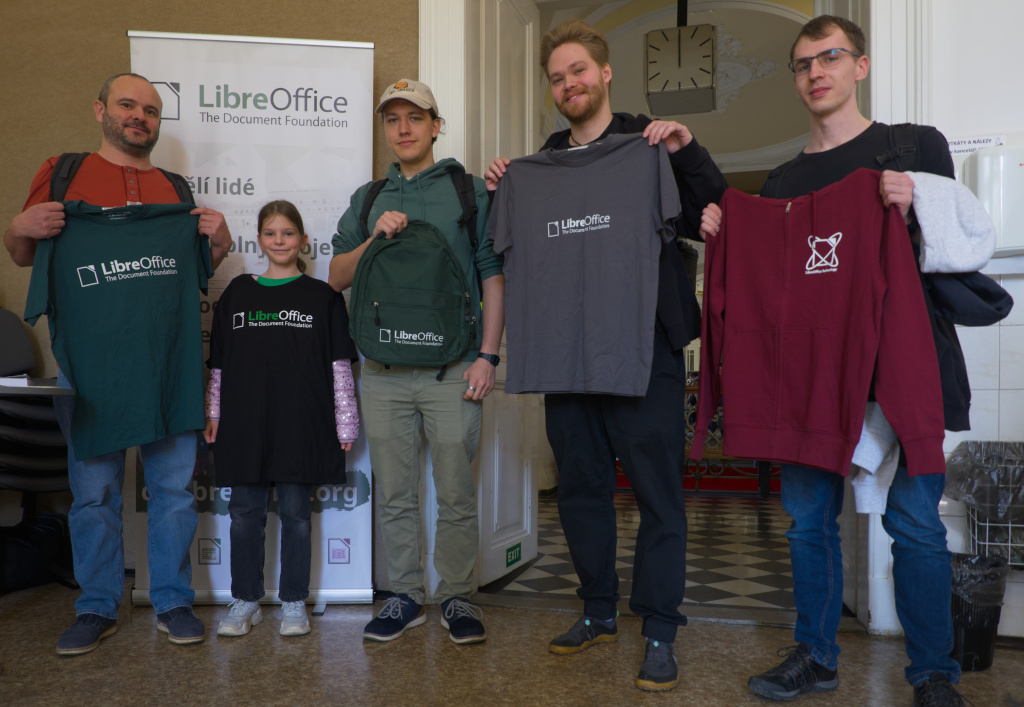
Congratulations to the winners, and thanks to all participants!
A special shoutout to Ondra, a schoolboy who was the only one to complete a non‑competitive task – writing a LibreOffice improvement suggestion on the back of his form. His request? Better copy/paste formatting options in Calc. Thanks, Ondra! Too bad you didn’t win this time – maybe at LinuxDays in autumn! 😊