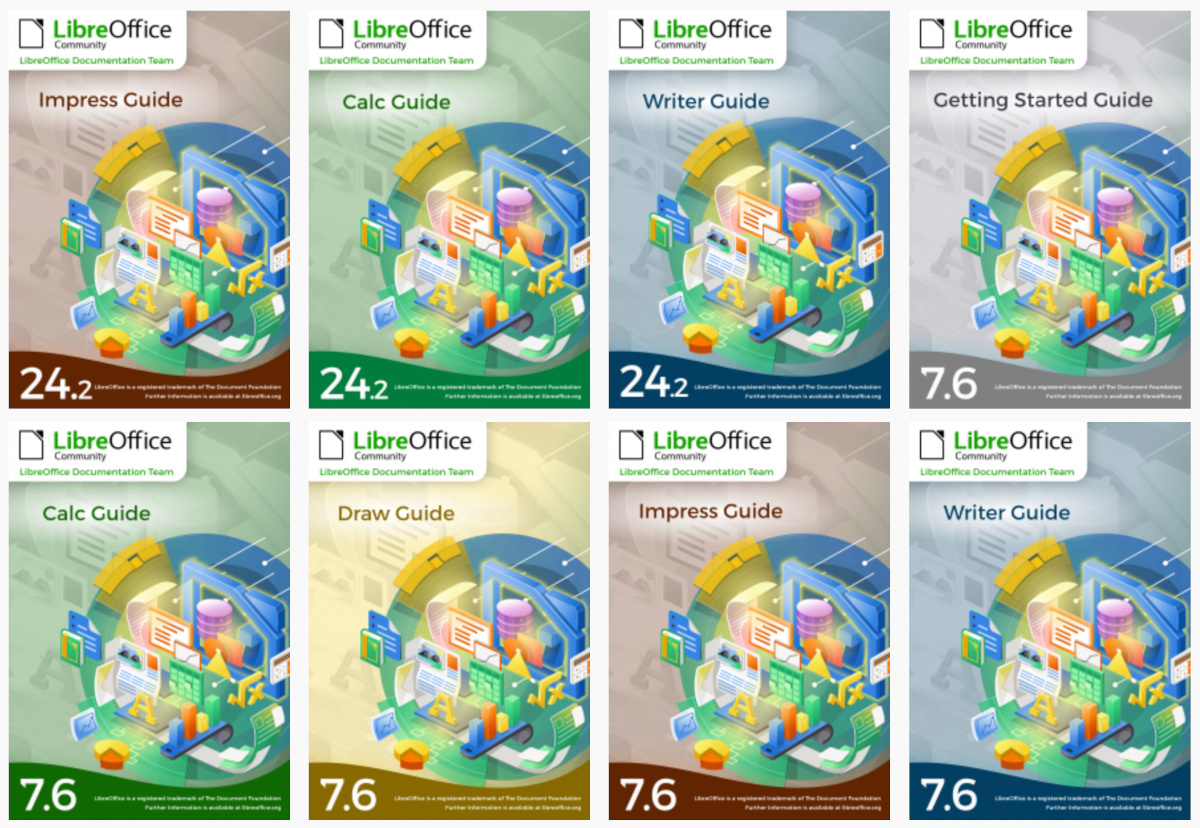
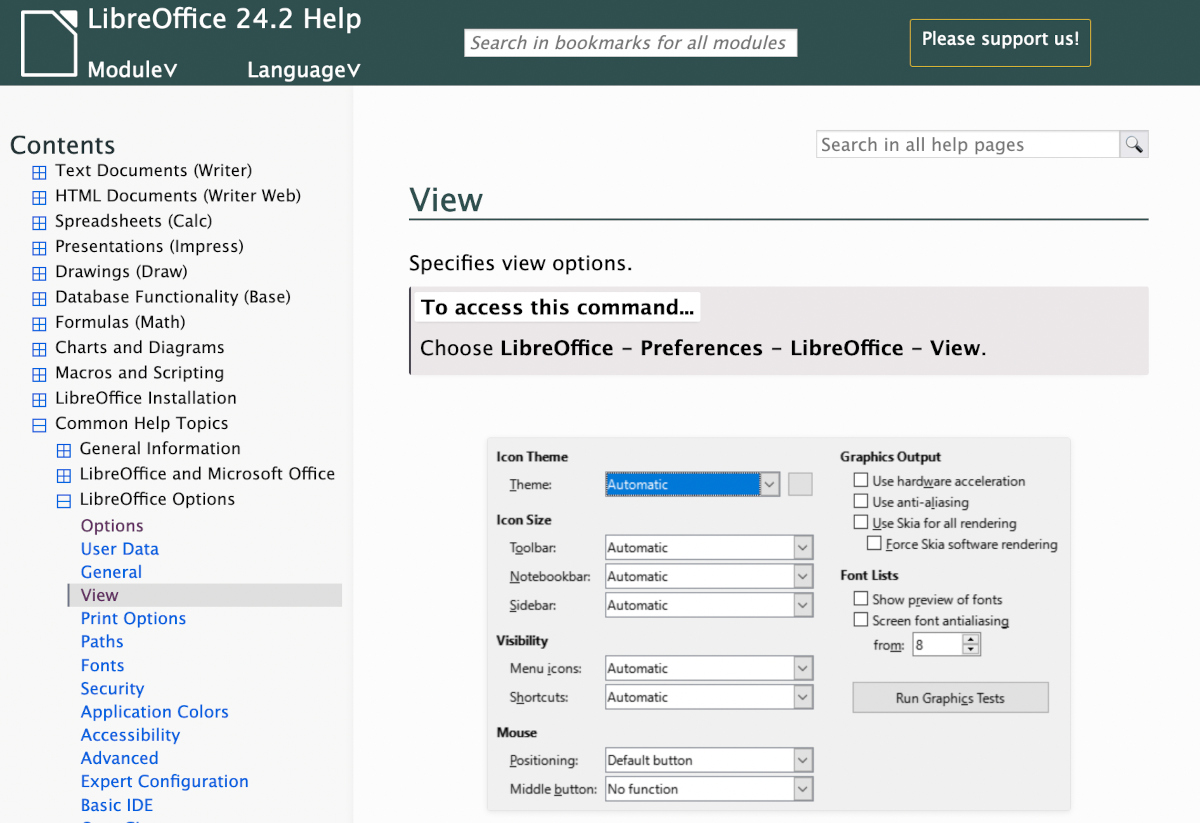
In 2023, the documentation community continued to update LibreOffice guidebooks, and the Help application
(This is part of The Document Foundation’s Annual Report for 2023 – we’ll post the full version here soon.)
New and translated guides
Throughout the year, the documentation project closed the gap between LibreOffice’s major releases, and the updates of the corresponding user guides. By the year end, all of the version 7.x guides were updated to match the release of LibreOffice 7.6, and ready to continue for the forthcoming release – 24.2 – which arrived in February 2024. The goal of tracking the software release closely was achieved, and the documentation team is now in a steady state of small updates between releases.
The updates and enhancements of the guides were an effort of all the team, coordinated by Jean Weber (Writer and Getting Started Guide), Olivier Hallot (Calc) Steve Fanning (Calc and Base guides), Peter Schofield (Impress and Draw guides), Vítor Ferreira (Math guide). A number of volunteers also worked in each guide by writing and reviewing contents and suggesting improvements. Special thanks to Jean Weber for making the guides available for sale in printed format via Lulu Inc.
LibreOffice Help updates
The documentation community also had a team of Help page bug fixes, closing Help documentation bugs, bridging gaps, fixing typos and improving quality, a must-have update to keep LibreOffice in-shape for its user base and documented reference of the application features. A total of 650 Help patches were merged in 2023. The Help pages, which are part of the LibreOffice codebase, were also refactored continuously for better maintenance and code readability. The localisation and translation team of volunteers was quick in flagging typos and English mistakes – while translating the Help content and the user interface.
LibreOffice Developer Guide
Thanks to Ilmari Lauhakangas and Hossein Nourikah, the LibreOffice Developer Guide is now available on TDF’s infrastructure and under LibreOffice developers’ control, allowing update and improvements of the guide for the specifics of the LibreOffice application.
ScriptForge libraries, and Wiki updates
The documentation community also had a nice contribution from Jean Pierre Ledure, Alain Romedenne and Rafael Lima, for the development of the ScriptForge macro library, in synchronization with the much-needed Help pages on the subject, a practice rarely followed by junior developers of LibreOffice. As we know, undocumented software is software that’s lacking; features that are unknown to the user can be a cause of costly calls to a help desk in corporate deployments. ScriptForge developments came together with their documentation, demonstrating the ScriptForge team’s professional maturity.
LibreOffice Bookshelf
In 2023, the documentation community also updated the LibreOffice Bookshelf, another download page for LibreOffice guides that is different from the current documentation.libreoffice.org server page. The Bookshelf can be cloned and installed in organizations, libraries, colleges and schools, for immediate availability in controlled environments, as well as online reading of the guides. The Open Document Format chapters were transformed into static HTML pages, and are ready to display on computers, tablets and cell phones, bringing LibreOffice user guides closer to its public, anywhere, anytime.
In 2023, 11,272 commits were made to the LibreOffice source code, from 253 authors, in 21 repositories. We also took part in the Google Summer of Code, to support student developers
(This is part of The Document Foundation’s Annual Report for 2023 – we’ll post the full version here soon.)
Infrastructure for developers
TDF provides infrastructure for the developer community to continue their work on LibreOffice. These include Git and Gerrit, to make changes to the source code, along with Bugzilla (to track bug reports and enhancement requests), a wiki (to document changes), and Weblate (for translations).
Most technical discussions took place on the developer mailing list and IRC channel, with the latter providing more real-time communication. Members of the Engineering Steering Committee met weekly, to discuss the most pressing issues with the codebase.
Google Summer of Code (GSoC)
Google Summer of Code (GSoC) is an annual programme in which student developers of free and open source software projects receive stipends from Google for their work. LibreOffice takes part in GSoC every year, and in 2023, five students developed features and updates in the software. They were mentored by developers from the LibreOffice ecosystem and TDF. Let’s go through them…
Improving OpenPGP encryption experience in LibreOffice by Ahmed Gamal Eltokhy: LibreOffice can encrypt documents using OpenPGP public key cryptography by making use of external applications such as gpg4win, GPGTools and gnupg. Thanks to Ahmed’s work, it is now easier to manage and search keys and faster to navigate large keyrings.
Selecting tests to run on Gerrit patches based on machine learning by Baole Fang: This project was inspired by Mozilla’s work on Firefox’s continuous integration. There is now a system in place that makes predictions on the test failure possibility of submitted code changes and decides the most efficient way to build the changes. As this kind of machinery is very new to everyone, we expect many tweaks to follow.
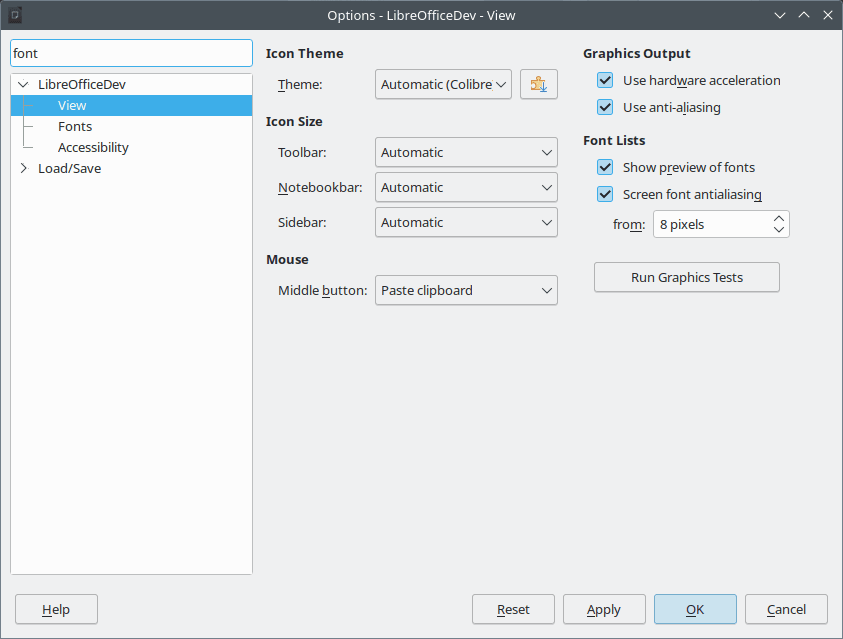
Search Field in Options by Bayram Çiçek: Searching through options is standard in applications these days, so it is about time LibreOffice learned how to do it. This makes it much easier for end users to find specific options and settings, by simply typing a few letters, rather than having to navigate though a large set of menus and widgets.
Convert Writer’s Java UNO API Tests to C++ by Dipam Turkar: The idea here was to reduce the dependency on Java during the LibreOffice build process. Half of the tests for Writer were converted.
Add APNG import/export support by Paris Oplopoios: APNG is short for Animated Portable Network Graphics. It is not an official extension to PNG, but nevertheless has broad support in web browsers these days. Thanks to Paris’s work, LibreOffice now fully supports this format.
For the full details about the students’ work, see this post. And thanks to Andreas Heinisch, Thorsten Behrens (allotropia), Heiko Tietze (TDF), Hossein Nourikhah (TDF), Tomaž Vajngerl (Collabora), Xisco Faulí (TDF), Stéphane Guillou (TDF) and Christian Lohmaier (TDF) for mentoring the students.
We use our social media channels to raise awareness about our work, share information and encourage new contributors to join us
(This is part of The Document Foundation’s Annual Report for 2023 – we’ll post the full version here soon.)
Social media
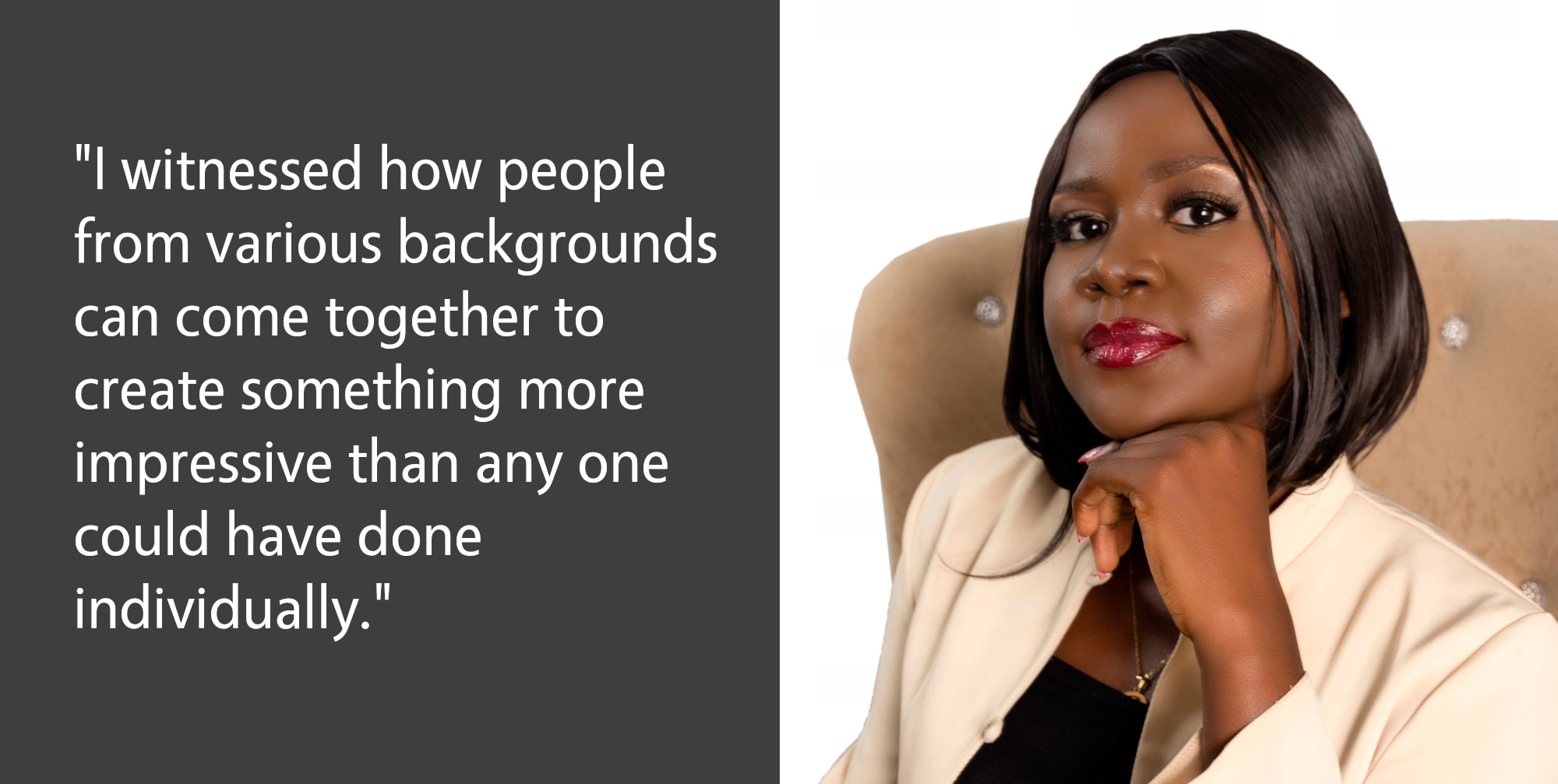
In January 2023, our X (formerly known as Twitter) account @LibreOffice had 53,541 followers; by the end of the year, we had grown this to 62,443. Our most popular tweets were for major releases, but we also tweeted customised images for “Community Member Monday” interviews with short quotes, encouraging more users to get involved with LibreOffice projects.
In addition, we focused not only on our own tweets, but also retweeting announcements from the LibreOffice ecosystem and community members. We liked and retweeted messages of support from end users – many of whom were surprised and thankful that a large project would show them support. To keep the content flowing, we retweeted popular older tweets, and responded to individual messages.
On other social media platforms, we focused on growing our account on Mastodon, a Twitter-like open source, federated and self-hosted microblogging service. In 2023 we worked more on expanding our activities on our account @libreoffice@fosstodon.org, and from January to December, we grew our follower base from 17,632 to 24,987. We also joined Bluesky in 2023 thanks to invites from a community member, with our new account @libreoffice.bsky.social reaching over 150 followers by the end of the year.
Our Facebook page growth was smaller, from 60,278 page followers to 63,189. We’ve noticed a gradual reduction in activity on Facebook over the last few years, which reflects its changing audience, and the move towards newer mobile applications. Nonetheless, Facebook still provides a good opportunity to interact with end users of LibreOffice, and every day we checked in to answer questions, get feedback, and post announcements/tips about the software.
YouTube channel
Our YouTube channel grew from 18,108 subscribers and 2,886,284 video views in January 2023 to 20,504 subscribers and 3,217,282 video views by the end of the year. The “LibreOffice 7.5: New Features” video (a fantastic production by the Indonesian community) had almost 60,000 views – while the video for LibreOffice 7.6 had over 60,000. We also added videos of talks, presentations and workshops from the LibreOffice Conference 2023.
Please confirm that you want to play a YouTube video. By accepting, you will be accessing content from YouTube, a service provided by an external third party.
If you accept this notice, your choice will be saved and the page will refresh.
Meanwhile, our community helped out with tutorial videos – in particular Harald Berger of the German community, who continued to produce a series of professional-looking step-by-step guides to installing and using LibreOffice.
In 2023, the marketing team continued the deployment of the Strategic Marketing Plan, without overlooking ongoing activities to promote LibreOffice and support the efforts of native language communities
(This is part of The Document Foundation’s Annual Report for 2023 – we’ll post the full version here soon.)
Slide Decks and Videos for Marketing Purposes
We updated presentations on The Document Foundation (project history and digital sovereignty), LibreOffice (technology, including commentary, and sustainability) and Open Document Format (standard format, ODF and interoperability, and OOXML issues) for use by community members. Videos are also available to help tailor a presentation to the audience.
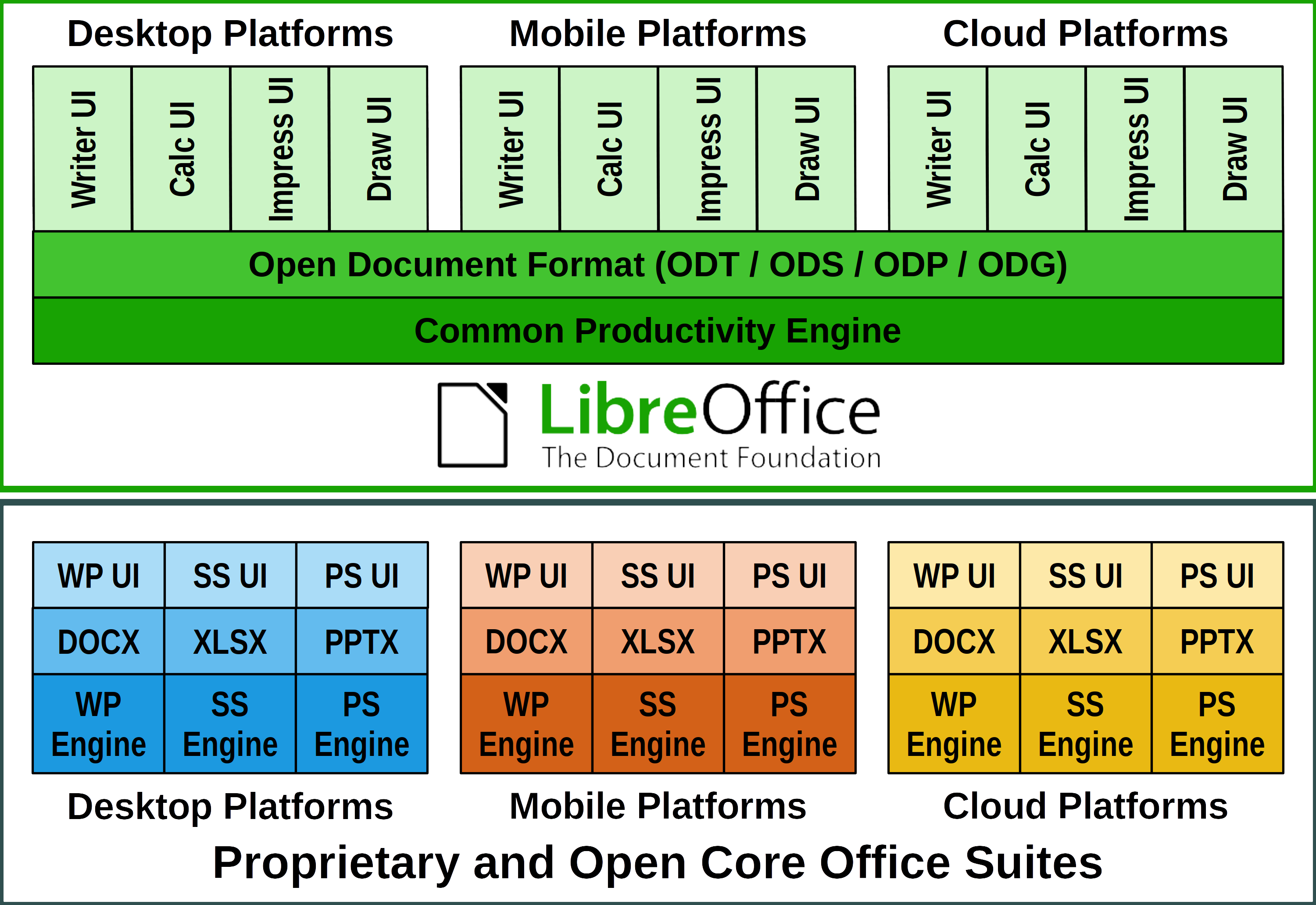
We updated the LibreOffice Technology White Paper, which explains the evolution of LibreOffice from a single desktop product to a product-based technology for personal or enterprise productivity that is the foundation for a series of products optimised for different platforms, such as desktop, mobile and cloud. To emphasise the importance of the LibreOffice technology concept, a specific logo has been created to make it visually easier to associate all products based on this technology platform.
We also created a Security Backgrounder that describes – in a language accessible to everyone, even non-security specialists – the impressive work done by the developers and quality control specialists in the security area of LibreOffice.
Finally, the project continues to invest in communicating the sustainability of FOSS. Companies need to consider that focusing on the ‘free as beer’ nature of software can seriously damage the projects they rely on as strategic assets of their infrastructure. It is a short-sighted decision because they can save a lot by not paying a single penny, but they may also have to spend a lot tomorrow if the original project is unable to sustain itself by having to revert to a proprietary solution.
The Importance of Donations
Donations are essential for the current operations and future development of The Document Foundation, as they allow us to keep the organisation alive, fund specific activities, support events and other marketing tasks organised by the native language projects, and maintain a small team working on various aspects of LibreOffice.
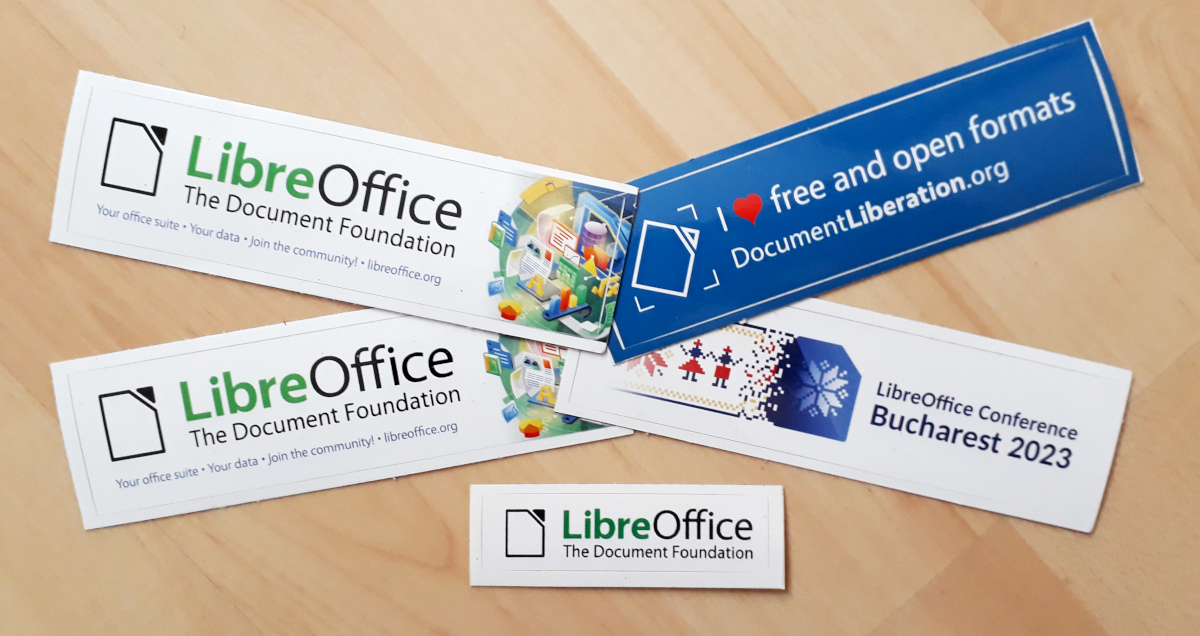
In 2023, donations were used to fund various activities: the organisation of the LibreOffice conference in Bucharest and the regional LibreOffice conferences in Asia and Latin America, events and other activities of the native language communities, reimbursement of travel expenses to conferences around the world, the supply of merchandise for the Month of LibreOffice, and other small projects.
Ongoing Marketing Activities
Marketing for The Document Foundation and LibreOffice is a large team effort, with contractors paid for their work – thanks to the funds provided by our generous donors – and several volunteers who run activities on both a global and local level to increase visibility and brand awareness.
One of the ongoing projects is the Community Member Monday series, where one or more community members are interviewed about their contribution to the project.
The marketing team, supported by many volunteers, created a series of New Features videos for the announcement of LibreOffice 7.6 and LibreOffice 24.2, covering the suite as a whole – and Writer, Calc and Impress in detail. These videos are a great way to demonstrate new features to end users and are often embedded in news sites. They were also translated into several languages by volunteers from the localisation community.
Activities Month-by-Month
JANUARY
In January we had two update releases for LibreOffice: 7.4.4 and 7.4.5. The Documentation team announced the availability of the LibreOffice Draw Guide 7.4, an update to the 7.3 guide, and the Czech community announced their translation of the Calc Guide 7.4.
Later in the month, The Document Foundation commented on the EU’s proposed Cyber Resilience Act, as the text in its original form could have devastating (though probably unintended) consequences for several European-based open source projects, such as most of the products based on LibreOffice Technology.
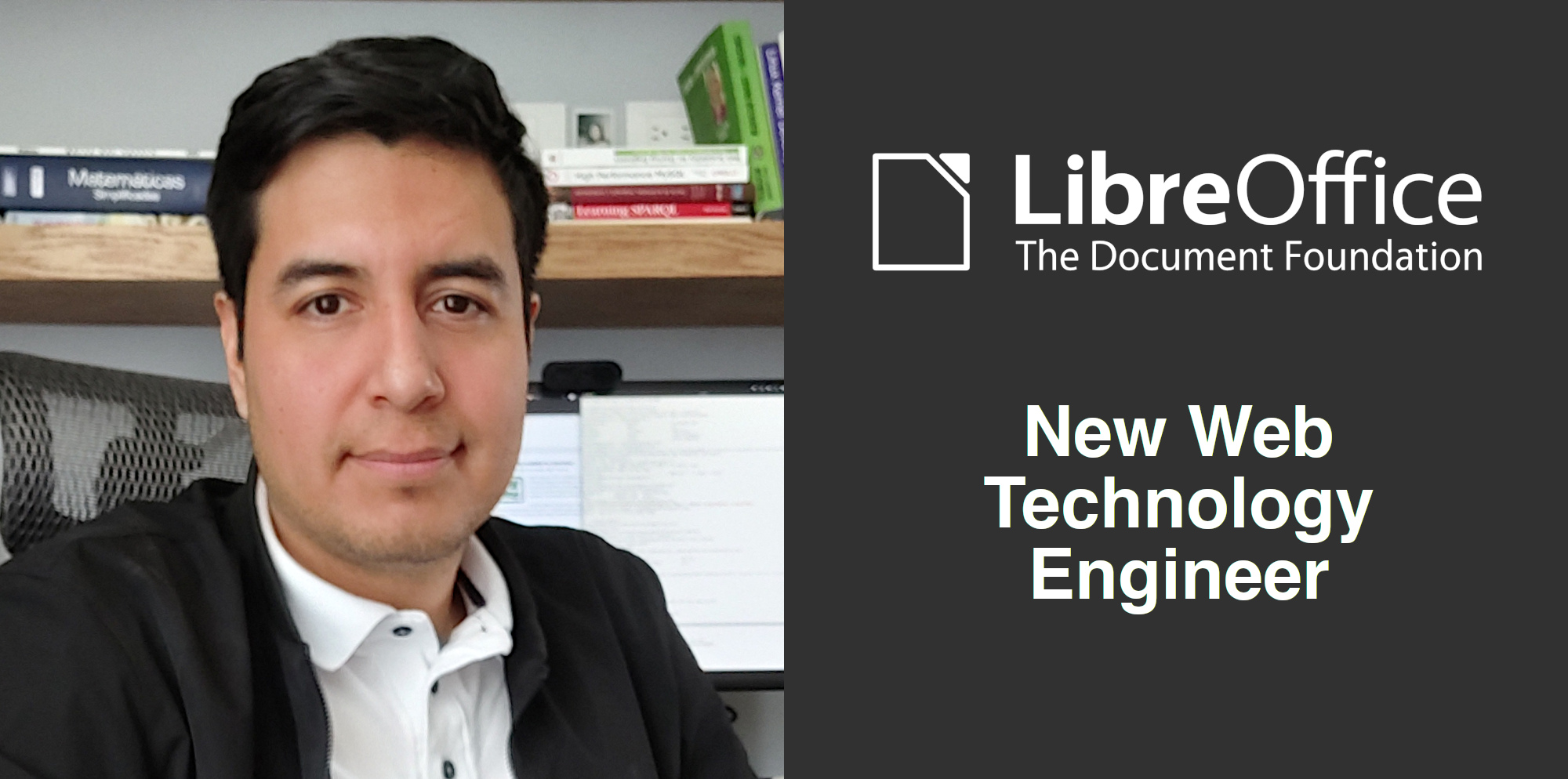
We also welcomed Juan José González, a new member of the team, in the role of Web Technology Engineer, in charge of the TDF and LibreOffice web properties: the websites, the blogs, the wiki, Weblate and much more.
FEBRUARY
The main focus was the announcement of LibreOffice 7.5, with a host of new and improved features, and participation in FOSDEM 2023 with a booth and a half-day devroom.
The documentation team proudly announced the availability of the Writer and Calc guides for LibreOffice 7.5, reducing the gap between the release of the software and the guide to just a few days.
LibreOffice had a booth at the Uninvention Summit 2023 in Bremen, Germany.
We started the month by announcing the LibreOffice 2023 conference in Bucharest, the capital of Romania, from Wednesday 20 September (community meetings) to Saturday 23 September.
During the month we had three updates of LibreOffice: 7.5.1 on 2 March, 7.4.6 on 9 March and 7.5.2 on 30 March. The European Data Protection Supervisor (EDPS) also announced the internal use of products based on LibreOffice technology, which shows how much we care about data protection and privacy.
Members of the German-speaking LibreOffice community met at the Chemnitzer Linux-Tage, where they had a booth with merchandise, and then at the LinuxHotel in Essen. The Czech localisation team released the LibreOffice 7.3 Base Guide in Czech.
APRIL
We reported on our policy-related activities in the European Union, where the TDF has supported several campaigns in support of FOSS in the EU and helped raise awareness of the problems with the Cyber Resilience Act.
Speaking of FOSS, we looked at how it continues to grow, according to data provided by analyst reports and user statements. In 2022 over 76% of IT managers have increased their use of FOSS, while almost 22% have stayed the same and less than 2% have reduced it.
Throughout the month, we began posting sections of The Document Foundation’s 2022 Annual Report. The Brazilian community presented the LibreOffice project at FLISOL (Festival Latino Americano de Instalação de Software Livre) in Brasilia.
MAY
May is the Month of LibreOffice. This is a campaign we run twice a year to encourage users to join our community and help improve the software. People who contribute get some goodies in return. The LibreOffice YouTube channel passed the 3 million views mark.
We announced LibreOffice 7.5.3 and LibreOffice 7.4.7, the final release of the 7.4 family, and the various sponsorship packages for the LibreOffice 2024 conference in Bucharest. The LibreOffice Google Summer of Code projects for 2023 were also selected.
In May, the esLibre conference was held in Zaragoza, Spain, and members of the Spanish-speaking community took the opportunity to meet in person and talk about the project. The Italian community attended the Merge IT event in Verona.
JUNE
We announced the LibreOffice Conf Asia x UbuCon Asia 2023 in Indonesia, an event that will bring together Linux and FOSS activists, contributors, users, communities and companies in the Asian region. It will be held in Surakarta in October 2023.
We also announced a Getting Started with Development workshop at the LibreOffice Conference 2023, aimed at students from the Polytechnic University of Bucharest.
We released LibreOffice 7.5.4 Community, the fourth minor update of the 7.5 family, and published some ideas from community members about the integration of LibreOffice and the Thunderbird email client.
JULY
We welcomed Michael Weghorn to the Document Foundation, the non-profit organisation behind LibreOffice. Michael is a developer focusing on accessibility improvements. The TDF team met in Munich to discuss the project, community development and software development.
The Extensions and Templates website received a number of improvements thanks to the recently hired web developer: Juan José González (aka “JJ”).
The Membership Committee (MC), responsible for managing membership applications and renewals, announced a new membership management system called Proteus.
The Documentation and Localisation Communities updated the LibreOffice 7.5 Getting Started Guide and finished a Czech translation of the LibreOffice 7.4 Draw Guide.
We also released LibreOffice 7.5.5, the fifth maintenance release of LibreOffice 7.5.
AUGUST
The biggest news in August was the release of LibreOffice 7.6, with a host of new features and updates.
Please confirm that you want to play a YouTube video. By accepting, you will be accessing content from YouTube, a service provided by an external third party.
If you accept this notice, your choice will be saved and the page will refresh.
We announced the full version of TDF’s Annual Report 2022, and the LibreOffice documentation team released Impress Guide 7.5 and Draw Guide 7.5. We use Weblate to translate the LibreOffice user interface, and thanks to donations we were able to fund some improvements to Weblate to help all localisation volunteers.
We also announced the fourth edition of the LibreOffice Latin America Conference, to be held at the UNAM Engineering Faculty in Mexico City in November.
SEPTEMBER
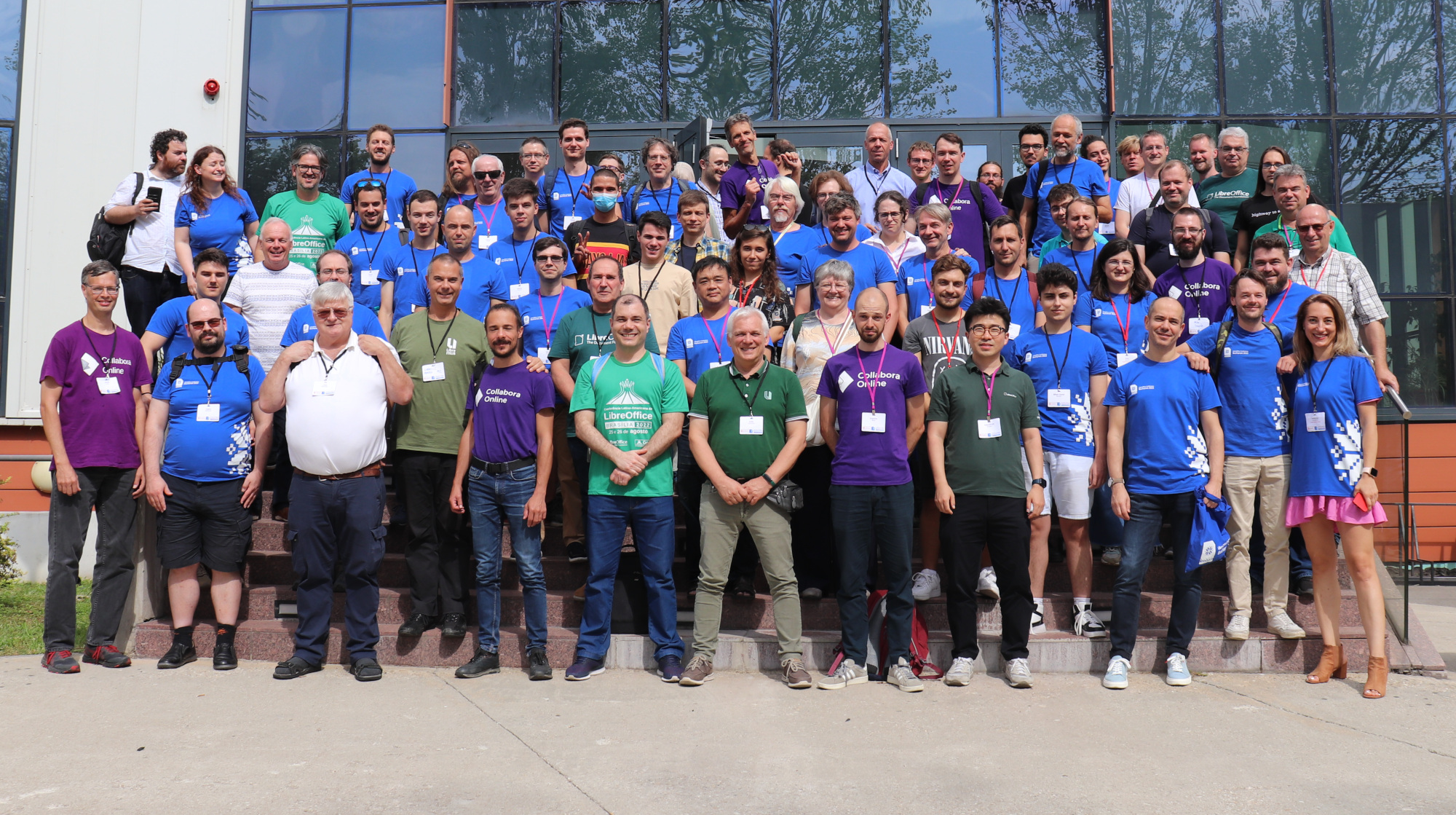
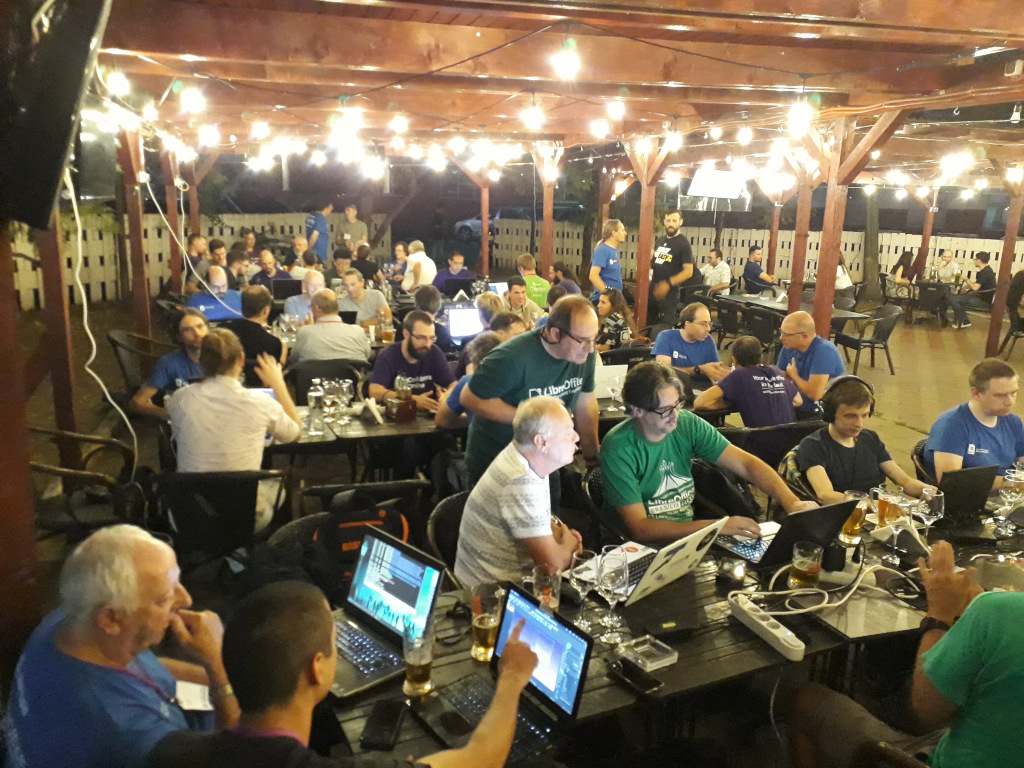
The biggest event in September was the LibreOffice 2023 conference in Bucharest, Romania. We had a great time with talks, workshops and social gatherings. Google Summer of Code (GSoC) students also presented some of the results of their work. Five projects were successfully completed.
We released LibreOffice 7.6.2 and 7.5.7, two major updates with security fixes. The documentation community released the LibreOffice Writer Guide 7.6, just one month after the announcement.
The month was full of LibreOffice and FOSS events. We started with the LibreOffice Nepali Localisation Sprint 2023, followed by LibreOffice at the Software Freedom Law Centre in Delhi, India, and LibreOffice at LinuxDays 2023 in Prague.
The LibreOffice Conference Asia 2023 was a great success, with speakers and attendees from all over the world.
Finally, the QA community blogged about SVG support improvements and interoperability work with the Inkscape community.
NOVEMBER
November is also the month of LibreOffice. The project released LibreOffice 7.5.8, a maintenance release for the 7.5 branch with compatibility improvements and bug fixes, and LibreOffice 7.6.3, while the documentation community released the Impress and Draw guides for LibreOffice 7.6.
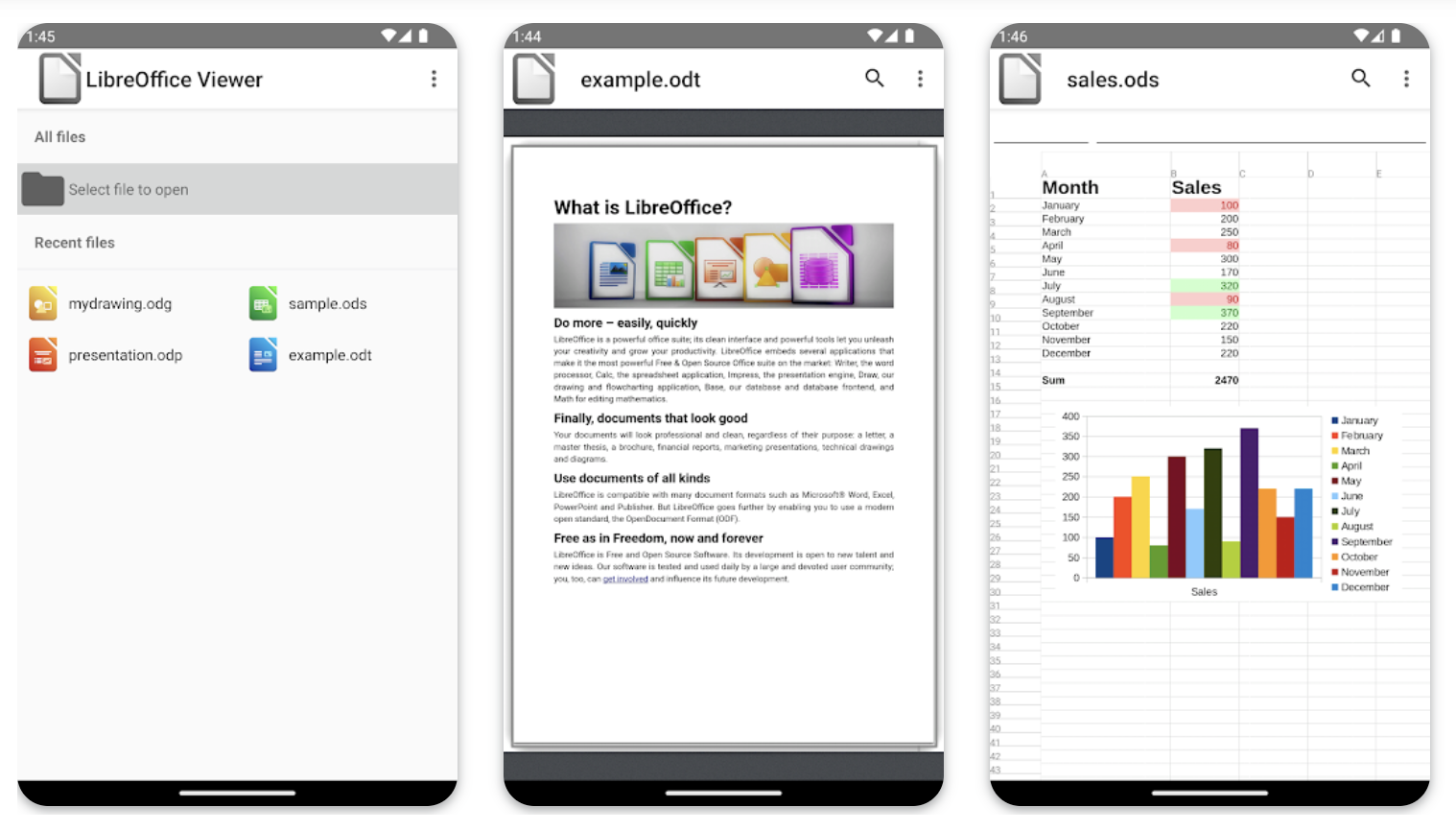
The LibreOffice Viewer app for Android was made available again in the Google Play Store, with experimental editing support.
We supported our friends at the Free Software Foundation Europe by signing the Open Letter “The right to install any software on any device” to the German Bundestag in support of sustainability and freedom in electronic products in the EU.
The LibreOffice Latin American Conference 2023, held in Mexico City, was a huge success with hundreds of attendees, including many students.
DECEMBER
We announced LibreOffice 7.6.4 and LibreOffice 7.5.9, and the documentation community announced the LibreOffice Calc Guide 7.6, which reflects the changes and updates in the latest version of the suite.
Meanwhile, we prepared a Security Backgrounder document that describes – in language accessible to everyone, including non-security specialists – the impressive work done by developers and QA specialists in the area of LibreOffice security.
The LibreOffice Conference is the annual gathering of the community, our end-users, developers, and everyone interested in free office software. In 2023, it took place in Bucharest, Romania
(This is part of The Document Foundation’s Annual Report for 2023 – we’ll post the full version here soon.)
This was our second in-person conference after the COVID pandemic, following on from the Milan conference in 2022, but we also lived-streamed sessions and made recordings so that participants could watch remotely (and ask questions in our chat channels too).
The conference took place from September 20 – 23, at the Universitatea Națională de Știință și Tehnologie Politehnica București – Facultatea de Automatică și Calculatoare – PRECIS. The organisers produced a very handy “Essential guide to Bucharest” with information on transportation in the city, exchanging money, and joining the social events.
Conference Tracks and extra sessions
Following the opening session, presentations and talks were given across various “tracks”, or categories: Development, Advocacy, Open Document Format, Quality Assurance, Localisation and Business. There were highly technical talks focused on specific areas of the software and source code, along with more open discussions about community building and recent updates from The Document Foundation.
In addition to the talks, there was also a community dinner at Hanu’ lui Manuc, a restaurant with outdoor seating that served traditional Romanian food, accompanied by live folk music and dancing. There was also a hackfest where developers could work together on the codebase while sharing pizza.
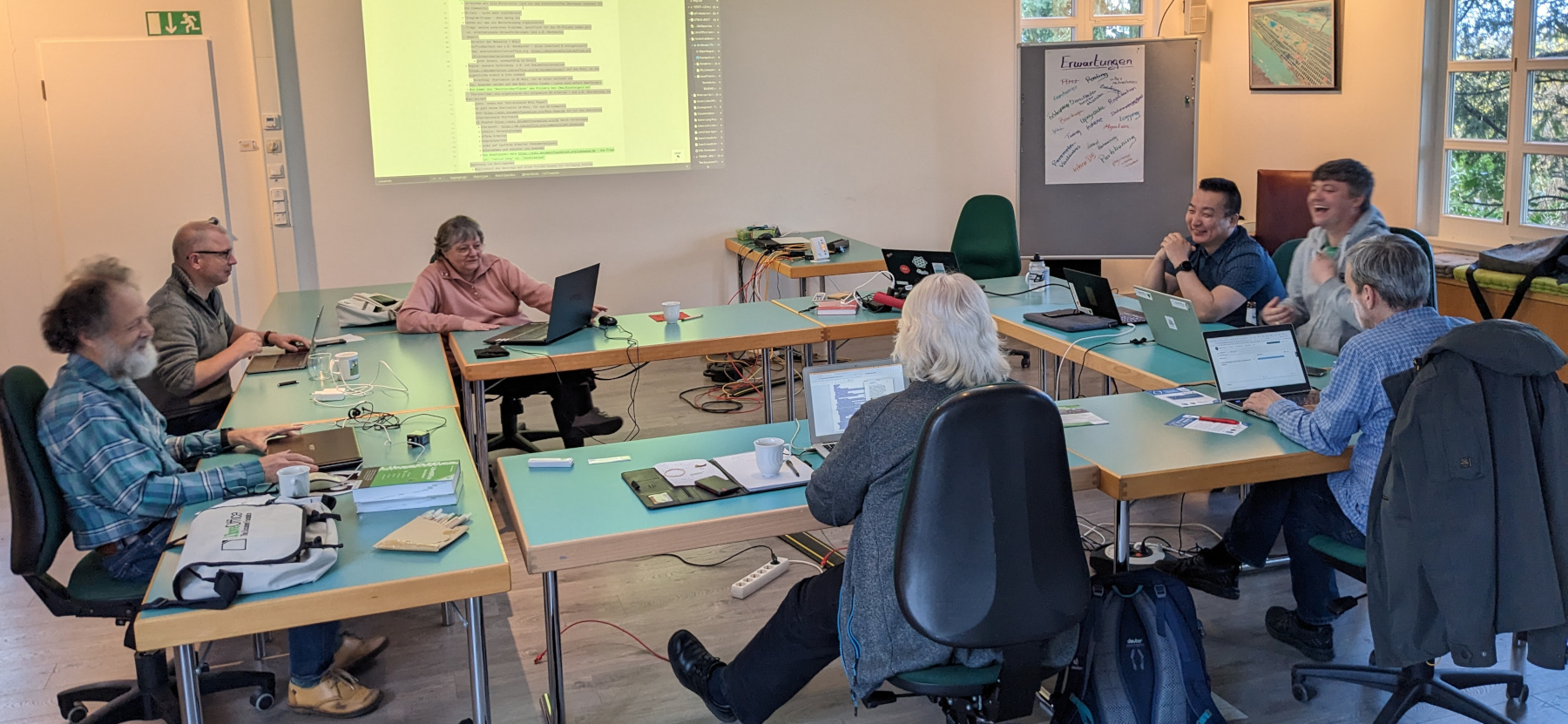
A workshop for new developers was held in parallel with the main tracks over the three days of the conference, and many different things around LibreOffice development were discussed, including: effective communication in free and open source projects; bug reporting and triaging; building LibreOffice from its source code; and using Gerrit for code reviews.
Sponsoring and merchandise
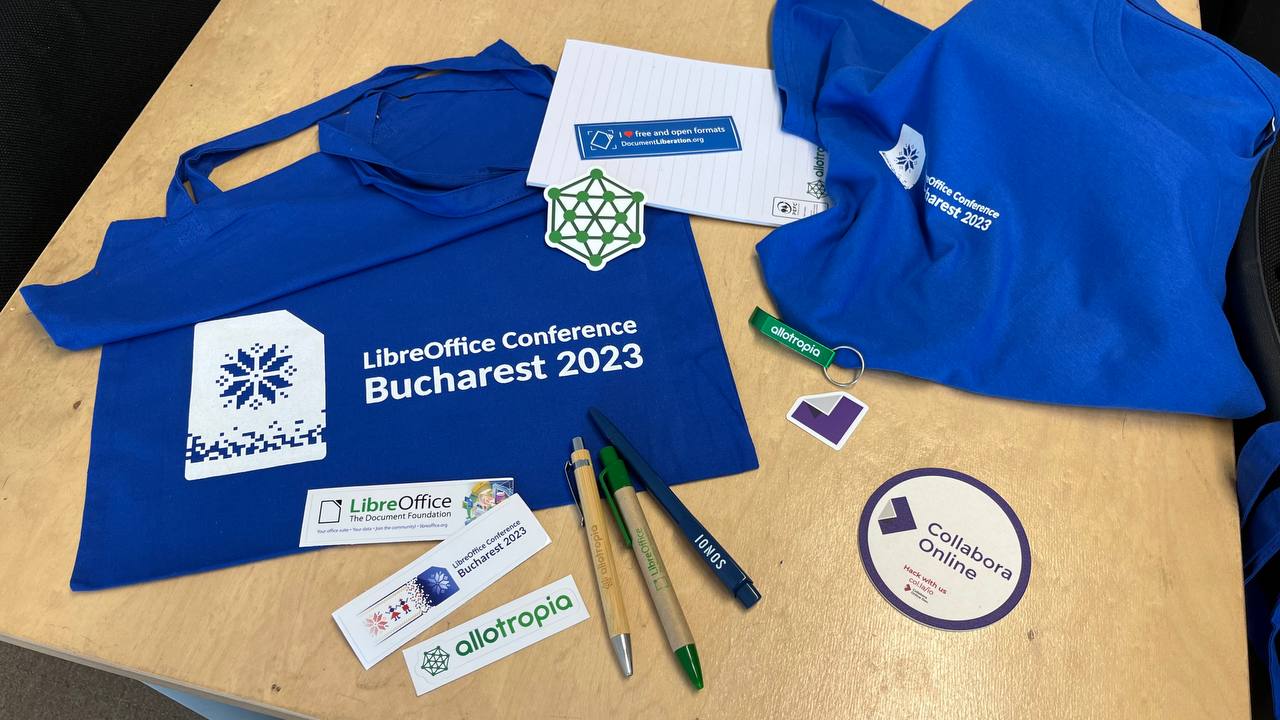
The event was sponsored by Collabora, allotropia, dveloper.io and 1&1, with support from itgenetics, rosedu, Tech Lounge, Web.de, GMX and Mail.com Thanks to the sponsors, attendees could get merchandise at the event, including T-shirts with the conference logo.
Full Programme
Full details about the event are available on the conference website. For a quick overview of all the talks, including links to PDF versions of the presentations, see the schedule. Videos from most of the talks are available as a playlist on our YouTube channel – or on PeerTube.
Please confirm that you want to play a YouTube video. By accepting, you will be accessing content from YouTube, a service provided by an external third party.