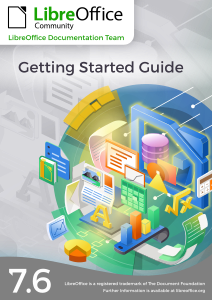
New Getting Started Guide for LibreOffice 7.6

Rob Thornton, Vlada Savitskaia, Peter Schofield, B. Antonio Fernandez, Jean H. Weber and Olivier Hallot,  volunteers from the LibreOffice Documentation community, are happy to announce the latest version of the Getting Started Guide updated to the features available in LibreOffice 7.6.

This book is for anyone who wants to get up to speed quickly with LibreOffice 7.6. It introduces Writer (word processing), Calc (spreadsheets), Impress (presentations), Draw (vector drawings), Math (equation editor), and Base (database).

The Guides can be downloaded from the Documentation website as well as the bookshelf project.

Czech translation of LibreOffice Impress Guide 7.5

Impress Guide cover

Zdeněk Crhonek (aka “raal”) from the Czech LibreOffice community writes:

The Czech team has finished its translation of the LibreOffice Impress Guide 7.5. As usual it was a team effort, with translations by Petr Kuběj, Zdeněk Crhonek and Radomír Strnad. Localized pictures were provided by Roman Toman, and technical support came from Miloš Šrámek. Thanks to all the team for their work!

The Czech translation of the Impress Guide 7.5 is available for download on this page. We haven’t yet decided what we will translate next – probably we will wait for the next big release (LibreOffice 24.2), but if any volunteers would like to join us in the meantime, please visit this page.

Great work everyone!

LibreOffice Help files have now a much better content editor

The LibreOffice Help documentation project members have now a much better Help editor, thanks to Juan José Gonzales (JJ) of the TDF team.

Based on the editor originally created by Olivier Hallot and Mike Saunders, the new editor was greatly improved by JJ fixing many usability issues, adding a handy toolbar to the editor and automating some tasks for rendering the help page.

The Help editor renders the page in a way to assist the content editor in dealing with the several specific XML tags used in the Help pages. It displays the resulting page with information on links, embeds and other information, including switches that changes contents based on the system and the application.

The editor is also capable to perform checking, notably XML conformity, DTD compliance and best of all, paragraph’s ID uniqueness, which is the most common mistake in writing Help pages.


Content editors can access the editor at the address here, and source code for the Help editor is available for download and improvements on this page.

The Calc Guide 7.6 is Published

The Documentation Team is proud to announce the immediate availability of the Calc Guide release 7.6.

The Calc Guide 7.6 update was coordinated by Steve Fanning, with assistance of Olivier Hallot and B. Antonio Fernandez, and is based on the Calc Guide 7.5. Many accessibility issue were addressed and is work in progress.

Steve Fanning
Steve Fanning

This book has been updated from LibreOffice Calc Guide 7.5. It covers changes that are visible in the LibreOffice Calc user interface, including the following areas:
• Detect scientific notation option on Text Import dialog (Chapters 1 & 11).
• Confirmation dialog when deleting empty sheet(s) (Chapter 1).
• Data Entry Form tool (Chapter 2).
• Sort by Color option for AutoFilters (Chapters 2 & 14).
• Poisson distribution option for random numbers on the Fill tool (Chapter 2).
• Chart data tables (Chapter 3).
• Sparklines (Chapter 3).
• Drawing styles (Chapter 5).
• Document themes (Chapters 5 & 15).
• Formula indicator and hint option (Chapters 8 & 15).
• Removed unnecessary statement about taking particular care when using date information in the GETPIVOTDATA() function (Chapter 9).
• Pivot table compact layout (Chapter 9).
• Saving solver settings to file (Chapter 10).
• General comment facility (Chapter 12).
• Error codes (Appendix B).

LibreOffice 7.6 Community also includes many other changes, including improvements in accessibility, change tracking, spell checking, and interoperability with Microsoft’s proprietary file formats.

Release Notes are here: https://wiki.documentfoundation.org/ReleaseNotes/7.6

The guide is available for immediate download in PDF format as well as in source format (OpenDocument Format). Soon it will be available as printed book by LuLu inc. and in HTML format for online reading

Download the Calc Guide 7.6 from the documentation websites at: documentation.libreoffice.org and the bookshelf at books.libreoffice.org.
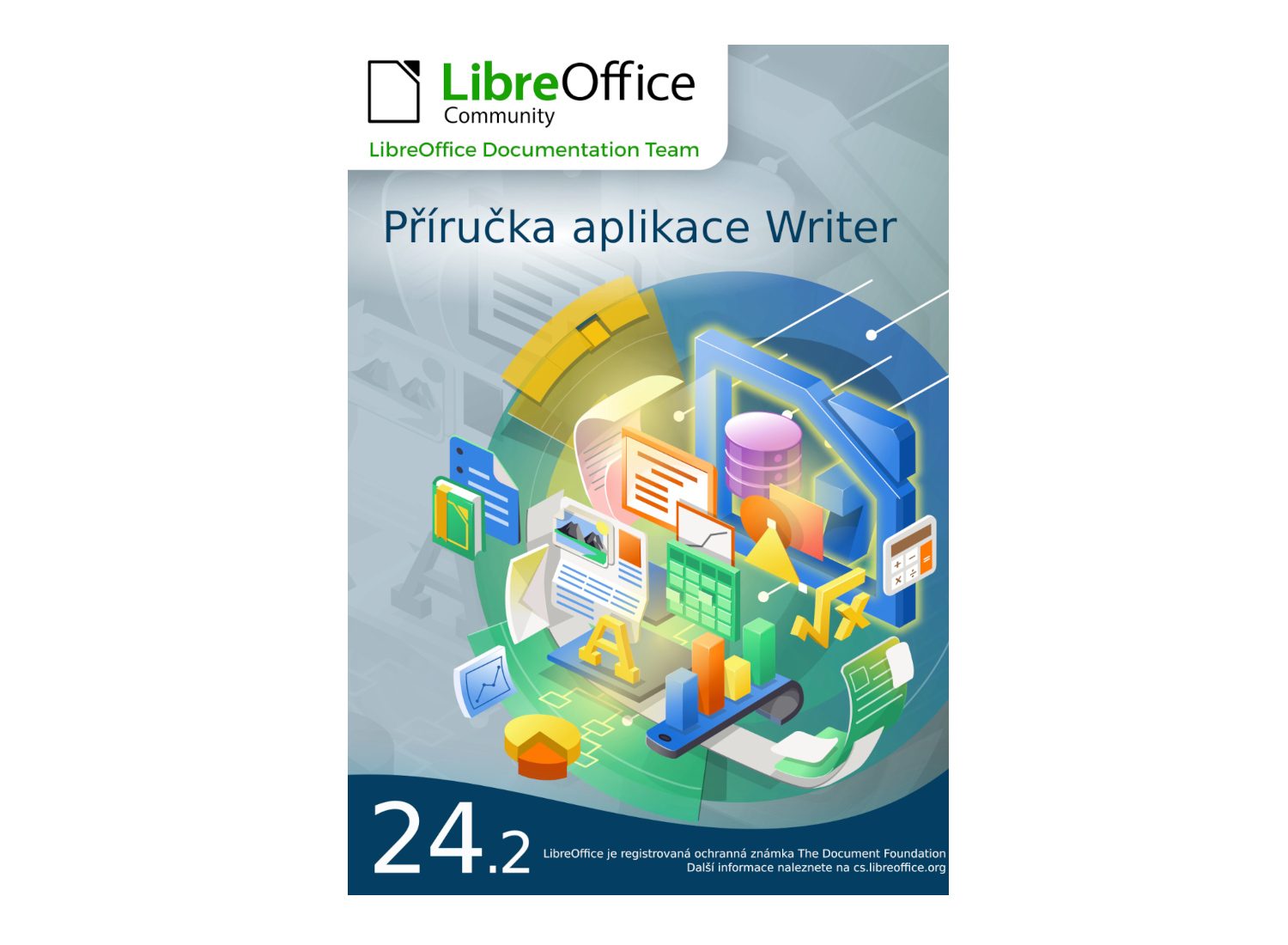
Binary Stars in LibreOffice Sky: Impress and Draw Guides 7.6 Released !


The community documentation team is happy to announce the immediate availability of the Impress Guide 7.6 and Draw Guide 7.6. The guides are updated to the latest LibreOffice release as a community effort to keep our literature sharp and up to date.

The binary stars of our LibreOffice literature are brought to you by Peter Schofield and members of the documentation team.

Peter Schofield


The Impress Guide covers the main features of Impress, the presentations (slide show) component of LibreOffice. You can create slides that contain text, bulleted and numbered lists, tables, charts, clip art, and other objects. Impress comes with prepackaged text styles, slide backgrounds, and Help. It can open and save to Microsoft PowerPoint formats and can export to PDF, HTML, and numerous graphic formats. This book was written by volunteers from the LibreOffice community.

The Draw Guide introduces the main features of LibreOffice Draw. Draw is a vector graphics drawing tool, although it can also perform some operations on raster graphics (pixels) such as photographs. Using Draw, a wide variety of graphical images can be quickly created.

The guides can be downloaded from the Documentation website as well as the Bookshelf project.

Writer Guide 7.6 is Ready for You!

Cover of LibreOffice Writer Guide 7.6 Portrait photo of Jean H. Weber

Jean H. Weber (photo) and the Documentation Team are happy to announce the immediate availability of the Writer Guide 7.6, the latest update based on the recently released LibreOffice 7.6.

Writer is the word-processing application. It is compatible with a wide range of document formats including Microsoft Word (.doc, .docx), and you can export your work in several formats including PDF. Anyone who wants to get up to speed quickly with Writer will find this book valuable. You may be new to word processing software, or you may be familiar with another office suite.

The 7.6 Writer Guide incorporates the latest features including:

  • Themes management for better MS Word compatibility
  • The Accessibility checker used to produce accessible documents
  • Styles Spotlight to assist user in the best practices in document editing with styles.
New theme selection dialog showing different colour palettes Screenshot of Style Highlighter in action, with coloured identifiers in the left margin Detail of the new Accessibility Sidebar, recommending to add alternative or descriptive text to pictures


The Writer Guide 7.6 is available in the Documentation Website as well as in the LibreOffice Bookshelf website and it includes the guides in HTML format for web navigation, as well as the traditional PDF, ODT and the printed version from LuLu Inc.

Happy Documentation!