Get the LibreOffice introductory Guide and start producing professional documents.
The Documentation Team is happy to announce the immediate availability of the LibreOffice 7.0 Getting Started Guide, updated to include all LibreOffice 7.0 features.
The guide is written for anyone who wants to get up to speed quickly with LibreOffice. Readers may be new to office software, or may be familiar with another office suite. This guide is a valuable asset for all users.
Nine years ago, on February 17, 2012, The Document Foundation was registered in Berlin as a charitable foundation, the home of LibreOffice. Today, TDF Members can legitimately celebrate by picking a glass of champagne – there should be enough for everyone – for a virtual cheers. We look forward to the day we will be able to meet again in person, because the pandemics will be over. For the time being, stay safe, and enjoy the 9th anniversary of The Document Foundation. Cheers!!!
I live near Bolton in the North West of England with my wife and, sometimes, our adult son (he has recently been working in Australia for a year). I studied applied mathematics and theoretical physics at university and subsequently enjoyed a career mostly spent implementing and designing complex real-time software systems.
Passionate about improving the documentation for the company’s systems, I moved into specialist technical writer roles during the last few years of my employment. I retired around two years ago and now enjoy indulging in my main hobbies, which are bridge, computing, reading and coarse fishing. I guess that some readers might wonder about coarse fishing – it is angling for freshwater fish for pleasure and relaxation rather than food (all fish caught are returned to the water alive).
What are you doing in the LibreOffice project?
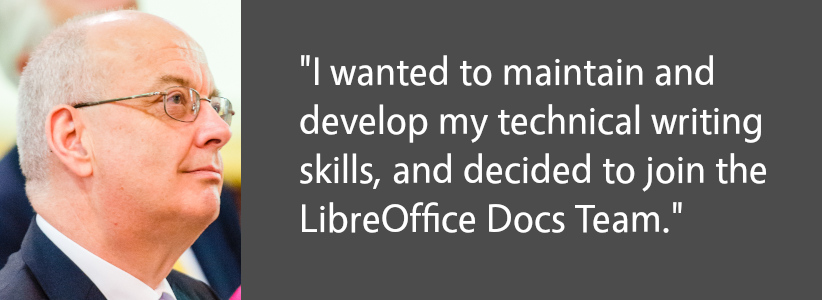
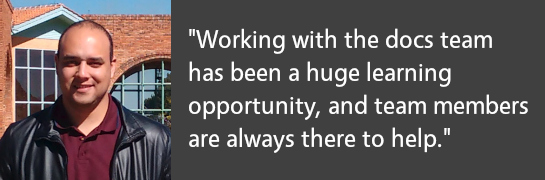
On retirement, I wanted to maintain and develop my technical writing skills and after some research, decided to join the LibreOffice Documentation Team. I immediately dived into the deep end, updating some of the more challenging chapters of the Calc Guide in preparation for the 6.2 issue. Since then I seem to have been digging deeper into Calc, coordinating the publication of the 6.4 Calc Guide, and updating many of the chapters for the 7.0 Calc Guide. I have also enjoyed creating an area on The Document Foundation’s wiki to describe Calc’s 500+ functions in more detail.
Why did you decide to become a member of The Document Foundation, the non-profit entity behind LibreOffice?
When the opportunity arose, I was delighted to become a member of TDF. I am hoping that it will make me more aware of the strategies of the organisation and, if appropriate, provide greater opportunity to influence those strategies. And who could resist the offer of a free @libreoffice.org email address?
What else are you working on, and is there any other area that interests you?
Currently most of my LibreOffice time is taken up supporting and mentoring Ronnie Gandhi, who is a technical writer helping us under the Google Season of Docs 2020 programme. His task is to populate many of the pages within the Calc Functions wiki area and I am reviewing his work and providing comments and other feedback as appropriate. Many of these functions are quite complex and require some research before raising comments but I am finding the whole experience very educational.
As for the future, it is hard to look too far ahead as we are all enduring the COVID-19 pandemic and the resulting restrictions and lockdowns. With lots of free time on my hands, I have been grateful to have interesting LibreOffice work to occupy myself and keep my brain ticking over. In the future I hope to continue to help keep our guides up to date, continue developing the Calc Functions wiki area, and would also like to get more involved in maintaining the help system.
Many thanks to Steve for all his work, and mentoring other contributors – this all helps millions of LibreOffice users around the world! Indeed, joining the documentation project is a great way to contribute back to LibreOffice, build up skills and meet new people in the community. Join in and give us a hand!
Please confirm that you want to play a YouTube video. By accepting, you will be accessing content from YouTube, a service provided by an external third party.
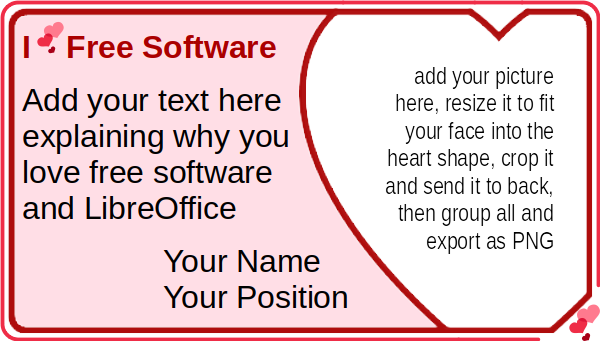
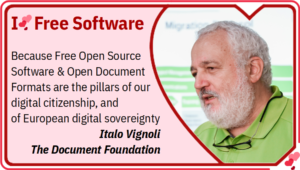
Free Software Foundation Europe has developed an “I Love Free Software” template for the upcoming Valentine Day, to allow free open source software advocates to express the reason why they love FOSS, and they support it as volunteer contributors, or as simple users. FSFE template was developed using Inkscape, which is an outstanding FOSS application to create and manage vector images, but is also rather difficult to use if your graphics skills are limited. So, I imported the Inkscape SVG template into LibreOffice Draw, and tweaked it a bit by using Liberation Sans and Liberation Sans Narrow fonts – which are installed by LibreOffice and as such are always available to LibreOffice users, and by replacing the lines of text with a text box, to make it easier to write the personal notes and the name. I have also added a text box with instructions on how to fit the user portrait inside the heart shape, which is a rather easy operation with LibreOffice Draw.
Here you are. This is my FOSS Valentine made with LibreOffice Draw (and if you wonder why the font looks different, it is because I replaced Liberation Sans with IBM Plex Condensed, a different FOSS font, as I wanted to fit a longer text into the text box). You can download the LibreOffice Draw template from this link (the file is a Hybrid PDF, so you have to open LibreOffice and then open the file from LibreOffice, as otherwise the file opens as a regular PDF and cannot be edited as a LibreOffice Draw template).
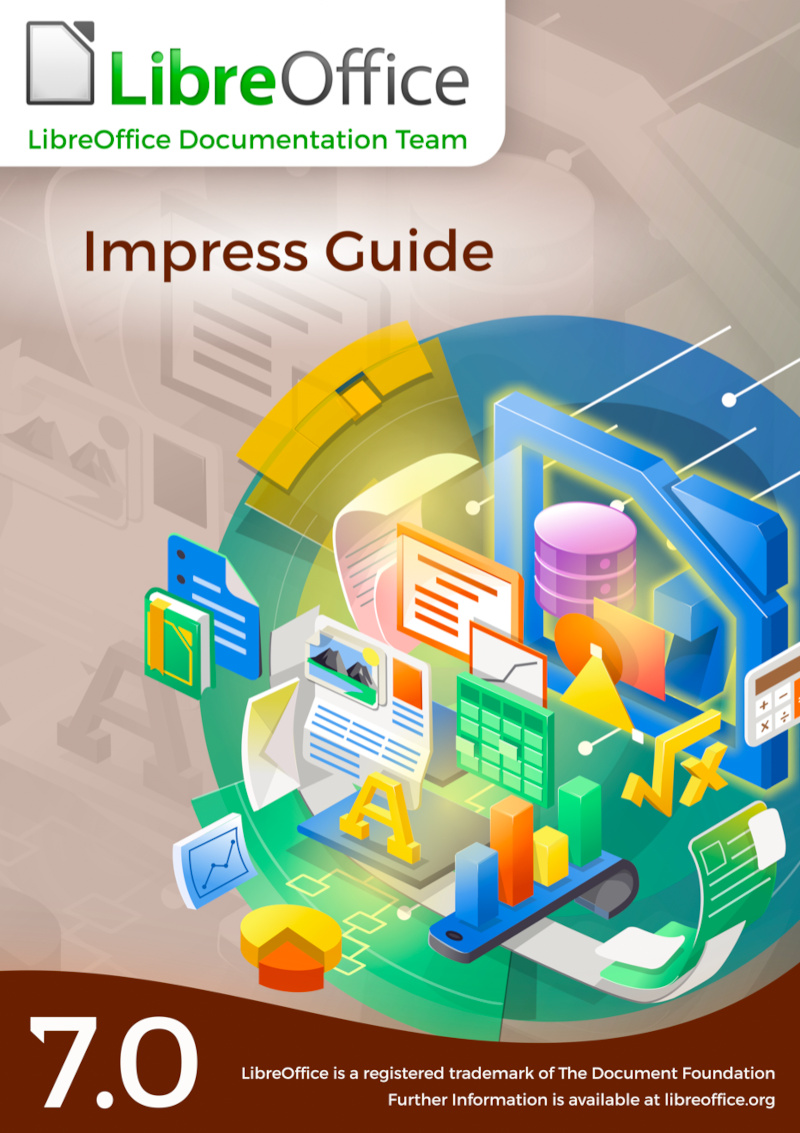
Do you use LibreOffice Impress? Want to do more with your presentations? Check out the brand new Impress Guide 7.0 update, created by our awesome documentation community:
This 330-page book explores the basics of Impress, before moving on to master slides, styles, templates, graphic objects, effects, exporting in various formats, and much more. Download the PDF version here!
Who made this happen?
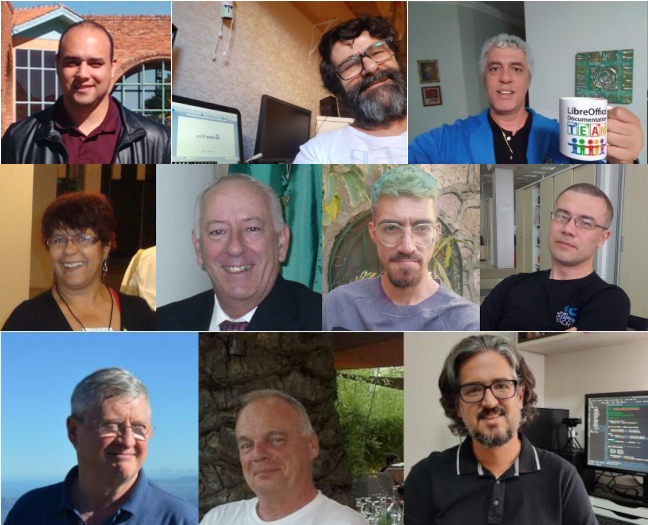
Answer: our community! Many thanks to Peter Schofield, Felipe Viggiano, Claire Wood, Regina Henschel, Dave Barton, Jean Hollis Weber, Samantha Hamilton and Olivier Hallot for their work on it.
We asked Peter to summarise his experiences as he updated the text:
I am experienced with LibreOffice in creating documents. Also, I have had over 30 years of experience as a Technical Writer in many fields of engineering, construction, electronics and software. However, I am not experienced in creating presentations, so writing the user guide was an experience and I now know more about creating presentations.
Did I enjoy it? Yes, because I enjoy having a challenge when writing instructions. Also, it gave me the opportunity to write the guide from the perspective of a novice in using presentation software. I do find that in some of the other LibreOffice guides, taking the novice view has been forgotten.
And what about newcomers to the documentation project – how can they get started? Peter adds:
The main tip for all contributors to LibreOffice is to write a software user guide assuming that a novice will be using the guide to help them become more experienced in using the software. Make it easier for users to understand, which will in turn make LibreOffice more popular as it gets recommended.
Write a user guide in a Simplified English, so that it becomes easier to translate and easier for non-English speakers to use an English-language user guide. Simplified English is used in the aviation industry and is a good standard to adopt for the LibreOffice team, but needs very tight control to be successful.
Thanks again to Peter and everyone else in the documentation team for the update. And everyone is welcome to give them a hand – it’s a great way to contribute back to LibreOffice, understand the software better, and build up skills for potential career options in technical writing!
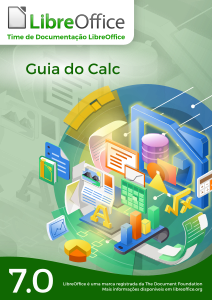
And that wasn’t the only big update in the docs project. The Brazilian Portuguese community announced the translation of the Calc Guide 7.0. This is a detailed handbook covering all aspects of the spreadsheet component of LibreOffice.
On the lookout for a career change? The Document Foundation, the non-profit entity behind LibreOffice, is looking for a Development Mentor. This is a remote position, 20 – 40 hours per week, focused on bringing new contributors into LibreOffice project. The deadline for applications is February 18, so if you’re interested, apply ASAP!
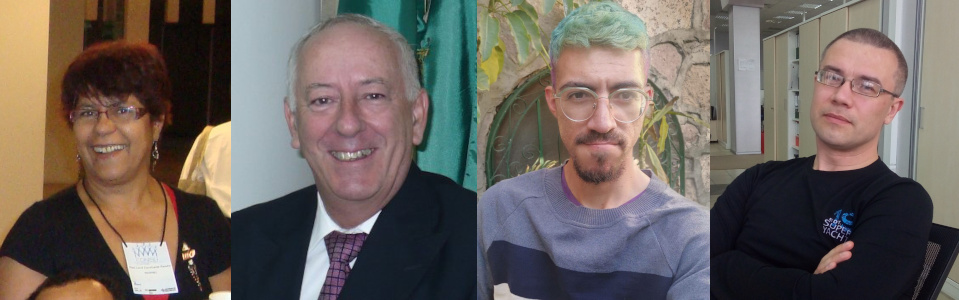
Ever reported a bug in LibreOffice? Wondered who handles it, and how it gets resolved? Well, check out this story of a round-the-world trip to fix a bug. A glitch was spotted in the LibreOffice Help content, and community members in Brazil, Russia and Mexico came together to fix it – a truly international effort 😊
Later in the month, Jean-Pierre Ledure wrote about his ScriptForge project, an extensible and robust collection of macro scripting resources for LibreOffice to be invoked from user Basic macros. If you regularly use macros in LibreOffice, check it out!
Finally, we wrapped up January by announcing the LibreOffice New Generation project. This aims to tbring new – and especially younger – people into the LibreOffice community, so that they can build up their skills and contribute in many areas (coding, design, marketing, localisation, QA and more). Join us and let us know your ideas…