Don’t know how to code – how to contribute? LibreOffice at the FLISOL-DF Brasília

The Brazilian Community Gave a Presentation at the FLISOL-DF event (Festival Latino Americano de Instalação de Software Livre) about the LibreOffice Project.

Translation by Timothy Brennan Jr.

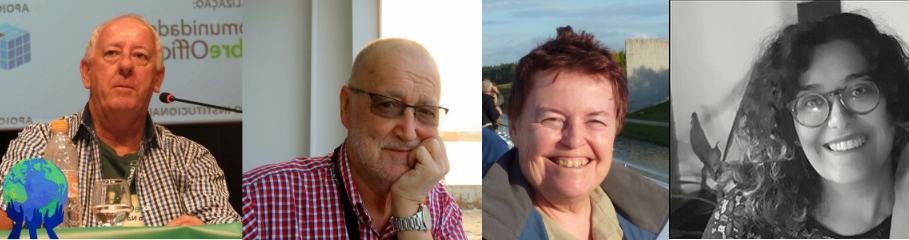
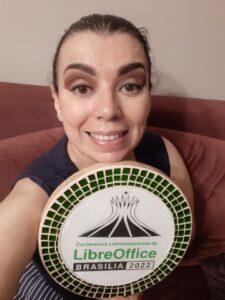
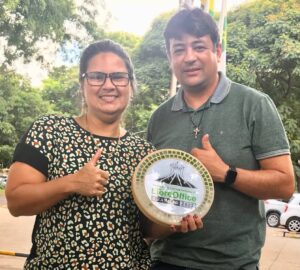
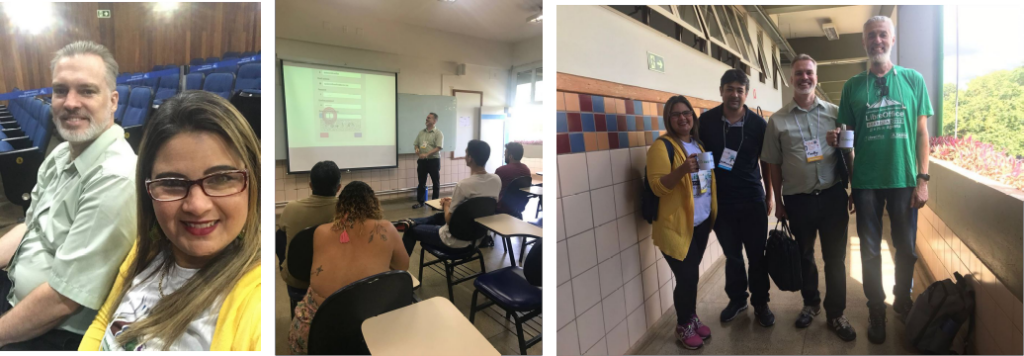
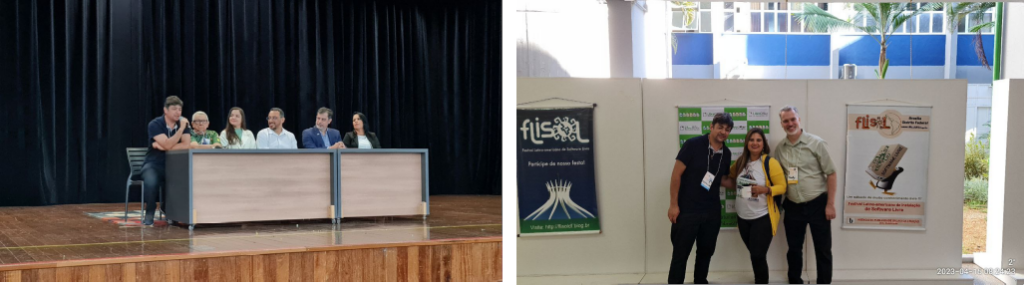
With the participation of Luciana Motta, Henderson Matsuura, Túlio Macedo and Timothy Brennan Jr., all members of The Document Foundation, the Brazilian LibreOffice community had the opportunity to give a presentation on the dynamics of LibreOffice in Brazil and their interaction with the international project.

Timothy and Luciana gave a lecture in conjunction entitled “I Don’t Know How to Code: How to contribute?” demonstrating how the LibreOffice project benefits from the volunteer and participative work of those who have foreign language skills, professional proofreading in Brazilian Portuguese, marketing and the promotion of software products, as well as coding in various modern computer languages where the gains acquired by individuals is always the unique experience of working alongside a team of professionals, both domestic and international. FLISOL was, additionally, an opportunity for a personal get-together of the Brazil team. This event focused on interaction and the exchange of ideas.

Team Brazil

FLISOL-DF, in the Federal District of Brazil’s capital, Brasília, took place on April 15, 2023 at the campus of Taguatinga (one of the Federal Districts satellite cities around Brasília) in the Universidade Católica de Brasília with the presence of Professor Wesley Sepulveda, and was organized by a team of volunteers lead by Henderson Matsuura.

Everyone can get involved and help to make LibreOffice even better – and you don’t need to be a coder! Learn more here

LibreOffice Czech User Guides are now in the Bookshelf

The Czech Community is happy to announce the immediate availability of the Czech LibreOffice User Guides in the LibreOffice Bookshelf.

Thanks to the efforts of Zdeněk Crhonek and Stanislav Horáček, the bookshelf has now all recent user guides in Czech, available in PDF, OpenDocument (LibreOffice’s native file format) and HTML for online reading in the browser. As a true community effort, the Czech team also fixed some annoying bugs in the website.

The LibreOffice Bookshelf aims to be an easy way to be installed in companies, organizations or school premises, since all contents are static files and can be cloned from the LibreOffice repository.

You can access the LibreOffice Bookshelf at the address https://books.libreoffice.org and the source code is available at the address https://git.libreoffice.org/infra/bookshelf/

Want more guides in other languages? Join our localisation project and let’s make them happen!

Writer and Calc Guides updated to new LibreOffice 7.5 release

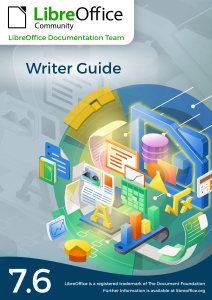
The Documentation Team is proud to announce the immediate availability of the Writer Guide and Calc Guide release 7.5, narrowing the time gap between the software release date and the Guides’ release date.

Writer Guide 7.5
Writer Guide 7.5
Calc Guide 7.5
Calc Guide 7.5

The Writer Guide 7.5 update was coordinated by Jean Weber with the support of Kees Kriek, Tsvetelina Georgieva, Antonio Fernández and Olivier Hallot. The Guide contains topics on Additional hyphenation settings (Chapter 2), Language Tool, a remote grammar checker (Chapters 2 and 20), Additional change tracking features (Chapter 3) Outline folding (Chapter 3), Page line-spacing for printed documents (Chapter 6), Gutter margins in page styles (Chapters 8 and 9), Revised and additional information about using styles (Chapter 8), Additional information about using master documents (Chapter 16), New features for bookmarks (Chapter 17) and Content controls (Chapter 18)

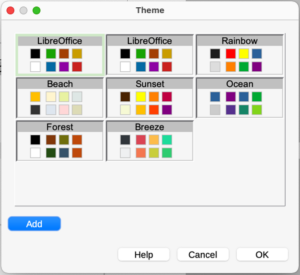
The Calc Guide 7.5 update was coordinated by Olivier Hallot, based on the Calc Guide 7.4. The guide contains topics on document properties (Chapter 1), AutoFilter with color filtering and more (Chapter 2), Chart data table (Chapter 3) and notes on AutoFormat of ranges and themes (Chapter 4 and 5).

The Guides are available for immediate download in PDF format as well as in source format (OpenDocument Format). Soon they will be available as printed books by LuLu inc. and in HTML format for online reading

Download the Writer and Calc guides 7.5 from the documentation websites at: documentation.libreoffice.org and the bookshelf at books.libreoffice.org.

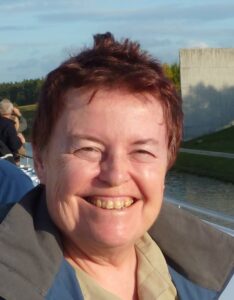
Olivier Hallot
Olivier Hallot
Jean Weber
Jean Weber

Getting Started Guide 7.4 and Impress Guide 7.4 Available for Download

The LibreOffice Documentation Team announces the immediate availability of the Impress Guide 7.4 and Getting Started Guide 7.4

The Impress Guide 7.4 was coordinated by Peter Schofield and revised by Kees Kriek. The guide is available in PDF as well as in ODF formats. An online version is available in the bookshelf website.

Impress Guide 7.4

The Getting Started Guide 7.4 update was coordinated by Skip Masonsmith also with the revision of Kees Kriek and Jean Weber.

Getting Started Guide 7.4

The LibreOffice Community thanks Peter, Skip, Kees and Jean for their immense contribution to our documentation assets and knowledge.

Docmentation Team

The Guides can be downloaded or purchased in printed version from the Documentation website as well as the bookshelf project.

LibreOffice Calc Guide 7.4 is updated

The Documentation Team has released an updated edition of the LibreOffice Calc Guide 7.4 (revision 1) with new contents on sparklines and conditional formatting. Typos and last minute mistakes and formatting were also fixed in this release.

The guide is now available for download in PDF and ODF format and an online version is also available in the Bookshelf project.

The LibreOffice community is grateful of the volunteer work of Skip Masonsmith, flywire and Roman Kuznetsov for their contributions. The job for the next release of the Calc Guide is ready to start.

Download the latest LibreOffice Calc Guide 7.4 at the documentation website or the bookshelf page.

Reference: https://blog.documentfoundation.org/blog/2022/08/31/libreoffice-calc-guide-7-4-is-released/