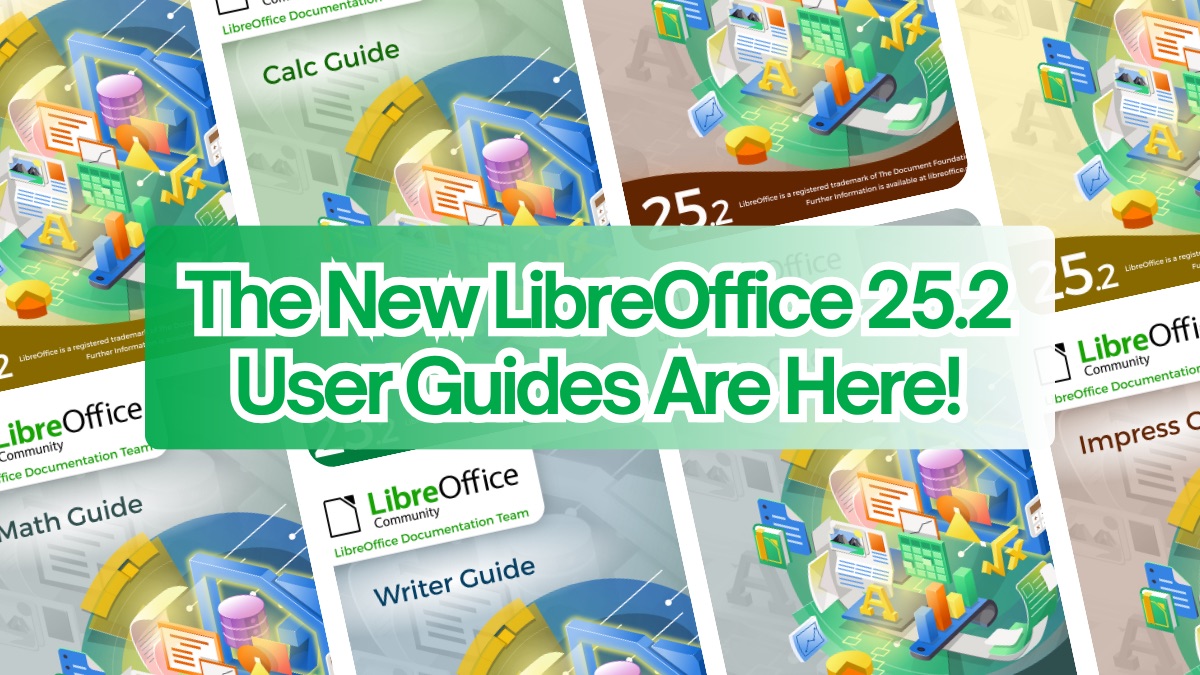
📣 The New LibreOffice 25.2 User Guides Are Here!

The LibreOffice community has great news: the Writer, Calc, Impress, Draw, and Math User Guides are now available for version 25.2! 🎉

Yes, you read that right! With every new LibreOffice release, our Documentation Team works hard to keep up — and this time, we’ve shortened the gap between the software launch and the guides’ publication even more.

📚 These user guides are the ultimate reference for anyone using LibreOffice — whether at home, at work, or at school. From spreadsheets to presentations, from text documents to complex equations: it’s all covered, clearly and accessibly.

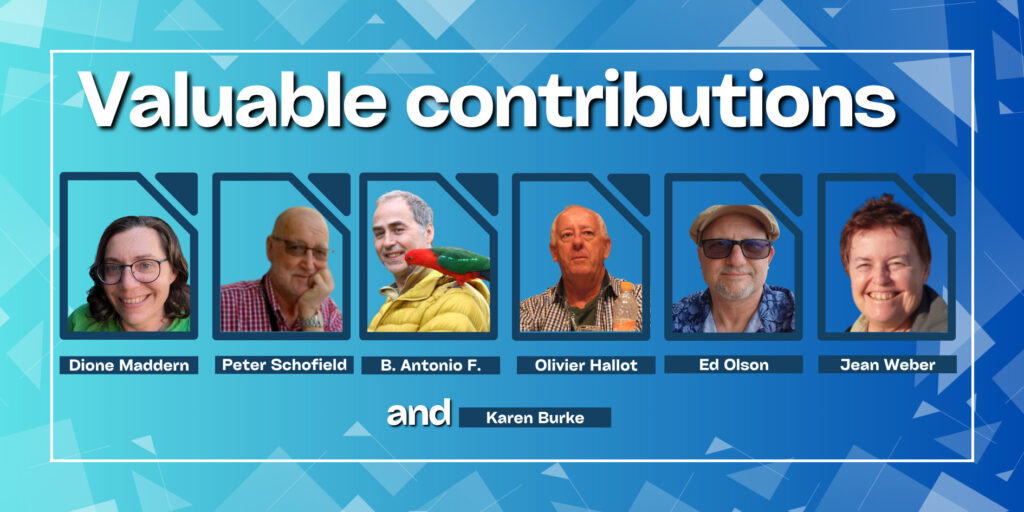
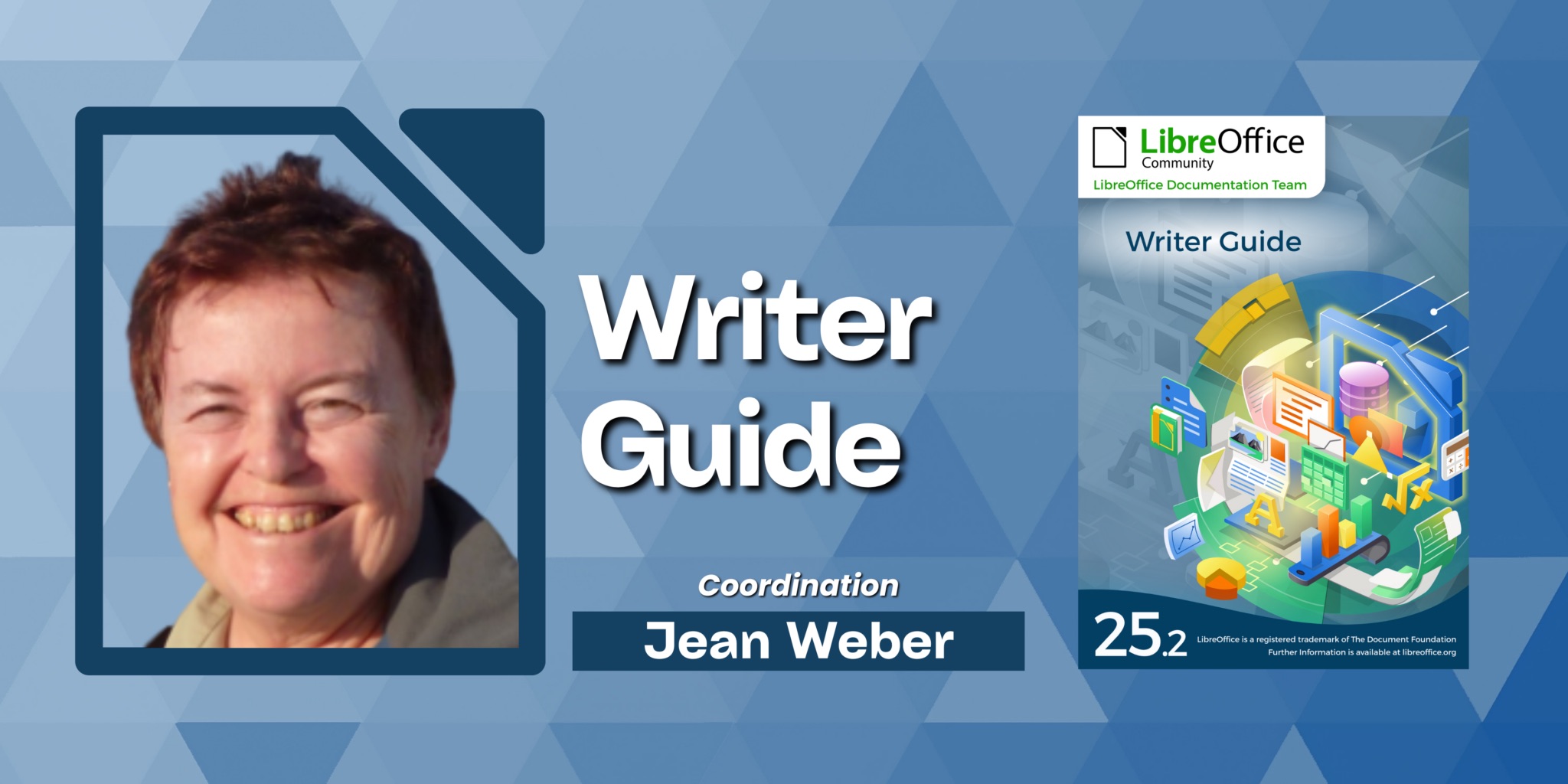
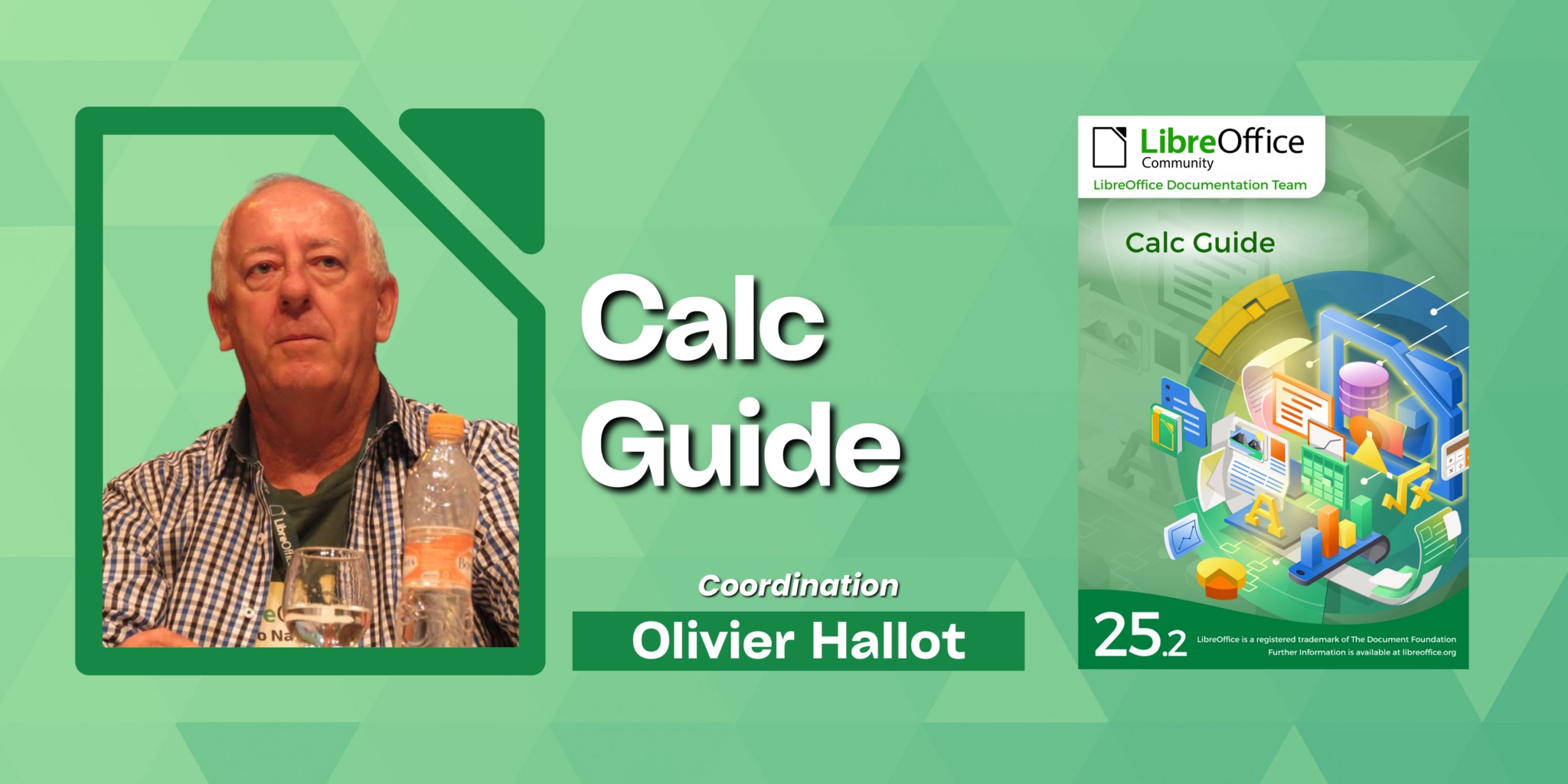
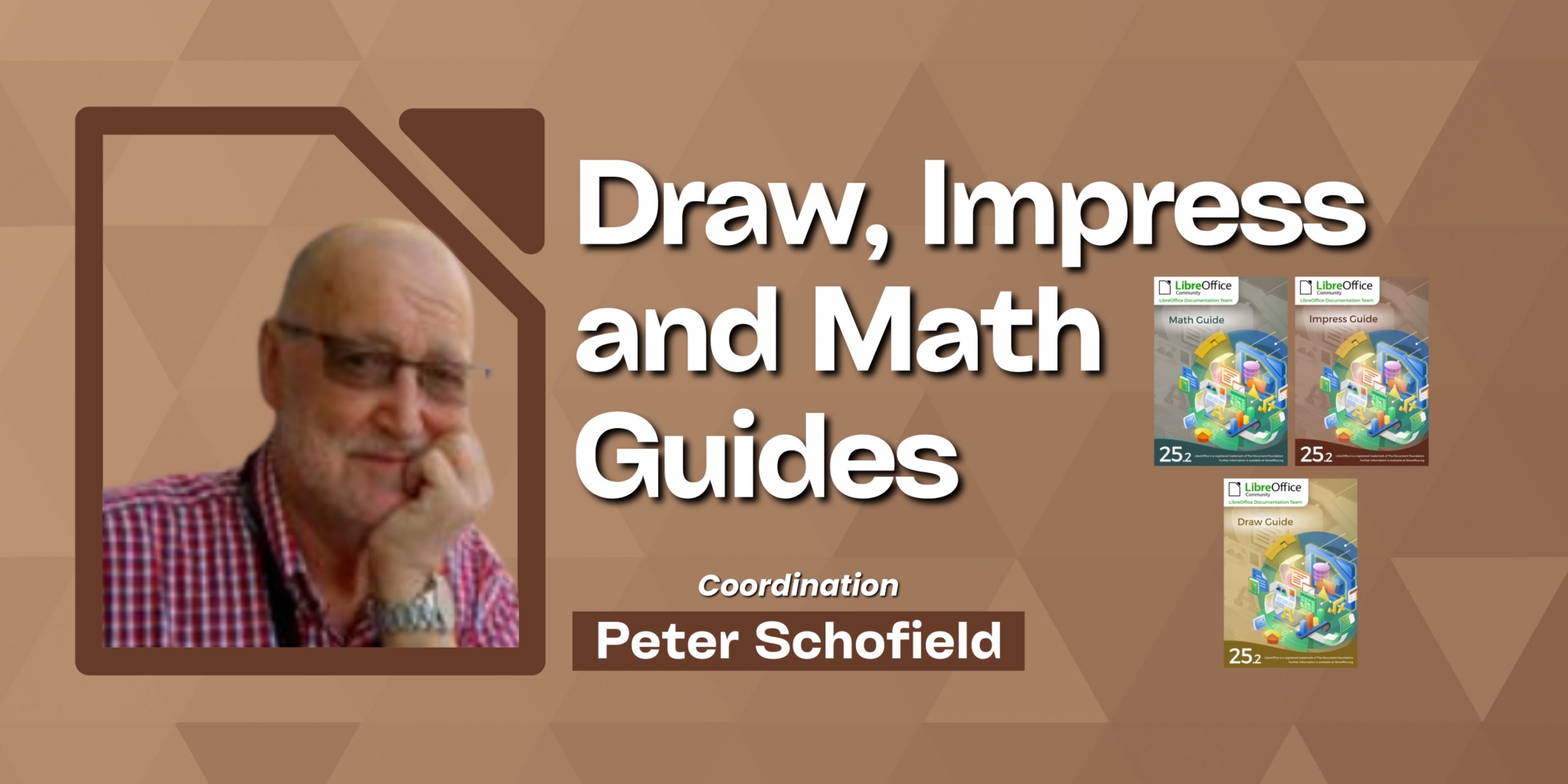
🙌 The work is 100% community-driven! Jean Weber led the Writer guide, Peter Schofield coordinated the Impress, Draw, and Math guides, and Olivier Hallot headed the Calc guide.

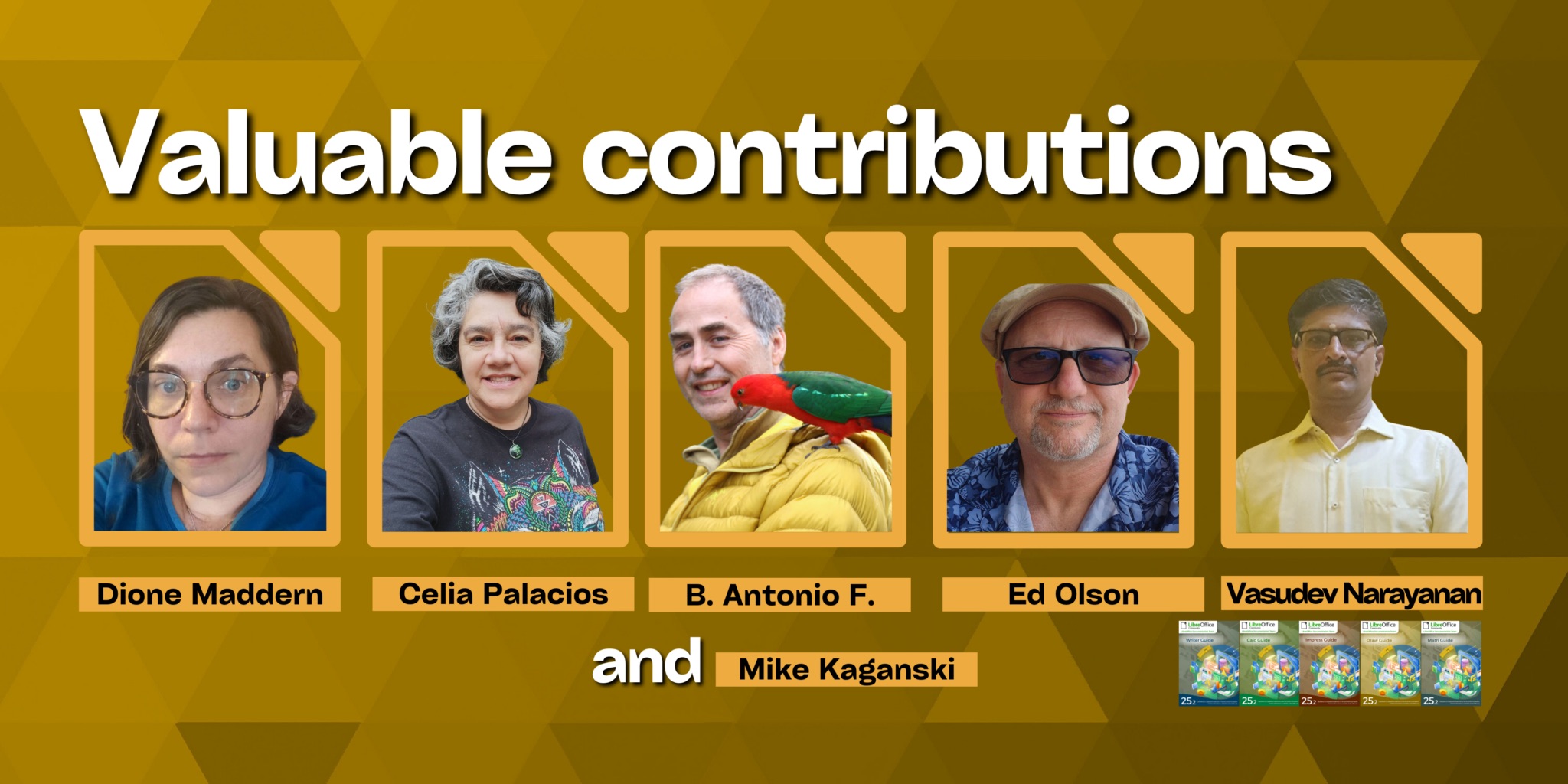
Big thanks also to Dione Maddern, Celia Palacios, Ed Olson, B. Antonio F., Mike Kaganski, and Vasudev Narayanan for their valuable contributions.

💡 Each new edition is more than just an update — it’s a chance to improve clarity, add the latest features, and deliver the best experience possible for end users. These guides complement the built-in LibreOffice Help and are perfect for deepening your knowledge.

📥 The guides are available now for free download in PDF, ODT (OpenDocument format), and HTML (for online reading). And soon, you’ll be able to order printed copies via LuLu Inc. 😉

🔗 Get your guides now:

Artwork: Eliane Domingos

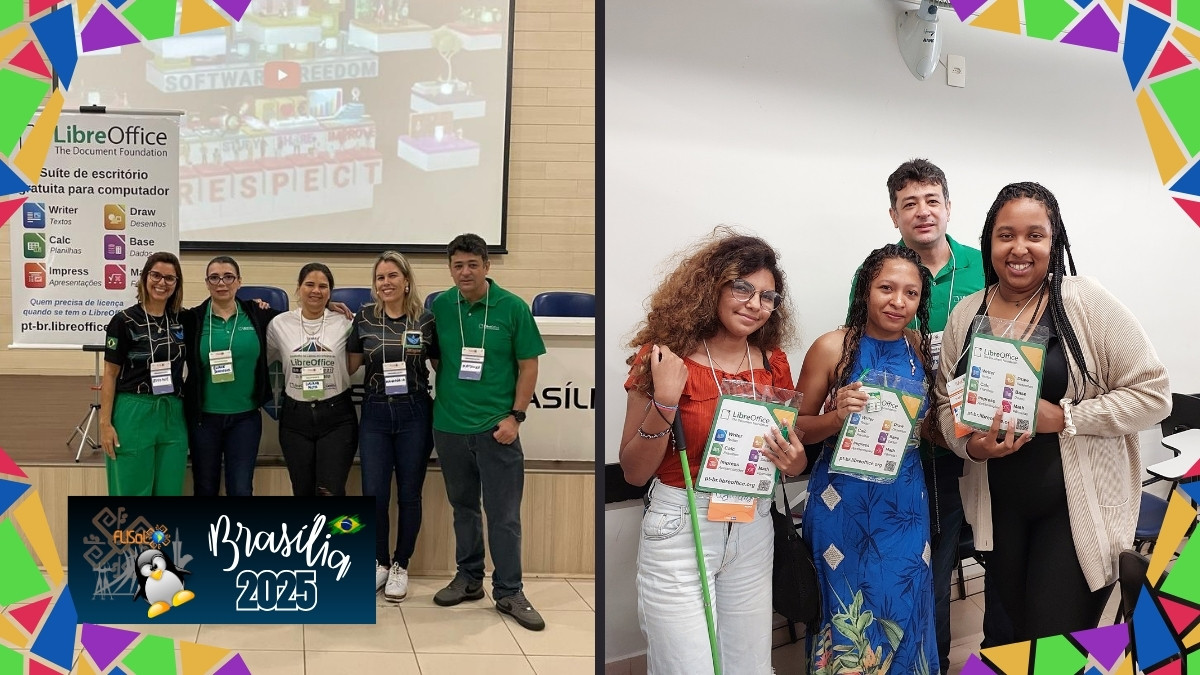
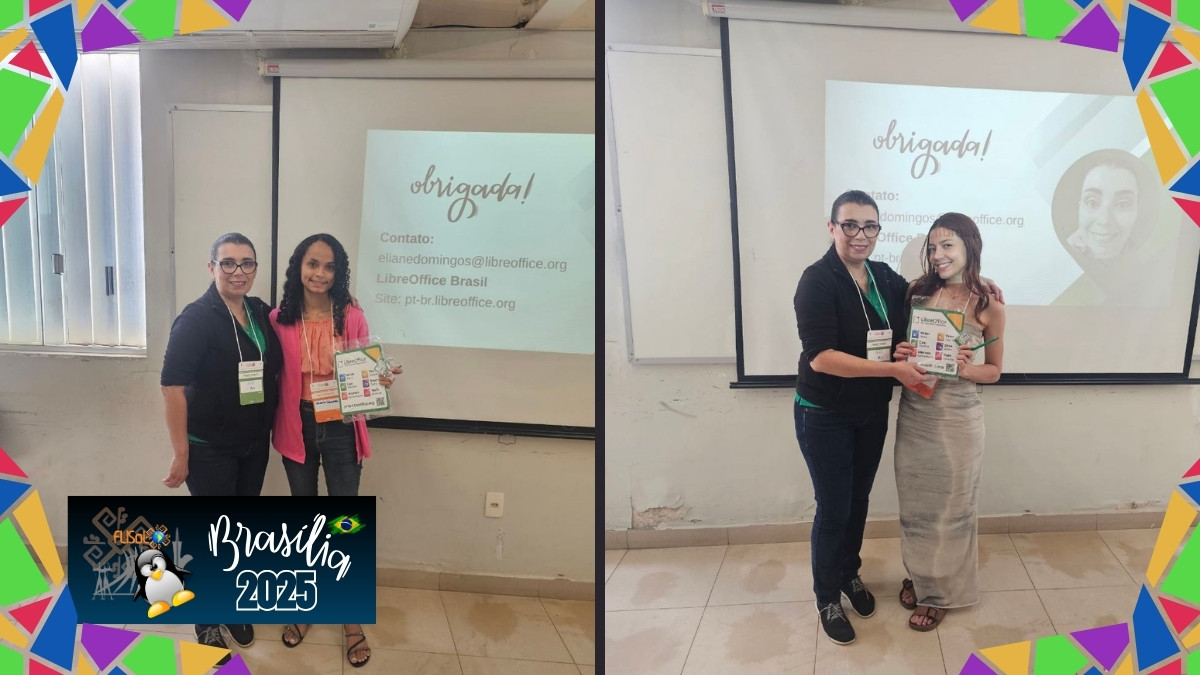
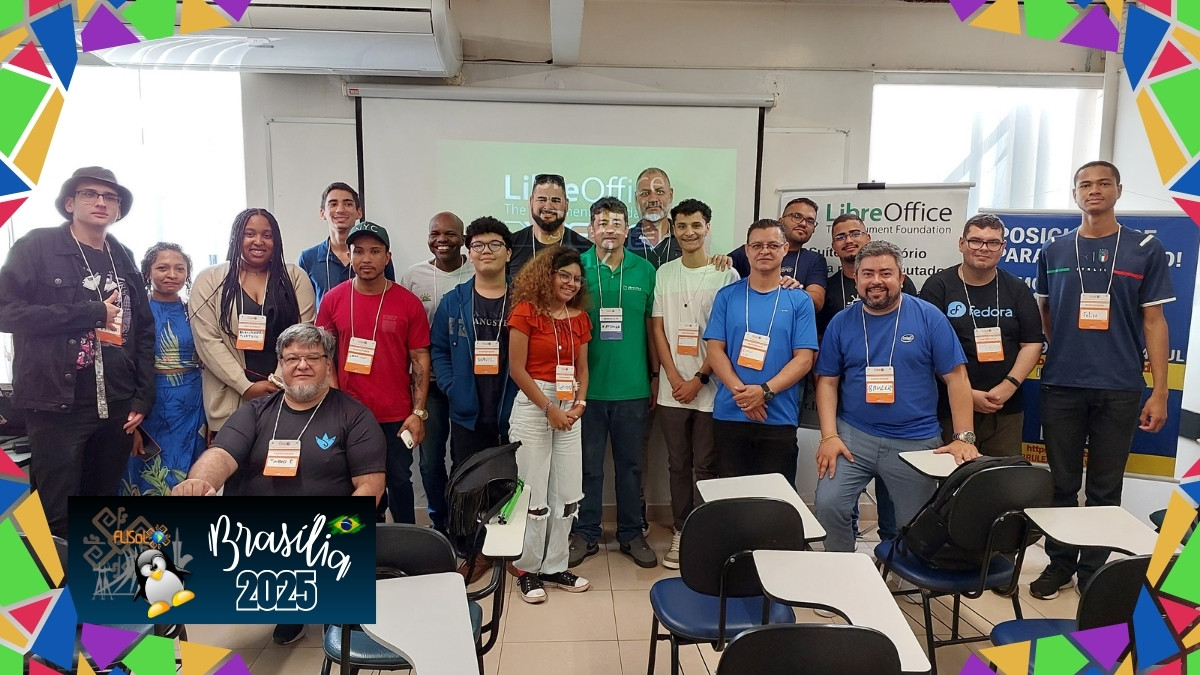
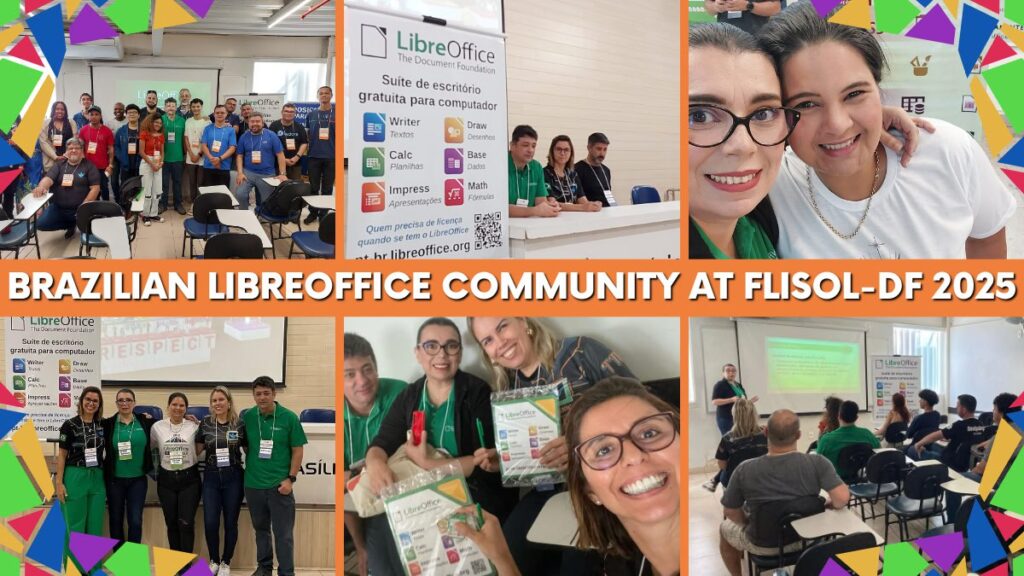
Brazilian LibreOffice Community shines at FLISOL Brasilia 2025

FLISOL Brasilia 2025

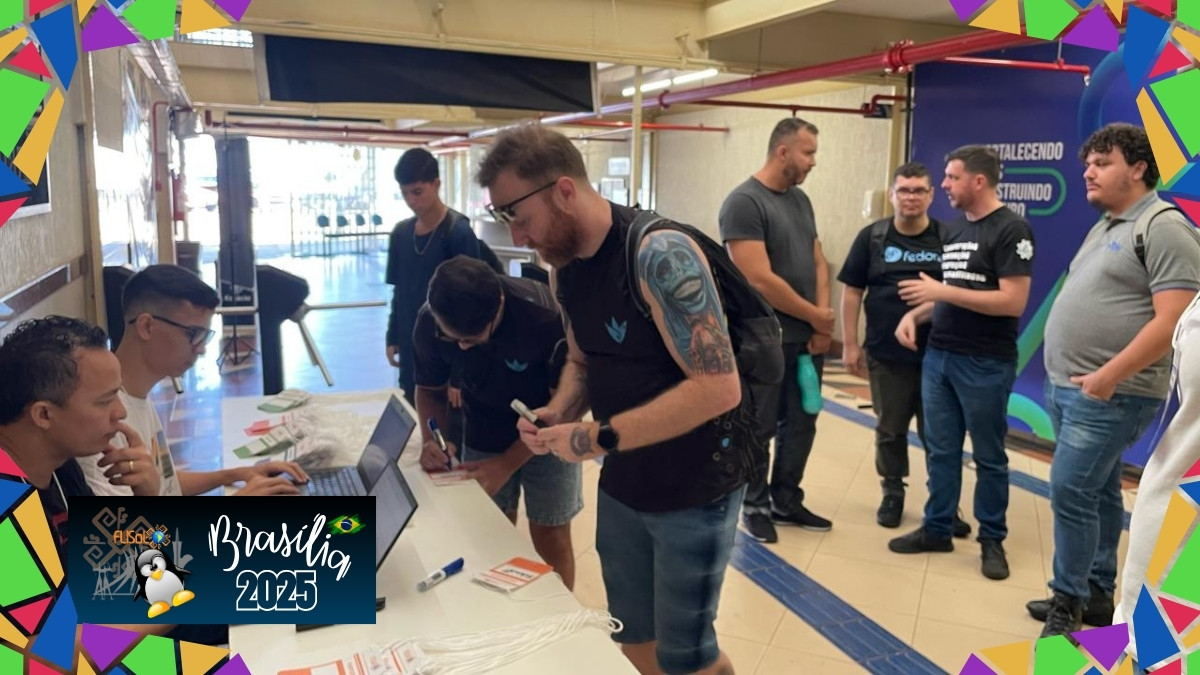
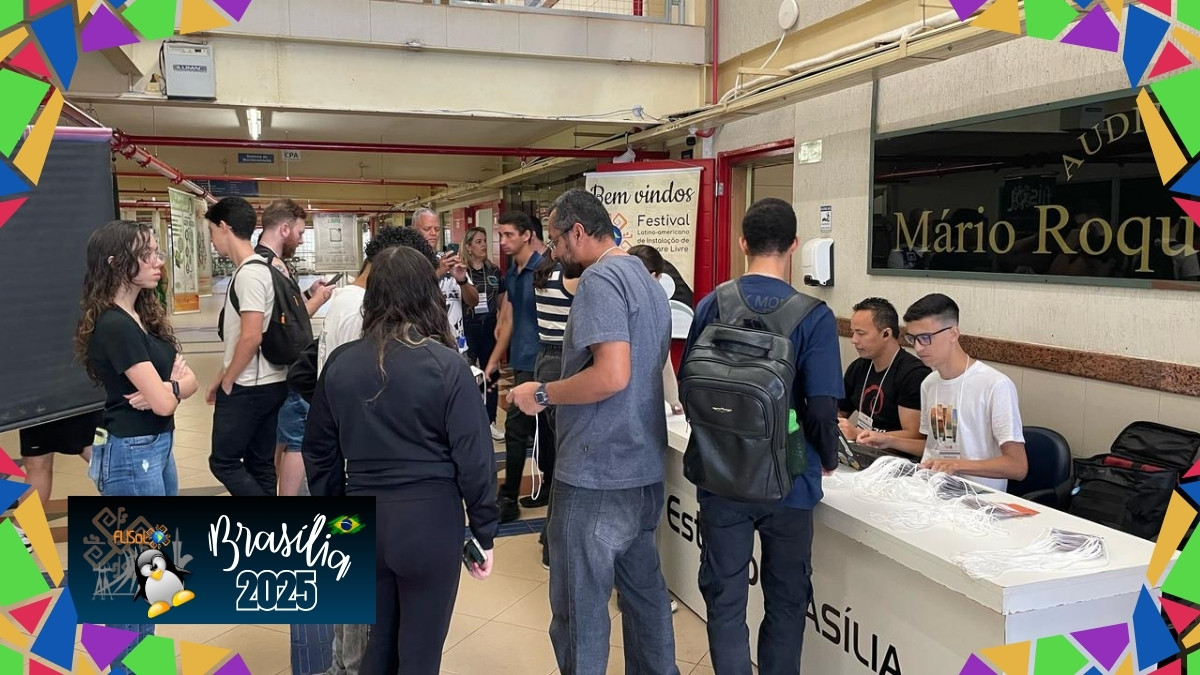
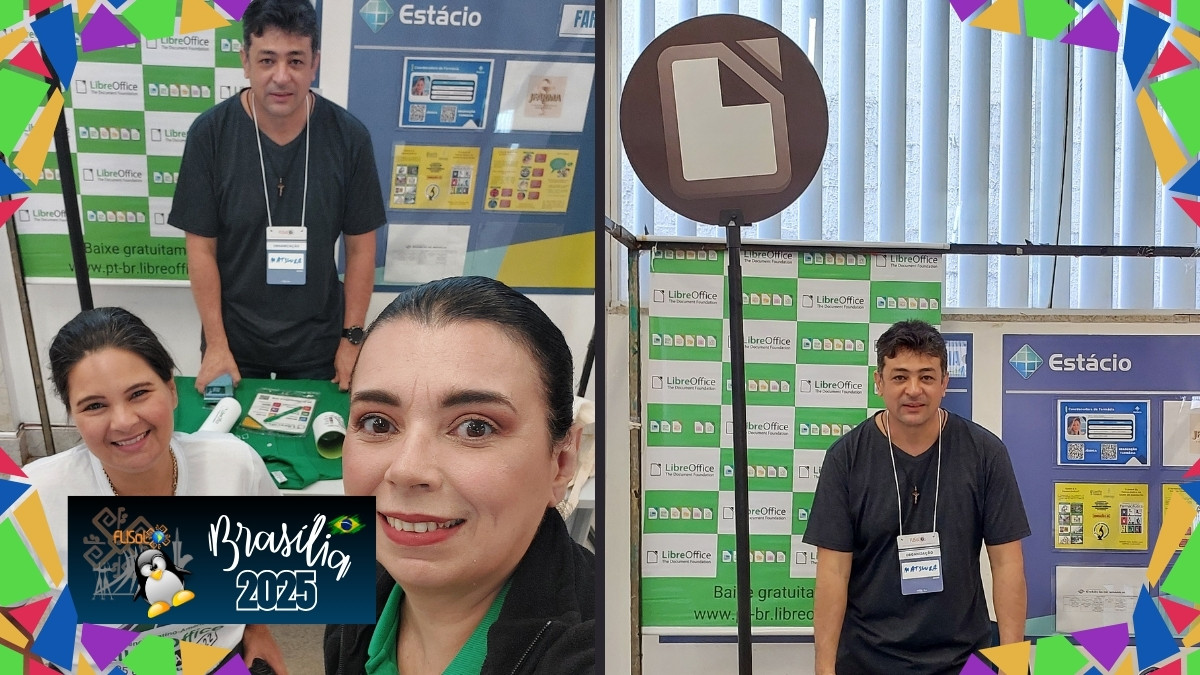
On April 26, 2025, the Estácio University Center in Brasília – Taguatinga-DF Unit, was the stage for a remarkable moment in the promotion of technological freedom in Brazil. The LibreOffice community actively participated in FLISOL – the Latin American Free Software Installation Festival – with presentations and strong interactions with the public.

More than just an event, FLISOL was a symbol of resistance, collective construction and promotion of the use of open source tools. And LibreOffice, as the largest and most complete open source office suite in the world, was at the center of these discussions.
Lectures empowering digital sovereignty

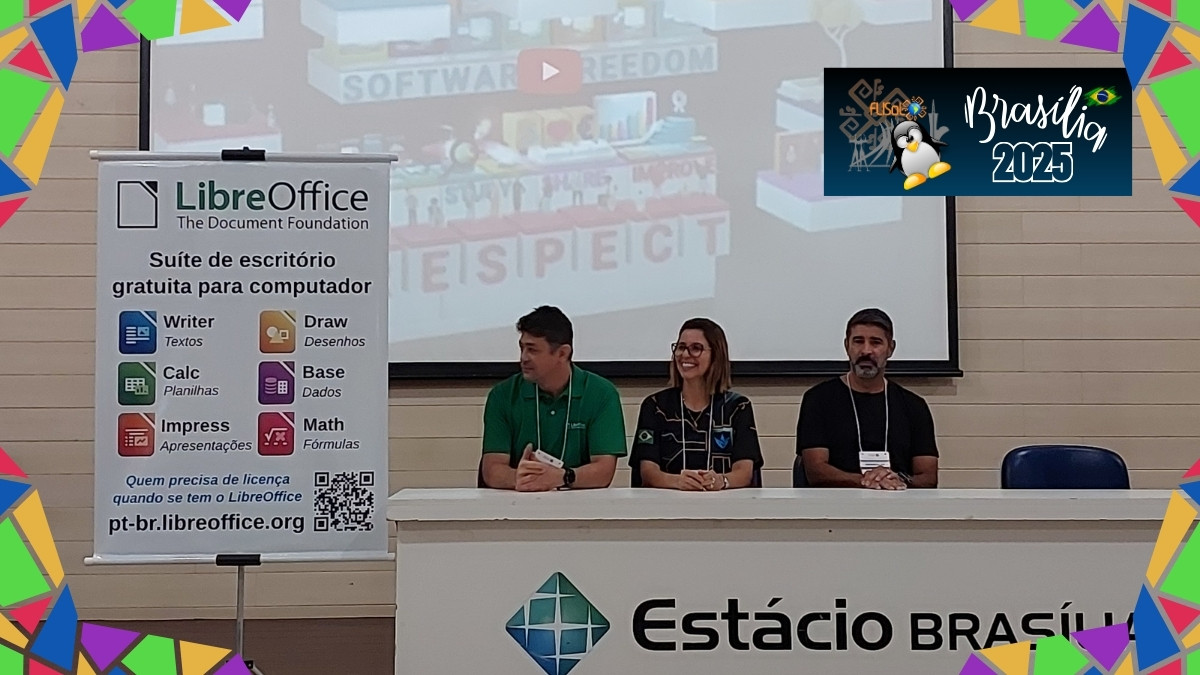
Activist and member of The Document Foundation, Eliane Domingos, presented the topic “LibreOffice and Digital Independence”, emphasizing the urgent need for independence in the use of software. “To depend on proprietary platforms is to give up control over your own data,” she said. The talk provided an in-depth reflection on technological sovereignty, the risks of digital monopolies and the importance of conscious choices.
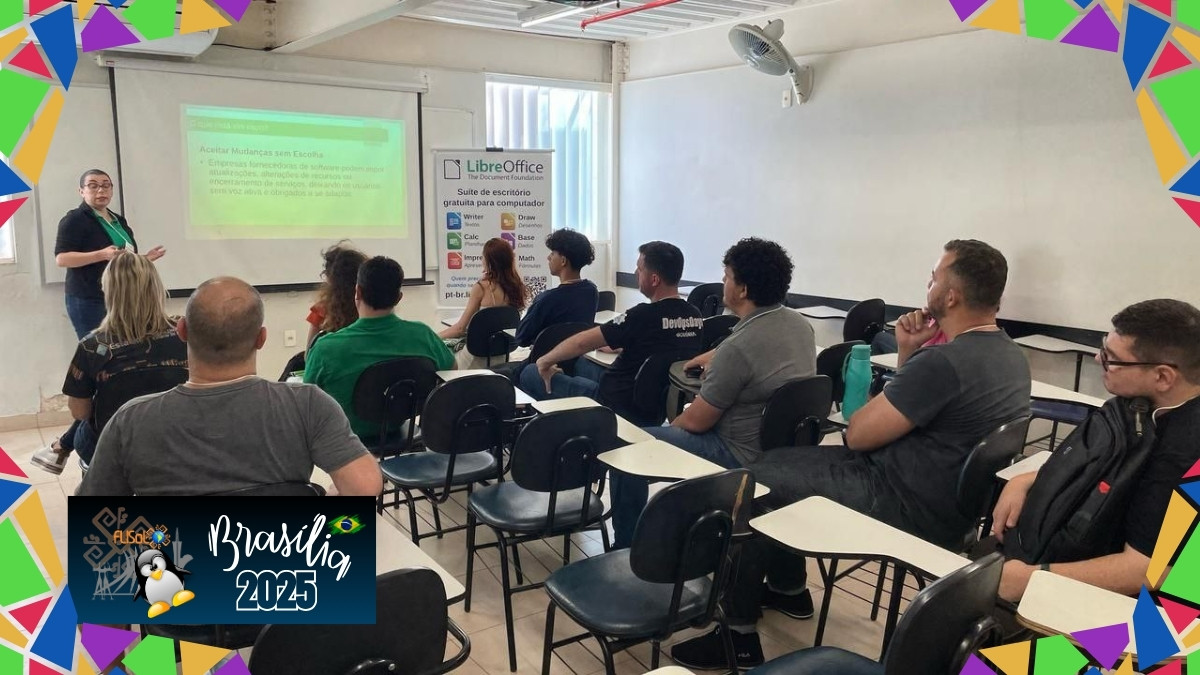
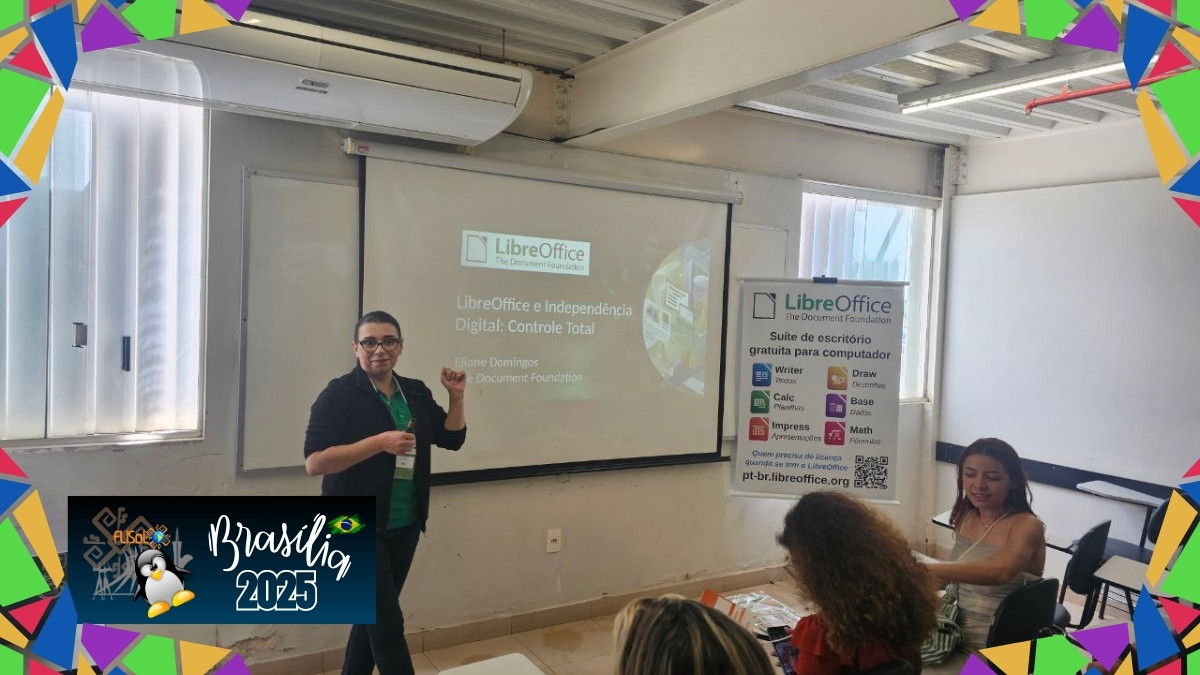
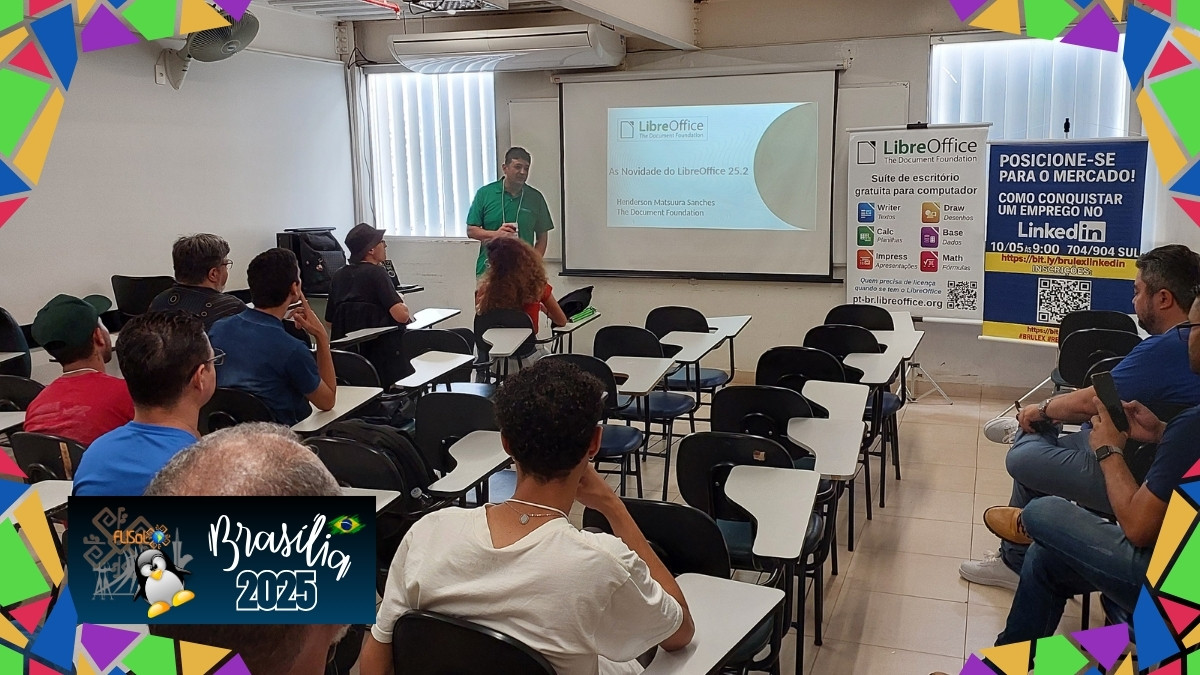
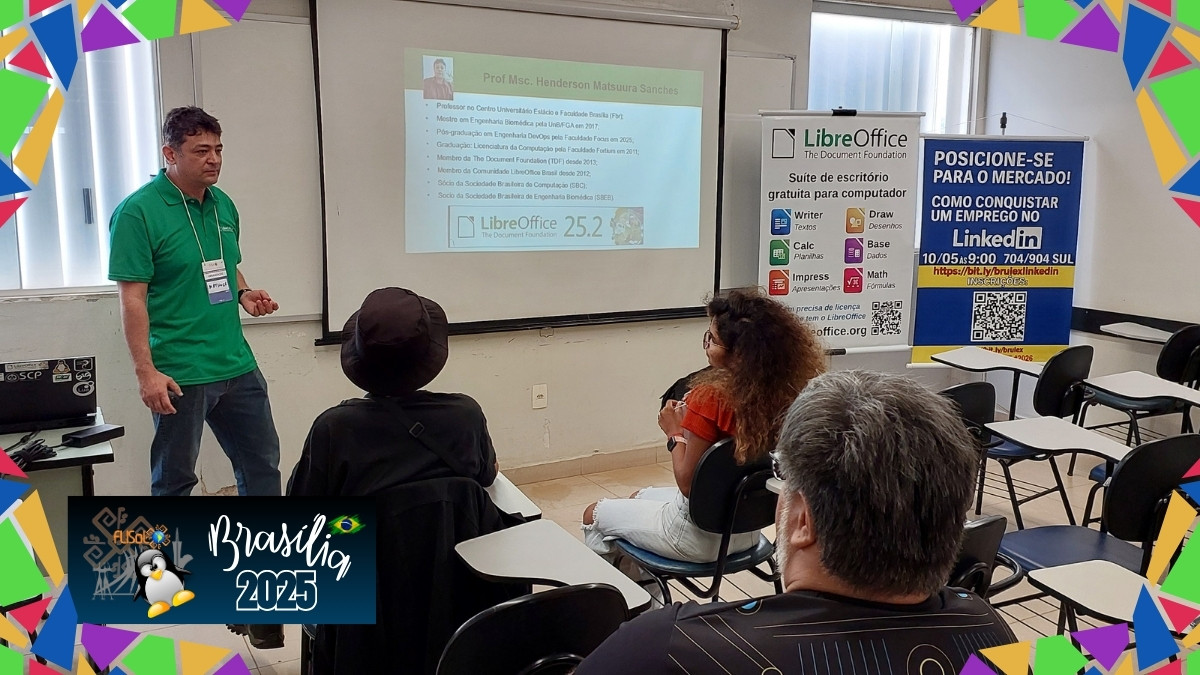
Henderson Matsuura presented the new features in LibreOffice 25.2, connecting the suite’s technical advances with the community spirit that sustains its development. With each version, LibreOffice reiterates this commitment to accessibility, quality and freedom – essential characteristics for any society wishing to move towards digital independence.
A collective construction experience

During the event, it was possible to talk to students, educators, enthusiasts and technology professionals about the transformative role of free software in education, public service and everyday life. The genuine interest of the audience shows that there is a growing demand for open, sustainable and transparent solutions.

We would like to express our deepest thanks to Professor Josyane Lannes, Coordinator of the IT courses at the Estácio University Center in Brasília, for hosting FLISOL on her premises and enthusiastically supporting the cause of free software.

Our thanks also go to LibreOffice community member Henderson Matsuura, one of the organizers of FLISOL in Brasilia, who not only gave an excellent talk, but also made room in the program for the promotion of LibreOffice, demonstrating his commitment and dedication to spreading free knowledge.
Beyond software: a global movement

Promoting LibreOffice isn’t just about promoting a computer program. It’s defending people’s rights to access technology without barriers, to maintain control over their own files, and to study, modify and redistribute tools. It’s saying that the digital future needs to be plural, accessible and transparent.

The success of the LibreOffice community’s participation in FLISOL Brasilia 2025 shows that the open source software movement is more alive than ever. And that together we continue strong in our mission to build a more fair and free digital world.

Announcing the LibreOffice Calc Guide 24.8

Dione Maddern and The Documentation Team are proud to announce the immediate availability of the LibreOffice Calc Guide 24.8, an update of the existing Calc Guide 24.2 with enhancements taken from the current LibreOffice 24.8 Calc module.

Calc Guide 24.8

The book was reviewed for clarity, readability and content additions, notably the Calc database table referencing in formulas, removal of deprecated JavaScript debugger and refactoring of the Calc’s chart topic – in which the chapter on charts was split in two, one for the chart basics and the second for the chart types. Dione Maddern, Calc editor says:

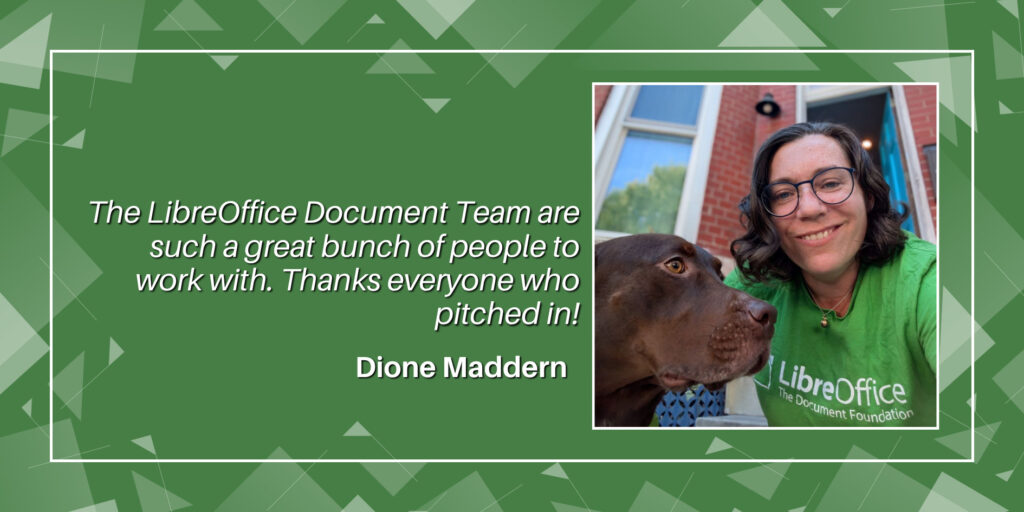
I took on the challenge of compiling the Calc Guide because I wanted to learn about advanced editing and working with master documents. While I’ve previously worked on large documents in the engineering and insurance industries, documents were often compiled with clunky cut-and-paste techniques which created a lot of errors and labor-intensive rework. Working on the Calc Guide 24.8 was a great opportunity to expand my skills in LibreOffice and document production generally. It was also a wonderful opportunity to work with the LibreOffice Documentation Team. I had a great time working with such a fun and supportive team.

Special thanks to Ed Olson, Lisa Samy and Claire Wood for their review of the contents of the guide. And to B. Antonio F. for his throughout review of formatting the guide and by writing a set of macros, bundled in an LibreOffice extension that allows automatic and assisted fixing of images, tables , styles and more.


Dione Maddern

It was also a wonderful opportunity to work with the LibreOffice Documentation Team. I had a great time working with such a fun and supportive team. (Dione Maddern)


Ed Olson

It has been an honor to share my wordsmithing skills with the LibreOffice documentation team. Replacing verbose paragraphs in the Calc guides with simplified, minimalist text has been both challenging and rewarding. I look forward to continuing my work on other applications in the suite as new releases become available. (Ed Olson)


Lisa Samy

Joining the Calc Guide team marked my first time contributing to an open-source platform. My time working with other team members was both enriching, yet eye-opening to all the facets of document editing. As such, I thoroughly enjoyed my experience with the LibreOffice Community as a whole. (Lisa Samy)


B. Antonio F.

I accepted the challenge of creating mechanisms to harmonize he appearance of chapter text according to the chapter template established by the documentation team. It was an opportunity to delve deeper into macro programming and get to know the LibreOffice API better. SanityCheck macros allow you to correct formatting errors (based on styles), correctly adjust images, tables, and automatically apply descriptions for accessibility. With SanityCheck you can check documentation chapters in English, Spanish and Portuguese. (B. Antonio F.)


Claire Wood

I enjoyed working on the Calc Guide as it gave me the opportunity to work with a truly global team. The content also challenged my knowledge about spreadsheets. I was happy to develop my knowledge, getting new information and develop my strengths in LibreOffice. (Claire Wood)


You can download the LibreOffice Calc Guide 24.8 from the LibreOffice Bookshelf and the LibreOffice Documentation website.

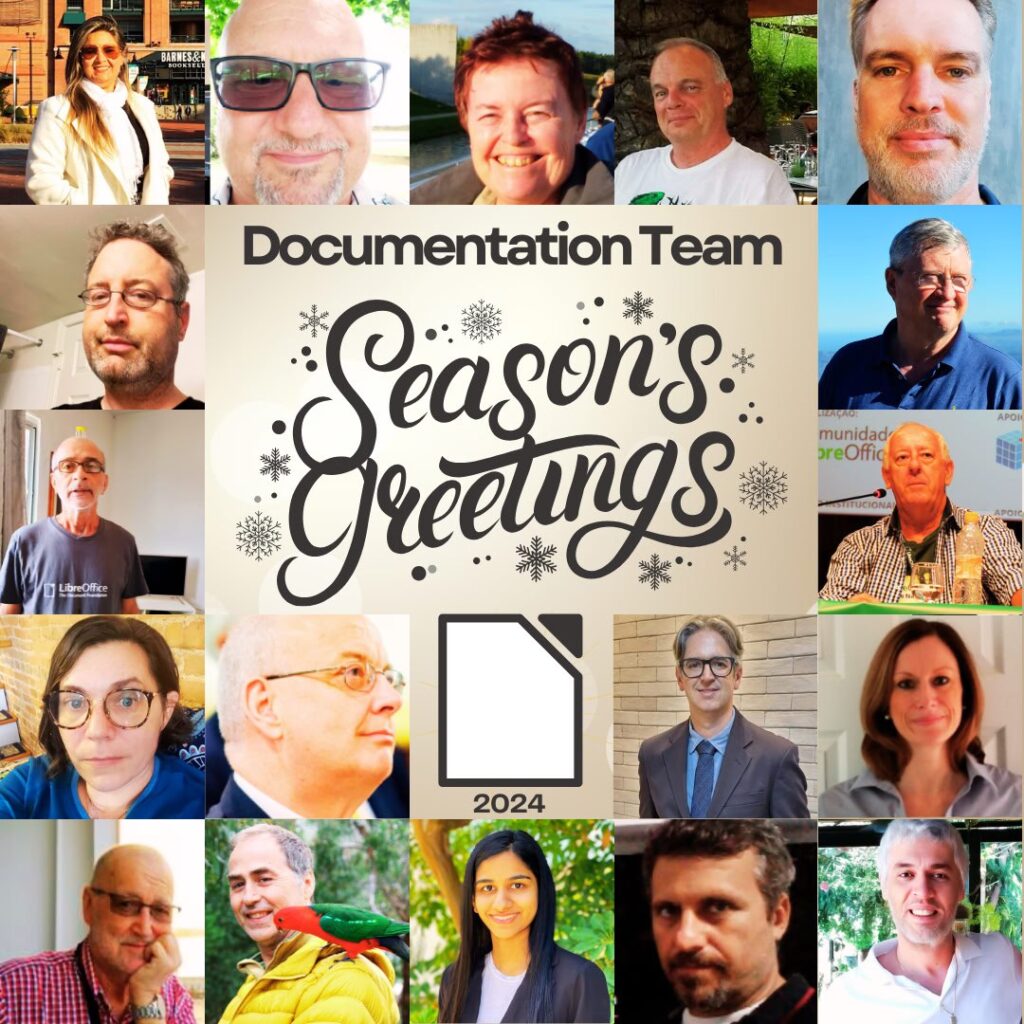
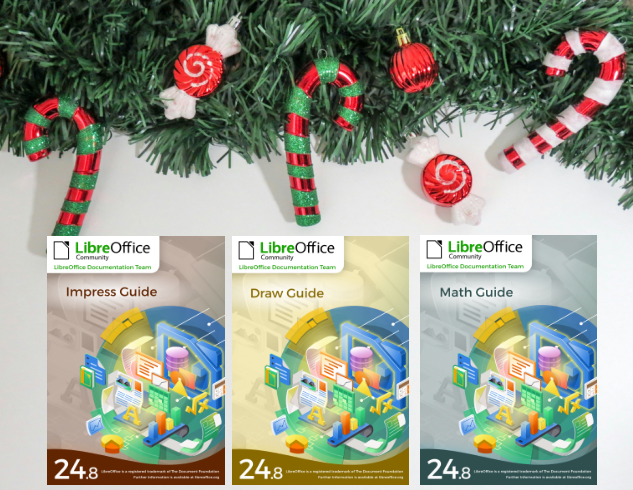
Season’s Greetings! Three new LibreOffice Guides released

Our team member Peter Schofield just updated the Impress, Draw and Math guides to the latest LibreOffice 24.8 release.

Three Guides released


The Impress, Draw and Math guides are the authoritative guides for the end user. They cover presentation, drawings and equation documents. These guides are part of the LibreOffice community offering for the public in general that needs to close the knowledge gap in using LibreOffice.

Peter Schofield

The guides can be downloaded from the LibreOffice Bookshelf as well as from the Documentation website.

A big thank you to dear Peter!


Writer Guide 24.8 Released

Writer Guide 24.8

Jean H. Weber (photo) and the Documentation Team are happy to announce the immediate availability of the Writer Guide 24.8, the latest update based on the recently released LibreOffice 24.8.

Writer is the word-processing application. It is compatible with a wide range of document formats including Microsoft Word (.doc, .docx), and you can export your work in several formats including PDF. Anyone who wants to get up to speed quickly with Writer will find this book valuable. You may be new to word processing software, or you may be familiar with another office suite.

What’s new in LibreOffice Writer 24.8 Community?

This book has been updated from LibreOffice 24.2 Writer Guide. It covers some of the changes that are visible in the LibreOffice Writer user interface, including:

  • Width of Comment pane can now be adjusted.
  • Bullets used in the document can be selected in the Unordered List dropdown.
  • New features in the Navigator.
  • New hyphenation features.
  • Hyperlink tab was removed from character properties; use the Hyperlink dialog instead.
  • Formatting aid: to enclose selected text with parentheses, square brackets, curly braces
    or quotation marks, press the opening character.
  • Table Alignment and Left/Right spacing can be changed via the Sidebar.
  • New Find deck in Sidebar lists results of a quick search along with their context.
  • Improved support for multi-page floating tables.
  • Organizer page in style dialogs now named General page.
  • And more; see the Release Notes.
    LibreOffice 24.8 Community also includes many other changes, including:
  • Improved support for multi-page floating tables.
  • Accessibility improvements.
  • Improvements in interoperability with Microsoft’s proprietary file formats.
  • “Legal” ordered list numbering: DOC and RTF support.

Release Notes are here: https://wiki.documentfoundation.org/ReleaseNotes/24.8

The Writer Guide 24.8 is available in the Documentation Website as well as in the LibreOffice Bookshelf website and it includes the guides in HTML format for web navigation, as well as the traditional PDF, ODT and the printed version from LuLu Inc.