Interview with Newly Certified LibreOffice Developer Rafael Lima

The LibreOffice Engineering Steering Committee (ESC) has appointed Prof. Rafael Henrique Palma Lima, from Federal Technological University of Paraná (UTFPr) as the newest certified LibreOffice developer.

Prof. Lima has been contributing new code to LibreOffice since 2020, and the committee has attested to the quality and value of his contributions to LibreOffice for this certification. We interviewed Prof. Lima, who tells us about the process and what areas of the code he works on.
(more…)

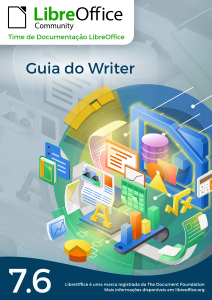
LibreOffice Community releases the Writer 7.6 Guide in Brazilian Portuguese.

Translated by Timothy Brennan Jr.

Rio de Janeiro, September 26, 2024 – The Brazilian LibreOffice community proudly presents its new edition of the Writer Guide 7.6 , based on LibreOffice 7.6 and with the innovations introduced in this version.

The guide meets the need for LibreOffice documentation in Brazilian Portuguese and the Writer Guide will help all LibreOffice users in editing texts, monographs, theses, reports, minutes and much more.

(more…)

Community announces the Getting Started Guide 24.8

The book is released on time for the new LibreOffice 24.8 release.

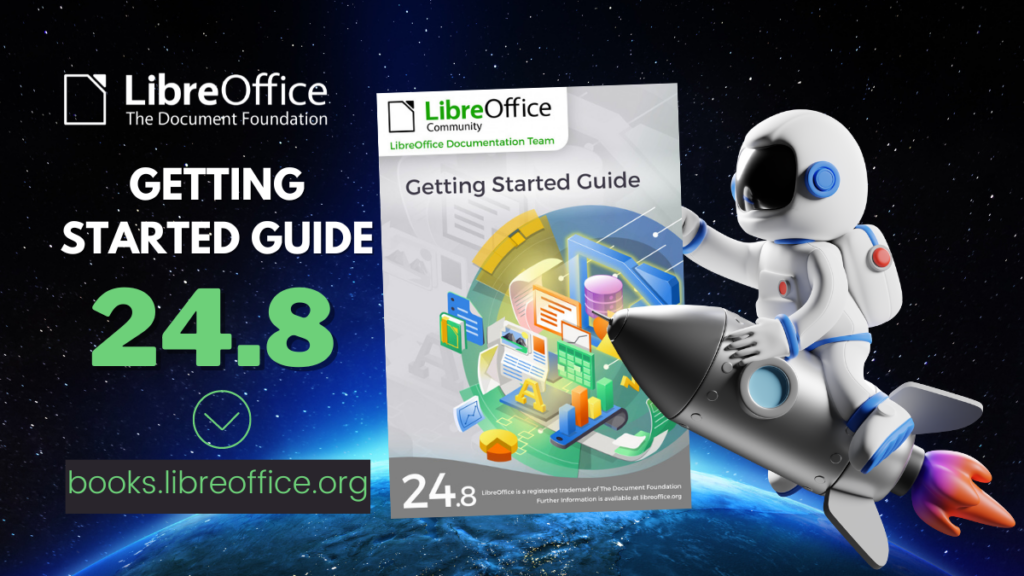
Getting Started Guide 24.8

The community members of the LibreOffice documentation team are happy to announce the immediate availability of the Getting Started Guide 24.8, at the same time of the release of LibreOffice Community 24.8, our latest major update.

The book is for anyone who wants to get up-to-speed quickly with LibreOffice 24.8. It introduces Writer (word processing), Calc (spreadsheets), Impress (presentations), Draw (vector drawings), Math (equation editor), and Base (database) as well as important information on common features and settings of all modules.

Olivier Hallot, LibreOffice Documentation Coordinator at The Document Foundation, said:

We sought a companion product for the recently released LibreOffice Community 24.8 in order to enable users to download the software and have the appropriate software documentation readily available. We are offering a complete solution of software and documentation to anyone who wants to deploy LibreOffice in offices and organizations or for individual use.

The guide is an effort of a multi-regional, multi-language documentation team of advanced users that collaborates on the update and authoring of new features introduced with LibreOffice Community 24.8. Special thanks to Jean Hollis Weber (AU), Claire Wood (UK), Steve Fanning (UK), Luciana Motta (BR), B. Antonio Fernández (ES), Olivier Hallot (BR), Timothy Brennan Jr. (BR), Vítor Ferreira (BR), Rafael Lima (BR), Rob Thornton (USA), Edward Olson (USA), Peter Schofield (PL).

Documentation Team

Join the Documentation Team

Announcing the Impress Guide 24.2

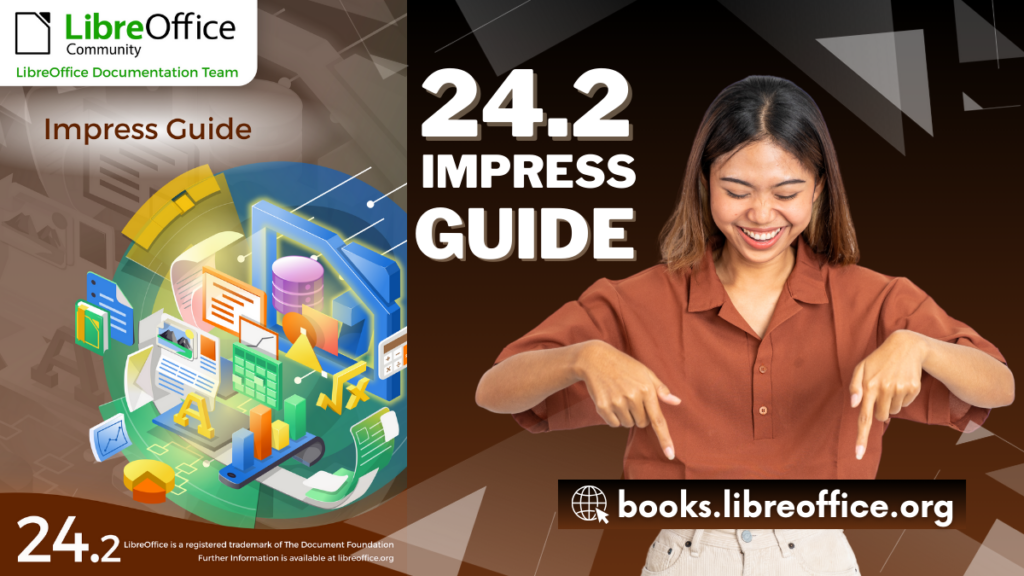
The Documentation Team is proud to announce the immediate availability of the Impress Guide 24.2.

The Impress Guide 24.2 update was coordinated by Peter Schofield, with assistance of Olivier Hallot and B. Antonio Fernandez, and is based on the Impress Guide 7.6.

Peter Schofield
Peter Schofield


LibreOffice 24.2 Community also includes many other changes, including improvements in accessibility, change tracking, spell checking, and interoperability with Microsoft’s proprietary file formats. Notably, Impress now allows small caps in text and secured slide show remote control with bluetooth, as well as enhancements to supplied templates.

Release Notes are here: https://wiki.documentfoundation.org/ReleaseNotes/24.2

The guide is available for immediate download in PDF format, and in HTML format for online reading, as well as in source format (OpenDocument Format). Soon it will be available as printed book by LuLu inc.

Download the Impress Guide 24.2 from the documentation websites at: documentation.libreoffice.org and the bookshelf at books.libreoffice.org.

Calc Guide and Writer Guides available for browsing

LibreOffice Guides in HTML

The Documentation team just published the Calc Guide and Writer Guide as on-line pages in the Bookshelf at https://books.libreoffice.org

Presented as web pages, the guides contents can now be accessed with your favorite browser and use the browser resources to navigate, bookmark and reference pages.

Together with the PDF versions, the guides web pages can be downloaded and installed in local networks using a simple web server.

Happy reading!

LibreOffice 24.2 Shines Again! Writer 24.2 and Calc 24.2 Guides Published

The LibreOffice Community Documentation Team is happy to announce the immediate release of the latest Writer and Calc guides for the new LibreOffice 24.2 office suite.

The two books are updates of the respective LibreOffice 7.6 guides, and describe the new features available in LibreOffice 24.2.

Jean Weber and Steve Fanning leaded the update of the Guides and provided valuable inputs to the contents.

The Writer Guide

Jean Weber

Updated and review by Jean Weber, the Writer Guide is the authoritative guide for using Writer to edit documents, from a single page to a full book. The latest Writer guide includes all these updates:

  • Comments can now use styles
  • New features in the Navigator
  • Save with password dialog now has a password strength meter
  • Insert Special Characters dropdown now shows a character description
  • Improved support for multi-page floating tables
  • “Legal” ordered list numbering: make a given list level use Arabic numbering for all its numeric portions
  • Miscellaneous changes in the names of some fields and buttons
  • And more; see the Release Notes


The Calc Guide

Steve Fanning
Steve Fanning

Updated by Steve Fanning, the guide contains description of the new features of Calc 24.2, the spreadsheet program of LibreOffice:

  • Live font preview when using the Font Name menus on the Properties deck of the Sidebar and on the Formatting toolbar.
  • Interactions to switch between sheets operate cyclically.
  • Option to view or hide column/row highlighting.
  • Additional metadata fields on the Description tab of the Properties dialog.
  • On Windows platforms, support for Alt+NumPad codes covering full Unicode range.
  • Text description of highlighted character on drop-down from Insert Special Characters toolbar icon.
  • Password strength meters on several dialogs.
  • Search field on Functions deck of Sidebar.
  • Support for FTP protocol removed from Hyperlink dialog.
  • Changes to auto-recovery and backup options.
  • Search function on Tools – Options dialogs.
  • Security warnings converted from dialogs to infobars.
  • Modify button renamed Assign on Customize dialog.
  • Language Settings menu of Tools – Options dialogs renamed to Languages and Locales.

More…

LibreOffice Community 24.2 also includes many other changes, including:

  • New password-based ODF encryption that hides metadata better and is more resistant to tampering
  • Clarification of macro security options to make it clear exactly what is allowed and what is not
  • Accessibility improvements
  • Improvements in interoperability with Microsoft’s proprietary file formats

The Guides are available in PDF, in source OpenDocument Format and printed versions from the bookshelf and documentation web pages.