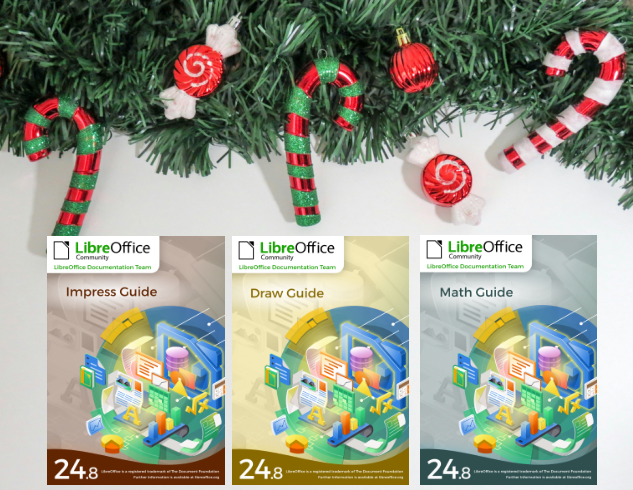
Season’s Greetings! Three new LibreOffice Guides released

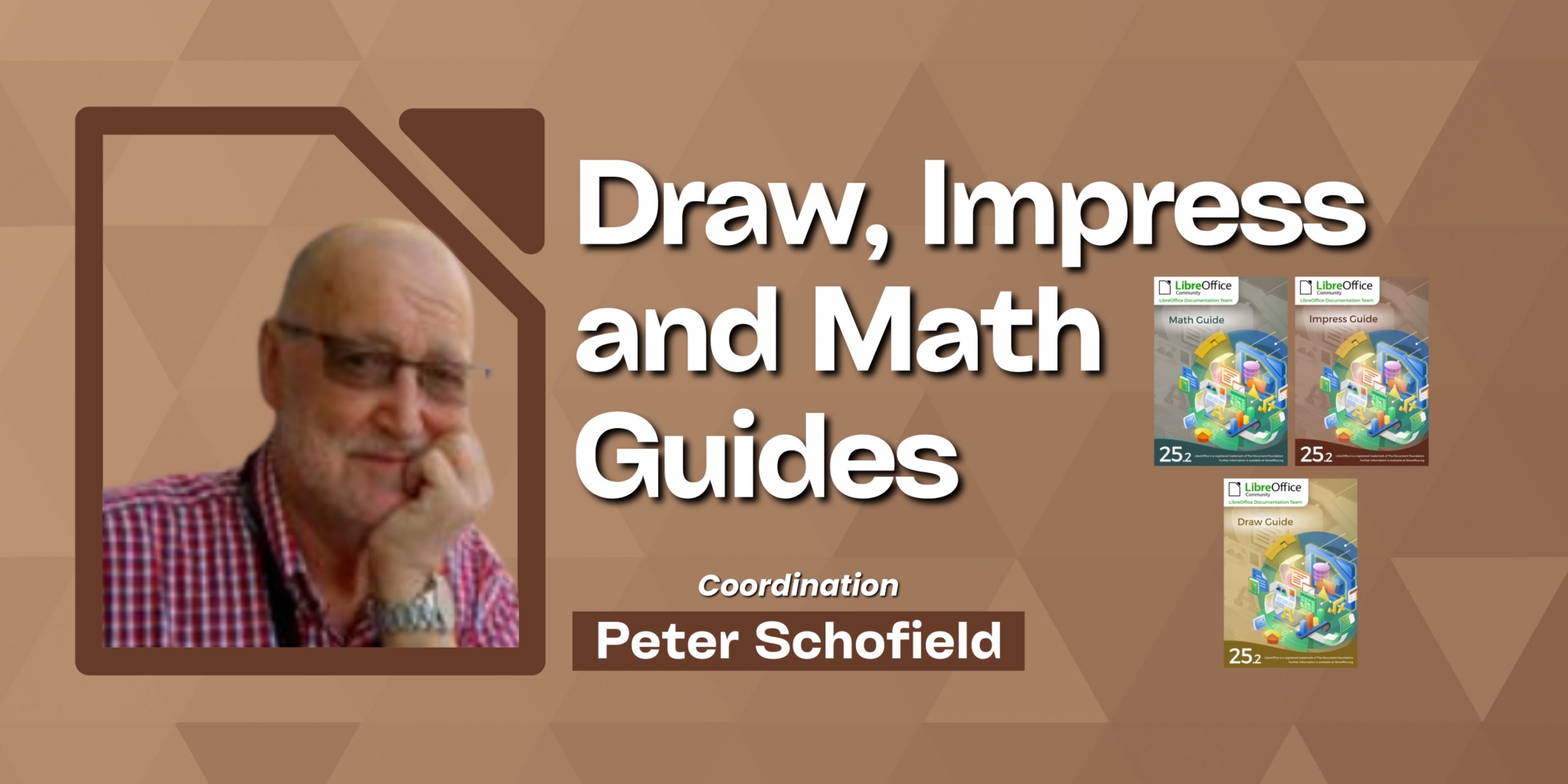
Our team member Peter Schofield just updated the Impress, Draw and Math guides to the latest LibreOffice 24.8 release.

Three Guides released


The Impress, Draw and Math guides are the authoritative guides for the end user. They cover presentation, drawings and equation documents. These guides are part of the LibreOffice community offering for the public in general that needs to close the knowledge gap in using LibreOffice.

Peter Schofield

The guides can be downloaded from the LibreOffice Bookshelf as well as from the Documentation website.

A big thank you to dear Peter!


Writer Guide 24.8 Released

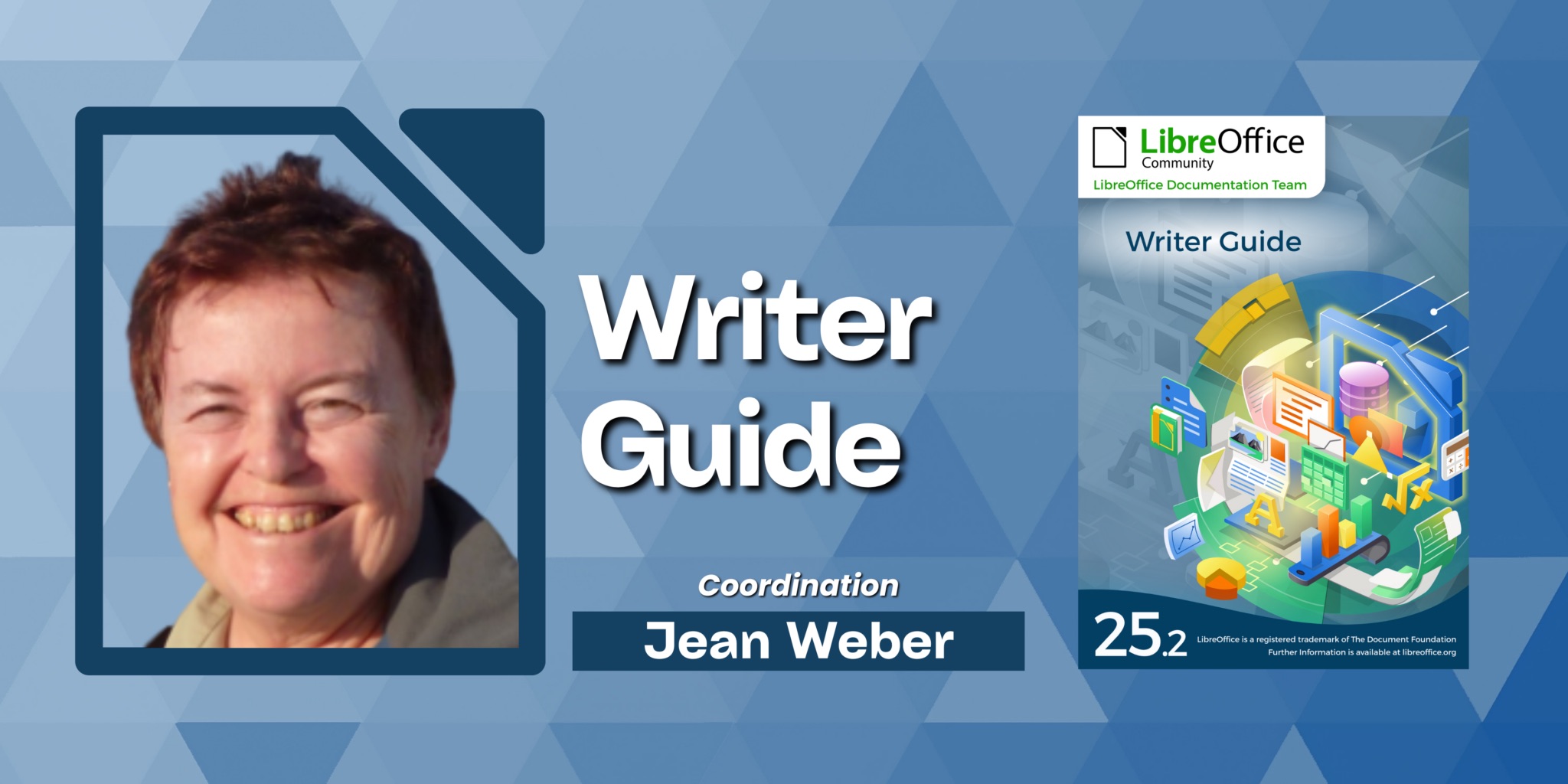
Writer Guide 24.8

Jean H. Weber (photo) and the Documentation Team are happy to announce the immediate availability of the Writer Guide 24.8, the latest update based on the recently released LibreOffice 24.8.

Writer is the word-processing application. It is compatible with a wide range of document formats including Microsoft Word (.doc, .docx), and you can export your work in several formats including PDF. Anyone who wants to get up to speed quickly with Writer will find this book valuable. You may be new to word processing software, or you may be familiar with another office suite.

What’s new in LibreOffice Writer 24.8 Community?

This book has been updated from LibreOffice 24.2 Writer Guide. It covers some of the changes that are visible in the LibreOffice Writer user interface, including:

  • Width of Comment pane can now be adjusted.
  • Bullets used in the document can be selected in the Unordered List dropdown.
  • New features in the Navigator.
  • New hyphenation features.
  • Hyperlink tab was removed from character properties; use the Hyperlink dialog instead.
  • Formatting aid: to enclose selected text with parentheses, square brackets, curly braces
    or quotation marks, press the opening character.
  • Table Alignment and Left/Right spacing can be changed via the Sidebar.
  • New Find deck in Sidebar lists results of a quick search along with their context.
  • Improved support for multi-page floating tables.
  • Organizer page in style dialogs now named General page.
  • And more; see the Release Notes.
    LibreOffice 24.8 Community also includes many other changes, including:
  • Improved support for multi-page floating tables.
  • Accessibility improvements.
  • Improvements in interoperability with Microsoft’s proprietary file formats.
  • “Legal” ordered list numbering: DOC and RTF support.

Release Notes are here: https://wiki.documentfoundation.org/ReleaseNotes/24.8

The Writer Guide 24.8 is available in the Documentation Website as well as in the LibreOffice Bookshelf website and it includes the guides in HTML format for web navigation, as well as the traditional PDF, ODT and the printed version from LuLu Inc.

Interview with Newly Certified LibreOffice Developer Rafael Lima

The LibreOffice Engineering Steering Committee (ESC) has appointed Prof. Rafael Henrique Palma Lima, from Federal Technological University of Paraná (UTFPr) as the newest certified LibreOffice developer.

Prof. Lima has been contributing new code to LibreOffice since 2020, and the committee has attested to the quality and value of his contributions to LibreOffice for this certification. We interviewed Prof. Lima, who tells us about the process and what areas of the code he works on.
(more…)

LibreOffice Community releases the Writer 7.6 Guide in Brazilian Portuguese.

Translated by Timothy Brennan Jr.

Rio de Janeiro, September 26, 2024 – The Brazilian LibreOffice community proudly presents its new edition of the Writer Guide 7.6 , based on LibreOffice 7.6 and with the innovations introduced in this version.

The guide meets the need for LibreOffice documentation in Brazilian Portuguese and the Writer Guide will help all LibreOffice users in editing texts, monographs, theses, reports, minutes and much more.

(more…)

Community announces the Getting Started Guide 24.8

The book is released on time for the new LibreOffice 24.8 release.

Getting Started Guide 24.8

The community members of the LibreOffice documentation team are happy to announce the immediate availability of the Getting Started Guide 24.8, at the same time of the release of LibreOffice Community 24.8, our latest major update.

The book is for anyone who wants to get up-to-speed quickly with LibreOffice 24.8. It introduces Writer (word processing), Calc (spreadsheets), Impress (presentations), Draw (vector drawings), Math (equation editor), and Base (database) as well as important information on common features and settings of all modules.

Olivier Hallot, LibreOffice Documentation Coordinator at The Document Foundation, said:

We sought a companion product for the recently released LibreOffice Community 24.8 in order to enable users to download the software and have the appropriate software documentation readily available. We are offering a complete solution of software and documentation to anyone who wants to deploy LibreOffice in offices and organizations or for individual use.

The guide is an effort of a multi-regional, multi-language documentation team of advanced users that collaborates on the update and authoring of new features introduced with LibreOffice Community 24.8. Special thanks to Jean Hollis Weber (AU), Claire Wood (UK), Steve Fanning (UK), Luciana Motta (BR), B. Antonio Fernández (ES), Olivier Hallot (BR), Timothy Brennan Jr. (BR), Vítor Ferreira (BR), Rafael Lima (BR), Rob Thornton (USA), Edward Olson (USA), Peter Schofield (PL).

Documentation Team

Join the Documentation Team

Announcing the Impress Guide 24.2

The Documentation Team is proud to announce the immediate availability of the Impress Guide 24.2.

The Impress Guide 24.2 update was coordinated by Peter Schofield, with assistance of Olivier Hallot and B. Antonio Fernandez, and is based on the Impress Guide 7.6.

Peter Schofield
Peter Schofield


LibreOffice 24.2 Community also includes many other changes, including improvements in accessibility, change tracking, spell checking, and interoperability with Microsoft’s proprietary file formats. Notably, Impress now allows small caps in text and secured slide show remote control with bluetooth, as well as enhancements to supplied templates.

Release Notes are here: https://wiki.documentfoundation.org/ReleaseNotes/24.2

The guide is available for immediate download in PDF format, and in HTML format for online reading, as well as in source format (OpenDocument Format). Soon it will be available as printed book by LuLu inc.

Download the Impress Guide 24.2 from the documentation websites at: documentation.libreoffice.org and the bookshelf at books.libreoffice.org.