Here’s our summary of updates, events and activities in the LibreOffice project in the last four weeks – click the links to learn more…
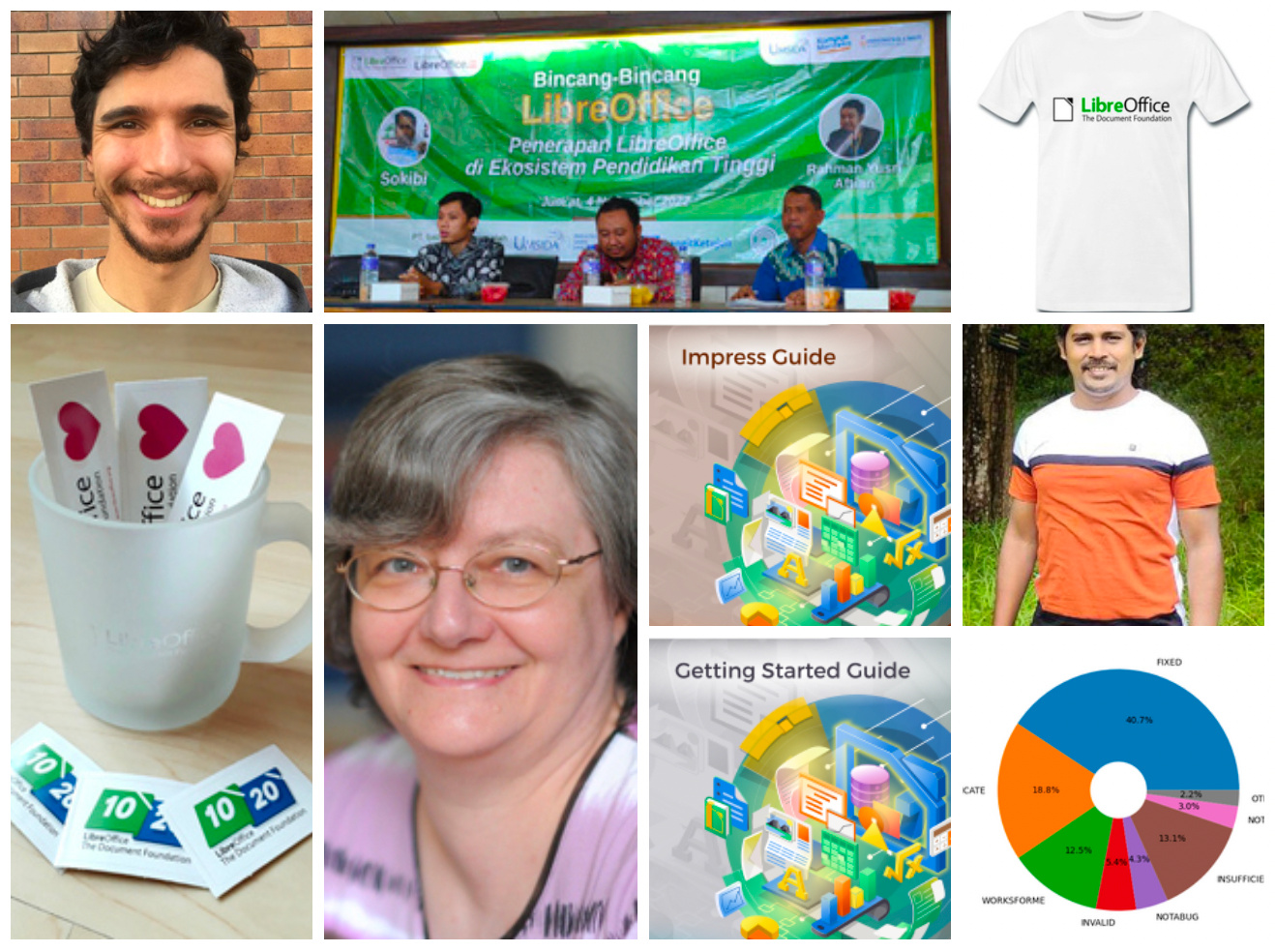
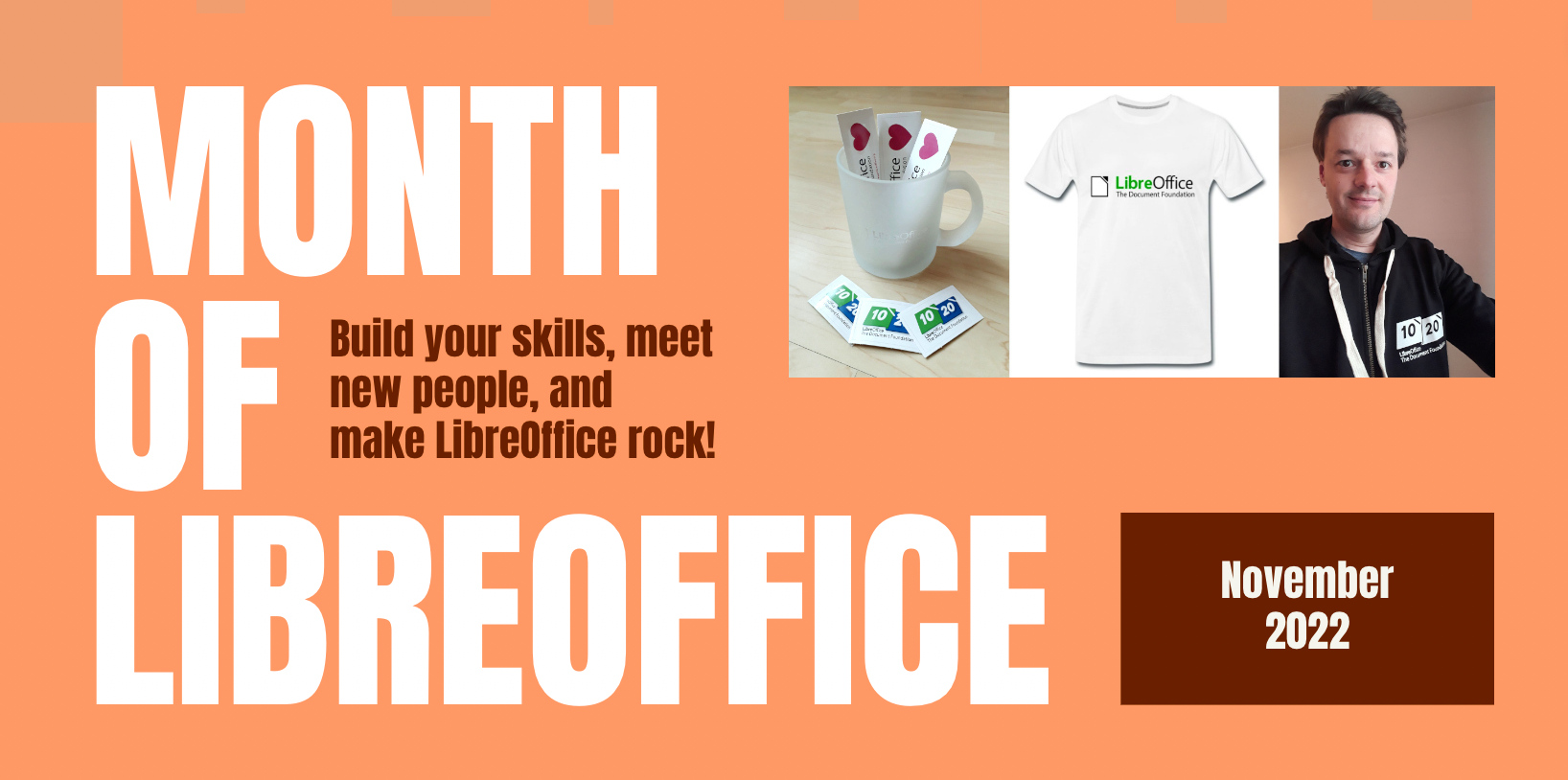
- November was a Month of LibreOffice! This is something we do every six months, to say our thanks to everyone who contributes to the project – and encourage others to join in. 307 people won sticker packs – and a few others got some special bonus LibreOffice merchandise 😉
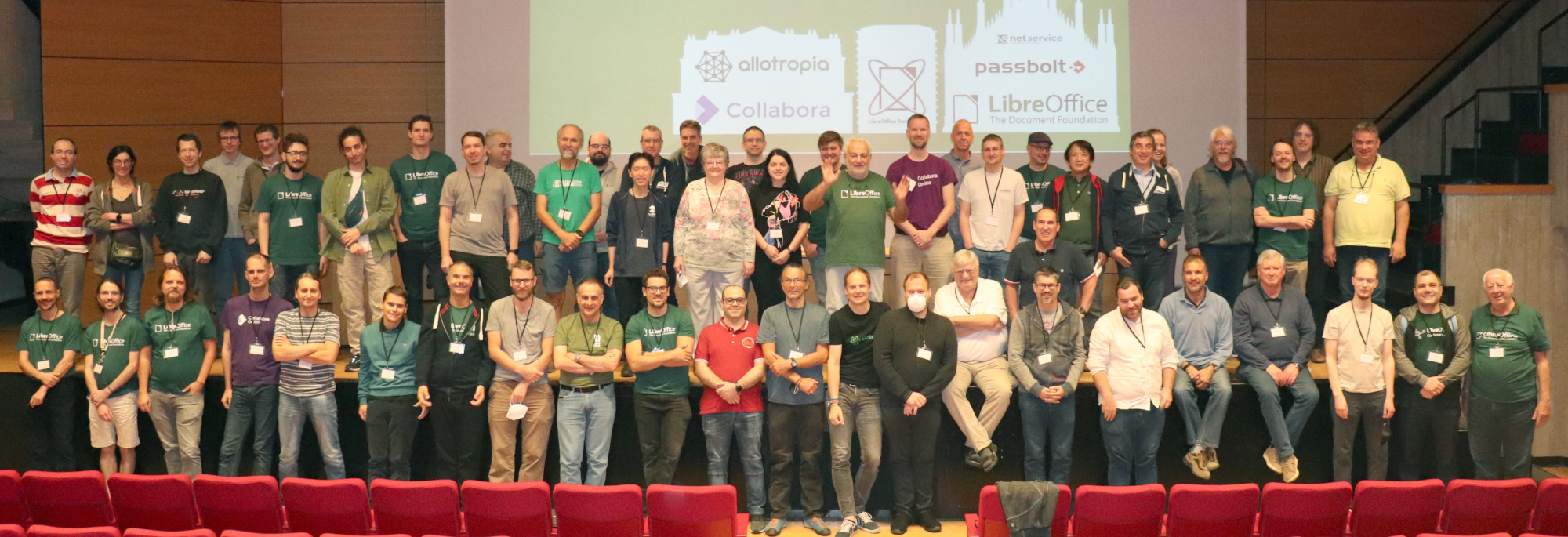
- Throughout the month, we edited and uploaded videos from our recent LibreOffice Conference 2022. All videos should be on this playlist now, apart from a couple which had problems with the sound:
Please confirm that you want to play a YouTube video. By accepting, you will be accessing content from YouTube, a service provided by an external third party.
If you accept this notice, your choice will be saved and the page will refresh.
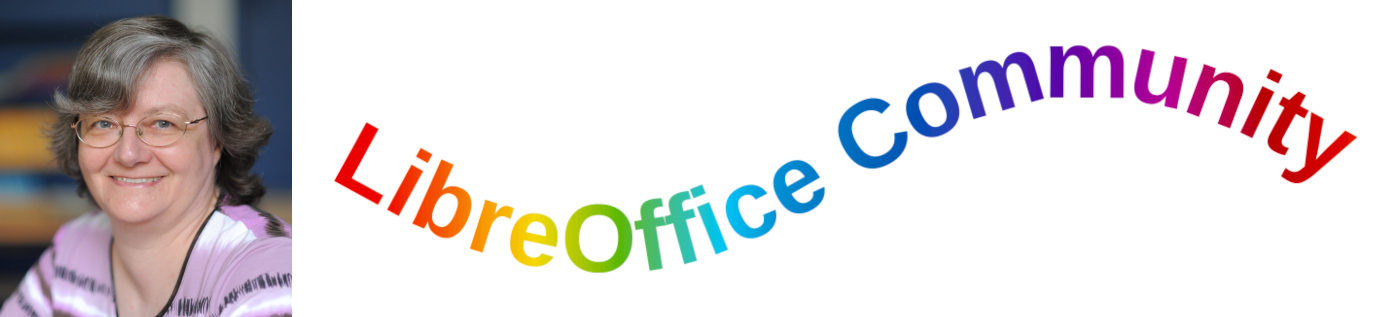
- Speaking of the conference, attendee (and long-time LibreOffice contributor) Regina Henschel told us her experiences of the event. We’re glad she enjoyed it!
- Early in November, we announced LibreOffice 7.3.7, which is planned as the last release in the 7.3 branch. Users still using this version should start looking at the LibreOffice 7.4 family, now at 7.4.2, which has been extensively tested by millions of users worldwide. And later in the month, we released LibreOffice 7.4.3.

- FOSDEM, the biggest European free software event, is coming up – and the first in-person meeting since 2022. Of course, LibreOffice and The Document Foundation will be there, and we put out a Call for Papers for the LibreOffice Technology devroom. See you there!
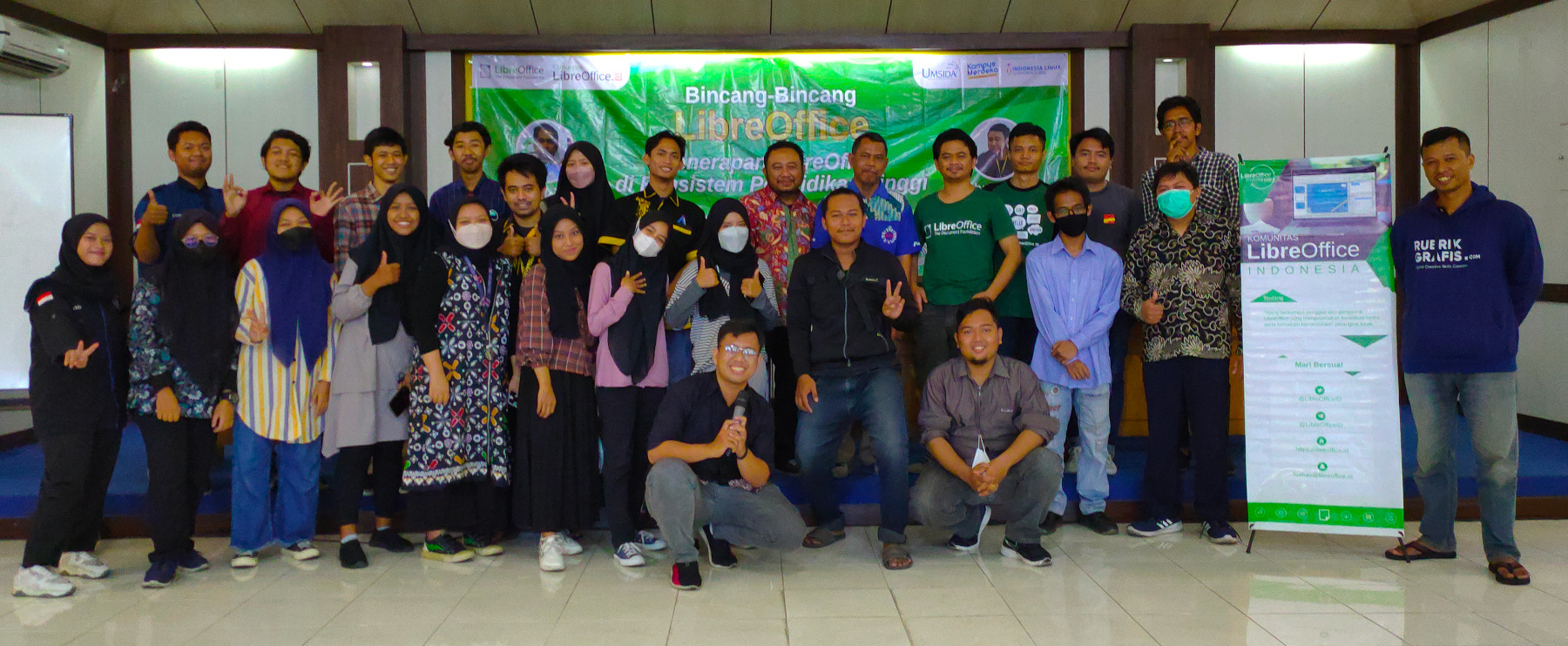
- In other event news, the Indonesian LibreOffice community reported back from the Indonesian Linux Conference 2022, where they gave talks. A big thanks to everyone who attended!
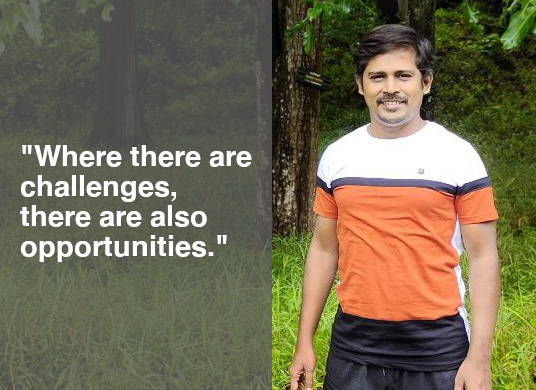
- Later in the month, we chatted with Muthuramalingam Krishnan from the Tamil LibreOffice project. If you can speak Tamil, you can give him a hand to grow the community 👍
- Did you know? You can dock colour palettes in many places in LibreOffice Draw. Harald Berger, from the German LibreOffice community, made a video demonstrating this:
Please confirm that you want to play a YouTube video. By accepting, you will be accessing content from YouTube, a service provided by an external third party.
If you accept this notice, your choice will be saved and the page will refresh.
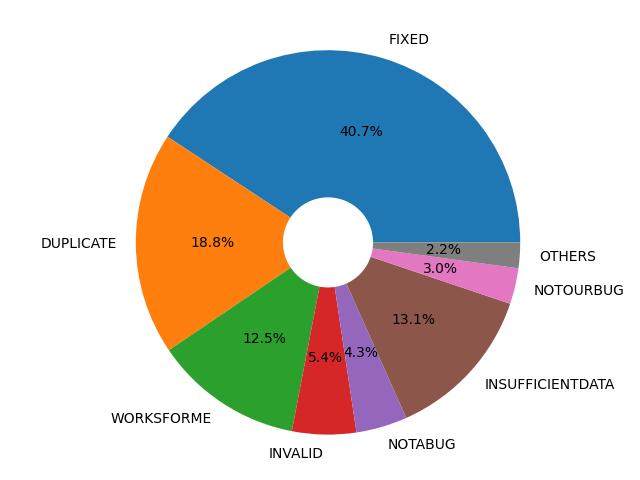
- We have a new team member at The Document Foundation, the non-profit entity behind LibreOffice! (That means we’re now 13 people.) Stéphane Guillou joins us as a Quality Assurance Analyst – so we caught up with him, to find out what he’ll be doing.

- Earlier in 2022, together with more than 100 European organisations and companies, The Document Foundation signed the Open Letter about the universal right to install any software on any device. Join us and sign the letter today.
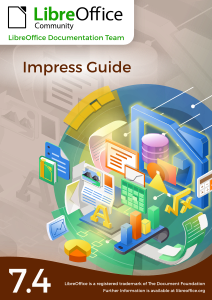
- And last but not least: the LibreOffice Documentation Team announced the immediate availability of the Impress Guide 7.4 and Getting Started Guide 7.4. The Impress Guide 7.4 was coordinated by Peter Schofield and revised by Kees Kriek. The guide is available in PDF as well as in ODF formats – and an online version is available in the bookshelf website.