Month: June 2020
Month of LibreOffice, May 2020: The winners!
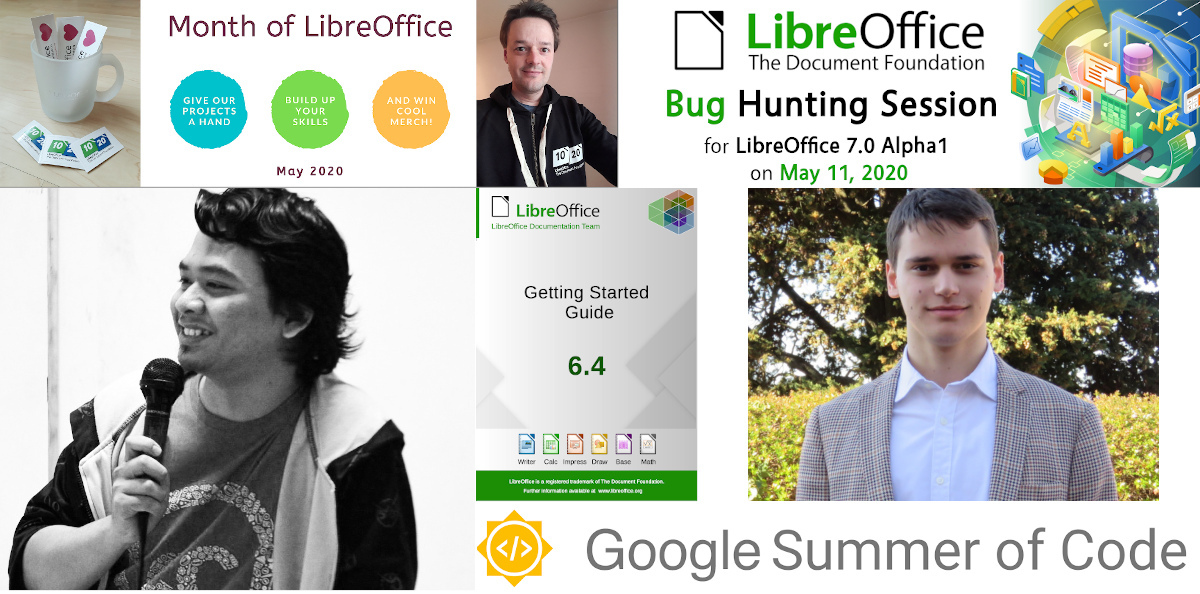
At the beginning of May, we started a new Month of LibreOffice, celebrating community contributions all across the project. So how many people got sticker packs? Check it out…
This makes it the best Month of LibreOffice we’ve ever had! Hundreds of people, all across the globe, have helped out in our projects and communities. We’re hugely thankful for your work – and, of course, everyone who’s listed on the page can get a sticker pack!
How to claim
If you see your name (or username) on this page, get in touch! Email mike.saunders@documentfoundation.org with your name (or username) from the wiki page so that we can check, along with your postal address, and we’ll send you these:
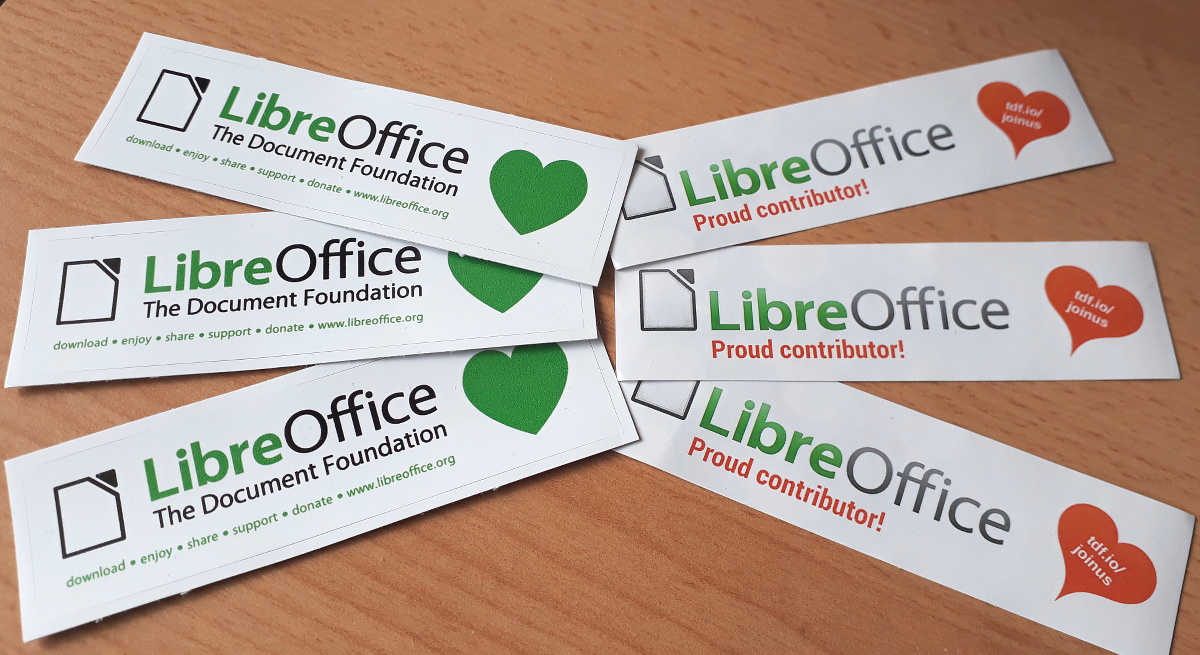
(Note: your address will only be used to post the stickers, and will be deleted immediately afterwards.) If you contributed to the project in May but you’re not on the wiki page, please let us know what you did, so that we can add you.
But wait – there’s more…
And we have an extra bonus: 20 contributors have also been selected at random to get an extra piece of merchandise – a hoodie, T-shirt or snazzy LibreOffice glass mug. Here are the winners – we’ll get in touch personally with the details:
- Gellért Gyuris
- Anastasiya T
- Walter o’Dim
- BigRAl
- hoergen@horche.demkontinuum.de (Mastodon)
- Schiavinatto
- Earnest Al
- jwtiyar ali nariman
- Dimitris Spingos
- Tuomas Hietala
- @mpanhans@librem.one (Mastodon)
- Hugo Carvalho
- Ayhan YALÇINSOY
- @sebastiaanveld (Twitter)
- Sarper Akdemir
- pb
- Steve Fanning
- Rob Westein
- Andrew Krizhanovsky
- Peter Schofield
Congratulations to all the winners, and a big thanks once again to everyone who took part! Your contributions keep the LibreOffice project strong. We plan to have another Month of LibreOffice in November, but everyone is welcome to see what they can do for LibreOffice at any time!
LibreOffice monthly recap: May 2020 – News, events and more…
Here’s our summary of updates, events and activities in the LibreOffice project in the last four weeks – click the links to learn more…
- We started May by announcing the Month of LibreOffice – showing our appreciation for contributions from our worldwide community. Everyone who contributed to LibreOffice throughout May can claim a cool sticker pack, and also has a chance to win extra merchandise. We’ll announce the winners here on the blog in the coming days – stay tuned!
- Meanwhile, our documentation community announced the LibreOffice Base Guide 6.2. This covers the database component of LibreOffice – a big thanks to Pulkit Krishna, Dan Lewis, Jean Hollis Weber, Alain Romedenne, Jean-Pierre Ledure and Randolph Gamo for their work on it.
- Next up: the Google Summer of Code, a global programme focused on bringing more student developers into open source software development. LibreOffice took part last year, which led to some great new features including a QR code generator and NotebookBar improvements. LibreOffice is taking part again in 2020, with six projects – click the link to check them out…

- Throughout the month, we put online sections from our Annual Report 2019. The first was LibreOffice in 2019, followed by TDF’s activities and native language projects. Read the sections to learn all about how our community and foundation works.
- In further documentation news, the Getting Started Guide was updated to version 6.4. This book covers all components of the suite, and is the collaborative work of Andrew Jensen, Claire Wood, Dan Lewis, Kees Kriek, Steve Fanning, Pulkit Krishna, Roman Kuznetsov and was reviewed and assembled by Jean Hollis Weber. We really appreciate their help!
- Work continues on LibreOffice 7.0, the next major release, which is due in early August. Our QA community announced the first Bug Hunting Session, targeting the Alpha 1 test release.
- In May, we interviewed two community members: Marco Marinello and Rania Amina. They both recently decided to become members of The Document Foundation, and are helping the LibreOffice project with documentation, QA and social media. And really enjoying it!
- We mentioned the Google Summer of Code earlier, but there’s also the Google Season of Docs, which connects technical writers with FOSS projects. TDF has been accepted as a participating organisation, with projects for e-learning, mathematical documentation and code-oriented documentation.
- Got a problem with LibreOffice on a particular operating system? In May, we started posting Tuesday Tips and Tricks articles. The first covered Windows installation issues, while the second looked at Windows 7 SP1.

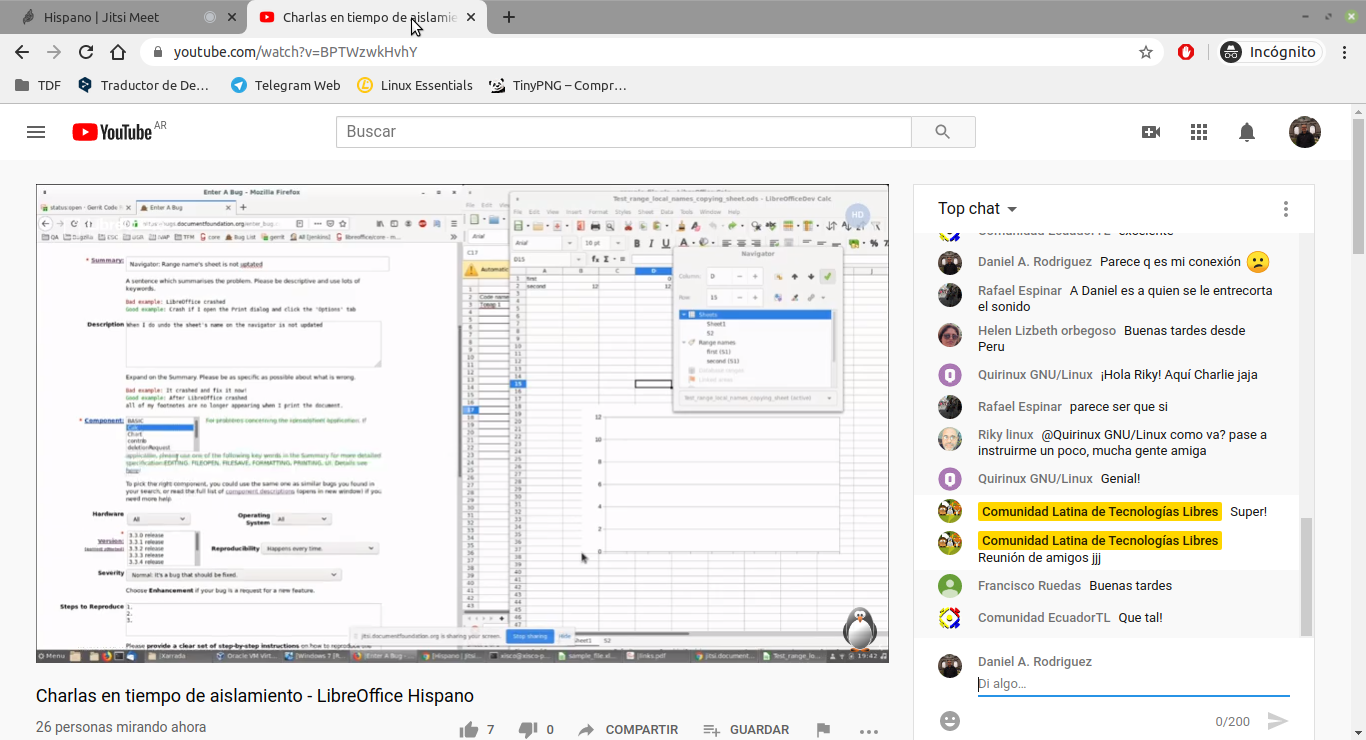
- Members of the Hispanic LibreOffice community met online to discuss documentation, macros, QA and other topics.
- Finally, later in the month we released LibreOffice 6.4.4. This is a regular maintenance release with almost 100 bug fixes and compatibility improvements.

Keep in touch – follow us on Twitter, Facebook and Mastodon. Like what we do? Support our community with a donation – or join us and help to make LibreOffice even better for everyone!
LibreOffice Tuesday T&T: Impress Presenter Screen
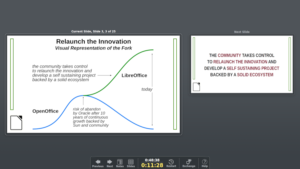 LibreOffice Impress is a valuable presentation software, with plenty of advanced features. One of the most liked by skilled presenters is the so called Presentation Screen, which shows the current and the next slide on screen, and the notes. It helps the presenter to maintain the rythm of the presentation, and to remember the details of the talk.
According to LibreOffice default configuration, the Presenter Screen shows only if the PC is connected to two displays. For some people this is a feature, for some others this is a bug. In fact, it is possible to launch the Presenter Screen instead of the Presentation Screen (full screen image of the slide), by following these instructions:
Open Expert Configuration via Tools > Options > LibreOffice > Advanced. Search for StartAlways. You should get the node org.openoffice.Office.PresenterScreen with line Presenter. Double-click that line to toggle the boolean value to true.
Once you have restarted LibreOffice Impress, when you launch the presentation either by hitting F5 or by choosing Slide Show > Start from First Slide, you will not only open the Presenter Screen but you will also launch a virtual Presentation Screen (which can even be shared or captured, if you are speaking at a virtual conference or recording a webinar or a talk).
Thanks to my fellow OSI BoD member Elana Hashman for suggesting the contents of this Tip & Trick with this blog post.
openSUSE + LibreOffice Conference 2020 Will Take Place Online
Organizers of the openSUSE + LibreOffice Conference, along with the project’s boards, have made the decision to change the conference to an online conference.
The uncertainty surrounding the COVID-19 pandemic and its effect on travel, conference planning, logistics and possibility for attendees to come to the event were reasons for shifting the event from a physical event to an online event.
Shifting the conference online is good news and the organisers intend to provide a great conference that is filled with insightful talks, technical presentations and sessions dedicated for those who want to socialise during the event. Using a video conferencing tool, attendees will learn about new technologies in openSUSE and LibreOffice and have the chance to chat to developers and ask questions. Communities involved in marketing, design, QA and other topics will be able to meet online, catch up and exchange ideas.
The Call for Papers (CfP) will remain open and people can continue to submit their talks until July 21. The submissions for the CfP will continue to take place on the Open Source Event Manager (OSEM) instance at https://events.opensuse.org. The collection of submissions will be organized in the OSEM tool, but the online event will take place on a different website site like the one recently used for the openSUSE Virtual Summit – https://opensuse.reqmagic.com. The platform works with Firefox, Chromium and other open-source browsers. The software leverages various APIs (YouTube, Dolby, etc) to enable a web-based service, which is entirely HTML5-based with no plugins required.
More information about the time frame and schedule of the conference will be made available soon.
Tracks
The following tracks can be selected when submitting talks related to openSUSE:
a) openSUSE
b) Open Source
c) Cloud and Containers
d) Embedded
The following tracks can be selected when submitting talks related to LibreOffice:
a) Development, APIs, Extensions, Future Technology
b) Quality Assurance
c) Localization, Documentation and Native Language Projects
d) Appealing Libreoffice: Ease of Use, Design and Accessibility
e) Open Document Format, Document Liberation and Interoperability
f) Advocating, Promoting, Marketing LibreOffice
Talks can range from easy to difficult, and there are 15 minute, 30 minute and 45 minute slots available.
Mini-summits
The openSUSE + LibreOffice Conference organizers would like to hear immediately from community members who would be interested in organizing mini-online summits to go along with the conference in their local language. The idea would be that the mini-online summits could reach greater audiences for communities that are willing to help with organizing it, as it happens for the monthly events organized by the LibreOffice Spanish speaking community. While the openSUSE + LibreOffice Conference will be done in English, the mini-online summits can be done in a local language. For languages spoken in several countries with active communities (for instance, French, German and Spanish), the efforts will have to be coordinated in order to involve all volunteers. For those who are interested, email ddemaio@opensuse.org with the subject “openSUSE + LibreOffice Conference Mini-Summit”.
How to submit a proposal
Please submit your proposal to the following website: https://events.opensuse.org/conferences/oSLO
- Create an account if you don’t already have one.
- Your proposal must be written in English and be no longer than 500 words.
- Please run spell and grammar checkers for your proposal before submission.
- Your biography on your profile page is also a reviewed document. Please do not forget to write your background.
- You must obey the openSUSE Conference code of conduct
- It is recommended that you use the slide deck of whatever organisation you choose to represent. The openSUSE slide decks are located at https://github.com/openSUSE/artwork/tree/master/slides and the LibreOffice slide deck is located at https://extensions.libreoffice.org/templates/libreoffice-presentation-templates
Guide to writing your proposal
Please write your proposal so that it is related to one or more topics. For example, if your talk is on security or desktop, it is better that it contains how to install that application or demo on openSUSE. Please clarify what the participants will learn from your talk: the introduction of main technology or software in your talk; and the main topic of your talk
We look forward to “meeting” you online at the conference!
500,000 Thanks
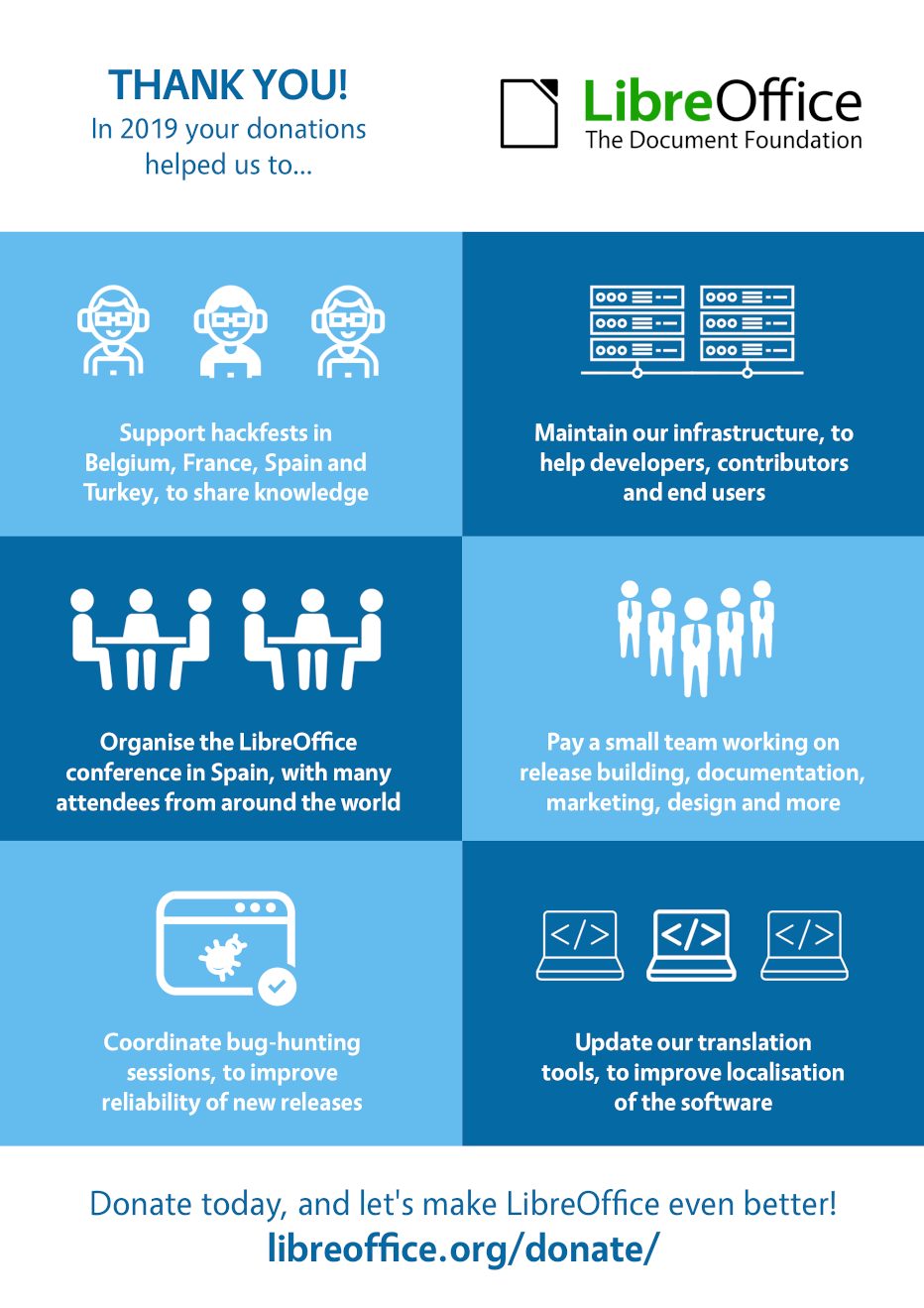
During the past weekend, we got the 500,000th donation since we started counting them, on May 1st, 2013. We are grateful to all the people who have donated, because they help all of us to keep the LibreOffice community growing and developing. The community has worked on translating LibreOffice in over 120 languages, closing the digital gap for many people who can only use LibreOffice in their native language and would otherwise be forced to use an office suite in English or in another foreign language.
Many donors have added a note to their donation, at the end of the process which starts on the following page: https://www.libreoffice.org/donate/. Here is a list of the most significant from people who have had to access documents stored in a proprietary document format, a unique LibreOffice feature based on libraries developed and maintained by the Document Liberation project, in English or translated into English.
 100% better than Office: keep up the good work.
Finally switched from OpenOffice!
Finally, something to open old Apple Works documents!
Great app. I can finally read old Word docs. Thanks soooo much.
I am using the software to convert my late father’s digital archive from an ancient version of MS Works to open formats.
I could not have created nameless numbers of documents without this suite, comfortably, between both a windows and a GNU+Linux environment. Thank you.
I needed a way to convert old WPS files and LibreOffice was the only thing I could find that did this without a lot of trouble. So: thanks!
Many thanks! At home I only use LibreOffice (and OpenOffice before that) and love it.
Payment for LibreOffice. Very glad this software exists! And much better than Microsoft Office or OpenOffice.
Thank you for a wonderfully capable system. I have recently discovered that I can load my deceased father’s WordPerfect files with ease.
Thank you for creating top level FOSS software. FOSS is the future and you do the work ground work for a better world.
Thank you for developing this. My business is close to going bust, otherwise I’d have given more, but it helped me open my old accounts in Apple Works. Good luck to you.
Thank you for LibreOffice. Installation was smooth and I could open and edit MS Excel. I will spread the news about this app (with donations of course).
Thank you for the office software. I am just a private user and am glad I am not forced to buy Microsoft products for the small amount of document I use.
Thank you so much for your wonderful product that has helped me open some really old Apple Works docs!
Thank you so much, I used this software at the university for about 6 years and it never let me down. You’re the best!
Thank you! Your program allowed me to convert some important family documents.
Thank you! This is the only program that really helps me properly read and format DOCX on my Mac.
Thanks for getting out from under Microsoft’s fat greedy thumb. Also, I was able to import all my old files without a hitch. Word, on the other hand, had problems with my old WPS files! You’ve really saved me a lot of grief. Thanks again.
 Thanks for the LibreOffice resource – I had given up hope of opening many old CWK documents.
User since before Sun acquired the code base, before OpenOffice was. Great continuation of great software. Happy I am able to support it and its developers.
Using LibreOffice I was able to open documents as old as from high school in 1984 (in MacWrite format, I believe)! Thank you so much! I thought they were lost to time.
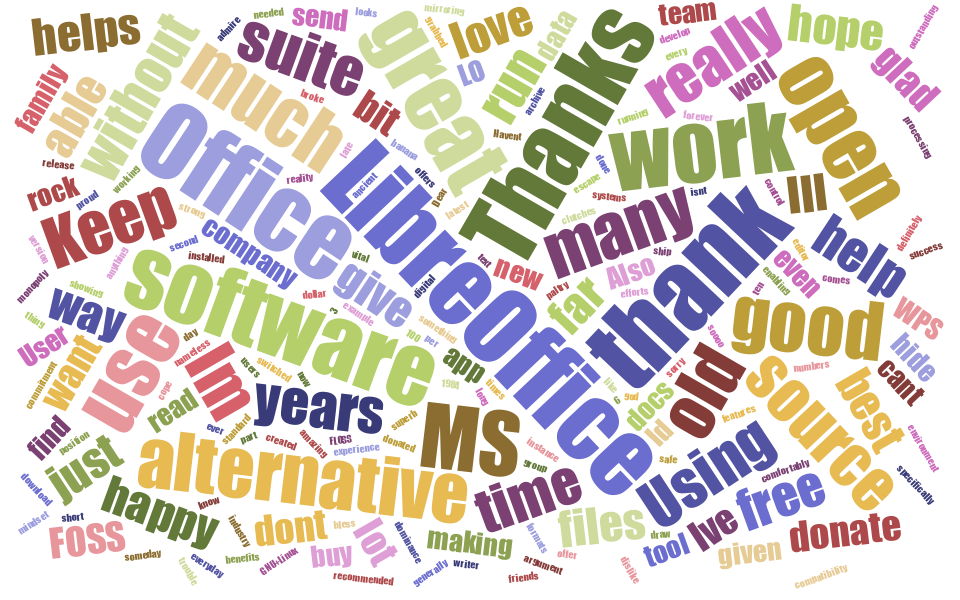
And this is the word cloud generated with the thousands of notes left by our generous donors, to give a flavour of the contents of the different messages. As you can see, recurring terms – size is determined by the number of occurrences – are “thank”, “open”, “alternative”, “good”, “great”, “much”, “work”, etc.