Sunday Marketing #3

Google Trends is a service which compares end user searches for specific terms, and as such is a useful marketing tool to get some insight on the awareness of LibreOffice in comparison with other applications. I have compared the five alternatives to the leading office suite during the last 12 months: LibreOffice is leading, followed – as expected – by OpenOffice and WPS Office. LibreOffice is also leading in term of geographical coverage.

LibreOffice community focus: QA (quality assurance)

With LibreOffice 6.0 due to be released at the end of the month, we’ve been talking to various communities involved in the project. In the last couple of weeks, we’ve chatted with the localisation and documentation teams, and today it’s the turn of QA (quality assurance), which is coordinated by Xisco Fauli

What has the QA community been working on in preparation for LibreOffice 6.0?

During the development of LibreOffice 6.0, three Bug Hunting Sessions were held (6.0 Alpha1, 6.0 Beta1 and RC1), the last one just two weeks ago. There was also a parallel event organized by Muhammet Kara in Ankara, where volunteers gathered to test LibreOffice 6.0 RC1. Besides that, the QA team is constantly testing the latest daily builds, testing new features, and triaging the bugs reported on Bugzilla.

What are your favourite new features in this release?

That’s a difficult question, especially taking into account all the improvements done in this release to LibreOffice Android Viewer, to LibreOffice Online or the work done by the Google Summer of Code students among others. But if I had to choose one, I think I’d go for the characters dialog refactoring done by Akshay Deep and the UX (user experience) team, as this is probably the feature I will use the most in the near future. Here’s how it looks:

What tools and services do you use in the QA community?

A very handy tool recently completed by Markus Mohrhard is the automated updater for Windows and Linux, which allows the QA team to test daily builds without having to manually download the latest build every time.

This is very practical as testers no longer need to worry about constantly updating to the latest build, and can focus more on testing the program instead, assured that they are testing changes done to the code just the day before.

This tool was presented at the beginning of the LibreOffice 6.0 development cycle, and I believe it will have a very positive impact on the quality of 6.0 as it shortens the time between a problem being introduced in the code, and the time it’s found.

Another tool we’ve been using for some time now is the bibisect repositories, which allow us to find the exact code commit where a bug was introduced, increasing the chances that the bug gets fixed and reducing the time until it gets fixed.

Another tool which is fulling working now is a set of scripts called office-interoperability-tools that we use to automatically find document layout regressions in the master code branch compared to other office suites (in our case we use MS Office). Right now we use it with 8,450 files, and I believe it will also have a positive impact on the quality of LibreOffice 6.0.

Finally, it’s important to mention the main tool used in QA, Bugzilla, the place where all bugs are reported and triaged. Then there’s the wiki page where the QA documentation can be found, and testlink, the application to manage manual tests.

Finally, how can people get involved with the QA community?

The’re many ways one can help LibreOffice QA. Probably the simplest one would be: download the latest pre-release build (LibreOffice 6.0 RC2 as of today), install it and use it as you would use LibreOffice in your daily basis (but take into account it’s still a pre-release, so it’s not recommended to use it with important documents). If you find anything working incorrectly, please report it to Bugzilla.

On the other hand, if you prefer to follow a set of manual tests, you can use testlink (see the documentation for that. We also need help to triage bugs that are not-yet-confirmed, or retest old bugs to see if they might have been fixed.

Lastly, if you’re looking for something especially exciting things to do, you can help us to test daily builds, bisect bugs or write UI-tests. Don’t hesitate to join the #libreoffice-qa channel and say hello. We’ll be grateful to help you with any question or problem you have!

Much gratitude to Xisco and the diligent QA community for helping to make LibreOffice 6.0 a solid release. Their efforts are appreciated by users across the world. Next up, we talk to the design and development communities – more on this blog very soon…

Sunday Marketing #2

In 2017, The Document Foundation has announced the availability of a Dashboard, based on data gathered from several development-related repositories. It is a very useful resource for marketing, as it can be configured to provide either an overview of the project or several detailed charts which can be used to get a more precise picture of what has happened in term of commits, committers, organizations, and issues. The time span covered by the dashboard can be set by the user, from days to years.

The three histograms show trends related to commits, committers and organizations during the last 12 months (clicking on the thumbnails will open a large image, easier to read).

Commits and committers show a rather stable trend, which confirms the maturity of the project. The very few lows in commits are either seasonal or related to the LibreOffice Conference, when core developers are spending most of their time on knowledge sharing rather than on code hacking.

The organizations’ histogram adds the affiliation bit to commits. Collabora, Red Hat and independent volunteer developers (marked as “unknown” in the legend) are the three largest group of contributors, followed by CIB and SIL. Of course, we would like to see more contributions from developers paid by large organizations deploying LibreOffice for personal productivity.

The following four thumbnails show the dashboard home configured for the following time intervals: 2 years, 1 year, 6 months and 90 days. They provide some interesting insights.

Sunday Marketing #1

Starting from today, we launch a weekly blog post focused on marketing topics. We will try to provide ammunition to community members advocating LibreOffice and the Open Document Format, and food for thought to people still trying to understand the viability of FOSS on the desktop.

Let’s start with some numbers about LibreOffice.

Although LibreOffice defect density score – according to Coverity Scan – has been around 0.00 per 1,000 lines of code for ages, we should never forget that it is the outstanding result of the commitment to quality of LibreOffice developers (and we should always mention it with pride when we present the software).

The bulk of the activity related to Coverity Scan weekly reports is under the responsibility of Red Hat developers, but we cannot forget that the result is related to the quality of the entire development process. Of course, LibreOffice – as any other software – is not immune from bugs and regressions, but improvements with every new version have been acknowledged by both enterprise and individual users.

Let’s have a look at development numbers provided by OpenHub. During the last 12 months (2017) there have been 15,389 commits by 244 contributors, and during the last 30 days (December 2017) there have been 1,334 commits by 88 contributors. The chart on the left shows that during the last three years the monthly number of contributors has been rather stable, with highs close to 100 and lows close to 75.

After Coverity Scan and OpenHub, which are independent sources, next week we will analyze an internal tool for the analysis of development-related information: TDF Dashboard.

LibreOffice community focus: Localisation

LibreOffice 6.0 is due to be released at the end of this month (or in early February), and you can learn about the changes in on the wiki. Closer to the release, we’ll make a short video showing off the new features in action. But as we head towards LibreOffice 6.0, we want to hear from the many communities that have contributed to this version. We start off by talking to Sophie Gautier, who has been working with the localisation community to make the software available in as many languages as possible…

What has the localisation community been doing in preparation for LibreOffice 6.0?

Each time a developer makes a change to the user interface (UI), that means some work for the localisation team, both in terms of the UI itself and the help system. And our UX/Design team has been very busy moving menu entries, designing new dialogs and making new toolbars – so all this work ends up in the hands of the translation team.

Once we have finished the translations of the suite, we have to check that our translations are correct. Sometimes, the localisation process means that you’re translating out of context, with very poor references for where you are in the interface.

Then, there are also press release preparations, new features pages for the website, videos, and all the work done by the marketing team that we have to translate and adapt to our languages, to cover the LibreOffice 6.0 launch.

What are your favourite new features in this release?

I’m not sure I have a preferred one – I’m just always amazed by the work done by the community at each level. I’m very grateful for it, but to name a few: I like the new and easy way to customise the UI, OpenPGP signing of documents, and the work done to modernise the help system.

What tools and services do you use in the localisation community?

Most of the teams use Pootle as an online tool for translations. Some other teams use Pootle as a repository for their files, but also use a computer-assisted translation tool (like OmegaT) to work on the files. Some others don’t use Pootle as a
repository and commit their files directly to Gerrit. We want our teams to be able to use the tools they like the best to translate.

To search for the strings in the source code and get some context (which dialog the string is in, other strings in the dialog, accelerators, etc.) we use OpenGrok which is a simplified web interface for browsing the code.

Finally, how can people get involved with the localisation community?

If a language team already exists, it’s best to contact them directly (the address can be found on our wiki). If none exists, then the best way is to ask on l10n@libreoffice.org for the creation of the language – both in LibreOffice itself, and on Pootle. We will help the newcomers with the first steps in localisation.

Also, Yousuf Philips has written a script that categorises and references the most important strings to translate at the beginning. This shows what is most visible in the interface, and will be of the most help for the users.

Thanks Sophie for that overview – and indeed, a hearty thanks to the whole localisation community for their great help with preparing LibreOffice 6.0. Over the next couple of weeks, we’ll be talking to other communities in the LibreOffice project, so stay tuned to the blog…

LibreOffice 5.4.4 available for download

Berlin, December 20, 2017 – The Document Foundation (TDF) announces LibreOffice 5.4.4, the fourth minor release of LibreOffice 5.4 family, one month before the major announcement of LibreOffice 6.0. Although it still represents the bleeding edge in term of features, conservative users and enterprises can start the update process from their current LibreOffice 5.3 implementation.

TDF suggests to conservative users and enterprises to deploy LibreOffice with the backing of certified developers, migrators and trainers (an updated list is available at https://www.libreoffice.org/get-help/professional-support/). This is extremely important for the growth of the LibreOffice ecosystem.

LibreOffice 5.4.4 includes over 80 bug and regression fixes. Technical details about the release can be found in the change logs: https://wiki.documentfoundation.org/Releases/5.4.4/RC1 (fixed in RC1) and https://wiki.documentfoundation.org/Releases/5.4.4/RC2 (fixed in RC2).

Download LibreOffice

LibreOffice 5.4.4 is immediately available for download at the following link: https://www.libreoffice.org/download/download/.

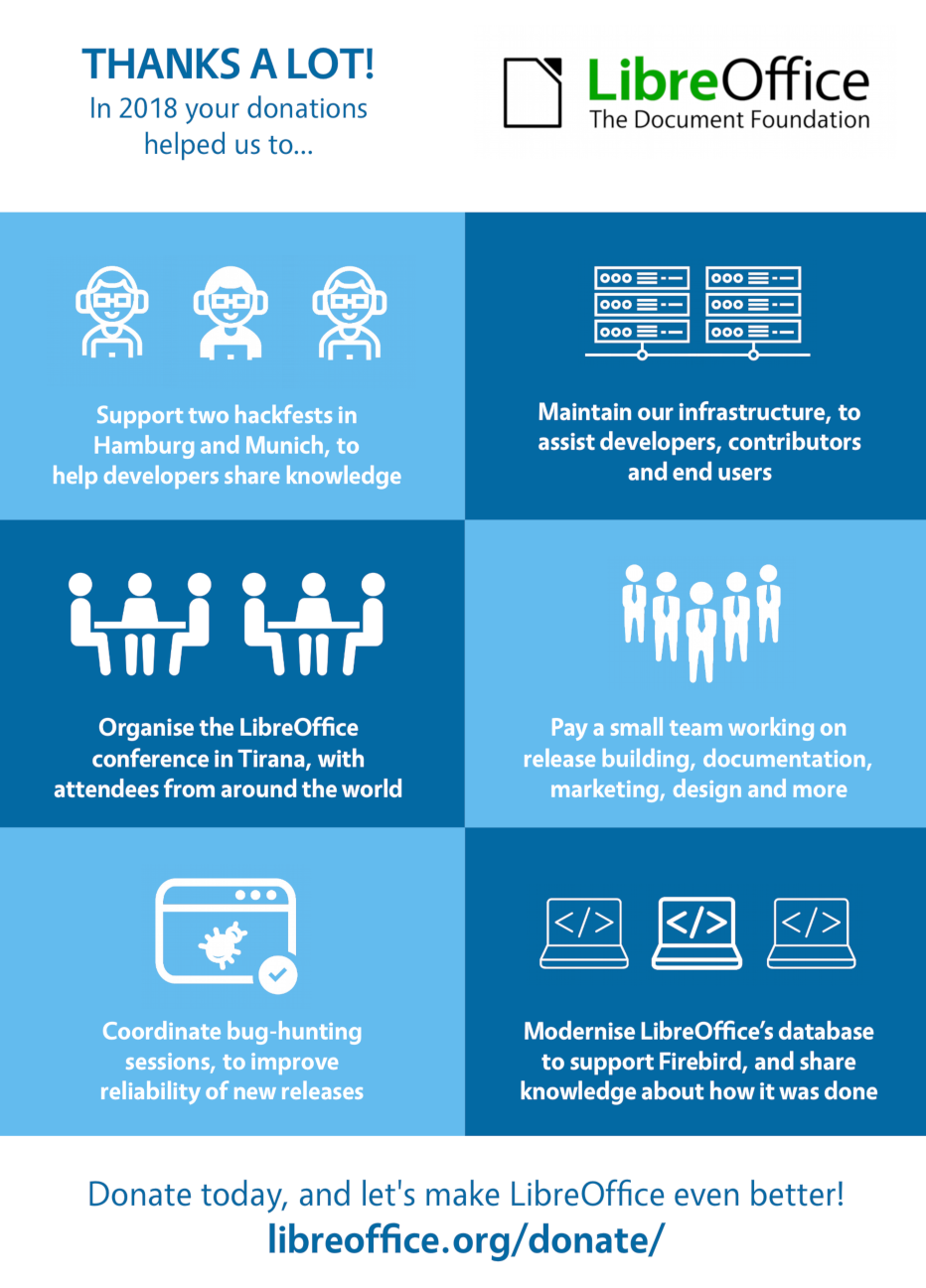
LibreOffice users, free software advocates and community members can support The Document Foundation with a donation at https://www.libreoffice.org/donate/. Donations help TDF to maintain its infrastructure, share knowledge, and fund the presence of volunteers at events like FOSDEM, where they can meet with free software advocates coming from all of Europe.

Several companies sitting in TDF’s Advisory Board (https://www.documentfoundation.org/governance/advisory-board/) provide either value-added LTS versions of LibreOffice or consultancy services for migrations and training, based on best practices distilled by The Document Foundation.