Berlin, 31 January 2024 – LibreOffice 24.2 Community, the new major release of the free, volunteer-supported office suite and the first to use the new calendar-based numbering scheme (YY.M), is now available at https://www.libreoffice.org/download for Windows (Intel, AMD and ARM), macOS (Apple and Intel) and Linux. The new numbering scheme will help users keep their LibreOffice installation up to date.
LibreOffice is the only open source personal productivity office suite with a feature set comparable to the leading product on the market. It also offers a range of interface options to suit different user habits, from traditional to modern, and makes the most of different screen form factors by optimising the space available on the desktop to put the maximum number of features just a click or two away.
The biggest advantage of LibreOffice over any other office suite is the LibreOffice Technology engine, a single software platform for all environments: desktop, cloud and mobile. This infrastructure allows LibreOffice to offer a better user experience and, most importantly, to produce identical – and perfectly interoperable – documents based on the two available ISO standards: the Open Document Format (ODT, ODS and ODP) for users concerned about compatibility, resilience and digital sovereignty and the proprietary Microsoft OOXML (DOCX, XLSX and PPTX).
Highlights of LibreOffice 24.2 Community
GENERAL
- Save AutoRecovery information is enabled by default, and is always creating backup copies. This reduces the risk of losing content for first-time users who are unfamiliar with LibreOffice settings.
- Fixed various NotebookBar options, with many menu improvements, better print preview support, proper resetting of customised layout, and enhanced use of radio buttons. This improves the experience for users familiar with the Microsoft Office UI.
- The Insert Special Character drop-down list now displays a character description for the selected character (and in the tooltip when you hover over it).
WRITER
- “Legal” ordered list numbering: make a given list level use Arabic numbering for all its numeric portions.
- Comments can now use styles, with the Comment paragraph style being the default. This makes it easier to change the formatting of all comments at once, or to visually categorise different types of comments.
- Improved various aspects of multi-page floating table support: overlap control, borders and footnotes, nesting, wrap on all pages, and related UI improvements.
CALC
- A new search field has been added to the Functions sidebar deck.
- The scientific number format is now supported and saved in ODF: embedded text (with number format like ###.000 E0); lower case for exponent (with number format like ###.000e0); exponent with empty ‘?’ instead of ‘0’ (with number format like 0.00E+?0).
- Highlight the Row and Column corresponding to the active cell.
IMPRESS & DRAW
- The handling of small caps has been implemented for Impress.
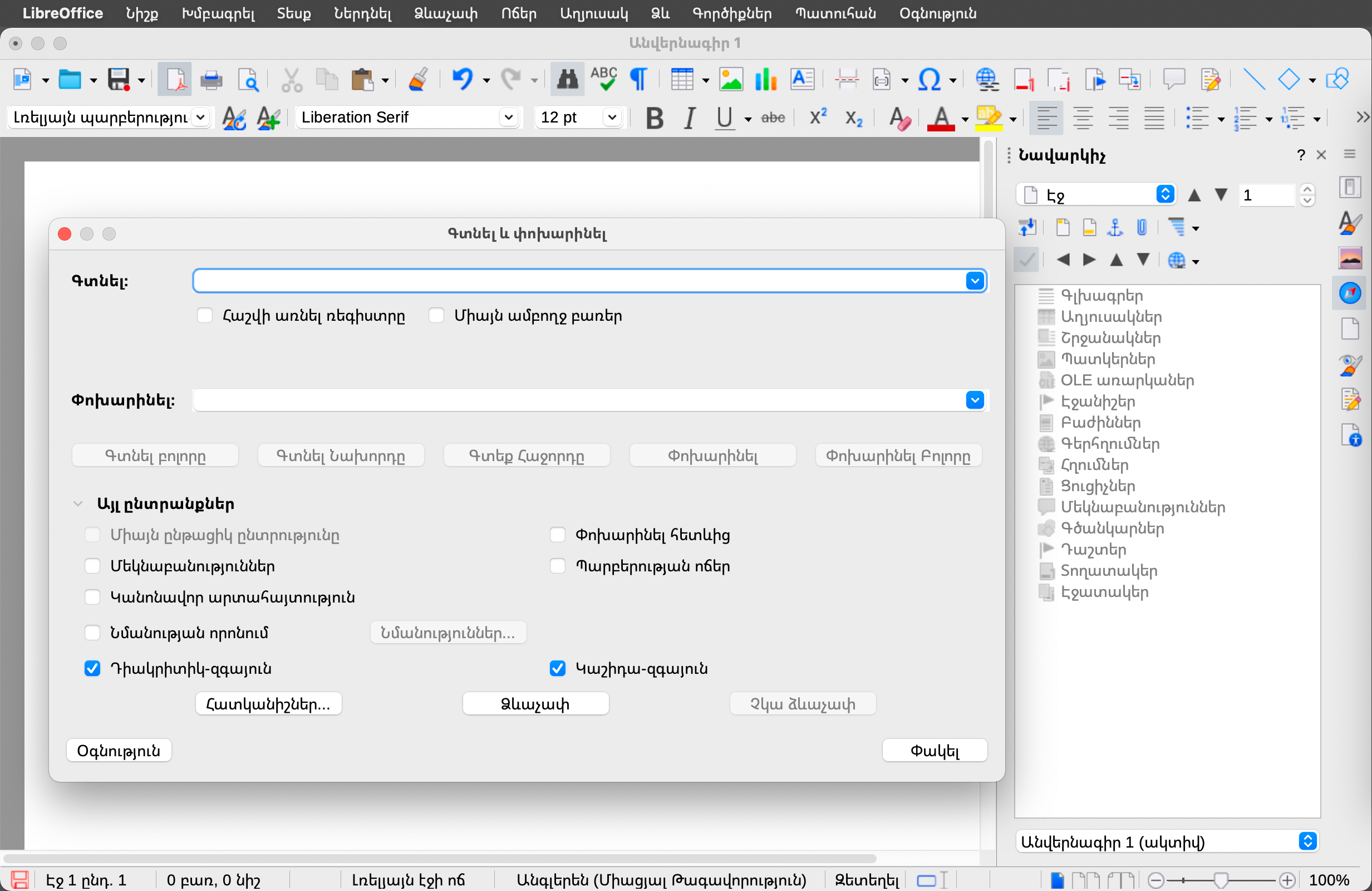
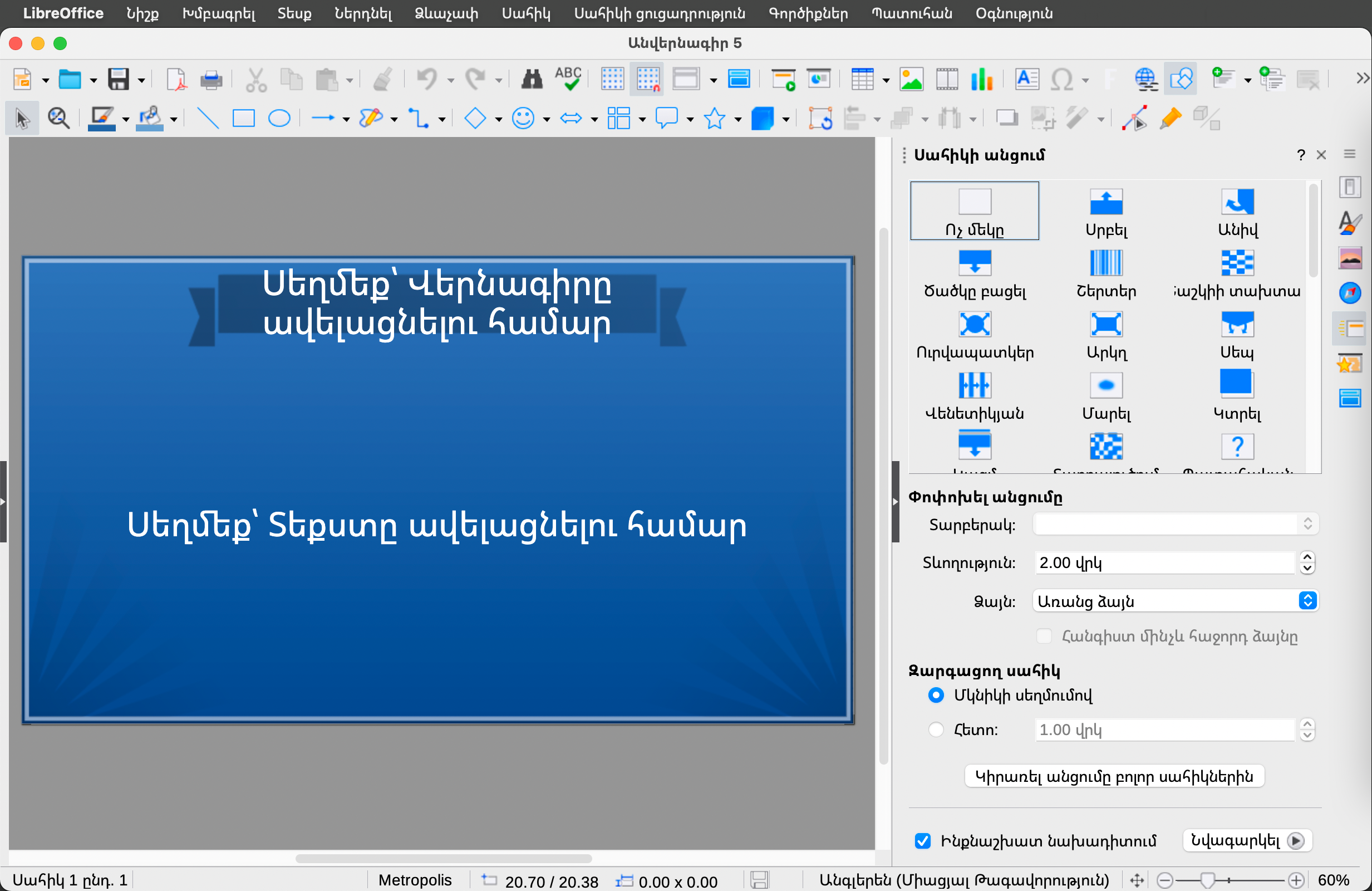
- Moved Presenter Console and Remote control settings from Tools > Options > LibreOffice Impress to Slide Show > Slide Show Settings, with improved labelling and dialogue layout.
- Several improvements and fixes to templates: added and improved placement of various placeholders; fixed order of slides; made fonts and formatting consistent; fixed styles and their hierarchy; improved ODF compliance; made it easier to use templates in languages other than English; fixed use of wrong fonts for CJK and CTL.
ACCESSIBILITY
- Several significant improvements to the handling of mouse positions and the presentation of dialogue boxes via the Accessibility APIs, allowing screen readers to present them correctly.
- Improved management of IAccessible2 roles and text/object attributes, allowing screen readers to present them correctly.
- Status bars in dialogs are reported with the correct accessible role so that screen readers can find and report them appropriately, while checkboxes in dialogs can be toggled using the space bar.
SECURITY
- The Save with Password dialogue box now has a password strength meter. This uses zxcvbn-c to determine the password strength.
- New password-based ODF encryption that performs better, hides metadata better, and is more resistant to tampering and brute force.
- Clarification of the text in the options dialogue box around the macro security settings, so that it is clear exactly what is allowed and what is not.
A full description of all the new features can be found in the release notes [1].
 Contributors to LibreOffice 24.2 Community
There are 166 contributors to the new features of LibreOffice 24.2 Community: 57% of code commits come from the 50 developers employed by three companies on the TDF Advisory Board – Collabora, allotropia and Red Hat – or other organisations, 20% from 8 developers at The Document Foundation, and the remaining 23% from 108 individual volunteers.
An additional 159 volunteers have committed to localisation in 160 languages, representing hundreds of people providing translations. LibreOffice 24.2 Community is available in 120 languages, more than any other desktop software, making it available to over 5.5 billion people worldwide in their native language. In addition, over 2.4 billion people speak one of these 120 languages as a second language (L2).
LibreOffice for Enterprises
For enterprise-class deployments, TDF strongly recommends the LibreOffice Enterprise family of applications from ecosystem partners – for desktop, mobile and cloud – with a wide range of dedicated value-added features and other benefits such as SLAs: https://www.libreoffice.org/download/libreoffice-in-business/.
Every line of code developed by ecosystem companies for their enterprise customers is shared with the community on the master code repository and improves the LibreOffice Technology platform.
Products based on LibreOffice Technology are available for all major desktop operating systems (Windows, macOS, Linux and ChromeOS), mobile platforms (Android and iOS) and the cloud.
Migrations to LibreOffice
The Document Foundation has developed a migration protocol to help companies move from proprietary office suites to LibreOffice, based on the deployment of an LTS (long-term support) enterprise-optimised version of LibreOffice plus migration consulting and training provided by certified professionals who offer value-added solutions consistent with proprietary offerings. Reference: https://www.libreoffice.org/get-help/professional-support/.
In fact, LibreOffice’s mature code base, rich feature set, strong support for open standards, excellent compatibility and LTS options from certified partners make it the ideal solution for organisations looking to regain control of their data and break free from vendor lock-in.
Interoperability with Microsoft Office
LibreOffice 24.2 offers a host of improvements and new features aimed at users who share documents with or migrate from MS Office, building on the advanced features of the LibreOffice Technology platform for personal productivity on desktop, mobile and in the cloud. These users should check new releases of LibreOffice frequently, as progress is so rapid that each new version dramatically improves upon the previous.
A few of the most significant improvements:
- Writer: improved first page headers/footers OOXML import by using the first page property in the existing page style instead of creating a new page style just for the first page.
- Writer: templates optimised for Japanese text added to the Localisation category to improve interoperability with Microsoft Word for Japanese users.
- Writer: import of “drawing canvas” from DOCX documents, with connectors no longer imported as simple shapes but as true connectors, primitive shapes like ellipses imported as OOXML shapes (text inside the shape can now wrap), and multicolour gradients, theme colours and glow effects for shapes.
- OOXML: support for the SVG OOXML extension, which imports the SVG image (svgBlip element) instead of the fallback PNG, and exports the SVG image in addition to the fallback PNG image used when the svgBlip element is not supported (older MS Office versions).
LibreOffice offers the highest level of compatibility in the office suite market, from native support for the Open Document Format (ODF) – which beats proprietary formats in terms of security and robustness – to superior support for MS Office files, as well as filters for a wide range of legacy document formats.
Microsoft files are still based on the proprietary format deprecated by ISO in 2008, rather than the ISO-approved standard, so they hide a great deal of artificial complexity. This creates problems for users who are confident that they are using a true open standard.
 Availability of LibreOffice 24.2 Community
The LibreOffice 24.2 Community is available at https://www.libreoffice.org/download/. Minimum requirements for proprietary operating systems are Microsoft Windows 7 SP1 and Apple MacOS 10.15. Products based on LibreOffice Technology for Android and iOS are listed here: https://www.libreoffice.org/download/android-and-ios/.
For users who don’t need the latest features and prefer a version that has undergone more testing and bug fixing, The Document Foundation maintains the LibreOffice 7.6 family, which includes several months of back-ported fixes. The current release is LibreOffice 7.6.4 Community.
The Document Foundation does not provide technical support for users, although they can get it from volunteers on user mailing lists and the Ask LibreOffice website: https://ask.libreoffice.org
LibreOffice users, free software advocates and community members can support the Document Foundation by making a donation at https://www.libreoffice.org/donate.
[1] Release Notes: https://wiki.documentfoundation.org/ReleaseNotes/24.2
Press Kit
Download link: https://nextcloud.documentfoundation.org/s/i4LtiHDBbwJa9Cs

 Berlin, November 23, 2023 – LibreOffice 7.6.3 Community, the third minor release of the 7.6 family of the volunteer-supported free office suite for Windows (Intel/AMD and ARM processors), macOS (Apple and Intel processors) and Linux is now available from