2021 is ending, so let’s recap our achievements and look forward for 2022. It has been a very tough year for all of us in our professional or personal matters, and for sure worsened by the persisting pandemic, even with the release of the COVID vaccines.
But this year was a great documentation year after all. We closed the gap between the LibreOffice major releases, and the update of the corresponding User Guides. By the year end, we will have all of our version 7 guides updated to the LibreOffice release 7.2, and ready to continue for the forthcoming release – 7.3 – due in early February 2022. The goal of tracking the software release closely was achieved, and now we are in a steady state of small updates between releases.
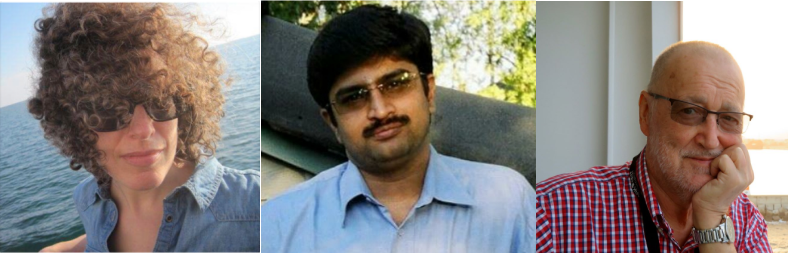
The updates and enhancements of the guides was an effort of all the team, coordinated by Jean Weber (Writer and Getting Started Guide), Steve Fanning (Calc and Base guides), Peter Schofield (Impress and Draw guides), Rafael Lima (Math guide). A number of volunteers also worked in each guide by writing and reviewing contents and suggesting improvements. A special thank to Jean Weber for making the guides available for sale on paper by Lulu Inc. The sad note of the year was the passing of Drew Jensen, a prominent member of the LibreOffice community for many years, and a documentation volunteer.

In the last quarter – thanks to The Document Foundation’s budget – some master documents bugs were fixed under contract by Michael Stahl of Allotropia, and now we can safely assemble our guides with master documents, and produce PDFs with hidden sections and correct navigation indexes in PDF readers.
Our documentation community also had a nice contribution of Jean Pierre Ledure, Alain Romedenne and Rafael Lima, for the development of the ScriptForge macro library, in synchronization with the much-needed Help pages on the subject, a practice rarely followed by junior developers of LibreOffice. As we know, undocumented software is software that’s lacking; features that are unknown to the user can be a cause of costly calls to the Help Desk in corporate deployments. ScriptForge developments came together with its documentation, a proof of the ScriptForge team’s professional maturity.
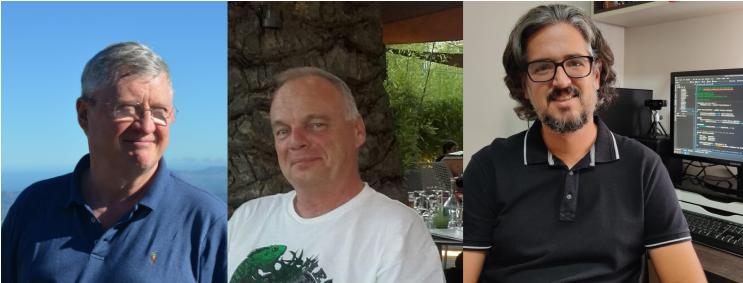
Special thanks to Steve Fanning for his leadership of the Calc Functions wiki pages maintenance. The wiki pages were initially developed by Ronnie Gandhi in 2020 under the Google Season of Docs programme, and are now run by Steve, providing richer content about the functions, with better descriptions, new examples, and other reference information. The in-depth review of the Calc Function wiki pages gave very good feedback for the Help pages, which also lead to Help improvements. The Calc functions wiki pages are available for translation, thanks to the dedication of Ilmari Lauhakangas.
Very important as well: we also had a team of Help page bug smashers, closing Help documentation bugs and gaps, fixing typos and improving quality, a must-have update to keep LibreOffice in-shape for its user base. Our Help pages, which are part of the LibreOffice code, have also been refactored continuously for better maintenance and code readability. The L10N team of volunteers (localization and translators) were quick in flagging typos and English mistakes – while translating the Help and the User Interface.
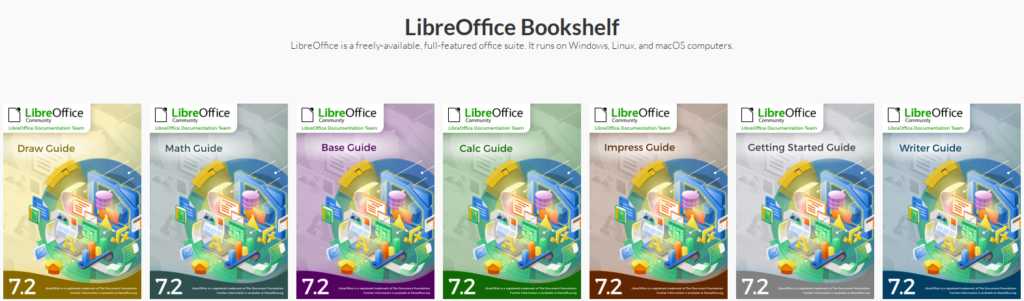
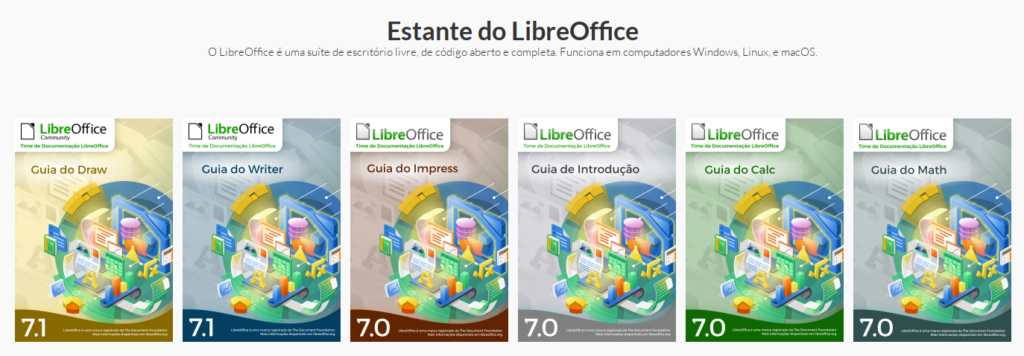
In 2021 we also launched the LibreOffice bookshelf, another download page for LibreOffice guides that, different from the current documentation.libreoffice.org server page, the bookshelf can be cloned and installed in organizations, libraries, colleges and schools, for immediate availability in controlled environments, as well as online reading of the guides. The ODF chapters were transformed into static HTML pages and are ready to display on computers, tablets and cell phones, bringing LibreOffice user guides closer to its public, anywhere, anytime. The conversion process is extensive and has been addressed in the LibreOffice 2021 Conference. It was also extended to the Portuguese translation of the guides, and can easily extended for other languages. Note: converting ODF documents into web pages is far beyond a simple export to HTML.
2022
For 2022, besides keeping the guides updated with the software releases and our wiki pages, we can elaborate on new projects and enhancements.
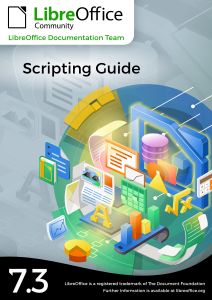
In the last couple of years, from reading users’ questions and feedback on TDF’s communication channels (mailing lists, Telegram channels, Ask LibreOffice and more), it became clear that the user community is permanently asking for support in writing macros for automating documents and converting from other suite macros. This calls for a new guide, probably a Scripting Guide for which contents shall address the use of the scripting languages by the casual user. The project is under construction and is open to editorial guidelines.
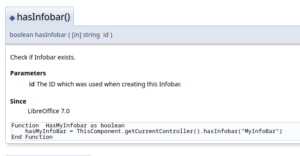
In the same direction of script documentation, the LibreOffice API documentation – created by automated tools – is excessively directed at skilled programmers, and falls short in readability, especially for the casual macro programmer. The project under construction is to illustrate the API pages with code snippets, as much as possible – a task suitable for newcomers and would-be programmers.
The bookshelf project shall be enhanced with new guide releases, new languages, and also demand for upstream control of the guide chapter formatting. Under discussion in the documentation team call meetings, it is interesting to write some sanity checks scripts for chapters compliance to the template, remove of unlisted styles, cleaning of direct formatting, object anchoring and more. These checks are important because the same visual output can be the result of very different techniques.
Seasons Greetings!