One week ago, we announced LibreOffice 26.8, our brand new major update. It’s full of new features, and has many improvements to compatibility and performance too. So, what has happened in the week since then? Let’s check out some statistics…
1,031,162 downloads
This is the highest number of downloads in the first week of any LibreOffice release! These are just stats from our official downloads page, of course – many Linux users will have acquired the new release via their distribution’s package repositories.
50,061 views, shares and likes on social media
Combining our Mastodon, Bluesky, X/Twitter (not used so much now) and Facebook posts about the announcement, and all the likes, shares, views and comments, we get over 50,000. Thanks to everyone who spread the word on social media! 😊
20,918 video views
Our “LibreOffice 26.8 – New Features” video (shown below), has subtitle translations in 32 languages, thanks to our worldwide community, who localised the video on this page. (The video is also available on PeerTube.)
Please confirm that you want to play a YouTube video. By accepting, you will be accessing content from YouTube, a service provided by an external third party.
Here’s our summary of updates, events and activities in the LibreOffice project in the last four weeks – click the links to learn more…
We released LibreOffice 26.8, our latest major update, with tabbed UI improvements, professional typography, deeper support for the world’s writing systems, and no built-in artificial intelligence.
To accompany the release, we made a video showcasing some of the user-facing new features – with subtitle translations in 25 languages, thanks to our worldwide community! (The video is also available on PeerTube.)
Please confirm that you want to play a YouTube video. By accepting, you will be accessing content from YouTube, a service provided by an external third party.
If you accept this notice, your choice will be saved and the page will refresh.
Meanwhile, the Austrian Military (Bundesheer) has moved 16,000 PCs from Microsoft Office to LibreOffice – and we talked to the people behind the migration, to find out how they did it. Check out part 1 and part 2 of the interview.
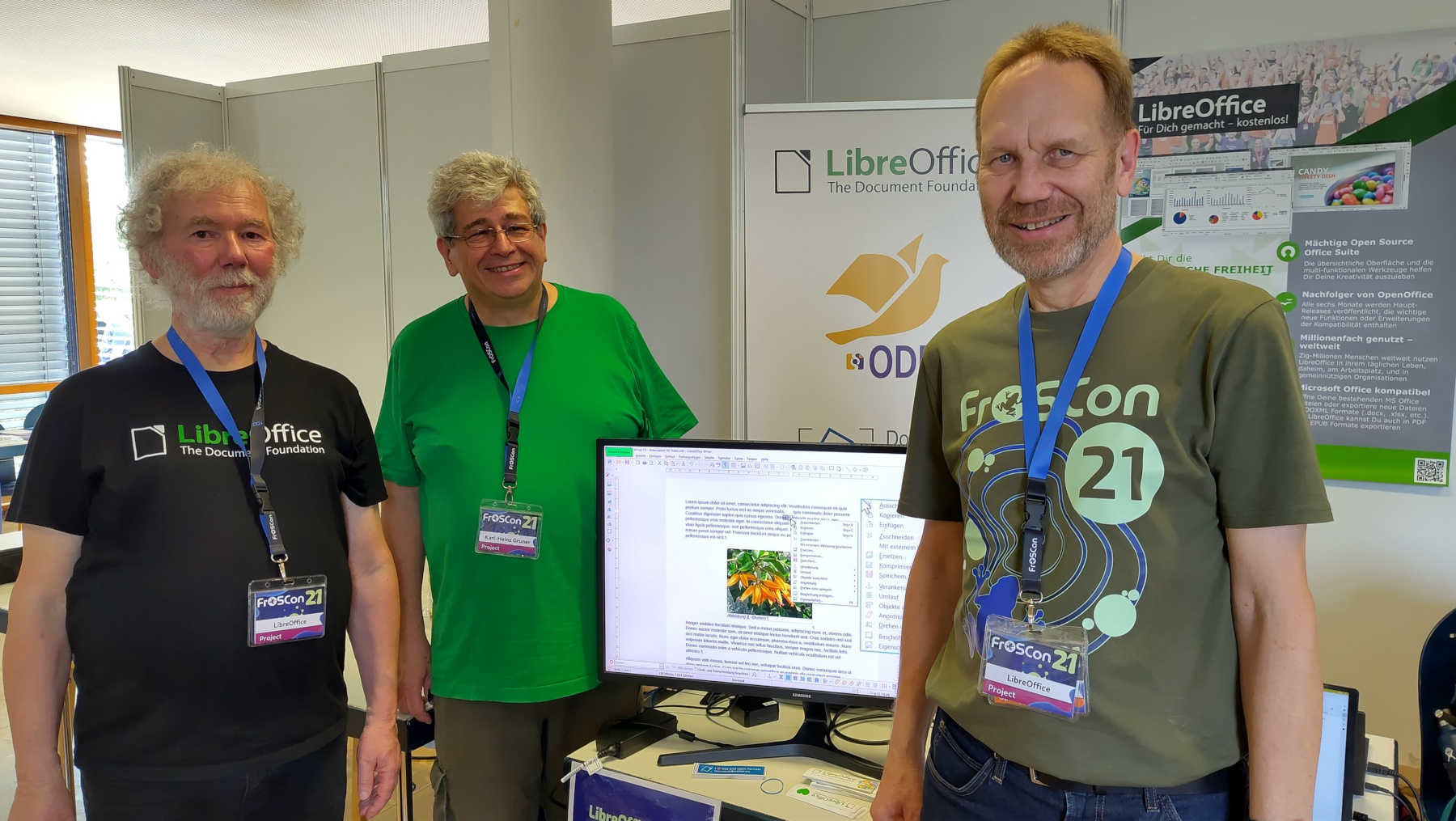
Then we talked to Karl-Heinz Gruner from the German-speaking LibreOffice community about his activities in the project.
Extensions add extra features to LibreOffice, and we talked to Bora Yarkın about a new one which lets you control a LibreOffice Impress presentation from your phone or any other device with a modern web browser.
There’s a lot of talk about “Digital Sovereignty” – but what does that actually mean? One vital part is an open document platform – like ODF.
LibreOffice is a worldwide project made up of hundreds of people: volunteers, developers at ecosystem companies, and the 18-person team at The Document Foundation (the non-profit entity that coordinates the project and community). What has the team been working on recently? Check this post to find out.
How is LibreOffice funded? The vast majority of funding comes in the form of donations – mostly from end-users, but also occasionally from companies and organisations that use LibreOffice.
On August 26 we released LibreOffice 26.8. Here’s a video highlighting some of the user-facing new features and improvements, with subtitle translations in over 25 languages, thanks to our worldwide community! (Note: the video is also available on PeerTube.)
Please confirm that you want to play a YouTube video. By accepting, you will be accessing content from YouTube, a service provided by an external third party.
My name is Rohan. I am currently in Berlin, Germany, and my background is in mechanical engineering and I have a master’s degree in sustainable mobility and robotics. I recently worked on my master’s thesis, where I used LibreOffice closely on macOS. That experience actually played a big role in bringing me closer to the project.
Outside of my academic and technical work, I am interested in open source software, mobility, robotics, and learning how large software projects are built and maintained. Contributing to LibreOffice has been a very new and rewarding experience for me, because I did not come from a traditional software engineering background.
What are you working on in the LibreOffice project right now?
At the moment, I am exploring macOS-related development work, especially around OfficeBean and native window handling. One of the issues I have been looking into is adding macOS support for OfficeBean, which involves understanding how Java AWT, native macOS views, and LibreOffice’s VCL layer interact.
So far, my merged contributions have mostly been in the LibreOffice core repository, around C++ cleanup, refactoring, and modernisation. These include:
tdf#143148: Replace include guards with #pragma once
Some of my other patches have not been merged, but they still helped me learn a lot about the codebase, Gerrit, code review, and how to communicate with reviewers.
I also contributed to the developer documentation by adding macOS-related LCOV information to the Development/LCOV wiki page. I wanted to document what I learned so that other macOS contributors could have a clearer path when using coverage tools.
Why did you choose to become a TDF member?
I chose to become a TDF member because LibreOffice has personally helped me a lot, especially during my master’s thesis. While using it closely, I noticed bugs and small rough edges, and that made me curious about how such issues are reported and fixed.
After attending the LibreOffice Conference in Budapest, I became much more interested in the community behind the project. I saw how welcoming and serious the community is about open standards, user freedom, and long-term software sustainability.
For me, becoming a TDF member is a way to give back to a project that supported my own academic work. It is also a way to stay connected with the community and keep learning from people who have much more experience in open-source development.
Anything else you plan to do in the future? What does LibreOffice really need?
In the future, I would like to continue improving my understanding of LibreOffice’s core codebase, especially in areas related to C++, macOS, VCL, and developer tooling. I am still learning, so I want to take on tasks step by step and contribute in a way that is useful and maintainable.
I think LibreOffice really benefits from better onboarding paths for new contributors, especially people who are not coming from a pure computer science background. The codebase is large and can feel intimidating at first, so documentation, mentoring, and small well-described tasks are very important.
LibreOffice also needs continued attention on platform-specific issues, including macOS, because many users depend on it every day across different environments. Even small improvements can make a big difference for users.
For me, contributing to LibreOffice has been both a technical learning journey and a way to give back. I really appreciate the patience and support of the community, because it has helped me ask better questions, understand code review better, and gradually become more confident as a contributor.
Please confirm that you want to play a YouTube video. By accepting, you will be accessing content from YouTube, a service provided by an external third party.
LibreOffice is a worldwide project made up of hundreds of people: volunteers, developers at ecosystem companies, and the 18-person team at The Document Foundation (the non-profit entity that coordinates the project and community). So, what has the team been working on recently? Here’s a quick summary:
Release Engineering
Tagged, built, and distributed LibreOffice 26.8.0 Release Candidate 2
Enabled MAR updates for cross-updates from 25.8.7 and 26.2.4 to 26.2.5
Reviewed patches
Tested new Windows build bots in production
Investigated and fixed incorrect permissions in daily Debian packages
Scripting
Investigated an extension developer’s issue exporting BASIC macros as an extension
Identified a debug-build assertion that does not appear to affect release builds
Added a UI test to help prevent future regressions in macro export
Code and Accessibility
Discussed proposed accessibility improvements on the LibreOffice accessibility mailing list
Analyzed and fixed tdf#172831: customized NotebookBar tab names were not localised after upgrading
Released LibreOffice Viewer for Android 26.2.5 on Google Play, F-Droid, and the Meta Horizon Store
Discussed tdf#172885, a LibreOffice-specific Qt theme/style. Explored an upstream Qt stylesheet-environment-variable approach, then implemented LibreOffice command-line support for setting the stylesheet
Posted and reworked the macOS-specific parts of the Qt VCL work
Reworked the changes in response to comments, then merged them
Worked on generalising macOS scaling patch
Made the Reset button dialog action ID well-known across the codebase
Updated online Help with fixes for Master, 26.2, and 25.8
Updated Help pages through bug triage, contributor patch reviews, fixes, and housekeeping
Contributed Help improvements, including:
Adjusted left margins for paragraphs in tables
Refactored the AutoCorrect Options page
Updated documentation for “To page” anchoring
Added “Page Break” to Find & Replace attributes
Reverted removal of “Page Style” from Find & Replace attributes
Muted localisation processing in selected Python and BASIC code lines
Supported ongoing community updates to the Guides
Helped newcomers
Worked on the Bookshelf project, including sanitising the Impress Guide
Marketing
Announced and promoted new TDF members and the new marketing position
Maintained social media activity, updates, and responses
Coordinated conference logistics and prepared the first conference-program draft
Drafted sections of the TDF Annual Report 2025
Updated journalists’ mailing lists and database
Published blog posts about ODF and maintained the blog
Monitored donations, downloads, media clippings, and download-support requests
Managed budget-related activities
Worked on preparations for LibreOffice 26.8 release
So that’s what the team is working on – and this is all thanks to your donations, which help to pay the team members. But as mentioned, this is just a small part of the LibreOffice project activity – the biggest work is being done by hundreds of other people around the world. Thanks to all of you 😊
I’m Aleksi, and I live in Oulu, northern Finland. I graduated this spring with a bachelor’s degree in business information technology, and before that I did a vocational degree in software development. Work-wise, my background is in software engineering: I worked on a secure Android smartphone, mostly fixing operating system bugs.
Outside of that, I’m into retro computing: old machines, old phones, and the software that ran on them. There is a lot to learn from software written back when it could only be shipped on physical media. Every time I sit down with a piece of old software, I notice a detail I want to try building myself: an interesting design decision that makes the UI stand out, or a feature that makes me wonder how on earth it was done.
I also like to hang out at my local hacklab and volunteer at gaming festivals. And of course, I like to work on LibreOffice too. What makes LibreOffice interesting to me is that its codebase has a long history. Reading the code and going through the commits allows me to look back in time and see how the software has evolved over the years.
What are you working on in the LibreOffice project right now?
I’m currently working on smaller code fixes. I pick up bugs from Bugzilla, try to reproduce them, and ultimately submit a patch that fixes the issue. In a codebase the size of LibreOffice one can’t just aimlessly duct tape a solution and hope it works. One has to understand the root cause to be able to look in the right place and understand the effect that the change has on the bigger picture.
Coming from a background of debugging Android, I quite enjoy that part of the work. Also, everyone in the community is genuinely great to work with. Code reviews in particular taught me a lot, when a more experienced developer pointed out something that I’d never have spotted myself.
Why did you choose to become a member of The Document Foundation?
Becoming a member felt like a way of saying that I’m in this for the long term rather than just passing through. Before I started contributing, I was a bit scared of putting code out under my own name. I felt like my code wouldn’t be good enough, and that I could only contribute to open source after decades of development experience.
Boy, was I wrong. Going through the issues thoroughly (the community likes to leave hints in Bugzilla comments), understanding the problem, and submitting the best patch I could manage turned out to be enough. Having a mentor and the community’s support on IRC, where I could ask questions whenever I needed to, helped a lot too.
Anything else you plan to do in the future?
I’m planning to move from smaller fixes towards more interesting bugs (our Bugzilla doesn’t contain any hard issues, only interesting ones). I’m also looking forward to working with other teams. I’ve been interested in quality assurance and documentation lately, so picking up small tasks in those areas to build up knowledge for larger work sounds like fun to me.
Please confirm that you want to play a YouTube video. By accepting, you will be accessing content from YouTube, a service provided by an external third party.
If you accept this notice, your choice will be saved and the page will refresh.
What does LibreOffice really need?
This is a tough question. At least in Finland, LibreOffice needs to be offered as a real option in schools. That also means we need more people who know it well enough to teach it.
On a lighter note, we recently watched the Excel World Championships at the hacklab. I’m not sure it’s what LibreOffice actually needs, but it would be great to see people who are seriously proficient with Calc solving problems and competing. In its simplest form, it could be a community competition to see who solves the most brain teasers.