LibreOffice monthly recap: January 2019

Here’s our regular summary of events and updates in the last month!

  • For much of January, the community was busy preparing for the release of LibreOffice 6.2, which is due in early February. There are many new features in this release, thanks to our volunteers and certified developers, including the NotebookBar. If you haven’t seen it yet, here’s a quick look at how it works:

Please confirm that you want to play a YouTube video. By accepting, you will be accessing content from YouTube, a service provided by an external third party.

YouTube privacy policy

If you accept this notice, your choice will be saved and the page will refresh.

  • We talked to the LibreOffice Design Community about their preparations for this release. While the NotebookBar is the biggest update, there have been many other changes, such as improvements to the Karasa Jaga and Elementary icon themes. Here’s the latter:

  • In terms of documentation, Roman Kuznetsov (aka Kompilainenn) announced his new Conditional Formatting Guide for LibreOffice Calc. With conditional formatting, you can change the appearance of cells in a spreadsheet depending on their contents – so it’s very useful to make data more readable and easier on the eyes. Thanks to Roman for his great work!

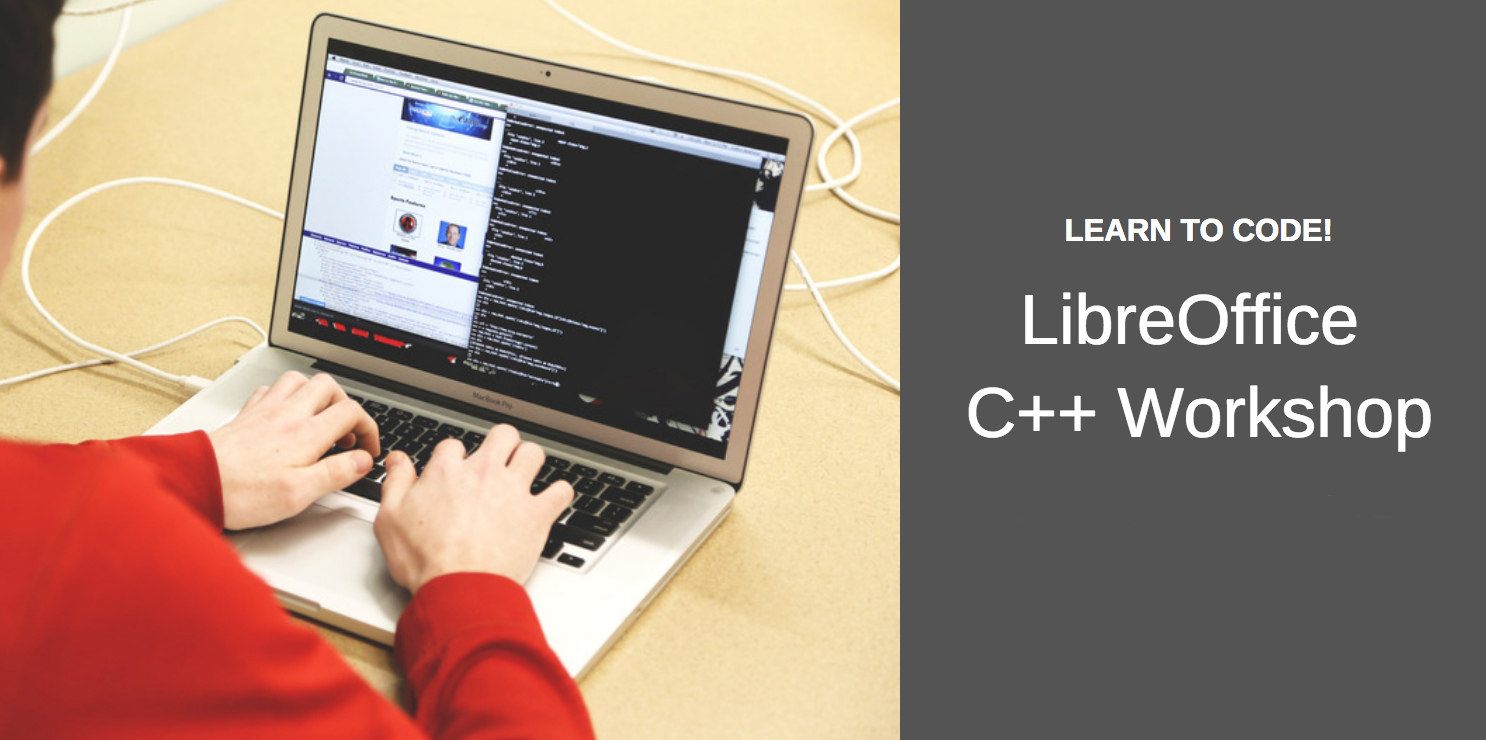
  • Our C++ workshops continued with a look at set and maps. Most of LibreOffice’s source code is written in C++, so if you’re interested in the language but want some help, join us! In our workshops, we examine a specific topic and then get together on IRC for a joint discussion. You can put questions to experienced LibreOffice C++ coders – so keep watching this blog for details about the next one!

Keep in touch – follow us on Twitter, Facebook and Google+. Like what we do? Support our community with a donation – or join us and help us to make LibreOffice even better!

Community Member Monday: Pierre-Yves Samyn

Today we’re chatting with a member of the French-speaking LibreOffice community, Pierre-Yves Samyn, who helps our marketing and documentation projects with videos and translations:

Where do you live, and what do you enjoy in your spare time?

I live in metropolitan France. Outside of LibreOffice, I like to read, listen and play music.

In which areas of the LibreOffice project are you active?

Thesedays, my main activities for the project are:

  1. Following up the French part of the wiki (translation of the release notes mainly)
  2. The creation of videos, posted on the French TDF channel (click the playlist button in the top-left to see other videos):


    Please confirm that you want to play a YouTube video. By accepting, you will be accessing content from YouTube, a service provided by an external third party.

    YouTube privacy policy

    If you accept this notice, your choice will be saved and the page will refresh.

    I started with a more-or-less weekly rhythm, with the idea of making “videos of the week”, like the tips of the week we have on the Twitter account. I have kept that pace for around three to four years. Today, I make videos more according to the inspiration of the moment, or following a question that was asked. I also try to add English subtitles.

  3. The other thing I do in the project is to respond punctually to questions on English-speaking Ask LibreOffice site (not as often as I would like).

How did you get involved with LibreOffice?

I get involved through my work, at the time with OpenOffice.org version 1.1.3 if my memory is good. The software imported less than the ODF format for this project, consisting (in part) of using the software conversion features. I was immediately seduced, and reported to the project my experience in creating training support, user support, etc.

What was your initial experience of contributing to LibreOffice like?

Helping first: I was active member on the OpenOffice.org forum, then on all the French mailing lists (discuss, users, QA etc.) Then I moved on to testing new versions (reports or comment on Bugzilla). I also participated in making content for the wiki (creation/update of FAQs, macros, release notes…). And I participated in the documentation project (proofreading).

What tools do you use for your work?

Eclipse, Vim, Notepad++, Atom, VLC…

Finally, what does LibreOffice need most right now?

I probably do not have a sufficient overall vision of the project, but here are some topics that resonate in me (in no order of priority):

Many thanks to Pierre-Yves Samyn for all his help and contributions! Learn more about the French LibreOffice community here, and then get to know us – we’re a friendly, growing free software project, so by taking part you can meet new people and build up valuable experience. Join us today!

LibreOffice 6.2 community focus: Quality Assurance

LibreOffice’s worldwide community of volunteers and certified developers has been working hard on the many updates in LibreOffice 6.2. But while shiny new features are great for users, it’s important that they’re well-tested too! That’s where our QA (Quality Assurance) community comes into play. So today we talk to Xisco Fauli, The Document Foundation’s QA engineer, about the upcoming release…

What new features in LibreOffice 6.2 are you most excited about?

Obviously I’m very happy to see the NotebookBar finally moving out of experimental status, after some years under development. Kudos to the UX (user experience) team and the devevelopers who helped them. However, I’d like to highlight two major improvements done in two different areas of LibreOffice, that help to improve its quality and clean some old bugs in Bugzilla.

The first one is the work done by Muhammet Kara with regards to the personalization dialog. Support for Firefox persona was added in LibreOffice 4.0 and quickly became popular amongst users. However, it was slow to download themes, and from time to time it broke because Mozilla changed its API. At some point, we even discussed removing it in the ESC (Engineering Steering Committee) meetings. Fortunately, Muhammet decided to give it some love, and now will have a new, shiny, fast and reliable personalization dialog. Kudos to Muhammet for his work!

The second one is the work done by Mark Hung with regards to the .PPTX animations. At least 20 bugs have been fixed in this area. Besides, since OpenOffice times, there were many documents that couldn’t be opened in Microsoft Office after saving them as .PPTX in LibreOffice. Most of these problems are gone now – so thanks to Mark Hung.

What has the QA community been working on in preparation for this release?

A great milestone we achieved recently is the LibreOffice QA blog coming to life. We publish monthly reports where we highlight what happened during that month in QA and development, which gives an idea of what’s going on in the project (here’s an example). The report has some nice charts, like how the number of unconfirmed bugs evolves over time or how many bugs were reported every day, among others.

Besides, the QA community worked very hard to find regressions, triage new bugs, create UItests and test new features – just to mention some of the tasks the community does.

Last but not least, three Bug Hunting Sessions were organized in the last six months, plus one live session with 70 students in Taiwan, and another live session with eight participants in Ankara. Thanks to all the QA community and Franklin Weng, Cheng-Chia Tseng, Jeff Huang and Muhammet Kara for organizing the live events.

Looking further ahead, what else are you planning – or want to achieve – in the community?

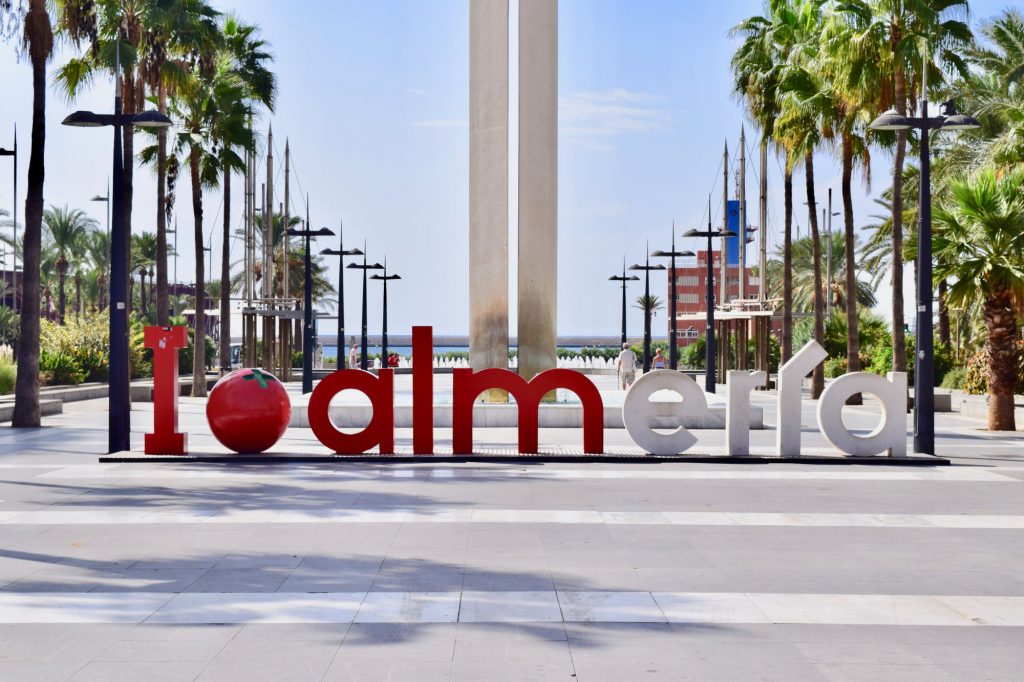
Knowing that the next LibreOffice Conference will take place in Almeria, Spain, I would like to organize an online meeting for the Spanish community. It’s very active in the Telegram channel, with more than 450 members, so I think it’s about time to have these meetings in order to get to know each other better, share community ideas, organize events, talk about the Conference, etc… Personally I would love to see many of them coming to Almeria and meet them in person.

Finally, why should people get involved in QA, and how?

Joining our QA community is a good way to build up valuable experience in a well-known open source project, which can be useful if you want to go down that career path in the future. It looks good on a CV – and helps to keep LibreOffice reliable too!

The easiest way to join us to show up in the IRC channel #libreoffice-qa or join the Telegram channel and say hi! We’ll be happy to talk with you and get you started. On the other hand, if you are shy and you don’t want to say anything, we have a list of tasks waiting for someone willing to help. You just need to go to the get involved page and choose the one you like. As soon as you will start to use Bugzilla, you will get an email from me with different links to the QA documentation, in case you want to learn things more in detail.

Coming up on 24 January: next C++ workshop – set and maps

After three successful C++ workshops, where you can learn about the language and put questions to experienced developers, we’re organising another one! This time, the topics are set and maps. Start by watching this presentation:

Please confirm that you want to play a YouTube video. By accepting, you will be accessing content from YouTube, a service provided by an external third party.

YouTube privacy policy

If you accept this notice, your choice will be saved and the page will refresh.

Also take a look at this document and then this section. Here are some Easy Hacks to work on too.

Then join us on 24 January at 19:00 UTC for a discussion via our #libreoffice-dev IRC channel on Freenode. You can ask experienced LibreOffice developers questions, and learn more about the language. See you then!

New Guide: Conditional Formatting in LibreOffice Calc

Roman Kuznetsov (aka Kompilainenn) from our documentation community has created a Conditional Formatting Guide for LibreOffice Calc. He says:

In this guide I wrote about:

  • How to create, change and delete conditional formatting
  • Multiple conditions for one cell range, and priority of condition processing
  • Creating cell styles for conditional formatting
  • All categories and all types of conditional formatting
  • Copying of conditional formatting

I want to say a very big thank you to Sophie Gautier for reviewing this guide, and to Mike Kaganski for fixing of some bugs in conditional formatting I found when I wrote it. I hope this guide will be helpful for many users of LibreOffice.

Click here to read/download the guide, and a huge thanks to Roman, Sophie and Mike for their great work! Most of LibreOffice’s documentation is produced by volunteers, so if you’re reading this and want to give them a hand, see here to get started.

Updating documentation in a large open source project is a great way to build up experience for a potential technical writing career, so join us!

Help to spread the word about LibreOffice!

Millions of people around the world use LibreOffice every day – but there are still some people who haven’t heard about our free, powerful, open source, Microsoft-compatible office suite. So here are some ideas for spreading the word – and click the image to learn more about our marketing projects: