( Note: this is a translation of an article on the Spanish-language blog)
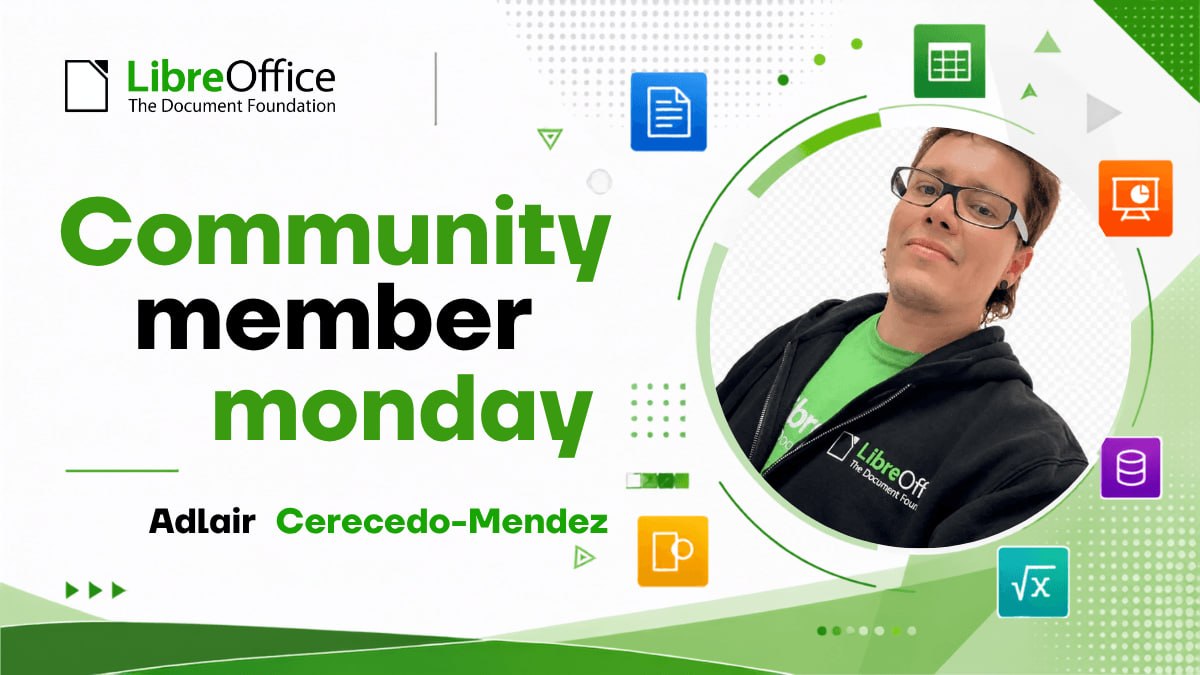
For Adlair Cerecedo-Méndez, his work with LibreOffice began as a response to a specific need: helping the Mexican government obtain an office suite tailored to public institutions. Over time, that technical work also became an experience in collaborating with the international LibreOffice community and an opportunity to promote free software in the public sector.
Although Adlair had already been using LibreOffice since the OpenOffice days, his professional involvement with the project took shape around 2020, when he was invited to collaborate on the development of a government office suite. The initiative was part of a broader vision: reducing dependence on proprietary solutions, making use of free software, and strengthening the state’s own technological capabilities.
Building on an existing platform
Office GOBMX did not necessarily start out based on LibreOffice. At first, the possibility of creating a suite from scratch was considered, but the technical analysis revealed the scale of the challenge: developing, maintaining, and evolving an application of that kind would require considerable time and resources.
LibreOffice offered a mature, cross-platform, open-source foundation backed by an international community. Adapting it to government needs made more sense than reinventing an entire office suite. That was how the Office GOBMX approach was born: starting with existing technology and adapting it to the needs of public institutions.
The goal included reducing licensing costs, but it also involved moving toward greater technological autonomy. For Adlair, sovereignty does not mean switching tools overnight. It is a gradual process that allows the state to decide which technologies it uses, understand them, modify them, and maintain them with its own expertise.
Migration is also a human process
Implementation brought challenges involving compatibility with documents, macros, formats, and processes that had been built over many years around other tools. It was also necessary to determine what could work as-is and what required adaptation or reimplementation.
But the greatest challenge, Adlair recalls, was resistance to change. Office tools are part of many people’s daily routines, and a migration can disrupt familiar habits and procedures. That is why simply installing software is not enough: it is necessary to analyze processes, test compatibility, migrate documents, train users, and provide guidance and support.
Coexistence with Microsoft Office was also part of the transition. In public administration, documents circulate among government institutions, citizens, businesses, and vendors. Although LibreOffice provides interoperability with widely used formats, some complex documents, templates, and macros require special attention. The strategy, Adlair explains, must be gradual: promote open formats such as ODF without disrupting work or losing the ability to exchange files with the existing ecosystem.
Adapt, Audit, and Learn
Open-source software made it possible to develop components for specific institutional needs. One example is a document validator created to analyze internal elements in files generated with Microsoft tools and obtain technical evidence about the information they contained. In a government context, Adlair points out, it is important to understand those elements before assuming they are irrelevant or have no implications.
The ability to work with the code was also valuable when dealing with legacy processes, such as old macros and workflows associated with Microsoft Access. Rather than accepting the limitations of a closed tool as unavoidable, the team was able to address those cases from an adaptation and migration perspective.
At the same time, the Office GOBMX experience offers lessons that may be useful to other public administrations. Although each government has different needs, many of the challenges are recurring: technological dependence, legacy documents, interoperability, training, and resistance to change. The methodology—from planning and compatibility analysis to implementation and ongoing support—can provide a useful reference.
From Technical Experience to Community
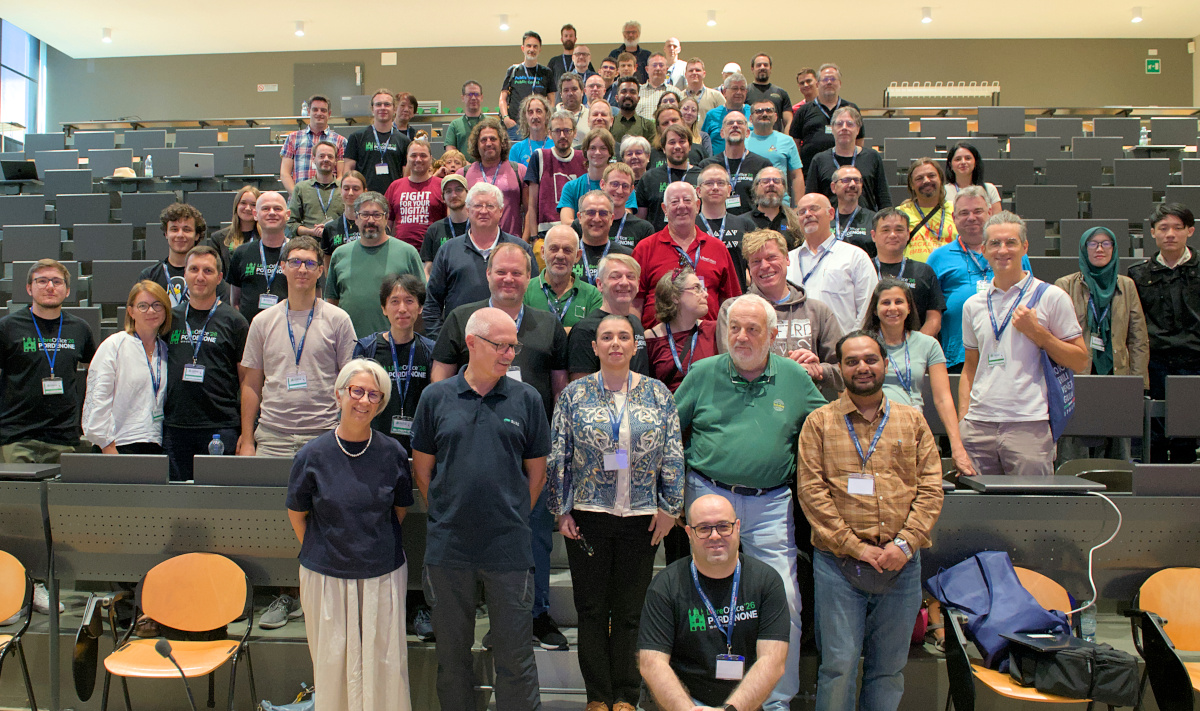
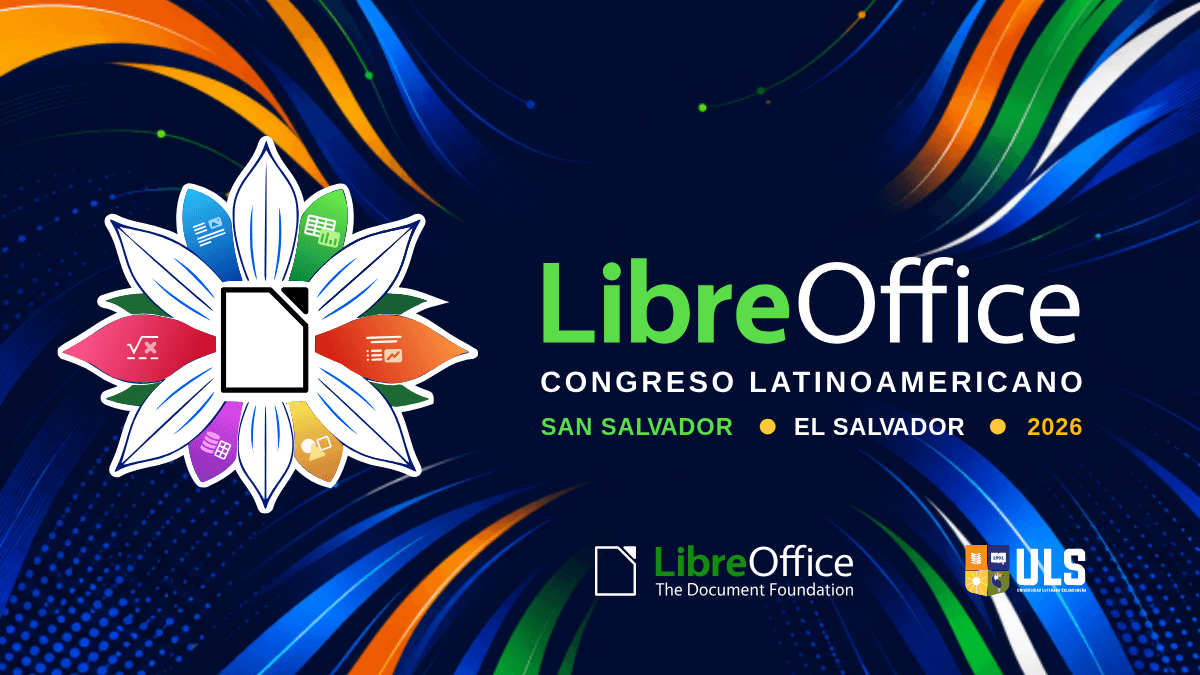
Adlair’s relationship with the international LibreOffice community grew stronger in 2023, when he attended the Latin American LibreOffice Conference in Mexico City. There, he met members of the community and gained a closer understanding not only of the software, but also of the collaboration that sustains it.
From his perspective as a member of The Document Foundation, that connection is especially valuable: people who implement LibreOffice in government environments can share real-world cases, interoperability needs, and lessons learned from large-scale deployments. In turn, the community provides expertise and a shared space for contributing to the project’s development.
For Adlair, continued compatibility with Microsoft Office documents will remain important—not as a goal of permanent dependence, but as a way to lower the barriers to adoption. Better interoperability makes the transition easier and allows organizations to move gradually toward open formats such as ODF.
In that sense, Office GOBMX is more than a switch from one office suite to another. It is an experience that shows how public institutions can adapt open technologies, preserve technical knowledge, and build their own capabilities. Adlair continues to promote its adoption among government agencies, hoping that these lessons can also reach state governments and other institutions throughout the country.