
Meet the LibreOffice project at FOSDEM in Brussels!
Hello! We are at FOSDEM 2026 in Brussels – come and say hello, let us know what you think about LibreOffice, and get cool merch…
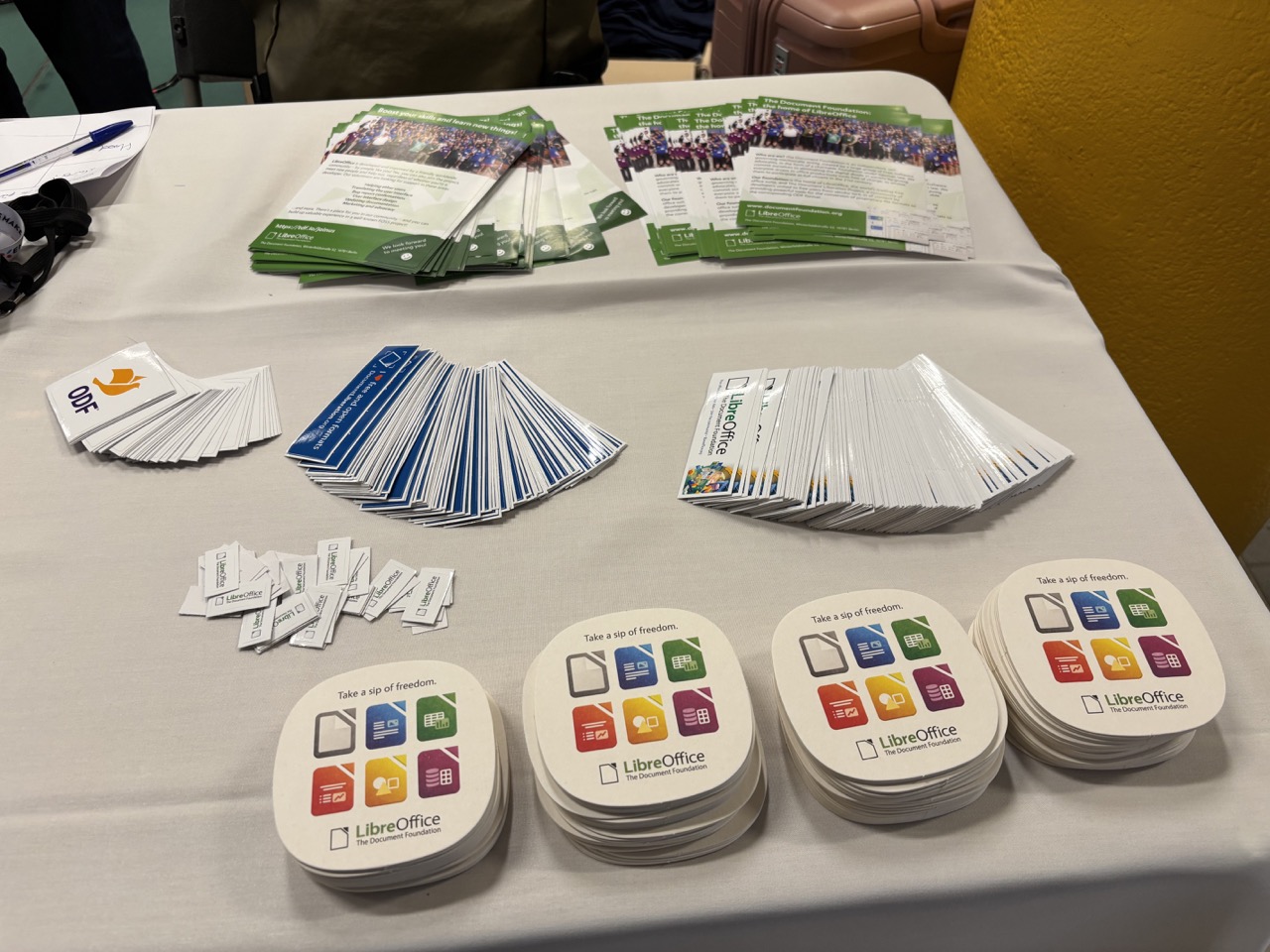
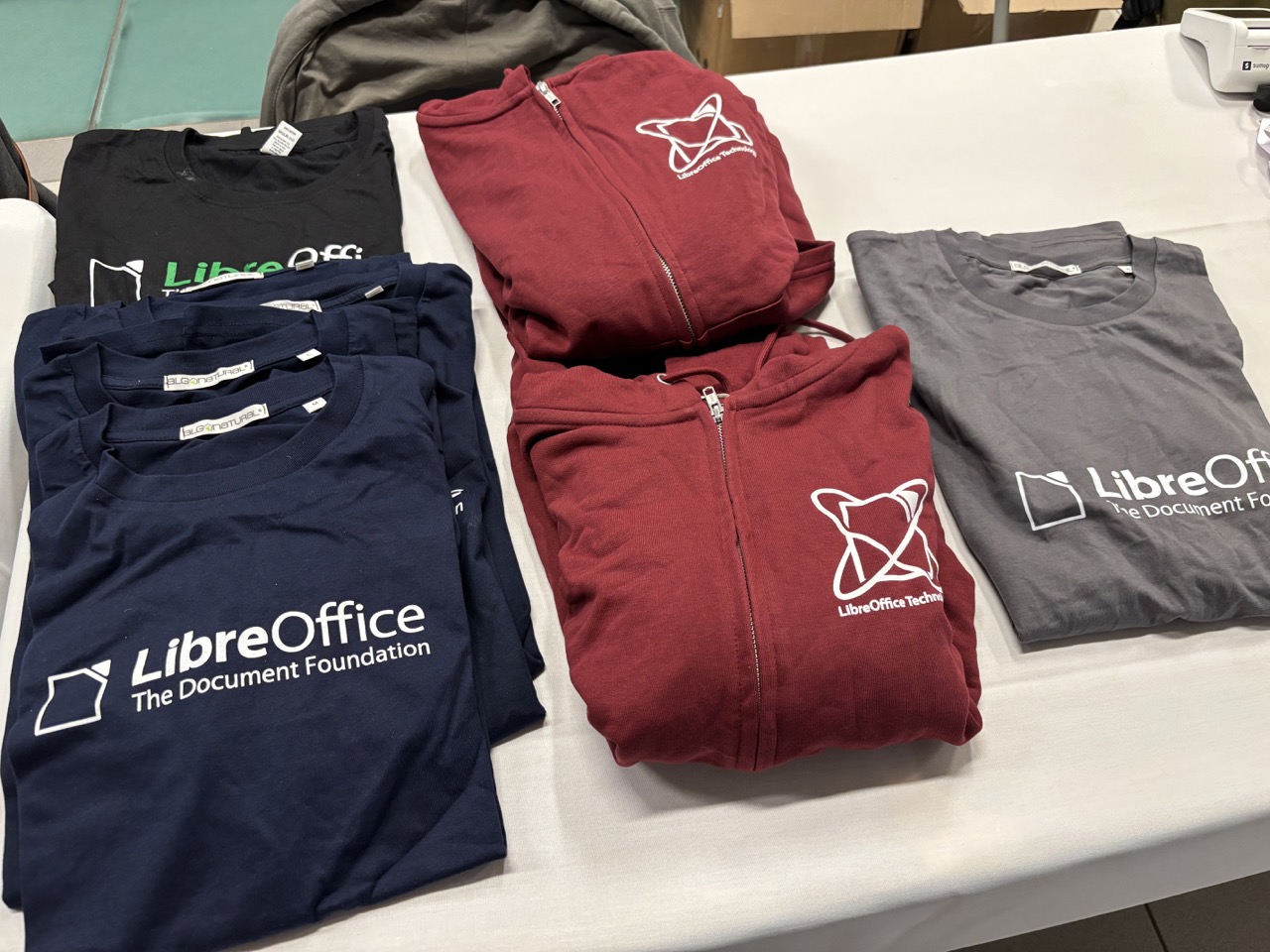
Hello! We are at FOSDEM 2026 in Brussels – come and say hello, let us know what you think about LibreOffice, and get cool merch…
 File formats are not usually the subject of philosophical debate because most users just want to open, save and share documents without any problems. However, the Open Document Format (ODF) is based on concepts that are much more important to users than might initially seem the case. ODF is not just a technical standard, but also a statement of openness, user freedom, and control over digital information.
Understanding this philosophy helps to explain why ODF exists, why it is still important, and why it is often cited as a reference in conversations about digital rights and long-term access.
In short, ODF is an open standard for office documents such as text files, spreadsheets and presentations, and it is the native format of LibreOffice. Unlike Microsoft Office and Microsoft 365 files, which use a proprietary format developed in secret in Redmond and controlled by Microsoft, ODF is developed and maintained through a completely transparent process.
This may seem like a technical detail, but it is an important fact that determines everything else.
Openness: no one owns your documents
The principle behind ODF is openness. The complete specifications are available to the public, and anyone can read, implement or create software based on them without asking for permission or paying licence fees.
This has concrete consequences:
Users can manage their own documents without having to use a specific company’s tools.
Openness is not idealism for its own sake, but rather it means transparency and durability. When a format is open, knowledge of how it works does not disappear if a company changes direction, raises prices, or stops producing software.
Documents created today should still be readable decades from now. ODF was designed with this long-term perspective in mind.
Freedom: choice without penalties
In the context of ODF, freedom is primarily about choice.
With proprietary formats, even a simple software update can lead to hidden costs because files may not open correctly, formatting may not work and some features may disappear. Over time, this can discourage users from abandoning software, even if better or cheaper options exist.
ODF counteracts this dynamic.
Since multiple applications support the same format, users can choose the tools that best suit their needs. For example, you can write a document in one programme, edit it in another, and store it in a standard, open format, safe in the knowledge that it will be compatible.
This is particularly important for public institutions, schools and governments. When documents need to be accessible to all, tying them to a single vendor’s software creates an unnecessary barrier that goes against the democratic principle of equality. ODF supports the idea that public information should be readable using freely available tools.
In this context, freedom does not imply hostility towards commercial strategies, but rather respect for every user’s right not to be discriminated against because of file format.
Control puts power in the hands of the user
Control is the most overlooked part of the ODF philosophy.
When you save a document in a proprietary format, you often have to rely on undocumented behaviour, hidden features, or licence terms that have simply been imposed without negotiation. The supplier decides how the format changes and which features remain accessible to which users.
ODF reverses this relationship.
In fact, a standard format that is openly governed cannot be changed unilaterally by a single organisation. All decisions are discussed, documented and agreed upon through a public, transparent process. This guarantees that users and organisations will not be affected by a company’s strategies or held hostage by changes to their data.
Control also manifests itself in smaller, everyday ways. For example:
This type of control is essential for legal documents, scientific data, historical archives and any other data that must remain intact and accessible over time.
Is ODF still important today?
In the era of cloud-based editors and collaborative platforms, it is reasonable to ask whether ODF is still relevant.
The answer is yes, perhaps more than ever.
Moving an increasing number of documents online takes control away from users because the files reside on servers that they do not manage and are in formats that they neither understand nor control. They are also governed by licence terms that users almost always sign without reading and which can change at any time.
ODF also sets a benchmark when the cloud is used for storage because an open, standard format guarantees the integrity and accessibility of data, regardless of users’ level of expertise. Thus, ODF protects users from their own unawareness of the format issue.
ODF also acts as a silent check on market power, reminding the software ecosystem that users must be able to switch applications without losing access to their content, which must remain their property and under their complete control.
The ODF philosophy is practical, not abstract, and translates into tangible results: reduced barriers, longer-lasting documents and greater choice.
Users do not need to become experts in standards or understand the specifics of the files to take advantage of this. ODF guarantees them permanent ownership of their work and the ability to manage it at any time with the software they prefer. This frees them from any constraints imposed by a supplier or tool that they have not chosen freely.
In this sense, ODF is not just a format, but also a reminder that digital files should serve the people who create them — not the other way around.

FOSDEM is the biggest free and open source software (FOSS) event in Europe, and will take place on 31 January and 1 February in Brussels, Belgium. And the LibreOffice project and community will be there! Come to our stand, have a chat, and grab some cool merchandise (stickers, flyers, and beer/coffee mats).
Starting in January 2026, at the beginning of each quarter, i.e. in January, April, July and October, I will publish a slide deck with updated statistics on the LibreOffice project.
Unless there are specific requirements, the statistics will refer to the last 12 calendar months. Therefore, the January statistics will refer to the 2025 calendar year, while the next ones will refer to the period from April 2025 to March 2026, and so on.
All published information is available online for further processing. Links to data sources are on the penultimate slide, with some notes on data processing.
If you have any questions or suggestions, please write to me: my email address is on the last slide.
The Document Foundation (TDF) is the non-profit entity behind the LibreOffice project. It collects donations from users, and employs a small team to support and coordinate the worldwide community that makes the software. In TDF there are various bodies including the Board of Directors, Membership Committee, and the Board of Trustees:
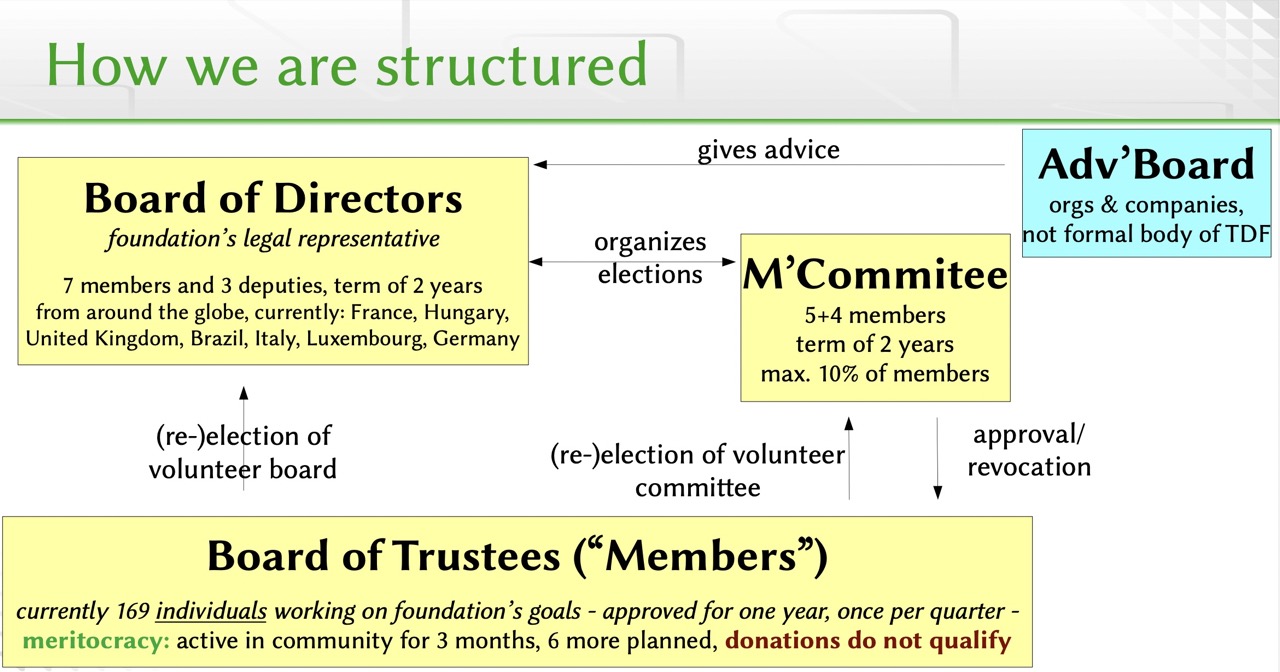
These foundation bodies are guided by a set of policies, and as part of recent governance updates, the Board of Directors voted on a Code of Ethics and Fiduciary Duties and Updated Conflict of Interest Policy. Now the Board has voted to Adopt version 1 of the Community Bylaws, based on feedback from the community. The Bylaws…
define the internal organisation, regulations and procedures of The Document Foundation. These regulations interpret, clarify, and extend the Foundation’s Statutes without modifying or replacing their binding rules.
Whenever I talk to other technology users — including CTOs, CSOs and ICT managers, who in theory should have a certain level of expertise — I realise that most of them never consider standards when using applications, devices or websites.
Users just want everything to work, but they don’t realise the fundamental role that standards, especially open standards, play in making this happen. Open standards actually offer users a significant advantage over the proprietary solutions they use every day.
An open standard is a publicly available set of rules that govern how technology works. Anyone can use, develop or improve them. Examples include HTML for websites, USB for devices and PDF for documents. (And of course, the Open Document Format – ODF – as used by LibreOffice.) These are not owned by any company, and therefore benefit end users.
That’s why they’re important to you.
1. You are not tied in
Open standards reduce vendor lock-in. This means that users are not forced to use a single product or ecosystem from a single company to have control over their data and tools.
For example, documents saved in an open format can be managed with multiple applications. If you change your device or software, your files will still work. You can choose the best solution for you, rather than being forced to use what the supplier provides.
It’s easy to take this freedom for granted until it’s gone. Just ask the Windows 10 users who had to abandon working software and PCs due to Microsoft’s business strategies.
2. Better compatibility between devices and applications
Open standards enable different products to work together more seamlessly. For example, your phone can connect to any laptop, your browser can open any website and your headphones can connect to any device. None of this is accidental. It is the result of open, shared standards.
For end users, this means fewer headaches and less time spent troubleshooting or wondering why something ‘should work’ but doesn’t.
3. More competition and better products
When standards are open, more companies can use them. This increases competition.
Competition leads to better prices, more advanced features, and much faster growth. Instead of handcuffing users with proprietary formats, companies must earn their trust.
As users, you benefit from greater choice and improved quality throughout the entire value chain.
4. Longer data life
Proprietary formats can disappear. Companies may change direction, discontinue products or go out of business. Ask the Windows 10 users mentioned earlier for more information.
Open standards tend to last much longer because they are not tied to the business strategies of a single company. Even after decades, data stored in an open format remains accessible, convertible and preservable.
This is important if users want their photos, documents or work to survive for longer than the lifespan of a single product.
5. Better accessibility
Open standards are often designed with accessibility in mind or to facilitate the proper functioning of accessibility tools.
Screen readers, alternative input devices and assistive software all rely on consistent, documented rules. When standards are open, developers and accessibility experts can test, improve and adapt them.
The result is technology that works better for more users.
6. Greater transparency and trust
With open standards, the rules are visible. Anyone can examine, test and report on them.
This transparency helps to identify security issues earlier and reduces the risk of behaviour that only benefits one supplier going unnoticed. While open does not automatically mean secure, it does mean fewer black boxes.
Over time, this increases users’ trust in the technology.
7. A healthier technology ecosystem
Open standards encourage collaboration and combat fragmentation between products because developers can focus on improvements rather than reinventing the basics or figuring out how to work around closed systems.
A healthier ecosystem means faster innovation and fewer dead ends for users. Things evolve, but they don’t break all the time or at the whim of vendors who rely on planned obsolescence.
Summary
In short, open standards are not flashy and are rarely directly visible to users, but they quietly influence the reliability, flexibility and fairness of the technologies we use every day.
When standards are open, users have more control and choice and experience fewer surprises. And in the long run, these are significant advantages.