Euro-Office, open standards, and native ODF

A welcome commitment to open standards — and why it should end with ODF as Euro-Office’s native document format.

The Euro-Office pre-announcement has generated considerable coverage across the European press over the past few days. The Document Foundation welcomes the attention that open standards are receiving — and welcomes still more the commitment the announcement makes to them. Before the discussion settles, we would like to clarify one point and state one expectation.
Several reports have described Euro-Office as “the first European open source office suite.” Reading the pre-announcement carefully, we do not find the coalition making that claim, and it is not one we would endorse. Europe has been building free and open source office software for many years: LibreOffice, developed by this Foundation and a worldwide community, is itself European, mature, and far from alone.

The “first” framing appears to have emerged in the speed of a launch day rather than in the text of the announcement. We note it not to claim precedence — precedence is not the point — but because accuracy serves the cause of open standards better than enthusiasm alone.

Read on its merits, the announcement gives a great deal to welcome. The promise to improve support for the OpenDocument Format is precisely what the European free software community has long asked for, and we take it in good faith and with genuine appreciation. We have always held that sovereignty begins with the format, not with the logo on the application — and a coalition that understands this is one worth encouraging.

We would also state an expectation, in the spirit of encouragement rather than demand. Improved support is a beginning, not a destination. A format that is merely supported is one a suite can read and write as a courtesy, while a native format is the one in which its documents are created, stored, and trusted across the years — and that is precisely where digital sovereignty is won or lost.

The only destination consistent with the sovereignty Euro-Office invokes is ODF as its native document format. A genuinely European, genuinely sovereign office suite cannot treat the open standard as a concession to outsiders, it has to speak ODF as its mother tongue. The Document Foundation looks forward to that moment, and will be glad to acknowledge it when it comes.

LibreOffice project and community recap: May 2026

Monthly recap banner

Here’s our summary of updates, events and activities in the LibreOffice project in the last four weeks – click the links to learn more…

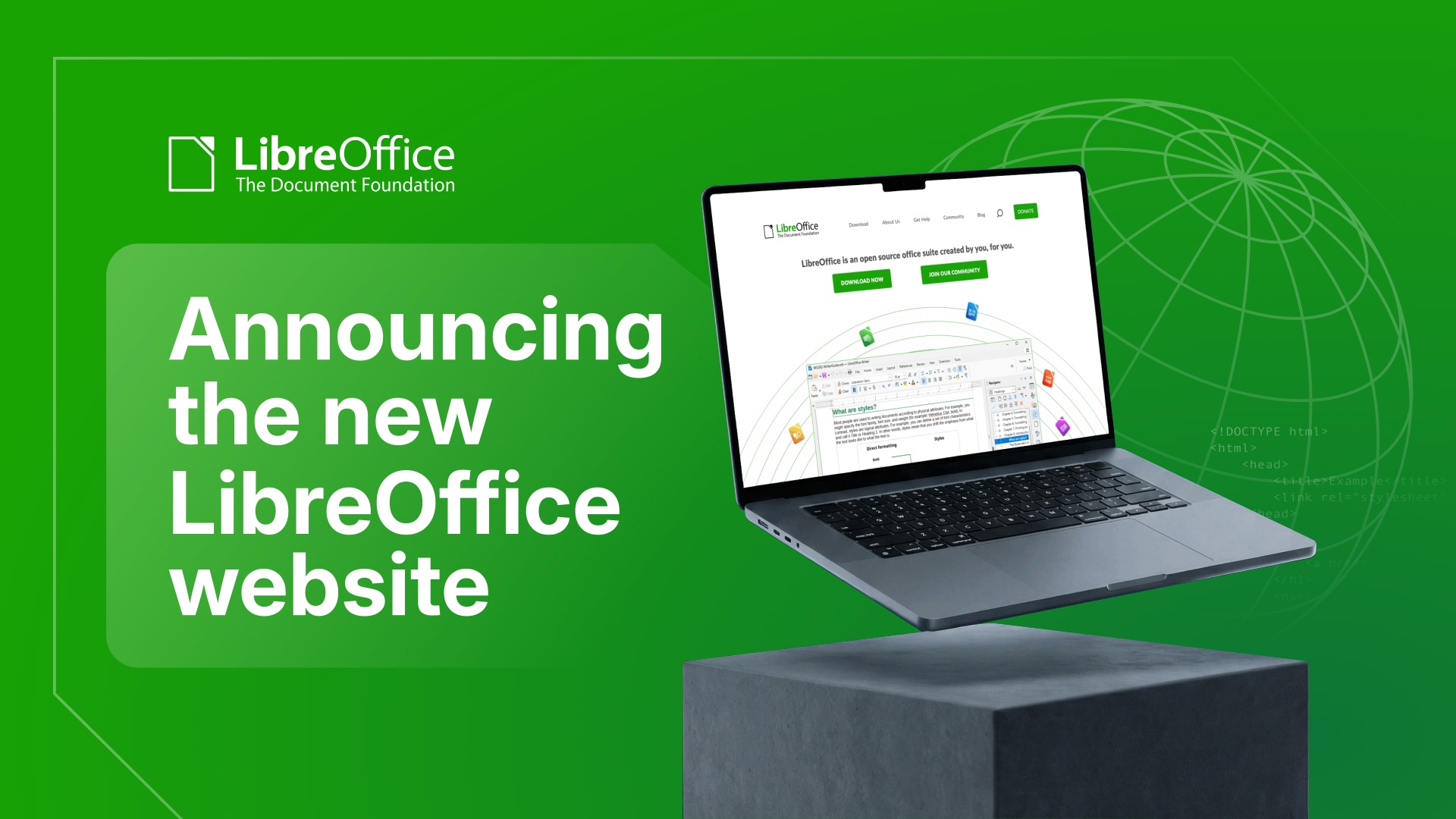
  • We started May by announcing the new LibreOffice website. Our previous website was looking rather old and becoming difficult to maintain, so the team at TDF – with help of the wider LibreOffice community – has been working on a redesign, based on newer technology.

Announcing the new LibreOffice website

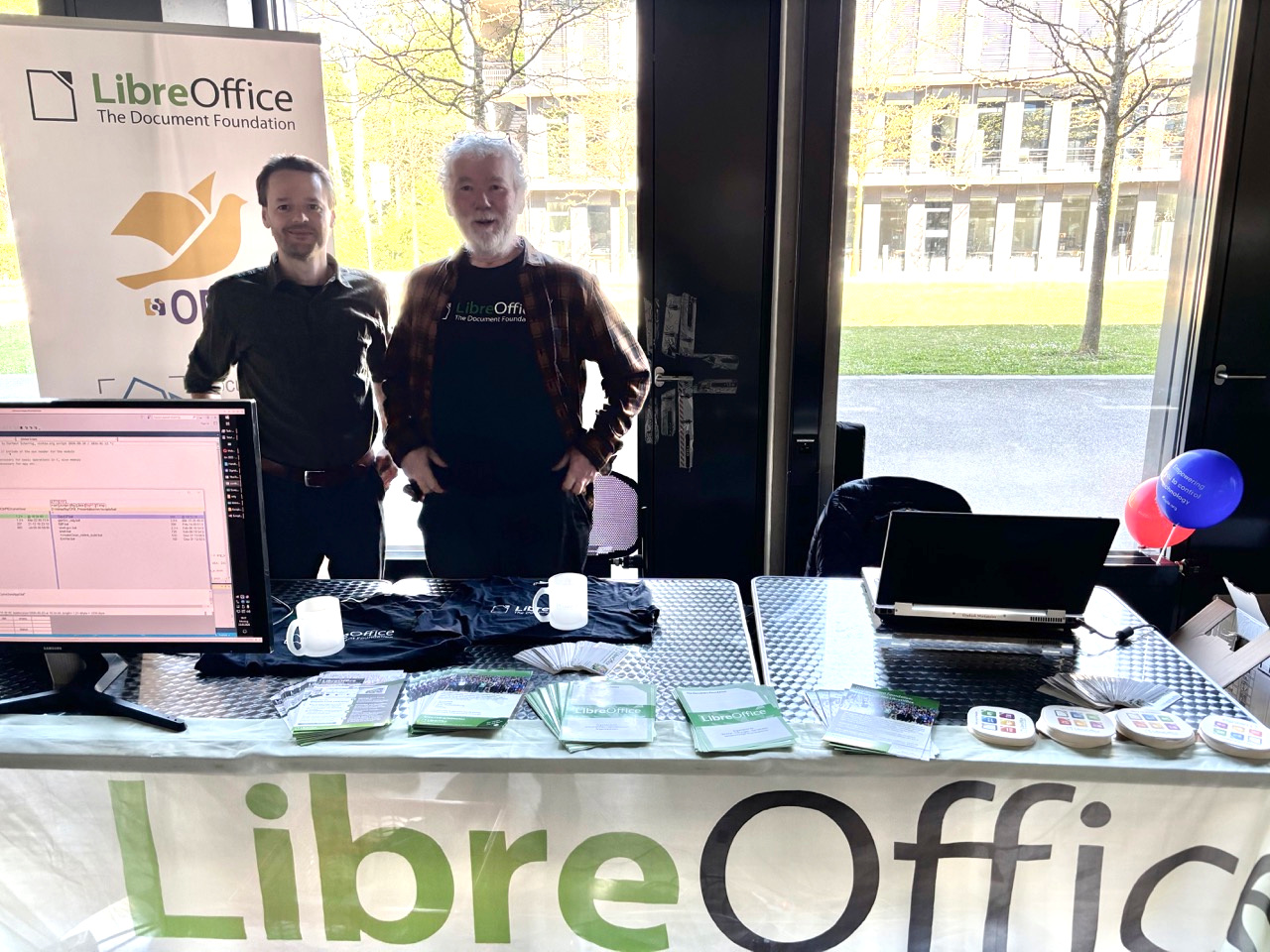
LibreOffice stand at the Augsburger Linux Info-Tag

ODF vs OOXML, an issue that should never have existed

GSoC logo

  • In the middle of the month, we announced LibreOffice 25.8.7, the final maintenance release of the LibreOffice 25.8 family. From here we will focus on maintaining the 26.2 branch, and are preparing for 26.8, our next major release (due in August).

LibreOffice 25.8 banner

  • The vast majority of income to The Document Foundation, the non-profit behind the LibreOffice project and community, is from donations from end users. We made a new video explaining how donations are used to support the community that makes the software.

Please confirm that you want to play a YouTube video. By accepting, you will be accessing content from YouTube, a service provided by an external third party.

YouTube privacy policy

If you accept this notice, your choice will be saved and the page will refresh.

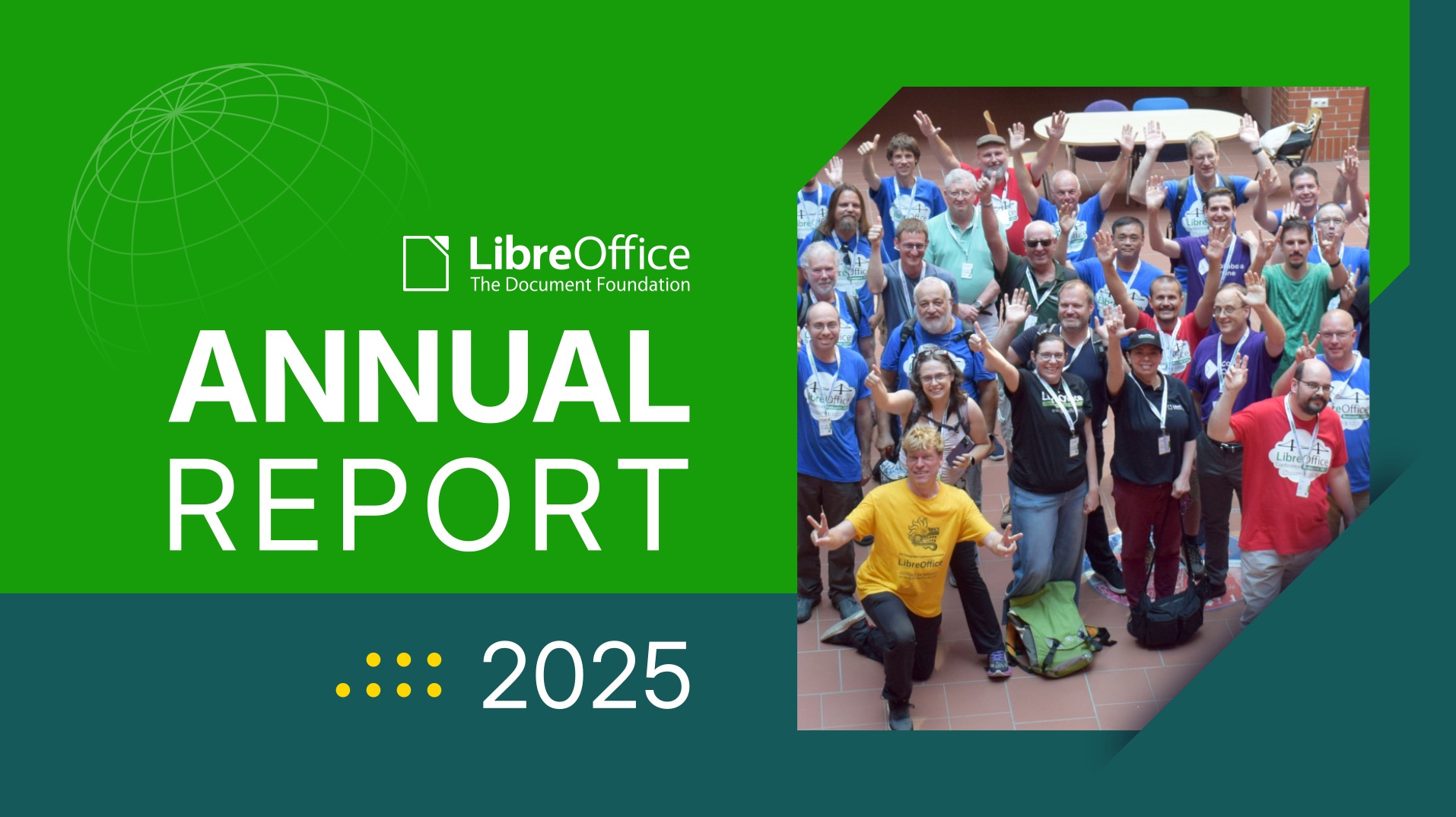
  • Next, we started posting sections from TDF’s Annual Report 2025, starting with Native Language Projects. A huge thanks to the hundreds of people who make LibreOffice available is so many languages around the world! 😊

Annual Report banner with group photo from LibreOffice Conference

New Web and Mobile Strategy for LibreOffice

Like what we do? Support LibreOffice with a donation – or join our community and help to make LibreOffice even better! Also keep in touch – follow us on Mastodon, Bluesky, Reddit and Facebook.

Join the LibreOffice team as a paid system administrator, working on TDF’s infrastructure (full-time, remote, m/f/d)

Love LibreOffice? Got experience with infrastructure and system administration? We are The Document Foundation (TDF), the non-profit entity behind LibreOffice. We’re passionate about free software, the open source culture and about bringing new people with fresh ideas into our project.

To assist the LibreOffice community with its work, we are looking for a full-time (remote) Infrastructure and System Administrator, to start as soon as possible.

Here’s what you’ll do

  • System orchestration and OS management: Orchestrate, deploy, and maintain all internal and external systems, specifically standard and customised Linux operating systems, with the majority of machines running Debian GNU/Linux. We currently run SaltStack, but proposals for different ways to handle config management and deployment are welcome.
  • Virtualisation and storage infrastructure: Manage virtualisation platforms and hypervisors (KVM/QEMU). Experience with GlusterFS (for the backup system) is a plus, but not mandatory.
  • Database, cloud, and App Administration: Administer database servers such as MariaDB and PostgreSQL, cloud storage repositories (such as Nextcloud), web applications, email services, and developer tooling.
  • Network and hardware maintenance: Maintain core physical and cloud network infrastructure, including routers, switches, and NAS storage, amongst them devices from MikroTik.
  • Security and network access: Oversee firewalls, intrusion detection, antivirus, IP reputation, global mirror systems, and secure VPNs for users and machines.
  • Identity and access management: Deploy and manage single sign-on (SSO) solutions, directory services, domain names, DNS zones, and SSL certificates (PKI).
  • Ensure stable operations and monitoring: Together with teammates and volunteers, ensure stable infrastructure availability, manage log analysis, handle emergencies, and coordinate with external providers during outages.
  • Patch management: Execute timely deployments of security and software updates within scheduled maintenance windows.
  • Team coordination and documentation: Lead and coordinate the infrastructure team, volunteer contributors, and third-party vendors, while keeping technical documentation up to date.
  • Data protection and disaster recovery: Implement backup and point-in-time disaster recovery solutions, and manage infrastructure-related GDPR compliance in cooperation with privacy officers.

What we want from you

  • Very good sysadmin and infra maintenance skills on Linux
  • Good team-playing abilities
  • Speaking and writing English

As always, TDF will give some preference to individuals who have previously shown a commitment to TDF, including but not limited to members of TDF. Not being a member does not exclude any applicants from consideration.

Join us!

All jobs at The Document Foundation are remote jobs, where you can work from your home office or a co-working space. The work time during the day is flexible, apart from a few fixed meetings. The role is offered as full-time (ideally 40 hours per week). While we prefer full-time for the role, part-time applications, or proposals to grow the hours over time, will be considered. Candidates that are resident in Germany will be employed directly by TDF. Otherwise, external payroll services will be used if available in the candidate’s country of residence.

Are you interested? Get in touch!

TDF welcomes applications from all suitably qualified persons regardless of their race, sex, gender, disability, religion/belief, sexual orientation or age. Don’t be afraid to be different, and stay true to yourself. We like you that way! 😊

We’re looking forward to receiving your application, including information about you (your resume), when you are available for the job, and of course your financial expectations. Please provide details about your experience and send us an e-mail to sysadmin@documentfoundation.org no later than July 6, 2026 (end of day, Berlin time). If you haven’t received feedback by August 3, 2026, your application could not be considered.

Also note: we only accept applications from the applicant, and not from any intermediary. We do not accept agency resumes. Please do not forward resumes to any recruiting alias or employee.

The Document Foundation Releases LibreOffice 26.2.4

Berlin, 5 June 2026 – The Document Foundation today announced the release of LibreOffice 26.2.4, the fourth maintenance update to the LibreOffice 26.2 branch. Building on the major feature release published on February 4, 2026, this update delivers targeted bug fixes and stability improvements contributed by a global community of developers and QA engineers.

LibreOffice 26.2.4 is available for immediate download at libreoffice.org/download/ for Windows, macOS, and Linux.

Users of LibreOffice 25.8.x should update to LibreOffice 26.2.4 as LibreOffice 25.8 branch will reach end of life on June 12, and after that date the software will not receive security updates. In late August 2026, The Document Foundation will announce LibreOffice 26.8.

LibreOffice 26.2 introduced a broad set of improvements to daily productivity workflows, including Markdown import and export, connector shapes in Calc, multi-user Base, faster EPUB export, and mandatory Skia rendering on macOS and Windows for better graphics performance. LibreOffice 26.2.4 consolidates these advances with a focused set of fixes, addressing issues identified by users and testers since the initial release.

List of fixes in RC1: wiki.documentfoundation.org/Releases/26.2.4/RC1. List of fixes in RC2: wiki.documentfoundation.org/Releases/26.2.4/RC2.

LibreOffice users, free software advocates and community members can support The Document Foundation and the LibreOffice project with a donation at www.libreoffice.org/donate.

A Standard in Name Only: What OOXML Transitional Tells Us About Format Sovereignty

When a public administration is told its documents are stored in “an ISO standard format,” the assumption is reasonable: an ISO standard ought to be a clean, implementable specification that any qualified software vendor can support. Standards exist precisely so that nobody is locked to a single supplier.

OOXML — ISO/IEC 29500, the format behind Microsoft’s docx, xlsx and pptx files — does not work this way.

The standard is split into two conformance classes. Strict is the clean version: a modern document format, free of legacy baggage, that an independent implementer could reasonably support. Transitional is everything else: a vast catalogue of compatibility features, deprecated elements, platform-specific behaviours, and references to undocumented quirks of Microsoft Office versions from the 1990s. The Transitional class exists to ensure that documents converted from the old binary doc, xls and ppt formats can be represented in XML without loss.

There is one detail that matters above all others: Microsoft Office has never produced Strict OOXML by default. The option to save in Strict format is available in the installed desktop applications but is absent from the browser-based versions of Microsoft 365 — and Microsoft’s various editions have long differed in which features they offer, with the macOS version historically providing a different set of options from the Windows version. The “ISO standard” that public administrations are actually storing their documents in, when they use Office, is Transitional — the messy one. Strict is a feature you can find if you know where to look, on the platforms where Microsoft has chosen to support it. That is not the treatment a serious open standard receives.

This has consequences that go well beyond a technicality.

The standard codifies undocumented legacy behaviour. Transitional OOXML contains compatibility flags whose specification amounts to “behave like Word 95” or “lay out footnotes like Word 97.” These are not formal definitions. They are references to the behaviour of specific commercial software products released more than thirty years ago — products whose layout algorithms were never published. An independent implementer wishing to render such a document correctly must reverse-engineer software from the Windows 95 era. This is not standardisation in any meaningful sense; it is the codification of one vendor’s implementation history as a global norm.

The standard perpetuates known bugs. Excel famously treats 1900 as a leap year — it was not — because Lotus 1-2-3 did so in the 1980s, and Microsoft chose binary compatibility with Lotus over arithmetic correctness [1]. OOXML Transitional preserves this bug. The default workbook setting in every xlsx file you have ever opened encodes a date arithmetic error from the era of MS-DOS. A spreadsheet calculating durations across February 1900 will produce wrong answers, and the standard requires this.

The standard includes obsolete graphics formats. Vector Markup Language (VML) was submitted by Microsoft to the W3C in 1998 as a candidate vector graphics standard. The W3C rejected it in favour of SVG. VML should have died there. Instead, it lives on inside OOXML Transitional, because documents converted from doc files contain it, and Microsoft Office continues to emit it. Implementers must support both VML and its modern replacement, DrawingML, to handle real-world files.

The conformance class problem is structural. Strict was meant to be the future and Transitional the temporary bridge. Two decades after standardisation, Transitional remains what Office produces, what users receive, and what any competing implementation must support to be useful. The clean standard exists on paper. The standard that exists in practice — and that Microsoft Office produces by default — is the messy one.

For public administrations, this matters in three specific ways.

For archives. A document format that depends on undocumented behaviour of 1990s applications is not a safe long-term archival format. The ISO label provides a false reassurance: the parts of the standard your documents actually use are precisely the parts that are least specified and most dependent on a single vendor’s tooling.

For procurement. Specifying “ISO/IEC 29500” in a tender does not guarantee interoperability or vendor neutrality. It guarantees that documents will conform to a specification of which the practically deployed variant is, in effect, whatever Microsoft Office does. This is the opposite of what an open standard is meant to deliver.

For sovereignty. European institutions, national governments, and regional administrations increasingly recognise that the choice of document format is a sovereignty question. A format whose definitive reference implementation is a single American company’s commercial product cannot serve as the technical foundation of European digital autonomy — whatever its ISO number.

The alternative is not hypothetical. The OpenDocument Format (ODF), ratified as ISO/IEC 26300 twenty years ago this month, was designed from the outset as an implementer-neutral standard. Its specification is complete, self-contained, and does not require knowledge of any specific commercial product’s history. Multiple independent implementations exist. It is, in the proper sense of the term, an open standard.

For administrations weighing format policy, the question is not whether OOXML is “a standard.” It is. The question is what compliance with that standard actually entails, what it demands of implementers, and whether that serves the long-term interests of the institutions storing their work in it.

For those interested in the technical detail behind these claims, we attach a companion deep-dive [2] cataloguing the Transitional features, their categories, and the specific structural problems they introduce.

[1] The history of the 1900 leap year bug is well documented. Joel Spolsky, who worked on the Excel team at Microsoft in the early 1990s, recounted in My First BillG Review how Excel inherited the bug from Lotus 1-2-3 to preserve binary compatibility. Microsoft’s own support documentation openly acknowledges the bug and explains why it will not be fixed: doing so would invalidate every date in every existing Excel worksheet.

[2] The companion deep dive document in PDF format, cataloguing the Transitional features, their categories, and the specific structural problems they introduce: A Standard in Name Only a Deep Dive

Meet the team at The Document Foundation

LibreOffice is made by hundreds of people around the world, working on code, documentation, QA, translations, marketing, infrastructure and much more. Coordinating the project’s activities is the team at The Document Foundation, the non-profit behind LibreOffice. Let’s see what the team members do:

1. Christian Lohmaier, Release Engineer

Christian’s typical tasks include taking care of the continuous integration system (both the automation server and the build machines), managing the LibreOffice release process, handling app store updates with all the paperwork that entails, managing the technical side of language translations not only for LibreOffice, but for any translatable system we have and making sure our integration with payment platforms works smoothly. He has also been involved in creating and maintaining websites and web services.

Christian’s work is influencing the developer experience as well. In the past, LibreOffice’s Windows development setup was somewhat messy. After Christian introduced automation into the setup process with the help of WinGet scripts, there has been much less need for troubleshooting.

2. Dan Williams, Developer

Dan was involved in the Mac port back in the 2000s when LibreOffice was still called OpenOffice.org. For some months now he has been working for TDF on user interface and macOS tasks. He has done corrections to the handling of system UI themes, implemented support for special macOS keyboard shortcuts and macOS-specific menu items, fixed database links going missing from .ods files, and fixed an issue with printing notes from Impress presentations on macOS. His ongoing work includes experimenting with Qt UI on macOS and reworking the code for Notebookbar.

3. Florian Effenberger, Executive Director

Florian is one of the founders of TDF, and its Executive Director since 2014. He manages our worldwide team of 18 people, and deals with a variety of tasks in accounting, financials, taxes, budget, payroll, annual audit, banking, legal topics, employment and HR. He supports the board and the membership committee and onboards those new in office. He regularly gives presentations at events, is active in the German community and has written extensively about the tasks he is involved on our forum.

4. Guilhem Moulin, Infrastructure & Services

Guilhem is managing our servers and the approximately twenty web services needed every day by LibreOffice users and contributors. Major updates to the operating systems and the web applications require careful studying of what needs to be taken into account to ensure everything keeps operating smoothly. Often this goes into the level of studying individual code changes. Compatibility breakage has to be mitigated or at least communicated.

5. Heiko Tietze, UX Architect

Heiko is collaborating with user experience design volunteers in planning improvements to LibreOffice. Not being content with planning, he then goes and implements the proposals, either by himself or with help from others. Heiko always denies being a C++ developer yet inexplicably has over 700 LibreOffice code changes in his name. He has mentored in over a dozen Google Summer of Code (GSoC) and Outreachy projects, for example in the reworking of Table Styles and UI theming. Being an active mentor means that he is doing code reviews for new developers all year round as well as inventing new easy tasks.

A recent large-scale project of his is implementing vertical tabs in dialogs.

6. Hossein Nourikhah, Developer Community Architect

Over a hundred developers get their start in LibreOffice code every year. Facing seven million lines of code can be intimidating, so we have a tradition of providing a selection of tasks we call “easy hacks“. Hossein is tending to this catalogue of beginner tasks and reviewing the submitted code changes. Whenever a new developer has issues with setting up a development environment, he jumps in to help. He is also writing developer documentation on the TDF wiki and publishing blog posts about development.

He has mentored GSoC projects such as cross platform bindings for .NET and Python code auto-completion. His recent contributions include initial support for Qt 6 UI on Windows together with Michael Weghorn, based on earlier work by Jan-Marek Glogowski.

7. Ilmari Lauhakangas, Development Marketing

Ilmari is bringing in new contributors to quality assurance, design, C++ development and documentation. In a typical year he teaches nearly 200 people about getting involved in LibreOffice. He is also triaging (and sometimes fixing) bugs, doing web development, maintaining the wiki, doing code reviews and managing internship programs.

8. Italo Vignoli, Marketing & PR

Italo Vignoli is a founding member of The Document Foundation and the LibreOffice project, the Chairman Emeritus of Associazione LibreItalia, an Ambassador of Software Heritage, and a proud member of Free Software Foundation Europe (FSFE). He is a past board member of Open Source Initiative (OSI). Italo co-leads LibreOffice marketing, PR and media relations, co-chairs the LibreOffice Certification Program, and is a spokesman for the project. He also handles advocacy and marketing activities for the Open Document Format ISO standard.

9. Jonathan Clark, Developer

For the past two years Jonathan has been working on LibreOffice features in the categories of right-to-left scripts, complex text layout and Chinese-Japanese-Korean. In addition to numerous quality of life improvements, he has implemented support for Start/End paragraph alignment while making it the default instead of Left/Right, and made the CJK text grid compatible with Microsoft Word. On the mentoring side he is constantly reviewing code submissions from newcomers and was involved in the BASIC IDE object browser GSoC project.

Jonathan is currently looking into fundamental improvements in the LibreOffice user interface.

10. Juan José González, Web Technology Engineer

As mentioned earlier, TDF hosts a rather large number of web applications, some of them created from scratch. These custom web services include the Extensions and Templates site and the Crash Report site. Juan José has been heavily involved in redesigning and maintaining these two sites. He has also worked on sites for various LibreOffice conferences, improved our localisation tooling and created tools to combat spam in our forums.

11. Michael Weghorn, Developer

TDF wants LibreOffice to be easy to use for visually impaired people, and three years ago Michael was hired to make sure we always deliver accessible software. LibreOffice has lots of variety in its content types and user interface widgets. This means that we are sometimes testing the limits of accessibility APIs, which are also different per operating system. To ensure optimal results in LibreOffice accessibility, Michael is working with developers of toolkits such as GTK and Qt, and with developers of screen-reader applications such as Orca and NVDA.

At the moment Michael is working to bring LibreOffice’s Qt user interface support to the next level and seeing how it works on Windows.

12. Mike Saunders, Marketing and Community Coordinator

Mike is a long-time Linux and free software journalist, and joined the team in 2016 to work in the areas of marketing and community outreach. He helps to maintain the LibreOffice social media channels, interacting with users to encourage them to join the project and contribute. He also interviews community members, writes blog posts, works on videos and podcasts, and organises events.

13. Neil Roberts, Developer

Neil joined the team a couple of months ago to improve the scripting and API side of LibreOffice. He has implemented a new approach for Lua UNO API bindings, added QuickJS-based JavaScript bindings together with Stephan Bergmann and made it possible to create and edit Python macros via the Macro Organizer dialog.

Neil will also be collaborating with Michael Weghorn on user interface renovation projects.

14. Olivier Hallot, Documentation Coordinator

Olivier started contributing back in the OpenOffice.org days in 2001 as part of the Brazilian community and is one of the founding members of TDF. For ten years he has been leading the documentation effort for LibreOffice. The documentation team maintains several guide books, a huge collection of help articles, wiki pages and even tooltip texts seen within LibreOffice itself. Olivier has opinions on writing good release notes and is not shy to share them!

Olivier is also fixing UI issues and making sure everything works with regards to localisation.

15. Sophie Gautier, Foundation Coordinator

Sophie has been in the LibreOffice project since the beginning (and in OpenOffice.org before that), and helps with TDF administration tasks, such as organising meetings and managing the travel refund tool. In addition, she helps to organise the yearly LibreOffice Conference, and works with the localisation communities to make LibreOffice available in as many languages as possible.

16. Stephan, Administrative Assistant

Stephan helps with administrative tasks for the foundation, such as meeting minutes, accounting reports, donation queries, travel bookings, travel expense reimbursements, ordering equipment, issuing donation receipts, payment processing, and translations.

17. Vissarion Fysikopoulos, Developer

Having started about a month ago, Vissarion will focus on taking Base to the next level. The current development plan includes finishing the new Report Builder, polishing Firebird support and adding support for SQLite.

18. Xisco Faulí, QA Engineer

Xisco did a Google Summer of Code project for LibreOffice in 2011 and joined the TDF team in 2016 to work on QA (quality assurance). At first he was triaging bugs, but gradually moved to writing automated tests. By now he has added thousands of tests. He keeps LibreOffice’s hundred external dependencies up to date, fixes critical bugs, improves graphics support, helps with the release process, is involved in reviewing security reports and handles the crash report system alongside other automated systems related to guarding the quality of the software. He also mentors GSoC projects.

As mentioned, the team is just a small part of the overall LibreOffice community. Everyone is welcome to find out what you can do for LibreOffice – to learn new skills, meet new people, and be part of a project making software used by millions of people around the world!