Czech Writer Guide 6.4 is now available

Zdeněk Crhonek from the Czech LibreOffice community writes:

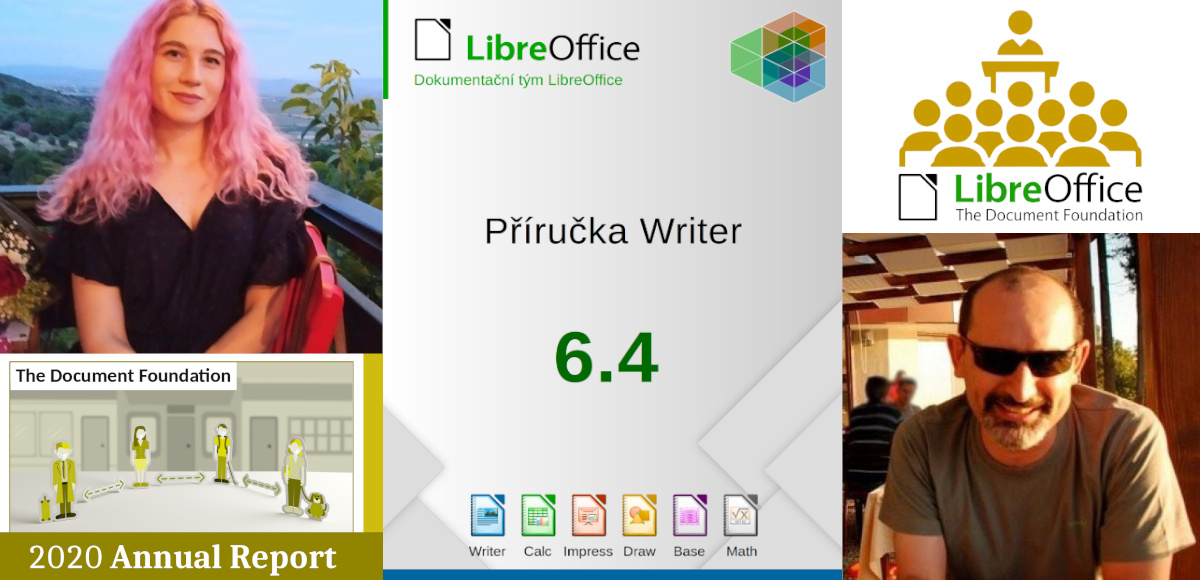
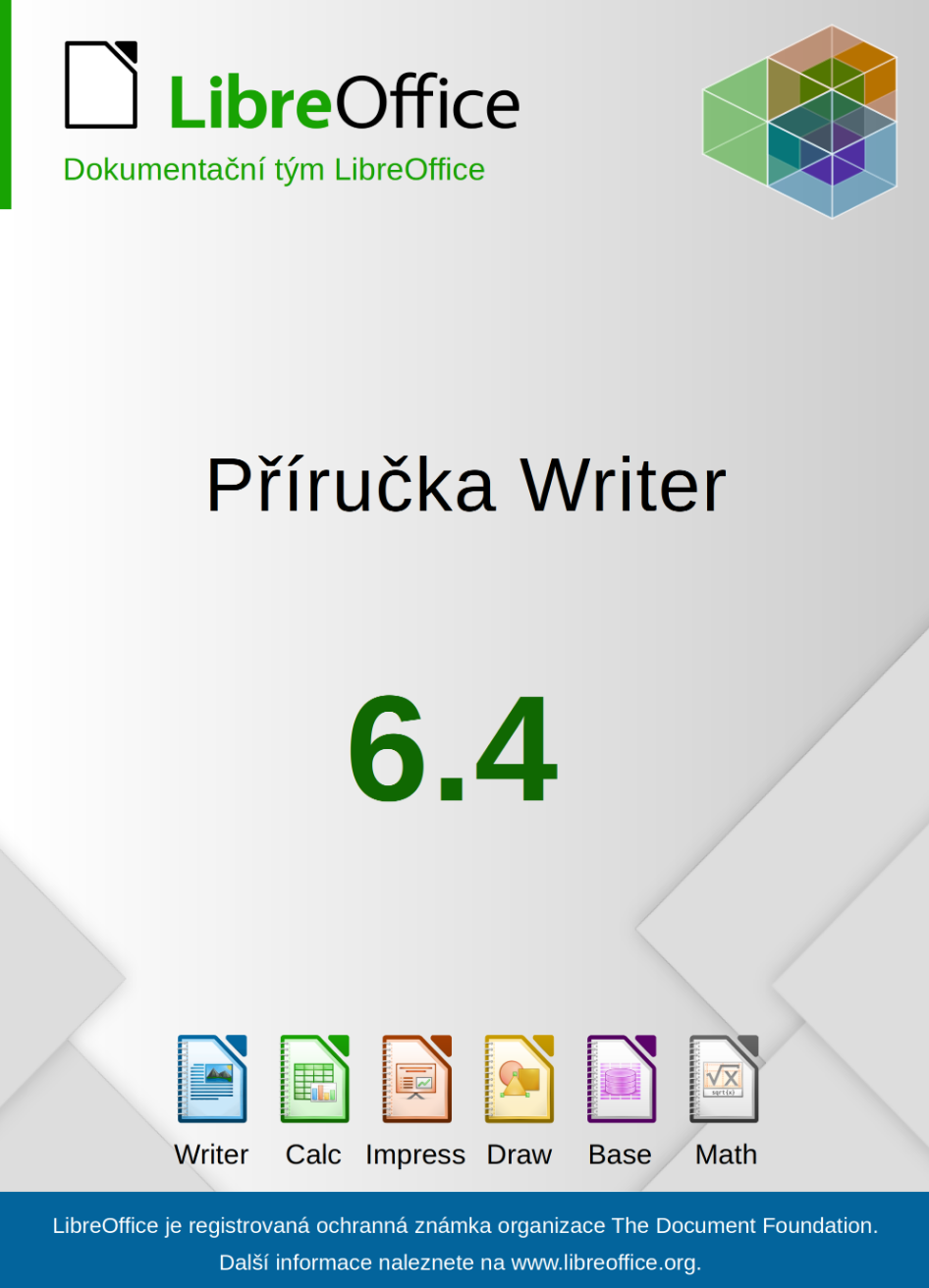
The Czech team has completed its translation of the Writer Guide 6.4. Big thanks to all volunteers, especially to Radomír Strnad, who initiated the translation and translated more then half of the chapters. Translators: Petr Kuběj, Zdeněk Crhonek, Petr Valach, Vendula Crhonková, Radomír Strnad, Ludmila Chládková and Zuzana Pitříková; text corrections Petr Valach, Barbora Aydin, Marcela Tomešová, Ludmila Klatovská, Nicole Borkeszová, Alžběta Motlová and Vendula Crhonková; localized pictures Roman Toman and technical support Miloš Šrámek.

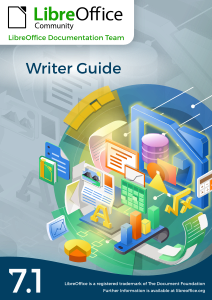
The Czech translation of the Writer guide 6.4 is available for download here. The team also updated Math and Calc guides, both are available in actual version 7.0.

The team now continues with translating the Impress guide, and we always looking for new translators. Join us!

Community Member Monday: Gökçe Kuler

Today we’re talking to Gökçe Kuler from our Turkish LibreOffice community…

Tell us a bit about yourself!

I’m from Aydın, Turkey. Currently I’m studying in my final years at the Computer Engineering department of Çanakkale Onsekiz Mart University. I’m interested in free software – and enjoy working with free software projects and learning new things aboutthemit. I met free software when I started university via my advisor Necdet Yücel.

I like playing the guitar and the kalimba. Also, I recently started painting with acrylic paints. I’m vegetarian, and actively participate in animal protection and gender equality projects.

You recently solved your first bug in LibreOffice. How did that go?

In our final years at the university, we work on a project together with an advisor. My advisor Necdet Yücel offered to work on LibreOffice as a graduation project, and then Gülşah Köse mentored me to get involved.

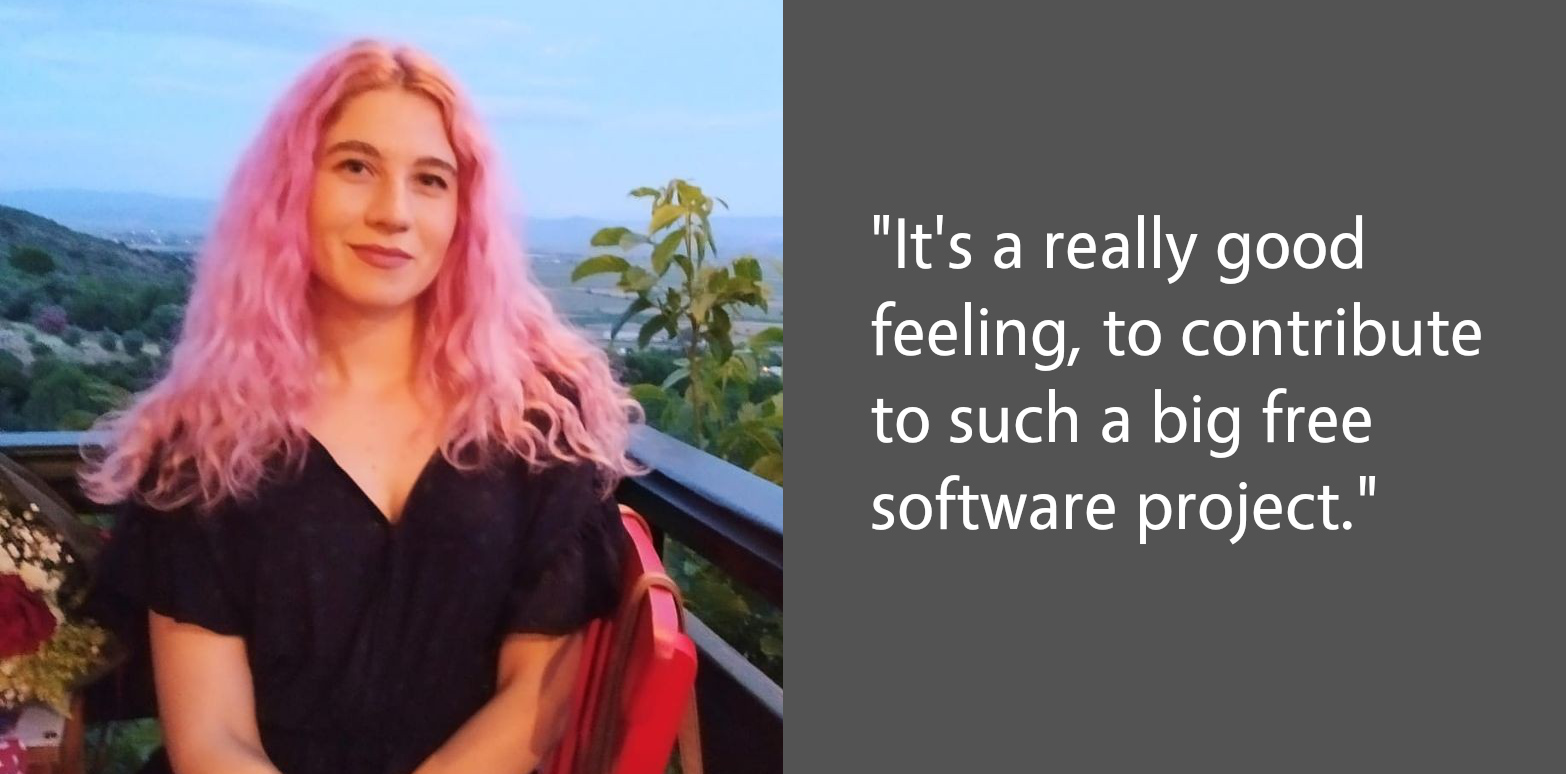
Firstly, I prepared my working environment – then we decided to work on an unit test instead of a bug. I completed it, and sent it to Gerrit. I was very happy when I got my first “merged” email. After that, we selected a new bug, about a dialog. I solved it too and wrote a blog post. It’s a really good feeling, to contribute to such a big free software project.

Recently, I’ve started working on a new bug in Impress and progressing with it. I will continue contributing to LibreOffice.

Do you have any tips for other people new LibreOffice contributors?

Instead of starting with a complex bug, I suggest starting with small things like a missing unit test, or they can even fix a typo. In this process, we get the opportunity to learn about LibreOffice development tools like Git, Gerrit, Jenkins etc…

In this way, the mechanisms in the project can be better understood, and self-confidence is gained to solve a bug. In addition, LibreOffice is a huge project and I think it is very important to read the project code in detail to understand what we work on.

Thanks to Gökçe for all her contributions to LibreOffice! Anyone with C++ knowledge can dive in and explore our codebase. There’s lots to learn, but we’re making it easier to get involved with Easy Hacks and channels for communication. Join us!

LibreOffice 7.1.2 Community available for download

Berlin, April 1, 2021 – LibreOffice 7.1.2 Community, the second minor release of the LibreOffice 7.1 family, targeted at technology enthusiasts and power users, is available for download from https://www.libreoffice.org/download/. LibreOffice 7.1.2 includes over 60 bug fixes and improvements to document compatibility.

For enterprise-class deployments, TDF strongly recommends the LibreOffice Enterprise family of applications from ecosystem partners, with long-term support options, professional assistance, custom features and Service Level Agreements: https://www.libreoffice.org/download/libreoffice-in-business/

LibreOffice Community and the LibreOffice Enterprise family of products are based on the LibreOffice Technology platform, the result of years of development efforts with the objective of providing a state of the art office suite not only for the desktop but also for mobile and the cloud.

Products based on LibreOffice Technology are available for major desktop operating systems (Windows, macOS, Linux and Chrome OS), mobile platforms (Android and iOS) and the cloud. They may have a different name, according to each company brand strategy, but they share the same LibreOffice unique advantages, robustness and flexibility.

Migrations to LibreOffice

The Document Foundation has developed a Migration Protocol to support enterprises moving from proprietary office suites to LibreOffice, which is based on the deployment of a LTS version from the LibreOffice Enterprise family, plus migration consultancy and training sourced from certified professionals who offer CIOs and IT managers value-added solutions in line with proprietary offerings. Reference: https://www.libreoffice.org/get-help/professional-support/

Availability of LibreOffice 7.1.2 Community

LibreOffice 7.1.2 Community represents the bleeding edge in term of features for open source office suites. For users whose main objective is personal productivity and therefore prefer a release that has undergone more testing and bug fixing over the new features, The Document Foundation provides LibreOffice 7.0.5.

LibreOffice 7.1.2 change log pages are available on TDF’s wiki: https://wiki.documentfoundation.org/Releases/7.1.2/RC1 (changed in RC1) and https://wiki.documentfoundation.org/Releases/7.1.2/RC2 (changed in RC2).

LibreOffice Technology based products for Android and iOS are listed here: https://www.libreoffice.org/download/android-and-ios/, while for App Stores and ChromeOS are listed here: https://www.libreoffice.org/download/libreoffice-from-microsoft-and-mac-app-stores/

LibreOffice individual users are assisted by a global community of volunteers: https://www.libreoffice.org/get-help/community-support/. On the website and the wiki there are guides, manuals, tutorials and HowTos. Donations help us to make all of these resources available.

LibreOffice users are invited to join the community at https://ask.libreoffice.org, where they can get and provide user-to-user support. People willing to contribute their time and professional skills to the project can visit the dedicated website at https://whatcanidoforlibreoffice.org

LibreOffice users, free software advocates and community members can provide financial support to The Document Foundation with a donation via PayPal, credit card or other tools at https://www.libreoffice.org/donate

LibreOffice 7.1 is built with document conversion libraries from the Document Liberation Project: https://www.documentliberation.org

LibreOffice in the Google Summer of Code 2021

New features in LibreOffice are made by volunteers, certified developers, and – during the summer – participants in the Google Summer of Code programme. This is focused on introducing students to open source software development, and last year LibreOffice received a bunch of new features thanks to the work of several students.

Well, we’re happy to announce that LibreOffice is part of this year’s Summer of Code (GSoC). If you’re a student, want to improve your programming skills and receive a financial stipend to implement new features in LibreOffice, take a look. Get in contact with us, show us that you’ve learnt the basics by working on an Easy Hack, and then propose your project(s). We look forward to meeting you!

Click here to get started

And to learn more about GSoC, check out this interview with Gautam Prajapati, who was part of the programme a few years ago:

Please confirm that you want to play a YouTube video. By accepting, you will be accessing content from YouTube, a service provided by an external third party.

YouTube privacy policy

If you accept this notice, your choice will be saved and the page will refresh.

LibreOffice 7.0.5 has been released

Berlin, March 12, 2021 – LibreOffice 7.0.5, the fifth minor release of the LibreOffice 7.0 family, is available from https://www.libreoffice.org/download/. All users are invited to update to this version, as this is now the suggested version for all users.

End user support is provided by volunteers via email and online resources: https://www.libreoffice.org/get-help/community-support/. On the website and the wiki there are guides, manuals, tutorials and HowTos. Donations help us to make all of these resources available.

For enterprise class deployments, TDF strongly recommends sourcing LibreOffice from one of the ecosystem partners, to get long-term supported releases, dedicated assistance, custom new features and other benefits, including SLAs (Service Level Agreements): https://www.libreoffice.org/download/libreoffice-in-business/.

LibreOffice users are invited to join the community at https://ask.libreoffice.org, where they can get and provide user-to-user support. People willing to contribute their time and professional skills to the project can visit the dedicated website at https://whatcanidoforlibreoffice.org.

LibreOffice users, free software advocates and community members can provide financial support to The Document Foundation with a donation via PayPal, credit card or other tools at https://www.libreoffice.org/donate.

New Generation: Flyer for schools and universities

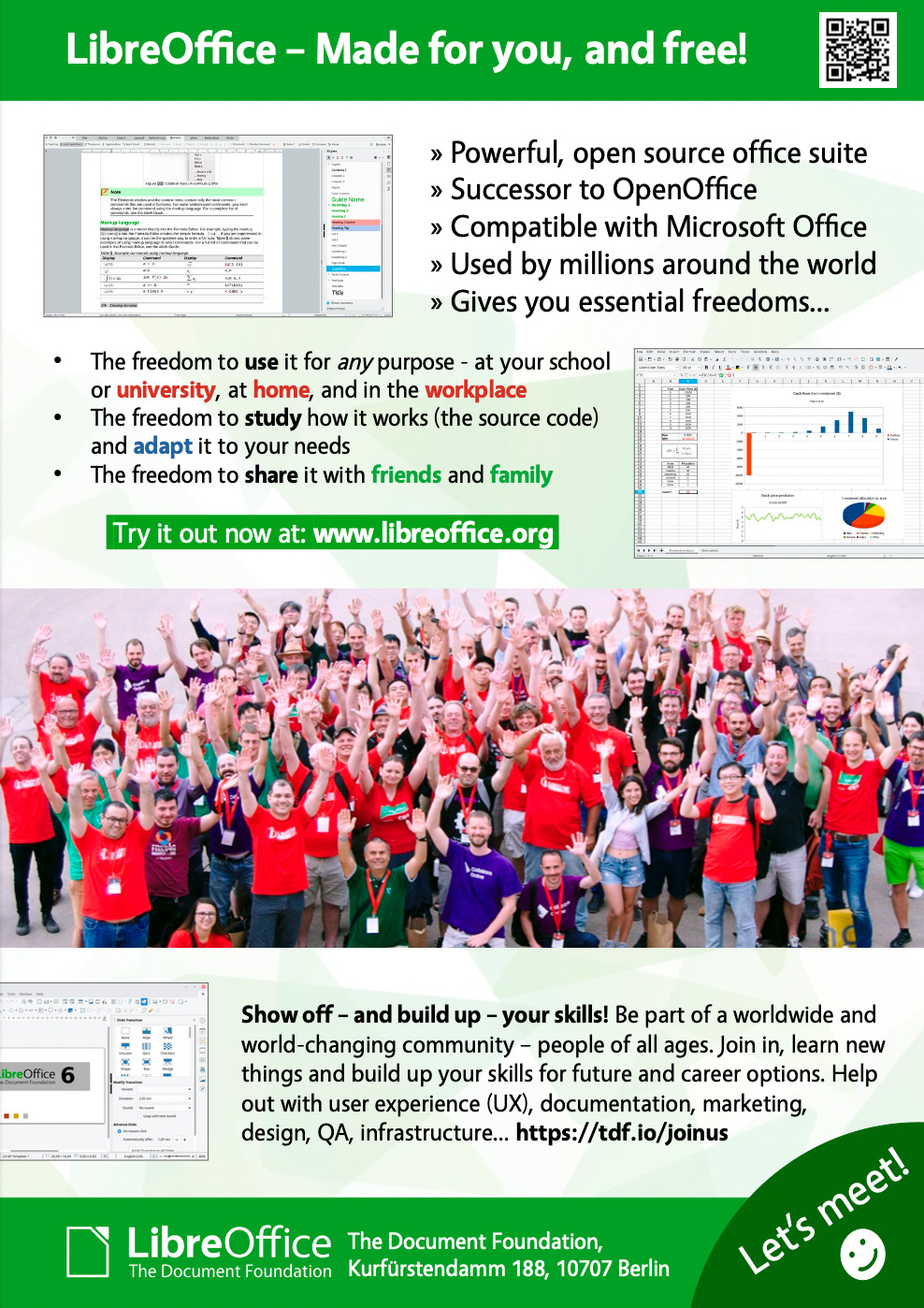
In late January, we announced LibreOffice New Generation, which focuses on bringing younger contributors into our projects and communities. We’ve had many discussions in our Telegram group since then, and today we’re announcing our first finished project: a LibreOffice flyer for schools and universities:

The goal of this flyer is to not only make students aware of LibreOffice, but also encourage them to get involved and help to improve it. Joining a free and open source software project is a great way to build up skills and gain experience, for potential future career options.

Thanks to Fabio Pesari, Timothy Brennan Jr. and Maharaj for their help and suggestions!

So what’s next?

We’ve put the flyer source file on our wiki (in ODG format, for opening in LibreOffice Draw – font used is Vegur), so translations in more languages would be great! If you make a translation, please email it to us and we’ll add it to the wiki. Here are the translations we have so far:

And then: let’s get the flyers out there! We’ll print copies of these flyers, so if you want to distribute them in your school or university, send us an email and we’ll talk further.

Onwards and upwards!

This is just the first project in New Generation – and we have many more ideas…

  • Create certificate for skills: creating presentations, spreadsheets, illustrations
  • Provide materials for local training in schools, universities etc.
  • Set up a contest (eg Python macro programming) with rewards
  • Set up a survey for students and teachers to spread around on campus
  • Use Open Badges to reward contributors and confirm their work

But we need your help to make them a reality! Join our Telegram group and let’s do awesome things together 😊