

Following our appearance on the Sustain FOSS podcast, Heiko Tietze from The Document Foundation talked on the sister Sustain Design podcast about mentoring designers in the LibreOffice project, and other UI/UX topics.
Following our appearance on the Sustain FOSS podcast, Heiko Tietze from The Document Foundation talked on the sister Sustain Design podcast about mentoring designers in the LibreOffice project, and other UI/UX topics.

Sustain is a podcast that “brings together practitioners, sustainers, funders, researchers and maintainers of the open source ecosystem – we have conversations about the health and sustainability of the open source community.”
Mike Saunders from The Document Foundation, the non-profit entity behind LibreOffice, appeared on a recent episode of the podcast to talk about the LibreOffice community and long-term sustainable development. He discussed growing the project and ensuring that the work of volunteers and the wider ecosystem is recognised.

Berlin, March 10, 2022 – LibreOffice 7.2.6 Community, the sixth minor release of the LibreOffice 7.2 family, targeted at desktop productivity, is available from from the download page.
End user support is provided by volunteers via email and online resources: community support. On the website and the wiki there are guides, manuals, tutorials and HowTos. Donations help us to make all of these resources available.
For enterprise-class deployments, TDF strongly recommends the LibreOffice Enterprise family of applications from ecosystem partners, with long-term support options, professional assistance, custom features and Service Level Agreements: LibreOffice Business.
LibreOffice 7.2.6’s changelog pages are available on TDF’s wiki: RC1 and RC2.
LibreOffice Community and the LibreOffice Enterprise family of products are based on the LibreOffice Technology platform, the result of years of development efforts with the objective of providing a state of the art office suite not only for the desktop but also for mobile and the cloud.
LibreOffice Technology based products for Android and iOS are listed here, while for App Stores and ChromeOS are listed on this page.
LibreOffice users, free software advocates and community members can provide financial support to The Document Foundation with a donation via PayPal, credit card or other tools on our donate page.
LibreOffice 7.2.6 is built with document conversion libraries from the: Document Liberation Project.
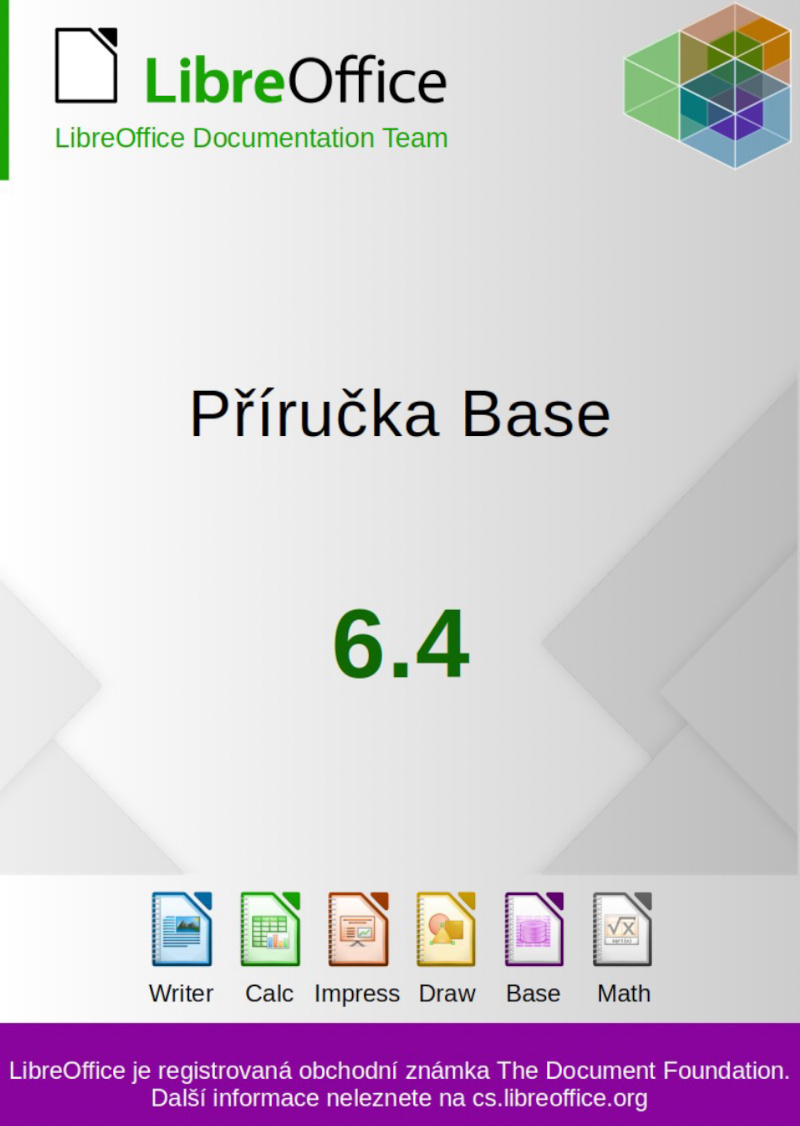
Zdeněk Crhonek (aka “raal”) from the Czech LibreOffice community writes:
The Czech LibreOffice docs team has finished its translation of the Base Guide 6.4. As usual it was a team effort, namely: translations by Petr Kuběj and Zdeněk Crhonek; revisions by Marcela Tomešová, Martin Kasper, Zdeněk Crhonek and Jan Martinovský; localised pictures by Roman Toman; and technical support from Miloš Šrámek. Thanks to all the team for their work and especially thanks to Petr, who translated almost whole book!
The Czech translation of the Base Guide 6.4 is available for download on this page.
The whole set of official guides are now translated to Czech languages, see the old announcements: Writer Guide, Draw Guide, Impress Guide, Calc Guide, and Getting Started Guide.
The team continues with translations of the Getting Started Guide 7.3. We always looking for new translators and correctors – Join us!
Indeed, many thanks to everyone in the Czech community for their work! Learn more about LibreOffice’s documentation project here.

Berlin, March 3, 2022 – LibreOffice 7.3.1 Community, the first minor release of the LibreOffice 7.3 family, targeted at technology enthusiasts and power users, is available for download from https://www.libreoffice.org/download/. This version provides a solution to several LibreOffice 7.3 bugs, including the Auto Calculate regression on Calc, the crashes running Calc when lacking AVX instructions and the crashes related to the Skia graphic engine on macOS.
The LibreOffice 7.3 family offers the highest level of compatibility in the office suite market segment, starting with native support for the OpenDocument Format (ODF) – beating proprietary formats in the areas of security and robustness – to superior support for DOCX, XLSX and PPTX files.
Microsoft files are still based on the proprietary format deprecated by ISO in 2008, which is artificially complex, and not on the ISO approved standard. This lack of respect for the ISO standard format may create issues to LibreOffice, and is a huge obstacle for transparent interoperability.
LibreOffice for enterprise deployments
For enterprise-class deployments, TDF strongly recommends the LibreOffice Enterprise family of applications from ecosystem partners, with long-term support options, professional assistance, custom features and Service Level Agreements: https://www.libreoffice.org/download/libreoffice-in-business/.
LibreOffice Community and the LibreOffice Enterprise family of products are based on the LibreOffice Technology platform, the result of years of development efforts with the objective of providing a state of the art office suite not only for the desktop but also for mobile and the cloud.
Products based on LibreOffice Technology are available for major desktop operating systems (Windows, macOS, Linux and Chrome OS), mobile platforms (Android and iOS) and the cloud. They may have a different name, according to each company brand strategy, but they share the same LibreOffice unique advantages, robustness and flexibility.
Availability of LibreOffice 7.3.1 Community
LibreOffice 7.3.1 Community represents the bleeding edge in term of features for open source office suites. For users whose main objective is personal productivity and therefore prefer a release that has undergone more testing and bug fixing over the new features, The Document Foundation provides LibreOffice 7.2.5.
LibreOffice 7.3.1 change log pages are available on TDF’s wiki: https://wiki.documentfoundation.org/Releases/7.3.1/RC1 (changed in RC1), https://wiki.documentfoundation.org/Releases/7.3.1/RC2 (changed in RC2) and https://wiki.documentfoundation.org/Releases/7.3.1/RC3 (changed in RC3).
LibreOffice Technology based products for Android and iOS are listed here: https://www.libreoffice.org/download/android-and-ios/, while for App Stores and ChromeOS are listed here: https://www.libreoffice.org/download/libreoffice-from-microsoft-and-mac-app-stores/
LibreOffice individual users are assisted by a global community of volunteers: https://www.libreoffice.org/get-help/community-support/. On the website and the wiki there are guides, manuals, tutorials and HowTos. Donations help the project to make all of these resources available.
LibreOffice users are invited to join the community at https://ask.libreoffice.org, where they can get and provide user-to-user support. People willing to contribute their time and professional skills to the project can visit the dedicated website at https://whatcanidoforlibreoffice.org.
LibreOffice users, free software advocates and community members can provide financial support to The Document Foundation with a donation via PayPal, credit card or other tools at https://www.libreoffice.org/donate.
LibreOffice 7.3.1 is built with document conversion libraries from the Document Liberation Project: https://www.documentliberation.org.
Italian
Polish
Portuguese