Find a LibreOffice community member near you!

Hundreds of people around the world contribute to each new version of LibreOffice, and we’ve interviewed many of them on this blog. Now we’ve collected them together on a map (thanks to OpenStreetMap), so you can see who’s near you, and find out more! Click the image to see the live map:

Don’t see anyone near you? Help us to create a new native language community in your country! (Or if you’re already active in the project and would like to be interviewed, just drop us a line.)

Community Member Monday: Khaled Hosny

With LibreOffice 6.2 now available, we return to our regular chats with LibreOffice community members! Today we’re talking to Khaled Hosny, who is working on the software’s font handling and user interface…

To start with, tell us a bit about yourself!

I’m based in Cairo, Egypt. I use IRC but not very actively – my nick is KhaledHosny. I’m a bit active on Twitter as well. I’m also on GitHub (which, after all, is a social network of sorts): https://github.com/khaledhosny.

Outside of my work on LibreOffice, I’m also a localizer and typeface designer, both in a professional capacity and as a hobby. I’m also an avid reader, and an amateur calligrapher and artist.

Do you work for a LibreOffice-related company or just contribute in your spare time?

I contribute in my spare time mostly, but some of my work was sponsored by The Document Foundation.

How did you get involved with LibreOffice?

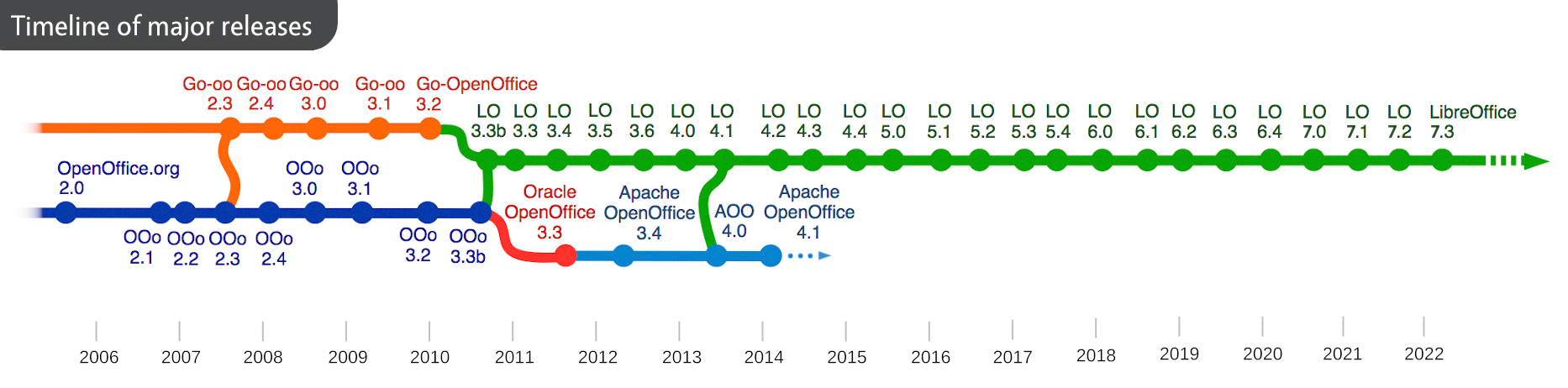
I was trying to fix some bugs with Arabic text layout in OpenOffice.org (the predecessor to LibreOffice) on Linux. It wasn’t the most pleasant experience, to say the least, and I never got to finish the fix I was working on. So, when I became aware of LibreOffice in early 2011, I switched immediately and was able to finish and submit my first patch, which got reviewed and accepted. I have been contributing to LibreOffice intermittently since then.

What areas of the project do you normally work on? Anything else you want to tackle?

I’m mostly interested in areas of text layout and font handling, especially for Arabic and other writing systems that require advanced text layout. I also sometimes work on UI issues affecting right-to-left writing systems, as well as layout of mathematical equations.

What was your initial experience of contributing to LibreOffice like?

That was over eight years ago, so my memory is fading away, but I remember that it was much better than working on OpenOffice.org, and the build system (even then) was much more pleasant to use. Also, I think my first patch was accepted without much friction and delay, which is not my experience with many other open source projects.

What does LibreOffice need most right now?

In my humble opinion, I think the project needs a clearer vision and development agenda. Right now things seem to be moving organically without much coordination, and every one is working on whatever interests them. I understand that such development organisation is not easy or even feasible in an open source development model and might not even be desirable, but maybe The Document Foundation should take a more active role in steering LibreOffice development.

Thanks to Khaled for his time, and contributions to LibreOffice! Our community would benefit from more help in translating the website and user interface into Arabic, so if you’re interested, start here!

The Document Foundation announces LibreOffice 6.2 with NotebookBar, the office suite which offers the most flexible user experience

LibreOffice 6.1.5 also released, for enterprise class deployments and mainstream users looking for robust productivity

Berlin, February 7, 2019 – The Document Foundation announces LibreOffice 6.2 with NotebookBar, a significant major release of the free office suite which features a radical new approach to the user interface – based on the MUFFIN concept [1] – and provides user experience options capable of satisfying all users’ preferences, while leveraging all screen sizes in the best way.

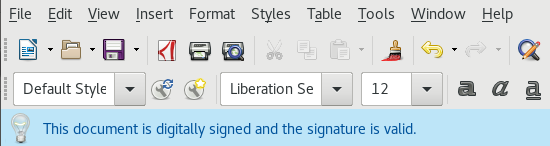
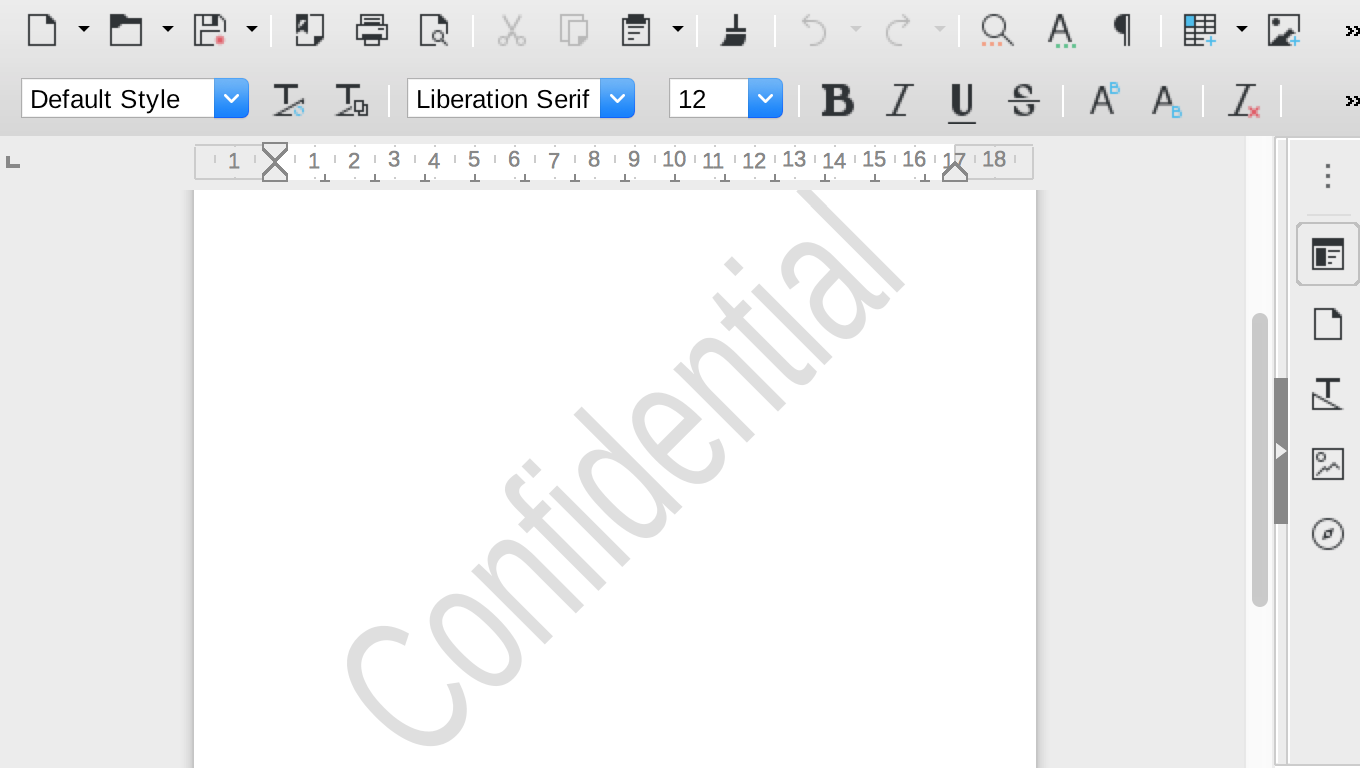
The NotebookBar is available in Tabbed, Grouped and Contextual flavors, each one with a different approach to the menu layout, and complements the traditional Toolbars and Sidebar. The Tabbed variant aims to provide a familiar interface for users coming from proprietary office suites and is supposed to be used primarily without the sidebar, while the Grouped one allows to access “first-level” functions with one click and “second-level” functions with a maximum of two clicks.

The design community has also made substantial changes and improvements to icon themes, in particular Elementary and Karasa Jaga.

LibreOffice 6.2 new and improved features:

  • The help system offers faster filtering of index keywords, highlighting search terms as they are typed and displaying results based on the selected module.
  • Context menus have been tidied up, to be more consistent across the different components in the suite.
  • Change tracking performances have been dramatically improved, especially in large documents.
  • In Writer, it is now possible to copy spreadsheet data into tables instead of just inserting them as objects.
  • In Calc, it is now possible to do multivariate regression analysis using the regression tool. In addition, many more statistical measures are now available in the analysis output, and the new REGEX function has been added, to match text against a regular expression and optionally replace it.
  • In Impress & Draw, the motion path of animations can now be modified by dragging its control points. In addition, a couple of text-related drawing styles have been added, as well as a Format Table submenu in Draw.
  • LibreOffice Online, the cloud-based version of the suite, includes many improvements too. On mobile devices, the user interface has been simplified, with better responsiveness and updates to the on-screen keyboard.

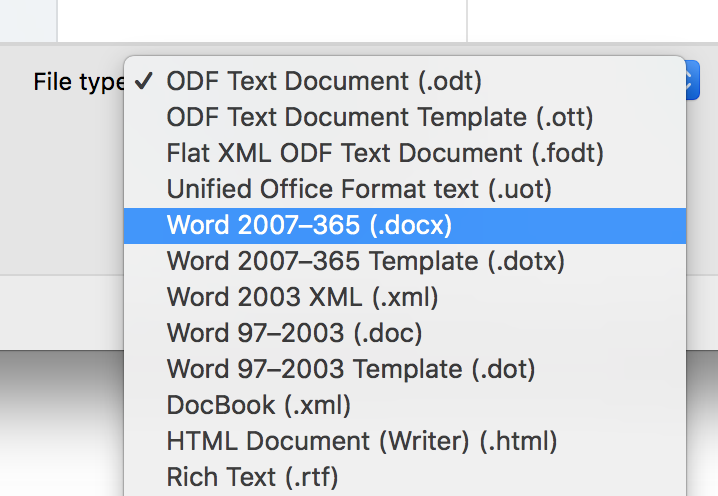
Interoperability with proprietary file formats has also been improved, as with every major and minor version of LibreOffice, for better compatibility with Office documents, including old versions which have been deprecated by Microsoft. The focus has been on charts and animations, and on document security features, with agile encryption and HMAC verification.

LibreOffice 6.2’s new features have been developed by a large community of code contributors: 74% of commits are from developers employed by companies sitting in the Advisory Board like Collabora, Red Hat and CIB and by other contributors such as the City of Munich and SIL, and 26% are from individual volunteers.

In addition, there is a global community of individual volunteers taking care of other fundamental activities such as quality assurance, software localization, user interface design and user experience, editing of help system and documentation, plus free software and open document standards advocacy at a local level.

A video summarizing the top new features of LibreOffice 6.2 is available on YouTube: https://www.youtube.com/watch?v=6HUnR5IoAQk.

LibreOffice 6.1.5 for enterprise class deployments

The Document Foundation has also released LibreOffice 6.1.5, a more mature version which includes some months of back-ported fixes and is better suited for enterprise class deployments, where features are less important than robustness as the main objective is individual productivity.

Enterprises willing to deploy LibreOffice on a professional basis should source value-added services – related to software support, migrations and training – from certified people (https://www.libreoffice.org/get-help/professional-support/) and a LibreOffice LTS (Long Term Supported) versions provided by one of the companies sitting on TDF Advisory Board (https://www.documentfoundation.org/governance/advisory-board/).

Sourcing enterprise class software and/or services from the ecosystem of certified professionals are the best support options for organizations deploying LibreOffice on a large number of desktops. In fact, these activities are contributed back to the project under the form of improvements to the software and the community, and trigger a virtuous circle which is beneficial to all parties, including users.

Availability of LibreOffice 6.2 and LibreOffice 6.1.5

LibreOffice 6.2 and LibreOffice 6.1.5 are immediately available from the following web page: https://www.libreoffice.org/download/. Builds of the latest LibreOffice Online source code are also available, released as Docker images: https://hub.docker.com/r/libreoffice/online/.

LibreOffice Online is fundamentally a server service, and should be installed and configured by adding cloud storage and an SSL certificate. It might be considered an enabling technology for the cloud services offered by ISPs or the private cloud of enterprises and large organizations.

LibreOffice users, free software advocates and community members can support The Document Foundation with a donation at https://www.libreoffice.org/donate.

LibreOffice 6.2 is built with document conversion libraries from the Document Liberation Project: https://www.documentliberation.org.

Press Kit

The press kit is here: https://tdf.io/lo62presskit.

[1] https://blog.documentfoundation.org/blog/2016/12/21/the-document-foundation-announces-the-muffin-a-new-tasty-user-interface-concept-for-libreoffice/

LibreOffice monthly recap: January 2019

Here’s our regular summary of events and updates in the last month!

  • For much of January, the community was busy preparing for the release of LibreOffice 6.2, which is due in early February. There are many new features in this release, thanks to our volunteers and certified developers, including the NotebookBar. If you haven’t seen it yet, here’s a quick look at how it works:

Please confirm that you want to play a YouTube video. By accepting, you will be accessing content from YouTube, a service provided by an external third party.

YouTube privacy policy

If you accept this notice, your choice will be saved and the page will refresh.

  • We talked to the LibreOffice Design Community about their preparations for this release. While the NotebookBar is the biggest update, there have been many other changes, such as improvements to the Karasa Jaga and Elementary icon themes. Here’s the latter:

  • In terms of documentation, Roman Kuznetsov (aka Kompilainenn) announced his new Conditional Formatting Guide for LibreOffice Calc. With conditional formatting, you can change the appearance of cells in a spreadsheet depending on their contents – so it’s very useful to make data more readable and easier on the eyes. Thanks to Roman for his great work!

  • Our C++ workshops continued with a look at set and maps. Most of LibreOffice’s source code is written in C++, so if you’re interested in the language but want some help, join us! In our workshops, we examine a specific topic and then get together on IRC for a joint discussion. You can put questions to experienced LibreOffice C++ coders – so keep watching this blog for details about the next one!

Keep in touch – follow us on Twitter, Facebook and Google+. Like what we do? Support our community with a donation – or join us and help us to make LibreOffice even better!

Community Member Monday: Pierre-Yves Samyn

Today we’re chatting with a member of the French-speaking LibreOffice community, Pierre-Yves Samyn, who helps our marketing and documentation projects with videos and translations:

Where do you live, and what do you enjoy in your spare time?

I live in metropolitan France. Outside of LibreOffice, I like to read, listen and play music.

In which areas of the LibreOffice project are you active?

Thesedays, my main activities for the project are:

  1. Following up the French part of the wiki (translation of the release notes mainly)
  2. The creation of videos, posted on the French TDF channel (click the playlist button in the top-left to see other videos):


    Please confirm that you want to play a YouTube video. By accepting, you will be accessing content from YouTube, a service provided by an external third party.

    YouTube privacy policy

    If you accept this notice, your choice will be saved and the page will refresh.

    I started with a more-or-less weekly rhythm, with the idea of making “videos of the week”, like the tips of the week we have on the Twitter account. I have kept that pace for around three to four years. Today, I make videos more according to the inspiration of the moment, or following a question that was asked. I also try to add English subtitles.

  3. The other thing I do in the project is to respond punctually to questions on English-speaking Ask LibreOffice site (not as often as I would like).

How did you get involved with LibreOffice?

I get involved through my work, at the time with OpenOffice.org version 1.1.3 if my memory is good. The software imported less than the ODF format for this project, consisting (in part) of using the software conversion features. I was immediately seduced, and reported to the project my experience in creating training support, user support, etc.

What was your initial experience of contributing to LibreOffice like?

Helping first: I was active member on the OpenOffice.org forum, then on all the French mailing lists (discuss, users, QA etc.) Then I moved on to testing new versions (reports or comment on Bugzilla). I also participated in making content for the wiki (creation/update of FAQs, macros, release notes…). And I participated in the documentation project (proofreading).

What tools do you use for your work?

Eclipse, Vim, Notepad++, Atom, VLC…

Finally, what does LibreOffice need most right now?

I probably do not have a sufficient overall vision of the project, but here are some topics that resonate in me (in no order of priority):

Many thanks to Pierre-Yves Samyn for all his help and contributions! Learn more about the French LibreOffice community here, and then get to know us – we’re a friendly, growing free software project, so by taking part you can meet new people and build up valuable experience. Join us today!

New Guide: Conditional Formatting in LibreOffice Calc

Roman Kuznetsov (aka Kompilainenn) from our documentation community has created a Conditional Formatting Guide for LibreOffice Calc. He says:

In this guide I wrote about:

  • How to create, change and delete conditional formatting
  • Multiple conditions for one cell range, and priority of condition processing
  • Creating cell styles for conditional formatting
  • All categories and all types of conditional formatting
  • Copying of conditional formatting

I want to say a very big thank you to Sophie Gautier for reviewing this guide, and to Mike Kaganski for fixing of some bugs in conditional formatting I found when I wrote it. I hope this guide will be helpful for many users of LibreOffice.

Click here to read/download the guide, and a huge thanks to Roman, Sophie and Mike for their great work! Most of LibreOffice’s documentation is produced by volunteers, so if you’re reading this and want to give them a hand, see here to get started.

Updating documentation in a large open source project is a great way to build up experience for a potential technical writing career, so join us!