LibreOffice 6.4 is being developed by our worldwide community, and is due to be released in early February 2020 – see the release notes describing the new features here. Of course, we’re still early in the development cycle, so many more features are still to come!
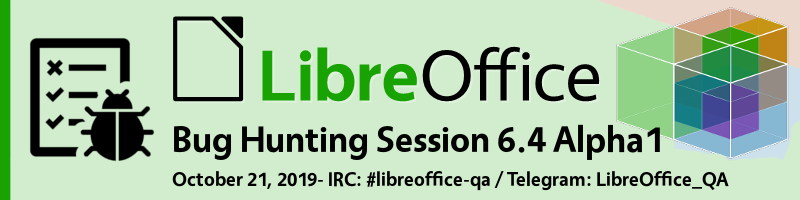
In order to find, report and triage bugs, the LibreOffice QA team is organizing the first Bug Hunting Session for LibreOffice 6.4 on Monday October 21, 2019. Tests will be performed on the first Alpha version, which will be available on the pre-releases server a few days before the event. Builds will be available for Linux (DEB and RPM), macOS and Windows, and can be installed and run in parallel along with the production version.
Mentors will be available from 07:00 UTC to 19:00 UTC for questions or help in the IRC channel #libreoffice-qa and the Telegram QA Channel. Of course, hunting bugs will be possible also on other days, as the builds of this particular Alpha release (LibreOffice 6.4.0 Alpha 1) will be available until mid November. Check the Release Plan.
All details of the first Bug Hunting Session are available on the wiki. We look forward to seeing you soon – thanks so much for your help! Together we’ll make LibreOffice 6.4 a super solid release.
Who makes the big technical decisions in the LibreOffice project? In this video from our recent LibreOffice Conference in Spain, the Engineering Steering Committee (ESC) introduces itself and provides an update on the latest updates:
Please confirm that you want to play a YouTube video. By accepting, you will be accessing content from YouTube, a service provided by an external third party.
Here’s the final set of presentations from the “Sala de Grados (Aulario IV)” room at the LibreOffice Conference 2019 in Almeria, Spain. We have many more videos from other rooms to come, of course! (Note: for better audio, use headphones.)
First up is “Neural Machine Translation for LibreOffice” with Thomas Viehmann:
Please confirm that you want to play a YouTube video. By accepting, you will be accessing content from YouTube, a service provided by an external third party.
If you accept this notice, your choice will be saved and the page will refresh.
Next, “Weblate public test feedback round” with Christian Lohmaier:
Please confirm that you want to play a YouTube video. By accepting, you will be accessing content from YouTube, a service provided by an external third party.
If you accept this notice, your choice will be saved and the page will refresh.
“Experiment for large-scale operation of LibreOffice Online, 2019 Edition” with Masaki Murakami:
Please confirm that you want to play a YouTube video. By accepting, you will be accessing content from YouTube, a service provided by an external third party.
If you accept this notice, your choice will be saved and the page will refresh.
“LibreOffice Online new features” with Cor Nouws:
Please confirm that you want to play a YouTube video. By accepting, you will be accessing content from YouTube, a service provided by an external third party.
If you accept this notice, your choice will be saved and the page will refresh.
“Online integration success stories” with Jan Holesovsky:
Please confirm that you want to play a YouTube video. By accepting, you will be accessing content from YouTube, a service provided by an external third party.
If you accept this notice, your choice will be saved and the page will refresh.
And “10/20 Anniversary Planning” with Italo Vignoli:
Please confirm that you want to play a YouTube video. By accepting, you will be accessing content from YouTube, a service provided by an external third party.
Yes, we’ve uploaded some more presentations from the recent LibreOffice Conference 2019 in Almeria, Spain. Many of these cover interoperability between LibreOffice and other office software. To start, here’s “Sharing is caring” with Marina Latini:
Please confirm that you want to play a YouTube video. By accepting, you will be accessing content from YouTube, a service provided by an external third party.
If you accept this notice, your choice will be saved and the page will refresh.
“TDF community and membership: how to get in” with Gabriele Ponzo:
Please confirm that you want to play a YouTube video. By accepting, you will be accessing content from YouTube, a service provided by an external third party.
If you accept this notice, your choice will be saved and the page will refresh.
“LibreOffice community and the SDG” with Leo Moons:
Please confirm that you want to play a YouTube video. By accepting, you will be accessing content from YouTube, a service provided by an external third party.
If you accept this notice, your choice will be saved and the page will refresh.
“Interoperability as core feature” with Gábor Kelemen:
Please confirm that you want to play a YouTube video. By accepting, you will be accessing content from YouTube, a service provided by an external third party.
If you accept this notice, your choice will be saved and the page will refresh.
“Interoperable office collaboration” with Svante Schubert:
Please confirm that you want to play a YouTube video. By accepting, you will be accessing content from YouTube, a service provided by an external third party.
If you accept this notice, your choice will be saved and the page will refresh.
“Interoperability improvements in the last year” with Mike Kaganski:
Please confirm that you want to play a YouTube video. By accepting, you will be accessing content from YouTube, a service provided by an external third party.
If you accept this notice, your choice will be saved and the page will refresh.
“Watermarking: a secure way to share documents” with Mert Tümer:
Please confirm that you want to play a YouTube video. By accepting, you will be accessing content from YouTube, a service provided by an external third party.
If you accept this notice, your choice will be saved and the page will refresh.
And “Interoperability of Charts between LibreOffice and Microsoft Office” with Balázs Varga:
Please confirm that you want to play a YouTube video. By accepting, you will be accessing content from YouTube, a service provided by an external third party.
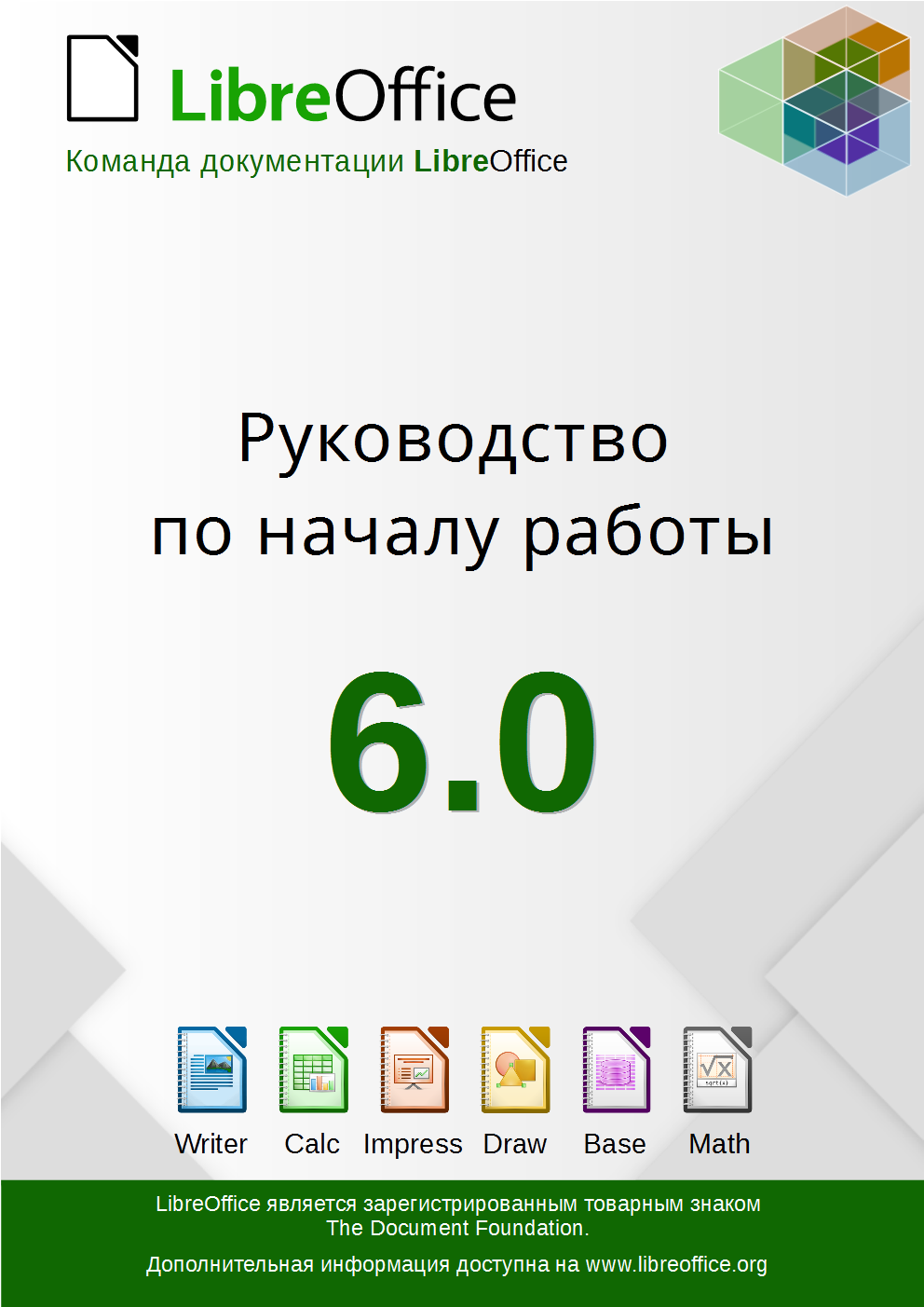
LibreOffice has extensive documentation, thanks to our worldwide community of volunteers. Recently, Lera Goncharuk, Alex Denkin and Roman Kuznetsov worked on a Russian translation of the getting started guide – click the image below to read it. If you want to help with a translation in your own language, see this page to get started – and thanks for your help!
We’ve uploaded some more presentations from the recent LibreOffice Conference 2019 in Almeria, Spain. First up, “Generating ODF reports on server side” with Jeff Huang:
Please confirm that you want to play a YouTube video. By accepting, you will be accessing content from YouTube, a service provided by an external third party.
If you accept this notice, your choice will be saved and the page will refresh.
Then “How best to migrate to LibreOffice” with Andras Timar:
Please confirm that you want to play a YouTube video. By accepting, you will be accessing content from YouTube, a service provided by an external third party.
If you accept this notice, your choice will be saved and the page will refresh.
“Grow out of nothing” with Wen-Ke Huang:
Please confirm that you want to play a YouTube video. By accepting, you will be accessing content from YouTube, a service provided by an external third party.
If you accept this notice, your choice will be saved and the page will refresh.
“Agile LibreOffice: how not to lead an open source project” with Björn Michaelsen:
Please confirm that you want to play a YouTube video. By accepting, you will be accessing content from YouTube, a service provided by an external third party.
If you accept this notice, your choice will be saved and the page will refresh.
“Recruiting is hard, let’s go shopping” with Ilmari Lauhakangas:
Please confirm that you want to play a YouTube video. By accepting, you will be accessing content from YouTube, a service provided by an external third party.
If you accept this notice, your choice will be saved and the page will refresh.
“TDF’s Membership Committee: how does it work” with Gabriele Ponzo:
Please confirm that you want to play a YouTube video. By accepting, you will be accessing content from YouTube, a service provided by an external third party.
If you accept this notice, your choice will be saved and the page will refresh.
“Handling TDF membership applications with the mcm-script” with Gustavo Buzzatti Pacheco:
Please confirm that you want to play a YouTube video. By accepting, you will be accessing content from YouTube, a service provided by an external third party.
If you accept this notice, your choice will be saved and the page will refresh.
“LibreOffice Asia Conference 2019 Tokyo: what we achieved, and what’s next” with Naruhiko Ogasawara, Shinji Enoki and Jun Nogata:
Please confirm that you want to play a YouTube video. By accepting, you will be accessing content from YouTube, a service provided by an external third party.
If you accept this notice, your choice will be saved and the page will refresh.
“Making LibreOffice a lifesaver for dying languages in Asia” with Kuan-Ting Lin and Xiao-Wu Wang:
Please confirm that you want to play a YouTube video. By accepting, you will be accessing content from YouTube, a service provided by an external third party.
If you accept this notice, your choice will be saved and the page will refresh.
And finally, “The challenge of a regional LibreOffice Conference” with Gustavo Buzzatti Pacheco:
Please confirm that you want to play a YouTube video. By accepting, you will be accessing content from YouTube, a service provided by an external third party.