LibreOffice project and community recap: December 2025

Happy New Year 2026

Here’s our summary of updates, events and activities in the LibreOffice project in the last month of last year – click the links to learn more…

Code of Ethics banner

ODF 1.4 approved banner

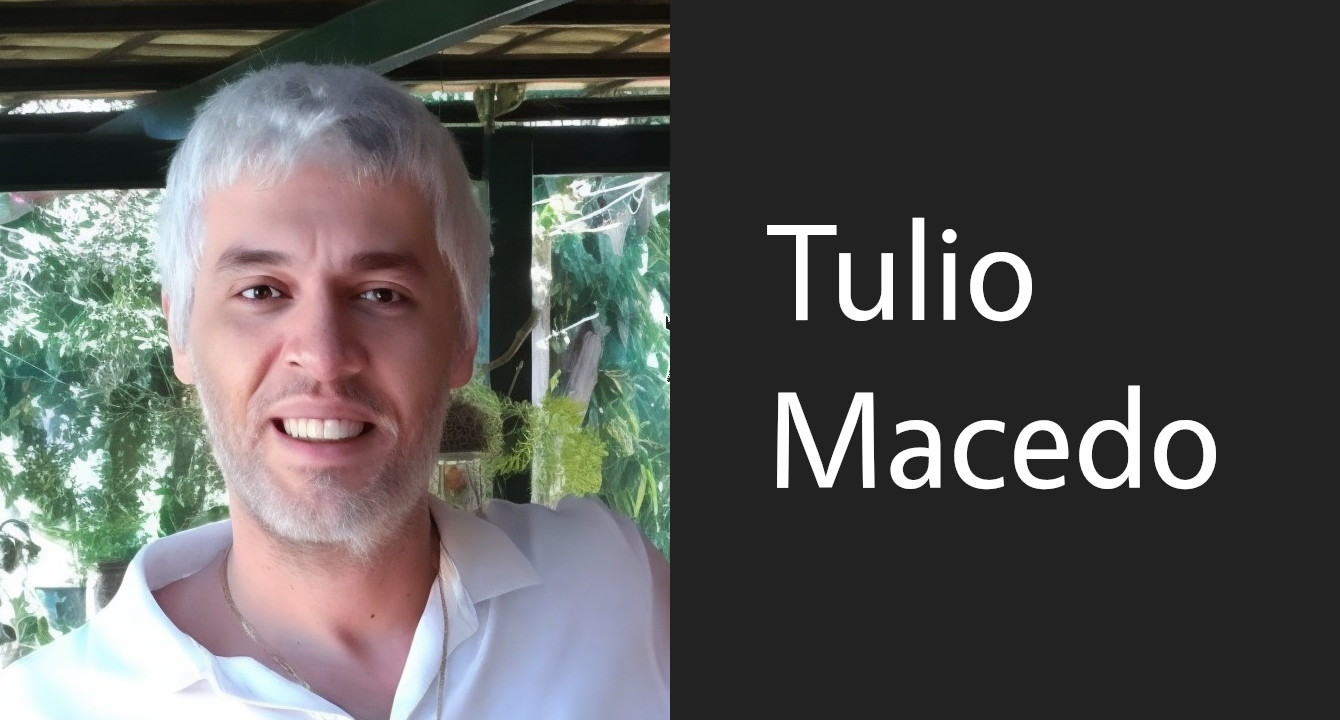
  • Dan Williams joined the LibreOffice team as a developer focusing on user interface (UI) and user experience (UX) issues. He will initially work on some improvements for LibreOffice on macOS, but then look at broader topics affecting users on all platforms.

Photo of Dan Williams

Pordenone LUG logo

Open Source Conference 2025 Luxembourg logo

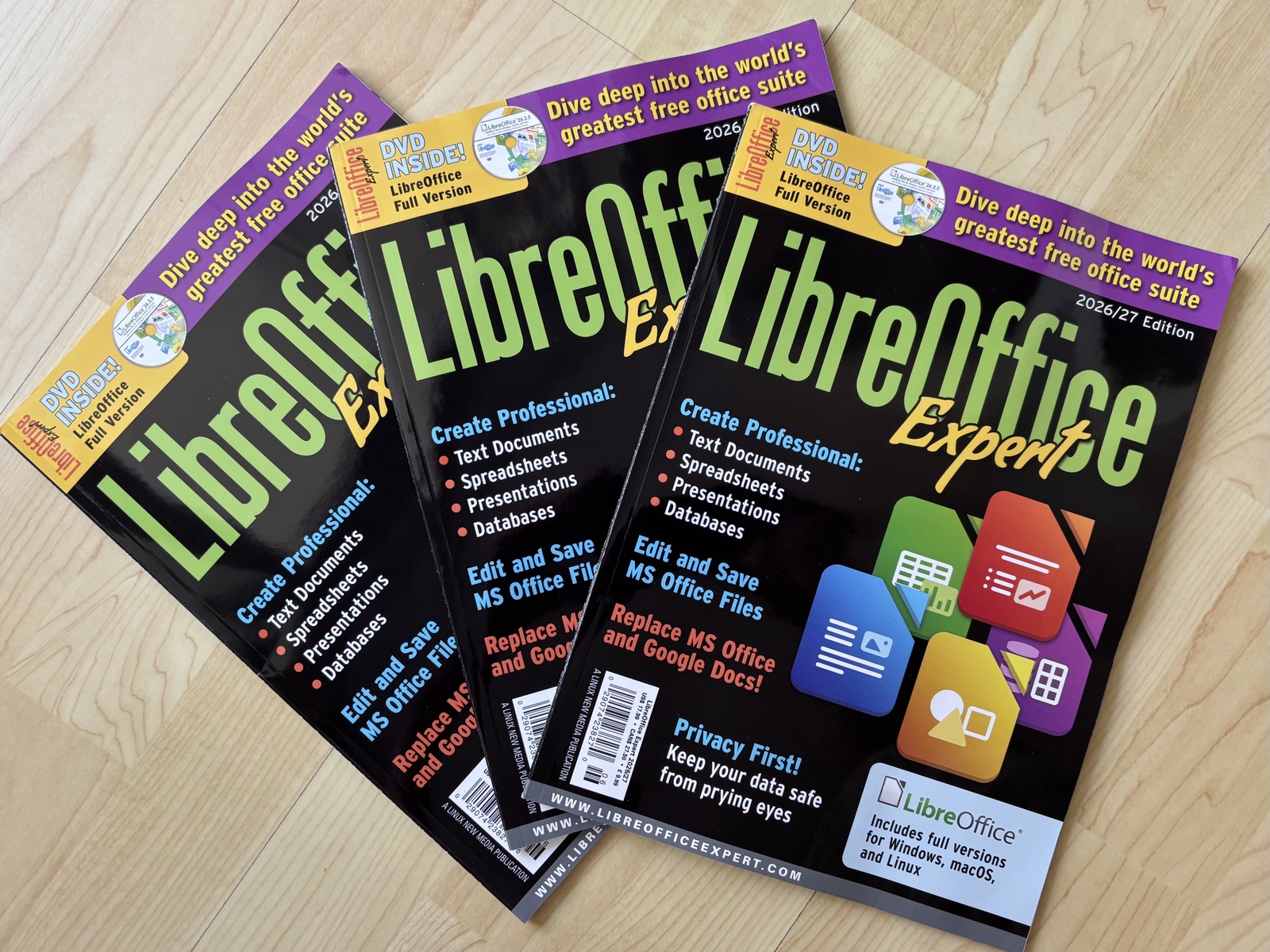
Draw Guide 25.8 cover

  • We had one update to LibreOffice in December: 25.8.4. This is a bug and compatibility fix update, recommended for all users.

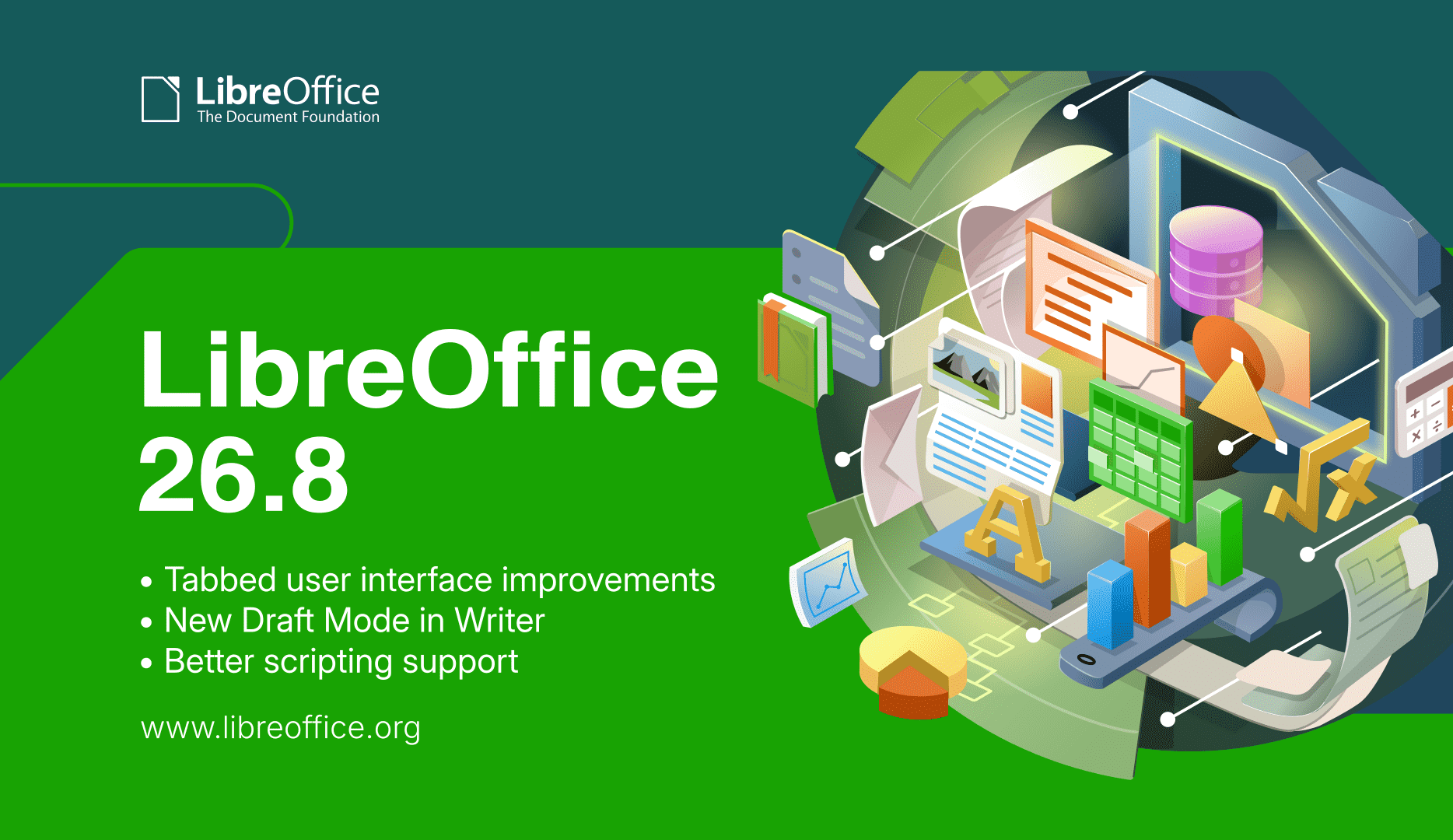
LibreOffice 25.8 banner

Pencils making up the number 2026

LibreOffice Viewer on Meta Horizon OS

Like what we do? Support our community with a donation – or join our community and help to make LibreOffice even better! Also keep in touch – follow us on Mastodon, Bluesky, X (formerly Twitter), Reddit and Facebook.

The importance of ODF during the festive season

To be honest, I didn’t think I would publish my usual post about ODF over the festive period, as most people are busy with other activities and the document format isn’t a priority. Those who work are focused on the end of the quarter, while those who don’t work are focused on end-of-year celebrations.

However, I then decided to write this post to highlight the importance of ODF during busy periods such as the festive season. After all, document format is always relevant. Using a proprietary format could mean handing over the moments we share with our families or the sales data we have worked so hard to achieve over the previous 12 months to others.

Families organise gatherings, communities organise events, schools prepare holiday programmes and offices compile reports, schedules and shared documents. Everyone collaborates, often under pressure and almost always using different tools and devices.

It is at times like these that the Open Document Format, or ODF, quietly proves its worth.

Holidays are based on shared documents

Behind every celebration is a surprising amount of paperwork.

There are invitations, programmes, menus, budgets, volunteer lists, seating plans and announcements. These documents are shared with relatives, suppliers, communities, and colleagues. Not everyone uses the same software. In fact, not everyone even uses the same operating system.

ODF simplifies all of this because it is an open standard, enabling documents to be opened, edited and shared across different systems and applications without the risk of file corruption. You send a file and the recipient can open it every time without any problems or worries. That’s it.

During the festive season, this simplicity is more important than advanced features.

There’s no time to ask “Can you send it again?”

Festive season planning often takes place late at night or in between other commitments. People don’t have time to solve format-related problems, but they still want to maintain control over the content.

Documents in proprietary formats can cause problems at the worst possible moment and, in any case, do not allow complete control over the content: fonts change, layouts break and comments disappear. Someone asks for a PDF, and then another version is produced that cannot be edited. This creates confusion.

ODF eliminates these problems because it keeps content readable and editable, regardless of the operating system or tool used. This allows people to focus on the event itself, rather than spending time fixing documents.

When people are juggling travel, family and deadlines, having fewer document-related headaches can make all the difference.

Inclusion depends on open formats

Holidays are about bringing people together, including those who use older devices or assistive technologies due to age or lack of interest in technology. Not to mention those who consciously choose to use free and open-source software.

ODF supports all types of inclusion.

In fact, an open standard enables accessibility tools to function reliably, meaning communities are not forced to purchase specific software just to read a programme or complete a form. Public institutions can share any document without excluding anyone.

If an event is designed for everyone, the related documents should be too.

Holiday documents are important on the long term

Programmes become memories, community reports become archives, and photos and articles are reused year after year. Even family recipes and traditions are passed down in the form of documents.

ODF helps preserve these memories.

The open format means that documents can be read years later, regardless of a company’s commercial decisions to abandon a product because it is not generating enough profit. Years later, documents can be opened, copied and shared.

Holidays are fleeting, but documents should not be.

Public events need public standards

Many holidays are organised by schools, local authorities, cultural groups, and non-profit organisations. These organisations serve the public and use public funds. ODF enables the characteristics of these events to be preserved and protects resources from commercial interests.

Using an open standard avoids being tied to a single supplier, allows for predictable costs, and guarantees transparent access to content without barriers. Community newsletters, holiday calendars and funding forms shared in ODF format respect the diversity of tools used by users.

Open standards align with public values, particularly when information sharing is paramount.

A small choice with a big impact

Choosing the standard and open ODF format may seem like a technical detail. For those who stubbornly refuse to understand everything behind a closed and proprietary format, choosing the standard, open ODF format may even seem like an unnecessary imposition. During the festive season, however, it is a choice with a significant cultural and social impact.

It means the difference between smooth collaboration and last-minute stress; transparent inclusion and seemingly accidental, but actually highly deliberate, exclusion; and documents that last and documents that disappear.

ODF does not require attention and does not interrupt the celebrations. It works very simply in the background, allowing people to focus on what matters: being together, sharing time, and creating memories.

Those who think all this is a sterile marketing exercise could do something useful for themselves and their community by considering the end of support for Windows 10 and older versions of Office. These have rendered many perfectly functioning PCs and readable documents obsolete, despite a user licence having been paid for them. Users should draw the appropriate conclusions from this.

Happy 2026 to everyone under the banner of free and open-source software and the only open standard, which defend our personal freedom from the interference of Big Tech and the governments that support them.

Announcement of LibreOffice 25.8.4

Berlin, 18 December 2025 – LibreOffice 25.8.4, the fourth minor update to the free office suite developed by volunteers for personal productivity in office environments on Windows, MacOS and Linux, is now available from the download page.

With LibreOffice 25.2 reaching the end of life on 30 November, and the announcement of LibreOffice 26.2 scheduled for early February, this release is ready for production environments. It provides over 70 fixes which further improve the suite’s performance, reliability and interoperability. All LibreOffice users are encouraged to update their installations as soon as possible.

LibreOffice 25.8.4 is based on the highly robust LibreOffice technology platform, which supports the development of desktop, mobile, and cloud applications from both TDF and ecosystem companies. The platform supports both available document formats for full interoperability: the native, open standard ODF (Open Document Format, ODT, ODS and ODP) and the proprietary Microsoft OOXML (DOCX, XLSX and PPTX).

Products based on LibreOffice Technology are available for all desktop operating systems (Windows, macOS, Linux and Chrome OS), mobile platforms (Android and iOS), and the cloud.

For enterprise-class deployments, versions are available from ecosystem companies with added features and benefits, such as SLAs and security patch backports for three to five years (LibreOffice in business).

English manuals for the LibreOffice 25.8 family can be downloaded from the LibreOffice bookstore. End users can access initial technical support from volunteers via mailing lists and the Ask LibreOffice forum.

All available desktop versions of LibreOffice can be downloaded from the same download page. To improve interoperability with Microsoft 365, TDF recommends installing the Microsoft Aptos font from the specific download page.

LibreOffice enterprise and individual users can support The Document Foundation and the LibreOffice project by making a donation on the donations page.

[1] Fixes in RC1: LibreOffice 25.8.4 RC1. Fixes in RC2: LibreOffice 25.8.4 RC2.

Czech translation of LibreOffice Draw Guide 25.8

Czech LibreOffice Draw Guide cover

Zdeněk Crhonek (aka “raal”) from the Czech LibreOffice community writes:

The new version of the LibreOffice Draw Guide 25.8 has been translated, and announced on our social media. The team is almost identical, with translations by Petr Kuběj, Zdeněk Crhonek and Radomír Strnad and technical support from Miloš Šrámek. Download it from the website. Thanks to everyone for the hard work, and if anyone would like to join the team, they are welcome to do so.

Excellent work everyone!

Videos from the Open Source Conference 2025 in Luxembourg

Conference logo

At the recent Open Source Conference 2025 in Luxembourg there were two talks about LibreOffice.

The first was Lessons learned from 13 years at The Document Foundation and LibreOffice, where Florian Effenberger, Executive Director of the foundation, talks about the legal setup of The Document Foundation and how its statutes enshrine values and ideals like openness, transparency and meritocracy.

Then there was Open Innovation and Open Source in Schleswig-Holstein – Practice for Europe, where Sven Thomsen, CIO of the German federal state of Schleswig-Holstein (which is moving to LibreOffice), outlined the state’s pioneering path toward digital sovereignty through Open Source and Open Innovation. The talk highlighted the risks of dependency on proprietary software—including lack of transparency, inflated costs, and reduced security.