Today we’re talking to 锁琨珑 (Kevin Suo), who’s doing great work improving LibreOffice and fixing bugs…
Tell us a bit about yourself!
I’m 36 years old, and I was born in the Gansu Province of China. I live in Beijing and I’m working as an Of Counsel in a leading law firm in Beijing. Some people may think that I’m a lawyer. No, I am not a lawyer – I am a professional accountant. My team work as local counsel on behalf of clients defending on Antidumping and Countervailing Duty investigations initiated by authorities (e.g., the U.S. Department of Commerce, the European Union etc) against companies and industries in China, and accountants play an important role in this field.
Although I am very busy at work every day, I love the internet, computers and programming. I can program using Python+Pandas and SAS, and tools such as these have greatly helped me in my daily data analysis work. I’m also a Linuxer. Many years ago I used Ubuntu, Debian, Arch Linux, and even Gentoo, but now I stick to Fedora Workstation. Currently 99.9% of my daily work is done under Linux, including those mission-critical work we submitted to the U.S. DOC and EU authorities.
I also know some HTML, CSS and PHP, and I have a server running at home with a WordPress instance and a Nextcloud instance. The server also servers as a mirror of some of the Libreoffice bibisect repositories (it is very slow to download from the TDF server here in China, so I need to mirror them).
What are you working on in the LibreOffice project right now?
I started using LibreOffice many years ago, probably when I was in college (when it was the OpenOffice.org era). After that, I became a contributor to LibreOffice. I started with localisation and quality assurance (QA), reporting, testing and confirming bugs. Then I learned and started bibisecting. Soon, I started building LibreOffice by myself, and then I started to learn C++ and fix some easy bugs. I am even surprised by myself, that before contributing to LibreOffice I only learned very little of the C language (when I was in collage, as an “elective course”), and at that time I never thought I might learn and use C++.
Most of the commits I have made to LibreOffice were related to the pdfimport feature in the sdext module. I think I got involved in this module very randomly – I wanted to know more about the the LibreOffice code base, then I read the sdext pdfimport module by chance, and found that to understand the code I first need to read the PDF specifications!
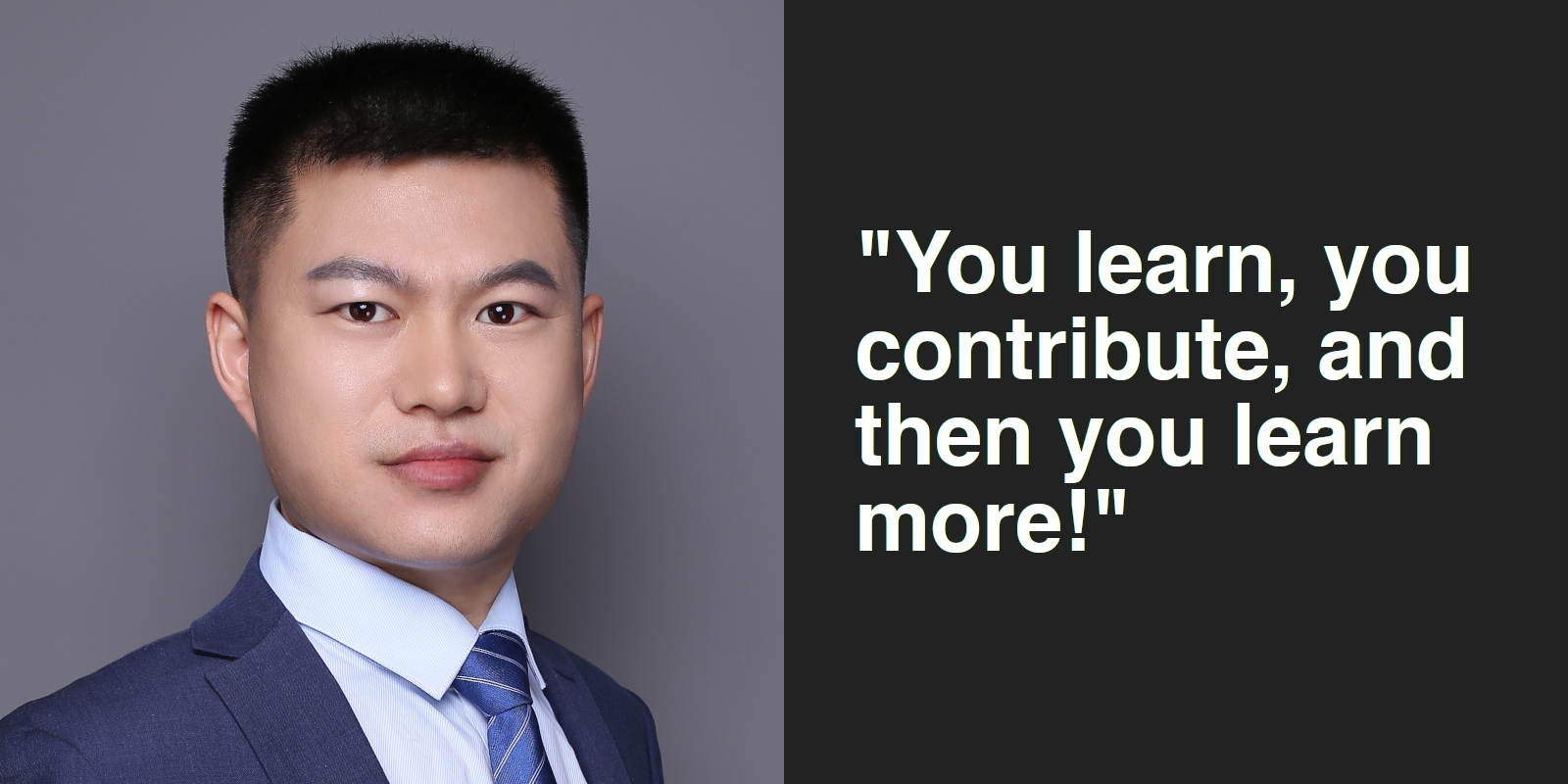
Then I read the specifications, learned some C++ online, identified some bugs which have affected me on my daily work, and then found that I was able to fix them! Also, as I am trying to fix more bugs, I now find that I need to learn something about Unicode! That is a lot of fun. You learn, you contribute, and then you learn more!
Some of you may know that, recently, I fixed a bug related to right-to-left text mirroring in the Draw/Writer pdf import (i.e. tdf#104597) which has impacted many RTL (right-to-left text) users for a long time. That bug came to my view, since someone added me to CC due to several of my patches in the sdext pdfimport module. I got interested in that bug because, although I am a Chinese, I learned some Arabic characters and words in the mosque when I was young. Yes, I am a Chinese muslim!
When did you get involved in LibreOffice, and what was it like?
I don’t remember when I get involved, but my first commit to the core repository was in year 2014. Many people have helped me, e.g. Eike Rathke, Noel Grandin, Caolán McNamara, Mike Kaganski etc. At the beginning I thought everything is difficult, but now I feel comfortable.
What advice would you give for others who want to help out with the code?
I would like to say that, to contribute to LibreOffice, you do not need to be a programmer. An accountant can also contribute, given that you are desired to learn!