LibreOffice Asia Conference Report: Part 2
How does your software affect the autonomy of countries?
Author: Kuan-Ting Lin – click here for part 1
Foreword: the LibreOffice Asia Conference was successfully held in May 2019 in Tokyo. Kuan-Ting Lin, a university student and civic tech reporter also attended this conference and gives his observations here. In Part II, Kuan-Ting starts with the Open Document Format, and expounds on how to form an open government and better autonomy of Taiwan.
The “Taiwanese Language channel” (tâi-gí-tâi) of the Public Television Service (PTS) in Taiwan started its broadcasting service in July 2019. This channel became possible only because the National Languages Act was approved in parliament. This policy was rooted by many in the decision to improve expression, alleviation of limits on speeches, and the consolidation of autonomy following the new law.
After a long-time struggle, the state also sees a silver lining regarding another autonomy issue: document liberation.
What kind of autonomy do we give up for proprietary software?
The LibreOffice Asia Conference held in Tokyo in late May focused on the developments in document liberation in Asian countries. Italo Vignoli, one of the co-founders of The Document Foundation (TDF) that is behind the software, showed a map in a presentation: each country is depicted larger or smaller than its actual size according to its software license trade numbers.
The result was not a surprise: the USA seemed like a giant, while others were squeezed into a bunch of lines. Countries around the globe spend a lot on software licenses – and Taiwan is no exception. Taiwanese people pay tens of billions of New Taiwanese Dollars solely for Microsoft products every year.
Only with respect to trade affairs, Taiwan’s dependency on software products made by single country is damaging its bargaining power and is a threat to economic autonomy. In terms of the autonomy of speech, we are facing an even more serious crisis.
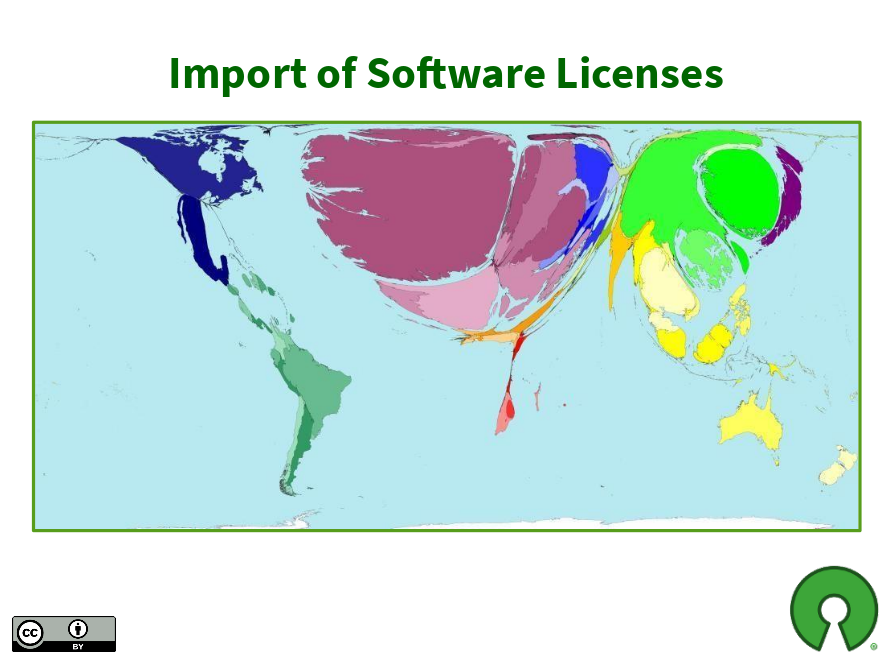
World map for software licenses import. The US becomes an one-pixel wide line between Canada and the Latin America. (Credit: Italo Vignoli)
For thousands of years, our writing and thoughts could only pass on with the help of paper. Then computers replaced paper with digital documents in just a few decades. The difference between paper and digital documents is that the latter are merely some electrical signals which cannot be touched or seen. When users try to open and edit these documents, we need “formats” based on people’s consensus to understand the meanings of different combinations of these electrical signals.
Take “.doc” and “.ppt” files saved by Microsoft Office as examples: these two “formats” are controlled by Microsoft, so it can decide all the rules. The ways to display different fonts, images and languages are Microsoft’s call. As Microsoft Office evolves, paying users may still experience failure to open documents generated by old versions of the software – or see different layouts of the same document in different versions of the software.
In other words, if we do not follow Microsoft’s rules, the appearance of a digital document could alter faster than a piece of paper fades. What you want to say, and how you want your speech to be displayed – the essential freedom of expression and autonomy – are quietly taken away by some companies.
Open format or fake copycat?
To end the domination of formats by Microsoft, some companies, government agencies and communities designed the Open Document Format, or ODF in short, and included a detailed framework of digital document files in it. ODF soon became an ISO standard in 2006. ISO standards are open for everyone to use and are easy to access online, so different developers can all follow them easily. With ODF on the table, we finally came to a consensus on a unified format of documents.
Microsoft joined the party by announcing its “Office Open XML” format and making it another ISO standard in 2008. Having “Office Open XML” in their hands, Microsoft seemed just as open as the ODF. But it didn’t take long for communities to find out that Microsoft wasn’t that open.
The software giant admitted that ordinary users of Microsoft Office save “Office Open XML” files that are not the “strict version” of the format by default. Describing the ISO standard submitted by itself as a “strict version”, and then leading customers to save non-ISO standard files not only make the concept of open standards ironic, but also give people reasons to doubt if the company is really willing to promote open standards.
Franklin Weng, an open standards activist in Taiwan and a board member of TDF also added that some features inside files saved in the so-called “strict version” format in Microsoft products are actually similar to those in “non-strict version” formats. “TDF was studying Office 2016 a couple of years ago. Whether a file is saved as strict OOXML (i.e. Office Open XML) or not, there is no significant difference in terms of file size and lines of XML code.” Therefore, it is debatable how strict the “strict” version claimed by Microsoft actually is.
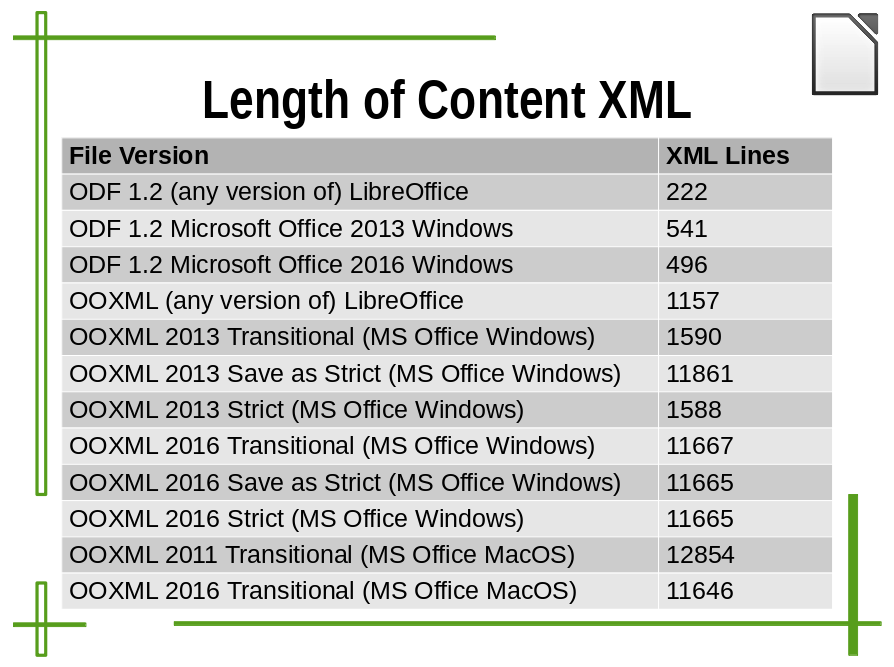
Length of XML content. As you can see, the XML line numbers of OOXML 2016 Strict and Transitional are nearly the same. What is really saved in OOXML Strict format? (Credit: Italo Vignoli)
Since open formats belong to the public, they has to remain stable and to have a set of progress to review new or modified features, then implement it as a standard extension, thus not matching the style of commercial enterprises, which tend to launch new versions and features frequently in order to stimulate consumption.
Therefore, it is understandable that Microsoft is passive towards promoting open formats. However, for governments and civil society institutions, using a document format with an arbitrary decision-making process, high frequency of change, and non-observance to open standards is definitely not a reasonable policy for documents. It not only leads to more chaos when people exchange files, but also causes more trouble in terms of preserving important information for a long time. Imagine if 500 years in the future, our descendants want to open .docx files from today, yet its complicated document structure doesn’t match the specification Microsoft provides; in that time, there may be no Microsoft engineers able to solve the problems.
A good open format transforms contributions by the community and fuels progress
The monopolised “open format” is regrettable, but the multi-partied ODF format is right here to fix the problem. “ODF is open to many technical companies and communities, and it is more discreet in terms of enacting or revising the standard, which makes immediate and arbitrary changes impossible,” Franklin said.
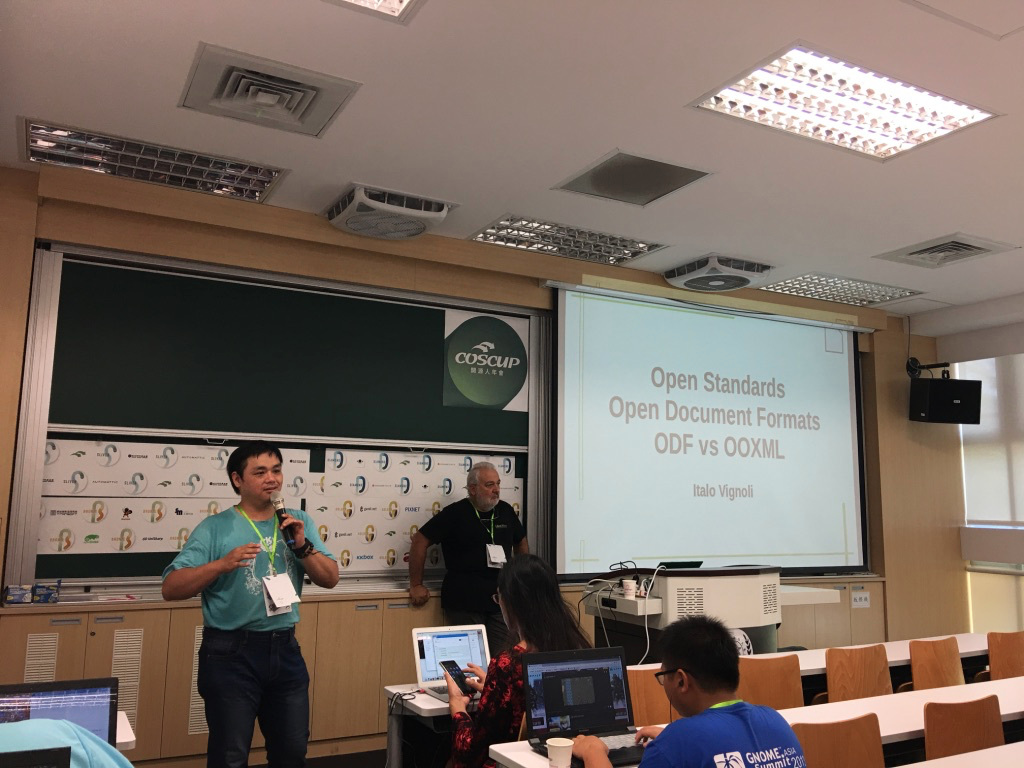
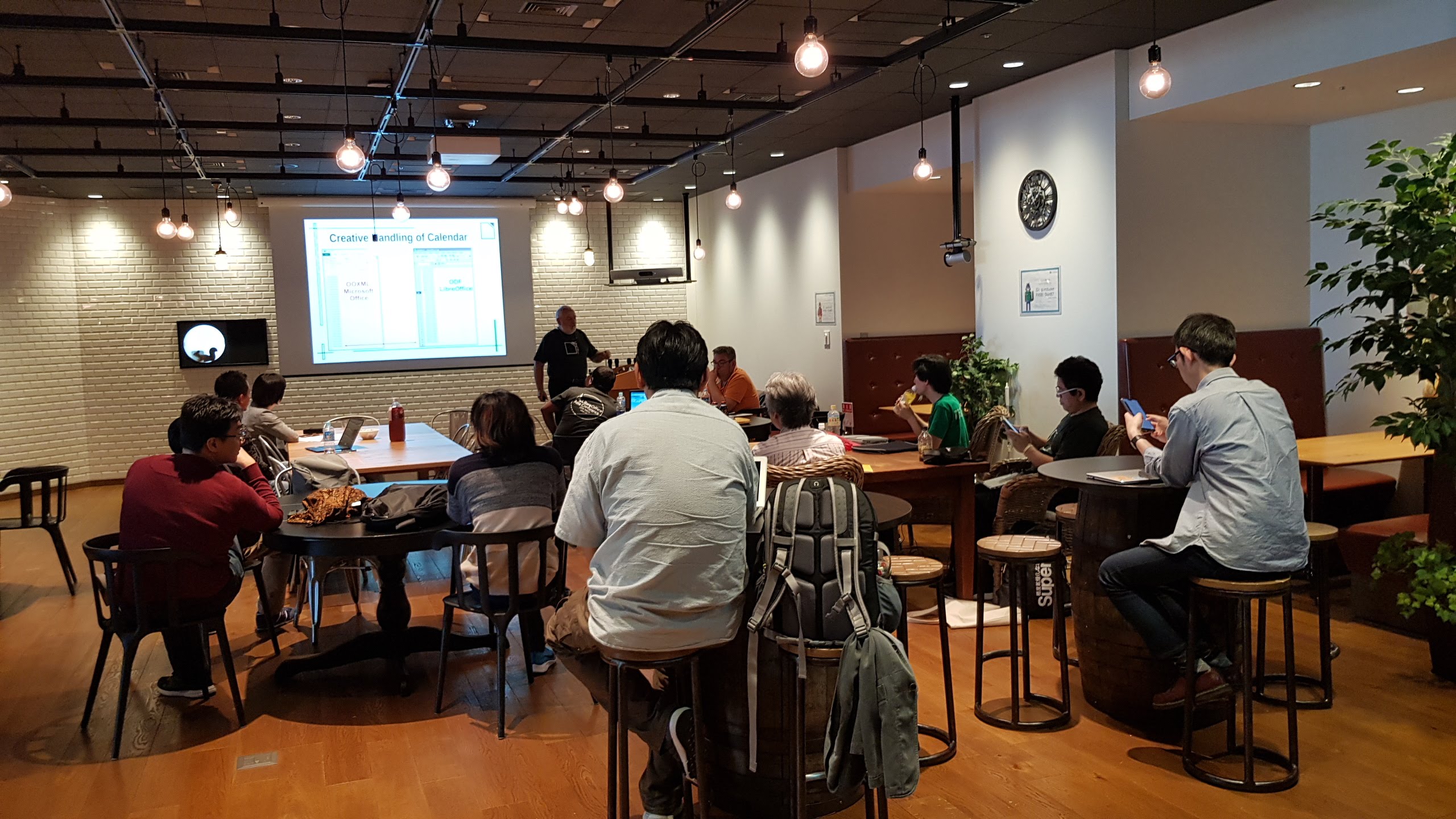
At the LibreOffice Asia Conference, Mark Hung from Taiwan was invited to give a speech in the opening session keynote. The topic was “LibreOffice CJK (Chinese, Japanese and Korean) Bugs, Fixes and Stories.” Since the majority of the LibreOffice developers are from Europe and South America, the developers, who are usually more familiar with Latin characters, can barely understand the system of logographic scripts and thus are very likely to make some mistakes. Nevertheless, it is at this time that the community can utilise the power of elasticity: the more diverse the cultural backgrounds of participants are, the more easily the problems caused by lack of understanding can be solved.
Mark is exactly such a participant. In 2014, Mark was working for an organisation of around 400 people, and was responsible for transferring the document system to community-developed free software. At first, facing the mistakes in Chinese, Korean, and Japanese characters and Mark’s colleague’s unfamiliarity with new software, Mark gradually developed an operational Q&A to help them solve the problems.

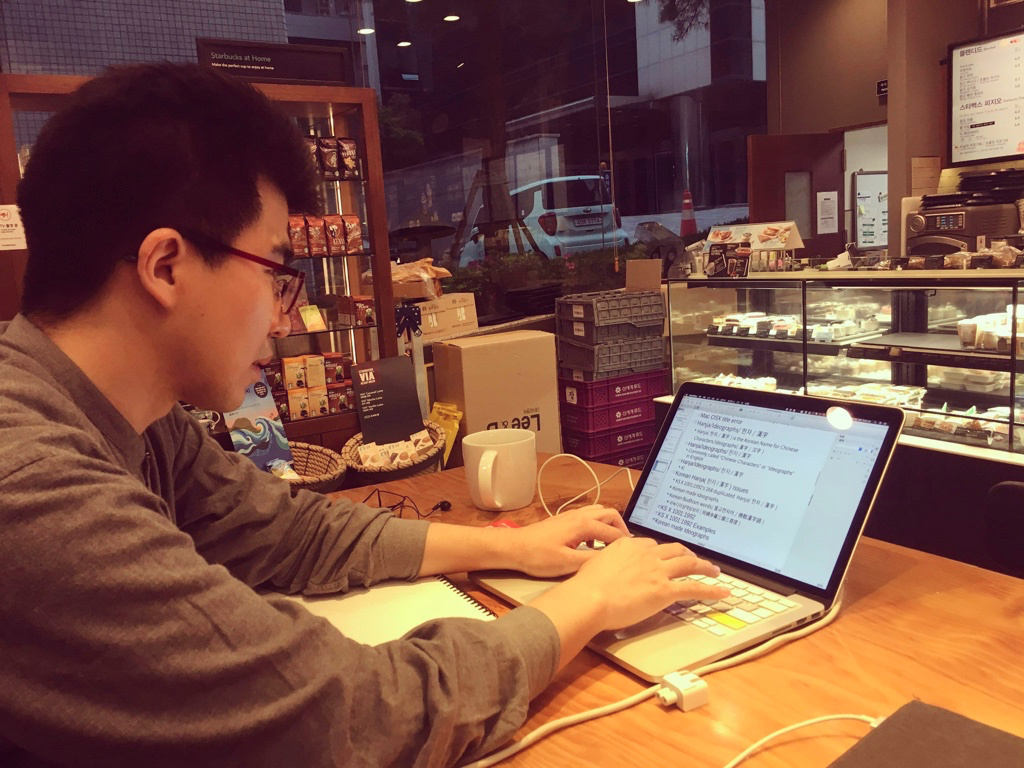
Mark Hung. (Photo credit: Masataka Kondo)
Mark also found out a way to solve a bug that had been disturbing him for a long time. “I was working on a document, and then I thought why not try to look into what’s inside the document? … I decided to try to submit my patch to LibreOffice and to my surprise my patch got reviewed in one day and then it got merged.” Mark therefore became a LibreOffice developer and a community member.
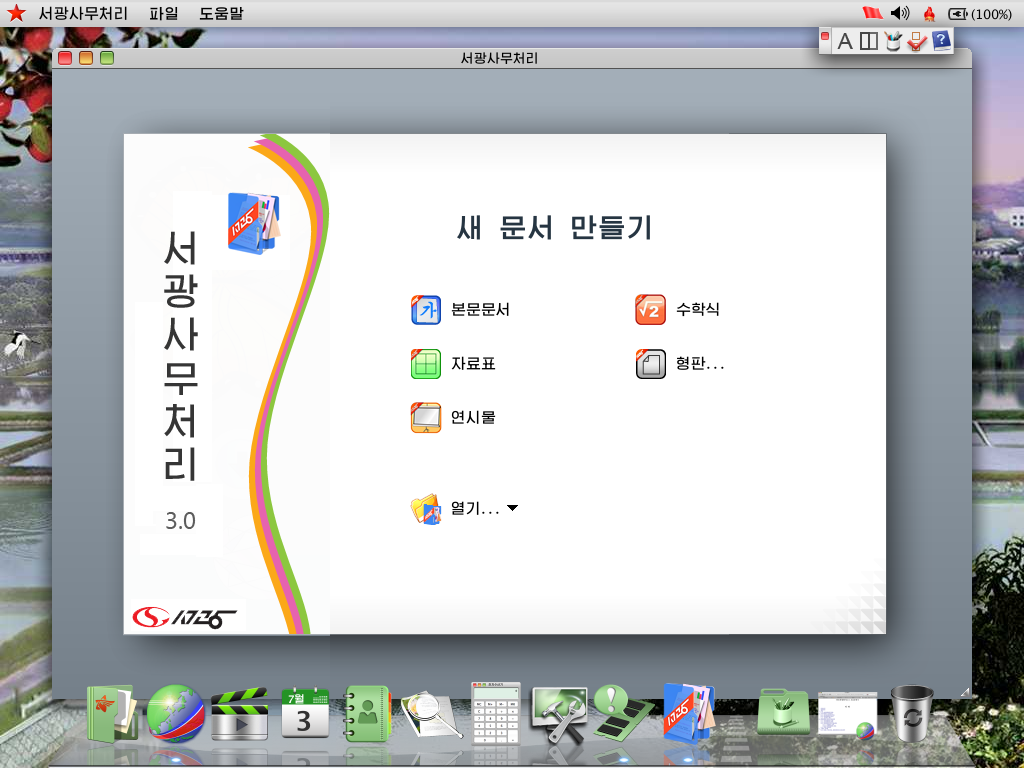
In his five years of volunteering, Mark has dealt with dozens of CJK issues. He even noticed some slight issues, such as the difference between Taiwanese Chinese and Japanese regarding the placement of phonetic markers. Dae-Hyun Sung, another community member from Korea, also showed regional distinction. Dae-Hyun’s presentation mentioned different ways of writing for South and North Korea. These examples show community-driven attempts to include all the differences, instead of limiting the freedom of writing.
Franklin points out that these new features will be treated as extensions first. If they work well then they will be included in a revised ODF format. The whole process ensures that the community’s voice is constantly reflected, and that the versions of the format remain stable.
Shaping a future for governments, free software and open formats to support each other
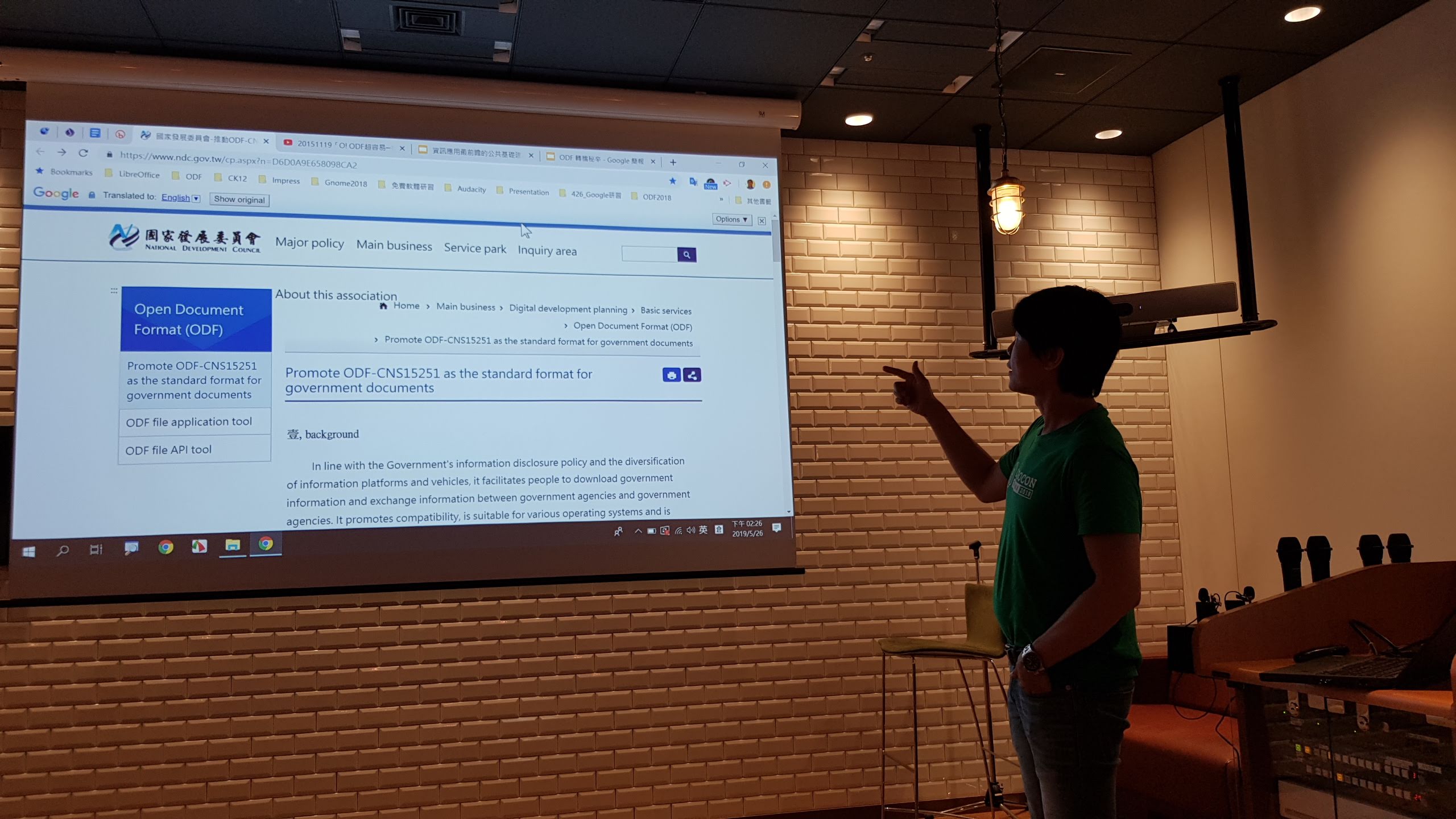
In Taiwan, ODF is accepted as a national standard of digital documents called ODF-CNS15251. There still are many government agencies and schools that are buying Microsoft Office licenses, but with help from the civil society, the National Development Council has started the “Advancing ODF-CNS15251 to Be the Standard Document Format for the Government” programme, and has been encouraging other parts of the government to replace Microsoft solutions with LibreOffice. The goal of document liberation has transformed from a “mission impossible” to a future that can be expected.
In large companies’ international business strategies, Taiwan is merely a small market and has relatively little attention. But having the opportunity to participate in the development of ODF and LibreOffice, Asian members can finally meet their own needs of document production by themselves. The significance of the LibreOffice Asia conference is that the Asian community has become part of the collective development of LibreOffice.
In Taiwan, facing the native language policies and official documents in the indigenous language programme, Taiwanese people are able to take advantage of the flexibility of LibreOffice to include indigenous languages and other native languages in the software’s built-in dictionary. Native languages can no longer be sacrificed under business interests of companies. And technology can start to be the thing that positively revitalises native languages, instead of the being something that marginalises them.
The National Development Council of Taiwan has started to collaborate with local companies that designed the “NDC ODF Application Tools” based on LibreOffice. But Franklin has a further suggestion: “It’s already a huge leap forward that the National Development Council invested in software development, but I hope they will give some feedback to the community. As for the ODF standard, the government should be part of its making.” The communities alone won’t sustain a proper standard. Having all the benefits of document liberation, the government has obligation to help build a better future. Having a voice in the development of an international standard can also highlight the autonomy that belongs to Taiwanese people.
Thanks to Kuan-Ting Lin for his write-up and perspectives on ODF and LibreOffice in Asia! And on the topic of conferences, everyone is welcome to join our upcoming LibreOffice Conference 2019 in Almeria, Spain, from 10 – 13 September. See you there!