LibreOffice 6.3.1 and LibreOffice 6.2.7 announced, focusing on security
Berlin, September 5, 2019 – The Document Foundation announces LibreOffice 6.3.1, the first minor release of the LibreOffice 6.3 family, and LibreOffice 6.2.7, the seventh minor release of the LibreOffice 6.2 family, with many bug fixes and a key security improvement.

LibreOffice 6.3.1 and LibreOffice 6.2.7 consider the presence of any call to a script-like thing as equally hazardous as a macro, and present the user a warning dialog about the document trying to execute a script. Users should never allow the execution of macros and scripts embedded in documents, unless they are perfectly aware of the potential risks associated with the action.

LibreOffice 6.3.1 “fresh” is targeted at technology enthusiasts and power users, while LibreOffice 6.2.7 “still” is targeted at users in production environments and individual users who prefer robustness over advanced features. All LibreOffice users should update immediately their current version.

LibreOffice’s individual users are helped by a global community of volunteers: https://www.libreoffice.org/get-help/community-support/. On the website and the wiki there are guides, manuals, tutorials and HowTos. Donations help us to make all of these resources available.

LibreOffice users are invited to join the community at https://ask.libreoffice.org, where they can get and provide user-to-user support. While TDF can not provide commercial level support, there are guides, manuals, tutorials and HowTos on the website and the wiki. Your donations help us make these available.

LibreOffice 6.3.1’s change log pages are available on TDF’s wiki: https://wiki.documentfoundation.org/Releases/6.3.1/RC1 (changed in RC1) and https://wiki.documentfoundation.org/Releases/6.3.1/RC2 (changed in RC2). LibreOffice 6.2.7’s change log page is also available on TDF’s wiki: https://wiki.documentfoundation.org/Releases/6.2.7/RC1 (changed in RC1).

LibreOffice in business

For enterprise class deployments, TDF strongly recommend sourcing LibreOffice from one of the ecosystem partners to get long-term supported releases, dedicated assistance, custom new features and bug fixes, and other benefits. Also, the work done by ecosystem partners flows back into the LibreOffice project, benefiting everyone.

Also, support for migrations and trainings should be sourced from certified professionals who provide value-added services which extend the reach of the community to the corporate world and offer CIOs and IT managers a solution in line with proprietary offerings.

In fact, LibreOffice – thanks to its mature codebase, rich feature set, strong support for open standards, excellent compatibility and long-term support options from certified partners – represents the ideal solution for businesses that want to regain control of their data and free themselves from vendor lock-in.

Availability of the new versions of LibreOffice

LibreOffice 6.3.1 and LibreOffice 6.2.7 are immediately available from the following link: https://www.libreoffice.org/download/. Minimum requirements are specified on the download page. Builds of the latest LibreOffice Online source code are available as Docker images: https://hub.docker.com/r/libreoffice/online/.

LibreOffice Online is fundamentally a server-based platform, and should be installed and configured by adding cloud storage and an SSL certificate. It might be considered an enabling technology for the cloud services offered by ISPs or the private cloud of enterprises and large organizations.

LibreOffice users, free software advocates and community members can support The Document Foundation with a donation at https://www.libreoffice.org/donate.

All versions of LibreOffice are built with document conversion libraries from the Document Liberation Project: https://www.documentliberation.org.
LibreOffice developers team up to improve PPT/PPTX (PowerPoint) file support

Good news for all users of high quality presentation software: a dedicated team has been formed within the LibreOffice community with the aim of further improving PPT/PPTX (PowerPoint) file format support. The initial developer members are:
  • Bartosz Kosiorek, known for his numerous improvements to Windows Metafile support
  • nd101, a new contributor with a passion for PPT/PPTX support
  • Mark Hung, invited due to his experience in fixing many PPT/PPTX and Impress issues

Team members will be able to support each other through code reviews and advice. We will document the progress here on the TDF blog.

LibreOffice’s Quality Assurance team is currently going through the collections of PPT and PPTX issues and carefully re-analysing and prioritising them. The QA team will continue to provide support in the form of patch testing and verification.

Examples of tasks that the team members have worked on:

Everyone is invited to participate, either in development or testing. If you are interested in joining, please send an email to ilmari.lauhakangas@libreoffice.org. Or if you have a PPT(X) file that doesn’t look quite right in LibreOffice, help us to improve compatibility – attach it to a bug report so that our QA team can investigate!

(PPTX icon: ncrow on DeviantArt)

Community Member Monday: Emmanuel Semutenga

Today we’re talking to Emmanuel Semutenga, who helps young people in Uganda to develop key IT skills. Of course, LibreOffice plays a role in this…

To start with, tell us a bit about yourself!

I’m currently a back-end web developer by profession. I’m also a Project Manager for the project entitled “ICT for youth employability” at Kampabits, where my main work is on curriculum development. I live in Kampala, Uganda, Rubaga Division.

My hobbies and interests include blogging, cycling with Ultimate Cycling Uganda, dancing, making new friends, movies and hackathons.

What is Kampabits, and what does it do?

Uganda currently has the highest youth population between 17 to 24 years – that makes 80 percent of the population, and most of these young people lack the practical skills to enable them to get employed. Hence the intervention of Kampabits.

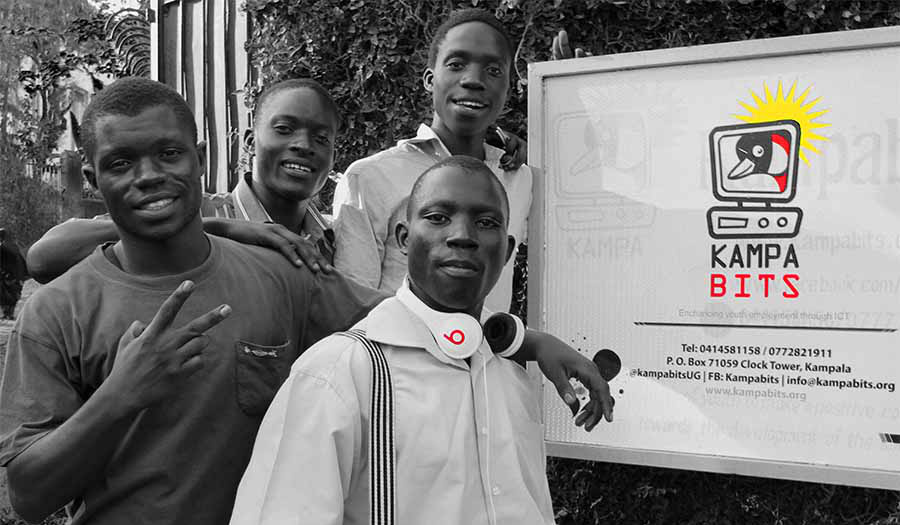
Kampabits is a youth-based organization founded in 2010 that uses ICT multimedia creatively to improve the lives of less privileged youth from the non-formal settlements. We also create safe spaces for persons with disabilities to freely express themselves while learning these in-demand skills.

We have helped 350 young people since our inception, with skills in computer literacy, graphic design and coding skills (front-end, back-end and full-stack developers) during our six month trainings. Kampabits later places these young people in a three month internship with their partner companies.

Kampabits also runs a “Women in Tech” project that trains 15 women in advanced coding skills, to make them employable, in a period of six months. This project focuses on women who have prior knowledge of computer basics. They are later placed in outsourcing jobs in companies like Tunga.

How does LibreOffice fit into your work?

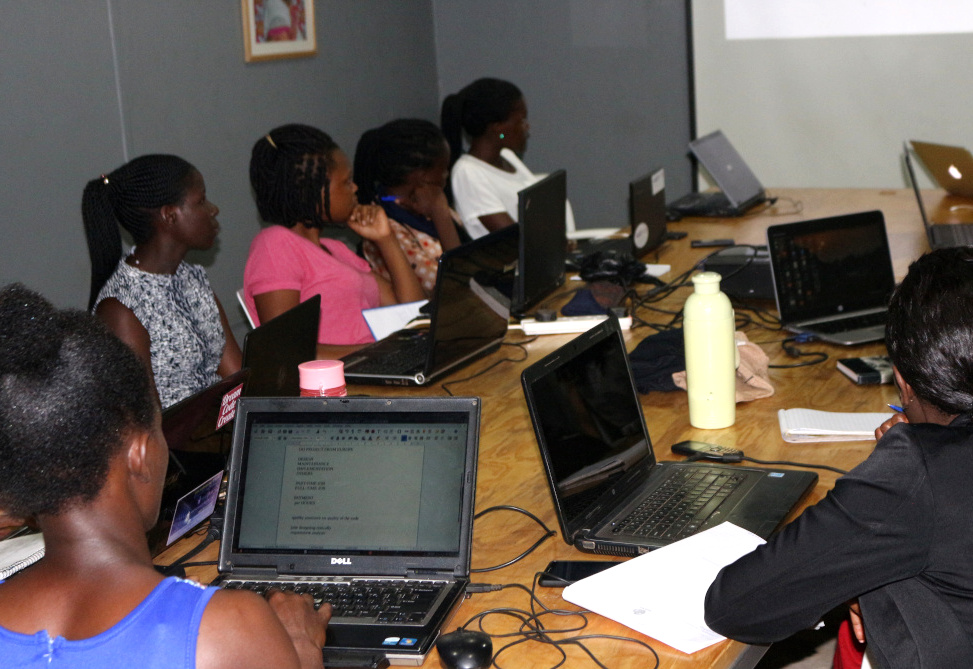
During the whole scope of the training, especially our computer literacy sessions, presentations and curriculum development, we use LibreOffice (Writer, Impress and Calc) to train the young people in word processing, presentations and business book keeping.

This is done to remove costs the involved in acquiring proprietary software, and also show the them that free alternatives will deliver the same quality of work as proprietary software. We use Ubuntu, Lubuntu and Linux Mint as our main operating systems – and they always come with LibreOffice preinstalled.

Other free software we use includes: Gimp as an alternative for Photoshop, Inkscape in place of Illustrator, OBS Studio for recording screencasts, Visual Studio Code as our main code text editor, and Scratch to introduce youth to computer programming

We also use both the Raspberry Pi 2 and 3 models to compliment our computer lab.

What advice would you have for other projects with similar goals?

Using free software alternatives can help to divert funds to the more pressing needs of organizations – like acquiring more computers to cater for more beneficiaries. So I would advice other organizations to try them out in phases, until they feel comfortable enough to overhaul the whole structure.

A huge thanks to Emmanuel for his work, and it’s great to see free and open source software making a big change all across the planet. Everyone is welcome to join the LibreOffice project, regardless of their location or language, and help us to spread the word and break down digital divides!

TDF Annual Report 2018

The Annual Report of The Document Foundation for the year 2018 is now available in PDF format from TDF Nextcloud in two different versions: low resolution (6.4MB) and high resolution (53.2MB). The annual report is based on the German version presented to the authorities in April.

The 52 page document has been entirely created with free open source software: written contents have obviously been developed with LibreOffice Writer (desktop) and collaboratively modified with LibreOffice Writer (online), charts have been created with LibreOffice Calc and prepared for publishing with LibreOffice Draw, drawings and tables have been developed or modified (from legacy PDF originals) with LibreOffice Draw, images have been prepared for publishing with GIMP, and the layout has been created with Scribus based on the existing templates.

All pictures are licensed under the Creative Commons Attribution-Share Alike 4.0 License, courtesy of TDF Members from Albania, Brasil, Germany, India, Indonesia, Italy, Japan, Nepal, Taiwan and Turkey. Stock photos are CC0 by Pixabay.

Marina Latini, Chairwoman of TDF Board of Directors, has written in the welcome address:

After eight full years, the challenge is to further grow the project, by leveraging the presence of active volunteers, enthusiastic supporters and happy users in many geographies. During the last couple of years, a growing number of events has been organized by native language communities around the world, with significant growth in Asia.

What we have achieved so far goes beyond the most optimistic forecasts of the project’s founders back in 2010, thanks to the commitment of the large group of people who manage the foundation and take care of related activities, and the volunteer contributions of organizations and individuals in every continent.
Of course, what we are now would not be possible without the generosity of thousand of donors and the valued members of the Advisory Board who support the growth of LibreOffice, the Document Liberation Project and the ecosystem around them.

Today, LibreOffice is the only suite for personal productivity with the ambition of providing desktop and cloud users with the same seamless experience, based on a solid set of features. Mobile apps are under development, to further extend the reach.

This Annual Report of The Document Foundation is a showcase of all community activities which support the growth of LibreOffice and the Document Liberation Project.

We are getting closer to our 10th anniversary. I look forward to another great year for our global community of friends, working united on the goal of creating the best free office software ever. Thank you very much to all of you who made this dream come true!

LibreOffice monthly recap: August 2019

Here’s our summary of updates, events and activities in the LibreOffice project in the last four weeks – click the links to learn more!

  • On August 8, we announced LibreOffice 6.3, a new major release with better performance, a large number of new and improved features, and enhanced interoperability with proprietary document formats. 10 days later, we followed this up with a look at some statistics – there had been 430,000 downloads of the new version, and 54,000 views of the press release. Check out some of the new features in this short video:

Please confirm that you want to play a YouTube video. By accepting, you will be accessing content from YouTube, a service provided by an external third party.

YouTube privacy policy

If you accept this notice, your choice will be saved and the page will refresh.

  • While we’re gearing up for the aforementioned LibreOffice Conference 2019, we’re also looking ahead to proposals for the 2020 event. The Document Foundation received two different proposals for the organisation of LibOCon 2020, from the Turkish and German communities. TDF members are voting to decide on exactly where it will take place, so stay tuned for the announcement…

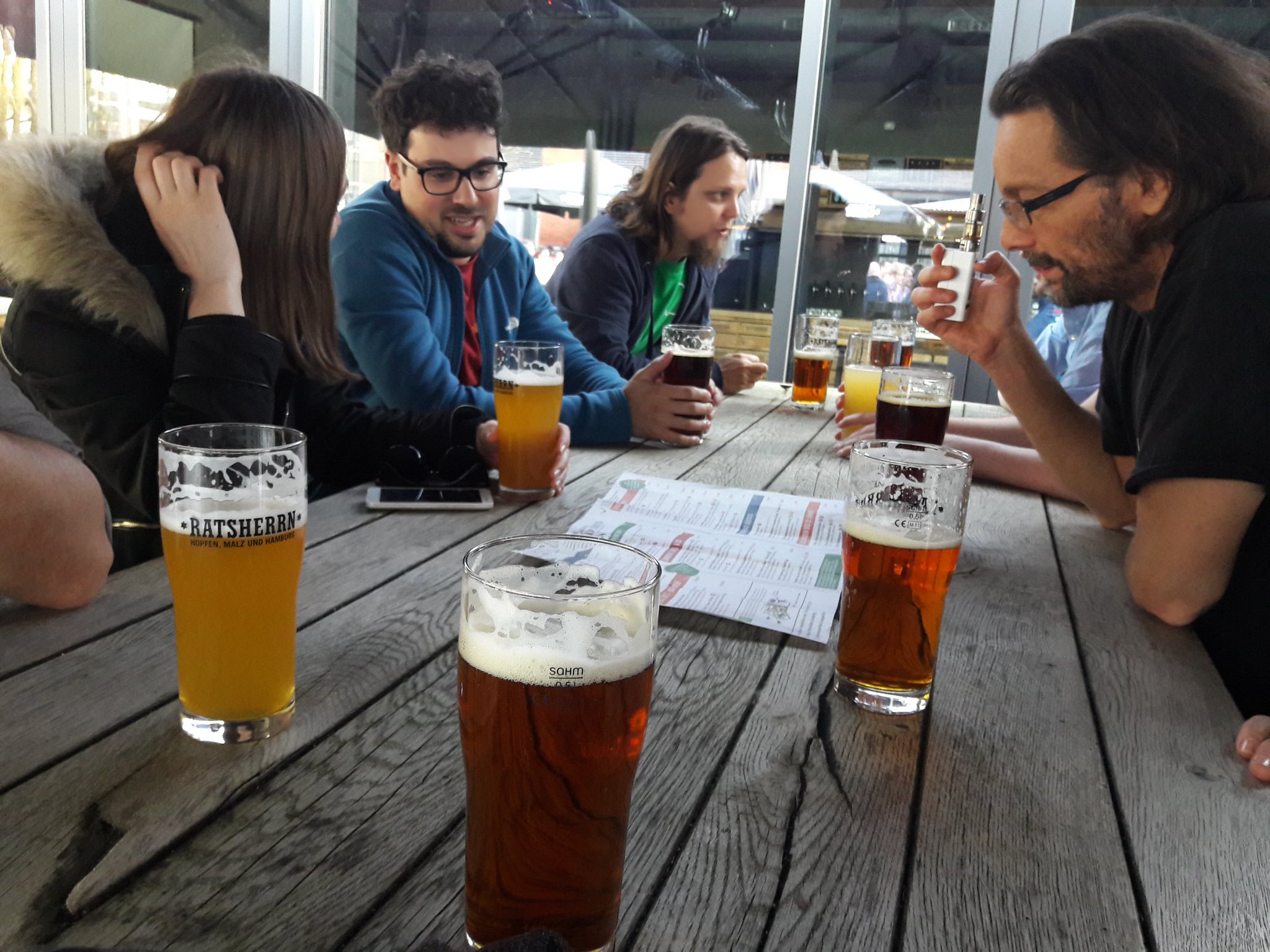
  • In recent months, we’ve been putting content from our Annual Report 2018 on the blog, and this month we looked back at hackfests last year. These were opportunities for developers to meet face-to-face, work on new ideas, and enjoy good food and drink! In 2018, we had hackfests in Brussels, Hamburg, Tirana and Munich.

  • The Document Liberation Project (DLP) is a sister project to LibreOffice, which develops software to read and write data from proprietary and legacy document formats. This helps LibreOffice and other apps to access archives of data, freeing users from vendor lock-in. On August 21, we posted about updates from the DLP. If you have some old documents from legacy office software that you’d like to open in LibreOffice, give the developers a hand!

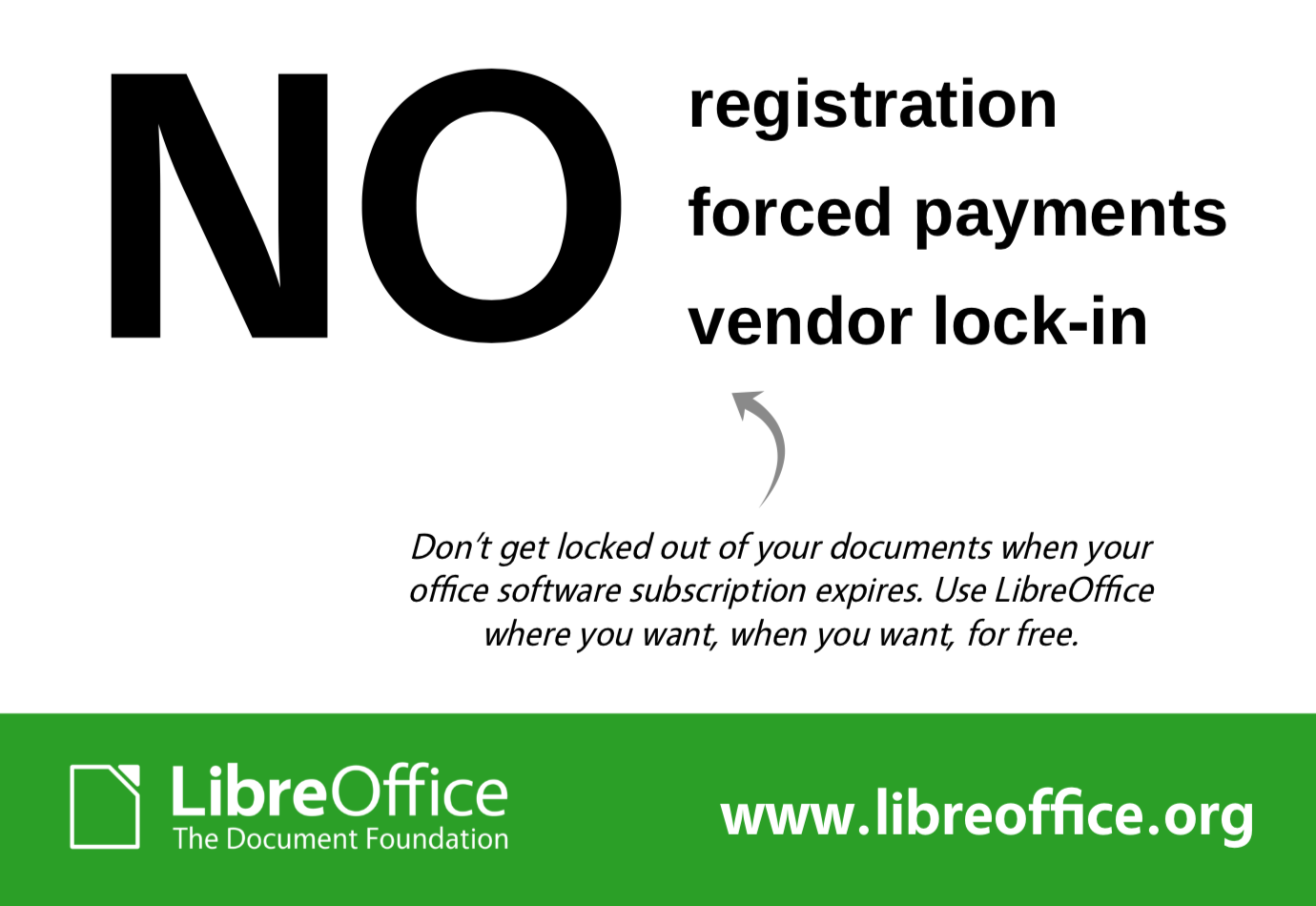
  • Finally, we started a new marketing campaign highlighting the fact that LibreOffice has no forced registration, subscriptions, payments or vendor lock-in. As many software vendors are pushing users towards online subscription models, the LibreOffice community is proud to offer a fully free, no-strings-attached office suite that people can use any time, any place, without worrying about subscriptions or “authentication” servers not working.

Keep in touch – follow us on Twitter, Facebook and Mastodon. Like what we do? Support our community with a donation – or join us and help to make LibreOffice even better!

Don’t get trapped by your office suite

The new trend among software vendors is to push towards online subscription models, even when the customer would rather stick to desktop software. Users need to keep paying in order to access the software – and therefore their documents. Their very own documents!

As we’ve seen, this can be disastrous for end users. If you can’t make a payment, or the “authentication server” doesn’t work, you lose access to your data. The Document Foundation, started to fight for digital freedoms, rejects this kind of model. We think powerful office tools should be free to use, share and modify.

LibreOffice, which is free, open source and developed by a worldwide community, doesn’t have subscriptions, or registrations, or yearly license fees, or anything like that. You can use it as you please (subject to the Mozilla Public License 2.0). You install LibreOffice on your own computer, and run it whenever and wherever you want. Even offline.

So if you’re a home or small business user, and your current office suite is trapping you into subscriptions and regular payments to access your documents, try LibreOffice today. (And if you’re interested in deploying LibreOffice in a larger business, check out this page.)

LibreOffice: giving control back to you. Since 2010.