LibreOffice 7.1.1 Community available for download

Berlin, March 4, 2021 – LibreOffice 7.1.1 Community, the first minor release of the LibreOffice 7.1 family, targeted at technology enthusiasts and power users, is available for download from https://www.libreoffice.org/download/. LibreOffice 7.1.1 includes over 90 bug fixes and improvements to document compatibility.
For enterprise-class deployments, TDF strongly recommends the LibreOffice Enterprise family of applications from ecosystem partners, with long-term support options, professional assistance, custom features and Service Level Agreements: https://www.libreoffice.org/download/libreoffice-in-business/.
LibreOffice Community and the LibreOffice Enterprise family of products are based on the LibreOffice Technology platform, the result of years of development efforts with the objective of providing a state of the art office suite not only for the desktop but also for mobile and the cloud.
Products based on LibreOffice Technology are available for major desktop operating systems (Windows, macOS, Linux and Chrome OS), mobile platforms (Android and iOS) and the cloud. They may have a different name, according to each company brand strategy, but they share the same LibreOffice unique advantages, robustness and flexibility.
Most significant new features of LibreOffice 7.1
 LibreOffice 7.1 family adds several interoperability improvements with DOCX/XLSX/PPTX files: improvements to Writer tables (better import/export and management of table functions, and better support for change tracking in floating tables); a better management of cached field results in Writer; support of spacing below the header’s last paragraph in DOC/DOCX files; and additional SmartArt improvements when importing PPTX files.
GENERAL: (1) new dialog to select the User Interface flavor, aiming to pick the right UI based on each user’s own preferences at first start; and (2) print Preview is now updated asynchronously, to not block UI when adjusting settings in Print Dialog.
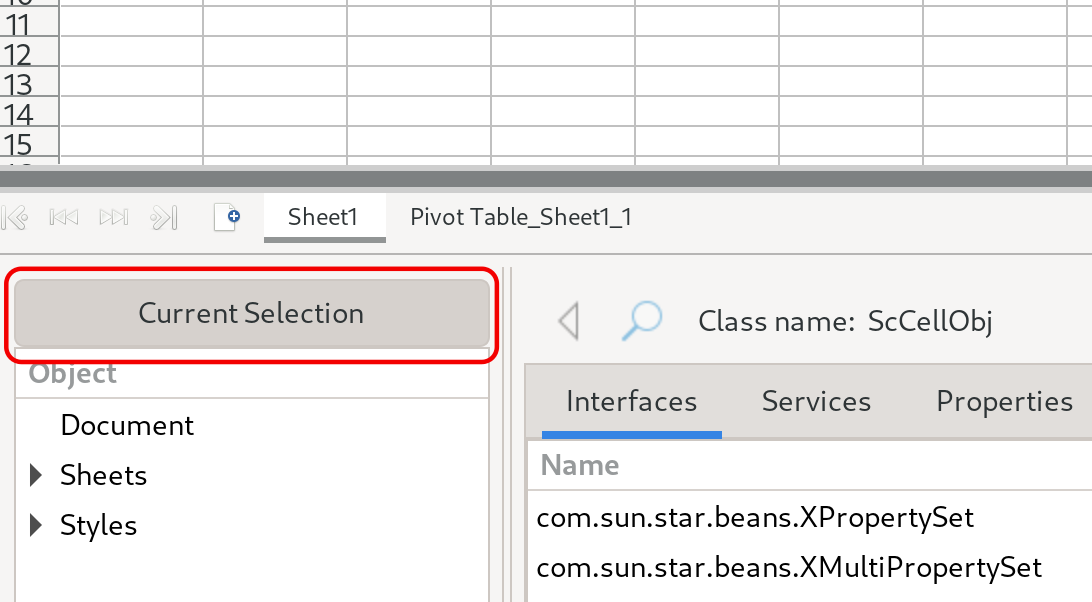
WRITER: (1) new Style Inspector to display the attributes of Paragraph and Character Styles, and user formatted text; and (2) significant speed improvement of find/replace operations.
CALC: significant speed improvement of Autofilter and find/replace operations.
IMPRESS & DRAW: (1) possibility to change animations for several objects at once in Impress; (2) addition of “Pause/Resume” and “Exit”buttons to Presenter’s Screen; (3) addition of realistic soft blurred shadows to objects; and (4) addition of new physics based animation capabilities.
LibreOffice – thanks to its mature codebase, rich feature set, support for open standards, excellent compatibility and long-term support options – represents the ideal solution for users that want to regain or keep control of their data and free themselves from vendor lock-in.
Migrations to LibreOffice
The Document Foundation has developed a Migration Protocol to support enterprises moving from proprietary office suites to LibreOffice, which is based on the deployment of a LTS version from the LibreOffice Enterprise family, plus migration consultancy and training sourced from certified professionals who offer CIOs and IT managers value-added solutions in line with proprietary offerings. Reference: https://www.libreoffice.org/get-help/professional-support/.
Availability of LibreOffice 7.1.1 Community
 LibreOffice 7.1.1 Community represents the bleeding edge in term of features for open source office suites. For users whose main objective is personal productivity and therefore prefer a release that has undergone more testing and bug fixing over the new features, The Document Foundation provides LibreOffice 7.0.4.
LibreOffice 7.1.1 change log pages are available on TDF’s wiki: https://wiki.documentfoundation.org/Releases/7.1.1/RC1 (changed in RC1) and https://wiki.documentfoundation.org/Releases/7.1.1/RC2 (changed in RC2).
LibreOffice Technology based products for Android and iOS are listed here: https://www.libreoffice.org/download/android-and-ios/, while for App Stores and ChromeOS are listed here: https://www.libreoffice.org/download/libreoffice-from-microsoft-and-mac-app-stores/
LibreOffice individual users are assisted by a global community of volunteers: https://www.libreoffice.org/get-help/community-support/. On the website and the wiki there are guides, manuals, tutorials and HowTos. Donations help us to make all of these resources available.
LibreOffice users are invited to join the community at https://ask.libreoffice.org, where they can get and provide user-to-user support. People willing to contribute their time and professional skills to the project can visit the dedicated website at https://whatcanidoforlibreoffice.org.
LibreOffice users, free software advocates and community members can provide financial support to The Document Foundation with a donation via PayPal, credit card or other tools at https://www.libreoffice.org/donate.
LibreOffice 7.1 is built with document conversion libraries from the Document Liberation Project: https://www.documentliberation.org.