Get cool LibreOffice merchandise – T-shirts, hoodies, mugs and more

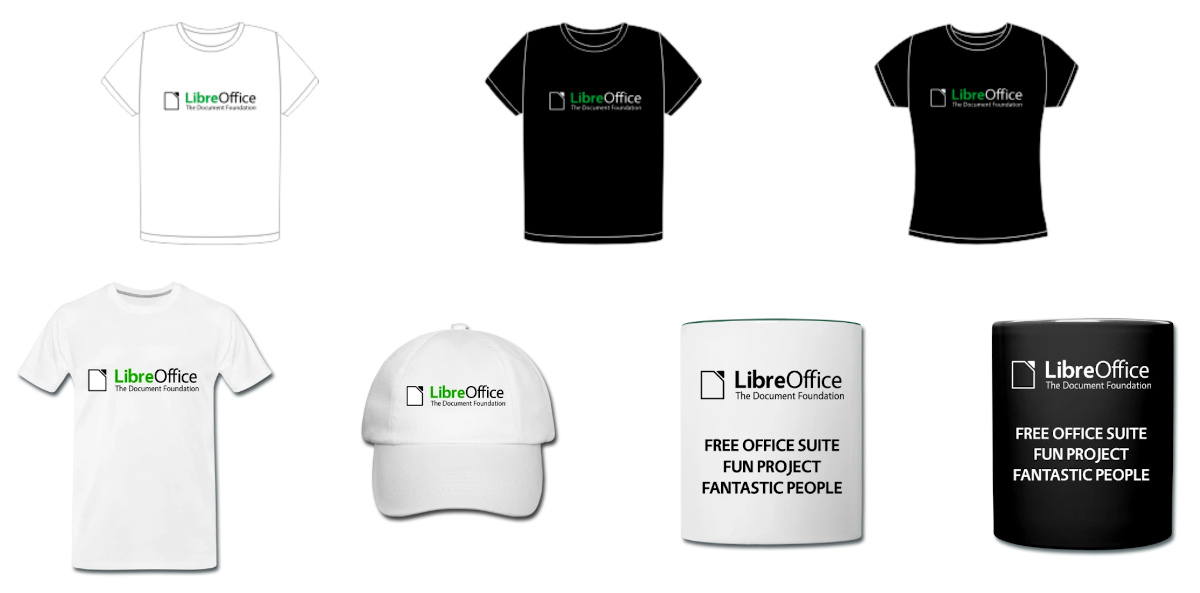
Show your love for LibreOffice with some snazzy merchandise! You can get T-shirts, hoodies, bags, mugs, baseball caps and more from online shops. And even better: some of the proceeds from sales go to The Document Foundation, the non-profit entity behind LibreOffice. This helps us to grow our community, organise events, share knowledge and keep making LibreOffice even better.

Click here to see what’s available!

LibreOffice 7.0 branding: Blender 3D model

LibreOffice 7.0, released in August 2020, includes new branding elements for the splash screen and other places, thanks Bayu Rizaldhan Rayes and the Design team. Now Barbara Tostes has made a 3D model for use in Blender, so if you want to make a video or animation about LibreOffice, check it out!

And indeed, if you make any kind of video or tutorial and want us to spread the word, join our marketing mailing list or Telegram channel and say hello. Also take a look at the Design community’s work too. We love having more ideas and feedback!

Community Member Monday: Marcin Popko

Today we’re talking to Marcin Popko, who is helping to grow the LibreOffice community in Poland…

Hey Marcin! Tell us a bit about yourself…

Hello! I’m from Bialystok, a city in north-east Poland. I work as an electromagnetic compatibility tester – it’s a seriously crazy and interesting area of electronics development. I’m quite an artist soul; in my free time I dance bachata and sing in a folk band called “Kurpie Zielone”. I also write a blog about dance, emotions and technology here.

What is the free software/Linux/LibreOffice scene like in Poland?

FLOSS (free/libre and open source software) has rather more awareness in geeky and technological domains, than in everyday normal life. LibreOffice is not well know among my friends – some of them are using Microsoft Office, and some of them are even using OpenOffice. So that’s my mission here: inform them 🙂 Companies use LibreOffice when they can’t afford Microsoft Office or when it’s not seriously needed.

You’ve recently been running Polish LibreOffice social media. How did that get started, and how has it developed?

If found a blog post about abandoned native language projects and social media sites, wrote an e-mail to the mailing list, and there I started working with Mike Saunders from The Document Foundation.

We couldn’t reach the the existing administrator of the old Polish LibreOffice fanpage, so we decided to create a new one. Then I also added a Twitter account. Step-by-step, I did surveys about our community, and I wrote articles on Polish technology sites about the current LibreOffice situation, like this one.

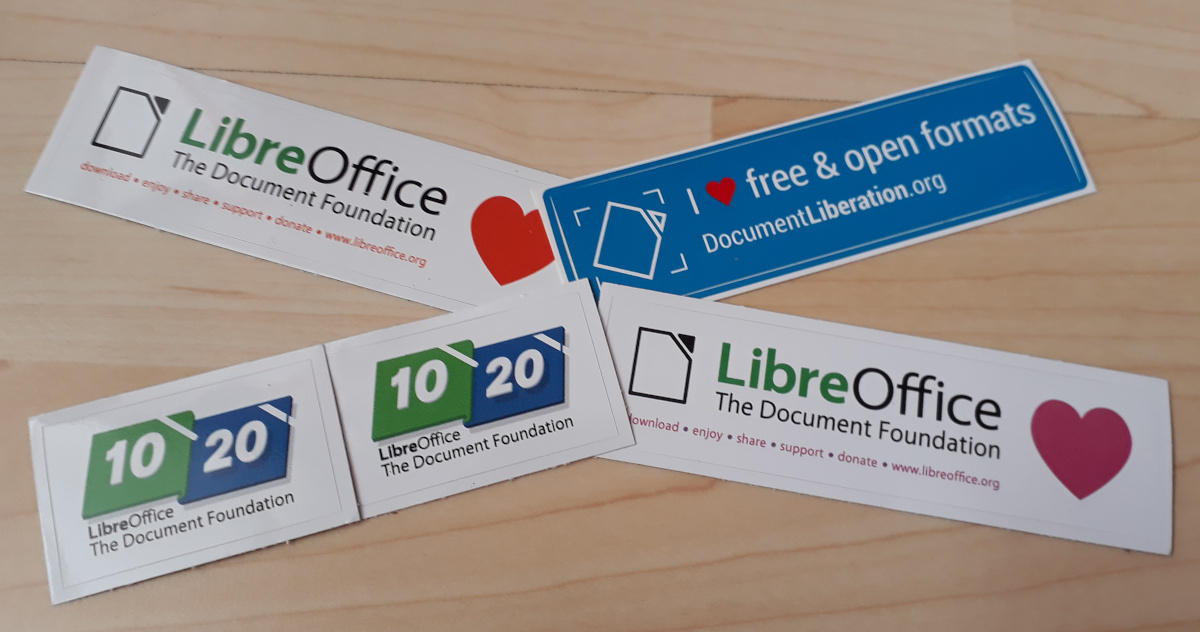
Then we reached 150 fans on Facebook, and I ran a sticker giveaway – thanks to Mike and TDF I can pass these stickers on to the community. We’ve also prepared a new official Polish LibreOffice site (the old one has corrupted download links).

Any tips for other people who want to start LibreOffice/FOSS social media in other countries/languages?

If you don’t know something, don’t be afraid to ask anyone from the LibreOffice community. People are helpful there and they redirect you to appropriate place if you get lost.

Many thanks to Marcin for his superb work and help! And for everyone reading this who wants to start (or expand) social media in more languages, get in touch and we’ll assist you along the way. You can gain valuable experience running social media, and of course it helps to spread the word about LibreOffice too!

Spread the word – add LibreOffice to your email signature!

Love LibreOffice? Want to let more people know about it? An effective (and easy) way is to add a mention of the software to your email signature. This is the piece of text that’s automatically added to emails that you send, and typically includes some information about your job, or other contact details.

Many people also use their email signatures (aka “sigs”) to spread the word about causes they support – such as free and open source software projects. So, you could use your signature to raise awareness about LibreOffice, for instance! When people read your emails, if they also check out the signature, they’ll learn something. For instance, you could add:

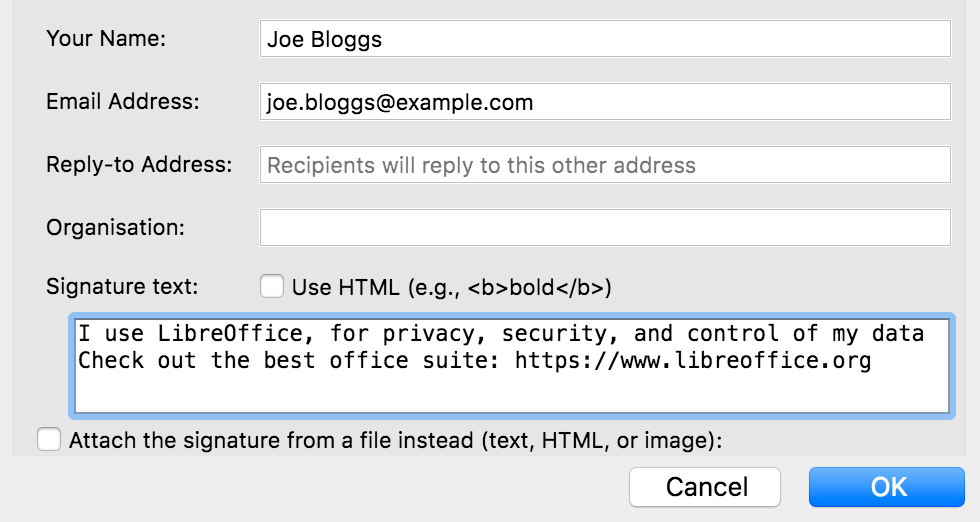
LibreOffice – free and open source office suite: https://www.libreoffice.org
Respects your privacy, and gives you back control over your data

What exactly you add is up to you, and depends on what you want to focus on. For instance, if you exchange emails with a lot of Microsoft Office users, you may want to mention that LibreOffice can work with .doc(x), .xls(x) files etc. Or perhaps you’re more focused on the ethics of free (as in freedom) software – and want to talk about the benefits to society it brings.

In any case, it’s best to keep it short (a couple of lines), and include a link so that readers can get more information. If the main LibreOffice website is too long for your sig, you can use https://tdf.io/lo as an alternative.

So, good luck, and if you have suggestions/ideas for signatures, post them in the comments below! Here are also some quick instructions for changing signatures in a few email clients and services…


Mozilla Thunderbird

Go to Tools > Account Settings in the menu, then choose your account, and scroll down to the “Signature text” box.

Google Mail (web view)

Click the Settings cog in the top-right, then “See all settings”. Under the General tab, scroll down to Signature, then click “Create new”. Give it a name and text, and underneath assign it to new emails in the “Signature defaults” option. Finally, scroll down and click “Save Changes” at the bottom of the page.

Google Mail (mobile app)

Tap the three-line “hamburger” menu in the top-left and go to Settings. Tap your account, then scroll down to “Mobile signature”.

ProtonMail

Click Settings at the top, and go to Account in the left-hand menu. Under Identity, you’ll see a box to enter signature text.

Outlook (web view)

At the top of the browser window there is a “gear wheel” icon to access the settings. Click on this and a panel opens on the right-hand side. At the bottom of this panel is a link labelled “View All Outlook settings” – click on this. A new panel consisting of three columns appears. Click on the second item in the second column, labelled “Compose and reply”. This opens one further panel including the option to set the signature text, the font attributes and to insert a graphic if required.

Apple Mail

Go to Mail > Settings, then click the “Signatures” tab. In the middle row, choose the signature text to edit, and edit the text shown in the right row. You may also add a new signature text using the “+” button at the bottom of the middle row. If you did so then choose the mail account at the left row and select the new signature texts name at the bottom of the window. So you may toggle easily between different signatures.

Got instructions for other email clients/services? Let us know in the comments – thanks!

“Discover LibreOffice” magazines for schools and communities

Do you work in a school, college or university? Perhaps you’re involved in local community events, and want to help spread the word about LibreOffice? Or maybe you work at a local library or non-profit that could benefit from learning about free and open source software. Well, we have some of these magazines to give away:

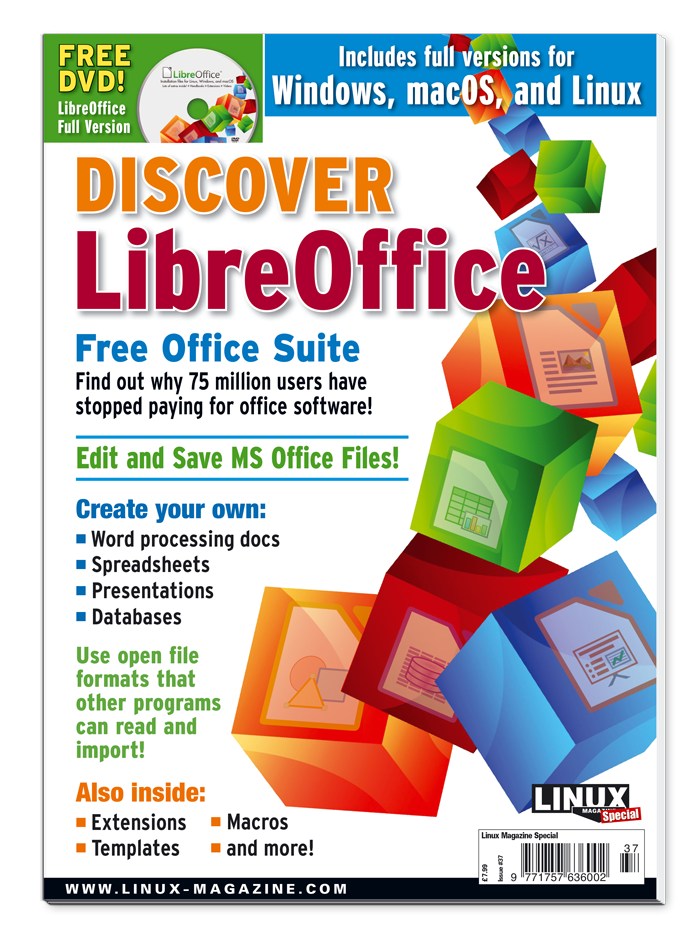
Discover LibreOffice is a complete guide to the suite, with extra articles about OpenDocument, migrations, the community and more. Much of the content was written by members of the LibreOffice community. There’s also an accompanying DVD with LibreOffice 6.1 – which is a slightly older version, but the disc may be useful in some places without regular internet access.

We’d like to get these into the hands of students and local communities as mentioned, so if you could help to distribute them, please drop us a line! Let us know:

  • Where you are
  • Who you plan to give them to
  • How many copies you need

And we’ll get back in touch. Note: this is not a giveaway of free copies for personal use. If you want a copy for yourself, check out the publisher’s shop for the latest version.

Update on marketing and communication plans for the LibreOffice 7.x series

From the Board of Directors at The Document Foundation, the non-profit entity behind LibreOffice:

Dear fellow Community members,

Time has now come to decide how to proceed with some of the proposed changes taken from the Marketing/Communication Plan for 2020-2025 with the regards of the 7.0 release, due in some weeks.

We really appreciated ideas and thoughts coming from our Community and we want to thank everyone who actively participated in the discussion, providing different points of views and sharing different scenarios, and proving themselves as passionate and caring members of the Community. Many contributions found on the board-discuss mailing list and/or via other channels are thoughtful, interesting and worthy of a much more profound discussion, in the common effort to overcome the challenge we have at hand: providing even better sustainability to the Project and its Community.

All those ideas, objections and insights will require more time to digest, merge and distill than the short time that separates us from the 7.0 release, the major release for the 10th anniversary of our beloved project, LibreOffice.

As such, the Board of Directors decided that the Marketing/Communication Plan for 2020-2025 has to undergo further investigations and refinements, that we hope to carry on with the support of Community members, with the goal of implementing in a future release some clear, discussed and agreed changes on branding and Marketing that will help improving the sustainability of the project without lessening or hindering the role of LibreOffice and its Community inside the free software panorama.

Because of the importance of the topic at hand and the need of a worthy and compelling discussion with the Community, we will provide a time plan in a few days as well as some guidelines, with the goal of streamlining the process and coming to some good conclusions in a quick and effective way.

As such, the 7.0 release of LibreOffice will not see any of the tagline/flavor text proposed inside the release candidate (RC) versions, the Marketing/Communication Plan for 2020-2025 or any of the alternatives proposed during the discussion, specifically inside the splash-screen, the start center and the about box; to explain it with other words, the modifications put in the RC versions with the regards of branding will be reverted to a previous state, so there will be seamless continuity from the 6.4 version to the 7.0.

As stated before, none of the changes being evaluated will affect the license, the availability, the permitted uses and/or the functionality. LibreOffice will always be free software and nothing is changing for end users, developers and Community members.

Yet again, we renew our encouragement to contribute actively in the discussion about the Marketing/Communication Plan for 2020-2025 in the next weeks, to allow for a more effective branding/Marketing ideas for the LibreOffice product and sustainability of its Community.

LibreOffice is celebrating its tenth birthday this year. We wouldn’t be where we are today without you, our worldwide amazing Community and all of its members, no matter their profession or background. Thank you truly, to all of you, for the passion, energy and creativity you put into this joint and thriving project. We’re looking forward to the next ten years to come!