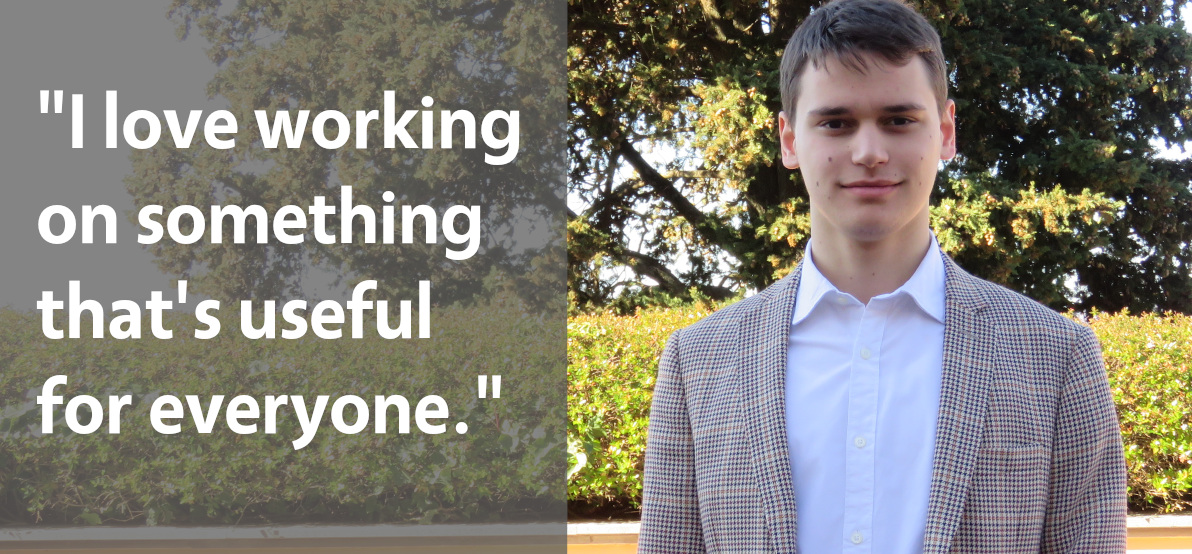
Today we’re talking to Marco Marinello from the Italian LibreOffice community, who recently became a member of The Document Foundation, the non-profit entity behind LibreOffice…
Tell us a bit about yourself!
I live in Bolzano, which is a small city in the northernmost part of Italy. My main interests are robotics and computer technology. In my spare time I often enjoy going for a ride with the bike, which I use almost every day to get around. In the summer I spend my holidays sailing with my family and some friends.
Why did you decide to become a member of TDF?
During SFScon – the Free Software Conference in Bolzano – I met Marina Latini, former Chairperson of the Board. We talked about the work I did on LibreOffice Online, and she encouraged me to send the application and become a member of TDF.
I share the values of TDF, and I love working on something that’s useful for everyone.
What exactly are you working on right now?
Mostly, I’m working on the documentation for LibreOffice Online, but I’m even submitting some changes. Documenting features that have already been implemented well is the first goal which I have set myself.
Anything else you plan to do in the future?
If I became more skilled in C++, I would like to get more involved with developing LibreOffice. I think a solid and compact group of members who really care about the product and the strategies is the strength of TDF.
Thanks to Marco for all his contributions! Everyone is welcome to join our friendly community, develop skills and meet new people. We look forward to meeting you!
LibreOffice 7.0 is being developed by our worldwide community, and is due to be released in early August 2020 – see the release notes describing the new features here. Of course, there’s still a lot more development to come, so more features will be added to that page in the coming months!
In order to find, report and triage bugs, the LibreOffice QA team is organizing the first Bug Hunting Session for LibreOffice 7.0 on Monday May 11, 2020. Tests will be performed on the first Alpha version, which will be available on the pre-releases server a few days before the event. Builds will be available for Linux (DEB and RPM), macOS and Windows, and can be installed and run in parallel along with the production version.
Mentors will be available from 07:00 UTC to 19:00 UTC for questions or help in the IRC channel #libreoffice-qa and the Telegram QA Channel. Of course, hunting bugs will be possible also on other days, as the builds of this particular Alpha release (LibreOffice 7.0.0 Alpha1) will be available until end of May. Check the Release Plan.
During the day there will be a dedicated session to test the ongoing work in the SKIA Graphics Engine integration from 14:00 and 16:00 UTC.
All details of the first bug hunting session are available on the wiki. LibreOffice is a volunteer-driven community project, so please help us to test – we appreciate it!
(Note: this is a section from The Document Foundation’s Annual Report 2019, which will be published in full in the coming weeks.)
In 2019, LibreOffice celebrated its ninth birthday. Two new major versions of the suite introduced a variety of new features, while minor releases helped to improve stability as well.
Throughout the year, several Bug Hunting Sessions were held in preparation for the new major releases. These typically took place on a single day between set times, so that experienced developers and QA engineers could help new volunteers to file and triage bugs via the IRC channels and mailing lists. The Bug Hunting Sessions for LibreOffice 6.3 were held on May 9 and July 8 – while those for LibreOffice 6.4 took place on October 15 and December 18.
LibreOffice 6.2
On February 7, LibreOffice 6.2 was officially released after six months of development. It was the first version to showcase the new (but optional) NotebookBar user interface as a non-experimental feature, making it available for all users. The NotebookBar is available in Tabbed, Grouped and Contextual flavors, each one with a different approach to the menu layout, and complements the traditional Toolbars and Sidebar. The Tabbed variant aims to provide a familiar interface for users coming from proprietary office suites and is supposed to be used primarily without the sidebar, while the Grouped one allows to access “first-level” functions with one click and “second-level” functions with a maximum of two clicks.
LibreOffice 6.2 also included tidied-up context menus, performance improvements for change tracking, multivariate regression analysis in Calc, and many extra features in LibreOffice Online. A video was produced to explain and demonstrate many of the new features in LibreOffice 6.2. This was linked to in the announcement, and embedded into various web news websites that covered the release. Here it is:
Please confirm that you want to play a YouTube video. By accepting, you will be accessing content from YouTube, a service provided by an external third party.
If you accept this notice, your choice will be saved and the page will refresh.
LibreOffice 6.3
Later in the year, on August 8, LibreOffice 6.3 was made available. Writer and Calc performance was improved by an order of magnitude based on documents provided by end users: text files with different bookmarks, tables and embedded fonts, large ODS/XLSX spreadsheets, and Calc files with VLOOKUP load and render more quickly. Saving Calc spreadsheets as XLS files was also made faster.
Meanwhile, the Tabbed Compact version of the NotebookBar user interface, introduced in LibreOffice 6.2, was made available for Writer, Calc, Impress and Draw. It leaves more space for user documents, spreadsheets and presentations on laptops with wide screens. In addition, the new Contextual Single UI was ready for Writer and Draw.
Export as PDF was improved with the support for the standard PDF/A-2 document format, which is required by several organizations for long term file storage. In addition, the design of editable PDF forms was simplified with the addition of the Form menu to Writer.
Finally, a redaction feature was added to remove or hide sensitive information such as personal data before exporting or sharing the file, to help companies or organisations to comply with regulations. As with the previous release, a video was created to demonstrate the new features:
Please confirm that you want to play a YouTube video. By accepting, you will be accessing content from YouTube, a service provided by an external third party.
Google Summer of Code (GSoC) is a global programme focused on bringing more student developers into open source software development. LibreOffice took part last year, which led to some great new features including a QR code generator and NotebookBar improvements.
And in 2020, we’re in GSoC again! Six projects have been selected, which are due to be implemented over the summer:
Everyone is welcome to join our documentation team! It’s a great way to build up experience in a large and well-known open source project, especially if you’re interested in a career in technical writing one day.
Thanks to our worldwide community of developers and supporters, every release of LibreOffice includes new features, bugfixes, compatibility boosts, translations, and other improvements. This month, we want to show our appreciation to everyone who helps out – and encourage more people to join our projects! So how are we going to do this?
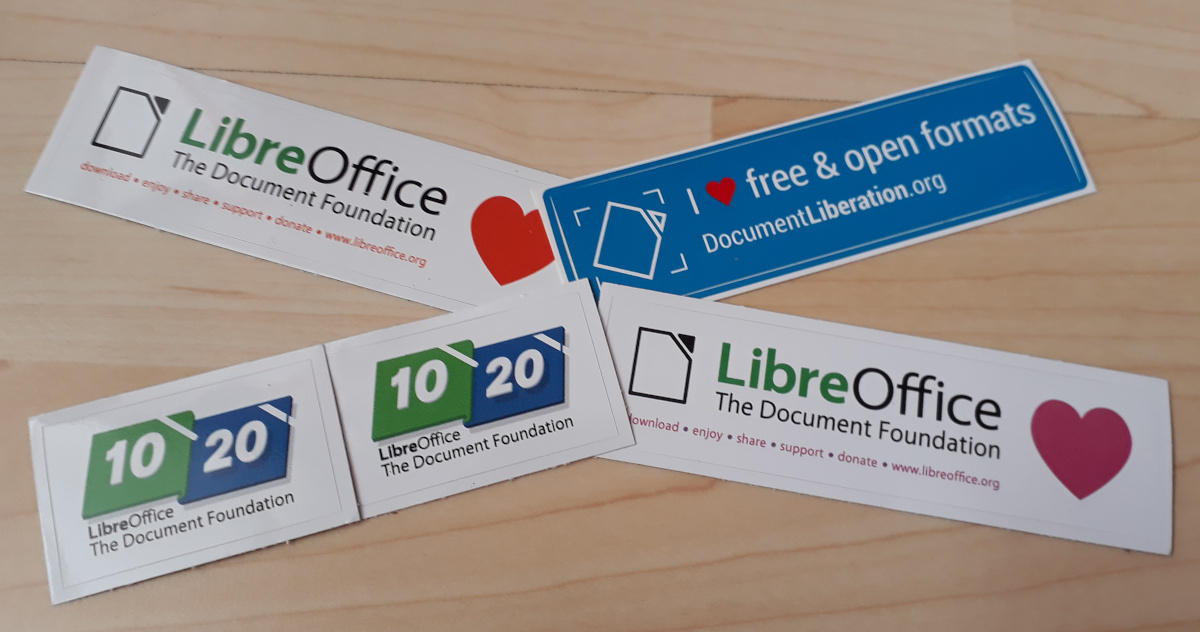
Well, everyone who contributes can claim an awesome sticker pack at the end of the month:
And then, we’ll also choose 20 contributors at random to receive a piece of bonus merchandise – a LibreOffice mug, T-shirt or 10/20 anniversary hoodie (proudly modelled in the photo above).
How to get your stickers
So, let’s get started! There are many ways you can help out – and you don’t need to be a developer. For instance, you can be a…
Handy Helper, answering questions from users on Ask LibreOffice. We’re keeping an eye on that site so if you give someone useful advice, you can claim your shiny stickers.
First Responder, helping to confirm new bug reports: go to our Bugzilla page and look for new bugs. If you can recreate one, add a comment like “CONFIRMED on Windows 10 and LibreOffice 6.4.3”.
Drum Beater, spreading the word: tell everyone about LibreOffice on Twitter or Mastodon! Just say why you love it or what you’re using it for, add the #libreoffice hashtag, and at the end of the month you can claim your stickers.
Globetrotter, translating the user interface: LibreOffice is available in a wide range of languages, but its interface translations need to be kept up-to-date. Or maybe you want to translate the suite to a whole new language? Get involved here.
Code Cruncher, contributing source code: The codebase is big, but there are lots of places to get involved with small jobs. See our Developers page on the website and this page on the wiki to get started.
Docs Doctor, writing documentation: Whether you want to update the online help or add chapters to the handbooks, here’s where to start.
So there’s plenty to do! As the contributions come in, we’ll be updating this page every day with usernames across our various services. So dive in, get involved and help make LibreOffice better for millions of people around the world – and enjoy your sticker pack at the end as thanks from us. And who knows, maybe you’ll be lucky enough to win a bonus hoodie, T-shirt or mug as well…
Let’s go! We’ll be posting regular updates on this blog and our Mastodon and Twitter accounts over the next four weeks – stay tuned!