
Our post-FOSDEM hackfest is underway!
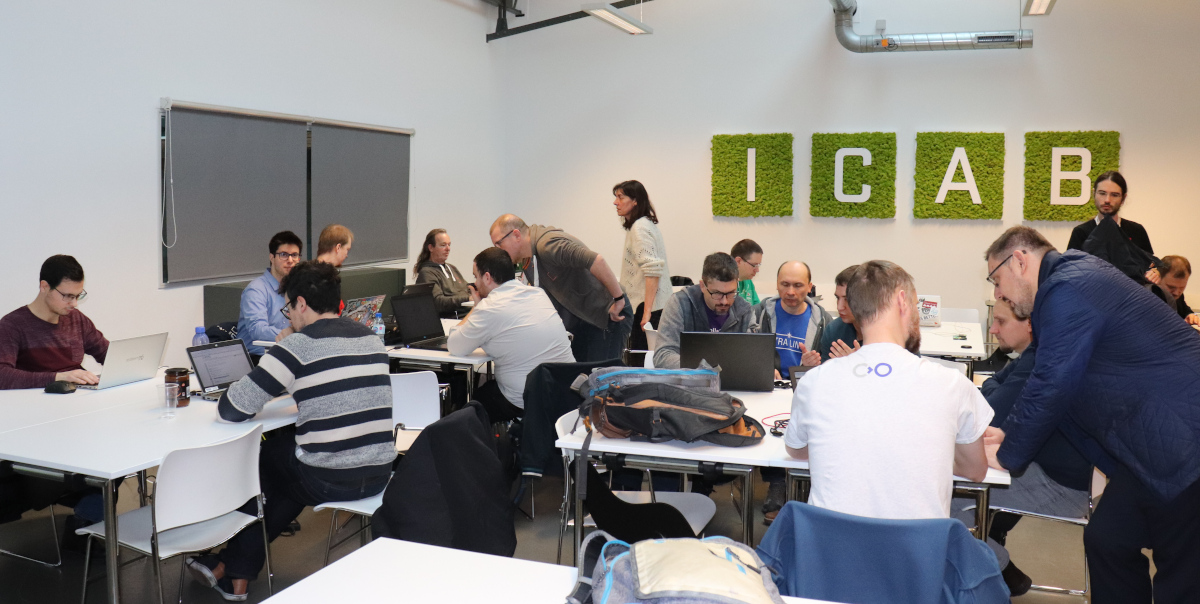
Our post-FOSDEM hackfest is underway!
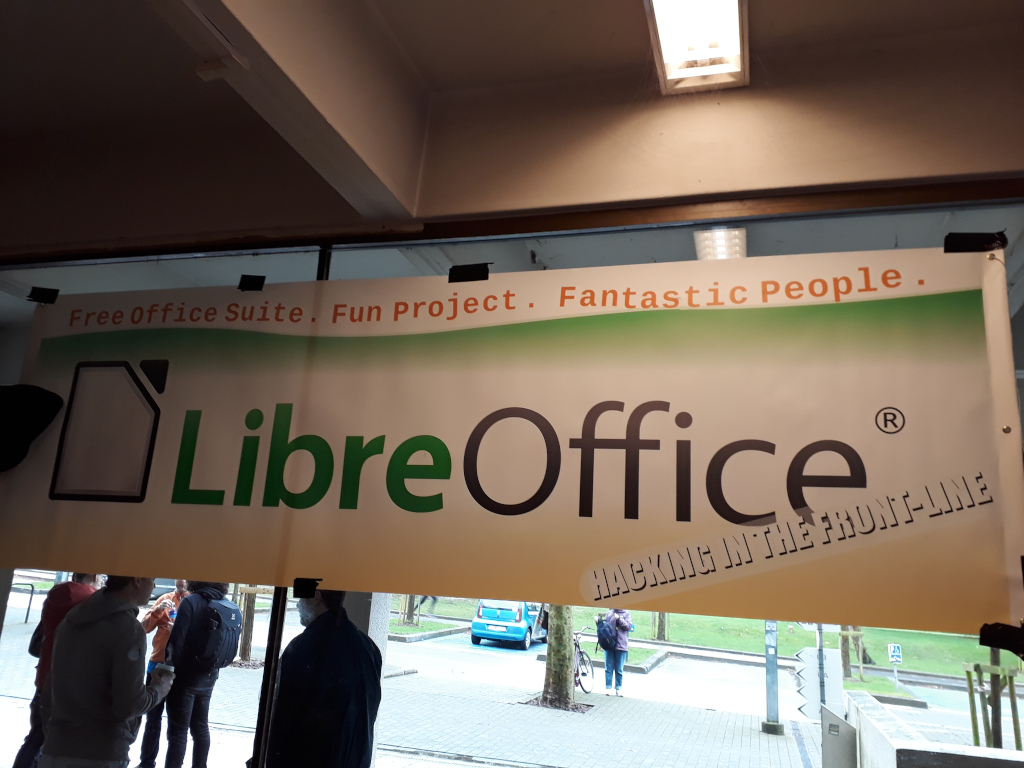
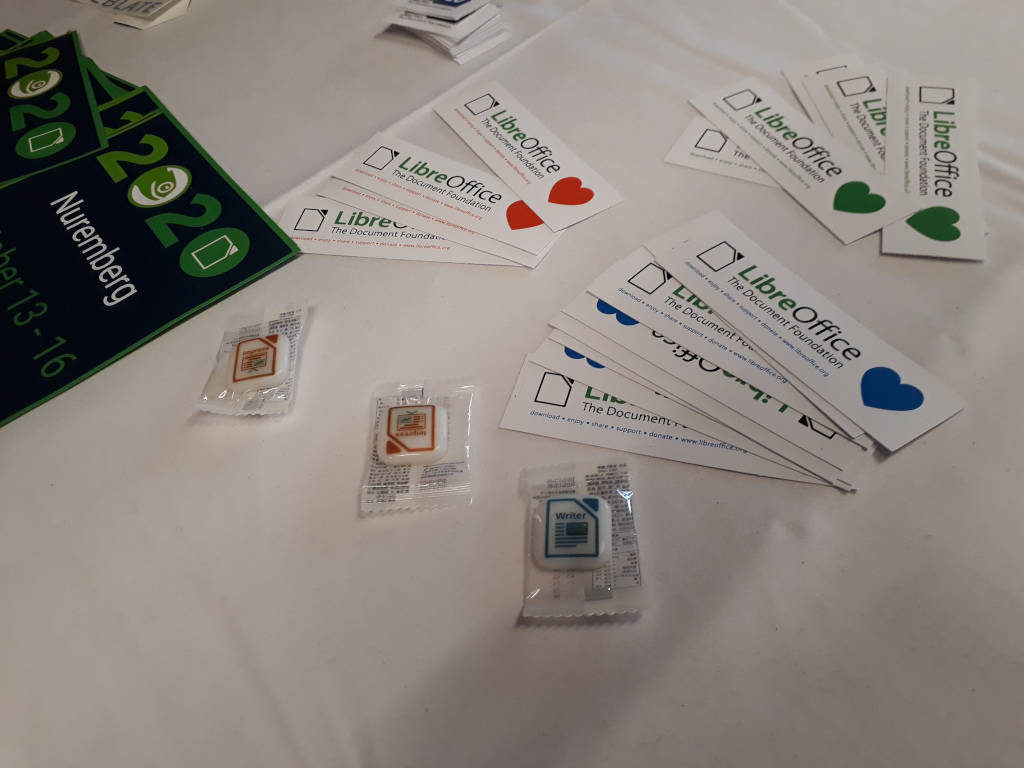
Yes, LibreOffice is at FOSDEM in Brussels – come to our stand (H.A1) and chat with our community – and also grab cool swag! (T-shirts, stickers, candy and more…)

Berlin, January 29, 2020 – The Document Foundation announces the availability of LibreOffice 6.4, a new major release providing better performance, especially when opening and saving spreadsheets and presentations, and excellent compatibility with DOCX, XLSX and PPTX files.
LibreOffice offers the strongest compatibility in the office suite arena, starting from native support for the Open Document Format (ODF) – with superior security and interoperability features over proprietary formats – to almost perfect support for DOCX, XLSX and PPTX files. In addition, LibreOffice includes filters for many legacy document formats, and as such is the best interoperability tool in the market.
In addition, the new version provides some interesting new features [1]:
GENERAL
WRITER
CALC
IMPRESS & DRAW
LIBREOFFICE ONLINE
 LibreOffice 6.4 is the first new release available in 2020. During the year, the community will celebrate the 10th anniversary of the best free office suite ever at several Free and Open Source Software (FOSS) events in Europe, Africa, Asia and the Americas. Several volunteers will present the project milestones and discuss the future of the office suite, on the desktop and in the cloud.
LibreOffice 6.4’s new features have been developed by a large community of code contributors: 75% of commits are from developers employed by companies sitting in the Advisory Board like Collabora, Red Hat and CIB, plus other organizations, and 25% are from individual volunteers.
In addition, there is a global community of individual volunteers taking care of other fundamental activities such as quality assurance, software localization, user interface design and user experience, editing of help system and documentation, plus free software and open document standards advocacy.
A video summarizing the top new features in LibreOffice 6.4 is available on YouTube: https://www.youtube.com/watch?v=-4boEj8S2JQ
LibreOffice for individual users
LibreOffice 6.4 represents the bleeding edge in term of features for open source office suites, and as such is targeted at technology enthusiasts, early adopters and power users. The Document Foundation does not provide any technical support to users, although they can get help from other users on mailing lists and the Ask LibreOffice website: https://ask.libreoffice.org
For users whose main objective is personal productivity and therefore prefer a release that has undergone more testing and bug fixing over the new features, The Document Foundation maintains the LibreOffice 6.3 family, which includes some months of back-ported fixes. The current version is LibreOffice 6.3.4.
LibreOffice in business
 For enterprise class deployments, TDF strongly recommend sourcing LibreOffice from one of the ecosystem partners to get long-term supported releases, dedicated assistance, custom new features and other benefits, including Service Level Agreements (SLAs). Also, the work done by ecosystem partners flows back into the LibreOffice project, benefiting everyone.
For migrations and training from proprietary office suites, professional support should be sourced from certified professionals who provide value-added services which extend the reach of the community to the corporate world and offer CIOs and IT managers a solution in line with proprietary offerings.
In fact, LibreOffice – thanks to its mature codebase, rich feature set, strong support for open standards, excellent compatibility and long-term support options from certified partners – represents the ideal solution for businesses that want to regain control of their data and free themselves from vendor lock-in.
Availability of LibreOffice 6.4
LibreOffice 6.4 is immediately available from the following link: https://www.libreoffice.org/download/. Minimum requirements for proprietary operating systems are Microsoft Windows 7 SP1 and Apple macOS 10.9. Builds of the latest LibreOffice Online source code are available as Docker images: https://hub.docker.com/r/libreoffice/online/
LibreOffice users, free software advocates and community members can support The Document Foundation with a donation at https://www.libreoffice.org/donate
LibreOffice 6.4 is built with document conversion libraries from the Document Liberation Project: https://www.documentliberation.org
[1] A more comprehensive list of LibreOffice 6.4 new features is available on the Release Notes wiki page: https://wiki.documentfoundation.org/ReleaseNotes/6.4
Press Kit
The press kit, including the white paper on document formats and high-resolution screenshots, is here: https://nextcloud.documentfoundation.org/s/ZA4Y67yz6jBJSqz
Berlin, January 27th, 2020 – The LibreOffice Documentation Team is happy to announce the Calc Guide 6.2, a long-awaited update of the old Calc Guide 4.4, to cover all of the innovations included in newer versions of the suite. The team wanted to catch-up with the forthcoming release of LibreOffice 6.4, while offering to the user community a book with its contents suitable for the most-used features of the LibreOffice 6 family.
Several team members contributed to the effort, notably Steve Fanning, Jean Weber, Kees Kriek, Cathy Crumbley, Zach Parlimann, Dave Barton and Drew Jensen.
“Joining the LibreOffice Documentation Team was an opportunity for me to continue to be technically active after my recent retirement and, with my mathematical background, the Calc Guide was a great book for me to start with“, said Steve Fanning, volunteer technical writer. “I enjoyed contributing to the update of this guide, finding the task both interesting and challenging. In fact, one of the topics caught my imagination to such an extent that I proposed, and am now implementing, a new wiki-based online reference guide for the extensive set of spreadsheet functions provided by Calc“, he added.

The LibreOffice suite – and the Calc spreadsheet module in particular – is a complex application with many uses in the modern world. Calc is widely used in all kinds of businesses, and contains advanced calculation and mathematical features that demand quality and broad documentation. The team strived to provide the best content, from simple arithmetic calculations to complex features such as statistics, enhanced pivot tables, data crunching techniques and many more.
The Dutch community is actively translating the LibreOffice Guides to improve the reach of LibreOffice in the Netherlands. “The Calc Guide is an important piece of documentation that is always in great demand from our users. I devoted time and energy to review many chapters and get the guide ready quickly, so it was also possible to start the translation to Dutch sooner, and have the Dutch users benefit of the new Calc guide too“, said Kees Kriek, volunteer reviewer and translator for the Dutch community.

The LibreOffice 6.2 Calc Guide is available for immediate download from the link https://documentation.libreoffice.org/en/english-documentation/. Source files are available from the link https://nextcloud.documentfoundation.org/s/bbawfrEfMz4zDyw
Certain versions of Microsoft Windows include “S mode” (also known as “Windows 10 S” or “Windows 10S”), which limits the range of software that users can install, and imposes other restrictions.
There are at least 75 million LibreOffice users who have installed the software on Windows 10 without any security or performance issues, so we would like to offer the same possibility to Windows 10 “S mode” users. If you’re running Windows 10 in “S mode” but can’t install LibreOffice, here are some options:
In addition, LibreOffice lets you store documents in the superior OpenDocument standard document format, which is not affected by the same security issues as DOCX, XLSX and PPTX files (according to security specialists Symantec, Kaspersky and Barracuda Networks, between 48% and 70% of malware attacks are based on Microsoft Office files).
If you need further help installing LibreOffice on Windows 10, please see Ask LibreOffice.

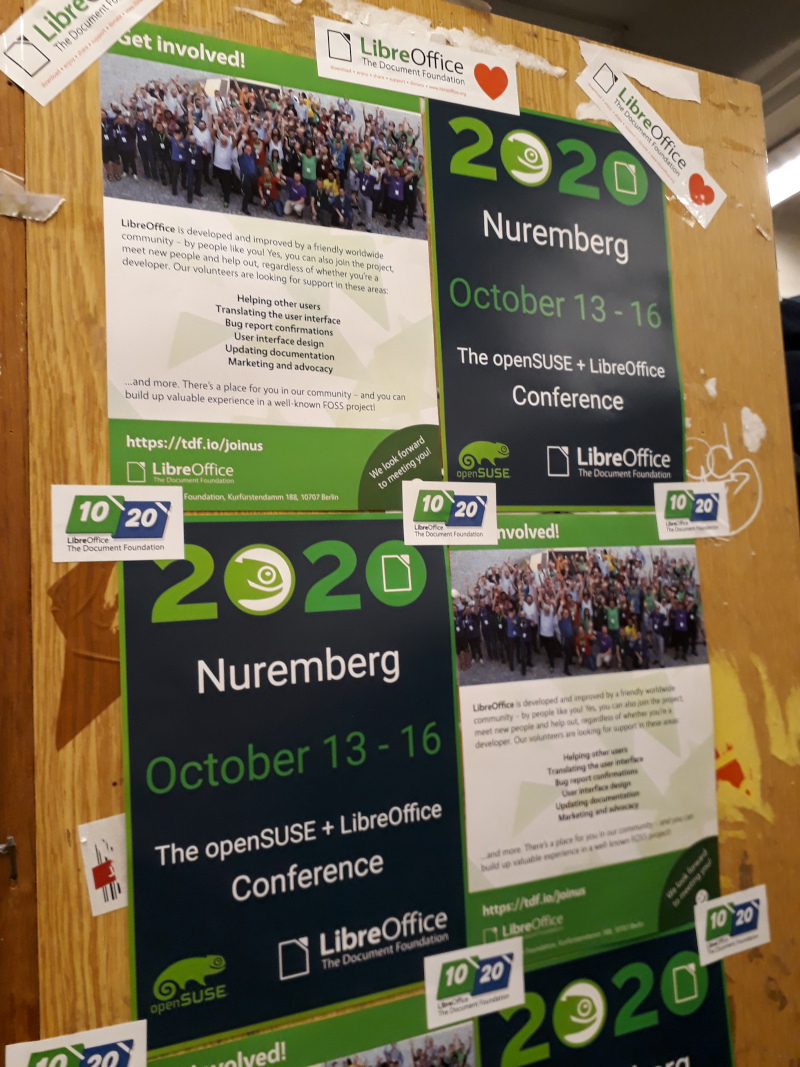
In 2020, openSUSE and LibreOffice will have a shared conference from October 13 – 16 in Nuremberg, Germany. We’re pleased to announce that the the winner of the openSUSE + LibreOffice Conference logo competition is Kukuh Syafaat from Indonesia.
Kukuh’s “Fresh Community Spirit” was the winning design and was one of 10 designs submitted during the competition. A “Mystery Box” will be sent to Kukuh for the winning design!
The organizing committee for this year’s joint conference selected the winning design during a meeting on Jan. 20. The logo portrayed an ideal fit for the conference since openSUSE and LibreOffice are combining their community conferences for just one year in 2020 to celebrate LibreOffice’s 10-year anniversary and the openSUSE Project’s 15-year anniversary.
Now that the logo has been announced, fliers and posters can be created to help advertise the event. The conference website will soon be available at on the openSUSE and LibreOffice websites, and the Call for Papers will begin next month. We look forward to seeing you there!