LibreOffice Documentation Updates in 2023 – TDF’s Annual Report

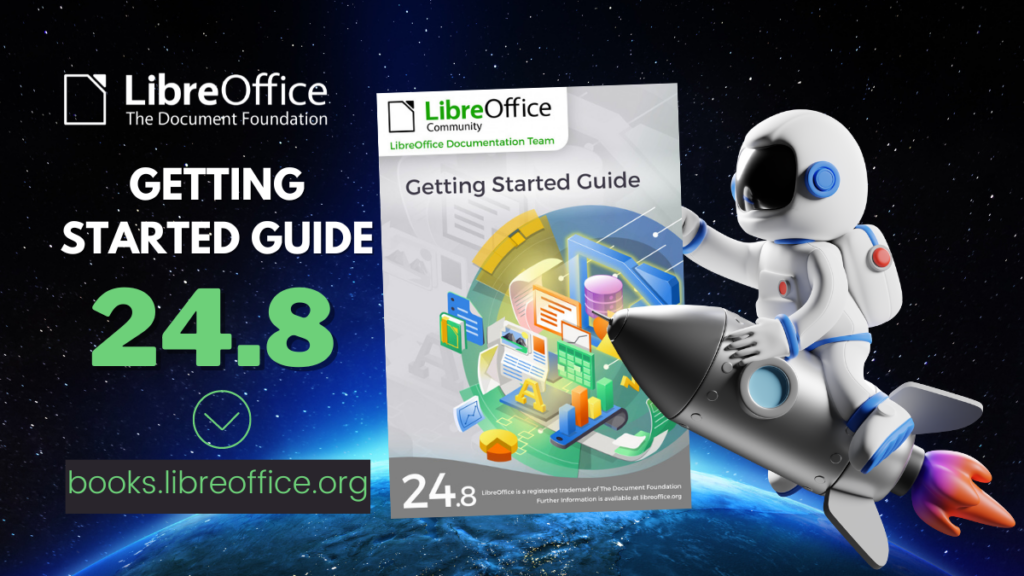
LibreOffice Bookshelf

In 2023, the documentation community continued to update LibreOffice guidebooks, and the Help application

(This is part of The Document Foundation’s Annual Report for 2023 – we’ll post the full version here soon.)

New and translated guides

Throughout the year, the documentation project closed the gap between LibreOffice’s major releases, and the updates of the corresponding user guides. By the year end, all of the version 7.x guides were updated to match the release of LibreOffice 7.6, and ready to continue for the forthcoming release – 24.2 – which arrived in February 2024. The goal of tracking the software release closely was achieved, and the documentation team is now in a steady state of small updates between releases.

The updates and enhancements of the guides were an effort of all the team, coordinated by Jean Weber (Writer and Getting Started Guide), Olivier Hallot (Calc) Steve Fanning (Calc and Base guides), Peter Schofield (Impress and Draw guides), Vítor Ferreira (Math guide). A number of volunteers also worked in each guide by writing and reviewing contents and suggesting improvements. Special thanks to Jean Weber for making the guides available for sale in printed format via Lulu Inc.

LibreOffice Help updates

The documentation community also had a team of Help page bug fixes, closing Help documentation bugs, bridging gaps, fixing typos and improving quality, a must-have update to keep LibreOffice in-shape for its user base and documented reference of the application features. A total of 650 Help patches were merged in 2023. The Help pages, which are part of the LibreOffice codebase, were also refactored continuously for better maintenance and code readability. The localisation and translation team of volunteers was quick in flagging typos and English mistakes – while translating the Help content and the user interface.
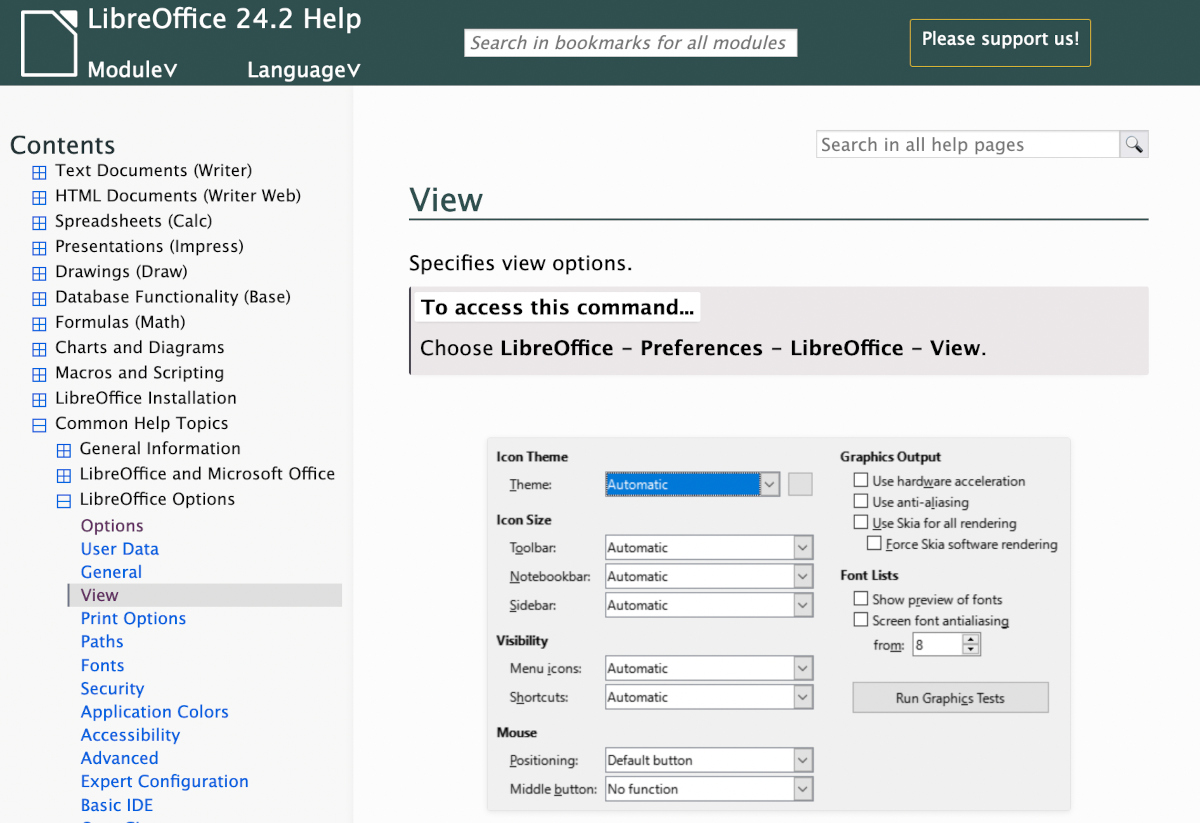
LibreOffice Help

LibreOffice Developer Guide

Thanks to Ilmari Lauhakangas and Hossein Nourikah, the LibreOffice Developer Guide is now available on TDF’s infrastructure and under LibreOffice developers’ control, allowing update and improvements of the guide for the specifics of the LibreOffice application.

ScriptForge libraries, and Wiki updates

The documentation community also had a nice contribution from Jean Pierre Ledure, Alain Romedenne and Rafael Lima, for the development of the ScriptForge macro library, in synchronization with the much-needed Help pages on the subject, a practice rarely followed by junior developers of LibreOffice. As we know, undocumented software is software that’s lacking; features that are unknown to the user can be a cause of costly calls to a help desk in corporate deployments. ScriptForge developments came together with their documentation, demonstrating the ScriptForge team’s professional maturity.

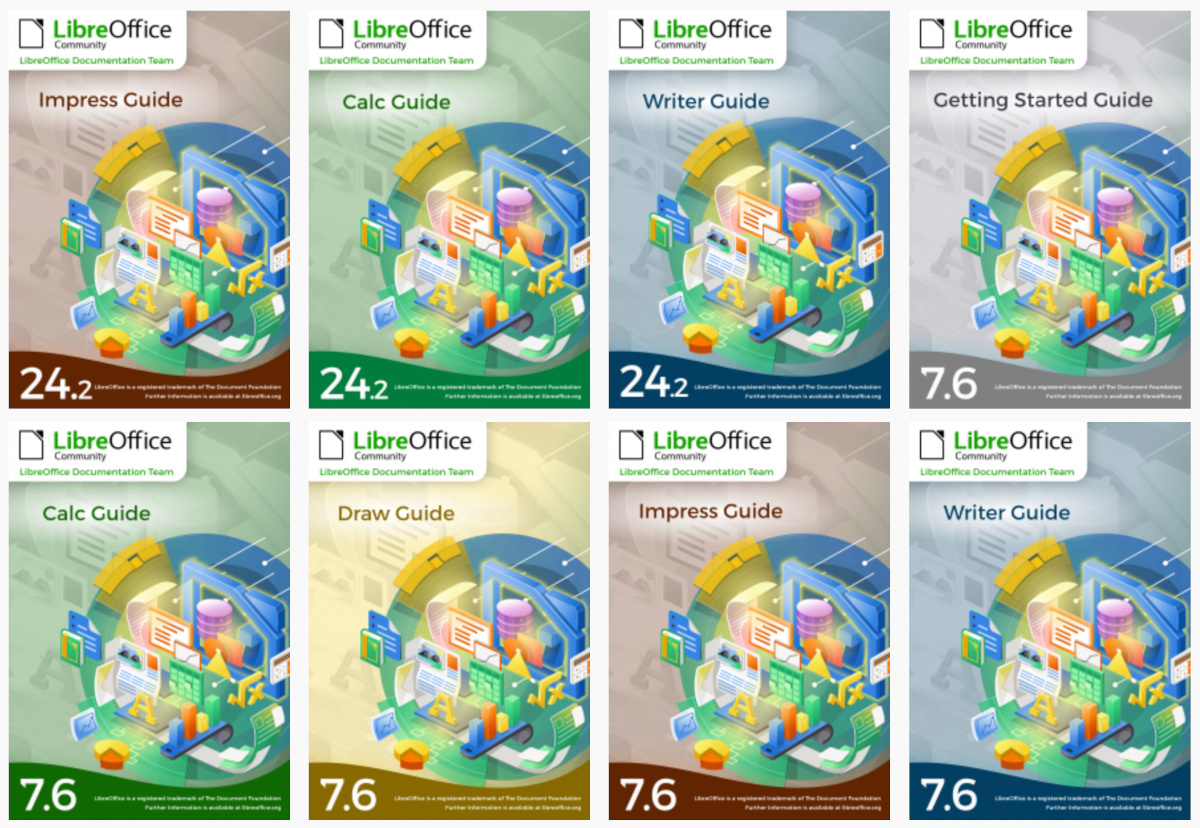
LibreOffice Bookshelf

In 2023, the documentation community also updated the LibreOffice Bookshelf, another download page for LibreOffice guides that is different from the current documentation.libreoffice.org server page. The Bookshelf can be cloned and installed in organizations, libraries, colleges and schools, for immediate availability in controlled environments, as well as online reading of the guides. The Open Document Format chapters were transformed into static HTML pages, and are ready to display on computers, tablets and cell phones, bringing LibreOffice user guides closer to its public, anywhere, anytime.


Like what we do? Support the LibreOffice project and The Document Foundation – get involved and help our volunteers, or make a donation. Thank you!

Announcing the Impress Guide 24.2

The Documentation Team is proud to announce the immediate availability of the Impress Guide 24.2.

The Impress Guide 24.2 update was coordinated by Peter Schofield, with assistance of Olivier Hallot and B. Antonio Fernandez, and is based on the Impress Guide 7.6.

Peter Schofield
Peter Schofield


LibreOffice 24.2 Community also includes many other changes, including improvements in accessibility, change tracking, spell checking, and interoperability with Microsoft’s proprietary file formats. Notably, Impress now allows small caps in text and secured slide show remote control with bluetooth, as well as enhancements to supplied templates.

Release Notes are here: https://wiki.documentfoundation.org/ReleaseNotes/24.2

The guide is available for immediate download in PDF format, and in HTML format for online reading, as well as in source format (OpenDocument Format). Soon it will be available as printed book by LuLu inc.

Download the Impress Guide 24.2 from the documentation websites at: documentation.libreoffice.org and the bookshelf at books.libreoffice.org.

Calc Guide and Writer Guides available for browsing

LibreOffice Guides in HTML

The Documentation team just published the Calc Guide and Writer Guide as on-line pages in the Bookshelf at https://books.libreoffice.org

Presented as web pages, the guides contents can now be accessed with your favorite browser and use the browser resources to navigate, bookmark and reference pages.

Together with the PDF versions, the guides web pages can be downloaded and installed in local networks using a simple web server.

Happy reading!

Czech translation of LibreOffice Writer Guide 24.2

Czech LibreOffice Writer Guide cover

Zdeněk Crhonek (aka “raal”) from the Czech LibreOffice community writes:

The Czech team has finished translating the LibreOffice Writer Guide 24.2. As usual it was a team effort, with translations by Petr Kuběj, Radomír Strnad and Zdeněk Crhonek. Then Roman Toman contributed localised pictures, and Miloš Šrámek provided technical support. Thanks to everyone in the team for their work!

The Czech translation of the Writer Guide 24.2 is available for download on this page.

We’ve not yet decided which guide we’ll translate next, but we’re always looking for new translators and correctors. Join us!

Awesome work everyone! 😊

Community Member Monday: Dione Maddern, LibreOffice docs team

Dione Maddern

Today we’re talking to Dione Maddern, who helps out in LibreOffice’s documentation team…

Tell us a bit about yourself!

I’m 44. Originally from Brisbane, Australia but I currently live in Baltimore, on the East Coast of the USA. I’ve worked in a variety of administration, document production roles in the engineering and insurance industries.

Most of my technical writing experience has been writing procedures, instructions, and other documentation for Health Safety Environment and Quality (HSEQ) systems. This is my first software project.

In my spare time, I like to bake, draw, and play video games and tabletop RPGs.

What are you doing in the LibreOffice community at the moment?

I’m working on the Offline Help (F1) function of LibreOffice, fixing broken links and updating instructions and terminology.

How did you join the community, and what was it like?

I saw the banner on the user guide page asking for volunteers to work on Documentation Team. I’d been looking for a volunteer opportunity where I could use my skills in document production for a while and this seemed perfect. So I followed the link and posted my bio on the Documentation forum.

Banner to join the Docs team

I felt a bit daunted at first because a lot people had more experience than me, or were from a software development background. Everyone has been very welcoming and I feel like I’ve been able to make a contribution to the project. I’ve learned a lot too, including a crash course in XML and Gerrit.

What advice would you give to others who want to join the documentation team?

Dive in! It can seem a bit daunting at first, but it’s easier to get started than you think.

Thanks so much to Dione for all the help! Indeed, everyone is welcome to dive in, help out, and pick up valuable experience along the way. Who knows – perhaps it could lead to a career in technical writing…

LibreOffice 24.2 Shines Again! Writer 24.2 and Calc 24.2 Guides Published

The LibreOffice Community Documentation Team is happy to announce the immediate release of the latest Writer and Calc guides for the new LibreOffice 24.2 office suite.

The two books are updates of the respective LibreOffice 7.6 guides, and describe the new features available in LibreOffice 24.2.

Jean Weber and Steve Fanning leaded the update of the Guides and provided valuable inputs to the contents.

The Writer Guide

Jean Weber

Updated and review by Jean Weber, the Writer Guide is the authoritative guide for using Writer to edit documents, from a single page to a full book. The latest Writer guide includes all these updates:

  • Comments can now use styles
  • New features in the Navigator
  • Save with password dialog now has a password strength meter
  • Insert Special Characters dropdown now shows a character description
  • Improved support for multi-page floating tables
  • “Legal” ordered list numbering: make a given list level use Arabic numbering for all its numeric portions
  • Miscellaneous changes in the names of some fields and buttons
  • And more; see the Release Notes


The Calc Guide

Steve Fanning
Steve Fanning

Updated by Steve Fanning, the guide contains description of the new features of Calc 24.2, the spreadsheet program of LibreOffice:

  • Live font preview when using the Font Name menus on the Properties deck of the Sidebar and on the Formatting toolbar.
  • Interactions to switch between sheets operate cyclically.
  • Option to view or hide column/row highlighting.
  • Additional metadata fields on the Description tab of the Properties dialog.
  • On Windows platforms, support for Alt+NumPad codes covering full Unicode range.
  • Text description of highlighted character on drop-down from Insert Special Characters toolbar icon.
  • Password strength meters on several dialogs.
  • Search field on Functions deck of Sidebar.
  • Support for FTP protocol removed from Hyperlink dialog.
  • Changes to auto-recovery and backup options.
  • Search function on Tools – Options dialogs.
  • Security warnings converted from dialogs to infobars.
  • Modify button renamed Assign on Customize dialog.
  • Language Settings menu of Tools – Options dialogs renamed to Languages and Locales.

More…

LibreOffice Community 24.2 also includes many other changes, including:

  • New password-based ODF encryption that hides metadata better and is more resistant to tampering
  • Clarification of macro security options to make it clear exactly what is allowed and what is not
  • Accessibility improvements
  • Improvements in interoperability with Microsoft’s proprietary file formats

The Guides are available in PDF, in source OpenDocument Format and printed versions from the bookshelf and documentation web pages.