Community members from five different countries had a good time, and talked about holding a LibreOffice Asia Conference in the future
Event report by: Wally Lian, PR & Marketing Consultant, Software Liberty Association Taiwan
This summer is hot in Taiwan, and so are the FOSS (Free and Open Source Software) communities! From the end of July to the middle of August, there were several big FOSS events in Taiwan. The first one coming on stage was the Debian Conference, which was held in Taiwan and Asia for the first time, and lasted for two weeks. Then, this year three big Asian FOSS events of COSCUP, Gnome Asia Summit, and OpenSUSE Asia Summit decided to merge together and held an event at the National Taiwan University of Science and Technology on 11 and 12 August.
Besides these global and Asian FOSS events, there were also many interesting opportunities and plans going on. One of them was: LibreOffice community members in Asia planned to have a meetup during the joint COSCUP/Gnome Asia/OpenSUSE Asia event, and discussed holding a LibreOffice Asia Conference.
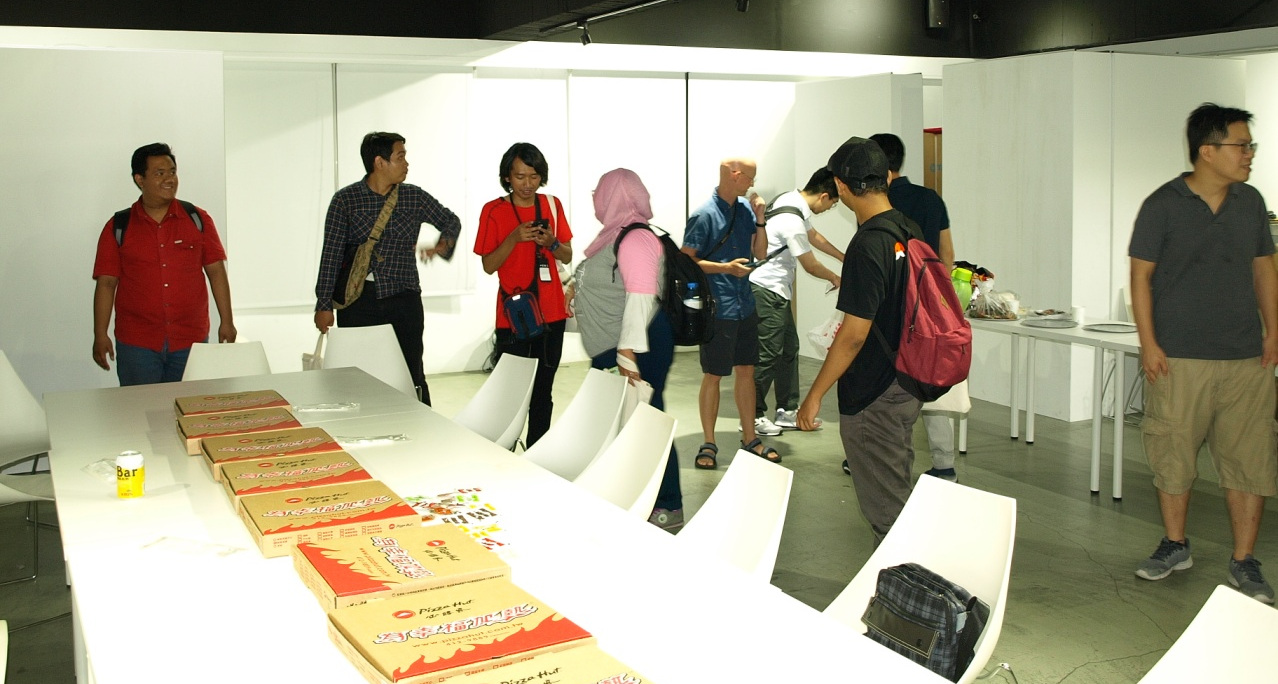
Before the meetup started, SLAT and A+A Space prepared a lot of food
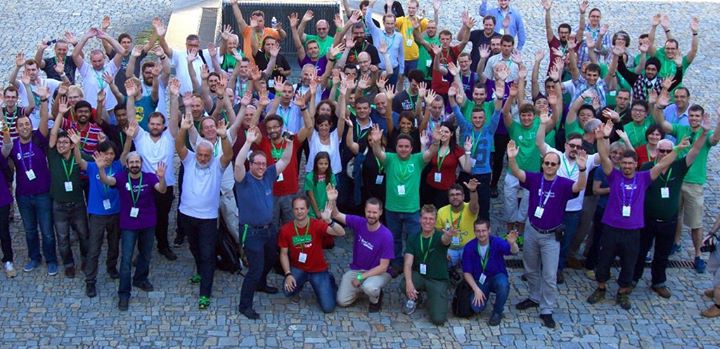
This meetup was held in the evening on 11 August in A+A space, which is a nice and friendly space for FOSS communities, also a community made up of several artists who use FOSS as their tools to create their artwork. The attendees included LibreOffice and other FOSS community members from Japan, Korea, Indonesia and Taiwan.
The organizer, Franklin Weng, the current President of Software Liberty Association Taiwan and current board member of The Document Foundation, said that this meetup was an important milestone. “Now the Taiwanese government is going on adopting the Open Document Format and related office suites. It is very important to link our government and our people with international communities. Besides sharing our experiences of adopting ODF and using LibreOffice, we can also learn from many different countries and help each other,” said Franklin.
At the meetup, Franklin introduced the 30-second animation for LibreOffice Android Viewer, which was generated by LibreOffice Taiwan and A+A Space. He explained that the original idea was to raise the awareness of visual design in FOSS communities. Then he explained the meaning and special Easter eggs hidden in the animation, and showed a “behind the scenes” documentary for it. Then, the host of A+A Space, Michael Wu, introduced the wonderful work from A+A Space, including 3D graphs, 3D models, VR work, classes in universities, and so on.
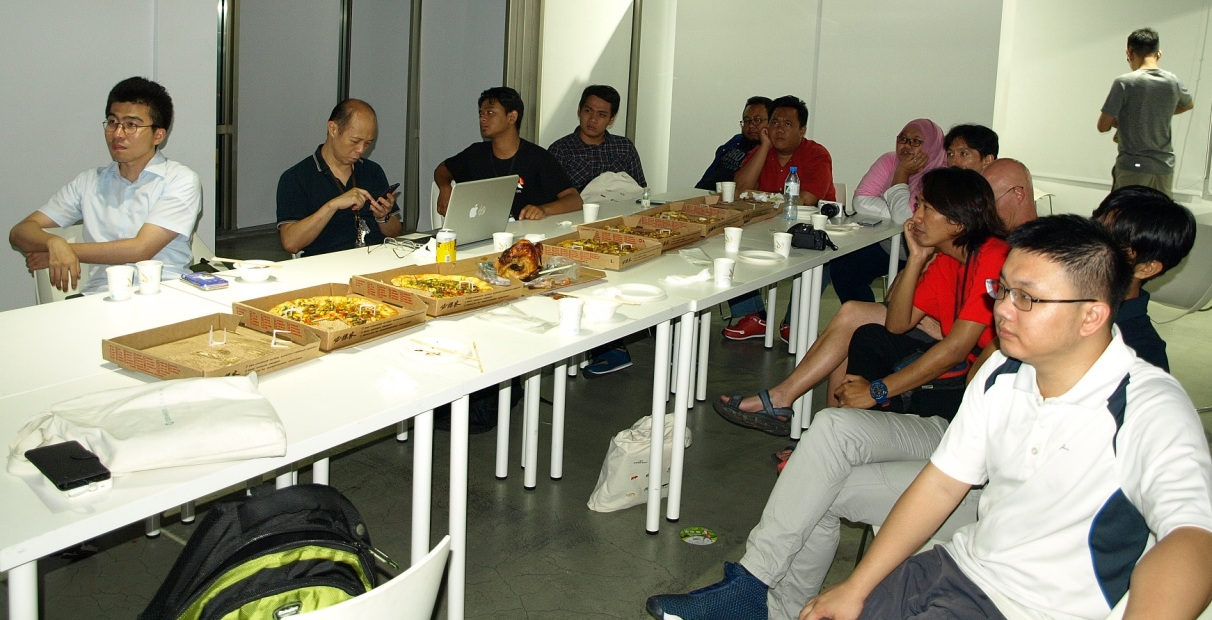
During the meetup
Then everyone started to share their work and experiences. Rania Amina, who was responsible for visual design in the LibreOffice Conference Indonesia, showed his wonderful artwork to attendees. Ahmad Haris also shared his experiences holding LibreOffice Conference Indonesia, which was a huge success. Shinji Enoki shared the current status of Japanese support in LibreOffice, and many events held in Japan. Daehyun Sung introduced himself and shared some interesting things in Korea, including the system North Korea is using.
Also, Bobby Tung, a senior FOSS member in Taiwan who also contributed a lot to W3C standards, shared the current status of Unicode support for CJK. Kevin Lin, a LibreOffice Migration Professional in Taiwan, showed his work on LibreOffice Online and Web form API usage. Shelandy Ting shared his interesting artwork using Gimp.
After sharing, attendees split into different groups and talked with each other. During this meetup, members from Japan and Indonesia showed interest in holding a LibreOffice Asia Conference. Besides conferences, attendees also exchanged experiences migrating to LibreOffice in organizations and public administrations. We believe that the adoption of the Open Document Format and migrations to LibreOffice will advance hugely in Asia.
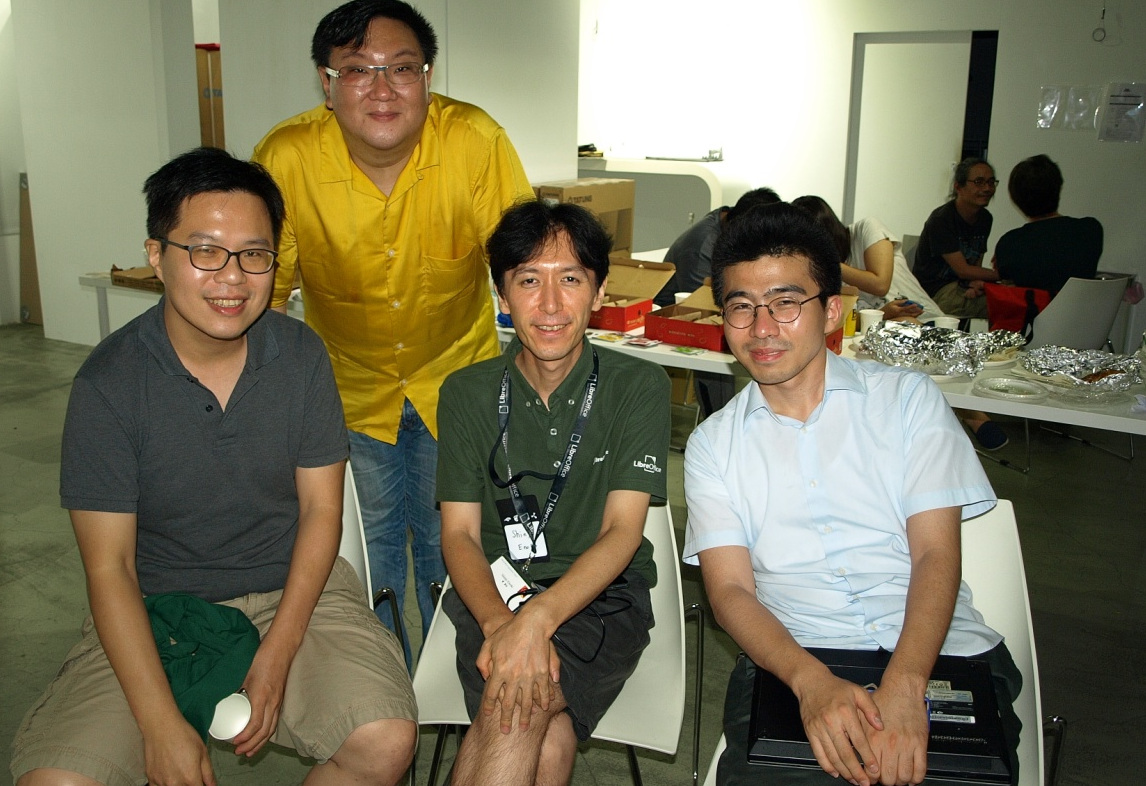
Mark Hung (Left 1st), Bobby Tung (Left 2nd) from Taiwan, Shinji Enoki (Right 2nd) from Japan, and Daehyun Sung (Right 1st) from Korea.
A big thanks to the LibreOffice communities in Asia for organising this event! If you love LibreOffice and want to help spread the word in your location or language, check out our native language communities. Together we can help to spread the word about free software and open standards!

 Today we are celebrating the International Day Against DRM.
 DRM can be associated to document lock in by means of pseudo-standards. They are both hidden to users and reduce their freedom as they make sharing contents – even when fully legitimate – completely or partially impossible.
 Where do you live, and are you active on any social media?