

#BalanceforBetter #IWD2019
A balanced world is a better world. How can you help forge a more gender-balanced world? Celebrate women’s achievement. Raise awareness against bias. Take action for equality.
#BalanceforBetter #IWD2019
A balanced world is a better world. How can you help forge a more gender-balanced world? Celebrate women’s achievement. Raise awareness against bias. Take action for equality.
LibreOffice is an international project, available in many languages thanks to our enthusiastic worldwide community! Today we speak to two contributors from Africa who are currently living in Japan, starting with Dieudonne Dukuzumuremy:
 Firstly, tell us a bit about yourself (where you live, your experience, and what you love – apart from LibreOffice of course!)
I live in Japan (Kobe City). In fact, I have graduated in Japan as a Master’s holder in Information Systems. Currently, I’m doing a post-graduation internship. When I’m not working on LibreOffice, I work as software developer.
Besides that, I will stay in Japan until December – then after I will go back to my home country Rwanda, where I work as a lecture in at the Integrated Polytechnics University. There I provide the fundamentals of programming such as PHP, HTML, CSS, MySQL, SQL Server, VB.net, WordPress etc..
I’m interested in learning new global technologies and bringing more ICT innovations to developing countries, sharing knowledge as well as being result-oriented.
My hobbies are playing football and futsal, along with meeting and making friends.
What do you do in the LibreOffice project?
In LibreOffice I do bug triaging and translations. Currently I’m working on bug reports, reproducing bugs, and translating LibreOffice into the Kinyarwanda language – which is one of the languages of Rwanda.
How did you get involved? Was it a good experience?
I joined a post-graduation internship in a company which has a department of open source software department, and they are focusing on LibreOffice. So LibreOffice is my main task during my internship.
A good experience is that I understand how LibreOffice works as open source, in terms of the different categories of contributors. It was my first time participating, and providing a contribution. It is also interesting to translate LibreOffice into my own language.
What does LibreOffice need most right now?
LibreOffice needs more active collaborative teamwork, to keep improving its features, in order to make it more reliable for users. LibreOffice also needs to improve more in marketing, so that people around the world understand it. Most developing countries spend a lot of money to buy licensed office softwares – but LibreOffice makes it cheaper and gives more to local people who support it.
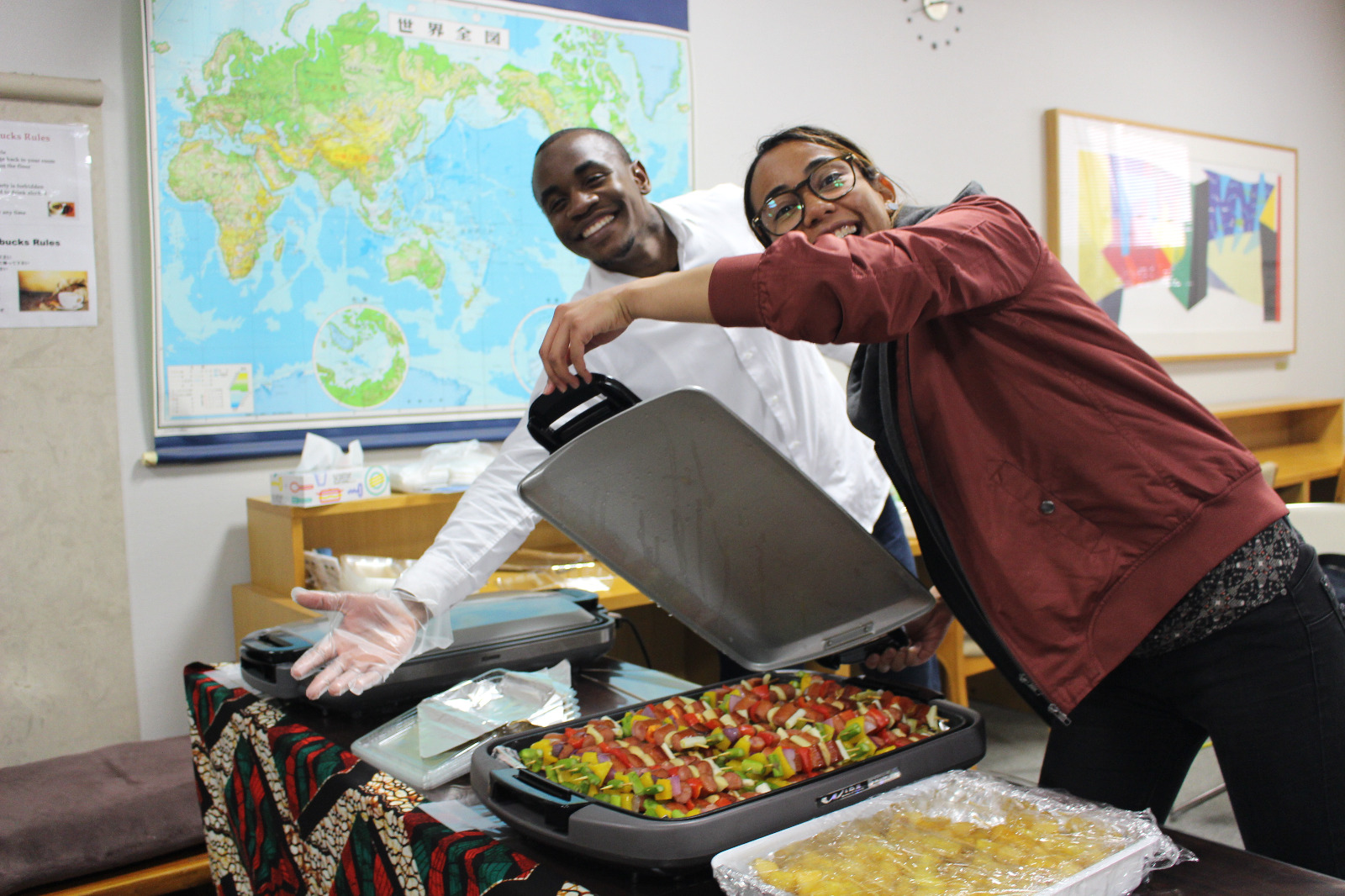
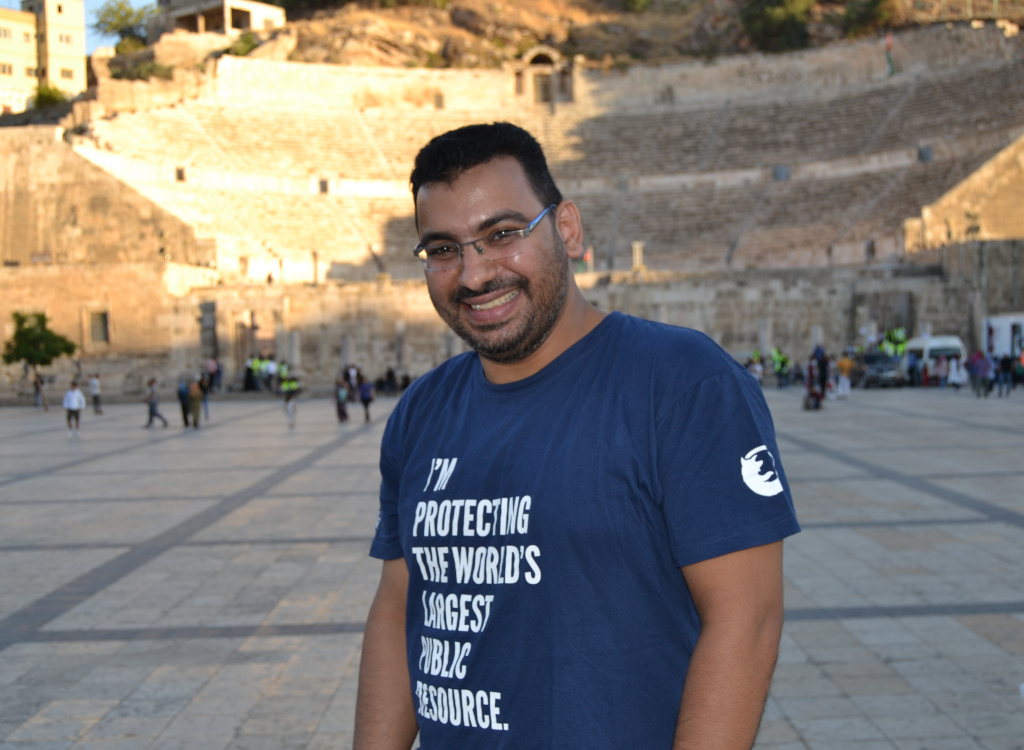
Where do you live, and what do you get up to in your spare time?
I also live in Kobe, Japan. In my spare time I like surfing the net, in search for new news on technology, international relations, business and finance, and social well-being. Sometimes I study computer networking (I am originally a Computer Engineer (CCNP)), or I study Python since I have a personal interest in it.
When I have more time, I meet friends for a chess game, go swimming or exercise in the park. Oh and I like catching fish, making friends from all over the world, and spending some time in the kitchen 🙂
What do you do in the LibreOffice project?
I am doing translations mostly, but periodically also do bug triaging.
How did you get involved?
I got involved by joining an internship programme at a company called iCraft in Kobe, Japan. It was a good experience – I wouldn’t have imagined all of the efforts that are happening behind-the-scenes in applications such as LibreOffice, especially to deliver good service to end users.
Lastly, what does LibreOffice need most right now?
User-friendly materials about the processes to follow when someone wants to get involved. LibreOffice also needs to expand its efforts into Africa, especially considering that many things are moving there and all forms of development are taking place there.
A big thanks to Dieudonne and Tomas for their time and contributions! If you’re reading this and are based on the African continent, you can help us to localise the software and spread the word about it!

Check out our regular summary of events and updates in the last month!
Please confirm that you want to play a YouTube video. By accepting, you will be accessing content from YouTube, a service provided by an external third party.
If you accept this notice, your choice will be saved and the page will refresh.
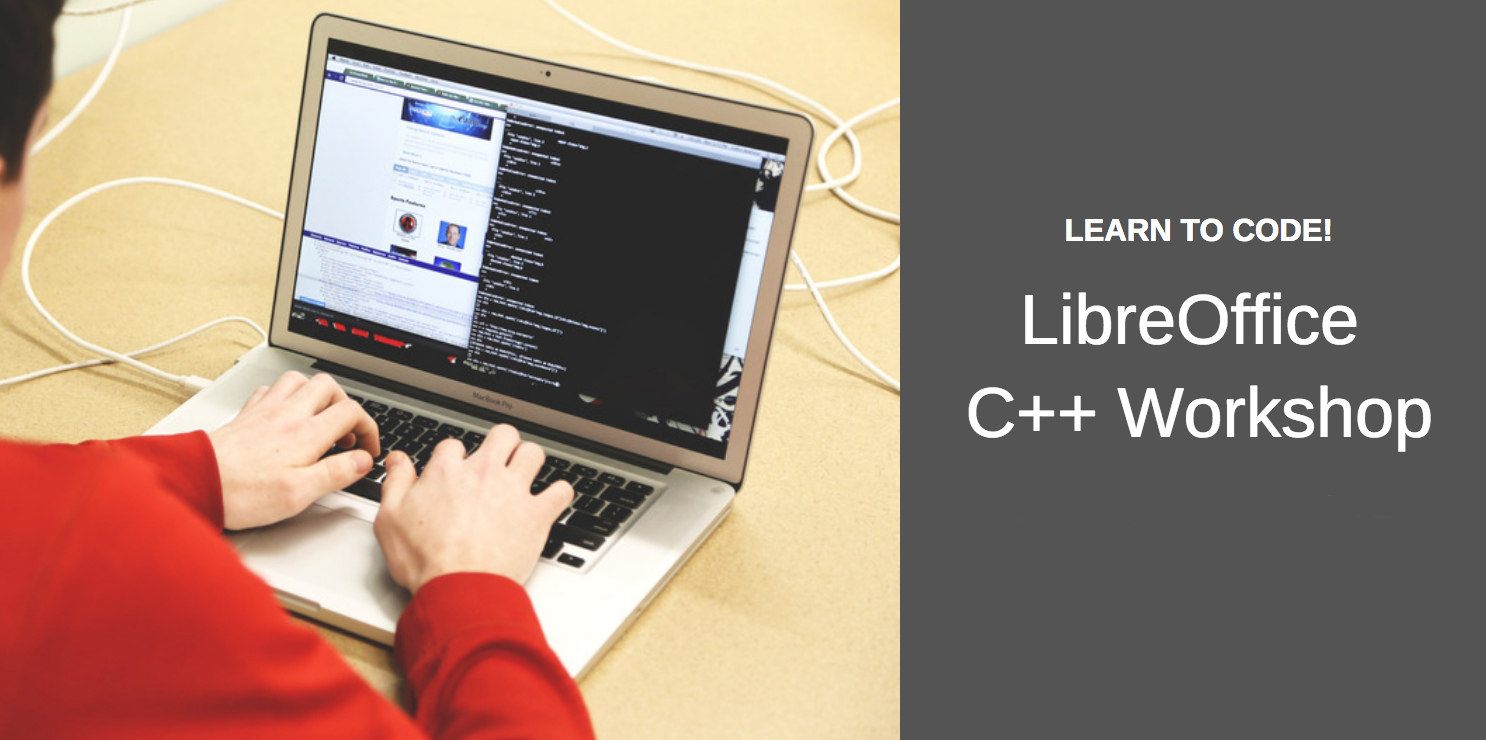


Google Summer of Code (GSoC) an international annual program that has taken place every year since 2005 – and the LibreOffice Project has been involved since 2010. In GSoC, Google awards stipends to students who successfully complete coding tasks for free and open source software projects over the summer.
This year, LibreOffice is taking part again! So if you’re a student, know some C++ and want to get involved with a well-known open source project (and get some financial support from Google too), join in! Proposals will be accepted starting on March 25, but in the meantime you can view a list of ideas for inspiration.
Even though proposals won’t be officially accepted for a few weeks, we encourage you to join the development mailing list and talk about your ideas beforehand, so other developers can give you some feedback.
To learn more about how it works, check out our interview with Gautam Prajapati, who worked on the LibreOffice Viewer for Android app as part of GSoC in 2017:
Please confirm that you want to play a YouTube video. By accepting, you will be accessing content from YouTube, a service provided by an external third party.
If you accept this notice, your choice will be saved and the page will refresh.
We look forward to meeting you!
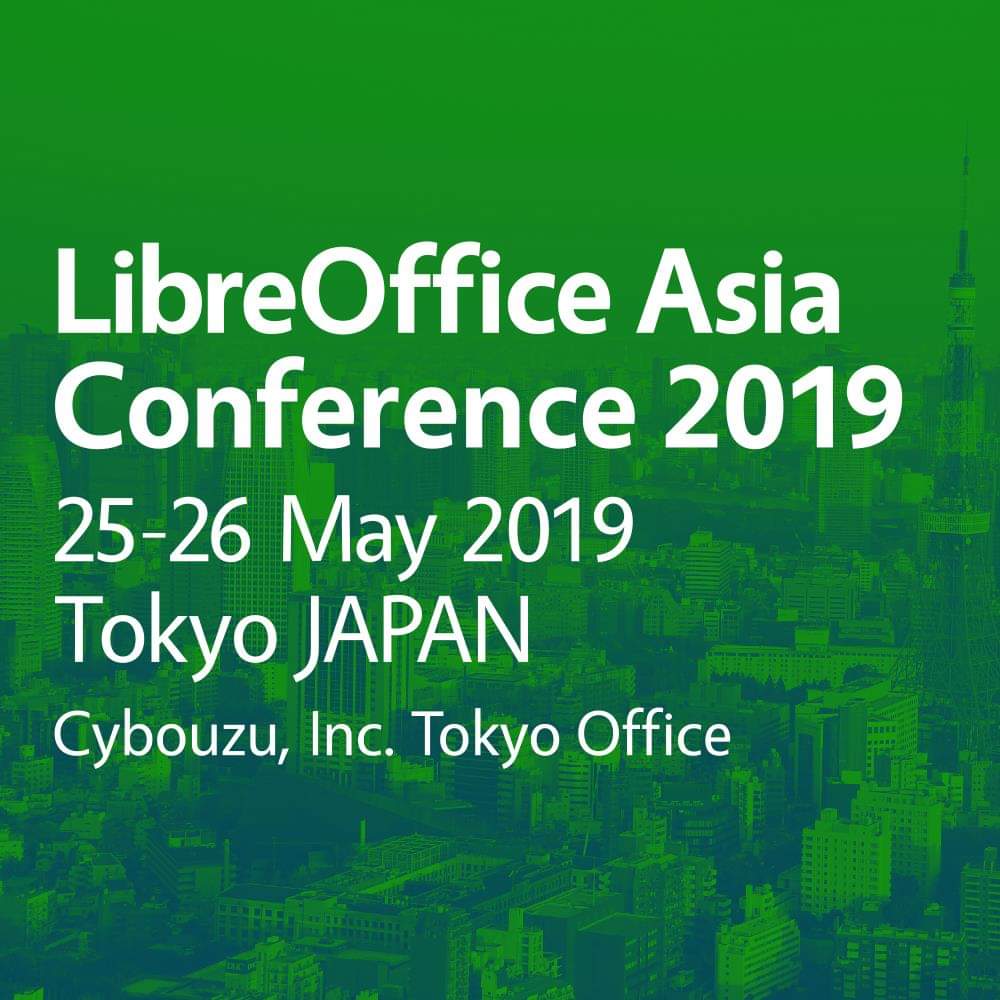
The First LibreOffice Asia Conference Will Be Held On May 25-26, 2019 In Nihonbashi, Tokyo, Japan
This is the first ever LibreOffice conference covering Asia, a rapidly-growing area for free and open source software. The call for papers will be launched soon.
Berlin, February 18, 2019 – After the huge success of the LibreOffice Conference Indonesia in 2018, members of the Asian communities have decided to raise the bar in 2019 with the first ever LibreOffice Asia Conference in Nihonbashi – the very center of Tokyo, Japan – on May 25-26.
One of the main organizers, Naruhiko Ogasawara, a member of the Japanese LibreOffice community and The Document Foundation, can’t hide his excitement: “When we launched the LibreOffice Mini Conference Japan in 2013 as a local event, we knew little about communities in other parts of Asia. In recent years we have attended the LibreOffice Conference and other Asian events like OpenSUSE Asia, COSCUP etc. We have realized that many of our colleagues are active and that our community should learn a lot from them. We are proud to be able to hold the first Asia Conference with our colleagues to further strengthen that partnership.”
“It’s a real leap of faith,” says Franklin Weng, an Asian member in the Board of Directors of The Document Foundation. “Asia is a rapidly-growing area in adoptions of ODF and LibreOffice, but our ecosystem for LibreOffice and FOSS has not been good enough yet. In this conference we’re not only trying to make the FOSS ecosystem in Asia more healthy, but also to encourage Asian community members to show their potential.”
Several core members from The Document Foundation will attend this conference, including Italo Vignoli, leader of the marketing and public relations community (and co-chairman of LibreOffice Certification Committee), along with Lothar Becker, who is also co-chairman of the Certification Committee. In addition, there will be community members from Indonesia, South Korea, Taiwan, Japan and probably China attending.
The main focus areas of this conference include:
The call for proposals will be launched soon in February. Besides the topics above, other LibreOffice and ODF-related topics are also welcome.
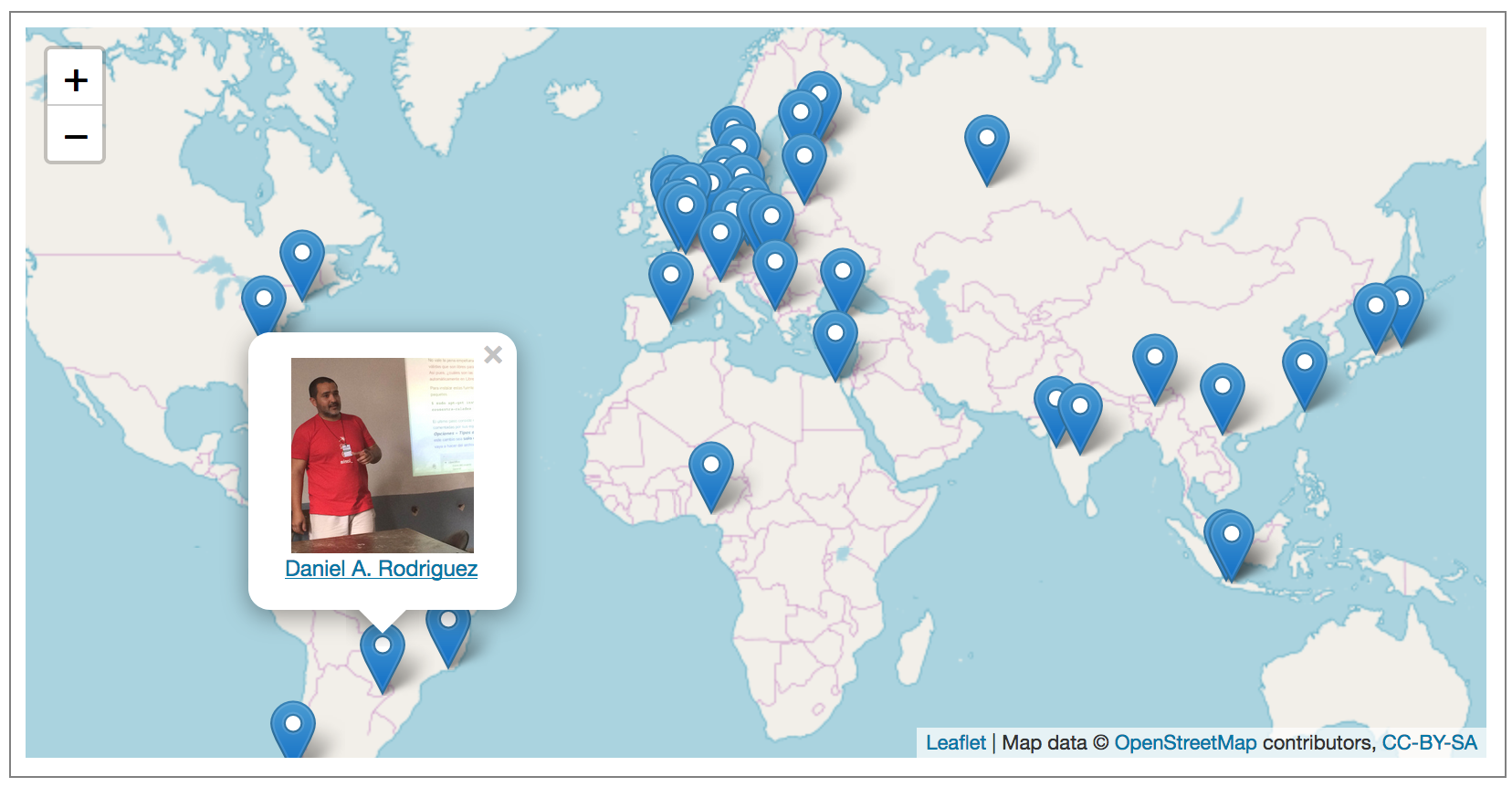
Hundreds of people around the world contribute to each new version of LibreOffice, and we’ve interviewed many of them on this blog. Now we’ve collected them together on a map (thanks to OpenStreetMap), so you can see who’s near you, and find out more! Click the image to see the live map:
Don’t see anyone near you? Help us to create a new native language community in your country! (Or if you’re already active in the project and would like to be interviewed, just drop us a line.)