Community Member Monday: Gökçe Kuler

Today we’re talking to Gökçe Kuler from our Turkish LibreOffice community…

Tell us a bit about yourself!

I’m from Aydın, Turkey. Currently I’m studying in my final years at the Computer Engineering department of Çanakkale Onsekiz Mart University. I’m interested in free software – and enjoy working with free software projects and learning new things aboutthemit. I met free software when I started university via my advisor Necdet Yücel.

I like playing the guitar and the kalimba. Also, I recently started painting with acrylic paints. I’m vegetarian, and actively participate in animal protection and gender equality projects.

You recently solved your first bug in LibreOffice. How did that go?

In our final years at the university, we work on a project together with an advisor. My advisor Necdet Yücel offered to work on LibreOffice as a graduation project, and then Gülşah Köse mentored me to get involved.

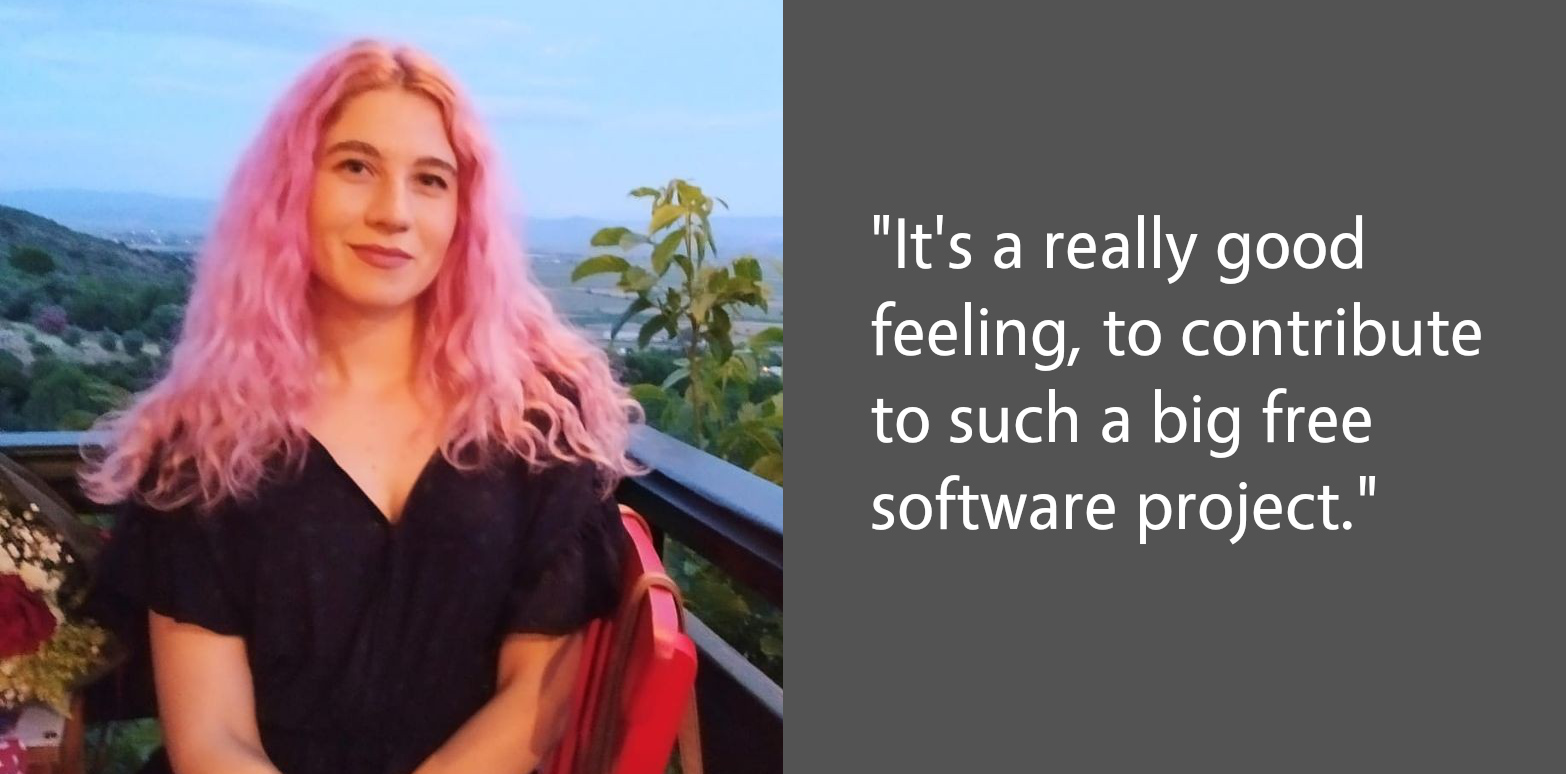
Firstly, I prepared my working environment – then we decided to work on an unit test instead of a bug. I completed it, and sent it to Gerrit. I was very happy when I got my first “merged” email. After that, we selected a new bug, about a dialog. I solved it too and wrote a blog post. It’s a really good feeling, to contribute to such a big free software project.

Recently, I’ve started working on a new bug in Impress and progressing with it. I will continue contributing to LibreOffice.

Do you have any tips for other people new LibreOffice contributors?

Instead of starting with a complex bug, I suggest starting with small things like a missing unit test, or they can even fix a typo. In this process, we get the opportunity to learn about LibreOffice development tools like Git, Gerrit, Jenkins etc…

In this way, the mechanisms in the project can be better understood, and self-confidence is gained to solve a bug. In addition, LibreOffice is a huge project and I think it is very important to read the project code in detail to understand what we work on.

Thanks to Gökçe for all her contributions to LibreOffice! Anyone with C++ knowledge can dive in and explore our codebase. There’s lots to learn, but we’re making it easier to get involved with Easy Hacks and channels for communication. Join us!
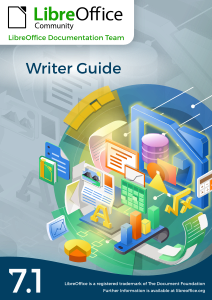

Writer Guide 7.1 is just out!

The LibreOffice documentation team is happy to announce the immediate availability of the Writer Guide 7.1

The book is a complete guide for users who want to explore the best resources of LibreOffice Writer, the word processor of the LibreOffice suite. Covering advanced topics such as styles, illustrations, indexes and table of contents, master documents, form design, document automation and more, this guide will bring your word processing skills to a professional level.

The Writer Guide 7.1 is a joint effort of Jean Weber and Kees Kriek, who reviewed and updated The LibreOffice 6.4 Writer Guide with the new features of LibreOffice 7.1, released last February.

“I enjoy writing user documentation for LibreOffice because it gives me an excuse to learn about new and improved features that I might otherwise not know about. The team members are good to work with, friendly and helpful. I especially want to thank Kees Kriek for reviewing all the chapters of this book.”

Jean Weber

Kees Kriek

The Writer Guide 7.1 is available for download at https://documentation.libreoffice.org and a printed copy at Lulu.com will soon be available.

The Brazilian Community launches the LibreOffice 7.0 Getting Started Guide in Portuguese

Timothy Brennan Jr.

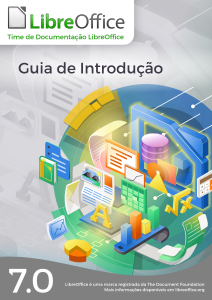
The Brazilian LibreOffice community is pleased to announce availability of the LibreOffice 7.0 Getting Started Guide in Brazilian Portuguese.

Guia de Introdução
Guia de Introdução 7.0

The guide is intended for Portuguese speaking users who wants to begin their first contact with LibreOffice and needs a manual that expounds all the software’s  features and allows them to immediately start some sophisticated tasks.

The Getting Started Guide describes the important concepts that guided the development of LibreOffice and presents each of its modules: spreadsheets (Calc), presentations (Impress), vector drawings (Draw), texts (Writer), equations (Math), and databases (Base). In addition to these modules, there are several chapters describing important concepts common to all modules such as styles, printing, electronic signature, macros, exporting in various formats, redacting, and document classification.

Making the Getting Started Guide available is the teamwork of Brazilians LibreOffice enthusiasts who have gone to great lengths to produce a comprehensive and accessible guide. The guide is a translation of the guide from English, this time using automatic translation, but with a thorough review of the result by the team, who put in great effort to confirm the concepts presented, but also to improve the Portuguese generated by the automatic translation. The next editions of the Getting Started Guide will be done without translation, but by writing directly in Portuguese the new information introduced in the new versions of LibreOffice.

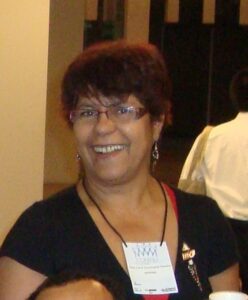
Vera Cavalcante

“I have dedicated myself intensely in the LibreOffice community, putting effort into the LibreOffice Magazine project of which I was one of the publishers. This edition of the Getting Started Guide was a great opportunity to get back to interacting with LibreOffice and meet new people with the same interest, in a voluntary work context.”, stated Vera Cavalcante, a member of the Brazilian LibreOffice community. “I am very meticulous, and helped correct some translations and (a few) inconsistencies in the software during the process of revising the Guide. In the end, we have better software ”, she added.

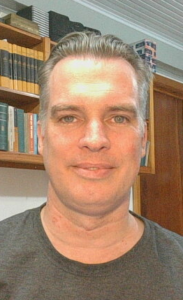
Jackson Cavalcanti Jr.

“Joining the translation and proofreading team for the Getting Started Guide was an opportunity to get back to interacting with the LibreOffice community, returning to my participation I had started years ago. The opportunity was very rewarding, not only for self-improvement in the use of the LibreOffice suite but also to learn a lot about document writing.”, said Jackson Cavalcanti Jr. “I used the opportunity to instigate debates about the terms used and the technical vocabulary in Brazilian Portuguese, which allowed me to review some terms used in the software and improve the translation of the LibreOffice suite.” he added.

Timothy Brennan Jr.

“I participated as a novice in the effort of the Getting Started Guide and could see the seriousness of the work and the good spirit of collaboration in the Brazilian team. It has been a teamwork lesson where questions were answered promptly and, at the same time, I learned a lot about elaborating complex documents.”, said Timothy Brennan Jr., a team member. “I have dedicated myself to reviewing some chapters of the Getting Started Guide (Chapters 8, Getting Started with Base and, 10, Print, Export, Send, and Sign). Now I consider myself an expert in LibreOffice as well as any other office suite. It has also been an important professional gain”.

Flávio Schefer

“I am also new to free software projects and revieweing the Getting Started Guide was an opportunity to team up with the Brazilian team and acquire knowledge,” said Flávio Schefer. “I was in a career transition and the knowledge and practices acquired in the team’s work was important during this period”, he added.

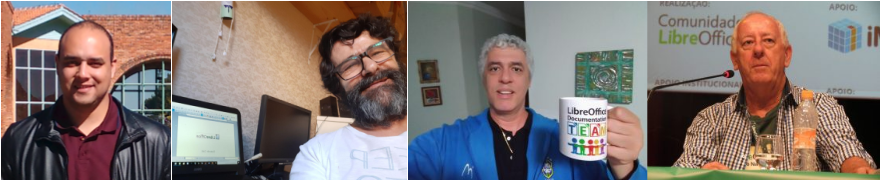
Felipe Viggiano, Raul Pacheco da Silva, Túlio Macedo and Olivier Hallot  also participated in the effort.

Felipe Viggiano, Raul Pacheco da Silva, Túlio Macedo e Olivier Hallot

Download the Getting Started Guide in PDF format now (in Brazilian Portuguese) by visiting our library at https://documentation.libreoffice.org/pt-br/portugues/

New Generation: Flyer for schools and universities

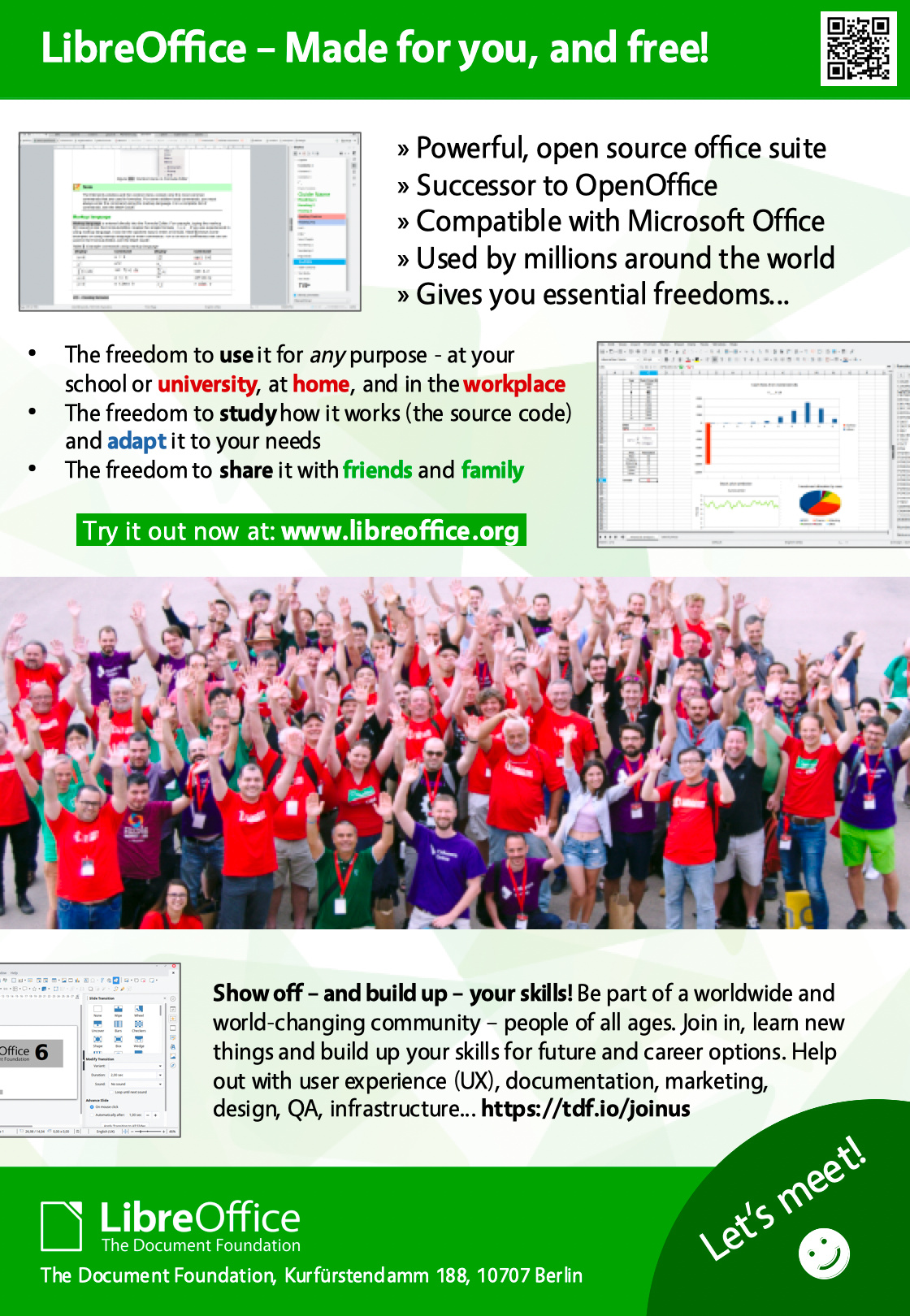
In late January, we announced LibreOffice New Generation, which focuses on bringing younger contributors into our projects and communities. We’ve had many discussions in our Telegram group since then, and today we’re announcing our first finished project: a LibreOffice flyer for schools and universities:

The goal of this flyer is to not only make students aware of LibreOffice, but also encourage them to get involved and help to improve it. Joining a free and open source software project is a great way to build up skills and gain experience, for potential future career options.

Thanks to Fabio Pesari, Timothy Brennan Jr. and Maharaj for their help and suggestions!

So what’s next?

We’ve put the flyer source file on our wiki (in ODG format, for opening in LibreOffice Draw – font used is Vegur), so translations in more languages would be great! If you make a translation, please email it to us and we’ll add it to the wiki. Here are the translations we have so far:

And then: let’s get the flyers out there! We’ll print copies of these flyers, so if you want to distribute them in your school or university, send us an email and we’ll talk further.

Onwards and upwards!

This is just the first project in New Generation – and we have many more ideas…

  • Create certificate for skills: creating presentations, spreadsheets, illustrations
  • Provide materials for local training in schools, universities etc.
  • Set up a contest (eg Python macro programming) with rewards
  • Set up a survey for students and teachers to spread around on campus
  • Use Open Badges to reward contributors and confirm their work

But we need your help to make them a reality! Join our Telegram group and let’s do awesome things together 😊

International Women’s Day – March 8, 2021

#ChooseToChallenge  #IWD2021

A challenged world is an alert world. Individually, we’re all responsible for our own thoughts and actions – all day, every day.

We can all choose to challenge and call out gender bias and inequality. We can all choose to seek out and celebrate women’s achievements. Collectively, we can all help create an inclusive world.

From challenge comes change, so let’s all choose to challenge.

Community Member Monday: Rafael Lima

Today we’re talking to Rafael Lima, who helps the LibreOffice project by updating its documentation…

To start with, tell us a bit about yourself!

I am a university professor in Brazil, and I teach and research optimization applied to management sciences. In my work I often need to write papers and prepare spreadsheets to analyze data, and for that I’ve been using LibreOffice for over a year now. I have been working with supply chain optimization problems such as vehicle routing, network design and facility location.

I have always been an enthusiast of Open Source, since my undergraduate days in 2001. At the time I started using Linux and most of my current research work is done using FOSS tools. The dynamics of how open source software is developed is a topic that has always caught my attention.

Outside of work, I like to spend my free time practicing sports (mostly playing tennis) and whenever I have the opportunity I like to travel to new places. And obviously, like many tech enthusiasts, I like gaming too!

What are you working on in the documentation project right now?

The Documentation Team is currently working on the guides for the LibreOffice 7 series, and I am helping update and review some chapters in these guides. I have recently updated the Getting Started Guide chapters on Math and Macros.

Besides that, I have recently started writing a Macro tutorial focused on LibreOffice Calc, to help Calc users to get started with Basic programming and develop their own macros and functions. I hope to cover many aspects of Basic programming in Calc, ranging from reading and writing data from cells, formatting, dialog creation and writing extensions. If all goes well, I hope to finish the tutorial by February and release it to the community. If anyone wants to follow the development of the tutorial, it is available on my GitHub page.

How did you get started in the LibreOffice community? What was the experience like?

I started contributing to the Documentation Team after I read a blog post by TDF saying that they were looking for volunteers to help update the guides for LibreOffice 7. Then I joined the mailing list and I was welcomed and instructed by Olivier Hallot on the workflow of the Documentation Team.

After going over the Wiki and the Contributor’s Guide, I started updating the Math Guide. It was a very nice experience, because all questions I had were promptly answered by other members of the team and I was able to learn quickly how work gets done.

After finishing the Math guide I kept on contributing with other guides, mainly the Getting Started Guide and the Writer’s Guide.

Anything you’d recommend to newcomers in the docs project?

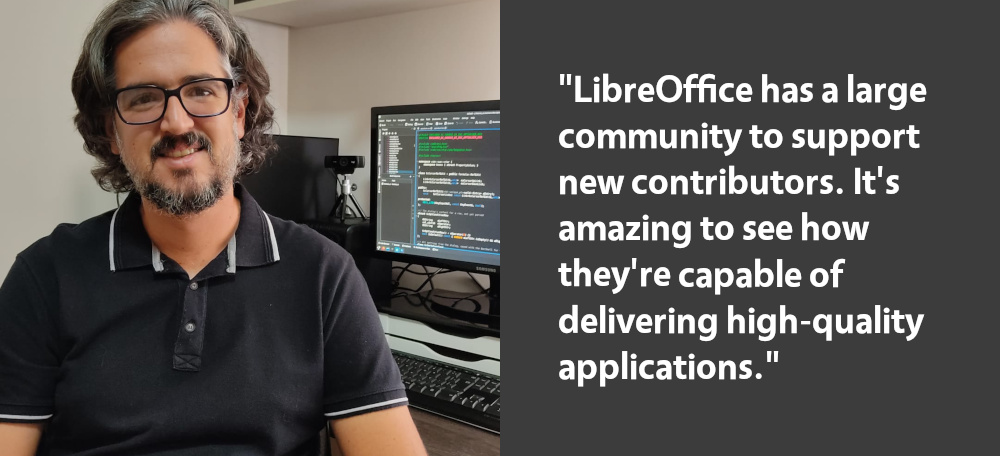
My work in the Documentation Team was my first real experience with an open source project, and it was a great opportunity to learn how open source really works. It’s amazing to see how the LibreOffice community is capable of delivering high-quality applications and documentation.

As a newcomer I was afraid I was not going to be able to tackle the complexities of such a huge project as LibreOffice. However, being a large project means that LibreOffice has a large community to support new contributors.

From a more practical standpoint, my recommendation for newcomers is to start by reading the Contributor’s Guide, and then choose one of the LibreOffice applications to which you would like to contribute. Also, join the mailing list, introduce yourself and more experienced members will be glad to explain how contributions can be made.

Many thanks to Rafael for all his contributions! And for everyone reading this who wants to build up skills for a potential career in technical writing, join our community, gain experience, and meet new people!