LibreOffice Documentation Updates in 2022 – Annual Report

LibreOffice Bookshelf

In 2022, the documentation community continued to update LibreOffice guidebooks and the Help application

(This is part of The Document Foundation’s Annual Report for 2022 – we’ll post the full version here soon.)

New and translated guides

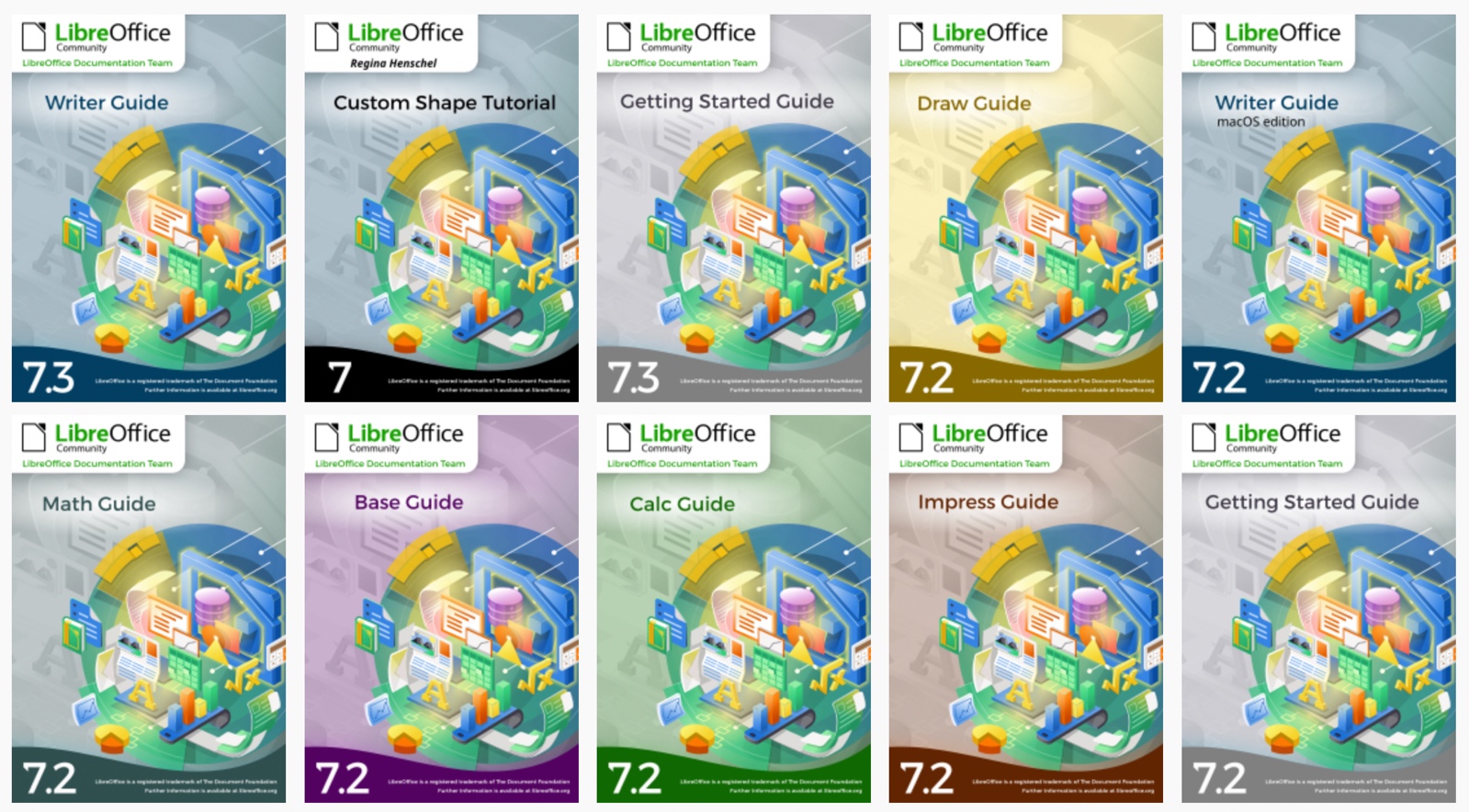
Throughout the year, the documentation project closed the gap between LibreOffice’s major releases, and the updates of the corresponding user guides. By the year end, all of the version 7 guides updated to match the release of LibreOffice 7.4, and ready to continue for the forthcoming release – 7.5 – which arrived in February 2023. The goal of tracking the software release closely was achieved, and the documentation team is now in a steady state of small updates between releases.

The updates and enhancements of the guides were an effort of all the team, coordinated by Jean Weber (Writer and Getting Started Guide), Olivier Hallot (Calc and Base guides), Peter Schofield (Impress and Draw guides), Rafael Lima (Math guide). A number of volunteers also worked in each guide by writing and reviewing contents and suggesting improvements. Special thanks to Jean Weber for making the guides available for sale in printed format via Lulu Inc.

LibreOffice Help updates
LibreOffice Help

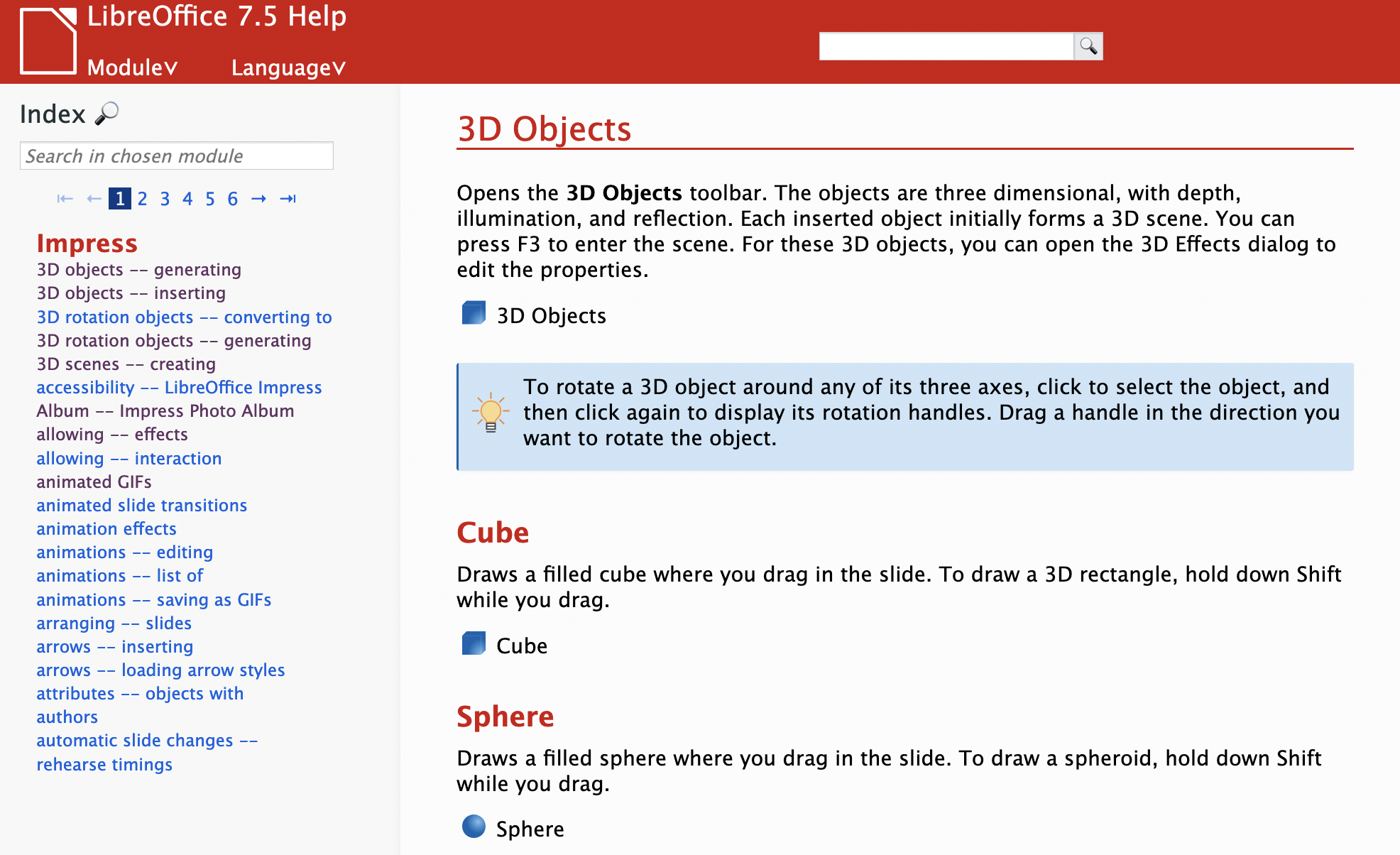
The documentation community also had a team of Help page bug fixes, closing Help documentation bugs, bridging gaps, fixing typos and improving quality, a must-have update to keep LibreOffice in-shape for its user base. A total of 650 Help patches were merged in 2022. The Help pages, which are part of the LibreOffice code, were also refactored continuously for better maintenance and code readability. The L10N team of volunteers (localization and translators) were quick in flagging typos and English mistakes – while translating the help content and the user interface.

ScriptForge libraries, and Wiki updates

The documentation community also had a nice contribution from Jean Pierre Ledure, Alain Romedenne and Rafael Lima, for the development of the ScriptForge macro library, in synchronization with the much-needed Help pages on the subject, a practice rarely followed by junior developers of LibreOffice. As we know, undocumented software is software that’s lacking; features that are unknown to the user can be a cause of costly calls to a help desk in corporate deployments. ScriptForge developments came together with its documentation, demonstrating the ScriptForge team’s professional maturity.

Special thanks to Steve Fanning for his leadership of the Calc Functions wiki pages maintenance. And thanks to the dedication of Ilmari Lauhakangas (The Document Foundation) for making the Calc functions wiki pages available for translation.

LibreOffice Bookshelf

In 2022, the documentation community also updated the LibreOffice Bookshelf, another download page for LibreOffice guides that is different from the current documentation.libreoffice.org server page. The Bookshelf can be cloned and installed in organizations, libraries, colleges and schools, for immediate availability in controlled environments, as well as online reading of the guides. The OpenDocument Format chapters were transformed into static HTML pages, and are ready to display on computers, tablets and cell phones, bringing LibreOffice user guides closer to the public, anywhere, anytime.
Like what we do? Support the LibreOffice project and The Document Foundation – get involved and help our volunteers, or consider making a donation. Thank you!

Success story: Fixing a limitation in LibreOffice Calc

Ever heard the term “scratching your own itch”? Wiktionary describes it as “doing something out of motivation to solve a personal problem”. In the world of free and open source software development, this happens a lot! Anyone can contribute to FOSS projects like LibreOffice, and help to improve them.

And that’s exactly what Rafael Lima did, with a long-standing limitation in LibreOffice. He rolled up his sleeves, got to work, and fixed it. Here’s what he had to say:


Rafael Lima

There’s a nice story behind my fixing this bug, so I’ll share it with you…

First of all, this is the bug that made me want to become a LibreOffice contributor.

For some background, I work at an Engineering School in Brazil and one of the subjects that I teach is Operations Research, so I often need to use linear programming solvers to, well, solve optimization problems. And since I’m a Linux user and an Open Source advocate, I would love to be able to use LibreOffice in my lectures.

But the first time I attempted to use the solver (maybe some 5 or 6 years ago), I was surprised to learn that the solver settings were not saved to the file. This was a complete showstopper, because students would have to prepare models in a spreadsheet and then hand them over to me for evaluation, but since it was not possible to save solver settings, I was never able to use LibreOffice’s solver in my lectures. This was really a shame, since the linear solvers available in LibreOffice are superior to what we find in the competition.

Some time later I opened a bug report to complain about the missing feature, which turned out to be a duplicate of bug 38948. At the time I was not a contributor and did not understand how things actually worked in open source, so my bug report had a quite angry note to it (which today I regret). But I could not understand why LibreOffice had overlooked such an important feature for so long.

After that, I kept on following LibreOffice on social networks, specially on Reddit, and noticed that many users had other “missing features” that they would like to have implemented, and then people on the threads often explained that LibreOffice is a community project and that someone would have to step up and implement the feature.

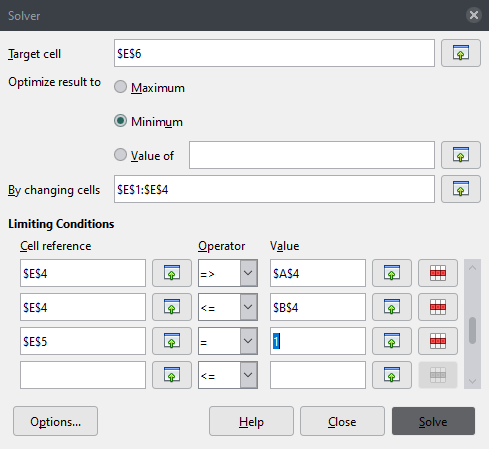
LibreOffice solver

So in 2020, I decided to join The Document Foundation and become a contributor… but implementing this solver feature would not be an easy task. So I started with contributions that are more accessible for beginners, such as documentation, help pages, and so on. Then I started fixing some smaller bugs (easy hacks) to get to know LibreOffice’s huge codebase. And finally in early 2023 I felt comfortable implementing this solver feature.

What makes me glad is that next semester when LibreOffice 7.6 is out, I’ll be able to use it in my Operations Research classes and students will have a nice reason to consider LibreOffice for optimization tasks.

I still have some more improvements that I would like to make to the solver, such as changing the user interface, and enhancing the solver API so that it becomes easier to build and solve models using Basic and Python macros.

Also, I’m planning to attend the LibreOffice Conference this year to discuss some technical aspects about the fix for this bug, as well as some solver API proposals that I would like to put forward.


Thanks, Rafael – great work. We’re looking forward to seeing you at the conference this year too! And everyone else is welcome to join our QA community and do great things, like Rafael did here.

Hispanic LibreOffice community at esLibre Conference 2023

Xisco Fauli from The Document Foundation (the non-profit entity behind LibreOffice) writes:

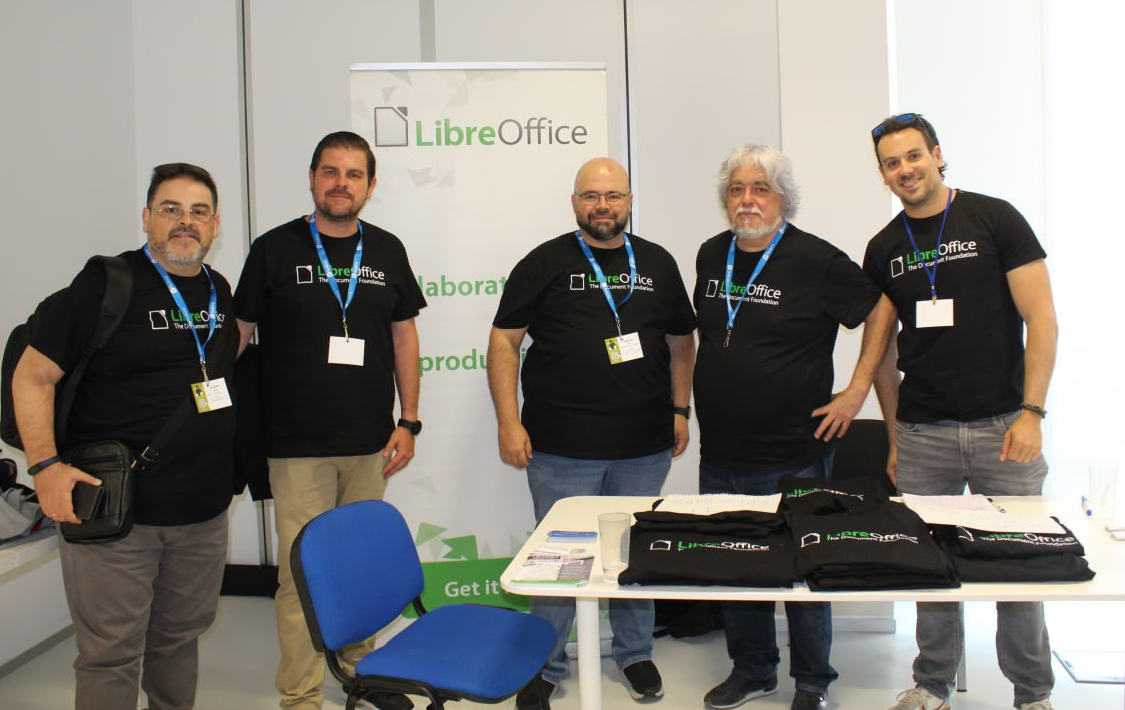
On May 12 and 13, the esLibre Conference took place in Zaragoza, Spain and the Spanish-speaking LibreOffice community took the opportunity to meet in person and talk about the project.

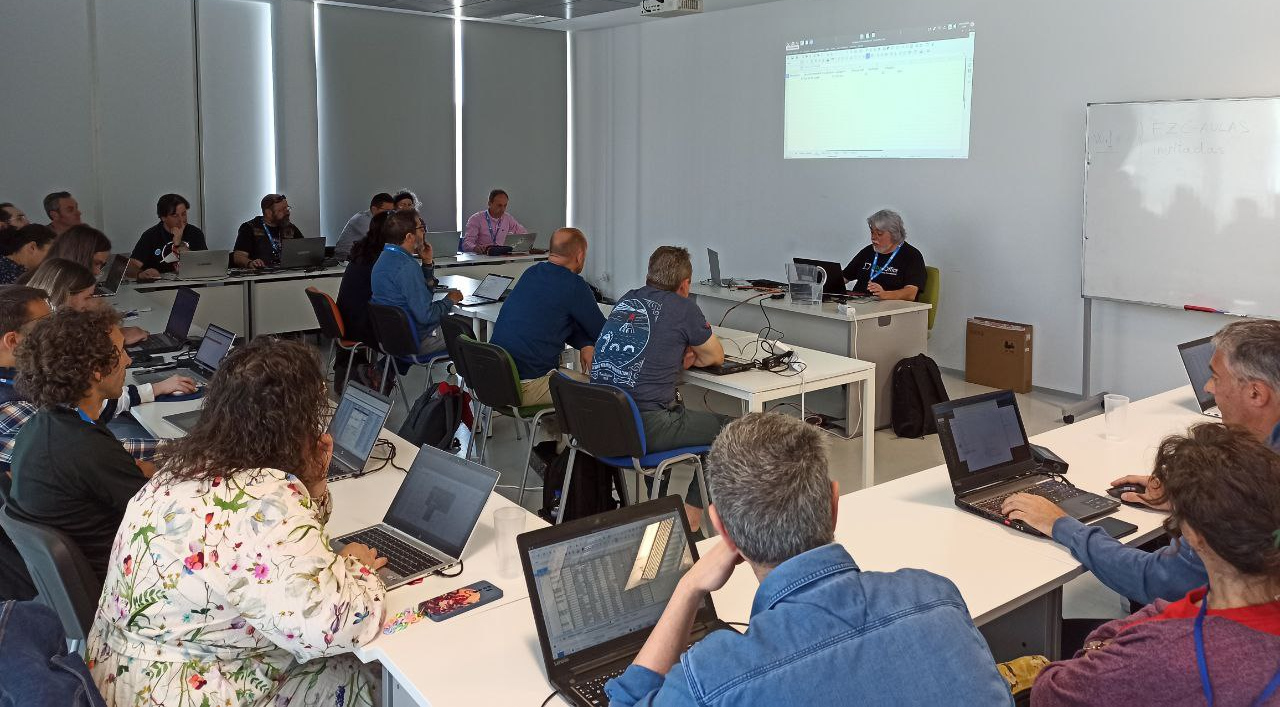
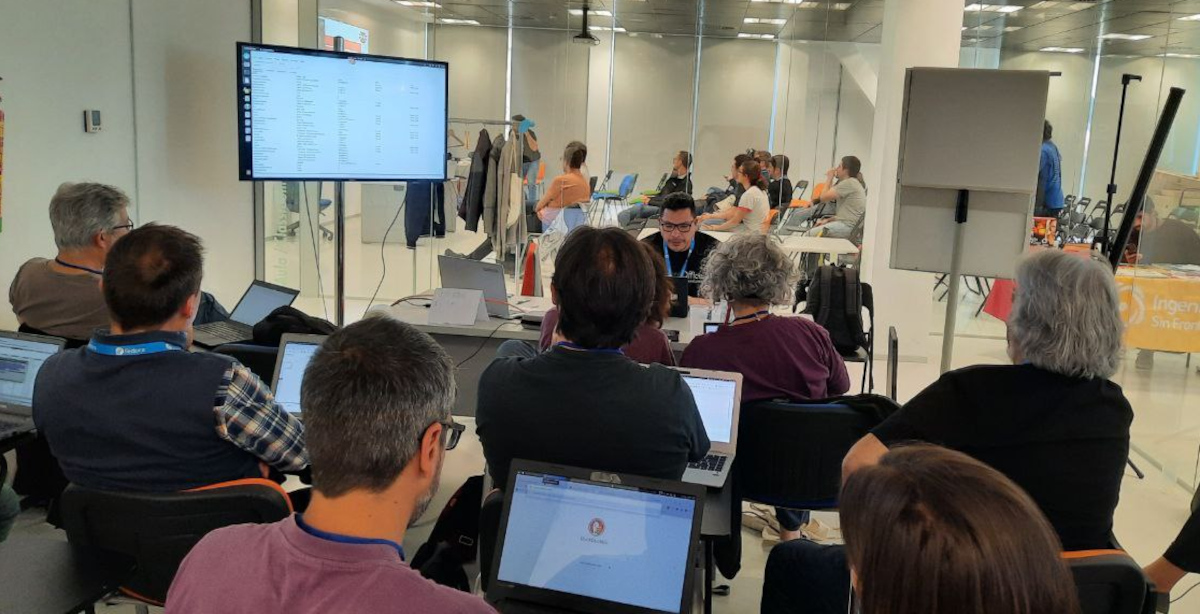
Ismael Fanlo presented a workshop about pivot tables

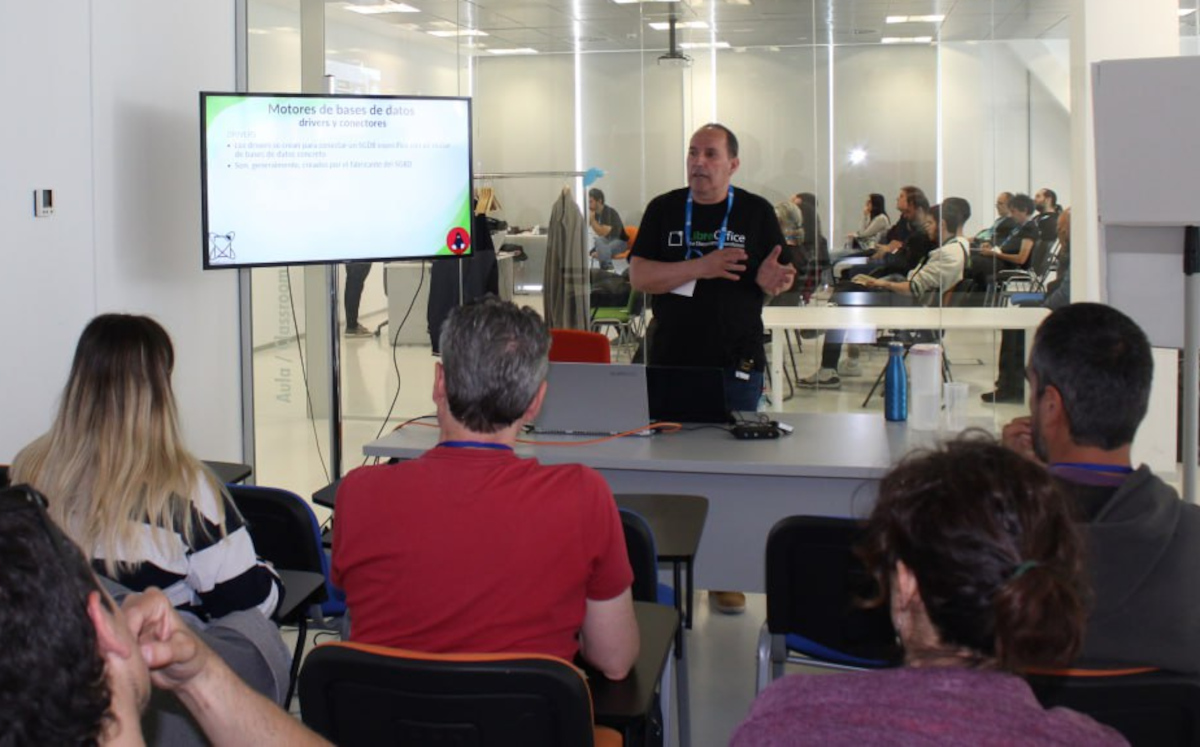
…while Juan Carlos Sanz first gave a talk about LibreOffice Base, and later presented a workshop about how to use LibreOffice Base along with MySQL or MariaDB:

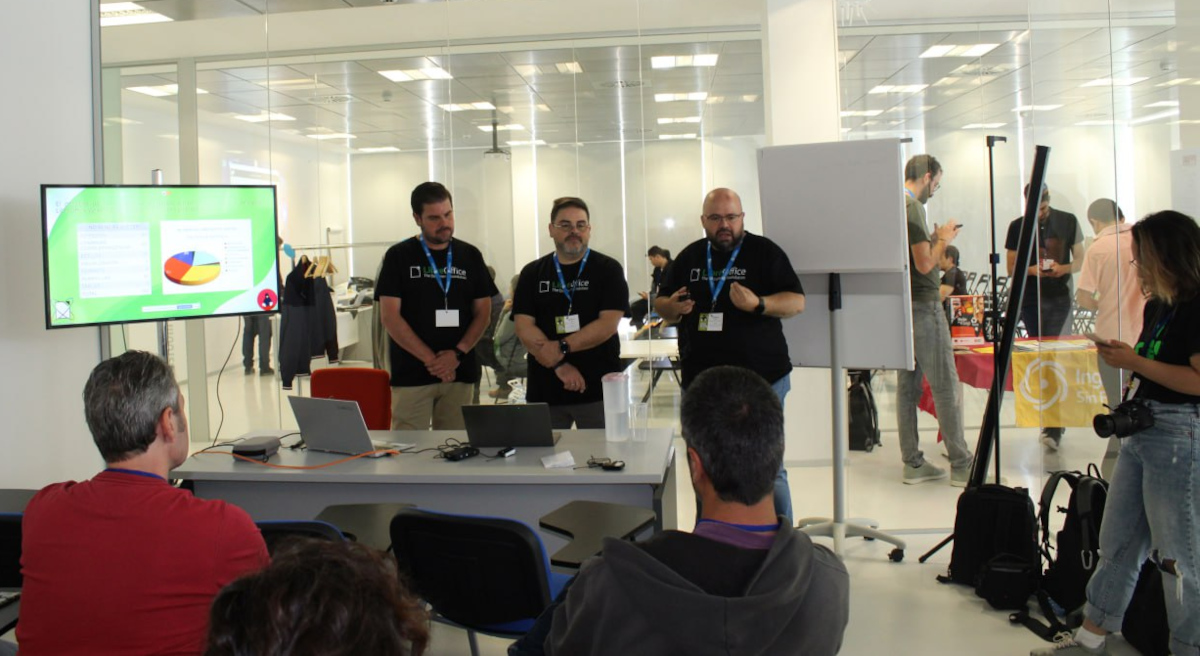
Next, Fran Ruedas, Rafael Espinar and Antonio J. Caba talked about the experience of migrating to LibreOffice the Ministry of Finance in Andalucia, Spain:

Mauricio Baeza presented a workshop on writing your first macro with Python:

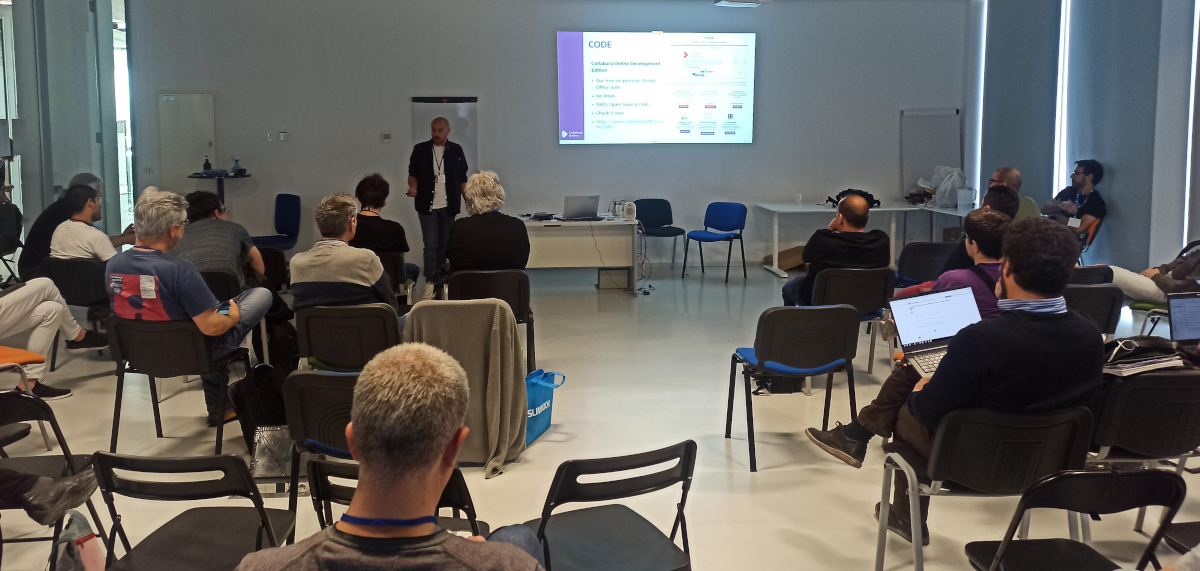
And finally, Eloy Crespo talked about protecting your privacy with Collabora Online:

Overall, it was a great experience to be able to finally meet in person, spend some time together, get to know people involved in other open source projects, and share experiences and knowledge. See you next year!

Follow the Spanish-speaking LibreOffice community on their blog here

Attracting New Contributors: TDF’s Annual Report 2022

Annual Report banner

Bringing new community members on board and helping them get started is an essential part of our work. Here’s what we did in 2022

(This is part of The Document Foundation’s Annual Report for 2022 – we’ll post the full version here soon.)

Onboarding tools and sites

Joining a large and established project like LibreOffice can be daunting for many. The software has a large codebase, and sub-projects use a wide array of tools. In recent years, we’ve made efforts to simplify the onboarding process by linking more services together with SSO (single sign-on), thereby reducing some of the complexity. In addition, we’ve created Easy Hacks and similar “bite size” projects in other areas, so that newcomers can get involved quickly and achieve something without months of work.

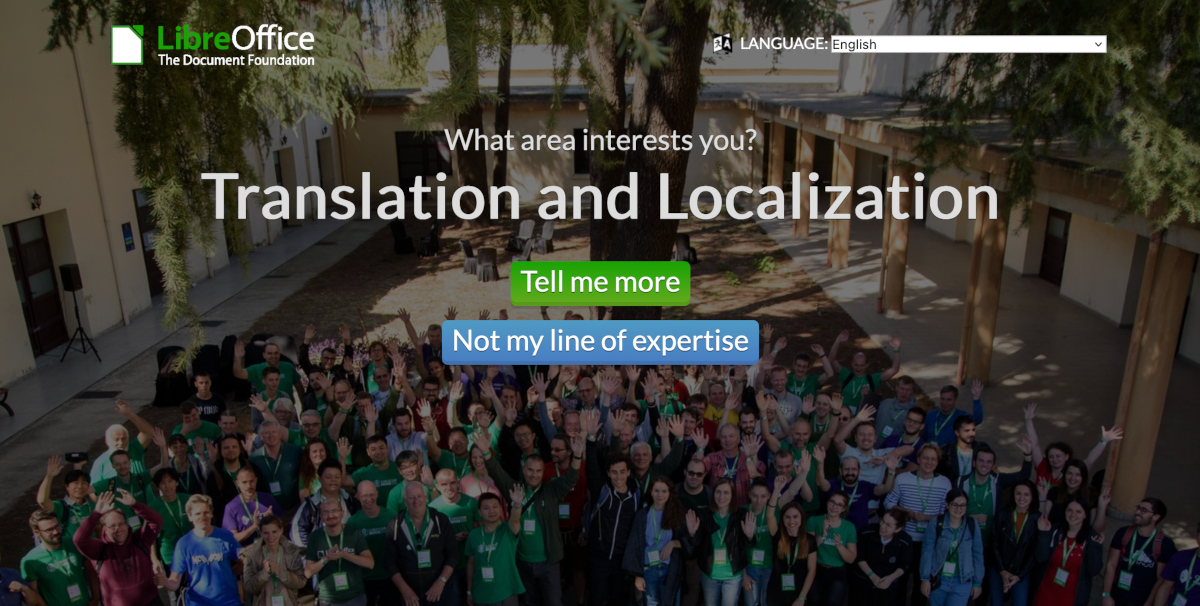
Screenshot of What Can I Do For LibreOffice website

Currently, we have two websites that function as starting points for new contributors: “What can I do for LibreOffice” and the get involved page. The former was set up by LibreOffice’s Albanian community, and lets users click through topics of interest, until they find something they want to do. The latter is a regular page, with a list of sub-projects inside LibreOffice, and quick steps to make initial contact.

Throughout 2022, we posted regular “Community Member Monday” interviews on this blog. In many cases, we emphasised how these contributors started off as regular LibreOffice users, but wanted to “scratch an itch” and start to make changes to the software. We highlighted the ways in which other community members helped newcomers to start working on projects, and used these as “success stories” on our social media accounts, encouraging others to make the step-up from being a user to an active contributor.

In addition, we have accounts and projects listed on various volunteering platforms, including VolunteerMatch and Idealist (English), Vostel (German), Vapaaehtoistyo (Finnish), TuDu (Polish) and HeroClan, Um sem um tam and Zapojim se (Czech).

Mentors at The Document Foundation

Thanks to donations, TDF has a team of mentors who help newcomers in the project to get started. Throughout 2022, Hossein Nourikhah (Developer Community Architect) and Ilmari Laukahangas (Development Marketing) interviewed and assisted interested newcomers, explaining how our projects and communities work, and showing them areas where they might like to get involved. We at TDF find this more “personal” approach to be more effective than just telling people to sign up to a mailing list, or read a wiki page.

Hossein Nourikhah

To assist new volunteer programmers, Hossein wrote blog posts and guides for modifying and building LibreOffice’s source code. This is a daunting task for many new developers, especially given the size of LibreOffice’s codebase, but the guides illustrated some basic ways to get started and make changes that can benefit all users of the suite.

Month of LibreOffice

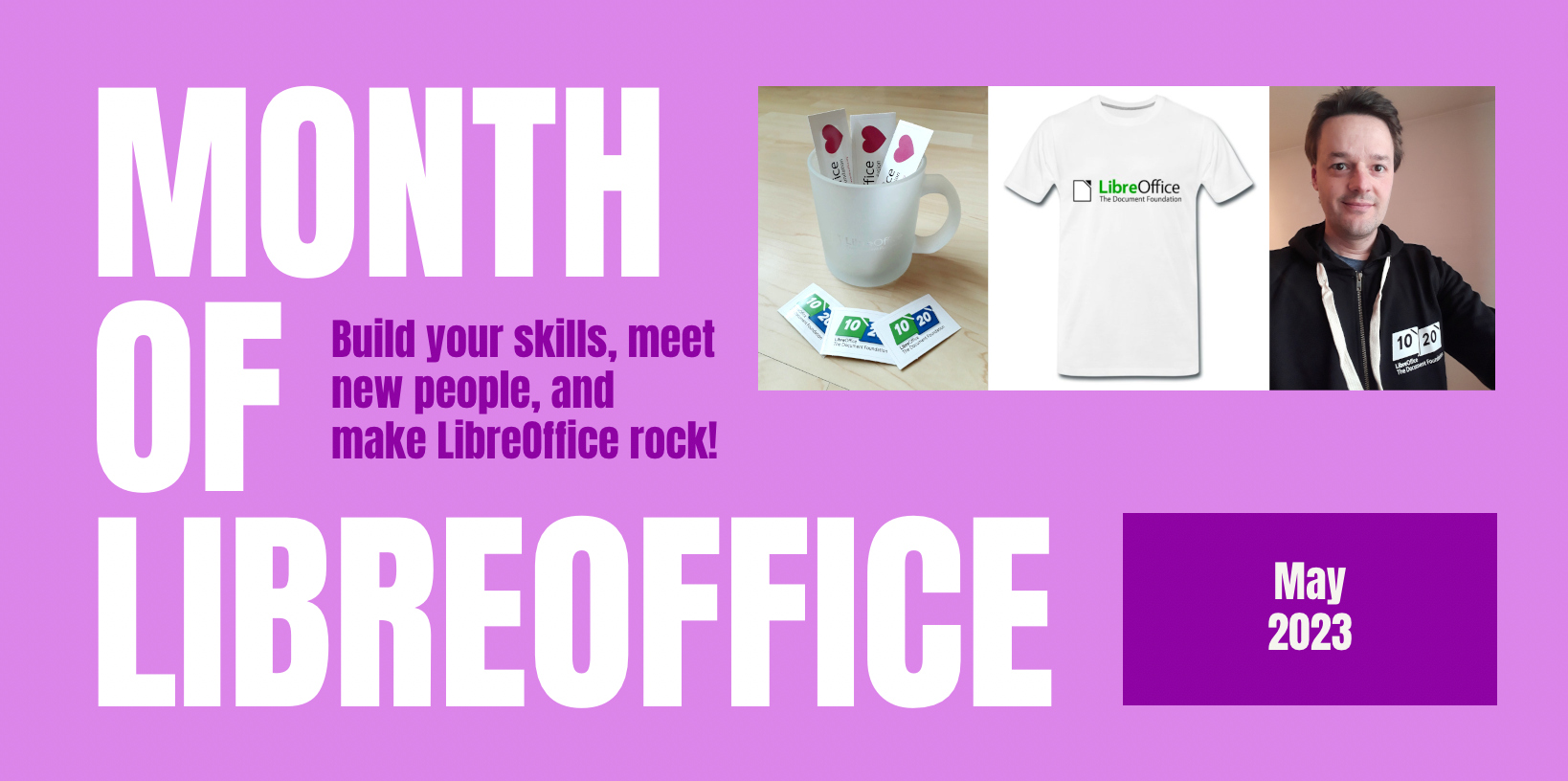
In May and November 2022, we ran “Month of LibreOffice” social media and blog campaigns specifically targeted at new contributors – ie LibreOffice users who found the software useful, but weren’t yet contributing to the project itself. We showed them how to get involved in LibreOffice (in simple steps), highlighted their contributions, and rewarded them with some merchandise, such as stickers and T-shirts.

LibreOffice merchandise

Like what we do? Support the LibreOffice project and The Document Foundation – get involved and help our volunteers, or consider making a donation. Thank you!

Month of LibreOffice, May 2023 – Half-way point!

Month of LibreOffice banner

So far, 202 sticker packs have been awarded in the Month of LibreOffice, May 2023. But we’re only half of the way through – so if your name (or username) isn’t on the list, join in, help to make LibreOffice even better, and get some cool swag! We’ll have 10 bonus pieces of merchandise to give away, to 10 lucky people…

LibreOffice merchandise

How to take part

So, let’s get started! There are many ways you can help out – and as mentioned, you don’t need to be a developer. For instance, you can be a…

  • Handy Helper, answering questions from users on Ask LibreOffice. We’re keeping an eye on that site so if you give someone useful advice, you can claim your shiny stickers.
  • First Responder, helping to confirm new bug reports: go to our Bugzilla page and look for new bugs. If you can recreate one, add a comment like “CONFIRMED on Windows 11 and LibreOffice 7.5.3”.
  • Drum Beater, spreading the word: tell everyone about LibreOffice on Twitter or Mastodon! Just say why you love it or what you’re using it for, add the #libreoffice hashtag, and at the end of the month you can claim your stickers.
  • Globetrotter, translating the user interface: LibreOffice is available in a wide range of languages, but its interface translations need to be kept up-to-date. Or maybe you want to translate the suite to a whole new language? Get involved here.
  • Docs Doctor, writing documentation: Whether you want to update the online help or add chapters to the handbooks, here’s where to start.

Join in, learn new things, and have fun! We’ll post the final results in early June…

Live streaming LibreOffice bug triaging – your experiences (part 2)

Ilmari Lauhakangas

LibreOffice’s QA (Quality Assurance) community helps to identify and fix bugs in the software. Every week, Ilmari Lauhakangas from The Document Foundation (the non-profit entity behind LibreOffice) live-streams bug triaging sessions, so that others can see how he works on bug reports, and ask him questions.

Last week, we talked to Tammy Lawson and “bunk3m” about their experiences with the live streams. Today, let’s hear from two more participants!

First up is Andy Hengst:

I joined a long time ago (a year?) and was probably invited by Ilmari to one of his triage sessions, or to an intro video call meeting with him – I don’t remember. I’m embarrassed to say I have not been active in triaging, but that should change! I feel like I have everything I need. Without live-triage, that would probably not be true. I attend sessions sporadically when my wake-up time matches your “afternoon” sessions. Having worked in IT for decades* but never really seriously using any cool tools like Linux, Git, or virtualization, I found watching Ilmari do bug triage to be a really interesting general learning experience as well.

For someone like me I think a play-by-play of one or two bug triages could have been helpful – more focus on tools and tricks, less on what makes great triage. I took recordings of a few sessions (for personal use!) so this is an idea in my mind to do.

I enjoy the relaxed and focused approach. No politics, no chit chat, just triage. Nothing to get upset about 😄 I don’t know if this is personal style or Good European Work Ethic – stuff just gets done. I used spreadsheets for many years, so another side-benefit of watching Ilmari work is to see features that I generally never use or know about.

*retired, with plans to learn. Sudden lack of structure is a challenge.

Then we talked to sockseight:

I learnt about the streams using the community mailer, and I find the spontaneity in triaging the bugs very enthralling. The highlight: for those bugs which we find it difficult to test, Ilmari is kind enough to accommodate requests for such bug retests. This would be a great learning experience in many ways – different ways to understand the issue, nuances about the product, the next steps for that bug, whom to report about what needs to be looked into, it goes on and on…

Many thanks to Tammy, bunk3m, Andy and sockseight for taking part! Everyone is welcome to join our QA community and help keep LibreOffice rock-solid for all users.