The Document Foundation announces LibreOffice 7.2.3 Community

Berlin, November 25, 2021 – The Document Foundation announces LibreOffice 7.2.3 Community, the third minor release of the LibreOffice 7.2 family targeted at technology enthusiasts and power users, which is available for download from https://www.libreoffice.org/download/. This version includes 112 bug fixes and improvements to document compatibility.

LibreOffice 7.2.3 Community is also available for Apple Silicon from this link: https://download.documentfoundation.org/libreoffice/stable/7.2.3/mac/aarch64/.

For enterprise-class deployments, TDF strongly recommends the LibreOffice Enterprise family of applications from ecosystem partners, with long-term support options, professional assistance, custom features and Service Level Agreements: https://www.libreoffice.org/download/libreoffice-in-business/.

LibreOffice Community and the LibreOffice Enterprise family of products are based on the LibreOffice Technology platform, the result of years of development efforts with the objective of providing a state of the art office suite not only for the desktop but also for mobile and the cloud.

Availability of LibreOffice 7.2.3 Community

LibreOffice 7.2.3 Community represents the bleeding edge in term of features for open source office suites. For users whose main objective is personal productivity and therefore prefer a release that has undergone more testing and bug fixing over the new features, The Document Foundation provides LibreOffice 7.1.7.

LibreOffice 7.2.3 change log pages are available on TDF’s wiki: https://wiki.documentfoundation.org/Releases/7.2.3/RC1 (changed in RC1) and https://wiki.documentfoundation.org/Releases/7.2.3/RC2 (changed in RC2).

LibreOffice Technology based products for Android and iOS are listed here: https://www.libreoffice.org/download/android-and-ios/, while for App Stores and ChromeOS are listed here: https://www.libreoffice.org/download/libreoffice-from-microsoft-and-mac-app-stores/

LibreOffice individual users are assisted by a global community of volunteers: https://www.libreoffice.org/get-help/community-support/. On the website and the wiki there are guides, manuals, tutorials and HowTos. Donations help us to make all of these resources available.

LibreOffice users are invited to join the community at https://ask.libreoffice.org, where they can get and provide user-to-user support. People willing to contribute their time and professional skills to the project can visit the dedicated website at https://whatcanidoforlibreoffice.org.

LibreOffice users, free software advocates and community members can provide financial support to The Document Foundation with a donation via PayPal, credit card or other tools at https://www.libreoffice.org/donate.

LibreOffice 7.2.3 is built with document conversion libraries from the Document Liberation Project: https://www.documentliberation.org.
Czech translation of the LibreOffice Draw Guide 7.1

Zdeněk Crhonek from the Czech LibreOffice community writes:

Our team has finished translating the LibreOffice Draw Guide 7.1. As usual, it was a team effort, namely: translations by Petr Kuběj, Zdeněk Crhonek, Radomír Strnad, Ludmila Chládková; text corrections by Marcela Tomešová, Martin Kasper, Eva Kmochová, Věra Dvořáková; localized pictures by Roman Toman; and technical support from Miloš Šrámek. Thanks to all of the team for their work!
The Czech translation of the Draw guide 7.1 is available for download on this page.

Now, the team continues with translations of the Base Guide. We always looking for new translators and correctors. Join us!

Many thanks to everyone in the Czech community for their great work! Want to see more documentation in other languages? Give us a hand!

The Calc Guide 7.2 is at the Station!

Just days after the release of the Impress Guide 7.2, the LibreOffice Documentation Team is proud to announce the immediate availability of the Calc Guide 7.2, that includes the latest developments of the LibreOffice Community 7.2 Calc module.

Download Calc Guide

This 548 pages guide is for beginner to advanced users of Calc, the spreadsheet component of LibreOffice. You may be new to spreadsheet software, or you may be familiar with another program, this book covers the main features of Calc. The new Calc guide has been updated from Calc Guide 7.1. It covers changes that are visible in the user interface, including the new Search Commands tool, the global toolbar lock, details of the properties dialog, improvements in the Status and Sidebar, new menu entries, standard filter dialog and new cross-shaped cursor.

(more…)

Community Member Monday: Bayram Çiçek

Today we’re talking to Bayram Çiçek, who’s helping to implement new features in LibreOffice as part of the Google Summer of Code…

Tell us a bit about yourself!

I live in Çanakkale, Turkey. I’ve just graduated with a bachelor’s degree in Computer Science from Çanakkale Onsekiz Mart University.

When I was a student, professors and instructors always told us about the importance and benefits of contributing to free and open source projects like LibreOffice. Since I was a LibreOffice user for years, the idea of not just being a user – but developing it, to go beyond being a user – has always been exciting to me. Therefore I decided to contribute to LibreOffice.

In November 2020, Hacettepe University organized an event called “ACM Hacettepe Lectures”. I attended the course “Contributing to Open Source Projects with C++” by Muhammet Kara. We sent our first patches to LibreOffice and Collabora Online together with other attendees, and this is how my journey began.

Then, I decided to apply to Google Summer of Code 2021, and I was lucky enough to get selected as a student under the mentorship of Muhammet Kara and Heiko Tietze, in the past summer. I worked on the most-annoying bugs, and tried to fix as many bugs as I could during GSoC.

What are you working on in the LibreOffice project right now?

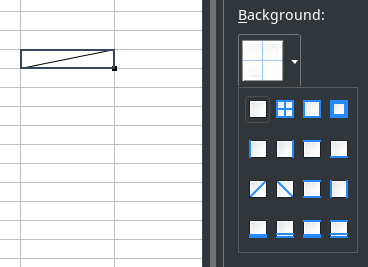
Currently, I’m working on Tables in Writer, and hoping to add a diagonal-borders feature to it. After gaining some more experience, I’ll be working on some bugs that related to my GSoC project, as I mentioned in my GSoC final report.

Why did you decide to become a member of The Document Foundation?

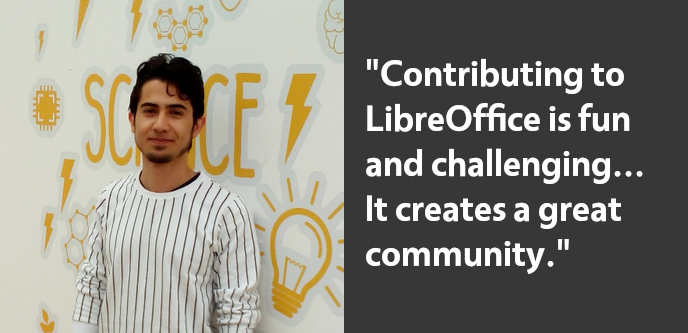
I think contributing to LibreOffice is both fun and sometimes challenging. When ‘fun’ and ‘challenge’ come together, it creates a great community, as LibreOffice does; and being a part of this community makes you more passionate and stronger. And that’s why I wanted to become a TDF member.

Anything else you plan to do in the future?

I will work on most-annoying bugs and I’ll be fixing as many bugs as I can in the future. Also, I want to actively contribute to Collabora Online.

On the other hand, I’ll continue to contributing to Turkish translation of LibreOffice and I want to be an active member of Turkish Community to spread the open source usage and LibreOffice.

Many thanks to Bayram for all his contributions, and enthusiasm in our community! And to everyone reading this: Find out what you can do for LibreOffice – have fun, build up your skills, and do awesome things 😊

Announcing the Impress Guide 7.2

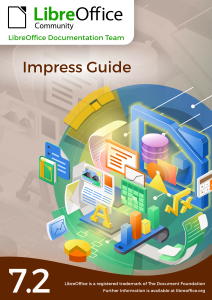
Thanks to the LibreOffice Documentation Team, the Impress Guide 7.2 has just arrived with the latest LibreOffice Impress 7.2 developments.

Impress Guide 7.2

This 374 pages book covers the main features of Impress, the presentations (slide show) component of LibreOffice. You can create slides that contain text, bulleted and numbered lists, tables, charts, clip art, and other objects. Impress comes with prepackaged text styles, slide backgrounds, and Help. It can open and save to Microsoft PowerPoint formats and can export to PDF, HTML, and numerous graphic formats.

The full set of published LibreOffice guides is available in the LibreOffice Documentation Website. Here is the Table of Contents published in the LibreOffice Bookshelf Project:

The Guide update was an effort of Rachel Kartch, Vasudev Narayanan and Peter Schofield.

Rache, Vasudev and Peter

Thank you guys for the wonderful Impress Guide!


Join the Documentation Team

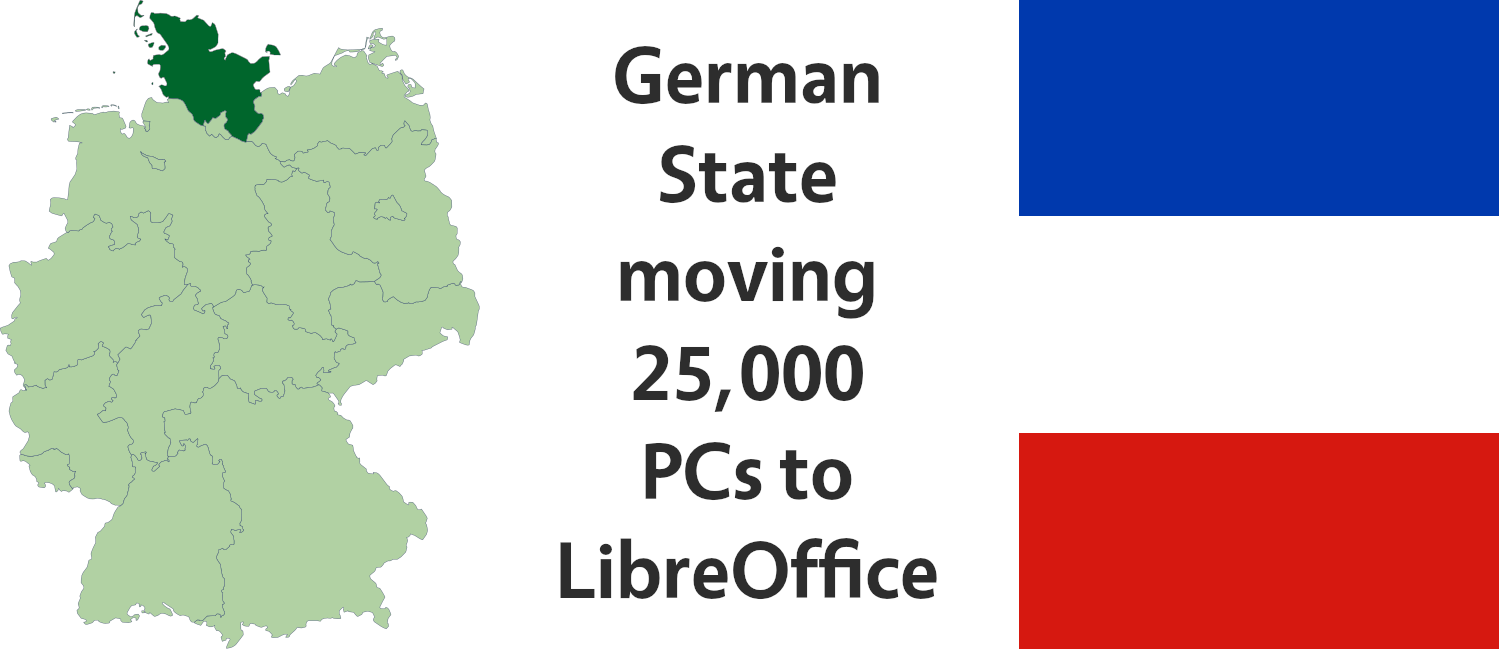
German state planning to switch 25,000 PCs to LibreOffice

The north-German state of Schleswig-Holstein plans to switch to open source software, including LibreOffice, in its administration and schools.

In doing so, the state wants to reduce its dependence on proprietary software, and eventually end it altogether. By the end of 2026, Microsoft Office is to be replaced by LibreOffice on all 25,000 computers used by civil servants and employees (including teachers), and the Windows operating system is to be replaced by GNU/Linux.

The necessary steps for this are specified in the planning of the Schleswig-Holstein state parliament (German), as digital minister Jan Philipp Albrecht explains in an interview with c’t (also German – Google Translate version here).

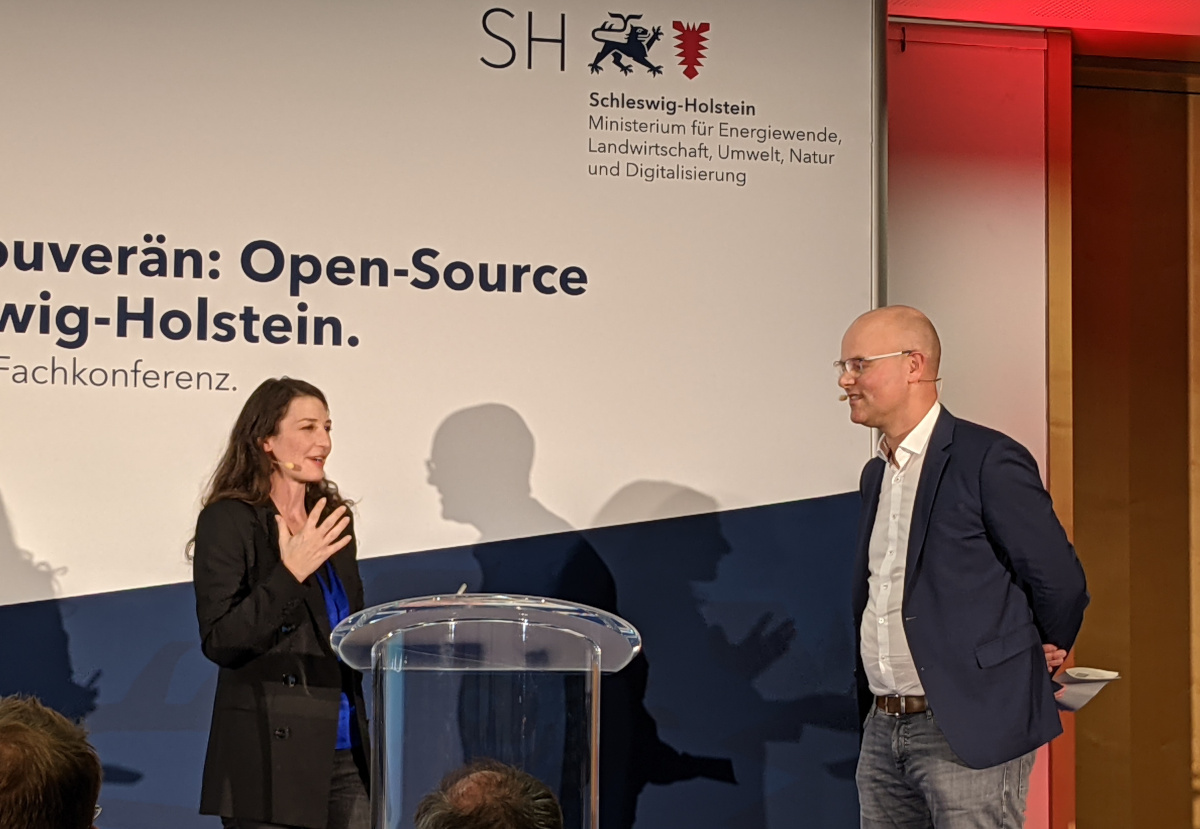
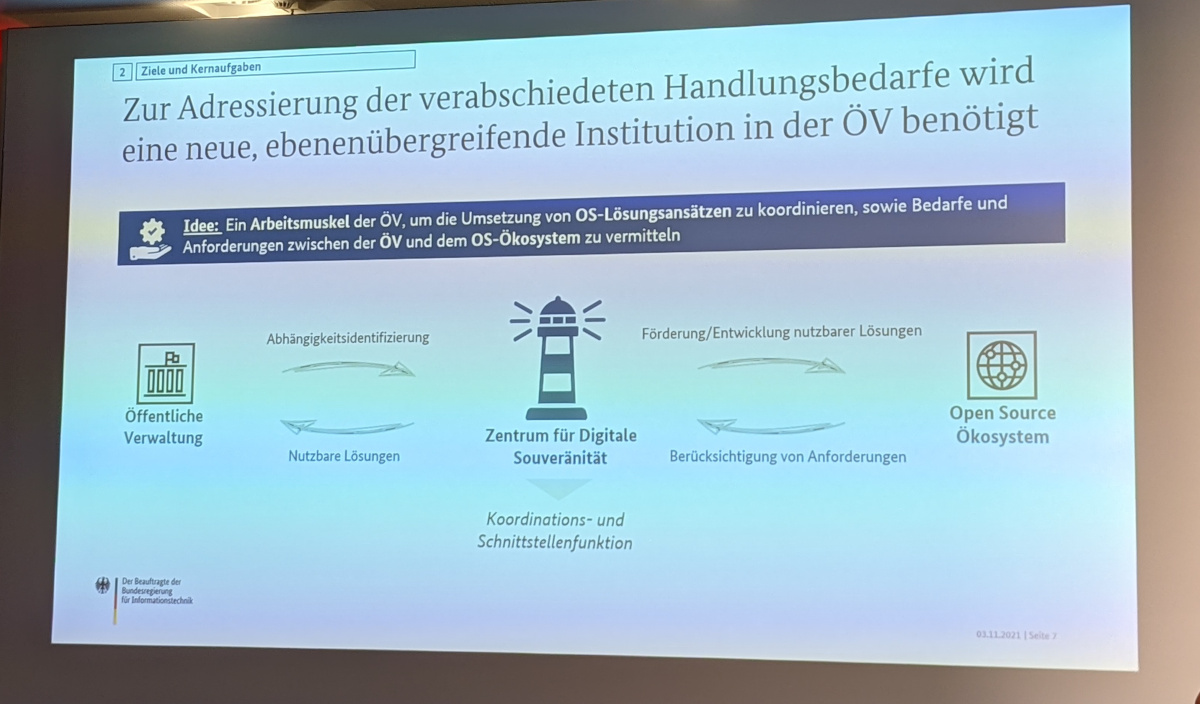
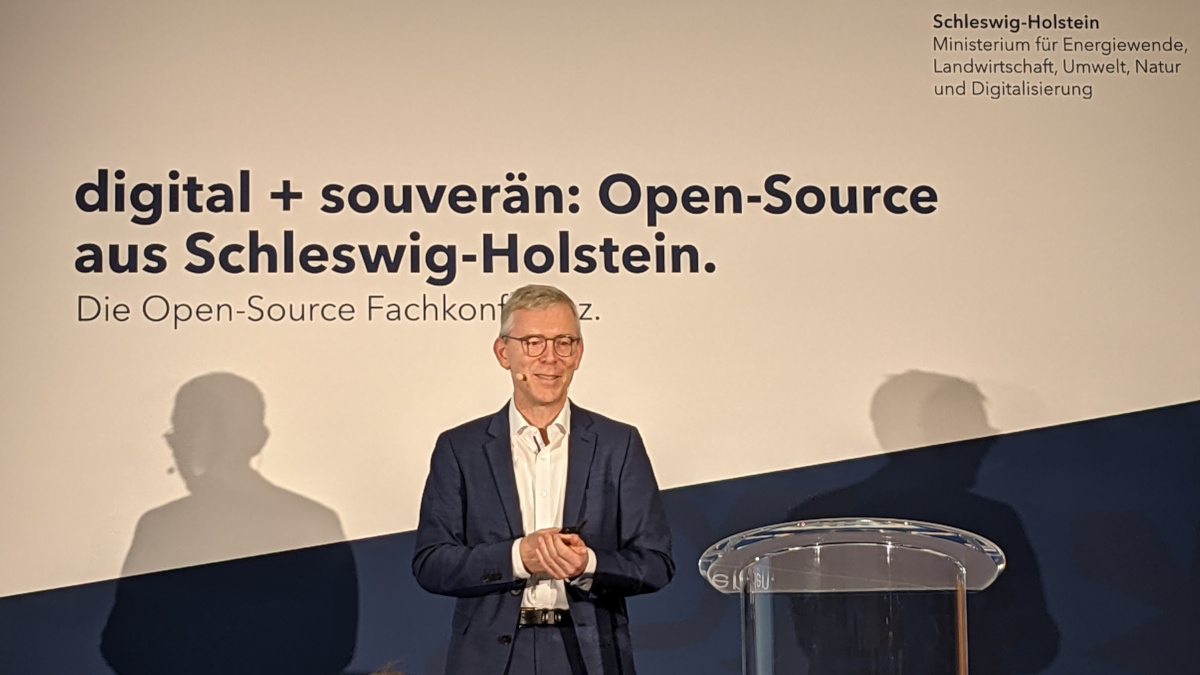
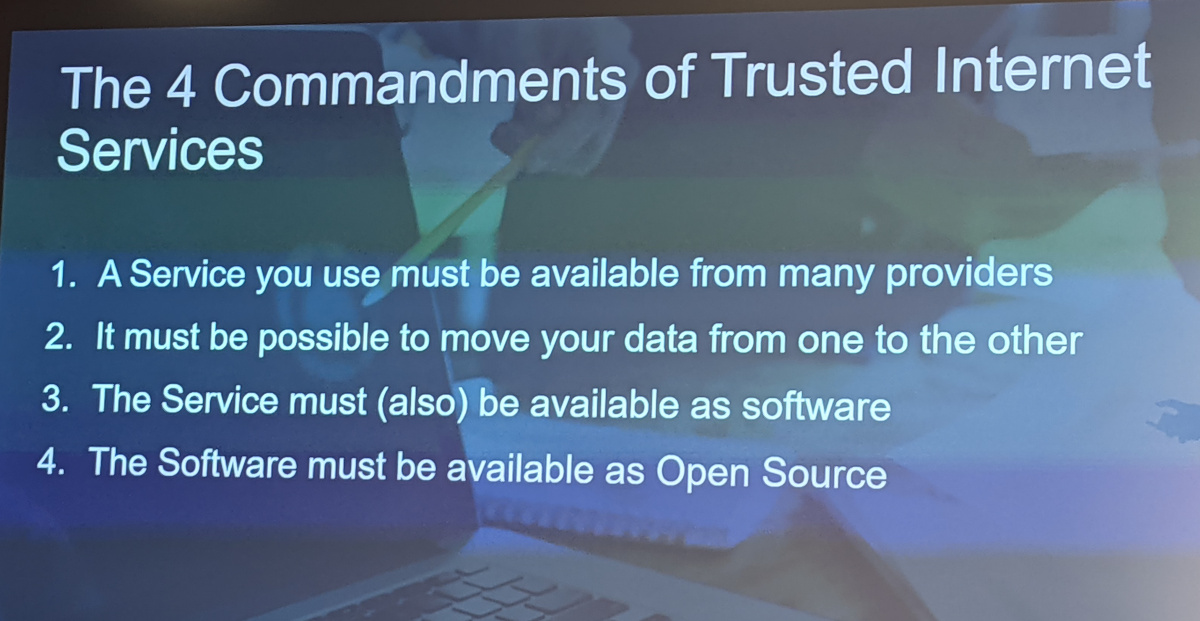
Lothar Becker and Thorsten Behrens from The Document Foundation, the non-profit entity behind LibreOffice, were invited to a meeting with those responsible (photos below). The focus was on cloud solutions, integration with LibreOffice and other systems, and video conferencing tools.

We at the Document Foundation are pleased that LibreOffice is being used in public institutions, and hope that more federal states, governments and other organisations around the world will join the migration.

(Germany map in banner image: David Liuzzo, CC-BY-SA)